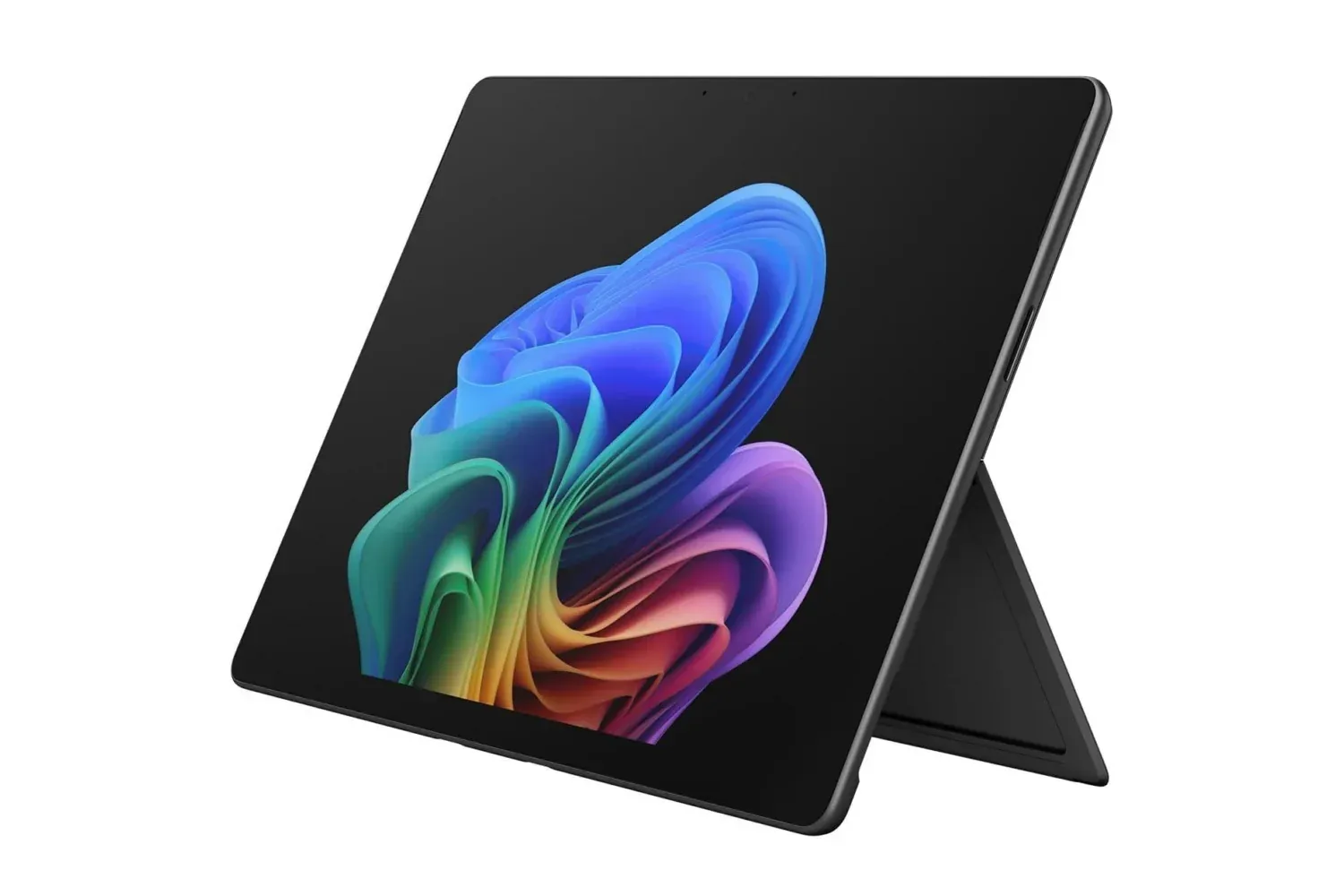
A high-spec Microsoft Surface Pro configuration is discounted at Amazon: the 13-inch model with a Qualcomm Snapdragon X2 Elite processor, 16GB of memory, a 1TB SSD and an OLED PixelSense touchscreen is listed at $1,650. That is a $450 reduction, or 21% below its stated usual $2,100 price.
The important asterisk is not a tiny one: this offer is for the Surface Pro tablet itself. A keyboard is not included, meaning anyone who wants to use it as a traditional clamshell-style laptop will need to buy a compatible keyboard separately. That extra purchase changes the real budget for the setup, even if the core device is substantially cheaper than its stated normal price.
Other Surface Pro configurations are also discounted, and the cited configuration is available in multiple colors. Still, buyers comparing variants should resist treating every Surface Pro as interchangeable. Screen technology, storage capacity, memory and processor configuration are all material differences, particularly when a device is being considered for long-term work, creative software or a large local library of files.
What this $1,650 configuration includes
The featured model pairs a 13-inch PixelSense touchscreen with OLED display technology, 16GB of RAM, a 1TB solid-state drive and a 12-core Snapdragon X2 Elite processor. It also has a 165-degree Fluid Kickstand, allowing the display to be positioned at a range of angles without an additional stand.
OLED is a display technology in which pixels emit their own light rather than relying on a conventional backlight. In everyday terms, that is associated here with sharp, vivid visuals on the touchscreen. For people who spend long stretches reading, working in apps or watching media, the display is one of the most immediately noticeable parts of a device; it is also a meaningful distinction between configurations when shopping across a product family.
The Surface Pro’s central proposition remains its flexible format. It can be held and used as a tablet, propped up on its integrated kickstand, or turned into more laptop-like workstation when paired with a keyboard. That flexibility may be useful for someone shifting between note-taking, streaming, web work and desk-based productivity, but it should not obscure the difference between the base tablet purchase and a complete laptop-style setup.
Processor, RAM and storage: what the specs mean
The Snapdragon X2 Elite is described as a 12-core Qualcomm processor that is intended to handle routine work as well as heavier jobs such as editing, creative projects and AI workflows. A processor is the component that executes instructions for applications and the operating system. “12-core” means the chip has 12 processing cores, which can help a system divide work among different tasks rather than forcing everything through one processing lane.
That does not mean every task automatically needs or uses all available cores. The practical benefit is most likely to show up when several applications are open or when software is designed to spread demanding work across available resources. The supplied configuration’s 16GB of RAM complements that aim.
RAM, short for random-access memory, is the fast temporary workspace used by active applications. It is not the same as permanent storage. More RAM can give a machine more room to keep several programs and browser tabs active at once, reducing the need to constantly move data in and out of slower storage. The Surface Pro’s 16GB allotment is specifically positioned for multitasking alongside the processor’s support for heavier workloads.
The 1TB SSD is the device’s long-term internal storage. SSD means solid-state drive, a form of storage with no spinning disk. A terabyte is a large capacity in the context of a portable device and gives owners more room for documents, media, applications and project files before they need to manage external storage or delete older material. It is worth remembering that storage capacity and performance headroom are separate considerations: the 1TB drive addresses how much can be kept locally, while the processor and RAM affect how comfortably active work can be handled.
Battery claim and portable use
Microsoft’s 2-in-1 design also prioritizes portability. The Surface Pro is described as lightweight, and its battery is said to run for more than 15 hours on one charge. That is an attractive stated figure for people with travel, classes, meetings or changing work locations in mind.
As with any battery-life estimate, it is best read as a manufacturer-rated or product-stated maximum rather than a promise that every workflow will produce the same result. Screen brightness, the applications being used, network activity and the intensity of the workload can all matter in ordinary use. The useful takeaway is not that charging can be forgotten entirely, but that battery longevity is a stated priority of this configuration.
The kickstand adds a simple but consequential practical feature. Its 165-degree range allows the screen to sit closer to upright for a desk-style setup or recline more substantially for touch-focused use. People buying a 2-in-1 generally benefit most when they expect to use those positions, rather than simply wanting a conventional laptop in a different shape.
The keyboard is the purchase decision’s biggest caveat
The missing keyboard deserves more attention than a footnote. Touch controls can suit browsing, media, sketching or short replies, but extended typing, spreadsheets and similar productivity tasks are a different proposition. Anyone planning to write for long periods or use the Surface Pro primarily at a desk should factor a keyboard into the overall cost before treating $1,650 as the final price of a laptop replacement.
It is also sensible to decide which usage mode will dominate. Buyers who genuinely want a tablet first may see the separate keyboard as optional flexibility. Buyers who expect a laptop first may view it as an essential accessory. Neither approach is wrong, but they lead to different value calculations.
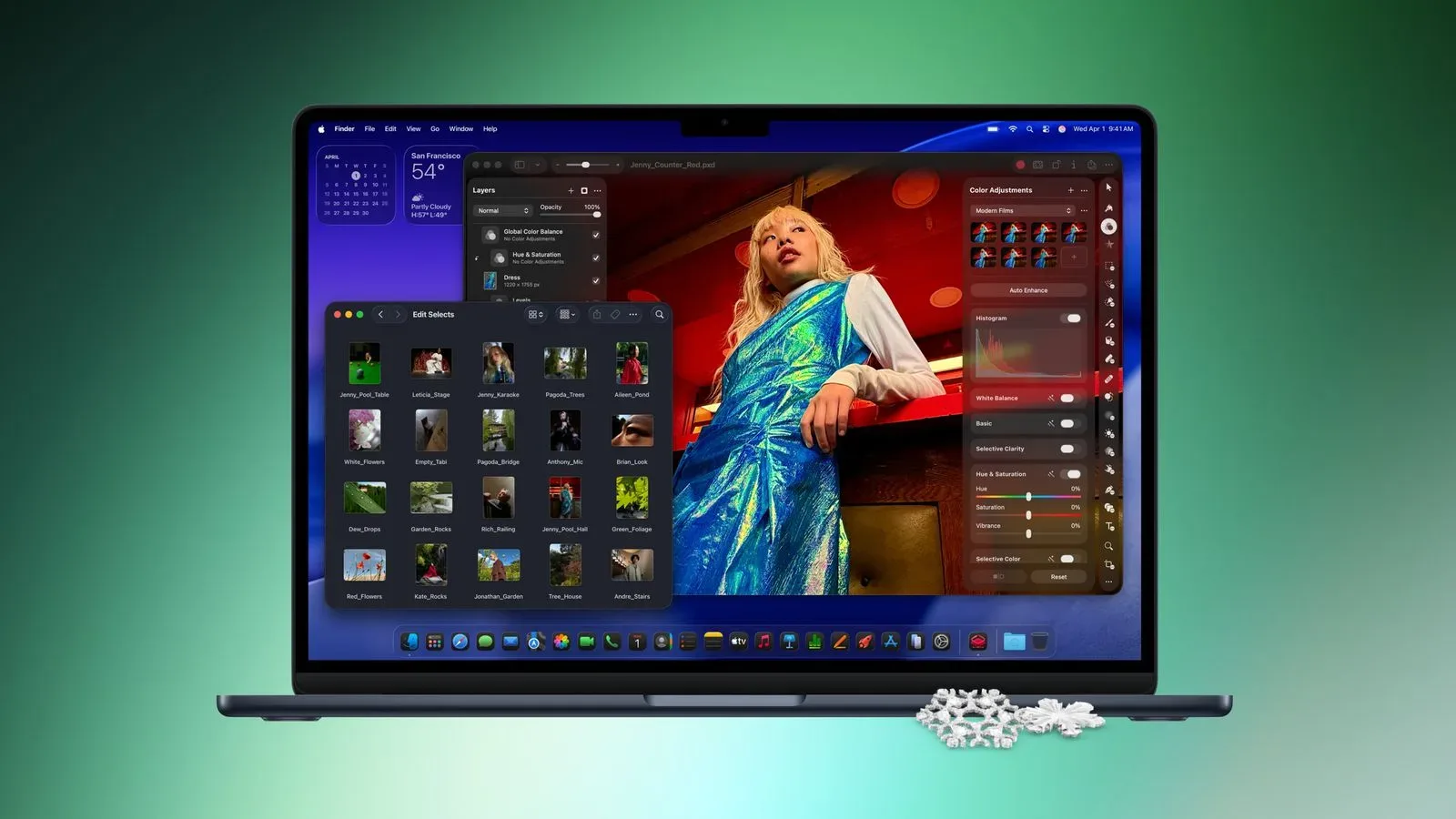
For shoppers cross-shopping premium portable computers, memory and storage should be compared directly rather than only comparing the sale price. A related deal has put a 13-inch MacBook Air with 16GB RAM and a 1TB SSD at $1,349, illustrating why matching capacity and intended use matters when looking at higher-end mobile hardware.
Who should look closely at this deal?
This particular Surface Pro stands out for someone who values the combination of a 13-inch OLED touchscreen, substantial 1TB local storage, 16GB of RAM, and a kickstand-equipped tablet form factor. It is also the kind of configuration aimed at users who anticipate multitasking or creative and AI-related work rather than only basic browsing.
On the other hand, shoppers should pause before checking out if they do not need the OLED display, 1TB of storage or the tablet-to-laptop flexibility. Other discounted configurations may make more sense for a less demanding workload. And anyone with a strict total budget should price the keyboard at the same time rather than after the tablet arrives.
The $1,650 figure is a notable reduction from the cited $2,100 usual price for this 16GB/1TB OLED Snapdragon X2 Elite configuration. Its value ultimately rests on whether the buyer wants what makes a Surface Pro distinct: a portable touchscreen tablet that can become a more conventional productivity machine, provided the required keyboard is added to the equation.
Shop the products
Check current price, model and availability at the retailer.