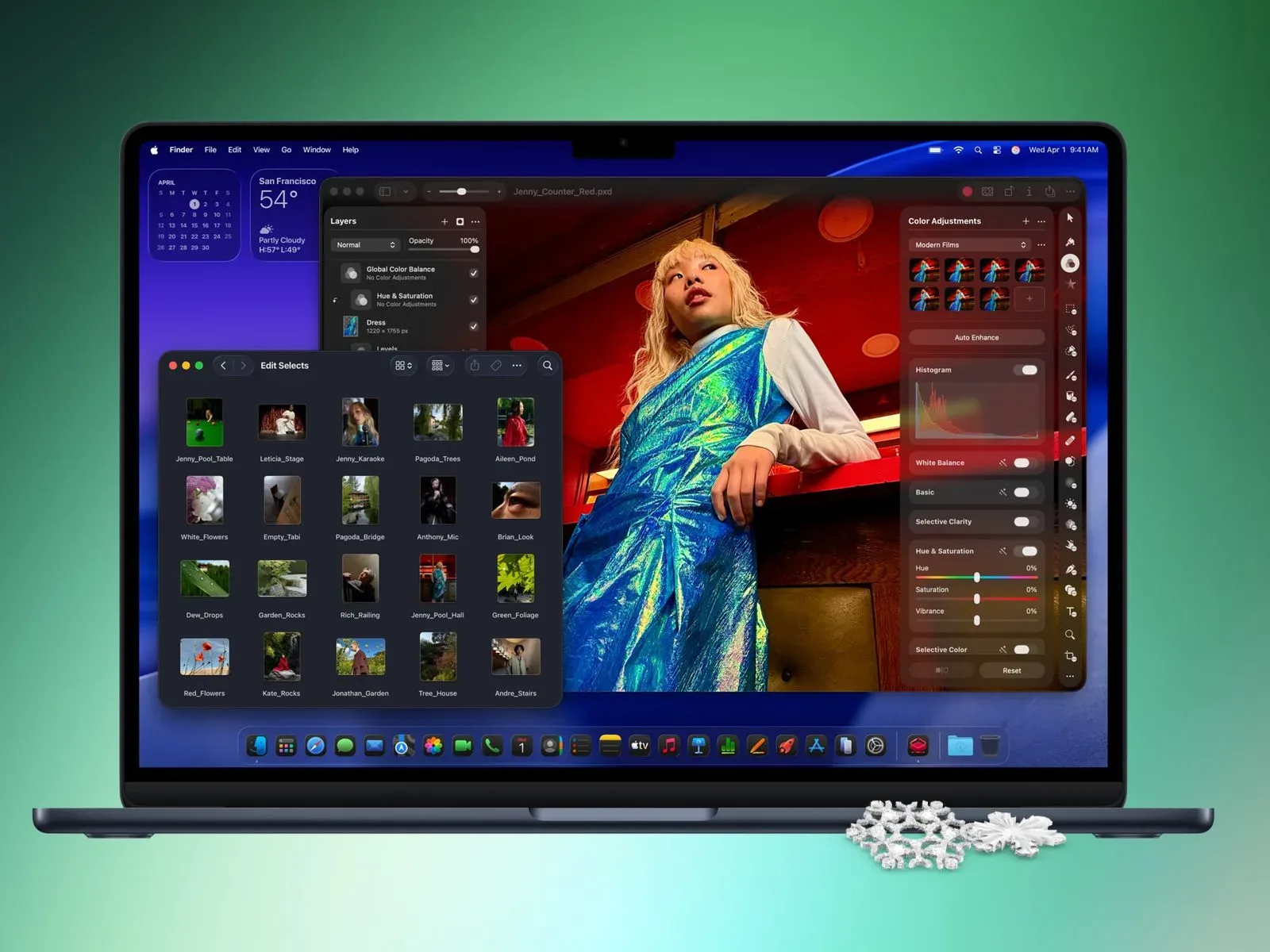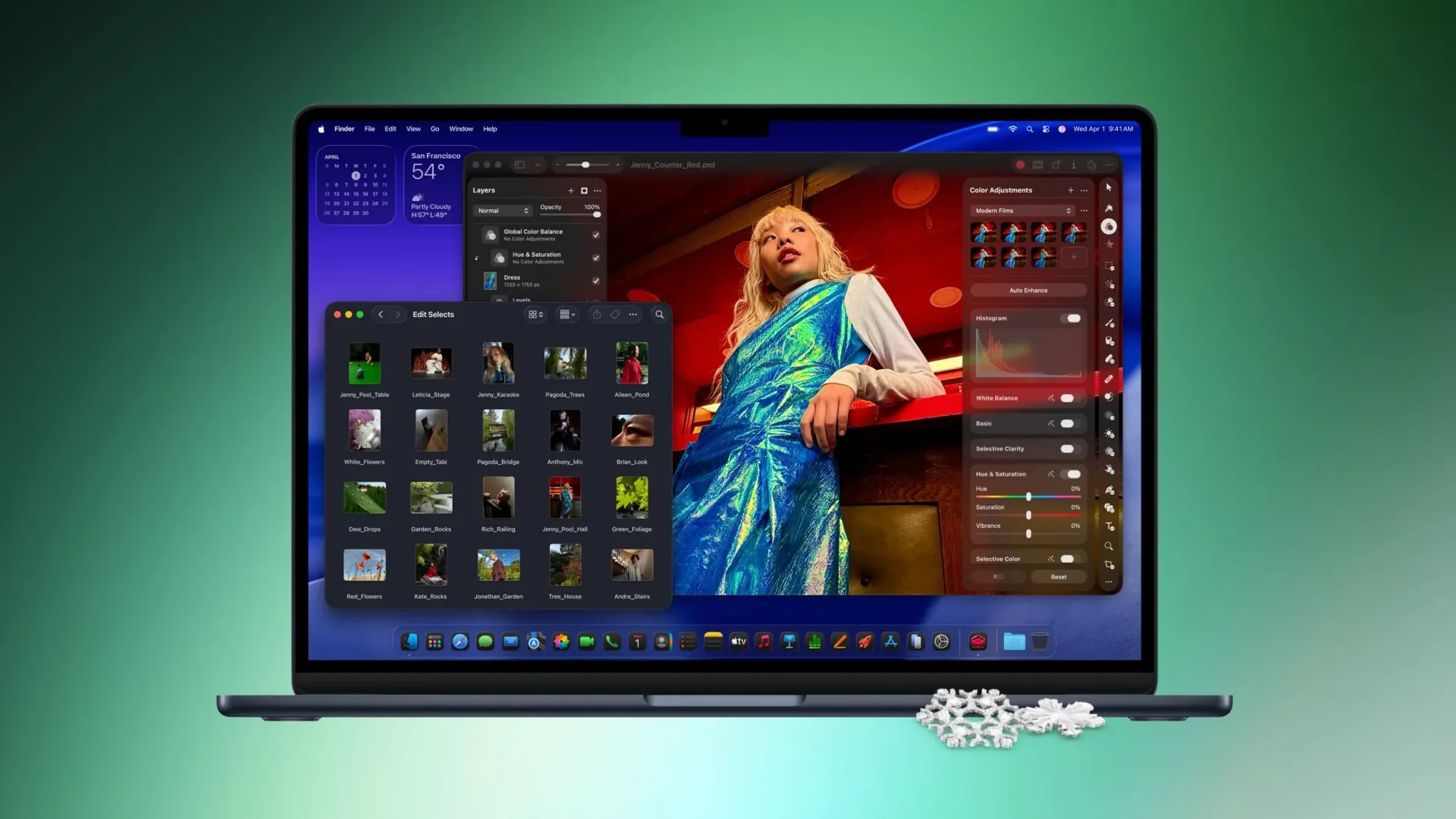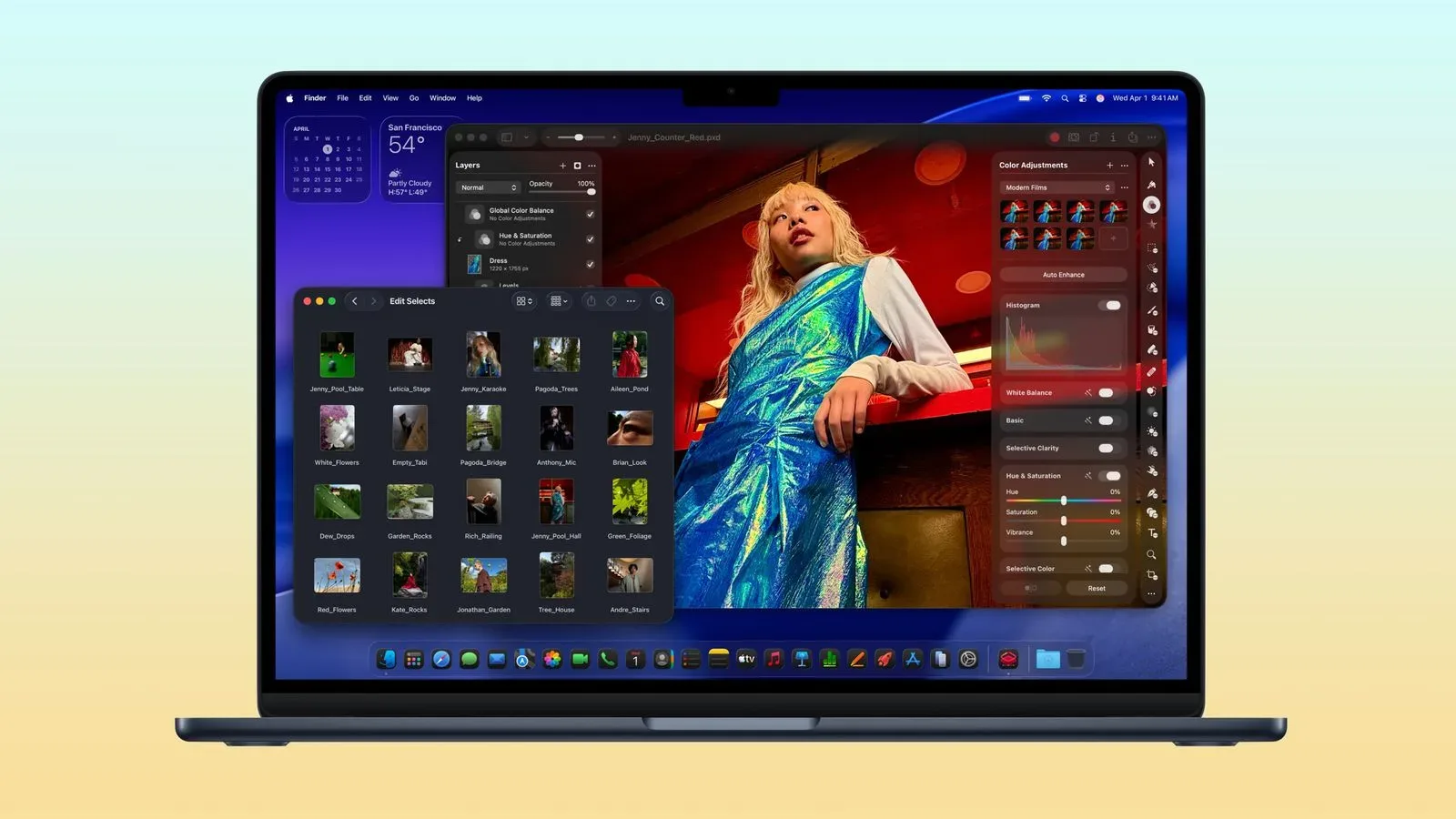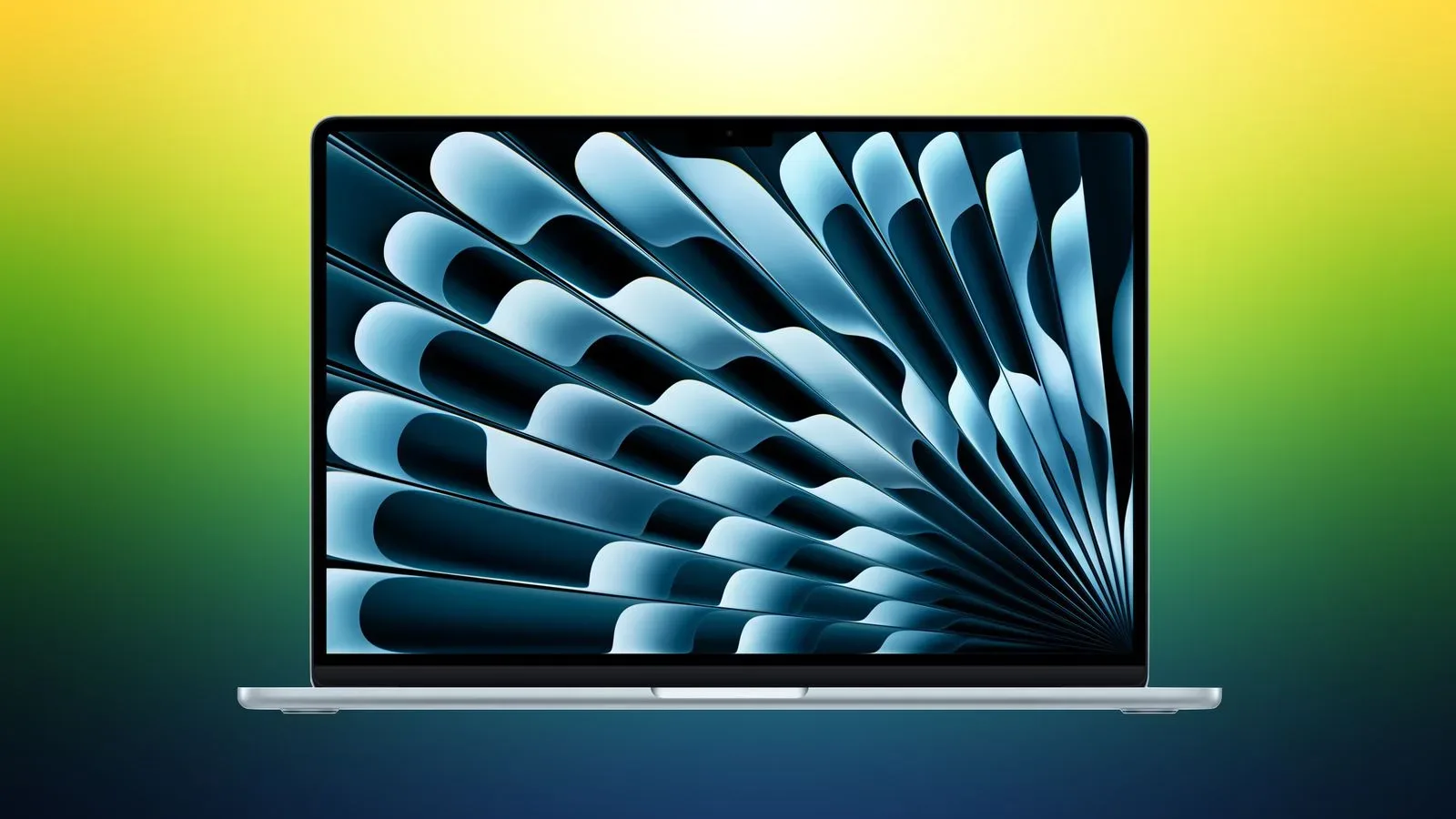
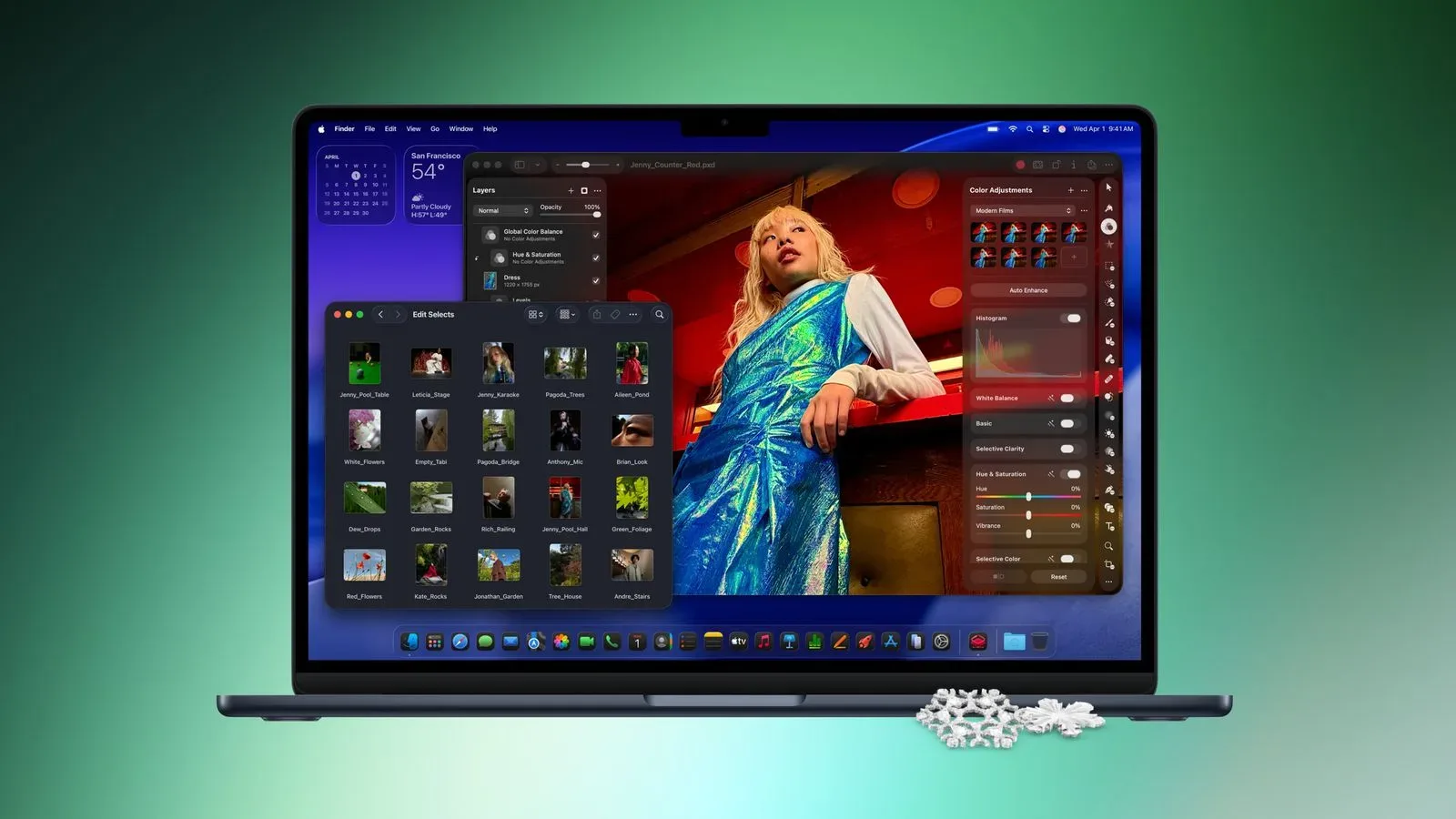
Amazon is listing the 13-inch MacBook Air with 16GB of RAM and a 1TB SSD for $1,349, down $250 from a listed price of $1,599. The offer applies to three finishes—Midnight, Sky Blue and Starlight—and is described as the model’s lowest price in months, as well as a new low following a price increase.
For shoppers who have specifically been waiting for a higher-storage MacBook Air rather than the least-expensive configuration, the distinction matters. This is not merely a colour-specific clearance price on a basic model: the deal concerns a configuration with 16GB of memory and a 1TB solid-state drive. Amazon’s free delivery estimate was around November 7–8 when the offer was noted, though stock, colours, pricing and delivery windows can change quickly at a retailer.
What is actually included in this deal
The key details are straightforward:
- Product: 13-inch MacBook Air
- Memory: 16GB RAM
- Storage: 1TB SSD
- Sale price: $1,349
- Listed regular price: $1,599
- Discount: $250
- Available sale colours: Midnight, Sky Blue and Starlight
The $250 reduction is a meaningful 15.6% off the listed $1,599 price. It also undercuts the previous observed low by $50. That does not make it an automatic buy for everyone, but it makes this particular version considerably more compelling for someone who already knows that 1TB is the capacity they need.
Why 16GB of RAM and 1TB of storage deserve separate consideration
Retail listings frequently bundle “memory” and “storage” into a single line of specifications, but they address different constraints. Understanding that split is more useful than treating higher numbers as a universal upgrade.
RAM: room for active work
RAM, or random-access memory, is working space used while apps and files are open. A computer uses it for active browser tabs, documents, media and other running tasks. The 16GB figure in this configuration refers to that active workspace, not a permanent place to keep files.
In practical terms, a buyer considering this configuration should think about how many things they expect to leave open together. Multitasking-heavy routines can include a browser full of research or web apps alongside messaging, office software, audio, image work or a game launcher. More memory can be relevant to those overlapping habits. It is less relevant if the laptop will primarily be used for one light app at a time.
Because the offer is specifically for a 16GB model, it is best evaluated against other 16GB alternatives rather than against every MacBook Air price that happens to appear in a sale roundup. A lower advertised price on a machine with different memory or storage is not necessarily a comparable deal.
1TB SSD: capacity for files and installed software
SSD stands for solid-state drive. It is the laptop’s internal storage: the place for macOS, applications, projects, downloaded media and locally saved files. A 1TB drive offers a larger local library than smaller capacities, which is the central value proposition here.
That can be relevant to players who prefer to keep substantial game installations available rather than constantly removing and re-downloading them, as well as anyone holding large photo, video, audio or project archives. It can also be unnecessary spending for a person who mostly streams media, works in the cloud and keeps only a modest set of apps installed.
The important buying question is therefore not simply whether 1TB is “better.” It is whether it reduces an expected storage problem. Internal capacity can be especially useful when a laptop is meant to travel often, but buyers should still consider their own library size, backup routine and whether external storage is a practical alternative.
How shoppers can judge the $1,349 price
The available facts give this offer a clear benchmark: it is $250 below the $1,599 listed price and $50 below the previous low that had been seen for this model. That supports calling it a strong price for this precise specification. It does not establish that it is the best choice for every Mac shopper.
A sensible comparison should keep the variables fixed. Check the screen size, RAM, SSD capacity, finish if it matters to you, seller, final checkout total and arrival date. A search result that looks cheaper at first glance may refer to a different configuration. Conversely, paying more for the 1TB version may be wasteful if a lower-capacity machine already accommodates your needs.
It is also worth separating a good discount from a buying deadline. Retail offers can expire or vary by colour and inventory. If the listed price is still available, the right decision is based on the configuration’s fit, not just the “lowest in months” label. If it has changed, the comparison still provides a useful reference point: $1,349 is the price to measure a later offer against for this 16GB/1TB 13-inch MacBook Air.
A short pre-checkout list
- Confirm the configuration: Verify that the product page says 16GB RAM and 1TB SSD, not merely “MacBook Air.”
- Confirm the exact price: Ensure the $1,349 total appears before any applicable taxes and that the selected finish remains eligible.
- Check delivery details: The noted estimate was around November 7–8 with free delivery options, but a buyer’s location and current stock can affect that.
- Consider your storage habits: Estimate the space needed for applications, games, personal files and future projects rather than choosing 1TB on instinct.
- Review accessories separately: A laptop deal does not automatically make every peripheral a bargain. For mobile players considering a controller alongside a new Apple device, our look at the GameSir G8 Plus MFi controller outlines the compatibility checks worth making before adding an accessory to the cart.
What this means for prospective buyers
This Amazon reduction is most relevant to shoppers who had already targeted a 13-inch MacBook Air with upgraded memory and a large internal drive. At $1,349, the 16GB/1TB configuration is $250 below its listed $1,599 price, beats the prior observed low by $50 and is offered in three colours.
For everyone else, it is a useful reminder to compare machines by specifications rather than headline discount alone. RAM determines the breathing room for active tasks; SSD storage determines the space for files and installed software. A substantial discount on the wrong mix is still the wrong purchase. But for a buyer whose needs align with 16GB of memory and 1TB of storage, this is a notably better entry price than the listed one.
Shop the products
Check current price, model and availability at the retailer.