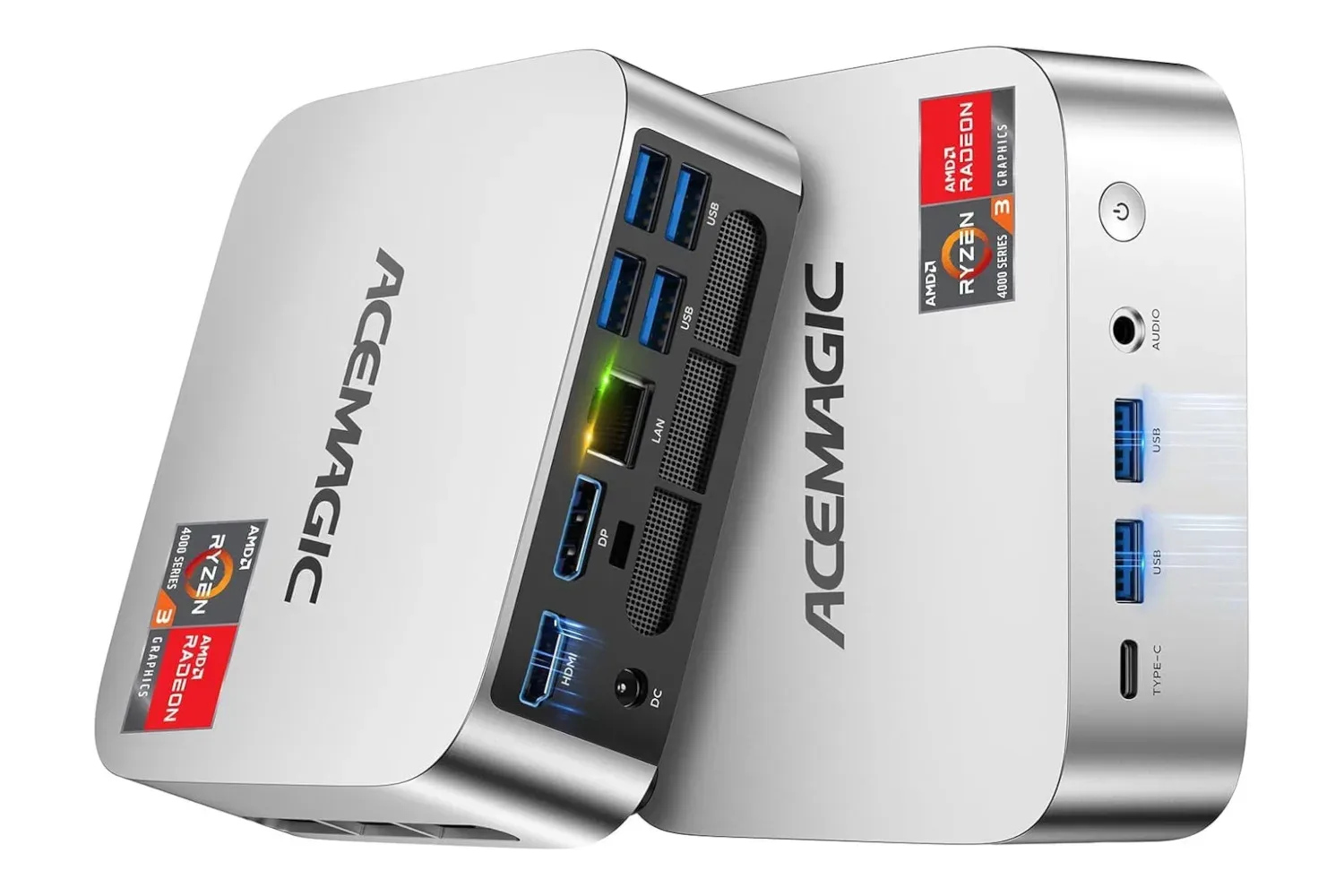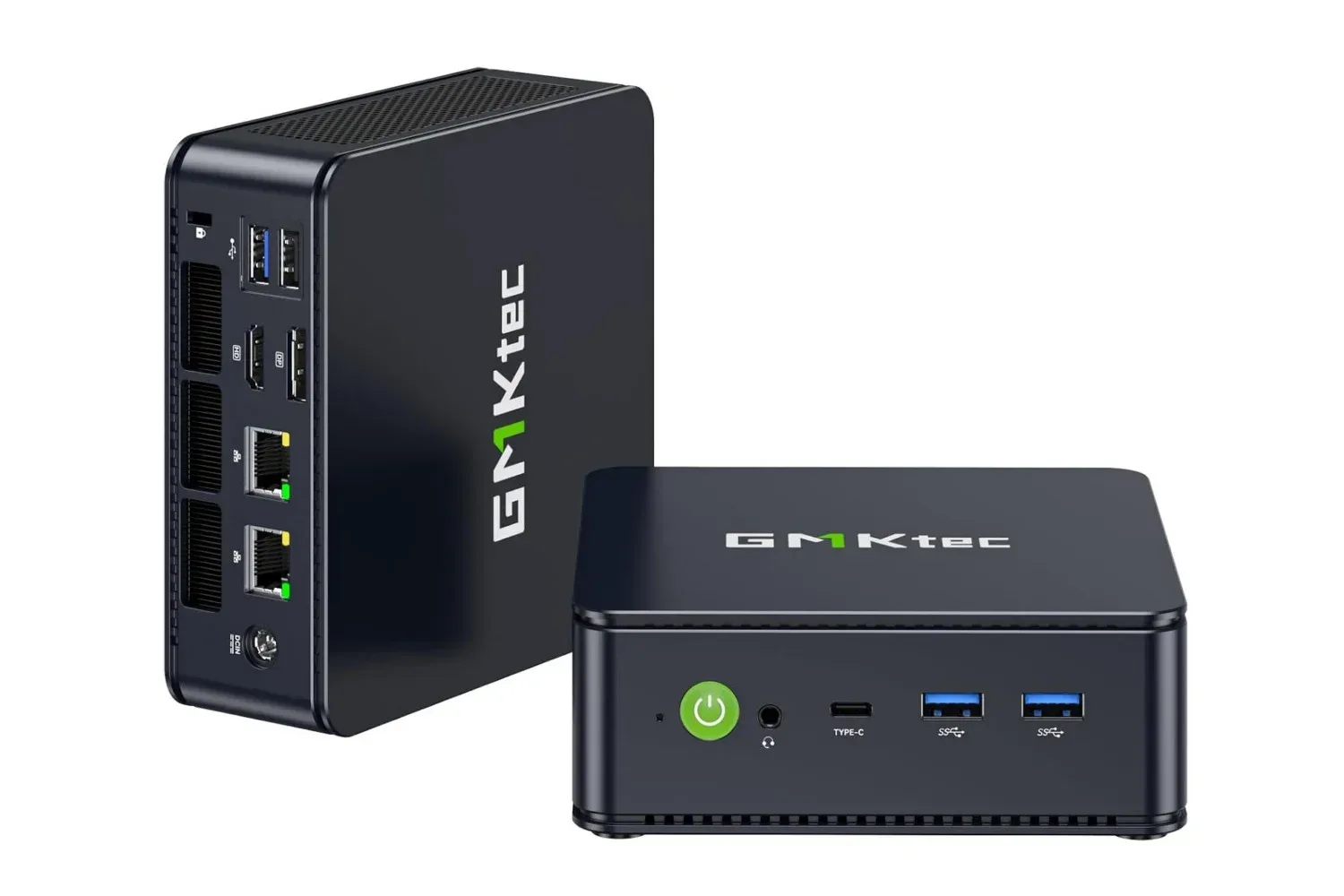
The GMKtec M6 Ultra gaming mini PC, configured with 16GB of memory and a 1TB SSD, is listed at $500. That is $200 below its stated $700 retail price. The compact system combines AMD’s Ryzen 5 7640HS processor with Radeon 760M integrated graphics, placing its appeal less in replacing every high-end desktop and more in providing a small, flexible PC for a desk where space, display connectivity and upgrade headroom matter.
Its gaming label deserves a little context. The M6 Ultra uses integrated Radeon graphics rather than a separate, dedicated graphics card. That does not make it unsuitable for games, creative work or streaming, but it does define the kind of buyer who should look closely at the specification rather than assume that “gaming” means unlimited performance. The useful story here is the balance: a modern six-core mobile-class processor, fast dual-channel memory, substantial included storage and a port selection designed for an involved workstation setup.
What is inside the M6 Ultra
At the center of the machine is the AMD Ryzen 5 7640HS, a Zen 4 chip with six CPU cores and 12 threads, with boost speeds of up to 5.0GHz. A core is a processing unit that can work on a task, while a thread is an execution path that lets the processor manage more work concurrently. More threads do not automatically make every application faster, but they are useful when someone is juggling tasks such as a game, voice chat, a browser full of guides, file transfers and background recording.
The supplied 16GB of dual-channel DDR5 memory is especially meaningful for an integrated-graphics system. RAM is the quick, temporary workspace used by programs that are currently running. Dual-channel means the system’s memory works over two channels, which is relevant because integrated graphics share system memory rather than relying on their own dedicated video memory. In practical terms, it is a sensible baseline for multitasking and can help the Radeon 760M get the most from the platform’s available bandwidth.
Graphics are handled by the Radeon 760M, which has eight graphics cores clocked at up to 2600MHz. A GPU is specialized for rendering images and accelerating certain visual or parallel workloads. The specification points toward a machine that can handle a range of general visual tasks, including photo editing, video production, livestreaming and gaming. It is not, however, evidence by itself of performance at a particular resolution, quality preset or game. Those results vary with the title, its settings, drivers, memory configuration and whether other applications are active.
The standard 1TB SSD is another practical advantage. An SSD, or solid-state drive, is the storage where the operating system, games, applications and files live. A terabyte gives considerably more breathing room than a small boot drive for a mixed library of games, captured footage and project files. Buyers should still think about how quickly their own work grows: video assets and modern game installs can consume capacity rapidly.
Upgrade room is part of the proposition
GMKtec says the M6 Ultra can be expanded to as much as 128GB of RAM and 8TB of storage. That is a notably different proposition from treating the listed 16GB and 1TB configuration as the machine’s permanent limit. Memory expansion may be useful for users with large creative projects, many applications open at once or workloads that keep a lot of information in RAM. More storage can make sense for people who want a larger installed game library or keep media locally.
Potential buyers should distinguish expandable from included. The $500 configuration is the 16GB/1TB model. Reaching the stated maximum capacities would require additional compatible components, and the supplied details do not establish their cost or installation process. The important takeaway is simply that the platform is intended to offer a growth path instead of forcing a complete replacement as storage or memory needs change.
Related coverage includes GMKtec M6 Ultra Mini PC Drops to $500 With Ryzen 5 7640HS and Radeon 760M.
Three power modes, explained
The M6 Ultra offers Silent, Balanced and Performance modes, set at 35W, 45W and 50W respectively. Wattage is a measure of power draw or power budget. In a compact PC, these modes are a way of choosing the trade-off among performance, heat and acoustics. More available power can help a processor and integrated graphics sustain stronger output in demanding work, while lower power can be preferable for light jobs when keeping noise and energy use down is more important.
- Silent mode (35W): positioned for basic tasks that do not need as much power.
- Balanced mode (45W): intended as the general everyday setting.
- Performance mode (50W): intended for more demanding projects and workloads.
That choice is more useful than a one-size-fits-all performance claim. A system used for web work, documents and media playback may not need its highest power setting all day. Conversely, someone editing media, streaming or running a more demanding game may prefer Performance mode when the extra output matters. The stated modes should not be read as guaranteed benchmarks; they are operating profiles that let the owner prioritize different behavior depending on the job.
Multi-display support could matter as much as graphics
The M6 Ultra includes HDMI 2.0, DisplayPort and USB4, and is specified to support up to three displays at once. For many desk setups, this is one of the clearest reasons to consider a mini PC. One monitor can hold the main game or project, another can handle chat or a reference page, and a third can be reserved for timelines, monitoring tools or a browser.
USB4 is a versatile high-speed connection standard, while HDMI and DisplayPort are common display outputs. The three-output mix offers flexibility, although a buyer should still check the input types and native resolution requirements of their individual monitors and the cables or adapters they already own. Being able to connect three screens is not the same as every workload being equally comfortable across three high-resolution displays, especially when the graphics are integrated.
The rest of the I/O is similarly aimed at a system that can sit at the center of a work-and-play desk. There are three USB 3.2 Gen 2 ports, rated at up to 10Gbps, plus one USB 2.0 port. The faster USB ports are suited to transferring files and connecting modern peripherals or external storage; USB 2.0 remains perfectly serviceable for less bandwidth-hungry accessories such as a keyboard or mouse. A 3.5mm CTIA audio jack is present for compatible headsets, alongside the DC power input.
Networking includes Wi-Fi 6E, Bluetooth 5.2 and dual 2.5GbE LAN. Wi-Fi 6E adds operation in the 6GHz band when paired with compatible network hardware, while Bluetooth can cover wireless controllers, headsets and other accessories. The two 2.5GbE Ethernet ports are notable for anyone who prefers wired networking or has a faster local network; “2.5GbE” refers to 2.5-gigabit Ethernet. Actual network performance remains dependent on the router, switch, cables and internet or local-network service available to the user.
Who the $500 configuration makes sense for
At its listed sale price, the M6 Ultra makes the most straightforward case for someone who wants one compact system to cover everyday computing, a multi-monitor desk, moderate gaming ambitions and occasional creative tasks. The 1TB SSD avoids the immediate storage squeeze that can undermine lower-capacity systems, while the memory and stated expansion ceiling offer a route to adapt the PC later.
It may also appeal to people rebuilding a desk rather than just replacing a tower. The savings against a larger purchase can be directed toward the peripherals that change daily use: displays, storage, a controller, networking gear or audio. That broader decision is worth considering carefully; as our look at why controllers and upscalers can matter more than chasing retro-console bargains argues in a different setup context, the surrounding hardware can have as much impact on the experience as the central box.
There are also sensible limits to keep in mind. Shoppers seeking a PC primarily for the most demanding graphical workloads should not treat the processor’s boost clock or the Radeon 760M’s core count as a substitute for game-specific performance data. A mini PC’s small form factor is an advantage for footprint, but it also makes the selected power mode and cooling behavior part of the ownership equation. Likewise, anyone with a precise three-display plan should verify monitor compatibility before buying.
Still, the specification is unusually coherent for a compact system: Ryzen 5 7640HS processing, 16GB of dual-channel DDR5, Radeon 760M graphics, 1TB of SSD storage, three display-capable connections and a wide selection of wired and wireless connectivity. With the listed price reduced from $700 to $500, the question is not whether a palm-sized PC can replace every desktop. It is whether this particular combination matches the games, projects, displays and space available on a buyer’s own desk.
Shop the products
Check current price, model and availability at the retailer.