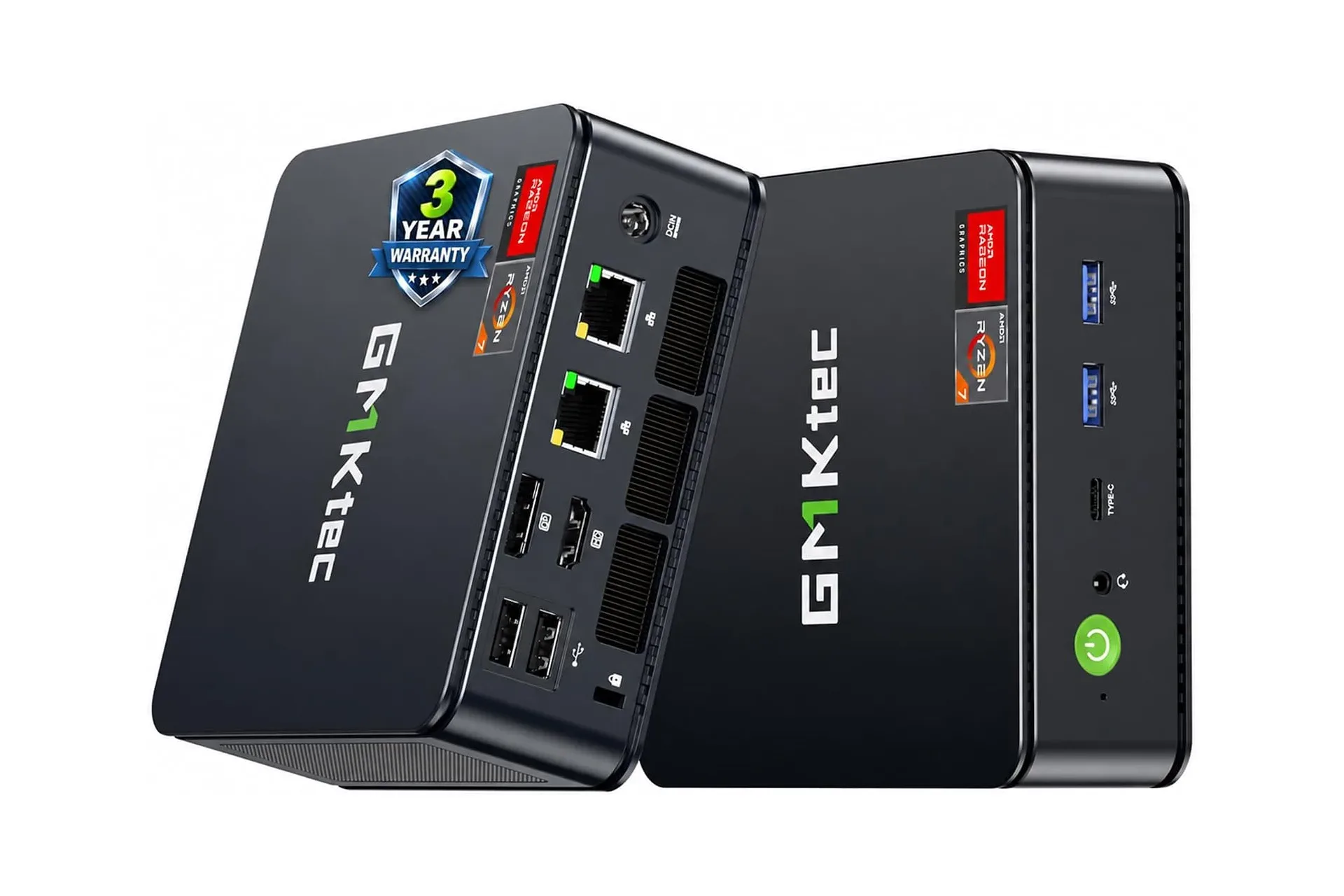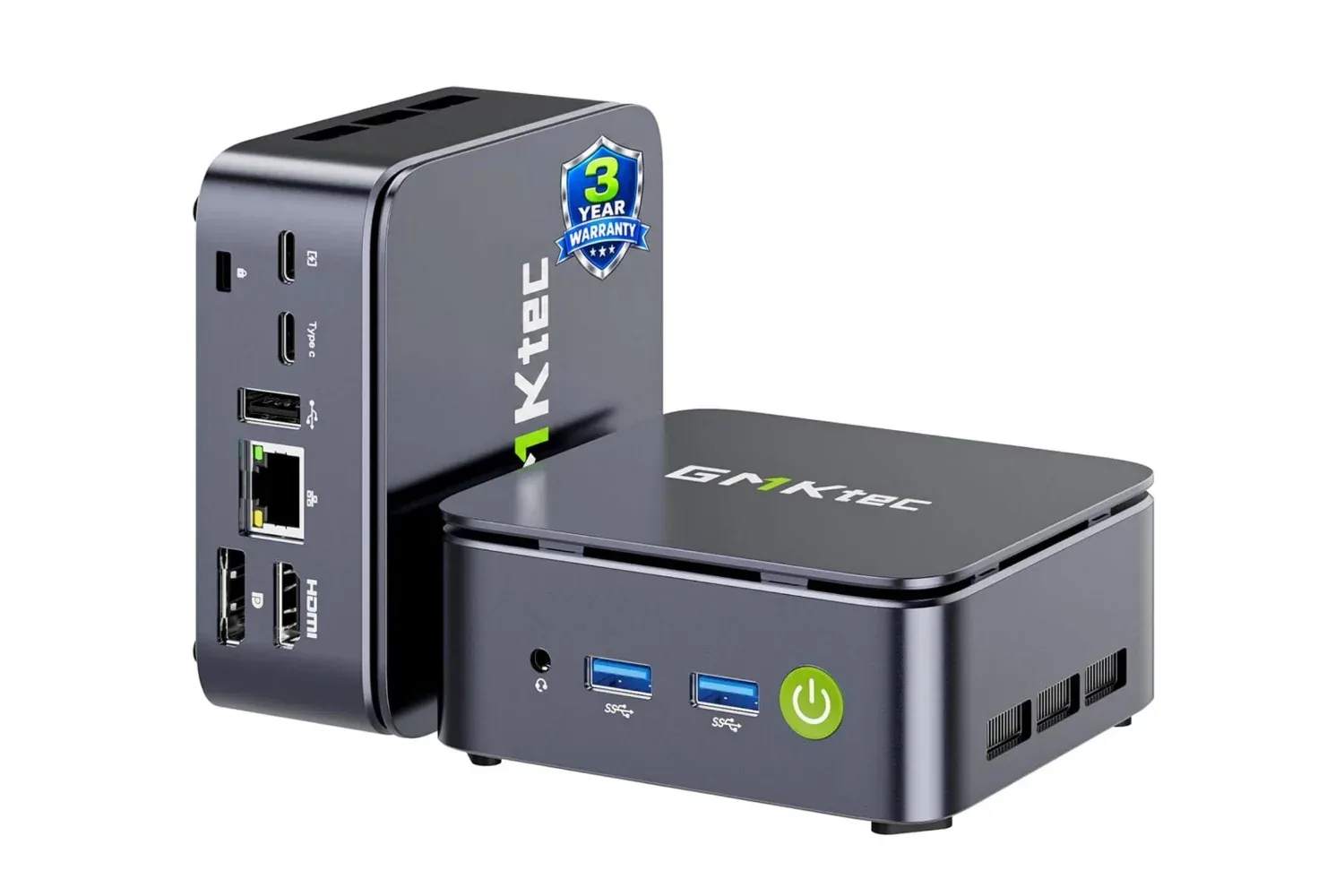
A compact desktop does not have to dominate a desk to be useful, and the GMKtec G10’s current $290 listing makes that argument more compelling than usual. The mini PC is listed at $90 below its stated $380 regular price, a 24% reduction, while pairing an AMD Ryzen 5 3500U processor with Radeon Vega 8 integrated graphics, 16GB of memory and 256GB of storage.
That combination matters less as a promise of a tiny gaming powerhouse and more as a practical middle ground: a full desktop-style computer designed to take very little physical space. The G10 is described as small enough to sit beside a display, mount behind one, or fit beneath a desk. For someone building a tidy work-and-play corner, that can be the central appeal. Its processing, graphics and connection options broaden what it can do once it is in place.
Still, the useful distinction is between casual gaming and the broader, more demanding category of modern PC gaming. The supplied specifications support the former claim, alongside web browsing, office work, video calls, streaming and multitasking. They do not establish game-by-game performance, settings, resolutions, frame rates, noise levels or thermal behavior. Prospective buyers should treat the G10 as a compact everyday computer that can also handle lighter gaming workloads, rather than assume it will suit every game or every visual setting.
What is in the GMKtec G10
The G10 uses a four-core AMD Ryzen 5 3500U. A processor, or CPU, handles the general computing work behind applications and the operating system: managing browser tabs, productivity software, calls and background tasks. Four cores allow it to work on multiple processing jobs, which is relevant when several programs are open at once.
Graphics are handled by Radeon Vega 8, which is integrated graphics. In simple terms, the graphics hardware is part of the processor platform rather than a separate, dedicated graphics card. This compact approach helps make a mini PC small and straightforward, and it fits the stated use cases of streaming and casual games. But it is also why shoppers should avoid reading “Radeon” as a guarantee of the kind of gaming capacity commonly associated with a dedicated desktop GPU. The information available does not specify results in particular games.
The configuration includes 16GB of RAM and a 256GB drive. RAM is the short-term workspace a computer uses while programs are running. More available memory can make it easier to keep several applications open without needing to constantly close and reopen them. That aligns with the G10’s pitch for daily multitasking: browser windows, document work, calls and other routine jobs can coexist more comfortably than they might on a more constrained system.
Storage is different. The 256GB figure is space for the operating system, installed software and personal files. Whether it is roomy enough depends on the owner’s library and workflow. It may be adequate for essential applications and documents, but anyone planning to keep numerous large games, video files or project archives locally should consider capacity carefully. GMKtec states that memory can be expanded to 64GB and storage to 16TB, offering an upgrade path if requirements increase. The provided details do not identify compatible components, configurations or installation requirements, so those specifics should be checked before buying upgrades.
Why the port selection is a genuine part of the appeal
Small systems can be convenient right up until they force awkward compromises around displays, storage or network connections. On paper, the G10 offers a versatile collection of ways to connect peripherals and screens. It has HDMI 2.1 TMDS, DisplayPort 1.4 and USB Type-C, with support for up to three displays at once.
Related coverage includes GMKtec G10 Mini PC Drops to $290, Offering a Compact Option for Casual PC Gaming.
For a home office or compact shared workspace, three-display support could be more useful than the mini chassis initially suggests. A user may want a primary monitor, a second screen for chat or research, and another display for reference material. The presence of multiple video outputs means the machine is designed for that sort of layout. It does not, however, tell us the maximum resolution or refresh rate that will be achievable across every three-display arrangement, so buyers with unusually specific monitor plans should verify compatibility before treating a triple-screen setup as assured.
The “TMDS” part of the HDMI label refers to Transition-Minimized Differential Signaling, a method used to transmit digital display data. For most shoppers, the practical takeaway is simply that HDMI is available alongside DisplayPort and Type-C. Those are three common connection routes, and their inclusion gives the G10 flexibility for different desks and displays.
Wireless connectivity is listed as Wi-Fi 5 and Bluetooth 5.0. Wi-Fi 5 is a wireless networking standard, while Bluetooth can connect accessories such as keyboards, mice, controllers and headsets without filling ports with cables. There is also Ethernet support rated up to 2500Mbps. Ethernet is a wired network connection; its potential advantage is a stable, fast local connection where the network equipment and internet service can make use of it. The 2500Mbps figure is the stated wired-network capability, not a promise of internet speeds from every router or broadband plan.
That wired option is particularly relevant for large downloads, bandwidth-heavy work, streaming and online play where a physical connection is preferable to Wi-Fi. A mini PC’s small footprint does not prevent it from serving as a fixed desktop, and Ethernet is one of the details that makes the G10 feel oriented toward a permanent desk installation rather than purely occasional use.
Who the G10 makes sense for
The strongest case for the GMKtec G10 is someone who needs a conventional desktop experience but has limited room for a tower. Its cited everyday workload is broad: browsing, assignments, basic office tasks, video calls, streaming and general multitasking. A monitor-mounted or under-desk configuration could leave the visible desk surface largely free for a keyboard, mouse, controller or notebook.
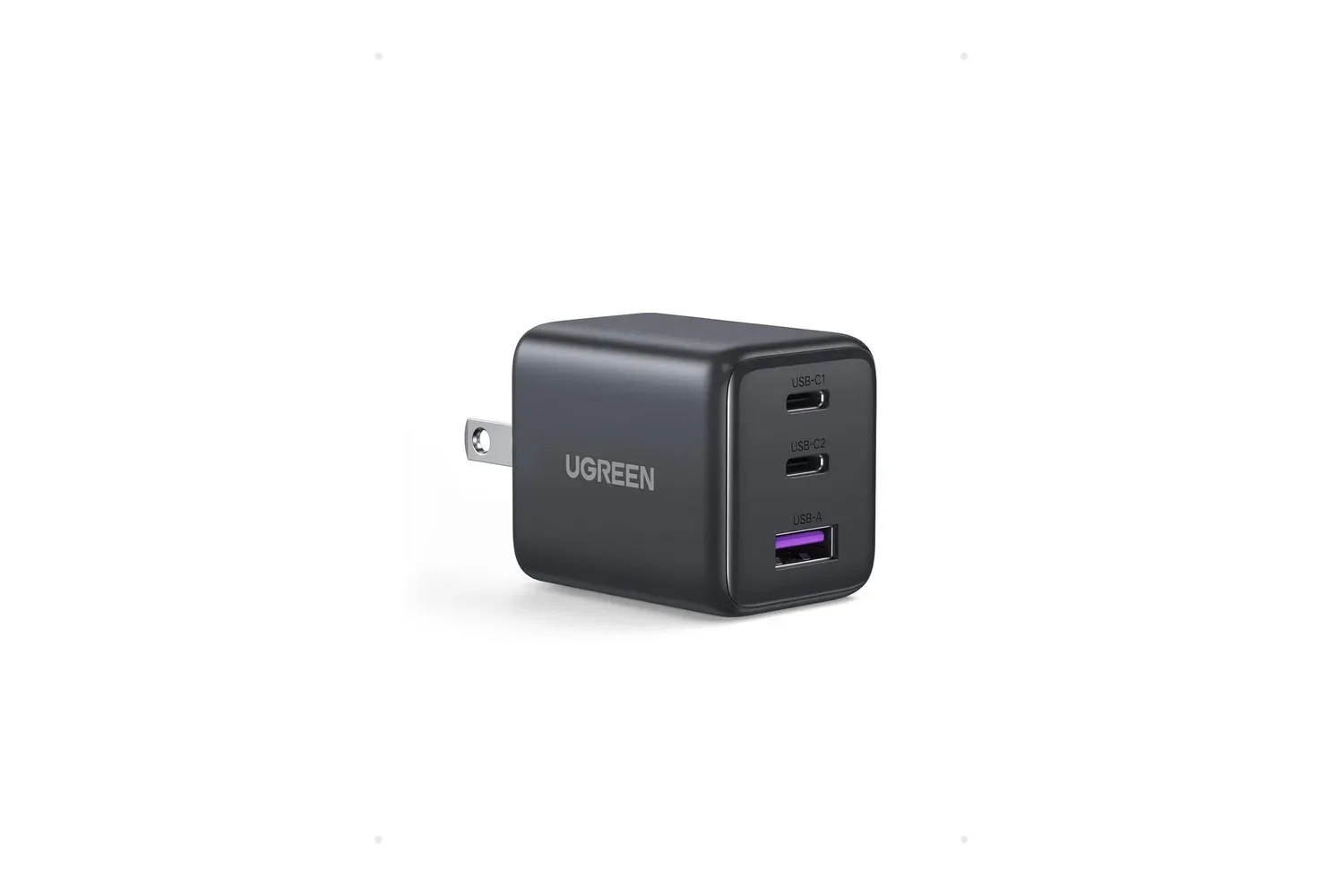
It could also suit an owner who wants one computer to cover workday tasks and lighter entertainment without committing to a larger desktop. The 16GB memory configuration, multiple display outputs and wired-network option are all practical features in that scenario. People who use a compact desk setup may also find small peripheral upgrades meaningful; for example, a compact multi-port charger can help keep a phone and accessories from competing for the limited surface area a mini PC is intended to preserve.
Gaming is an additional reason to look at the G10, but not the only or necessarily the first one. Radeon Vega 8 integrated graphics are presented for casual play. That wording is important. It reasonably points toward less demanding games and situations where expectations can be adjusted, but it should not be stretched into an unsupported claim about newer or graphics-intensive releases. There is no supplied benchmark data, no tested game list and no evidence on how the system behaves at particular settings.
What buyers should verify before a purchase
The $290 price is stated as a current Amazon listing and is described as time-sensitive. Retail pricing can change, so the checkout price, seller details and exact configuration should be confirmed before an order is placed. The difference between $290 and the stated $380 regular price is $90; the percentage reduction is listed as 24%.
It is also sensible to match the hardware to the intended workload rather than shopping only by discount size. A buyer whose priority is web use, productivity, calls, streaming and a clean three-screen-capable desk may find the listed specification appealing. A buyer whose priority is predictable performance in demanding games should seek model-specific game benchmarks and settings information that are not included here. Likewise, a buyer who needs large local game or media storage should decide whether 256GB is sufficient from day one, and review the practical cost and compatibility of a later storage expansion.
Finally, physical placement is part of the product decision. Mounting a small computer behind a monitor or underneath a desk can create a cleaner setup, but owners should still ensure that cable runs are workable and that the location does not interfere with normal use. The G10’s compact design is the reason these placements are plausible; its HDMI, DisplayPort, Type-C, Bluetooth, Wi-Fi and Ethernet options are what determine how smoothly the setup can fit into an existing collection of displays and accessories.
At the listed $290, the GMKtec G10’s value proposition is clearest when considered as a space-saving general-purpose PC with capable connectivity and some room for casual games. The small enclosure is the headline, while the Ryzen 5 3500U, 16GB of RAM and flexible display outputs supply the substance. Just keep the integrated Vega 8 graphics in their proper lane: useful for lighter gaming and everyday visual work, not a substitute for verified performance in demanding titles.
Shop the products
Check current price, model and availability at the retailer.