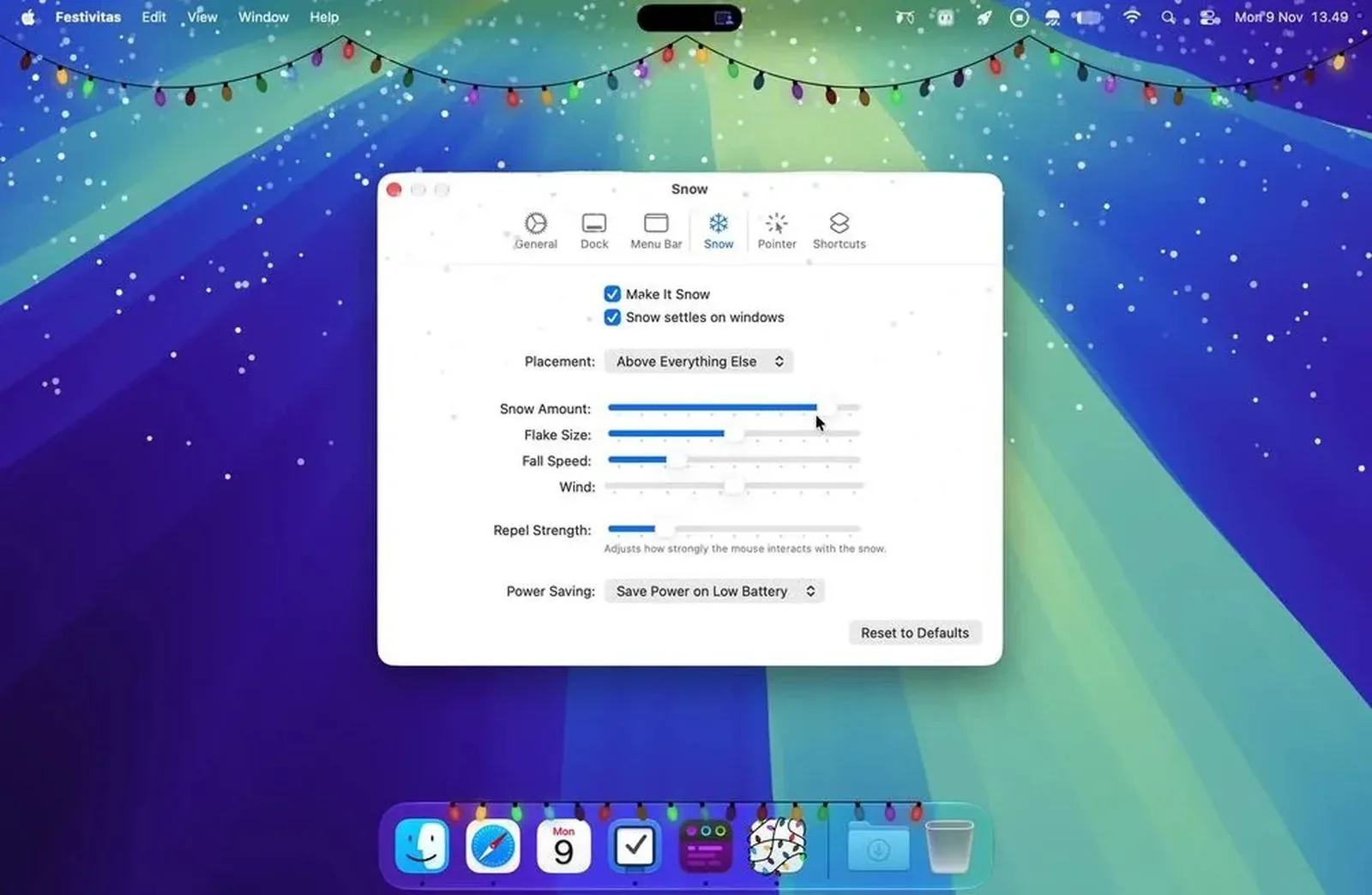
There is a particular kind of seasonal software that has no ambition to improve a spreadsheet, win a match or optimize a workflow. It simply puts decorative lights around the edges of a screen and lets snow drift across it. Festivitas, the holiday-themed Mac app from developer Simon Støvring, is firmly in that camp—and its 2026 update substantially expands how personal that visual joke can become.
Festivitas has been available for two years and centers on adding strings of lights to the Mac’s menu bar and Dock. The latest version introduces custom bulb shapes, expanded snow effects, cursor decorations, automation through Shortcuts, and more detailed control over where its decorations appear. There are also companion versions for iPhone and iPad, which receive custom bulbs, falling snow and transparent animated widgets without needing a screenshot workaround.
The result is not a productivity tool in the usual sense. It is desktop decoration, deliberately and unapologetically. But the update matters because it gives users more control over the difference between a mild festive accent and a full-screen snowstorm that would make a game launcher look as if it has been invaded by winter weather.
Custom bulbs make the string of lights more personal
The clearest new option is the ability to import an image and turn it into a bulb on a light string. Prior versions offered decorative lighting; the 2026 release lets users change the object doing the glowing.
Simple PNG images with transparent backgrounds are the recommended starting point. That makes practical sense: a transparent background isolates the intended shape, so a custom bulb is less likely to look like a small rectangular image pasted along a cable. More elaborate images can retain their original colors, offering an alternative to a single standard bulb color.
This is an unusually flexible customization feature for an app whose premise is intentionally lightweight. A user could keep the familiar holiday-light look, use a small icon-like graphic, or build a string around a repeated image. The supplied details do not establish every possible result or limit, so it is best viewed as an import-based decoration tool rather than a promise that every image will translate cleanly. The app itself points toward simple, transparent PNGs as the most dependable choice.
Beyond the bulb graphic, the settings include controls for light shape, color, size, opacity, drop height and cable thickness. Those parameters are important because they govern whether the effect reads as a subtle frame for a workspace or a prominent overlay. Opacity is the transparency of the effect; reducing it can make lights less visually forceful. Drop height controls how far lights hang down, while cable thickness changes the visual weight of the string.
Festivitas also supports several animation styles: pulse, twinkle, chase and wave. A pulse is a repeating brightening-and-dimming effect, while a chase makes illumination appear to travel along the string. Twinkle and wave provide other motion patterns. For anyone sensitive to persistent animated elements, having both animation choices and visual controls is more useful than a one-note effect permanently stuck in its most exuberant mode.
Snow can now land on windows, not just float over the desktop
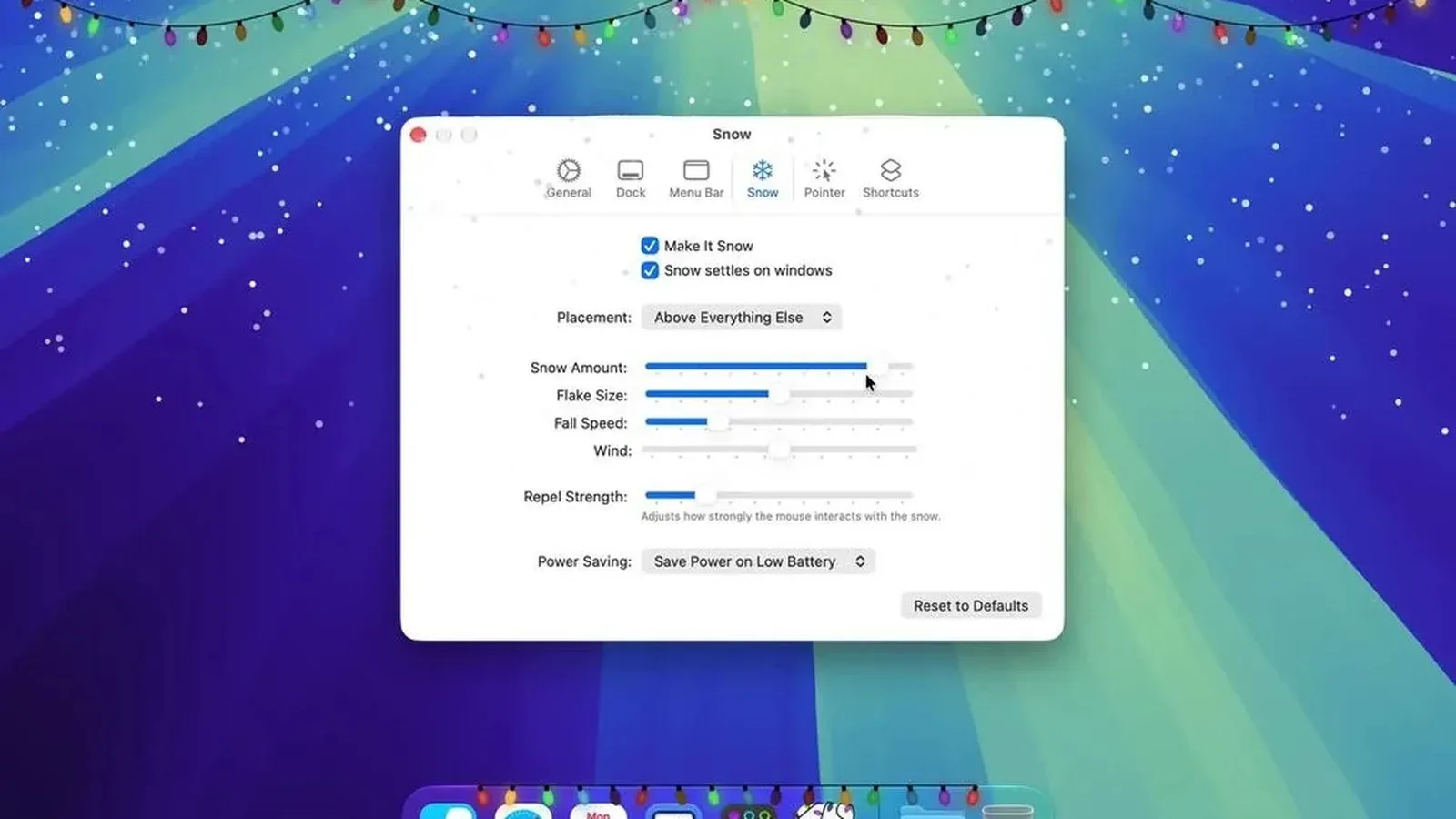
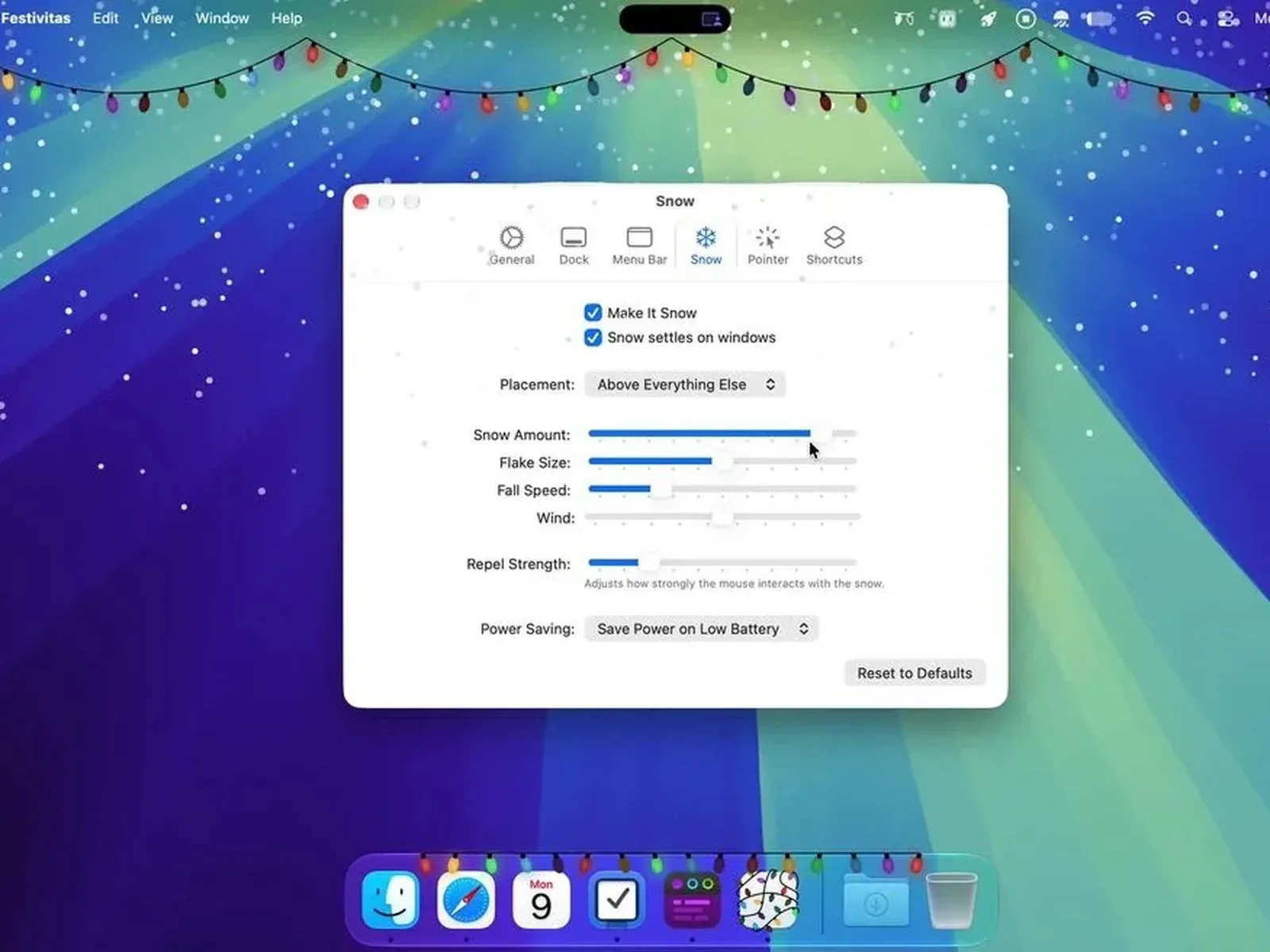
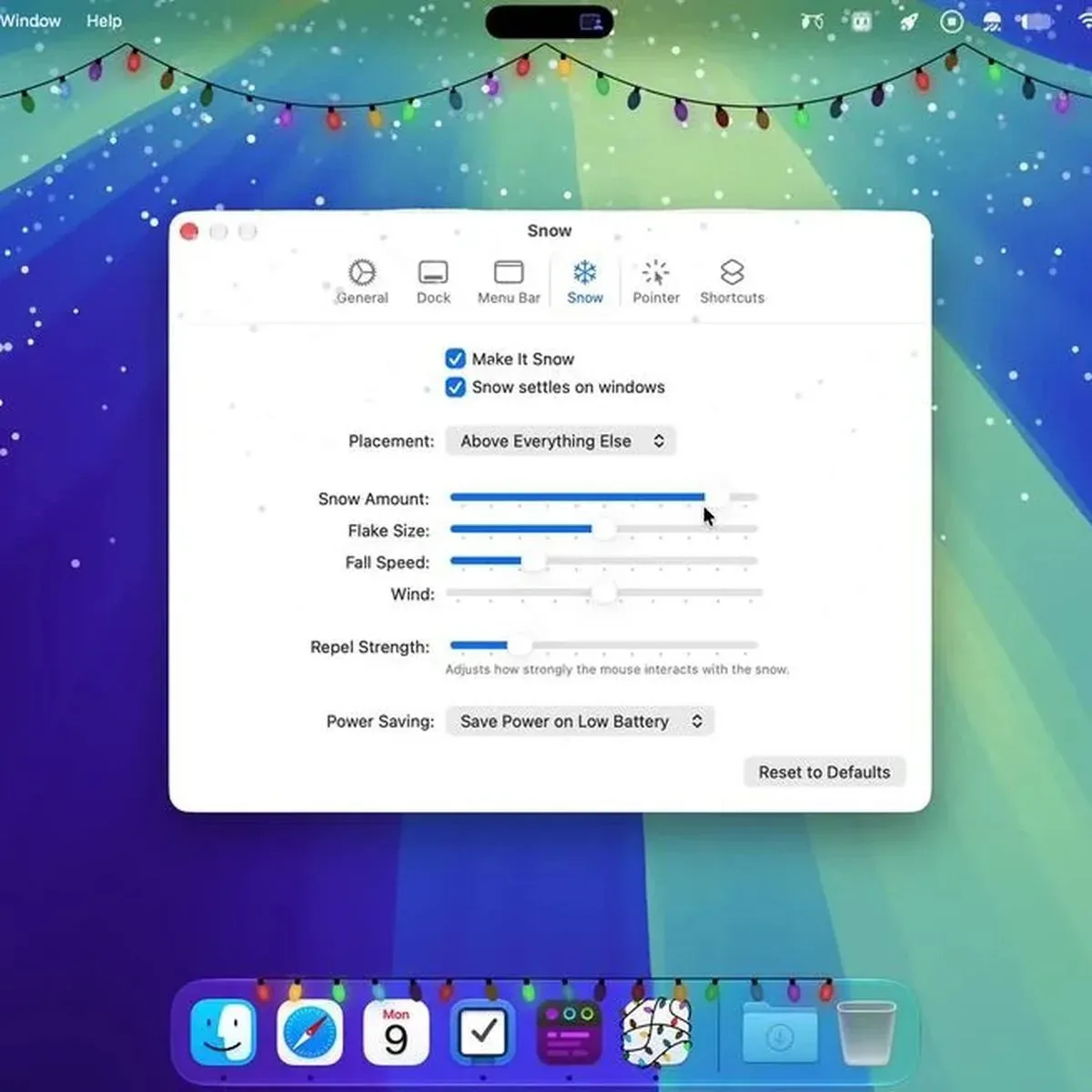
Falling snow is no longer merely a background flourish. The update lets snow pile up on top of app windows, making foreground software feel like part of the scene. That is a more dramatic effect than snow visible only on the desktop, because it deliberately crosses the boundary between decoration and the applications being used.
Users can adjust snow rate, density and flake size. These terms describe different parts of the same visual system: rate concerns how quickly flakes appear, density concerns how crowded the snowfall looks, and flake size affects the scale of each individual piece. They should allow a range from occasional flakes to the app’s explicitly supported snowstorm-style treatment.
Festivitas can place snow and lights above app windows or restrict them to the desktop. Lights can also remain visible on the Dock. That placement choice is significant in practical terms. Desktop-only decorations can preserve a clearer working area, whereas above-window effects make the seasonal theme visible regardless of which app is active. The latter is likely the intended route for a more theatrical setup, but it is also the setting that has the greatest chance of competing with ordinary on-screen activity.
The app’s pointer decorations extend the same approach to the cursor. Available effects include sparkles, bubbles, falling leaves, confetti, a Christmas tree and a wreath. These are not presented as functional cursor tools; they are playful embellishments. Still, being attached to the pointer means they can alter the most constantly moving element of a desktop, so they are likely best treated as a consciously chosen visual layer rather than a background effect one forgets is enabled.
Shortcuts can connect the decorations to routines and weather
Festivitas supports Shortcuts, allowing users to play music and turn on lights, activate snow when a weather forecast includes snow, or start a snowstorm. Shortcuts are automations: they can tie actions together rather than requiring each effect to be switched on individually.
That makes the app a little more than a static seasonal skin. A user can make an intentional scene from several actions—music plus lights, for example—or tie a snow visual to a forecast condition. The details provided establish those available actions, but do not specify which music services, weather sources or scheduling options may be involved. It would be a mistake to infer broader integrations from the feature list alone.
Music automation is also a useful reminder that desktop atmosphere often draws from more than one application. Discussions around what belongs in a music library are evolving too, as seen in a recent look at Tidal’s position on fully AI-generated music. Festivitas does not make or distribute music; its role here is simply to let a Shortcut pair music playback with its own lighting controls.
For iPhone and iPad users, the update adds the ability to use fully transparent animated widgets without a screenshot workaround. In plain language, the widget can present its animation with transparency directly, instead of relying on a captured image to imitate the look. Alongside the new bulbs and snow, that gives the mobile editions a closer thematic connection to the Mac app’s decorative focus.
Permissions are the important trade-off behind the visual trick
The most consequential part of the update is not a snowflake or an imported bulb. It is the permissions distinction behind the effect.
Festivitas for Mac needs some accessibility access to operate. The developer has said the app receives substantially more access than it requires because the available Apple permissions are not granular enough, and that less access would be preferable. That is a meaningful limitation to understand: an accessibility permission framework may grant capabilities beyond the narrow visual tasks a user has in mind when enabling a seasonal overlay.
The supplied information draws a useful line between effects. Menu bar lights, snow and pointer decorations work without the System & App Protection Override permission. Lights in the Dock and snow that lands on windows require access. In practical terms, people who want the basic menu-bar lighting, snowfall or cursor treatments can use those options without granting that additional permission, while the more deeply integrated effects depend on it.
Accessibility access, in this context, is system-level permission that can enable software to interact with or observe parts of the operating environment in ways ordinary apps cannot. The distinction matters because placing an effect over a window or changing the presentation around the Dock is inherently closer to the operating system’s interface than putting a decoration on an app’s own window.
Apple is planning permission changes in macOS 27.3, and their potential effect on Festivitas has been raised directly with its developer. No specific outcome for the app is established here. What is clear is that the current implementation is shaped by permission choices that are broader than the developer considers ideal. Users deciding whether to enable the dock-light or window-snow features should therefore separate the appeal of the visual effect from the permission it asks for.
Pricing and the sensible way to approach the update
On Mac, Festivitas uses customer-chosen fair pricing beginning at €4.39 and is available from the Festivitas website. The iPhone and iPad version is free through the App Store, with customer-selected fair pricing from $3.99 to $9.99. Existing users receive the update at no additional cost.
For a restrained setup, the available information suggests a straightforward route: use menu bar lights or desktop-only snow, select an unobtrusive animation style, and avoid granting extra access unless the Dock lights or snow-on-window effect is specifically wanted. That is not a judgment on the app’s intent; it is simply the clearest match between the stated permission boundaries and the features they unlock.
For users who want to lean into the premise, custom bulbs, foreground snow, pointer decorations and Shortcuts offer a far more elaborate scene than a conventional string of menu-bar lights. Festivitas is still a seasonal novelty app, but it has become a notably configurable one. The 2026 update gives it better tools for both ends of the spectrum: a small glow at the top of a Mac screen, or a full desktop forecast calling for decorative chaos.