BOXROOM’s Holiday Update has arrived with the feature its community had requested most: a built-in tool for finding and downloading game artwork without leaving the game. The update is the last planned Early Access release for Pantaloon’s Steam library-management and interior-design sandbox before its version 1.0 launch on November 10.
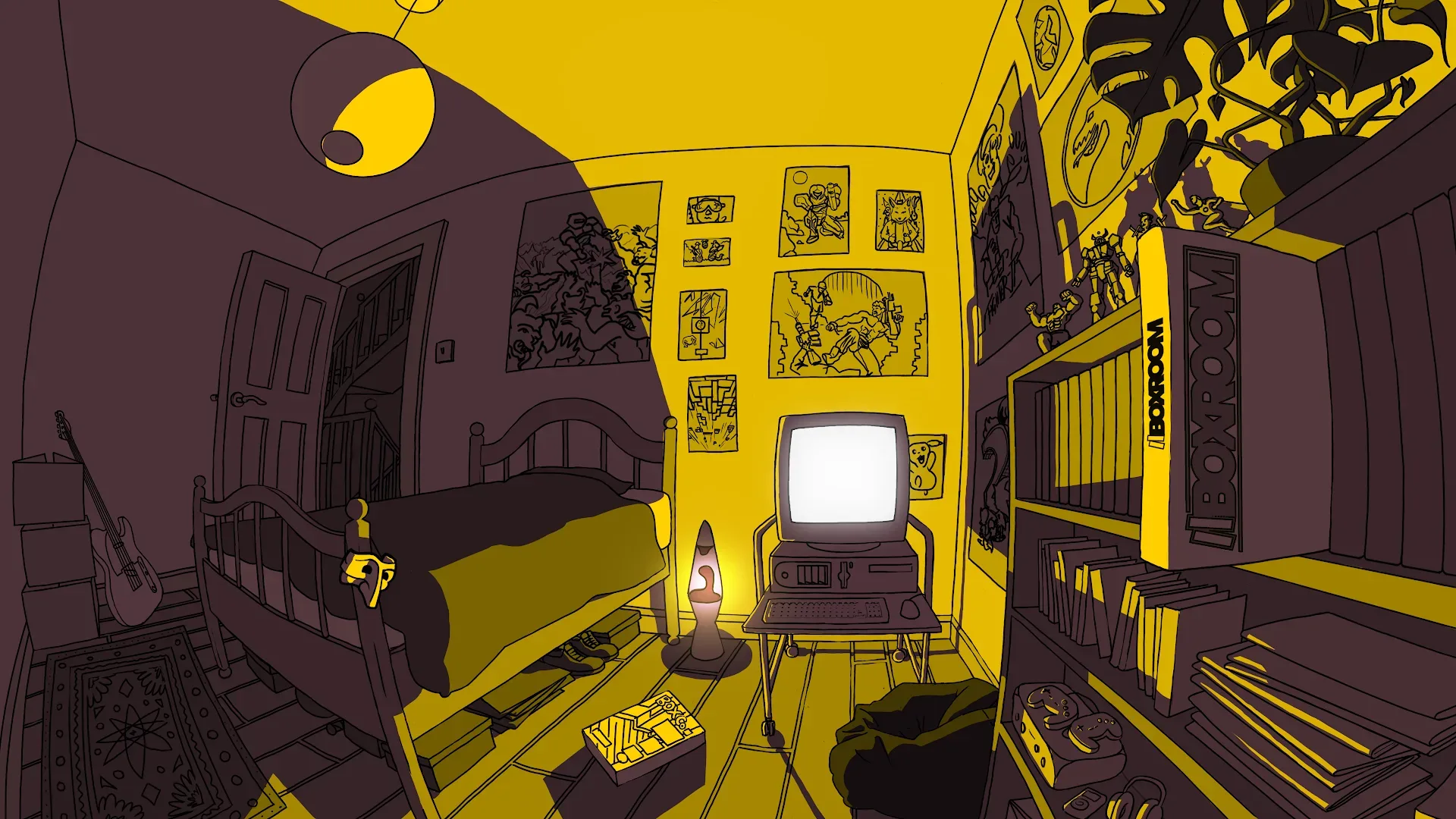
At its core, BOXROOM turns a digital game library into something spatial and decorative. Players build, furnish and customise a room intended to display their game collection. That makes cover imagery more than a bit of metadata: it is part of the room’s visual identity, affecting how a shelf, display arrangement or custom case looks once it is placed.
The new scraper is therefore a practical addition rather than merely a cosmetic extra. It lets players bring artwork into BOXROOM through an in-game workflow, while custom game cases remain an option for those who want to make their own.
Artwork scraping is now handled inside BOXROOM
The headline addition is integrated through a partnership with IGDB, with implementation carried out with Twitch’s help and approval. IGDB is a game-information database; in this context, its role is to provide game artwork that BOXROOM players can download for their displays.
Using the feature is straightforward:
- Pause BOXROOM.
- Open the Media tab.
- Select Start Scraping.
That compact process matters for a game centered on arranging a collection. Previously, a player who wanted matching artwork would need to interrupt the room-building process to look for assets elsewhere, then return to continue editing. With the scraper embedded in the Media tab, the task is part of the same loop as searching for a title, making a case and deciding where it belongs on a shelf.
The update does not replace BOXROOM’s custom-case functionality. Players can still create and use custom cases, preserving the more personal or bespoke side of the sandbox. The two approaches serve different needs: scraping is the convenience route for locating existing artwork, while custom cases allow players to control a game’s presentation themselves.
Why the change fits a collection-display game
BOXROOM is not simply a list-management utility. Its premise is tied to the presentation of a Steam collection in a room that the player constructs and decorates. In that setting, artworks and cases have a clear visual function. A row of games is also furniture, colour, spacing and theme.
Making artwork retrieval available from inside the game removes a point of friction from that creative process. It also helps connect the organizational side of a library to the design side. A player can use the game search to find an item, apply artwork through the Media tab and then decide how to display it, without breaking away from the room.
That focus on library presentation is particularly timely among the day’s wider PC releases; the October 23 games release roundup is a reminder that digital collections are continually growing. BOXROOM’s appeal is built around giving those libraries a tangible, personalised form rather than leaving them as a long on-screen catalogue.
Holiday decorations add three seasonal themes
The update also brings seasonal decorations for Halloween, Christmas and Easter. These are fitting additions to a sandbox interior-design game, where the same room can be reshaped around a particular mood rather than kept as a static archive.
The three sets give players distinct occasions around which to alter a display. Halloween can support a darker seasonal room, Christmas offers a winter-holiday change and Easter adds another annual decorative option. The update does not detail individual decoration items, so players should not assume a particular object or furniture type beyond the confirmed seasonal additions.
More broadly, seasonal décor complements BOXROOM’s central idea: a game collection is not only something to organize, but something to revisit and re-stage. Players who have settled on an orderly permanent setup can now change its atmosphere without necessarily reorganising the collection itself.
Quality-of-life changes target navigation and shelf work
Alongside the scraper, the Holiday Update makes several usability changes. The in-game menu has been overhauled, with better gamepad navigation and adjustable keybindings. Gamepad navigation refers to moving through menus with a controller rather than relying entirely on mouse and keyboard input. Adjustable keybindings let players change which inputs activate supported actions, a useful accessibility and preference feature for different control setups.
For the collecting and display side, BOXROOM now includes a shelf-sorting tool that can arrange games alphabetically. Alphabetical sorting is a simple organizational option, but it directly addresses a familiar problem with virtual or physical shelves: a carefully placed library can gradually become harder to browse as it expands. Players can still make a display look intentional while using an order that makes individual titles easier to locate.
Inventory handling has also been improved: players can carry up to 10 games at one time. That should reduce the number of repeat trips required when relocating several games between displays or assembling a new section of a room. It is a small numerical change with a potentially larger effect on the pace of redecorating.
- An improved game search function and a shortcut for opening it.
- Improved radio controls.
- A fix for video audio overlapping.
- A new indicator showing which way an object is facing.
- A quicker way to exit game inspection.
Each of those changes reduces a different sort of interruption. Better search and a shortcut lower the effort of locating an entry in a large library. The object-facing indicator gives clearer placement feedback when arranging a room, where orientation can affect whether an item appears properly aligned with a shelf or wall. Faster exit from inspection means less time spent moving in and out of a close-look mode while building.
The audio changes are also notably practical. Improved radio controls make the game’s music interface easier to use, while the video-audio fix addresses a situation in which multiple audio tracks could overlap. The latter is a quality fix rather than a new creative tool, but it is important for a relaxed design game where repeated or clashing sound can undercut the room-building experience.
Preparation for a fuller launch
The update includes groundwork for future localisation. Localisation generally means adapting a game for different languages and regions, including translated text and related interface support. BOXROOM’s update confirms preparation for that future work, but does not specify which languages will be added or when they will arrive.
A Bells currency has also been added. It can be earned through Pantaloon’s Playbill. The update confirms the currency and how it is earned, but provides no further detail here about its uses, earning rate or any items it may be connected to. As a result, those points remain unclear ahead of 1.0.
The Holiday Update’s timing gives it a distinct role. Rather than opening a long run of additional Early Access patches, it is positioned as the final update before BOXROOM leaves Early Access on November 10. Its mix of a heavily requested feature, refinements to core navigation and placement, seasonal items and technical groundwork suggests an effort to smooth the main collection-building experience before that milestone.
What players can reasonably expect on November 10
The confirmed milestone is that BOXROOM will leave Early Access on November 10. Players can expect the Holiday Update’s announced features to be the final Early Access additions described here: the IGDB-connected artwork scraper, seasonal decorations, menu and control improvements, alphabetical shelf sorting, expanded carrying capacity, search changes, audio improvements and the listed fixes and foundations.
What should not be inferred is a wider set of launch features beyond those already described. The localisation work is explicitly groundwork for the future, and Bells has been confirmed as a Playbill-earned currency without an explanation of its broader function. Likewise, the artwork scraper makes acquiring artwork more convenient within BOXROOM, but custom cases remain available rather than being superseded.
For existing players, the immediate takeaway is straightforward: rooms can now be filled out with downloadable game artwork through BOXROOM itself, then organised with a dedicated alphabetical shelf tool and managed with fewer menu, search and carrying hassles. For prospective players, the update clarifies what the project’s final Early Access phase is prioritising: turning a Steam library into a more polished, controllable and personal display space.