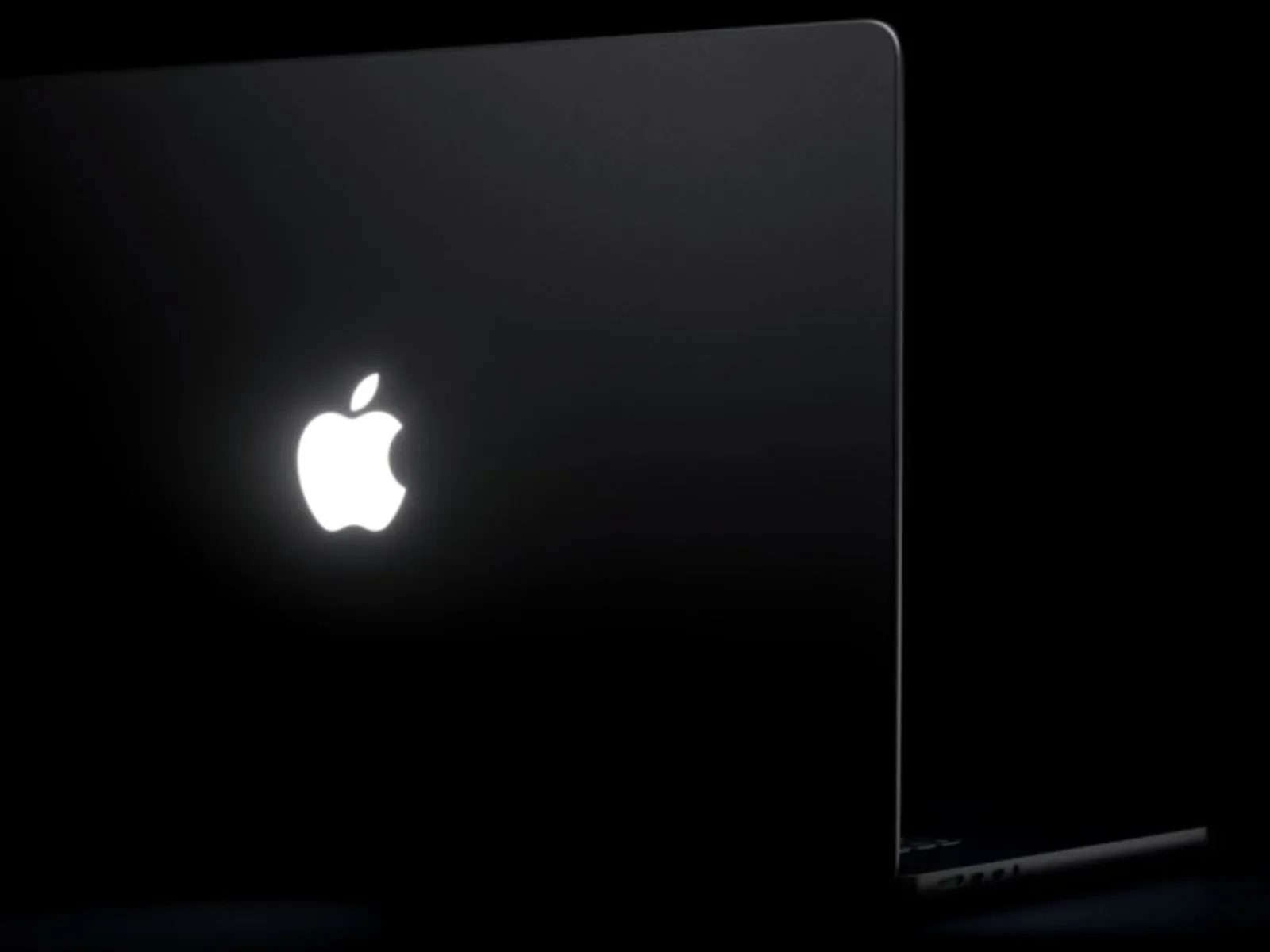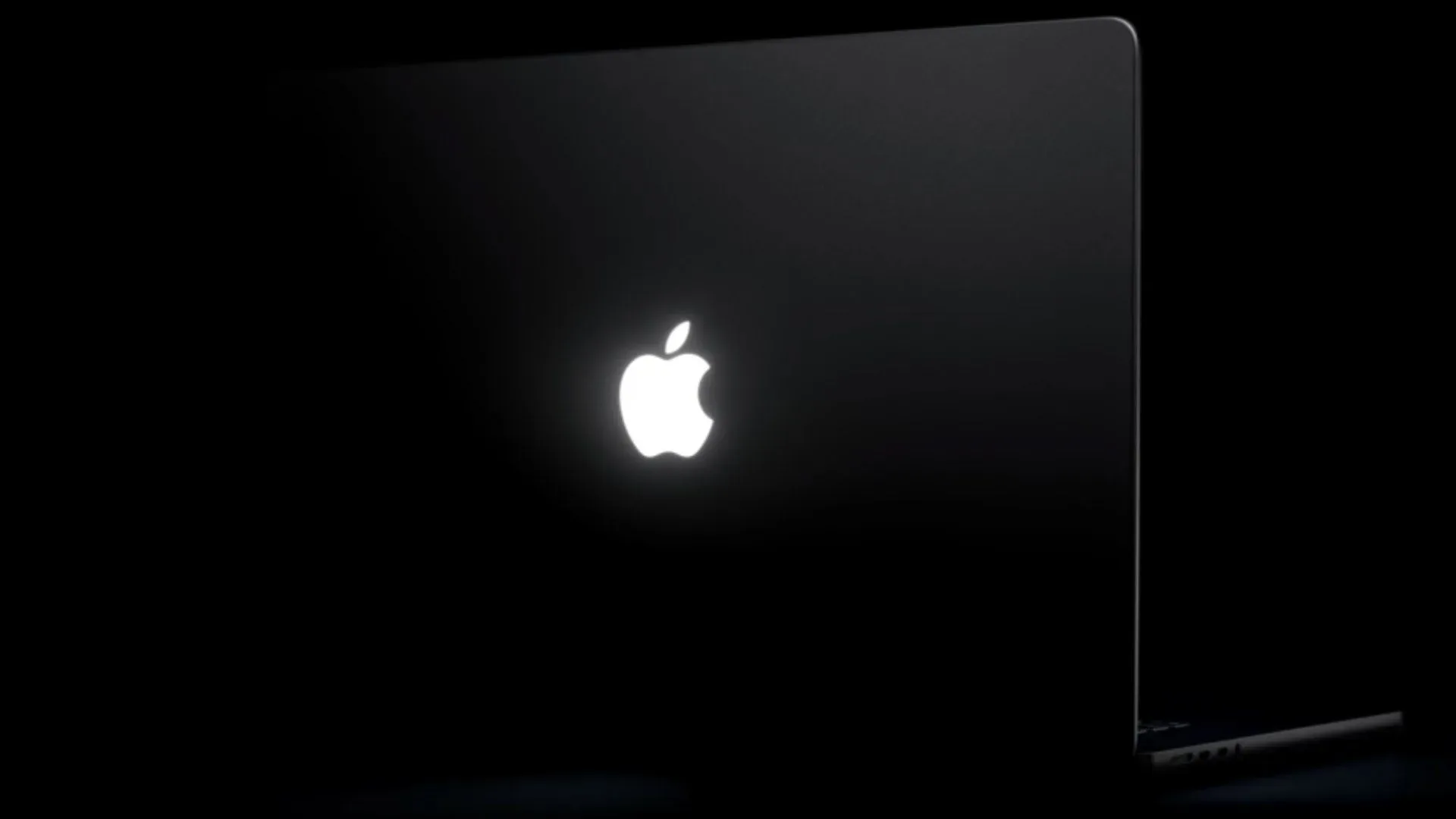
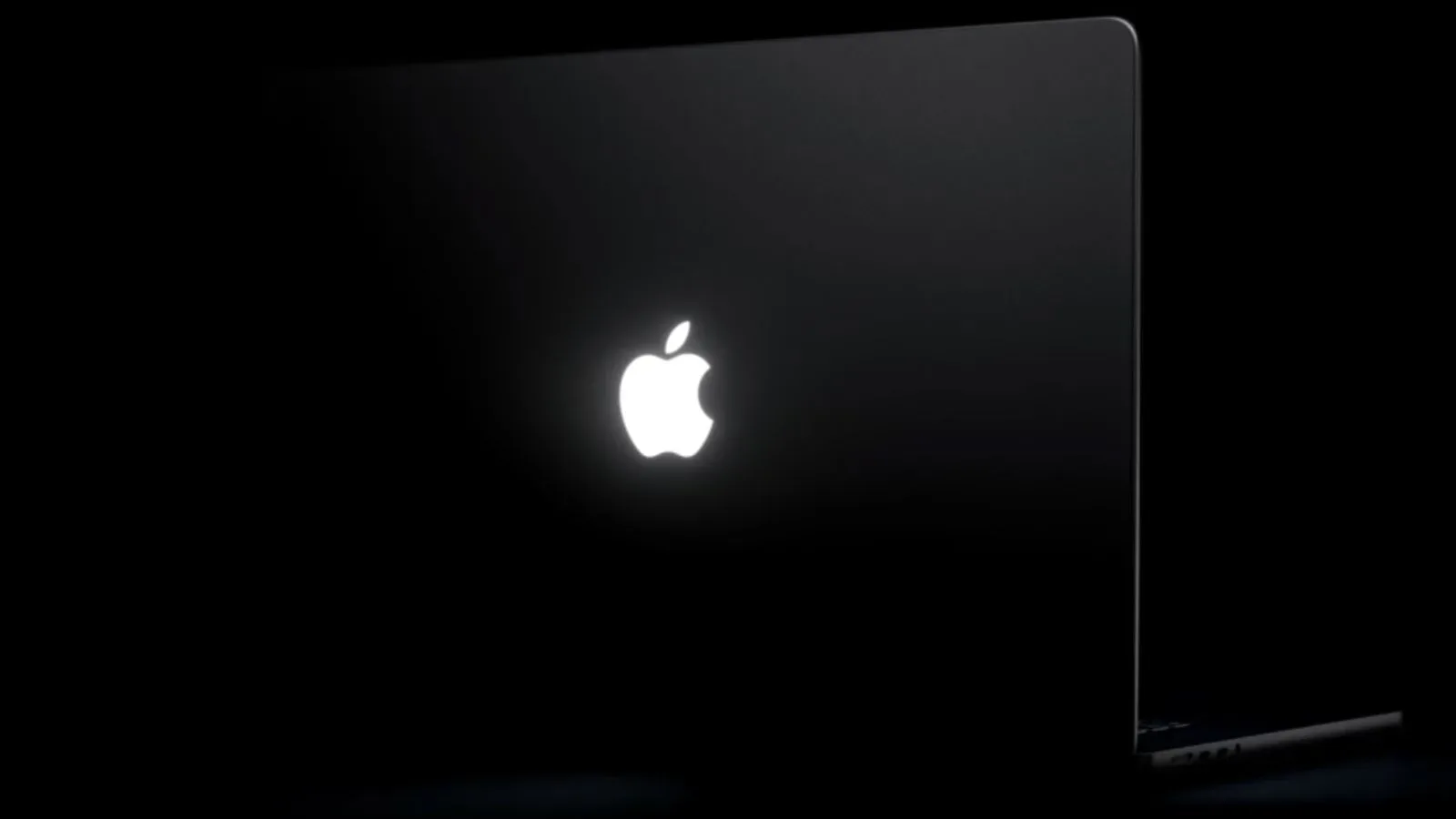
The glowing Apple logo is back on new MacBook Pro models, and a small new utility called Backglow is already treating it like the tiny status display many laptop owners apparently wished it could be. Created by designer Juan Buis, the app provides direct controls for the illuminated logo on the computer’s lid, including a separate brightness slider, an off switch and a gentle pulsing effect. A paid tier goes further, connecting the light to music or Claude Code activity.
It is a delightfully narrow piece of software. Backglow is not trying to alter the MacBook Pro’s screen, performance profile, keyboard lighting or power settings. Its entire premise is that Apple has put a controllable light in the lid, and somebody should let users have a little fun with it.
That might sound like a novelty—and, to be fair, a logo reacting to music is absolutely novelty-adjacent—but the free controls also address a more mundane preference: not everyone wants a rear-facing logo to mirror the display’s brightness, and not everyone wants it lit at all.
What Backglow changes
Apple’s standard behavior ties the illuminated logo to the Mac’s awake state. When the computer is awake, the logo is illuminated, with its brightness automatically responding to both display brightness and the ambient light around the laptop. An ambient light sensor is the component that detects surrounding lighting conditions so a device can adjust behavior automatically.
Backglow’s free version separates the logo brightness from that default display-linked behavior. Users can manually set the logo light level independently of the screen. In practical terms, this means a bright display does not necessarily require an equally bright Apple logo, and a dim display does not prevent the user from choosing a more noticeable lid light.
The app also puts a one-click off control in its interface. That matters because turning off this sort of hardware light otherwise requires using Terminal. Terminal is macOS’s command-line interface, where users enter text commands rather than adjusting graphical controls. It is a powerful tool, but it is not the first place most people expect to go for “please make the logo stop glowing.” A dedicated switch turns a technical detour into an ordinary preference setting.
The other free option is called Breathe. It makes the logo gently pulse, resembling the sleep indicator lights found on older MacBooks. That is a visual flourish rather than a declared system-status feature: the supplied details describe the mode as an effect, not as an indication that the computer has entered sleep or completed a task. Anyone using it should treat it as personal customization, not a new official diagnostic language for the laptop.
The paid modes: music and coding cues
Backglow’s Pro upgrade is a one-time purchase, listed at $9 for a limited period and $15 afterward. It includes two extra modes, each moving beyond simple brightness customization.
- Music mode makes the Apple logo’s light move to the beat of music playing on the Mac.
- Agents mode causes the light to pulse while Claude Code is working, then blink when user attention is needed.
Music mode is the clearest expression of the app’s playful side. Since the logo is illuminated by a white LED rather than a color-changing light, users should not expect a rainbow light show. The customization described here concerns brightness and motion—pulsing or movement in response to audio—not hue.
Agents mode is more function-led. Claude Code is the named workload in the available description, and Backglow uses the physical lid light as a peripheral cue: pulsing indicates that work is underway, while blinking asks for attention. This can be useful if a user is not staring at a coding window every second, though its value will naturally depend on where the open laptop sits and whether the lid logo is visible from the user’s position.
There is an important boundary to keep clear. The mode is described specifically in connection with Claude Code, not as a general-purpose notification system for every app, service or AI tool. Likewise, no claim is provided that it signals task success, failure, elapsed time or any particular kind of request. What it does establish is a visible working-versus-attention-needed distinction.
Why the new logo is a more interesting customization target than it first appears
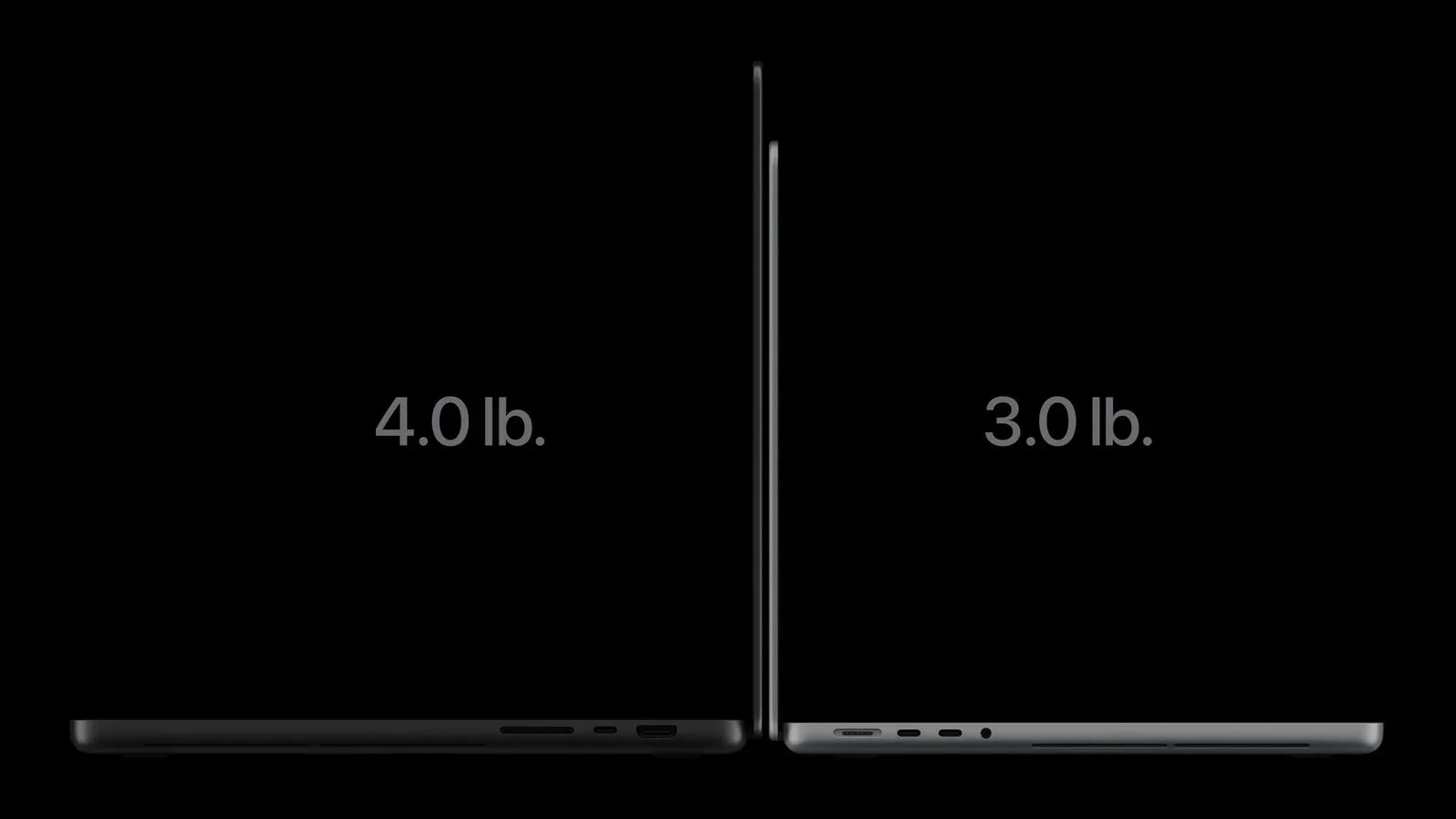
The returning light is not merely a screen shining through a cutout. Apple reportedly engineered a custom light source for the logo while avoiding additional thickness in the lid. That design constraint explains why the feature is notable: the laptop can retain a slim lid while giving the Apple mark its own illumination.
Backglow therefore appears to be controlling a distinct hardware element rather than faking the effect through display settings. Its marquee feature—independent brightness—makes sense precisely because the logo has its own light source. The app is essentially exposing a degree of personality in a component Apple otherwise manages automatically.
For people who remember earlier MacBooks, the Breathe effect adds a bit of familiar visual vocabulary. Older laptops used a pulsing sleep indicator, and the app borrows that rhythm for the returning logo. But it is worth resisting the urge to read too much into that visual callback. In Backglow, Breathe is an optional aesthetic mode. Apple’s default behavior, as described, is simply that the logo illuminates while the Mac is awake and adjusts with screen brightness and ambient conditions.
Who the app is for
Backglow is most immediately suited to people who care about their setup as an object, not just a productivity appliance. The free version offers enough to appeal to users who want a restrained result: lower the logo brightness, keep it from following display brightness, or turn it off without a Terminal command. No purchase is necessary for those core controls.
The paid modes make a stronger case for users who enjoy visible feedback from their machines. Music mode turns an ordinarily static emblem into a subtle audio-responsive effect. Agents mode gives a specific AI coding workflow a physical at-a-glance cue. Neither is essential to operating a MacBook Pro, but both illustrate why hardware lighting becomes more interesting when software can assign it a role.
It is also a reminder that device customisation need not always mean a huge ecosystem of plugins, RGB strips and menus. Sometimes it is one light, one app and a decision about whether the computer should look calm, dramatic or mildly sentient while work is happening.
What prospective users should know before reading too much into the feature
The available details identify Backglow as an app for the new MacBook Pro models with the illuminated Apple logo. They do not establish support for older MacBook Pros, other Macs or devices without this new lid hardware. Owners should therefore avoid assuming compatibility beyond the stated target machines.
They also do not describe battery impact, background resource use, macOS version requirements, permission requirements, additional Claude Code configuration, or whether the app offers customization beyond the named modes. Those are reasonable questions for a utility that changes a hardware light, but they are not answered by the available information. The safe takeaway is narrower: Backglow provides the listed controls and modes, while the finer implementation details remain unspecified.
That restraint is particularly useful in a moment when workstation decisions can get cluttered with much larger questions about processing power, memory demand and upgrades. For readers weighing broader computer hardware choices, the upgrade math around the Ryzen 7 5800X3D is a considerably more consequential kind of tuning. Backglow, by comparison, is a quality-of-life tweak with no pretense of changing the MacBook Pro’s core capability.
A small utility for a deliberately visible design decision
There is something refreshingly direct about Backglow’s pitch. Apple restored an illuminated logo, apparently putting dedicated engineering into making it glow without thickening the lid. Backglow responds by asking the obvious enthusiast question: if the light is there, why not control it?
The answer currently comes in a sensible split. The no-cost options handle the practical asks—manual brightness, a fast off switch and a soft pulse. The one-time Pro payment adds the experimental behavior—music response and Claude Code status cues. And because the hardware uses a white LED, expectations stay grounded: this is about intensity and animation, not turning the lid into a multicolor billboard.
For some users, the best setting will be off. For others, it will be a dim, steady glow that stays independent of the display. And for the small but enthusiastic group eager to watch a MacBook logo keep time with a playlist or quietly signal that an AI coding agent needs input, Backglow makes the laptop’s newly revived ornament feel a little more like a controllable interface.