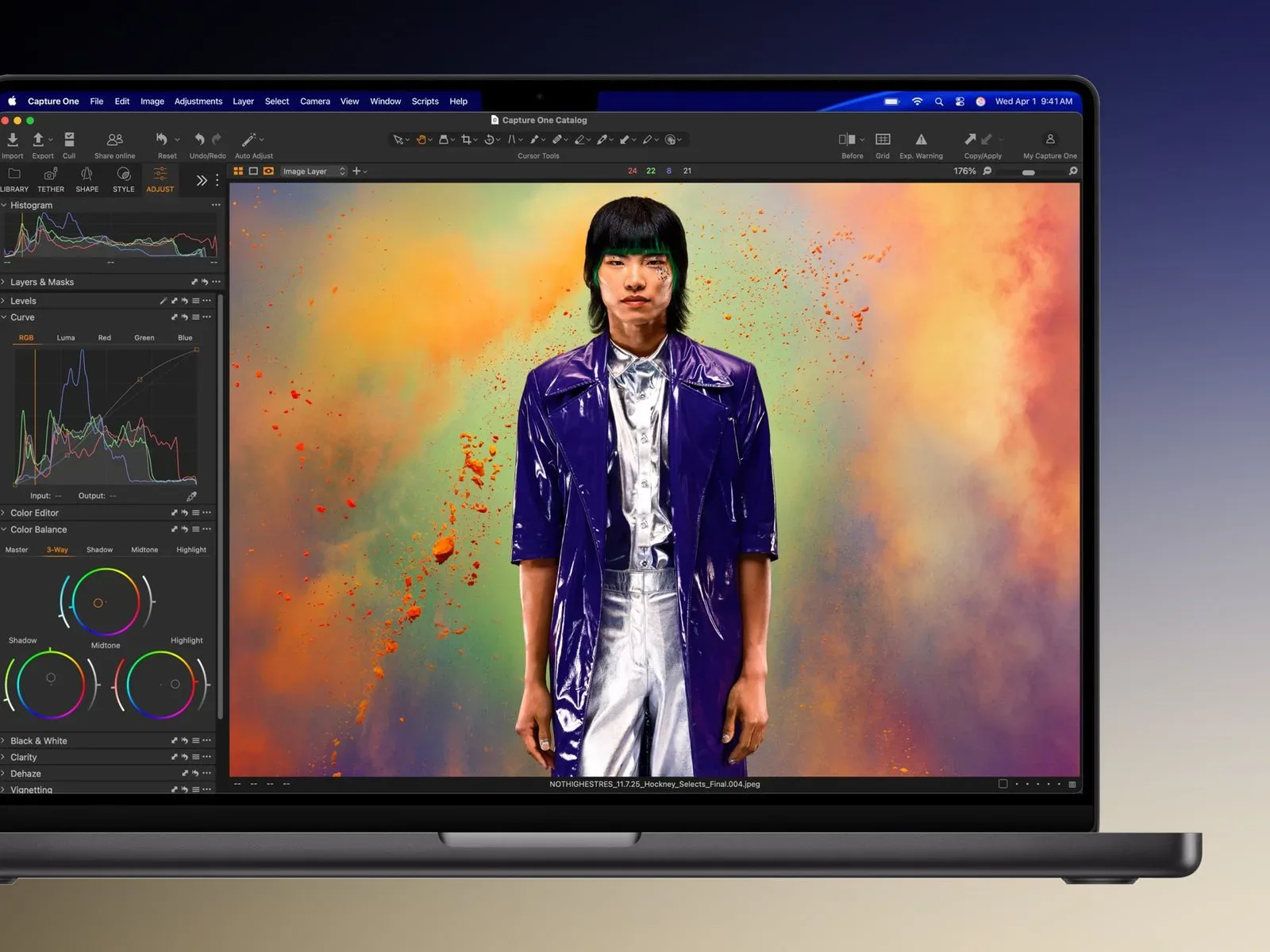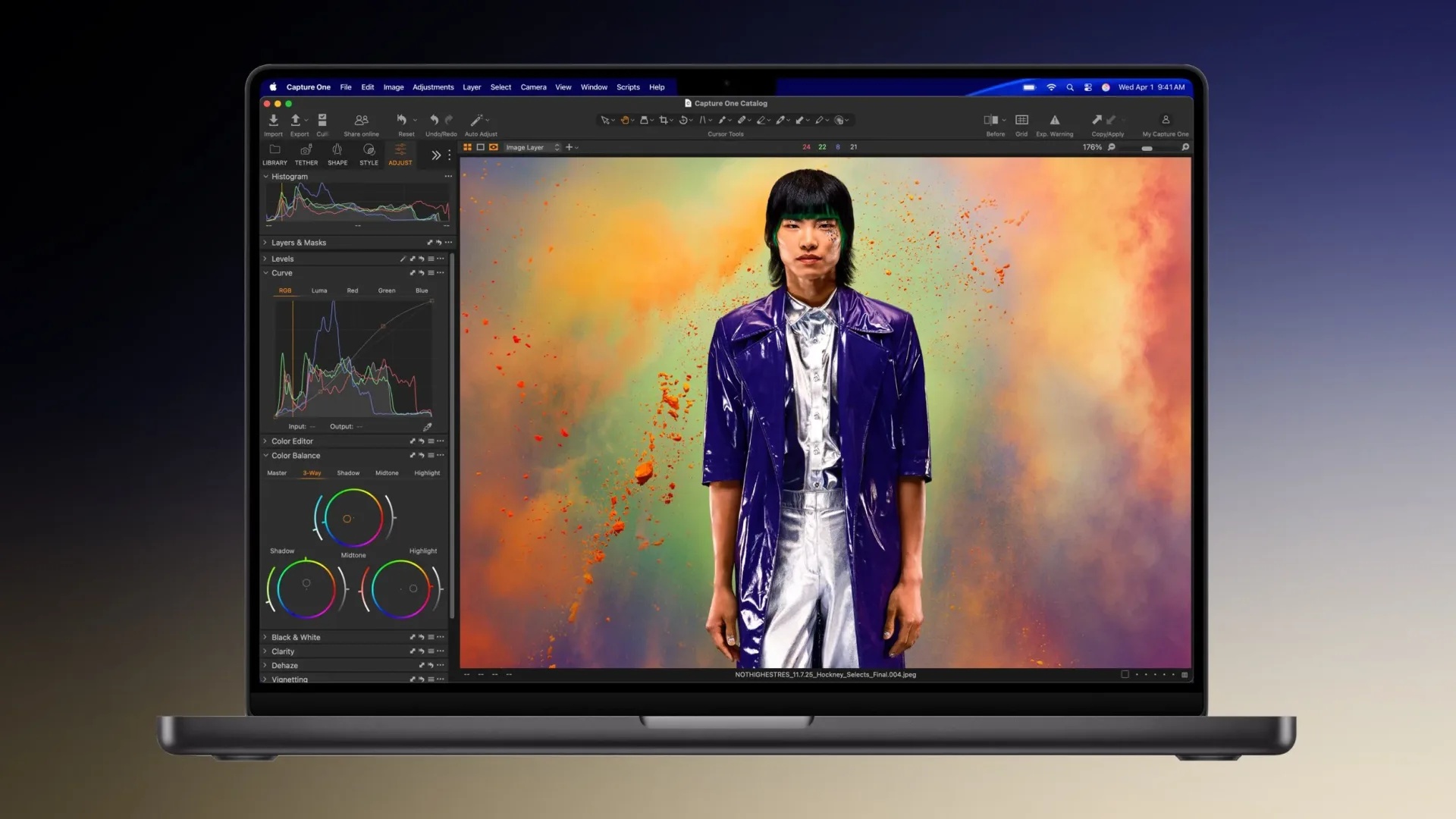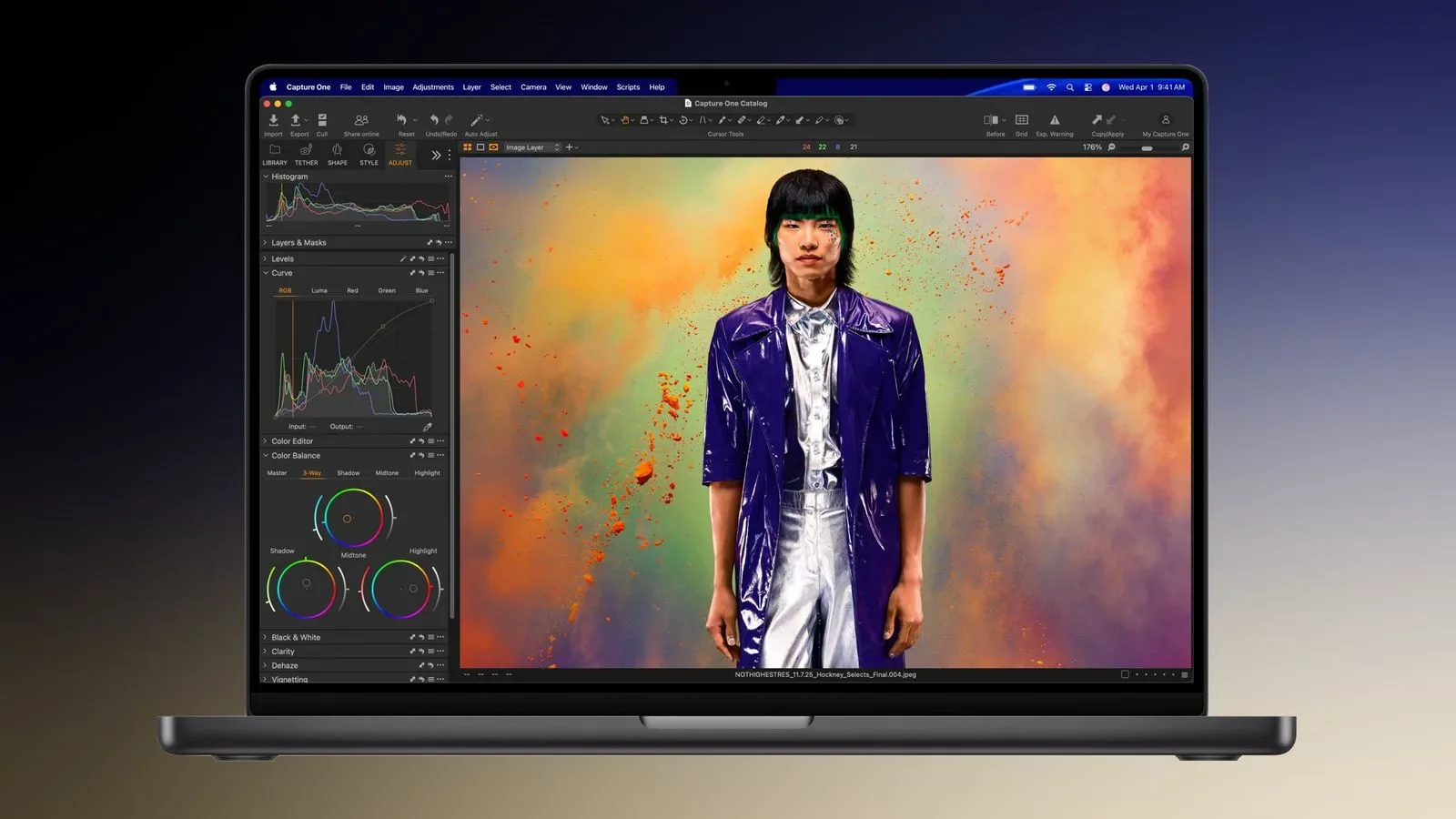
Amazon has reduced the prices of two high-specification 14-inch MacBook Pro configurations, with the largest listed reduction reaching $800. The cuts are notable not because they make these machines inexpensive—neither comes close—but because the discounted versions are built around specifications that can otherwise become costly very quickly: expanded unified memory and a 2TB solid-state drive.
The 14-inch MacBook Pro with a 15-core M5 Pro, 24GB of RAM and a 2TB SSD is listed at $2,399, down from $2,999. That is a $600 reduction. It is available only in Space Black at that price, and the listing represents a record-low price for that 14-inch configuration. It is also priced only $100 above the 1TB version on Amazon, which makes the storage step-up the central value point of the offer.
There is a larger dollar discount on the 14-inch MacBook Pro with an M5 Max, 36GB of RAM and a 2TB SSD. Its listed price is $3,299, reduced from $4,099, for a savings of $800. The deal improves on an earlier reduction by another $200.
A separate 16-inch MacBook Pro discount of $500 is also part of the wider group of reductions, although configuration and price details are not available here. Shoppers should therefore be careful not to assume that every screen size or chip tier carries the same saving.
Why the configuration matters more than the headline discount
A MacBook Pro label alone is not enough to compare these listings. Both discounted 14-inch systems have 2TB of SSD storage, but they differ in chip tier and memory capacity: one has an M5 Pro and 24GB of RAM, while the other has an M5 Max and 36GB of RAM.
RAM, or random-access memory, is the fast working space a computer uses while applications and their active data are open. More memory can be useful when several substantial programs are running at once, when projects contain many large assets, or when a user wants to keep browser tabs, communication tools and creative software open alongside one another. It is not the same thing as long-term file storage.
SSD storage is the internal space used for files, applications and game installations. A 2TB drive provides twice the capacity of a 1TB drive. That does not automatically make it the correct purchase for every player or creator, but the $100 gap between the discounted 2TB M5 Pro configuration and its 1TB counterpart makes this particular comparison unusually straightforward. For someone who genuinely needs the extra room, paying $100 more for double the storage is materially different from paying a much larger premium at checkout.
The M5 Pro and M5 Max labels identify different chip tiers, but the available deal information does not provide enough performance detail to declare one the better choice for a specific game, workflow or application. The safer reading is that the M5 Max configuration costs $900 more even after its larger discount, while also bringing 12GB more RAM and a higher-tier chip designation. The M5 Pro option is the lower-priced route to 24GB of memory and 2TB of storage.
A practical buying read for players and creators
For people considering a MacBook Pro partly as a gaming machine, the important question is not simply whether the discount is big. It is whether the selected configuration fits the software they actually expect to use. The deal information establishes the hardware specifications and prices, but it does not establish game compatibility, game performance, graphics settings or platform support. Buyers should verify those separately for the games and creative applications that matter to them before treating either laptop as a guaranteed fit.
That caution is especially relevant when crossing between Mac gaming, PC-oriented game libraries and development tools. A higher price or a higher-tier chip name does not, on its own, answer whether a particular title is available on macOS. The same principle applies to accessories, installed software and storage needs: a configuration can be aggressively discounted while still being the wrong purchase for an individual setup.
For a buyer who has already settled on a 14-inch MacBook Pro with 2TB of storage, however, these reductions clarify the financial trade-off:
- M5 Pro, 24GB RAM, 2TB SSD: $2,399, reduced by $600 from $2,999.
- M5 Max, 36GB RAM, 2TB SSD: $3,299, reduced by $800 from $4,099.
The difference between the two sale prices is $900. Put another way, the M5 Max system’s $800 price cut is larger, but its checkout price remains substantially higher. A buyer should not let the biggest discount figure obscure that gap. The M5 Pro model is the less expensive choice, while the M5 Max model is the more highly specified one based on the stated chip tier and memory allocation.
What the 2TB comparison changes
Storage is often where a laptop purchase becomes harder to evaluate. Buyers may focus on the processor and memory, then discover that large applications, media files and installed games have made their chosen drive feel restrictive. Here, the 2TB M5 Pro model being just $100 above the 1TB version gives prospective buyers a simple question: would an additional terabyte be useful over the life of the machine?
If the answer is yes, the 2TB listing deserves more attention than the raw $600-off number alone suggests. If the answer is no, a lower-capacity version may still be the better fit even when the larger drive looks like the relative bargain. The point is to compare the actual configurations, not to assume a record-low listing is automatically the most sensible option for every budget.
Memory deserves the same treatment. The 24GB M5 Pro system and 36GB M5 Max system should be compared as complete packages. The M5 Max offer is not simply an $800 coupon on an otherwise identical laptop; it combines different memory and chip-tier specifications. That makes the price difference a configuration decision, not merely a sale decision.
Check the exact listing before buying
The stated M5 Pro price is tied to Space Black, so color selection matters. The broader set of discounts also includes a 16-inch reduction, but that does not supply a basis for comparing it directly with either 14-inch model. Confirm the screen size, chip tier, memory, SSD capacity, color and final price on the product page before placing an order.
It is also worth keeping the distinction between a listed price and a permanent price in view. These are retailer discounts on specific configurations, and a prospective buyer should review the current listing rather than rely on a prior snapshot. That is particularly important when evaluating a $100 capacity difference or an $800 headline reduction, where a small change in configuration can alter the value calculation.
For the games-business angle around Apple’s wider platform, see our look at the question of whether changing iPhone rules would meaningfully affect game developers. For this hardware sale, though, the immediate takeaway is narrower: Amazon’s two 14-inch 2TB MacBook Pro listings bring unusually large savings to configurations with substantial storage, while leaving buyers to decide whether the M5 Max and 36GB of RAM justify a $900 increase over the discounted M5 Pro model.
Shop the products
Check current price, model and availability at the retailer.