For years, storage was the friendly part of building or upgrading a gaming PC. A graphics card might demand a small financial intervention, and RAM could occasionally decide it was made from unobtainium, but extra storage generally felt manageable. Need room for another enormous open-world game? Add a drive. Need a place for clips, screenshots, mods, save backups, and the game library nobody has touched since 2018? Add another drive.
That easy answer is becoming considerably less easy. The same AI data-center expansion that has put pressure on other PC components is now being felt in the storage aisle. Solid-state drives have risen sharply in price, and conventional hard disk drives have not escaped the squeeze either. For PC players, collectors with digitized libraries, and anyone maintaining backups, the practical question is no longer simply “how much storage do I want?” It is “which files genuinely need expensive speed?”
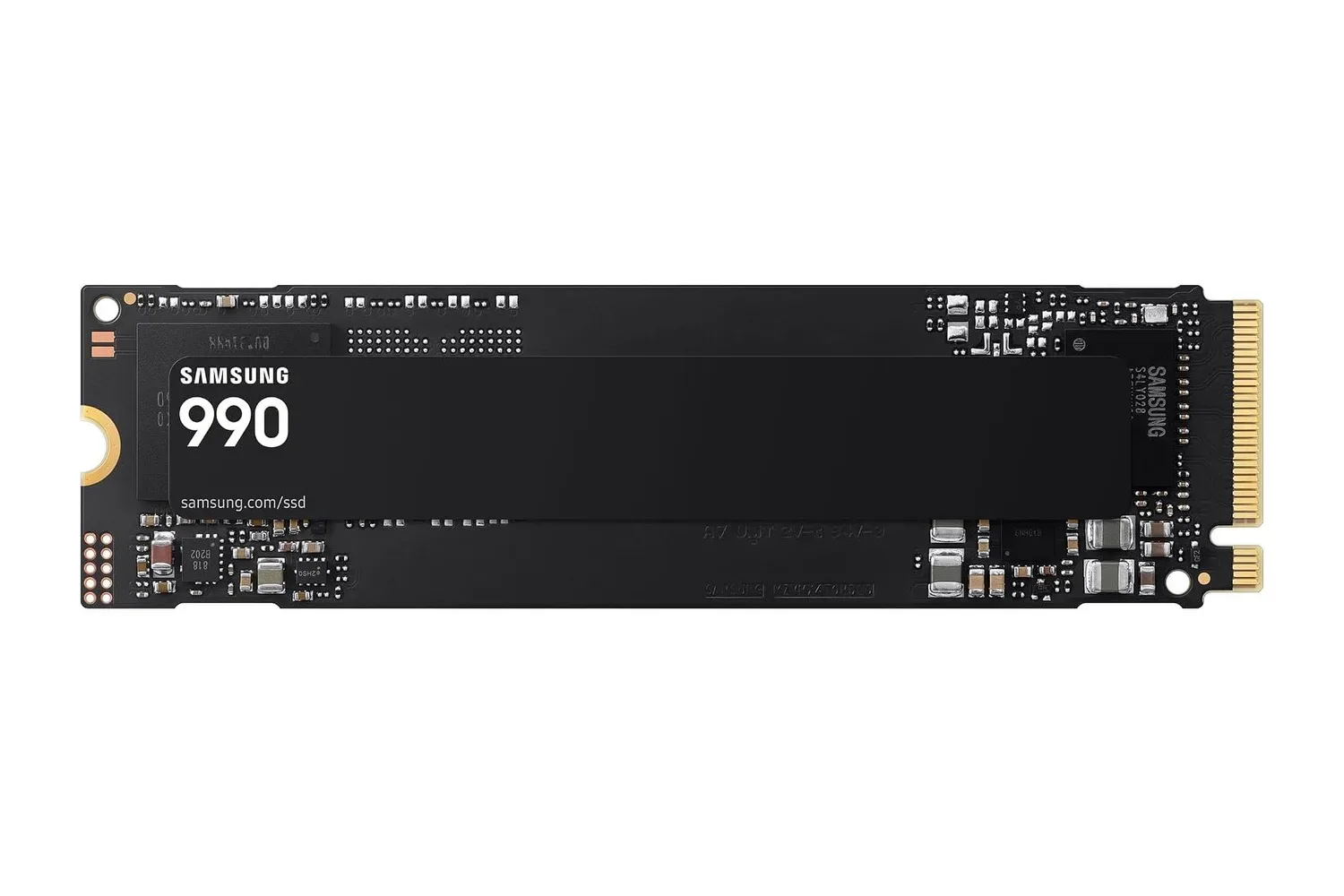
Reports from September 2026 illustrate the scale of the jump. Depending on the model, 2TB SSDs that commonly sat in roughly the $120 to $200 range a year earlier can now come close to, or exceed, $400. At the lower end, 256GB SSDs that were once around $25 are also priced at multiples of that earlier level. A 1TB portable SSD used for macOS Time Machine backups was listed at $85 less than a year ago and now carries a $160 price tag.
The details will vary by brand, interface, retailer, endurance rating, and whether a drive is internal or portable. Still, the wider message is hard to miss: a capacity increase that used to be an almost automatic checkout add-on can now change the entire upgrade plan.
Why AI demand reaches the gaming PC storage budget
AI infrastructure requires immense quantities of storage. Data centers need fast storage for workloads where performance matters, but they also need huge pools of capacity for data that has to be retained, moved, processed, or kept accessible. That demand affects the component ecosystem far beyond the servers sitting in a hyperscale facility.
SSDs use NAND flash, so their pricing is connected to the supply and demand dynamics surrounding flash storage. When demand accelerates, consumer drives can feel the impact quickly. The everyday result is grimly familiar: the SSD you had been watching as a “maybe later” purchase suddenly looks like it has received a stat boost nobody asked for.
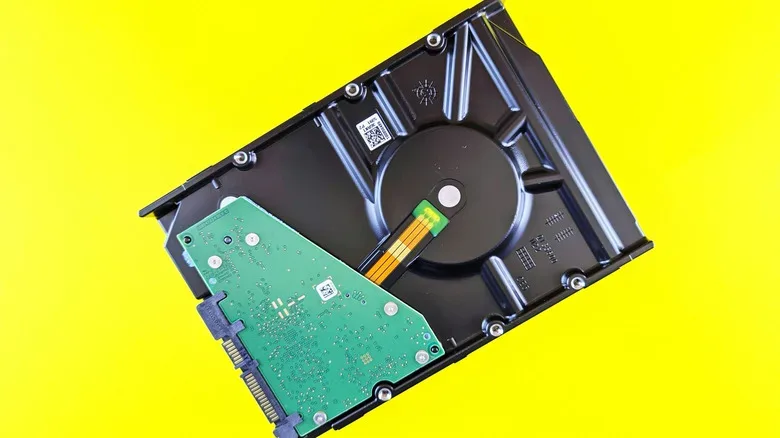
Hard drives use a different technology and do not rely on NAND flash in the same way. That does not make them immune. Data centers also want high-capacity HDDs because they remain useful for storing vast amounts of data at a lower cost per terabyte than SSDs. Heavy buying of larger enterprise-class drives can raise pressure throughout the market. Meanwhile, consumers and businesses pushed away from expensive SSDs may look toward hard drives instead, strengthening demand there as well.
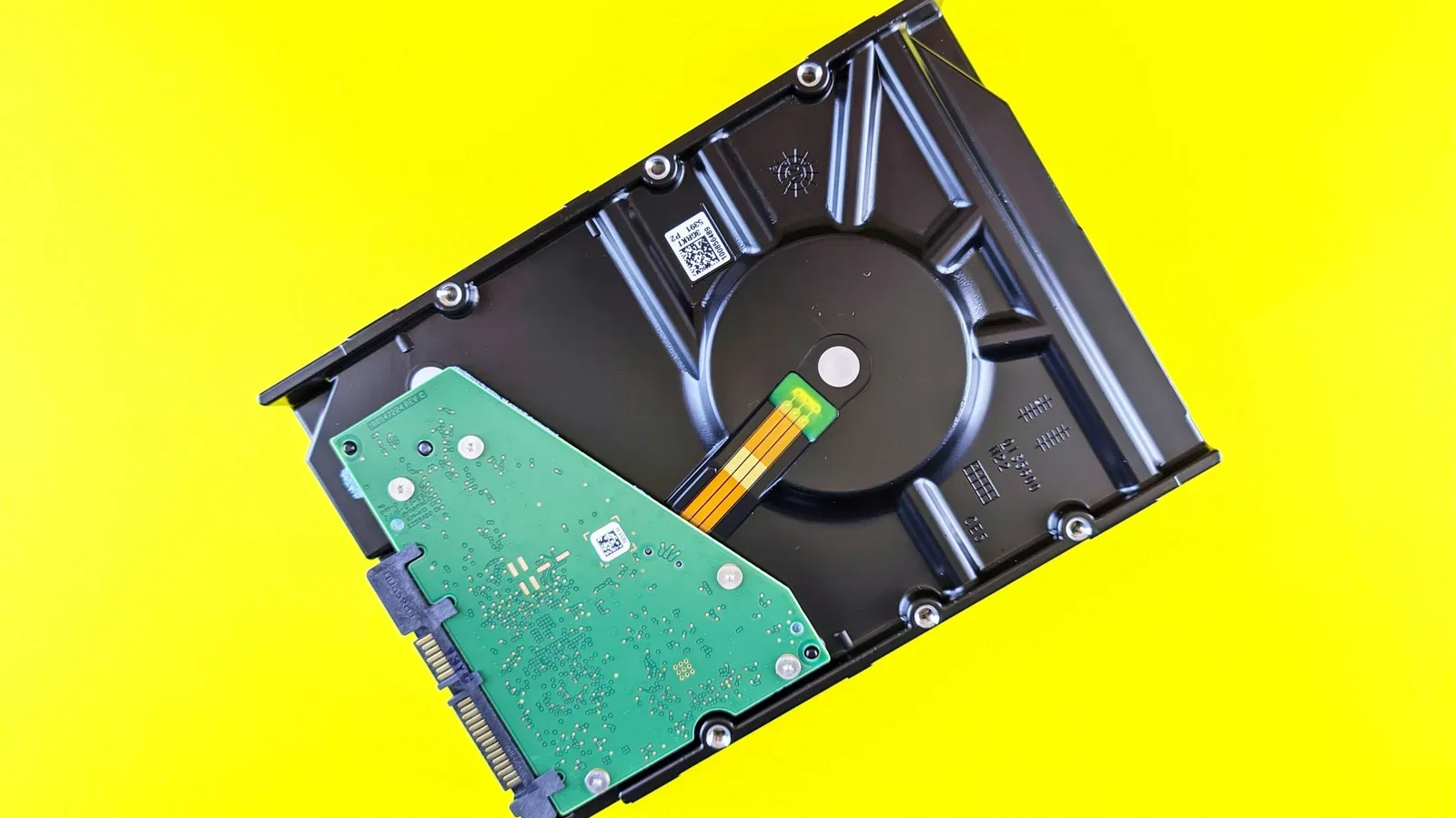
Examples of the HDD increase are similarly stark. Average pricing for 4TB, 3.5-inch SATA hard drives was around $120 at this time last year; it is now roughly $240. An 8TB model that had been around $200 is now about $400. These are broad comparisons rather than a promise that every individual listing has doubled, but they show why storage shopping can feel oddly hostile in 2026.
Related coverage includes AI Demand Is Pushing SSD and HDD Storage Prices Higher.
An HDD is not suddenly a gaming boot-drive hero
The price movement creates a counterintuitive situation. If both SSDs and HDDs become more expensive, the difference in actual dollars between a fast solid-state option and a spinning disk can widen. That can make a hard drive a more rational capacity purchase than it was before, especially if the alternative is paying a premium for SSD space that will spend its life holding files that do not need rapid loading.
But it is crucial not to turn that sensible budget distinction into bad PC advice. An HDD should not be treated as a replacement for an SSD as the main drive in a modern gaming system. Operating systems, everyday software, and current games benefit substantially from SSD responsiveness. Boot times, application launches, patching, asset streaming, and general desktop use all make the old mechanical drive feel its age. Some newer games are particularly built around the expectation of solid-state storage.
In short: an HDD may be a good value destination for data, but it is not a time machine to the era when everyone patiently watched a loading bar crawl across the screen.
Where hard drives still earn their place
Hard drives remain a practical tool when capacity matters much more than instantaneous access. They have always been useful for bulk storage, and rising SSD prices make that role more relevant, not less. A carefully planned two-tier setup can keep the fast drive reserved for tasks that genuinely benefit from it while moving slower-moving material onto more affordable capacity.
- Backups: System images, Time Machine archives, and copies of important folders usually do not require SSD-class performance.
- Photo and video archives: Raw files, completed edits, exported footage, and years of phone photos can consume terabytes without needing to load at game-engine speed.
- Older PC games: A back catalog of titles with modest streaming requirements can often live comfortably on an HDD, provided the player accepts longer loads.
- Gameplay captures: Finished clips and recordings are prime candidates for bulk storage once editing is complete.
- Installers, ROM-adjacent legal backups, and disc images: Large files that are accessed occasionally are often better suited to capacity-focused storage.
- Personal media libraries: Music, movies, and television files can consume space rapidly, while playback rarely demands the same response as a game installed on a primary SSD.
That does not mean every HDD is interchangeable. Capacity, rotation speed, cache, workload rating, connection type, warranty, noise, and intended use all matter. Nor does it remove the need for backups. A single hard drive, no matter how large, is storage—not a complete preservation strategy. Important files should exist in more than one place, ideally with at least one copy separate from the main PC.
How to make an upgrade plan without donating your wallet to the silicon gods
When storage pricing is turbulent, the most useful move may be to distinguish between performance storage and archival storage before clicking Buy. Start by checking what actually occupies the existing drive. A surprising amount of capacity can be reclaimed by removing duplicate installers, old captures, forgotten beta clients, and games that were played for six minutes during a free weekend.
Then organize files by how often and how quickly they need to be accessed. Keep Windows or another operating system, frequently used applications, and the actively played game rotation on an SSD. If room is tight, move dormant games, archives, recordings, and backups to secondary storage. This will not make a mechanical drive fast, but it prevents paying SSD premiums for data whose biggest daily job is sitting quietly in a folder.
- Audit the current library. Identify installed games and files that no longer need premium-speed space.
- Protect the primary SSD. Reserve its capacity for the OS, core apps, and games currently in rotation.
- Consider a secondary HDD for bulk files. It can offer a more sensible route to multi-terabyte capacity when speed is secondary.
- Use external drives thoughtfully. Portable storage is convenient for backups and transfers, but compare current prices carefully because portable SSDs have also climbed.
- Prioritize backup before collection growth. The shiny new game backlog is less valuable if the files that matter most have only one home.
The advice also applies to retro-minded PC players. Digital preservation can be storage-hungry: manuals, patches, mods, screenshots, scans, recordings, and multiple versions of games accumulate fast. Having a big archive available remains worthwhile, but it no longer has to occupy the same premium SSD space as a current multiplayer game or a demanding new release. The ongoing push for higher-fidelity PC graphics is itself becoming more expensive in several directions, as seen in the growing power costs tied to top-end PC graphics hardware.
The uncomfortable return of storage triage
There is an irony in all this. Modern gaming has spent years moving away from the storage constraints that once made uninstalling games, juggling discs, and trimming libraries feel routine. Huge SSDs helped make massive game installs less stressful. AI’s infrastructure boom is now helping bring back a familiar discipline: deciding what stays on the fastest drive, what gets moved aside, and what truly deserves a fresh purchase.
That does not mean SSDs have lost their value. They are still the right choice for operating systems, applications, active games, and any workflow that depends on quick access. The real change is that speed needs to be treated as a resource rather than an assumption. HDDs, despite their noise, moving parts, and slower behavior, remain useful when the goal is simple capacity.
For now, a mixed-storage approach looks less like settling and more like sensible planning. Put the performance-critical work on flash storage. Let hard drives handle the archives, backups, and digital attic. It may feel retro in the least glamorous way possible, but until pricing calms down, the spinning disk has a job to do.