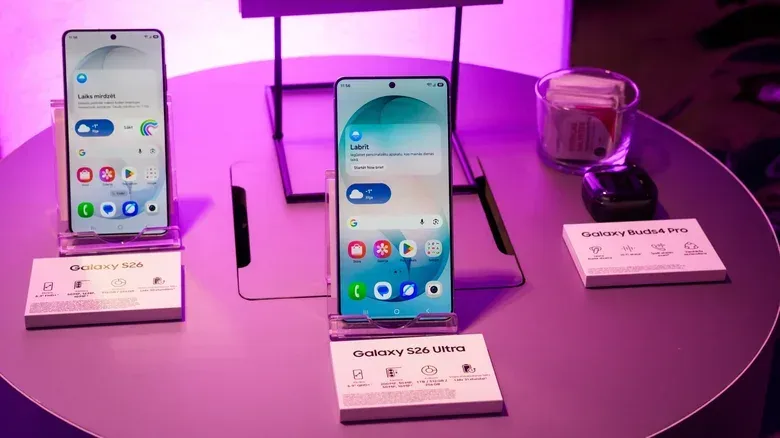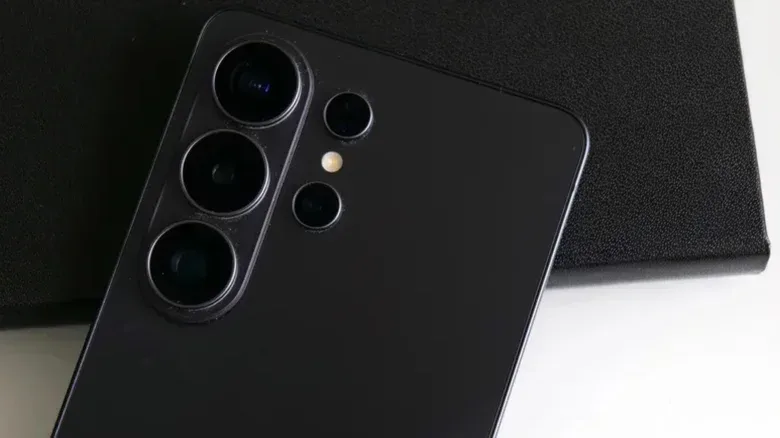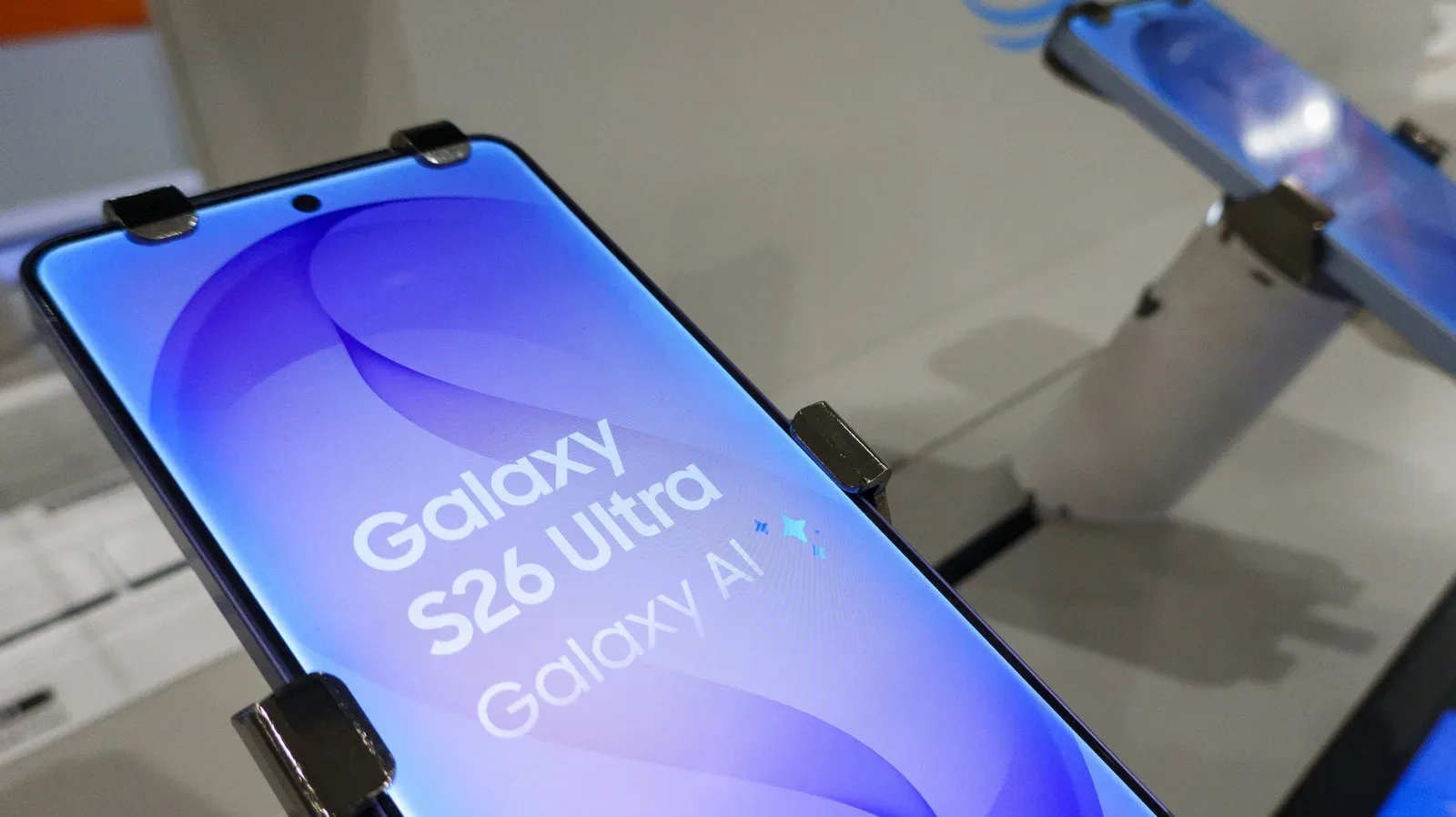
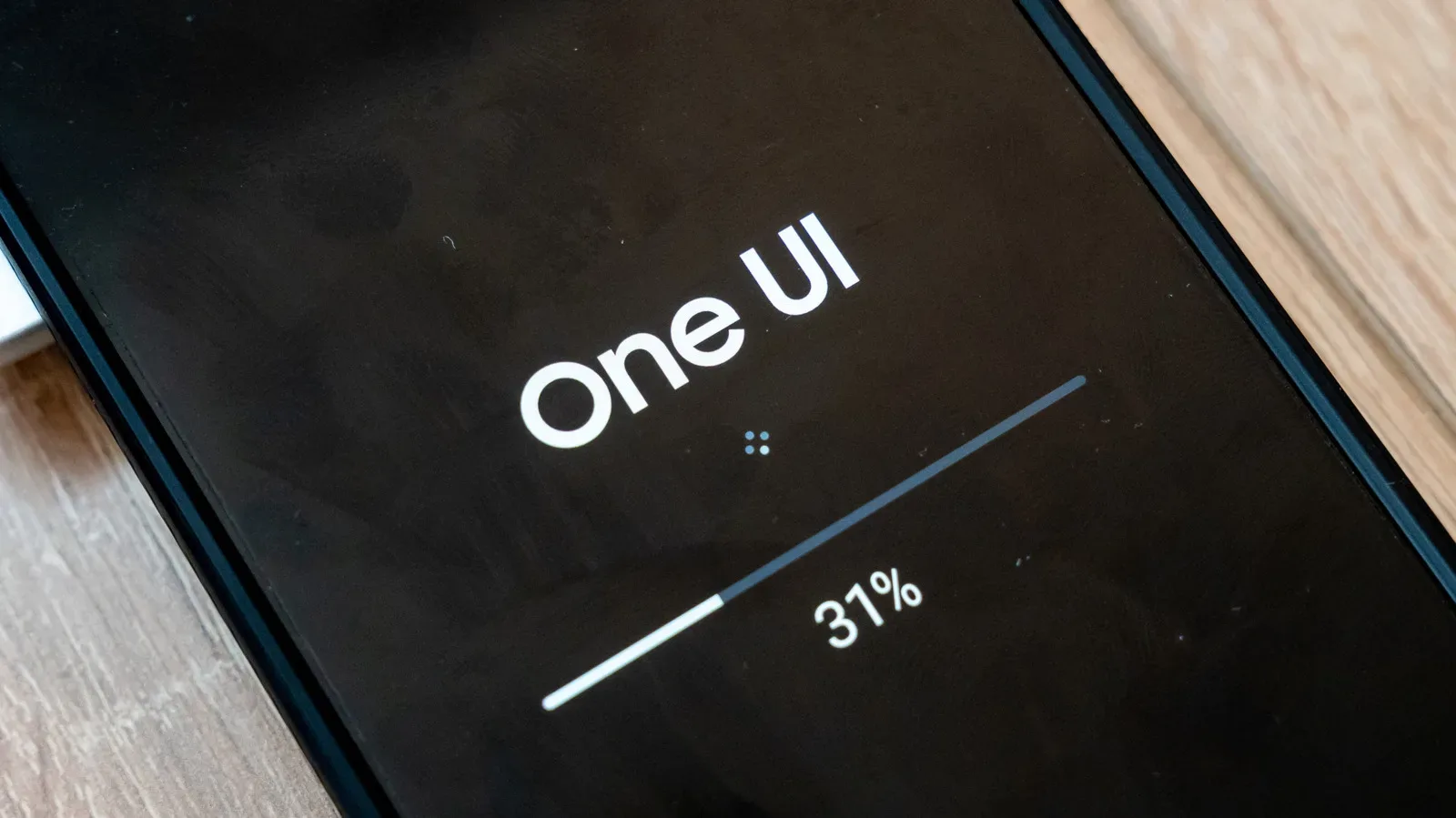
A One UI 9.5 beta may be close for Samsung’s newest Galaxy hardware, but Galaxy S26 owners should not expect an enrolment button to materialise simply because a test build has been spotted. Firmware identified as S948BXXU6ZZK3, intended for the Galaxy S26 Ultra, has appeared on Samsung update servers in Korea and the United States. That is a meaningful sign that public testing could be approaching, though Samsung has not yet confirmed the beta programme or published a start date.
For people who enjoy trying forthcoming software early, the practical message is simple: make sure the Samsung Members app, Samsung account and backups are ready, then wait for an official beta card inside the app. For everyone else—especially anyone relying on a single phone for work, school, two-factor codes and gaming—the more important message is that a beta is not a normal update. It is pre-release software, and leaving it can require erasing the phone.
What the server build does—and does not—tell us
A firmware build is a packaged version of the software installed on a phone. The appearance of an S26 Ultra build on Samsung’s own update infrastructure is stronger evidence of preparation than an unsupported calendar prediction. It suggests Samsung has software being staged for that model in at least two markets.
It is not, however, an announcement. There is no confirmed opening day, no official eligibility list and no official feature rundown for One UI 9.5 at this point. The build currently identified is specifically for the Galaxy S26 Ultra; it should not be treated as proof that every S26 model is eligible on day one.
Past rollouts provide useful context without guaranteeing an identical schedule. The One UI 8.5 beta opened on December 8, 2025 for the Galaxy S25, S25+ and S25 Ultra. Participants in Poland and India did not receive access until the second beta build, which arrived on December 22. That staggered approach is a reminder that a programme can be live while still unavailable to a qualifying owner in a particular country.
One UI 9.5 remains based on Android 17, placing it in a mid-cycle position similar to One UI 8.5 rather than representing a new Android generation. One UI 9.0 testing began on May 13, and its stable version arrived alongside the Galaxy Z Fold 8 and Galaxy Z Flip 8 on July 22. One UI 9.5 is expected to arrive with the Galaxy S27 in early 2027, but Samsung has not announced the S27 launch event.
The best reading of the evidence is therefore imminent, but unconfirmed. A server-side build says more than speculation based solely on last year’s programme, yet it does not tell prospective testers exactly when Samsung will open registrations or how widely the first wave will reach.
Which phones and countries may qualify?
The spotted package is for the Galaxy S26 Ultra. Other S26 phones are likely candidates for a broader beta, but that has not been officially established. Expectations also extend to the Galaxy S25 series, Galaxy Z Fold 8 and Galaxy Z Flip 8, although owners of those devices should treat that as expectation rather than a promise until Samsung lists supported devices in Samsung Members.
Previous beta access has been limited by both region and device status. The relevant countries are:
- Germany
- India
- Poland
- South Korea
- United Kingdom
- United States
Living in one of those places is not necessarily enough. In the United States, the One UI 8.5 beta was available only to unlocked phones. If that policy continues, a carrier-locked Galaxy S26 may have to wait for the stable One UI 9.5 release even if its model otherwise appears to be supported.
This distinction matters because a phone’s model name is not its entire software identity. Regional software variants and carrier requirements can affect when, or whether, a beta registration offer appears. Seeing a friend with the same Galaxy name receive an update does not mean every version is in the same rollout group.
How to register once Samsung opens the programme
Registration is expected to follow Samsung’s familiar beta process. First, you will need a Samsung account and the Samsung Members app. The app can be obtained through the Galaxy Store or Google Play if it is not already installed.
- Open Samsung Members after the One UI 9.5 programme goes live.
- Look for the One UI 9.5 banner or beta card on the app’s home screen.
- Select Registration for One UI Beta Program.
- Complete enrolment if your country, phone and software variant qualify.
- Open Settings, then Software update, then Download and install.
Enrolment and the download itself may not happen at precisely the same moment. Samsung distributes beta builds gradually, so an eligible participant may need to wait before the update appears under Software update. Repeatedly checking will not force a staged rollout to move faster, although confirming that registration actually completed is sensible.
The same broader rule applies to many connected-device problems: identify the account, eligibility and relevant setting before assuming data has vanished or an update has failed. That troubleshooting mindset is also useful when dealing with services such as a music library that is missing on another device, where a sync setting can be the deciding factor.
Why beta software needs a real backup plan
The word beta means the software is being distributed for testing before the final public release. Participants are not merely getting an early look; they are helping expose bugs across different devices, networks, apps and daily usage patterns. That can involve crashes, unexpected behaviour and, in the worst case, damaged or corrupted personal data.
Before installing, update installed apps and create a backup on a computer using Smart Switch. A backup is not a ceremonial checkbox. It is the fallback if the operating system, an app or data stored on the phone fails during testing. Keeping the backup on a computer is particularly valuable because the procedure for returning to stable software can wipe material created or changed while using the beta.
For a gaming audience, that risk is not limited to a few home-screen preferences. A problematic test build can interfere with routine mobile use: communication apps, account authenticators, cloud services, controller companion apps and game clients may all become part of the troubleshooting burden. Even where a game stores progress remotely, access to the account or app may be disrupted by an unstable phone environment. Anyone who cannot tolerate that disruption should wait.
A sensible pre-install checklist looks like this:
- Confirm that the phone, country and software variant are actually eligible.
- Install available app updates before moving to the beta.
- Use Smart Switch to back up the phone to a computer.
- Check that essential accounts and authentication methods remain accessible if an app misbehaves.
- Decide in advance whether you are willing to wipe the device if you later want to downgrade.
How bug reports work
When a problem appears, Samsung Members provides the route for reporting it: Participated Beta test, then Beta feedback, then Send feedback. A useful report focuses on what happened and how it can be reproduced. “The phone is broken” gives a development team little to work with; a concise sequence of actions, the affected app or setting, and the visible result is much more actionable.
Not every inconvenience is necessarily a One UI defect, and no beta participant should assume that reporting a bug produces an immediate repair. The purpose of the programme is to gather information before the final release, not to provide a guaranteed stable experience. Testers should approach it with that expectation rather than viewing it as an early-access reward with no trade-offs.
Withdrawing is easy; downgrading is the difficult part
There are two different actions that are easy to confuse. You can stop participating in the programme through Samsung Members by going to Settings, Beta program settings, then Withdraw from beta program. That ends beta participation, but it does not remove the beta firmware already on the phone.
To return the handset to older stable software, connect it to a computer and use Smart Switch’s Downgrade option. The downgrade process wipes data generated while testing. This is the central practical cost of signing up: exiting the programme is not the same thing as instantly returning to the prior operating system with every recent photo, message, save and setting untouched.
There is a less disruptive route for people who can live with the beta until it is finished. Stay enrolled and the eventual stable One UI 9.5 build should arrive as a regular software update. The precise timing of that stable release has not been announced, so this option only suits users comfortable remaining on pre-release software for an unknown period.
Who should join, and who should wait?
The beta is best suited to owners with a secondary handset, dependable computer backups and patience for occasional flaws. It also makes sense for people who are willing to document issues carefully through Samsung Members instead of expecting polish equivalent to a final update.
It is a poor fit for someone with only one phone, no current backup routine, critical data stored locally, or little tolerance for downtime. Carrier-locked US owners may not be eligible in the first place. Even qualified unlocked-device owners should remember that availability can arrive in waves.
For now, the server build gives interested Galaxy users a reason to prepare rather than panic-refresh. Update apps, check that Smart Switch backups work, and watch Samsung Members for the official card. Until that appears, the important details—launch date, complete model list, first-wave markets and confirmed changes in One UI 9.5—remain unresolved.