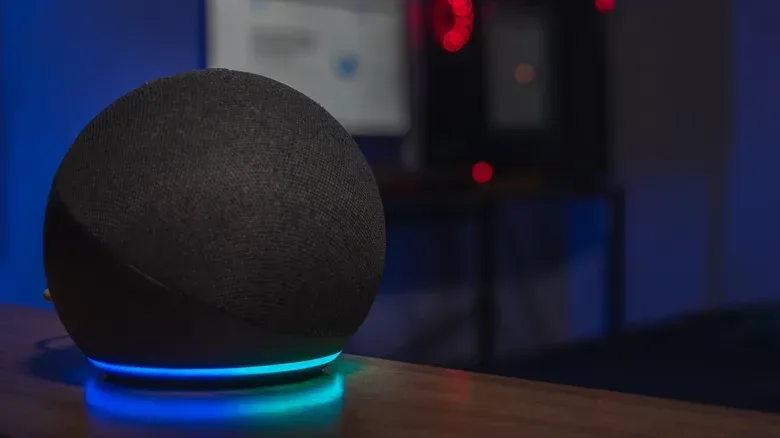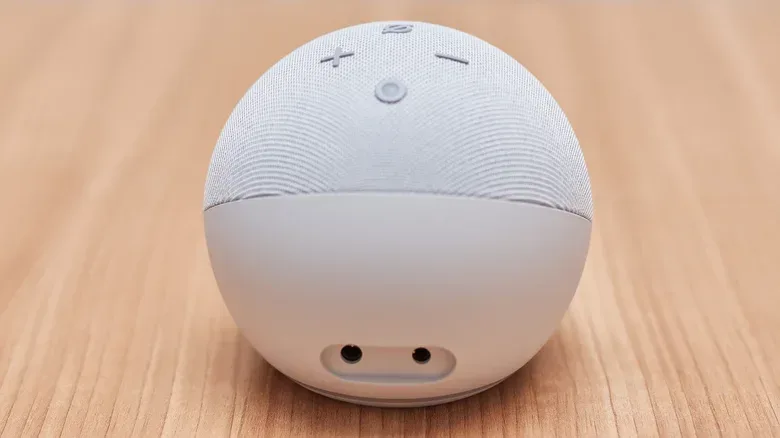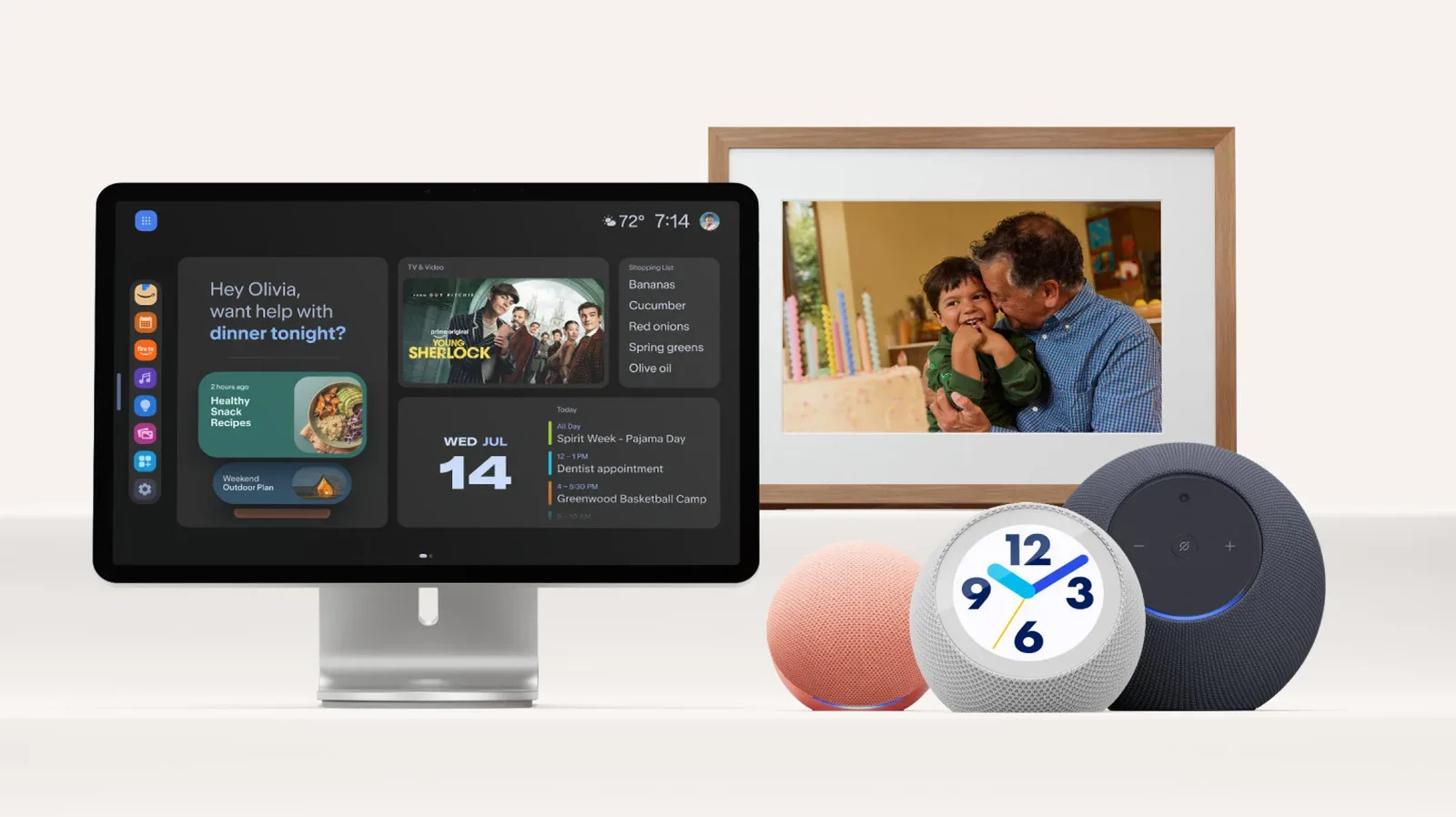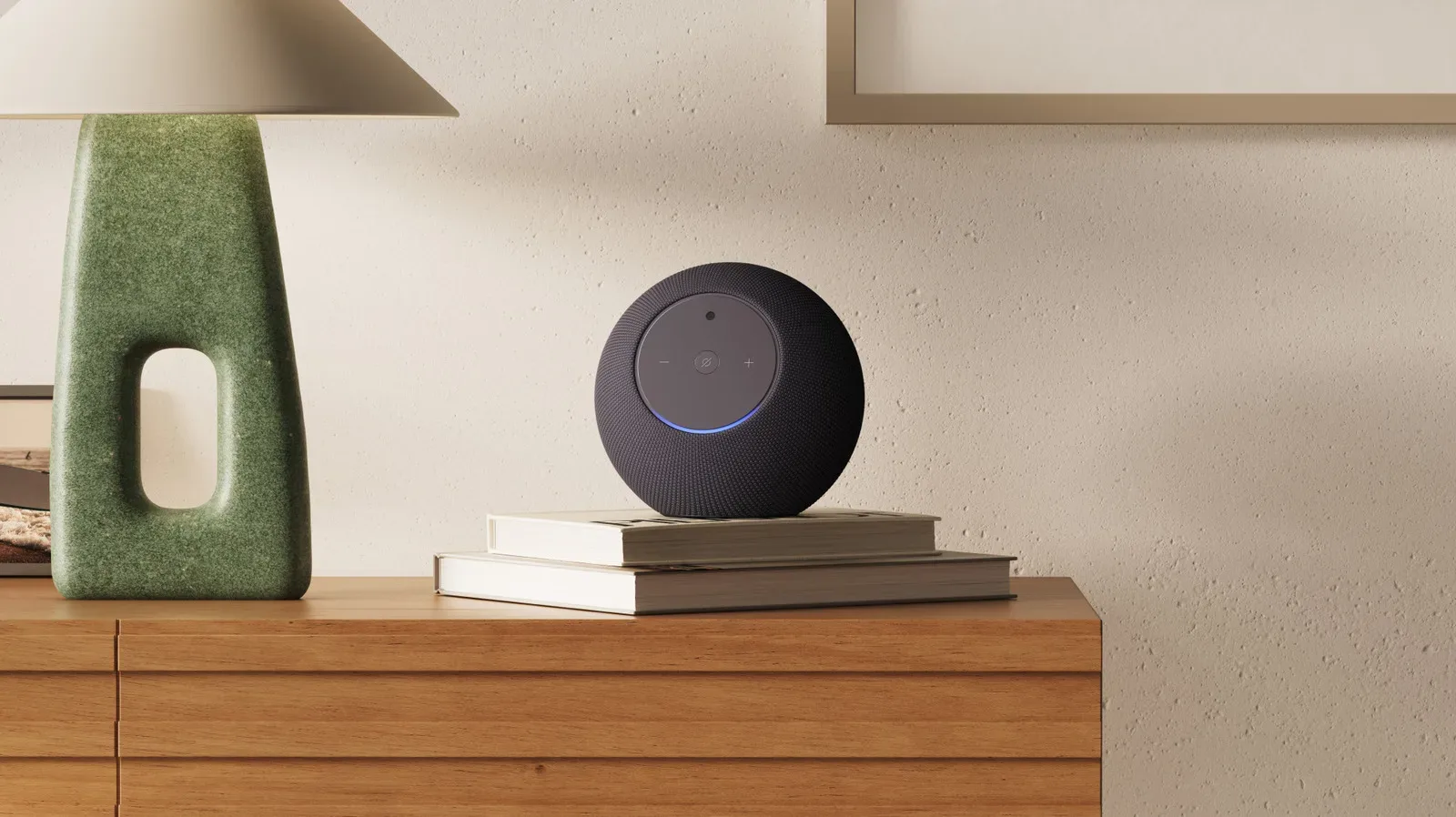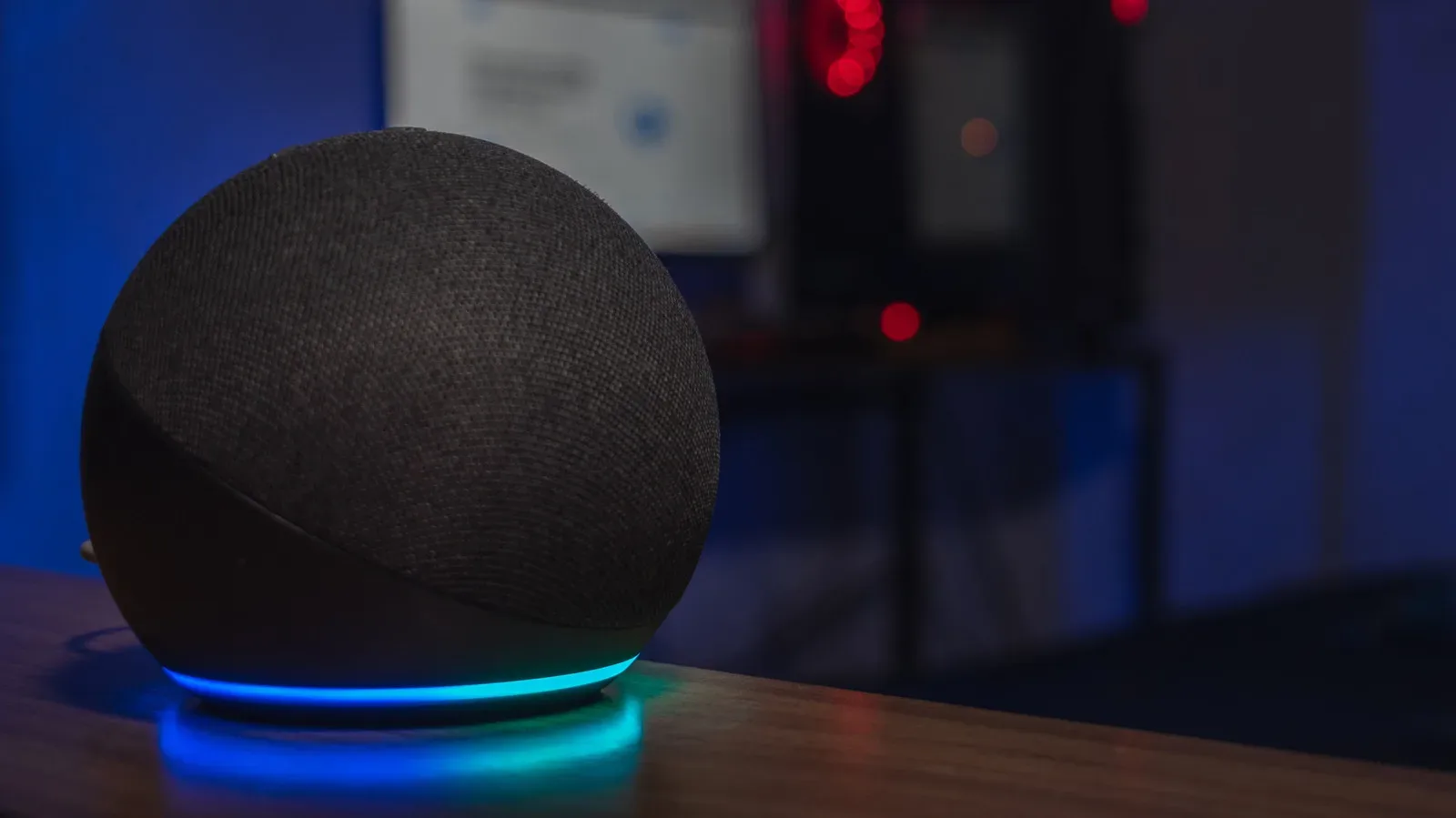
Older Echo speakers have lost a small but genuinely useful convenience: Alexa voice commands that switched the speaker to its wired AUX input. The 3.5mm connection itself remains functional on supported hardware, so a phone, computer, CD changer or another audio source can still feed sound into the Echo. What has changed is the hands-free path to selecting that input.
The removed requests include commands such as “Alexa, play from line in” and “Alexa, set AUX input.” Amazon has confirmed the change and says it notified the comparatively small group of customers who used voice requests for AUX playback. No reason for removing the commands was given.
That distinction matters. This is not a report that an aging Echo’s physical jack has stopped passing audio. It is a change to the software controls wrapped around that hardware. For people with a cable permanently connected, the practical result is one extra trip through the Alexa app whenever they need to select Line In. It is a modest loss, but also the sort of loss that can upset an otherwise tidy setup: the smart speaker still sits in the same place, the cable still works, and yet the simple spoken shortcut has vanished.
Which Echo models are affected?
The loss of Alexa AUX-input voice controls applies to the second-generation Echo Plus from 2018, the third-generation Echo from 2019, the original Echo Studio from 2019, and the fourth-generation Echo from 2020.
These models do not all have identical 3.5mm capabilities, so it is important not to confuse an AUX input with an AUX output. The jack looks the same, but its role changes depending on model and selected mode.
- Second-generation Echo Plus: supports Line In and Line Out.
- Third-generation Echo: supports Line In and Line Out.
- Fourth-generation Echo: supports Line In and Line Out.
- Original Echo Studio: supports Line In only.
- Third- and fourth-generation Echo Dots: have a 3.5mm output, but not an input.
- Fifth-generation Echo Dot: does not have a 3.5mm connection.
In plain terms, Line In means the Echo receives audio from another device and plays it through its own speaker. A phone or computer can be the source. Line Out means the Echo sends its own audio onward through a cable to another speaker, receiver or amplifier.
The two uses should not be treated as interchangeable. Someone hoping to route a turntable, computer or older music player through an Echo needs a model with Line In. Someone trying to connect an Echo to a larger stereo system needs Line Out. An Echo Dot with an output-only jack may still be handy in the second situation, but it cannot become a wired speaker for an external source just because it has a 3.5mm port.
The wired functionality is still there
The central reassurance is that supported Echo speakers can still play audio over AUX. Owners do not need to replace a working unit solely because the voice command no longer responds. They will, however, need to make the switch in the Alexa app.
Related coverage includes Older Echo Speakers Lose Alexa AUX Voice Controls.
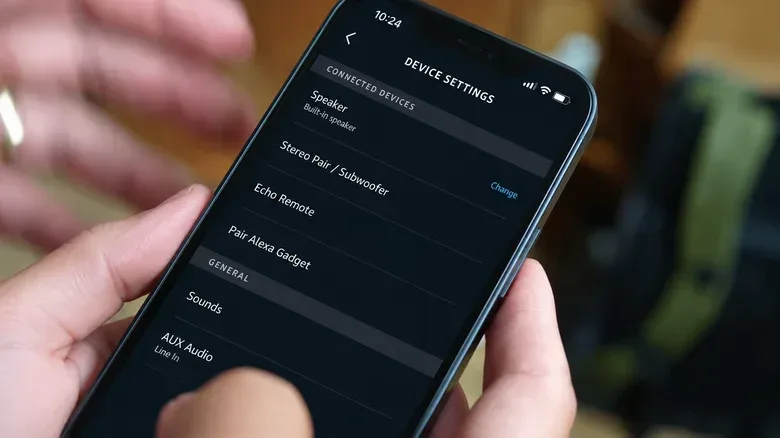
On a compatible speaker already connected with a 3.5mm cable, open the Alexa app and select the Echo under Devices. Find AUX Audio in the speaker’s settings and choose Line In to have the Echo play an external source. In some app versions, the same setting may appear under General.
For Echo models that support both directions, selecting Line Out instead sends the Echo’s audio to connected wired equipment. This is a setting worth checking before assuming the cable or speaker has failed. A device configured for output is doing the opposite of what a user expects when they are trying to hear a connected phone or computer through the Echo.
- Connect the Echo and the external device with the appropriate 3.5mm audio cable.
- Open the Alexa app and select the relevant Echo in Devices.
- Locate AUX Audio, or look under General if that is where the setting appears.
- Choose Line In to hear the connected source through the Echo.
- Start, pause and skip audio using the connected source device’s own controls.
That final step has always been a meaningful limitation. The retired Alexa commands controlled the Echo’s input selection; they did not turn Alexa into a remote control for every wired device plugged into the speaker. If a computer is providing the music, playback remains controlled on the computer. If a CD changer is the source, track selection remains on the changer.
Why the change can be more annoying than it sounds
Smart speakers are often judged as much by routine as by audio quality. A person may have an older player, a desktop computer or another wired source hooked up and use the Echo as the room’s everyday speaker. In that arrangement, a command to switch inputs is not a flashy feature. It is simply the shortest route between wanting sound and getting sound.
Replacing that request with app navigation introduces a few points of friction: finding a phone, opening the app, choosing the correct device, locating its settings and changing the AUX mode. None is difficult in isolation. Together, they change a feature from immediate to deliberate. The cable has not become useless, but the setup is no longer as appliance-like as it was.
The change also illustrates a broader ownership wrinkle for connected devices. Physical components can remain fully usable while cloud-linked software features change later. This is not unique to audio hardware; the evolving rules around software tools and services are increasingly part of the products people keep using. For another example of how shifting software policies can affect technology-related creative use, see our coverage of changes targeting requests to recreate specific video games.
For Echo owners, the actionable lesson is narrower: assess the actual port function before replacing old hardware. An older model with a surviving Line In can remain useful in a wired audio chain even after a related voice feature has disappeared. Conversely, moving to newer hardware should not automatically be viewed as an upgrade for every use case if the new model lacks the connection required by an existing setup.
Older hardware can still bridge old and new audio gear
AUX input is especially valuable for equipment that predates modern wireless audio. An early-2000s Sony CD changer, for example, can connect to an original Echo Studio with an RCA-to-3.5mm cable and play its discs through the Echo. That route continues to work without adding a Bluetooth transmitter or replacing the CD player.
RCA is the familiar pair of left and right analogue audio connectors found on many older components. A cable that terminates in RCA on one end and 3.5mm on the other lets that older component provide an analogue signal to a speaker that accepts Line In. The original Echo Studio’s input-only configuration makes it suited to this particular role: it can receive the changer’s audio, even though it cannot send its own audio out through the same kind of connection.
This is a practical reason not to write off older Echo hardware merely because it has lost one voice feature. The speaker can still work as a straightforward wired endpoint. In homes where an older music player already works and a cable is already in place, preserving that link may be more useful than pursuing a newer device with fewer analogue options.
Do not confuse an upgrade with a like-for-like replacement
The original Echo Studio provides a notable example of the trade-off. It has a Line In connection, while the redesigned 2025 Echo Studio does not retain that feature. An owner using the older Studio with a wired external player could therefore lose an important function by upgrading, even if the newer speaker is otherwise desirable.
The fifth-generation Echo Dot’s lack of a 3.5mm jack makes the same point in a simpler form: a newer model is not necessarily equipped for an existing wired arrangement. Before retiring an older Echo, check whether the current speaker is receiving audio, sending audio, or both. Then compare that requirement with the replacement model rather than assuming every Echo treats AUX the same way.
What owners should do now
First, test the existing connection through the Alexa app. If Line In plays the attached source, there is no indication here that the cable-based feature itself has been removed. Second, leave the source device’s normal controls accessible, because that equipment remains responsible for playback. Third, if convenience was the whole appeal of voice switching, decide whether app-based input selection is acceptable before changing any hardware.
The more durable takeaway is that a 3.5mm port remains useful because it is direct. It can connect equipment that would otherwise need another adapter or a wireless workaround. Alexa no longer offers a spoken shortcut for selecting AUX input on the affected older Echos, but the port still does the core job. For anyone using these speakers as a bridge between current smart-home audio and older wired gear, that difference is frustrating—yet far from fatal.