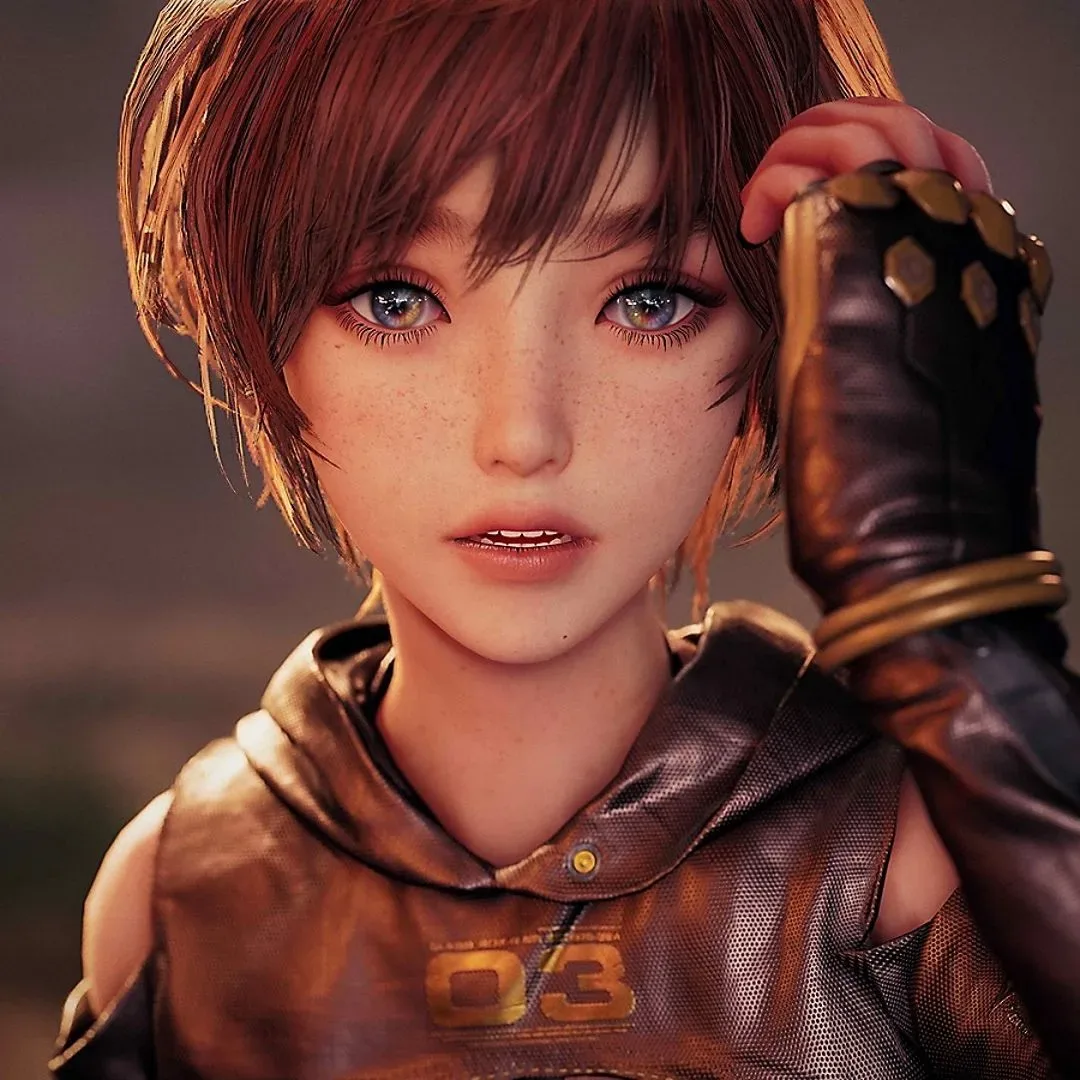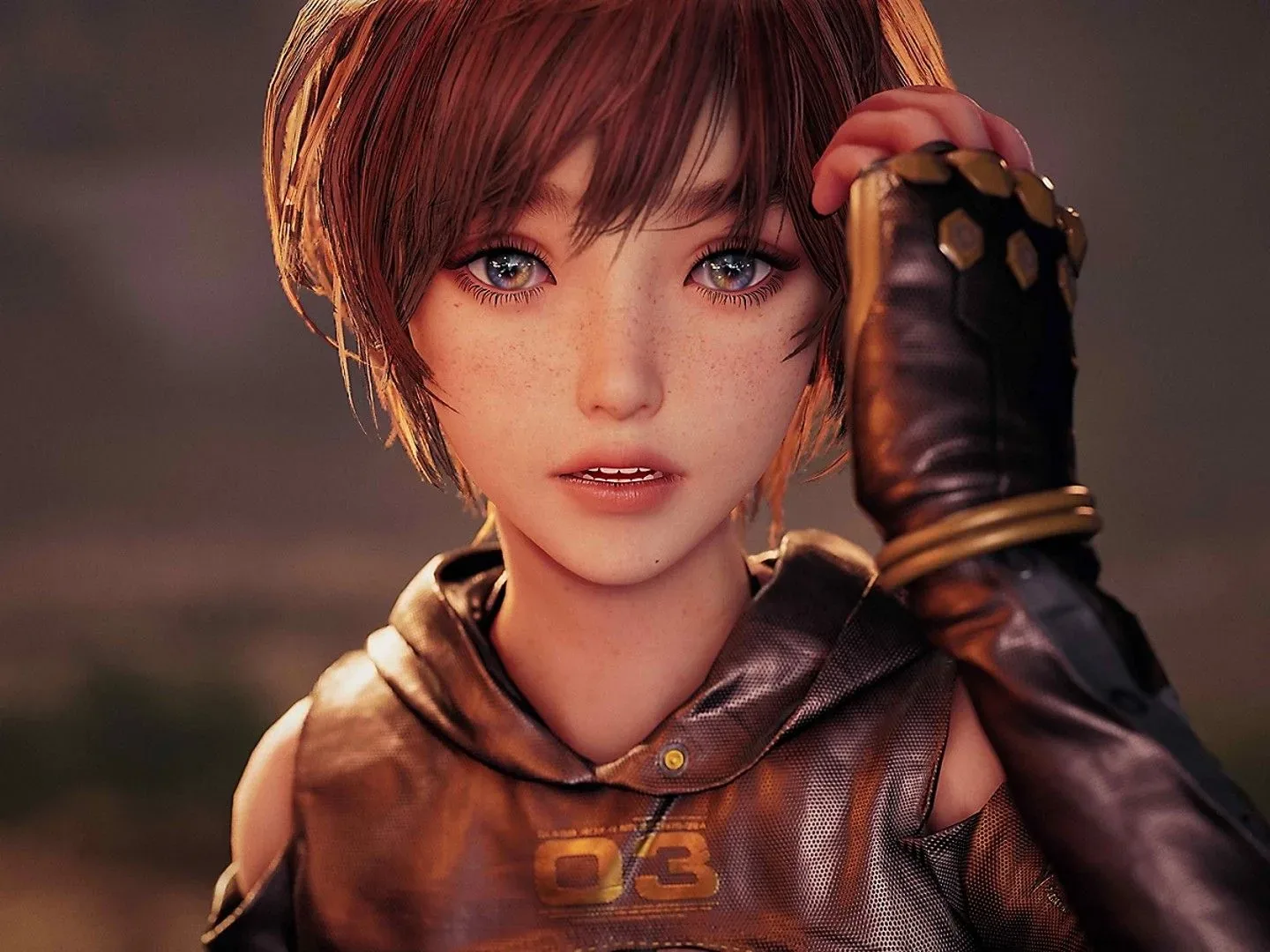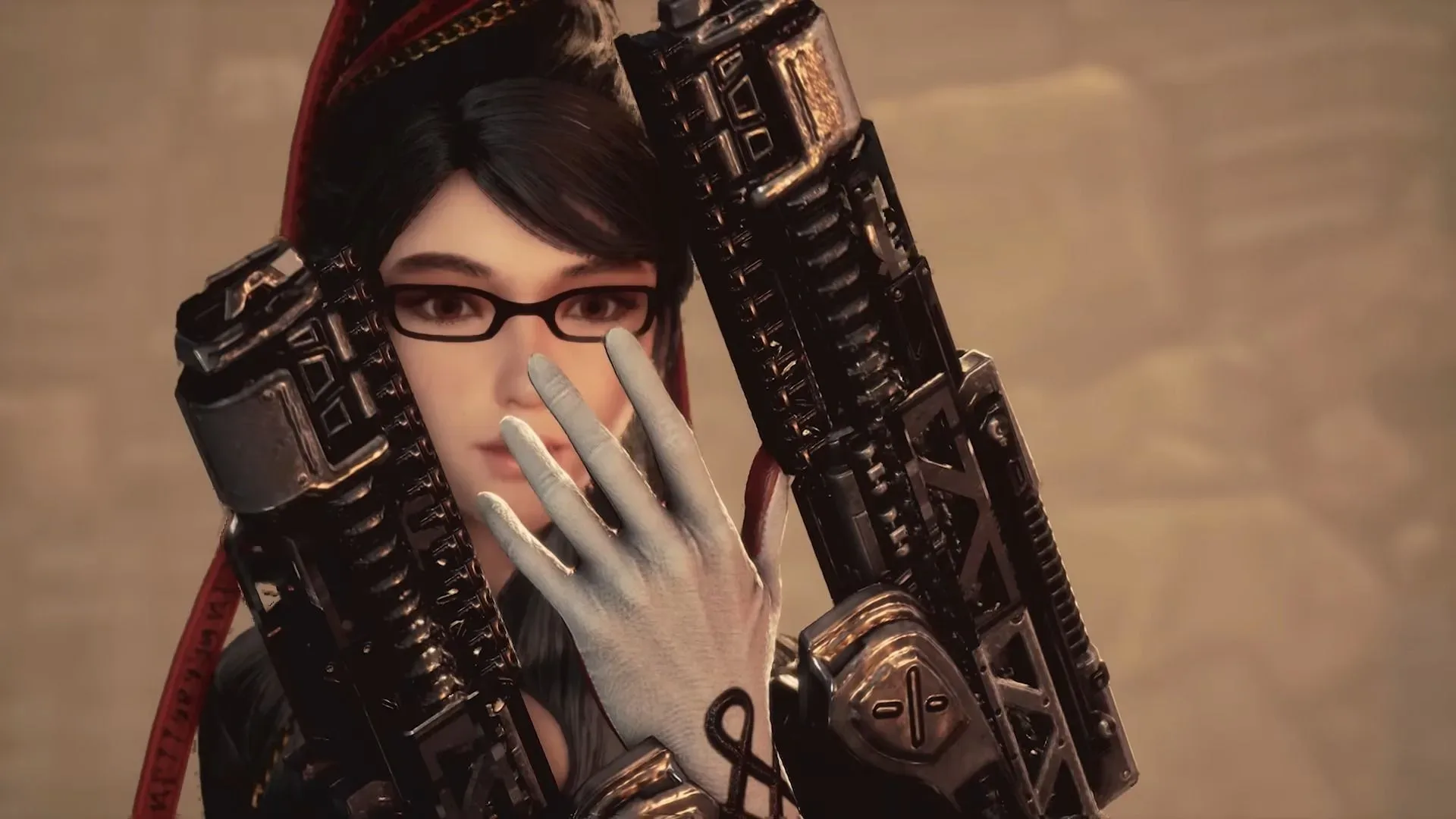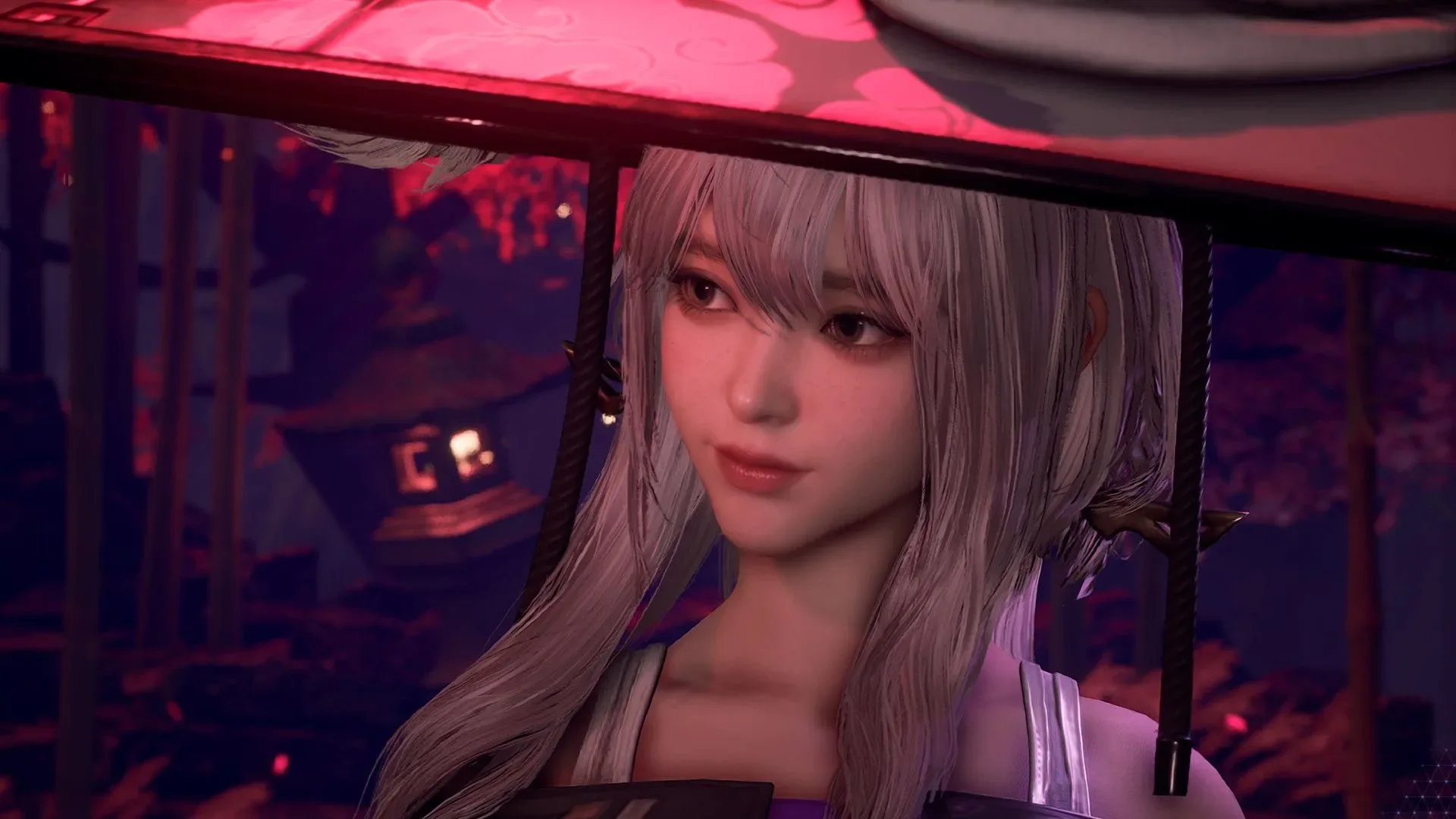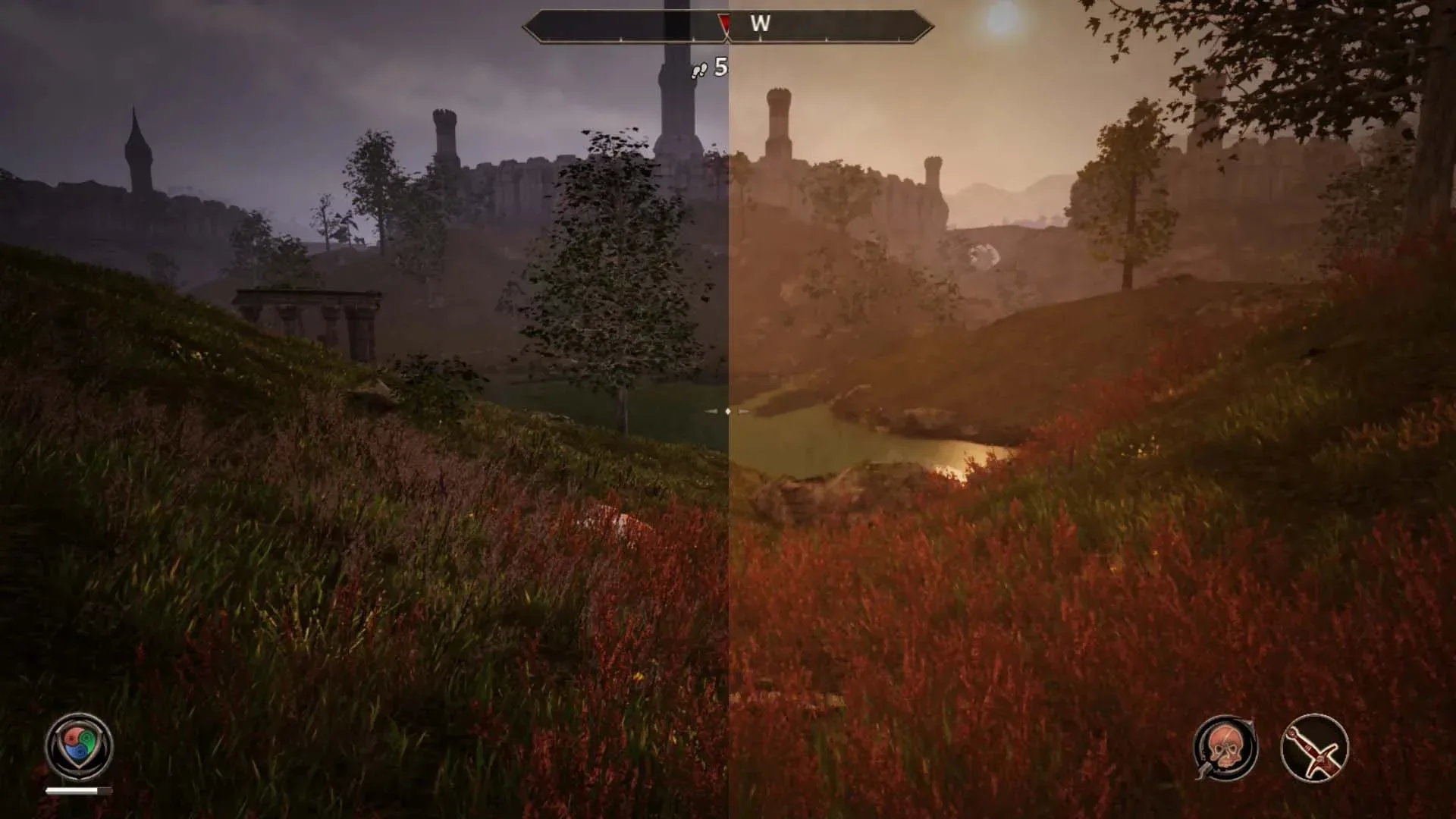
Stellar Blade Complete Edition will give Nintendo Switch 2 players a choice over frame generation when it launches. Shift Up says it will add a toggle at release, responding to feedback from the version’s currently available demo.
That is a small menu option with unusually large implications. On the Switch 2 build, Stellar Blade is targeting the appearance of 60 frames per second through a combination of DLSS upscaling and frame generation, while the game itself runs at 30fps. For some players, the smoother-looking output may be worthwhile. For others—particularly those who value immediate controls in a parry-focused action game—the extra generated frames can be a poor trade.
A toggle does not magically make every performance compromise disappear. It does, however, let players decide whether the presentation benefit is worth the potential latency and image-quality downsides on their own display, with their own tolerance for either. That is the sensible outcome when a performance technology is visibly and mechanically subjective.
What Shift Up has confirmed
In a social-media statement thanking people who had tried the Nintendo Switch 2 demo, Shift Up said it had been closely watching player feedback and had decided to add a Frame Generation toggle at release. The developer framed the change around allowing people to play in the way that looks and feels best to them.
“We’ve been watching your feedback closely and decided to add a Frame Generation toggle at release,” Shift Up said. “We hope this lets you play the way that looks and feels best to you!”
The wording matters: this is not a claim that frame generation is universally bad, nor proof that every player will prefer it disabled. It is an acknowledgement that one visual mode should not be imposed on everyone—especially when the same option can affect responsiveness as well as the image.
The port’s approach combines DLSS upscaling with frame generation. DLSS upscaling and the newer DLSS 5 technology being promoted by Nvidia are separate subjects; the Switch 2 discussion here concerns the upscaling and generated-frame approach described for Stellar Blade’s 60fps target.
Frame generation, explained without the marketing fog machine
Frame rate is the number of images a game displays each second. At 30fps, the game produces 30 frames every second. At 60fps, it produces 60. Higher frame rates can make motion appear smoother, but the number alone does not fully describe how responsive a game feels.
Related coverage includes Stellar Blade Will Add a Frame Generation Toggle on Switch 2 Following Demo Feedback.
Frame generation creates additional frames between frames rendered by the game. In Stellar Blade’s Switch 2 setup, the underlying game is running at 30fps, with generated frames used to make output appear closer to 60fps. The intended benefit is smoother motion without requiring the hardware to natively render the complete game at 60fps.
Upscaling, meanwhile, is a technique used to construct a higher-resolution-looking image from a lower-resolution render. It addresses image presentation rather than creating more game simulation updates. Both techniques can be useful ways to make demanding software work on constrained hardware, but neither changes the fact that the base game in this case is operating at 30fps.
That distinction is central in an action game. The player presses a button; the game has to register that input, update its state, and present the result. Inserted visual frames may make movement appear more fluid, but they do not inherently give the game more frequent underlying response updates. Worse, frame generation requires system resources and can add input lag: the delay between a button press and the moment its result appears on screen.
For a slower-paced game, some people may barely notice that added delay. Stellar Blade places greater pressure on the issue because parries require a timed response to enemy attacks. A few milliseconds can be the difference between a clean defensive move and getting introduced to the floor at conversational speed.
Why the demo feedback focused on parries
Player criticism of the demo has centered not only on how it looks but on how it feels to control. Reports described the Switch 2 version as sluggish, with parry timing proving difficult even against tutorial enemies. The same parries were said to be much easier in a PC version capped to 30fps.
That comparison is useful precisely because it avoids the simplistic argument that “30fps automatically means bad controls.” A game operating at 30fps can still feel manageable and consistent. The concern is that a 30fps base combined with frame-generation overhead can produce a different responsiveness profile than 30fps alone. In other words, players are not necessarily objecting to a lower frame rate; they are reacting to the feel of this particular rendering path.
It is also important to preserve the uncertainty. Sensitivity to input lag varies considerably. One player may immediately notice it, while another may find the apparent smoothness more valuable. The new toggle creates room for both reactions instead of insisting that one is the only correct way to experience the port.
The visual case for a toggle is just as strong
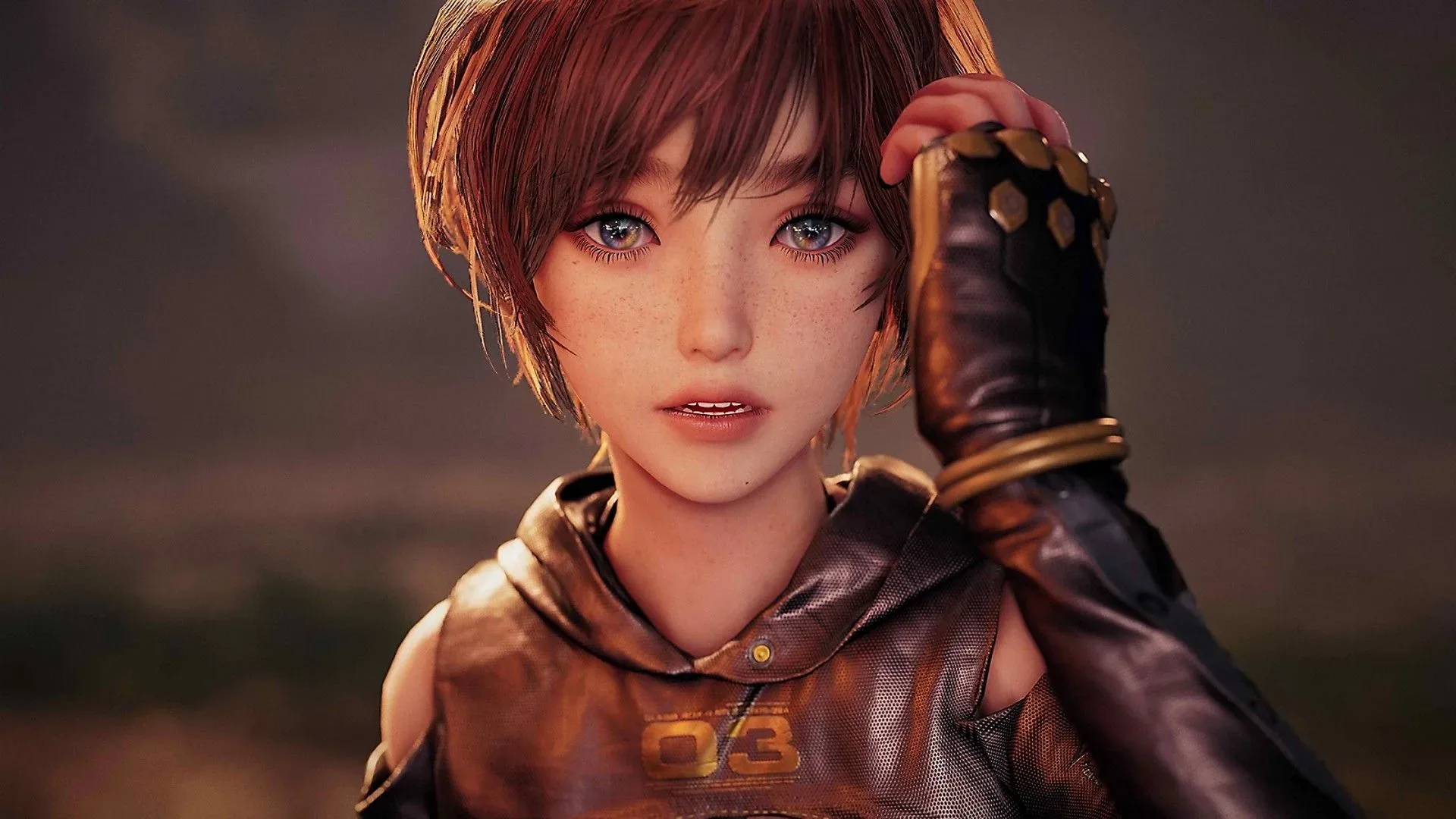
Frame generation has visual costs as well. The Switch 2 demo has drawn criticism for noticeable artifacts around Eve’s hair, with stray and unstable pixels giving the ponytail a noisy, particle-like look. Hair is especially unforgiving for image reconstruction because it contains fine strands, rapid movement and frequent overlap with detailed backgrounds. When a system has trouble interpreting that motion from one frame to the next, the result can become distracting rather than smoother.
The interface presents a separate mismatch. While gameplay can appear to be running at 60fps through generated frames, the UI updates at 30fps. That can create a visual disconnect between the motion on screen and elements such as enemy health bars. The player’s eye sees a smoother-looking character and action scene, but the information layer remains on a lower update cadence.
Neither of these concerns means generated frames have no place in console games. It means they should be judged as a package: apparent motion, baseline performance, latency, artifacting and interface behavior. A screenshot will not communicate all of that. Nor will a frame-rate label by itself. The question is whether the complete result serves the game’s genre and its particular mechanics.
Choice is the practical fix, not a victory lap
The key advantage of Shift Up’s planned switch is practical. Players who prioritize smoother-looking animation can leave frame generation enabled. Those who find the added latency, UI mismatch or hair artifacts bothersome can turn it off. It is a more honest way to present a compromise than treating a visually higher number as an automatic improvement.
There are still details players will need to assess once the final Switch 2 release arrives. Shift Up has confirmed the existence of the toggle, but the supplied information does not establish the final image quality, performance behavior, or exact trade-offs of each setting. A menu option is valuable; its final implementation will determine how much flexibility it really delivers.
There is a broader lesson for developers considering frame generation on consoles and portable hardware. The technology can improve perceived fluidity, but it does not erase the design importance of response time—especially in games built around precise dodges, counters and parries. If the feature carries a meaningful compromise, allowing players to choose is better than forcing a one-size-fits-all answer.
Nintendo players have seen another kind of access-focused option in the platform’s software lineup, including a Nintendo Switch Online trial for Prince of Persia: The Lost Crown. Stellar Blade’s situation is different, but the common principle is straightforward: more informed player choice is generally better than less.
What Switch 2 players should take from this
- A 60fps appearance is not necessarily native 60fps gameplay. Stellar Blade’s Switch 2 target uses generated frames over a 30fps base.
- Smoother motion and faster response are different qualities. Frame generation can improve the former without improving the latter, and may add delay.
- The toggle is a response to real concerns. Feedback has raised both control-latency and visual-artifact issues in the demo.
- Preferences will differ. The best setting depends on whether an individual player values perceived motion smoothness, lower latency, cleaner image behavior, or some balance among them.
- The release build remains the important test. The confirmed change is a toggle at release, not a complete account of final performance in every mode.
For now, Shift Up’s decision is a welcome correction. A port of a technically demanding action game to portable hardware will often involve hard choices. Players do not need every compromise eliminated to benefit from the ability to choose which compromise they can live with.