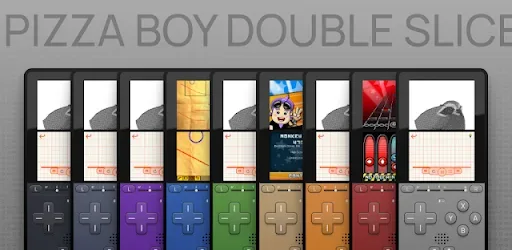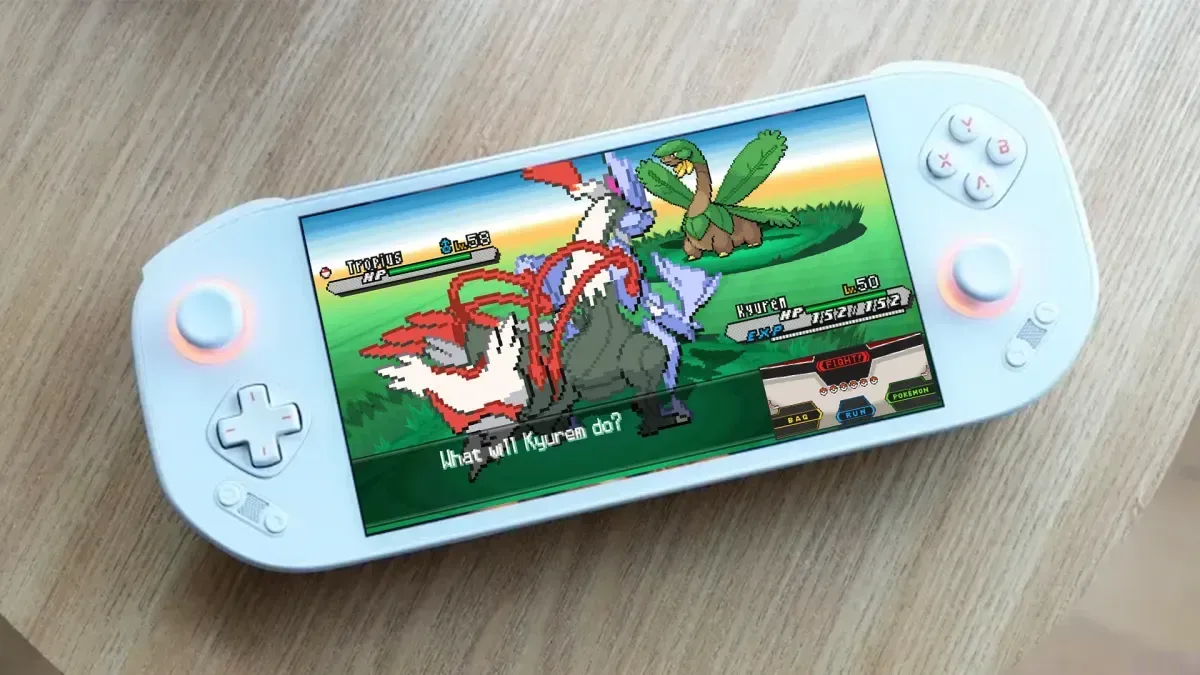
Android players looking for a Nintendo DS emulator through Google Play have a new option: Pizza Boy Double Slice: DS Emu. The app comes from Davide Berra, the developer behind the Pizza Boy Game Boy Advance emulator, and is presented as a new emulator built from scratch rather than a fork of another project.
That distinction matters less as a marketing badge than as a statement of direction. An emulator is software that recreates the behavior of another hardware platform closely enough to run software made for it. A fork, by contrast, begins with an existing codebase and changes it. Pizza Boy Double Slice is described as an independently built project, with its own multi-threaded 3D renderer and an optional JIT CPU engine.
The app is available on Google Play and has already passed 10,000 downloads. Its arrival is notable simply because the official Android storefront has relatively few Nintendo DS emulator choices. Pizza Boy’s previous Game Boy Advance app has exceeded one million downloads, giving the new release a developer pedigree that may be reassuring for people who value ongoing maintenance as much as an initial feature list.
What Pizza Boy Double Slice offers for free
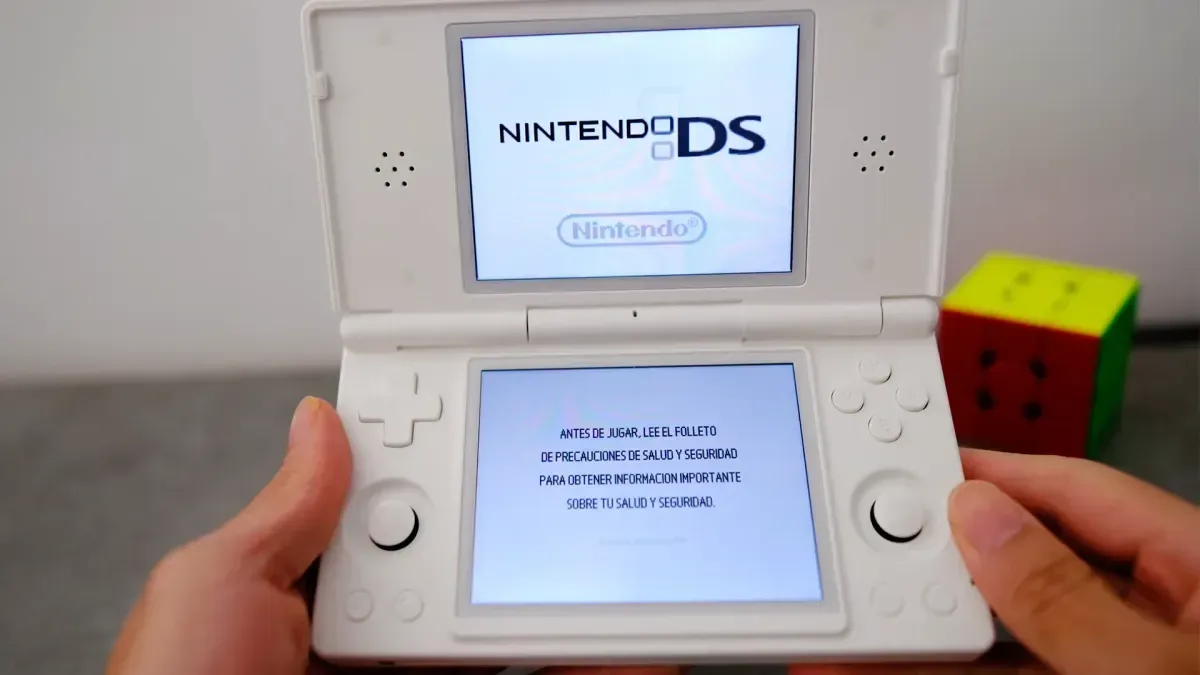
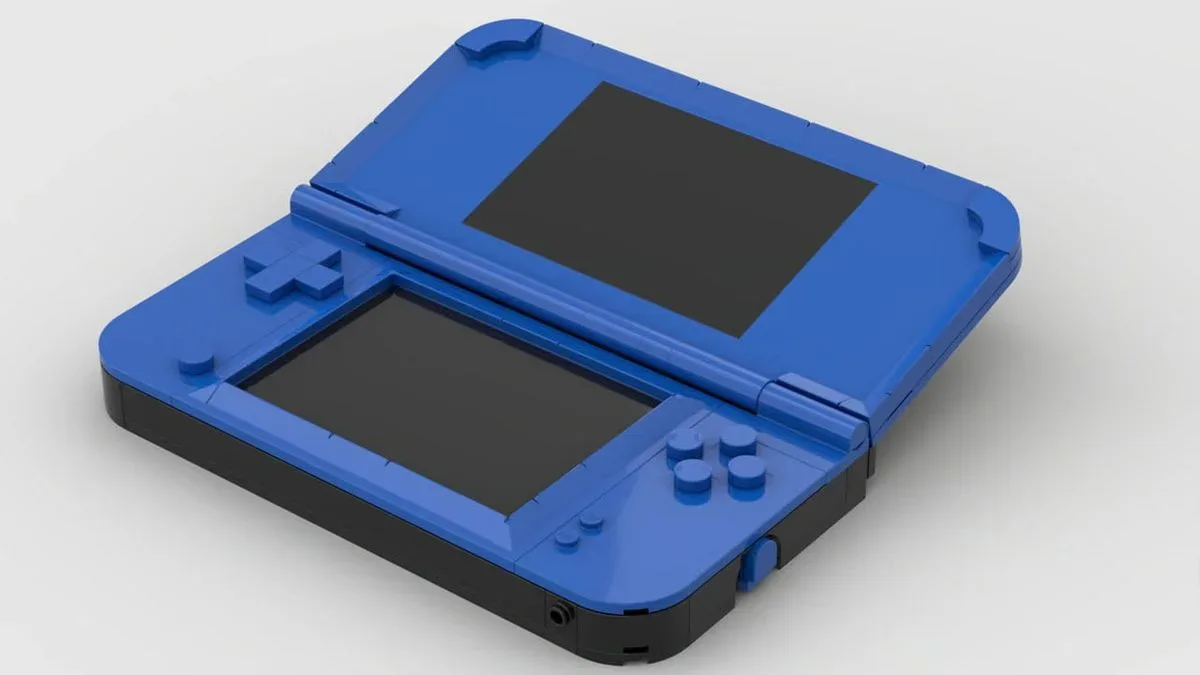
The base version includes much of what players would reasonably expect from a DS-focused Android emulator. Crucially, it accommodates the original handheld’s unusual two-screen design instead of forcing every game into one rigid display format.
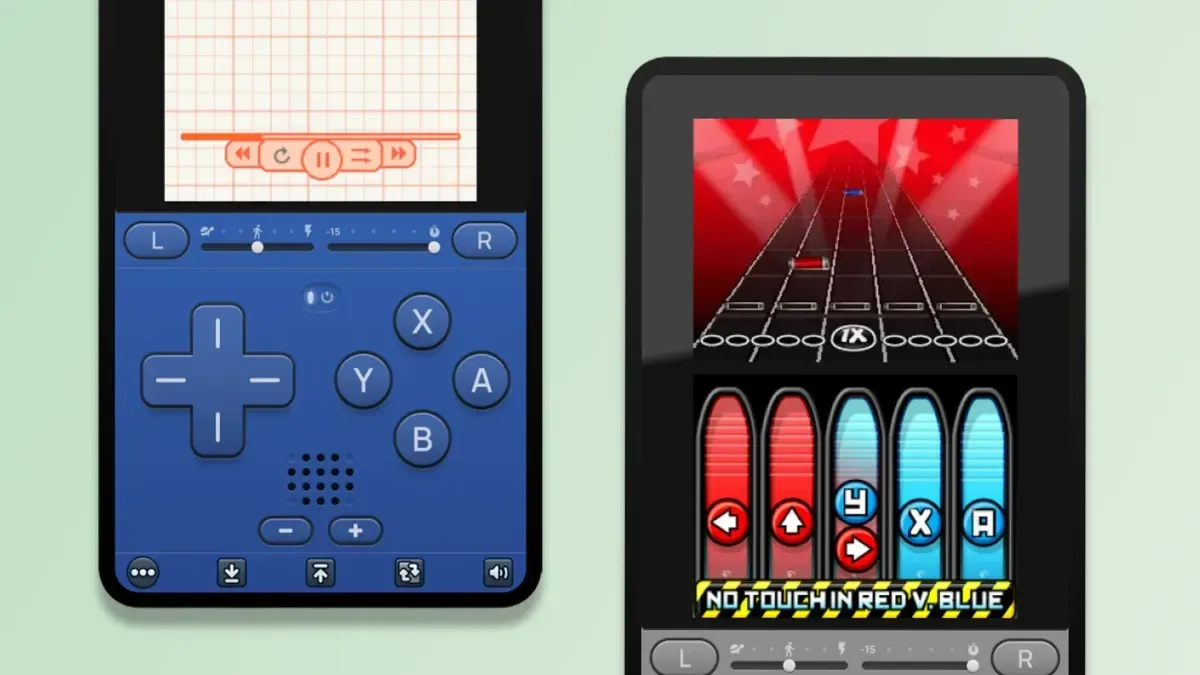
Both screens can be moved and resized. Players can use a conventional stacked arrangement, place the displays side by side, or swap them with a tap. That flexibility has practical value beyond cosmetic preference. A vertically oriented layout may suit portrait phone play, while side-by-side screens can make better use of wider displays. Swapping screens can also help when a game makes the touch display more important than its upper screen.
- Freely movable and resizable dual-screen layouts
- Stacked, side-by-side and swapped screen arrangements
- Touch-screen input and microphone support
- Close-the-lid emulation for games that use that function
- Physical controller support with fully remappable controls
- Fast-forward with a customizable speed bar
- Cheat-code support
- RetroAchievements integration
- Two-screen screenshots
- Shaders and video filters
- Importing and exporting battery save files in .sav format
Touch support is fundamental to DS emulation, but microphone and lid controls are equally important for broad compatibility with the system’s original design. The physical DS had a microphone and could be closed; some games made use of those capabilities. Pizza Boy Double Slice includes virtual equivalents rather than leaving those inputs unresolved.
Controller support is another welcome inclusion, especially because the app allows full button remapping. Remapping means users can assign emulator actions to the buttons they find most comfortable on a connected controller. It is particularly useful here because a DS game may divide its actions between face buttons, shoulder buttons, the D-pad and touch input; no two mobile-controller setups will feel identical.
Performance tools, explained
The app’s listed multi-threaded 3D renderer and optional JIT CPU engine are technical features aimed at handling emulation work more efficiently. Multi-threaded means tasks can be distributed across more than one processing thread, potentially helping a device manage different parts of the workload. A 3D renderer is the portion responsible for drawing three-dimensional graphics.
Related coverage includes Pizza Boy’s free Nintendo DS emulator lands on Google Play.
JIT stands for “just in time.” In emulation, a JIT CPU engine generally translates code while it is needed instead of relying solely on a more direct interpretation method. The important practical point is that Pizza Boy Double Slice makes the engine optional. That gives users a setting to consider if they are troubleshooting behavior or balancing performance against other priorities, although no game-by-game compatibility or speed claims have been provided.
Fast-forward is available in the free app, using a customizable speed bar. This feature lets a game run faster than normal when desired, which can be useful in slower sections or during repeat play. Shaders and video filters are also included. In plain terms, these are image-processing options that alter how the game appears on a modern display. They are presentation controls, not changes to the original game itself.
Multiplayer and achievements are part of the pitch
Pizza Boy Double Slice lists local, Wi-Fi and internet multiplayer support. Those are three distinct connection approaches: local play refers to nearby devices, Wi-Fi uses a wireless network, and internet play reaches beyond the local network. The feature is significant on paper because multiplayer has historically been a major consideration for DS emulation, but prospective users should treat the listing as a capability rather than an assurance that every game and every network scenario will work identically.
The emulator also integrates RetroAchievements. This is intended to add achievements to compatible retro-game experiences, giving players optional goals and tracking beyond simply reaching the credits. It sits alongside cheat-code support, which gives users another optional way to tailor play. Neither is required for standard use, but their inclusion broadens the free version beyond basic boot-and-play functionality.
For people who want to preserve regular in-game progress outside the app, battery-save handling is an especially useful detail. The emulator can import and export .sav files, the save-file format listed for its battery saves. That makes it possible to manage those files rather than confining them entirely to one installation.
The Pro upgrade adds convenience rather than a subscription
Pizza Boy Double Slice has an optional one-time Pro upgrade, with no subscription listed. Its additions are largely focused on control, convenience and personalization rather than removing access to the emulator’s baseline DS features.
- Quick save and load states
- Rewind
- Custom speed rates
- Turbo buttons
- Per-game settings for orientation, controls layout, speed and rewind bars
- Google Drive syncing for saves and states
- AI-powered on-screen translation
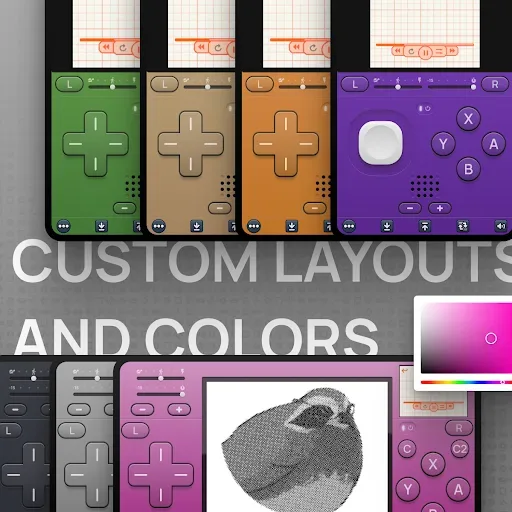
- Skins, gradients, presets and broader visual customization
Save states differ from ordinary battery saves. A battery save is the kind of progress a game writes through its own save system. A save state is a snapshot created by the emulator, allowing a player to resume from that captured point. Rewind similarly operates at the emulator level, moving play backward rather than depending on a game’s built-in save structure.
Per-game settings could be one of the more practical Pro additions for players with varied libraries. Rather than treating every title alike, the app can retain individual choices for orientation, controls layout, and the speed and rewind bars. A game that benefits from a side-by-side layout, for example, need not necessarily share the same arrangement as one that is easier to play with stacked screens.
Google Drive syncing is specified for saves and states, while AI-powered on-screen translation is listed as another Pro feature. The latter suggests translation assistance applied to what is displayed on screen; the available information does not establish which languages, games or circumstances it supports. Skins and related customization options round out the upgrade with visual changes including gradients and presets.
No Nintendo BIOS or firmware required
Pizza Boy Double Slice is described as working without Nintendo BIOS or firmware files by using a free, open-source BIOS replacement. A BIOS is low-level startup software associated with hardware. For a player, the immediate implication is simpler: the app’s stated setup does not require supplying Nintendo BIOS or firmware.
That design choice may reduce friction for Android users who want to begin configuring an emulator from the official store. It also aligns with the app’s broader emphasis on accessible controls, flexible layouts and a free feature set substantial enough for ordinary play without an immediate upgrade.
Pizza Boy Double Slice enters the Android DS-emulation space with a familiar developer name, a conventional one-time premium path and a feature list that takes the Nintendo DS’s two-screen hardware seriously. For users comparing mobile emulation tools, the most relevant details are likely to be the layout controls, touch and microphone handling, remappable controllers, save management and the stated multiplayer options. Those are the features that determine whether a DS emulator fits someone’s device and preferred way to play—not just whether it can put two tiny screens on a phone.
For another look at how emulator projects can be distributed as continuing development snapshots, see our coverage of Vita3K Build 4437.