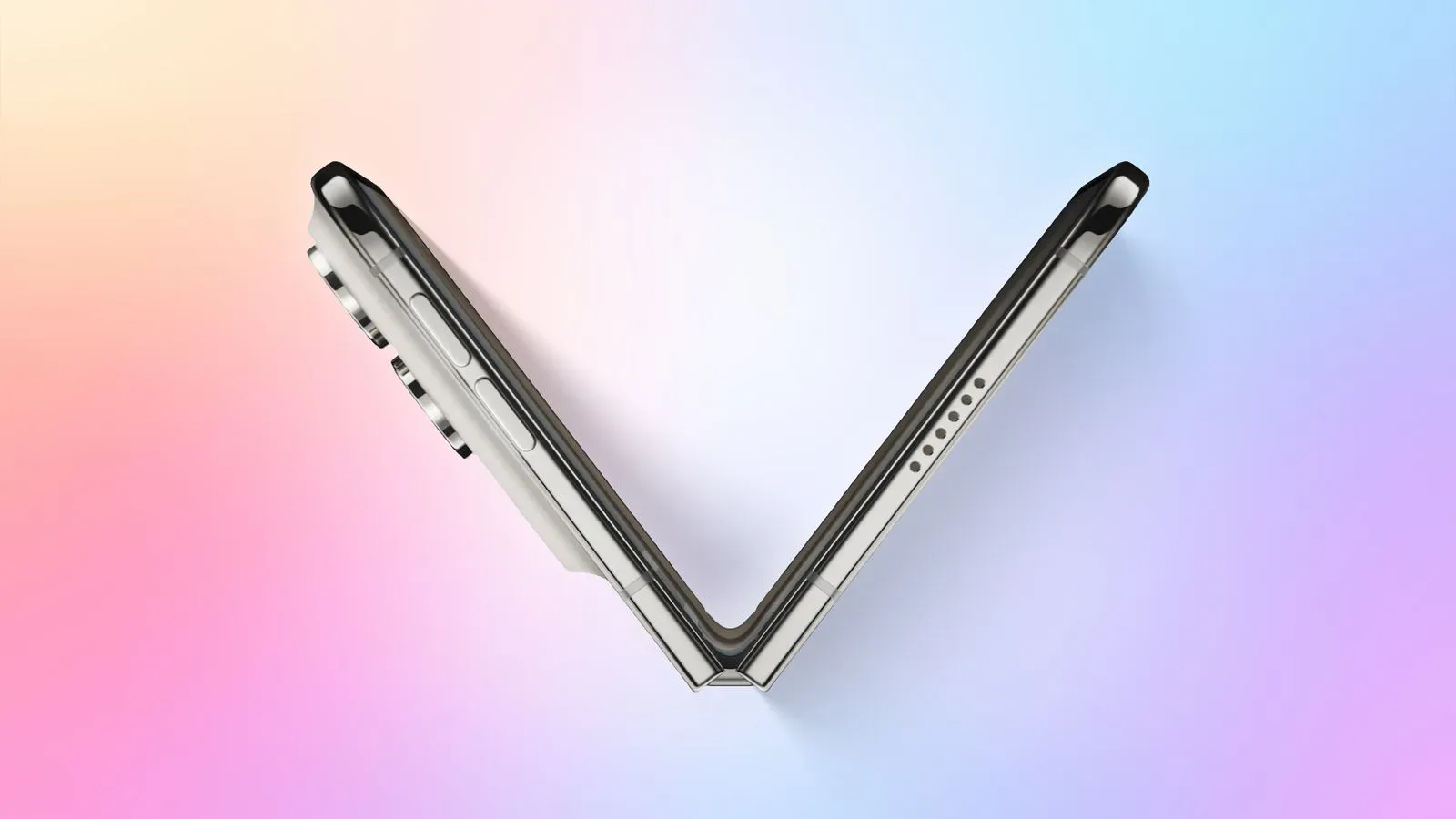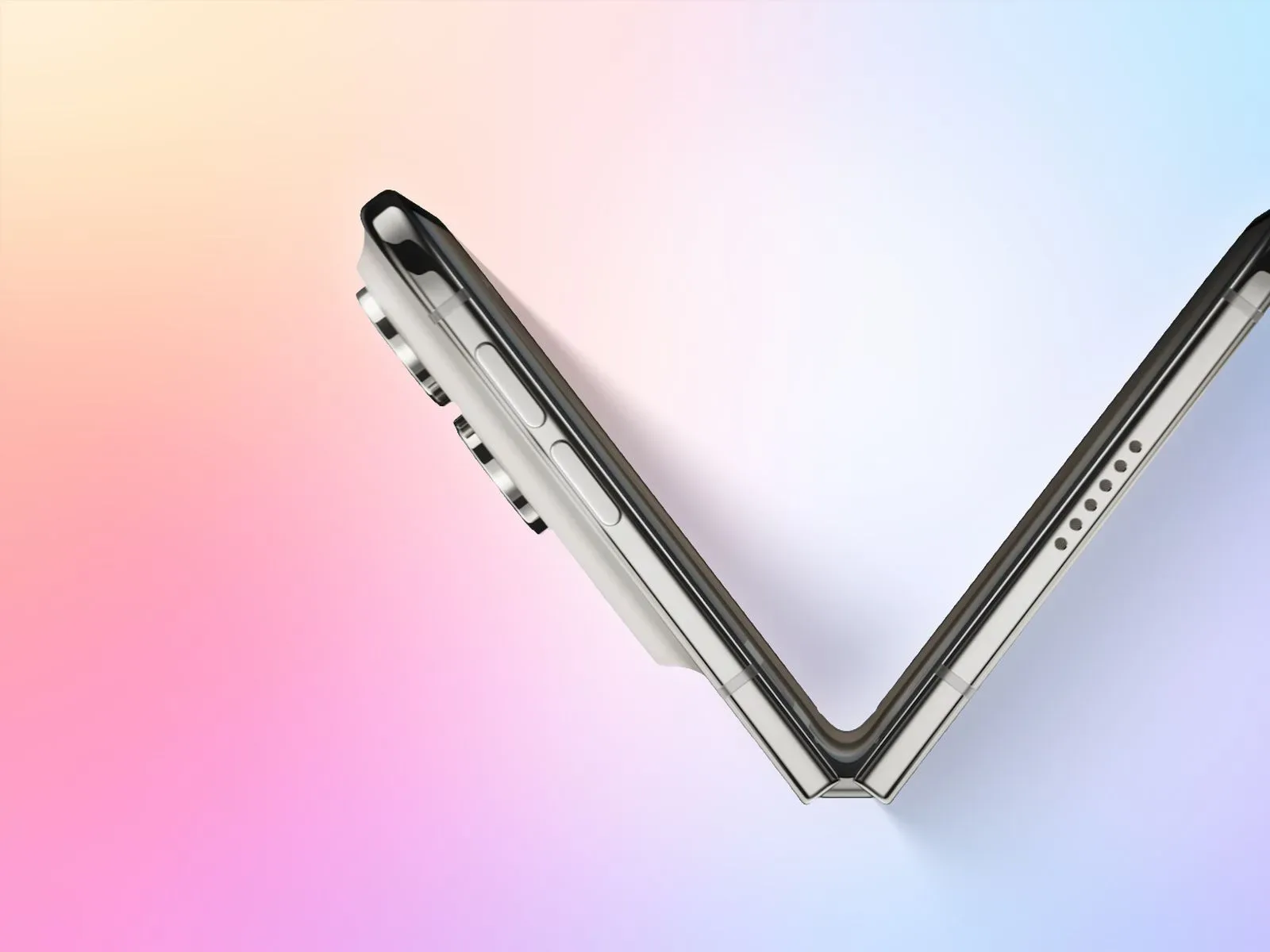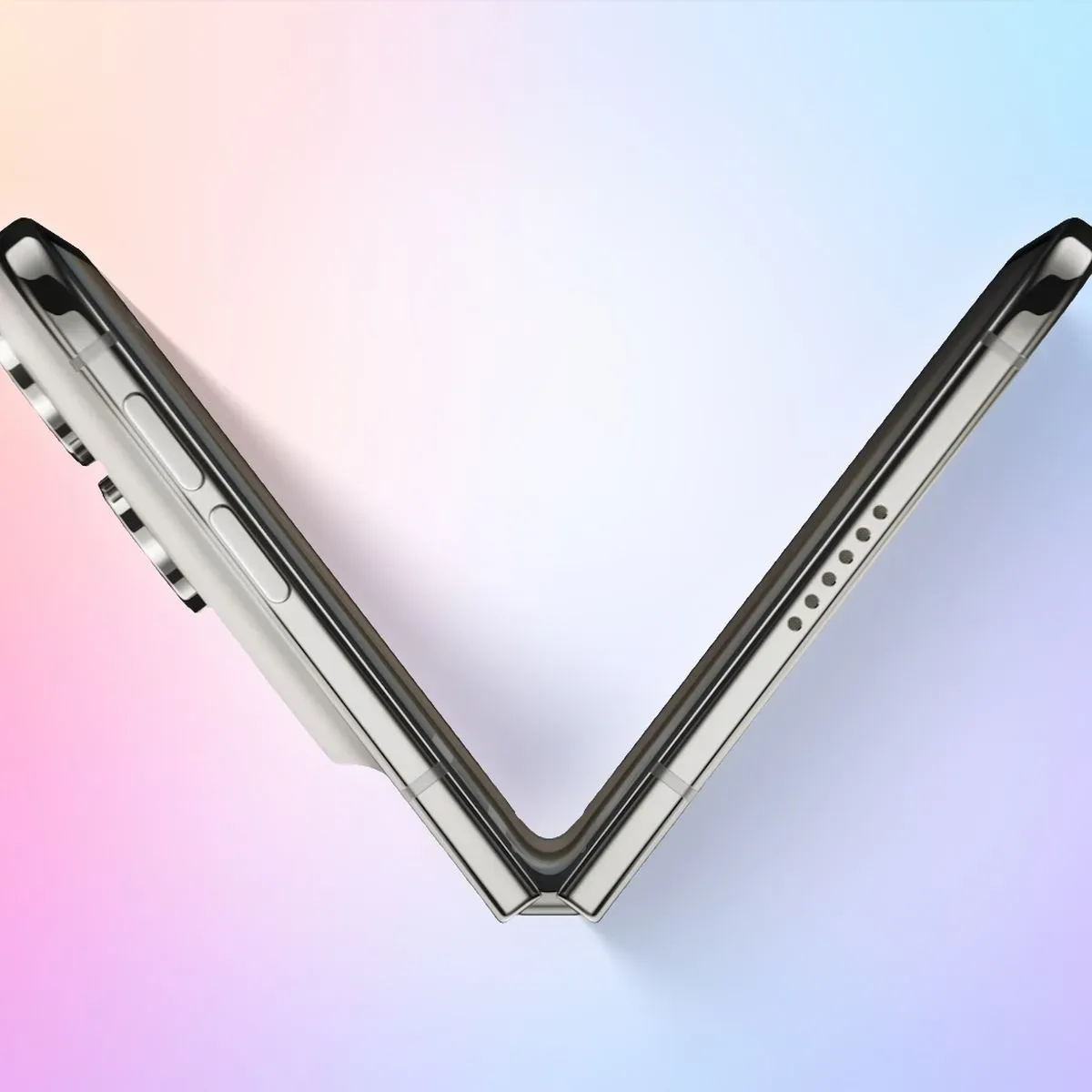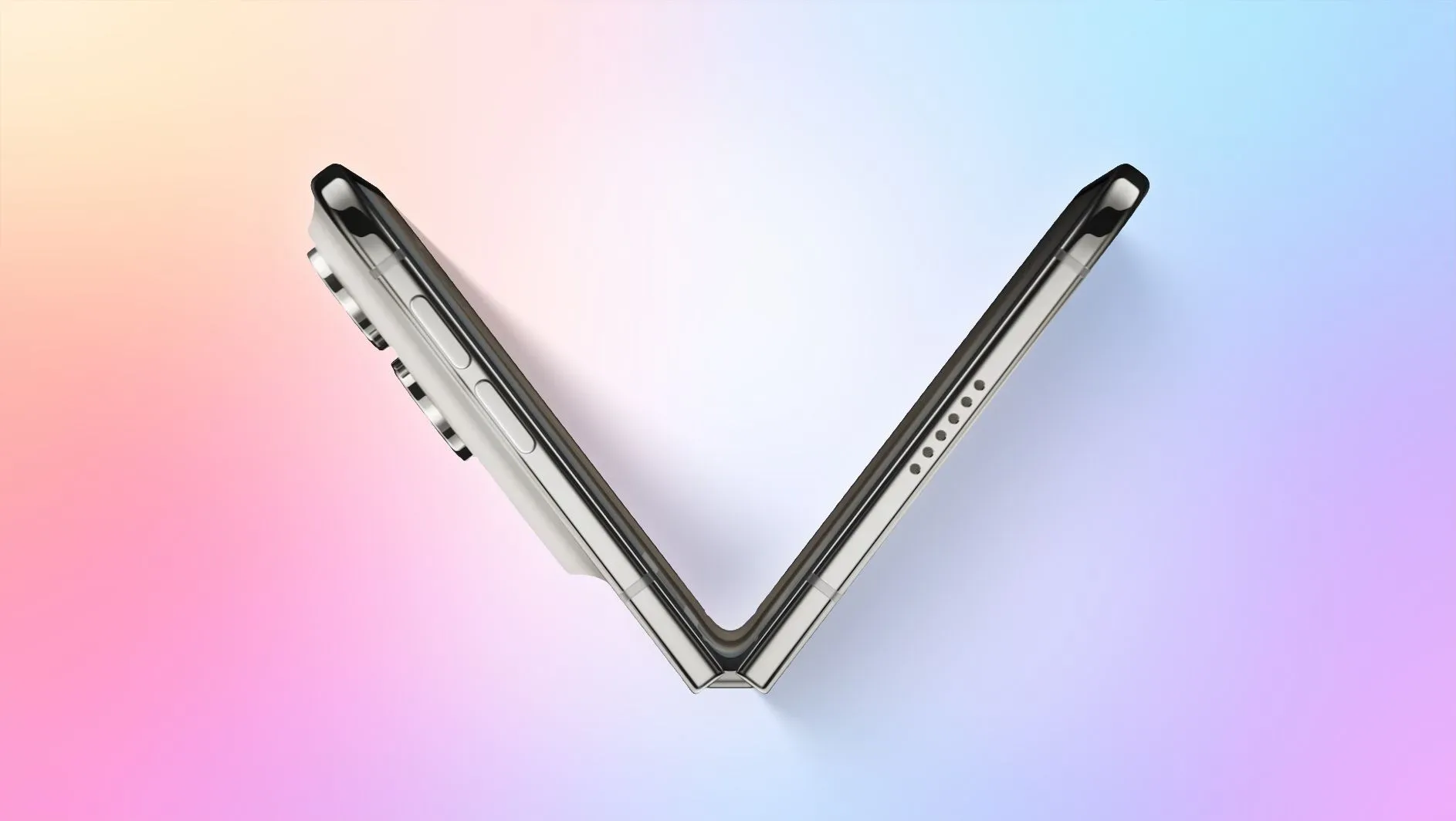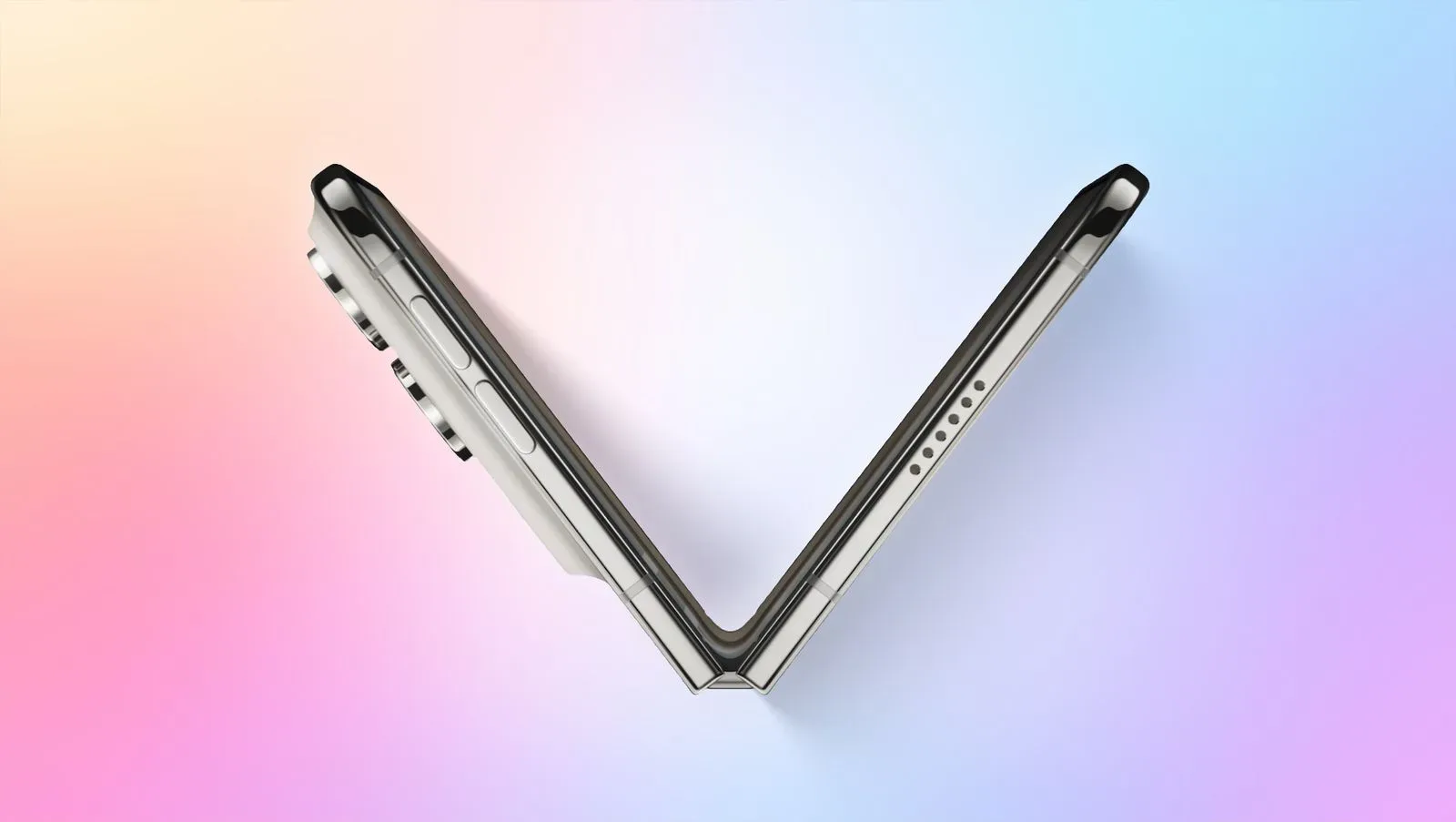
The iPhone Duo’s foldable form factor is not just being treated as a change in screen shape. A newly highlighted Shortcuts trigger, “Opened or Closed,” lets automations respond when the device changes between those two physical states. It appears in the Display automation category, creating a direct connection between the Duo’s hinge movement and whatever actions a user chooses to attach to it.
That may sound like a small addition, but it is a meaningful one: a phone that can physically open and close presents a new type of event for automation. Rather than asking users to tap a control, open an app, or wait for a time or location condition, the device can potentially react to the same motion that changes how it is being used.
The trigger was highlighted by YouTuber Stephen Robles. It had also been noticed in September by code sleuth pdfu in the iPhone Duo simulator, suggesting that the capability had surfaced in software before it was more widely recognized as part of the Duo’s Shortcuts toolset.
What “Opened or Closed” means in Shortcuts
Shortcuts is Apple’s automation system: users build actions that perform tasks, then connect those actions to a trigger. A trigger is simply the condition that starts an automation. In this case, the relevant condition is the iPhone Duo being opened or closed.
The wording matters. “Opened or Closed” identifies a change in the device’s physical configuration, not merely a screen waking, dimming, or rotating. On a conventional phone, a display-focused automation can work around changes in settings or visual state. On the Duo, the device’s hardware posture itself is now part of that automation vocabulary.
That makes the hinge more than a mechanism for accessing a larger screen. It can act as an intentional signal. Opening the phone could represent a transition into a more expansive, active mode of use; closing it could represent leaving that mode. The automation trigger provides a way to associate different behavior with each moment.
It is important to keep the confirmed scope clear. The available information establishes the name of the trigger, its placement under Display automations, and the two physical states it recognizes. It does not spell out every action that can be paired with it, whether every automation runs without further interaction, or what other limits may apply. Those details will matter once people begin testing real workflows.
Wallpaper switching is the clearest early example
One proposed use is straightforward and visually suited to a foldable: set one wallpaper when the iPhone Duo is opened, then restore another when it is closed. The practical appeal is easy to understand. The closed and open states are distinct ways of carrying and viewing the same device, so a matching wallpaper can make each state feel deliberately configured rather than merely resized.
This is also a useful example because it illustrates the basic logic without pretending that the trigger needs to solve a complicated problem. The condition is physical: open or close the phone. The response is visual: change the wallpaper. The two sides are directly related and should be easy for a user to recognize after the automation runs.
That clarity is important in automation design. A good automation should reduce a repeated decision or reinforce a context that is already obvious. If a user has to stop and wonder why the phone changed behavior, the convenience can quickly become friction. A wallpaper change tied to opening and closing is legible: the device’s appearance follows the form it is currently in.
For people who personalize their devices heavily, that may be sufficient reason to use the trigger. Not every feature needs to turn a phone into a control room. Sometimes the best automation is a small touch that makes a device feel responsive to how it is held.
Why foldable-specific triggers are interesting
Automation is usually strongest when software can detect context reliably. Time of day, location, network connection, and device settings are all forms of context. A foldable adds another: posture. In this setting, posture means the physical state of the hardware—whether the Duo is open or closed.
That is a different signal from a manual shortcut button. A button requires a conscious command. A posture trigger is more passive: the user is already opening or closing the device for another reason, and the automation can follow that action. In principle, this can make a workflow feel less like an extra task and more like part of the device’s natural rhythm.
There is also a useful distinction between a trigger and a feature. The trigger itself does not decide what the open or closed state should mean. It only makes those states available as starting points. The value therefore depends on the actions users can sensibly attach to each state, and on whether those actions remain dependable enough to use every day.
That distinction should temper expectations. The appearance of “Opened or Closed” does not automatically establish a long list of new Duo functions. It establishes an automation hook. Its potential lies in the routines people build around it, rather than in a single predefined mode supplied by the system.
“Hinge automations” could become a useful design category
Federico Viticci has said he plans to begin “brainstorming hinge automations,” a concise phrase that captures what is new here. The hinge is usually discussed as hardware: it allows the Duo to open and close. With this trigger, it can also be considered an input to a personal workflow.
That does not mean every hinge movement deserves a reaction. In fact, restraint may be the key to making these automations worthwhile. Open and close actions happen frequently, often casually. An automation connected to them should therefore be appropriate for repeated use and avoid creating unnecessary interruption.
The wallpaper example has that restraint. It adds personality and context without demanding attention. More ambitious ideas will need the same discipline. The question is not simply, “What can run when the Duo opens?” It is, “What should reliably change every time this device changes form?”
That framing is especially relevant for gaming-adjacent users and other people who separate their digital routines by activity. A larger, opened screen may imply a different kind of focus from a closed device, but the available information does not identify specific game, performance, notification, or app-management actions for this trigger. For now, those remain possibilities to investigate rather than confirmed capabilities.
Practical considerations before building around it
The current details are enough to identify the feature but not enough to recommend a particular setup for everyone. Anyone considering an “Opened or Closed” automation should start with an action that is easy to notice and easy to reverse, such as the wallpaper concept already suggested.
- Keep the open and closed states distinct: Assigning a clear visual outcome to each condition makes it easier to understand whether the automation matches the device’s current form.
- Avoid actions that would be disruptive if repeated: The Duo may be opened and closed many times, so a useful automation should suit that frequency.
- Treat the trigger as context, not magic: It starts a Shortcut workflow; it does not by itself reveal which workflow will be most useful.
- Watch for implementation details: The available report does not establish all permissions, confirmation behavior, or action compatibility, so users should verify how an automation behaves in their own setup.
This kind of measured experimentation is familiar territory for Shortcuts users. A trigger can be technically clever but still be a poor daily companion if it fires at the wrong moments or changes too much. The best candidates are likely to be small, predictable responses that complement the physical act of folding rather than compete with it.
A small trigger with a bigger implication
The “Opened or Closed” entry is a modest interface detail, yet it points to a broader way of thinking about the iPhone Duo. Its open and closed forms are not only display arrangements; they can become inputs that personalize behavior. That is a notable shift because it puts a piece of hardware motion directly into the hands of Shortcuts users.
For now, wallpaper switching is the most concrete use case on the table, and it is a sensible one. The bigger story is that the iPhone Duo gives automation builders a hinge-aware starting point. As people explore it, the most successful ideas will probably be the ones that make the transition between closed and open feel natural, useful, and unobtrusive—not merely novel.
It is another example of how platform-level details can matter as much as headline hardware changes. Those interested in Apple’s broader software environment may also want to read about certificate handling across Safari, Mail, and some macOS command-line tools.