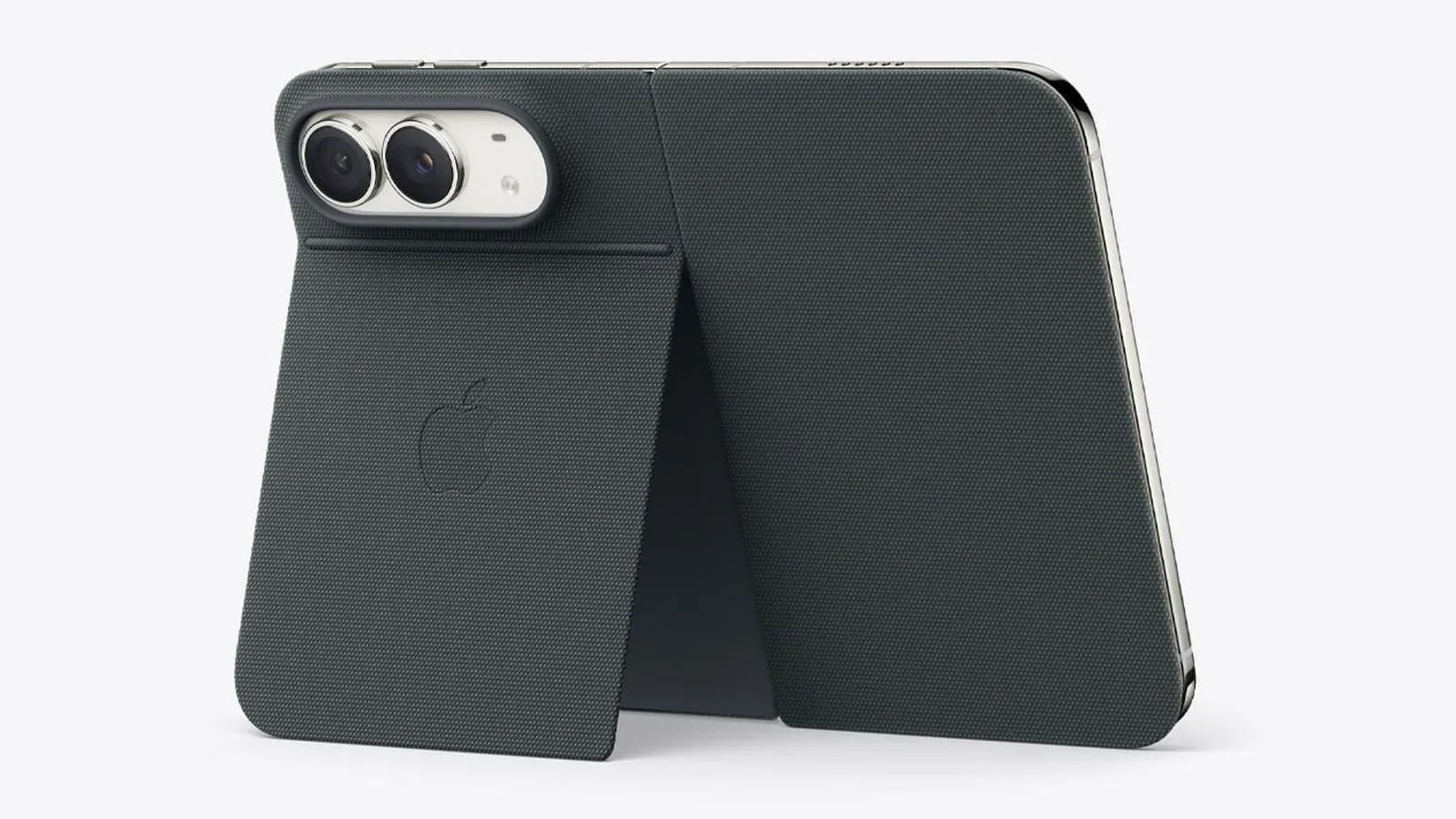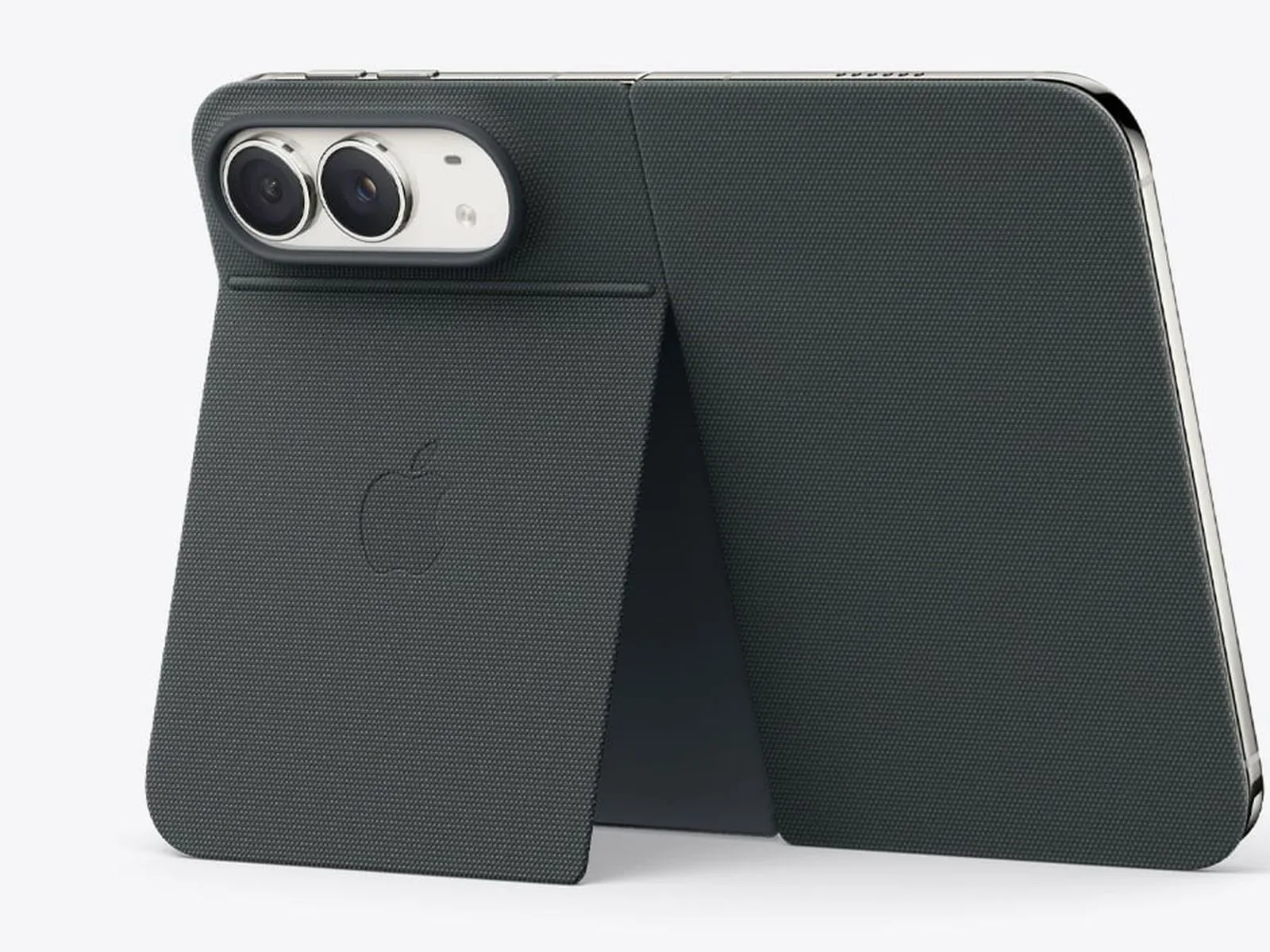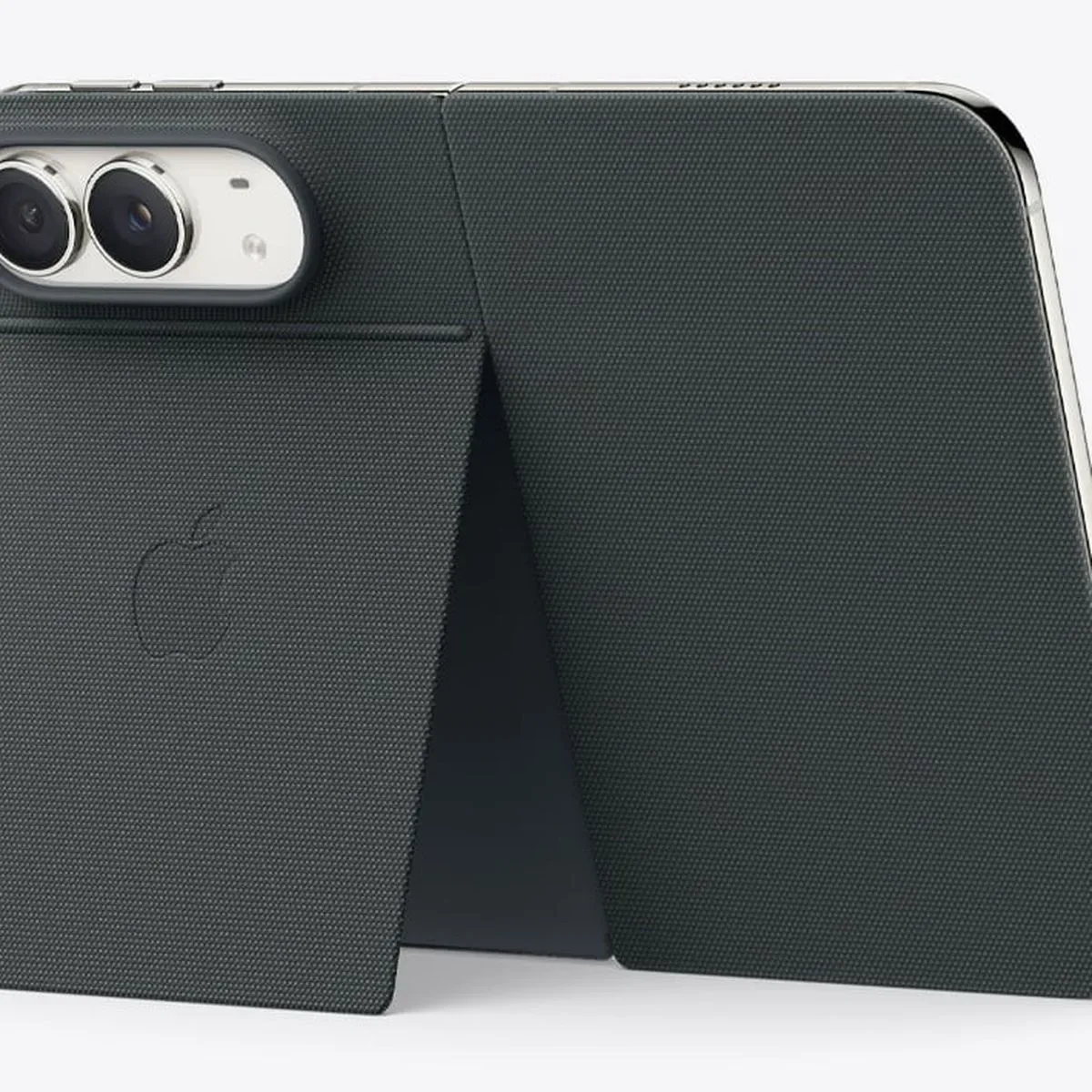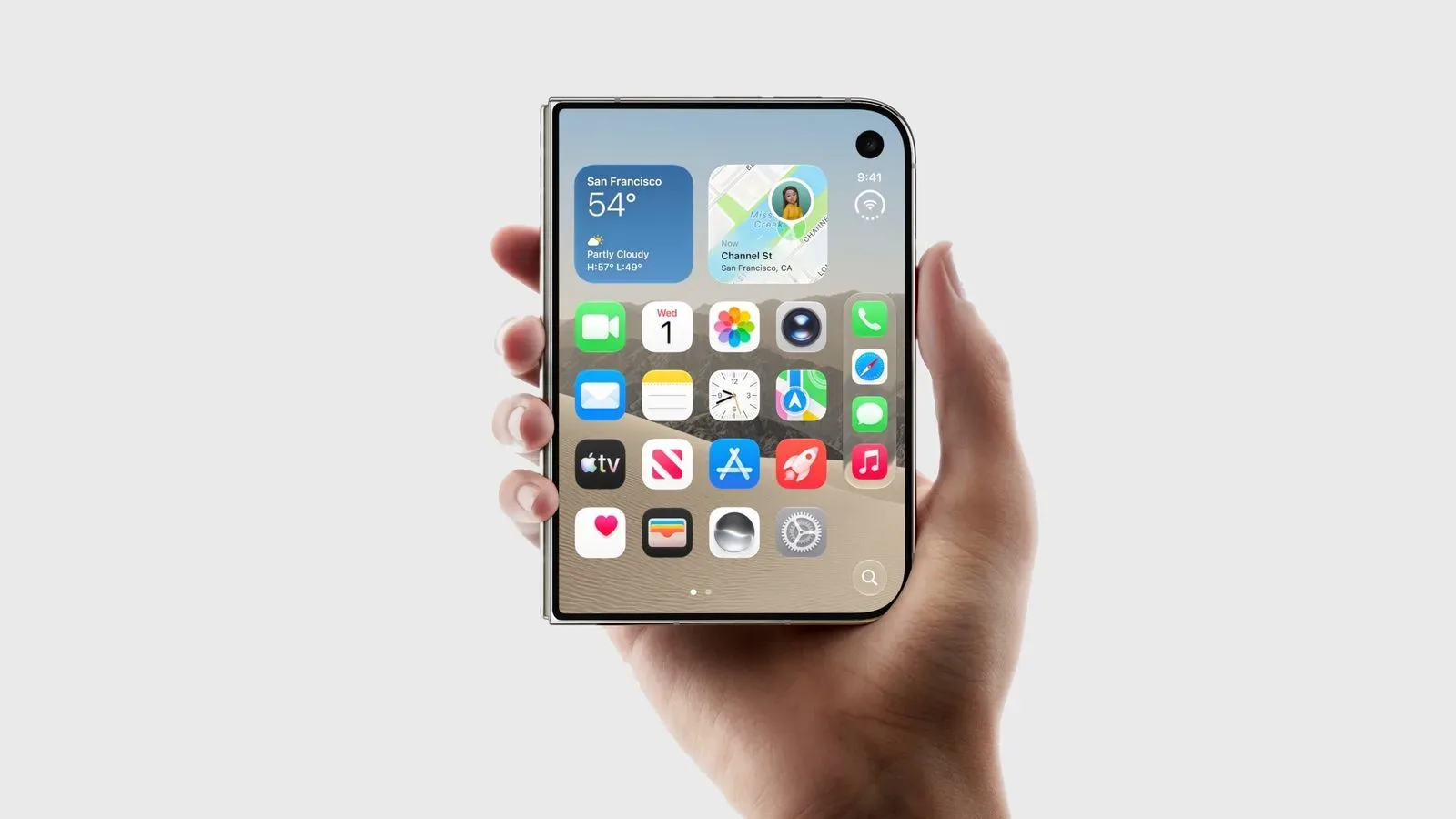
The iPhone Duo is taking a notably different route with its hardware controls. Its technical-specifications diagram indicates that the phone does not include an Action Button, ending a run in which every iPhone released since the feature’s debut has offered one. It also removes the familiar physical mute-switch option entirely, making the Duo the first iPhone without either a mute toggle or an Action Button that can be assigned to Silent mode.
That does not mean the phone cannot be silenced; it means Silent mode moves into software. Owners will need to use Control Center to turn it on. For people who treat muting a phone as a pre-meeting reflex, that is a small but meaningful alteration in the muscle-memory map. The Duo’s buttons are not merely rearranged furniture. They suggest a device designed around a different set of priorities, including Touch ID and a dedicated Camera Control.
A control layout with one conspicuous absence
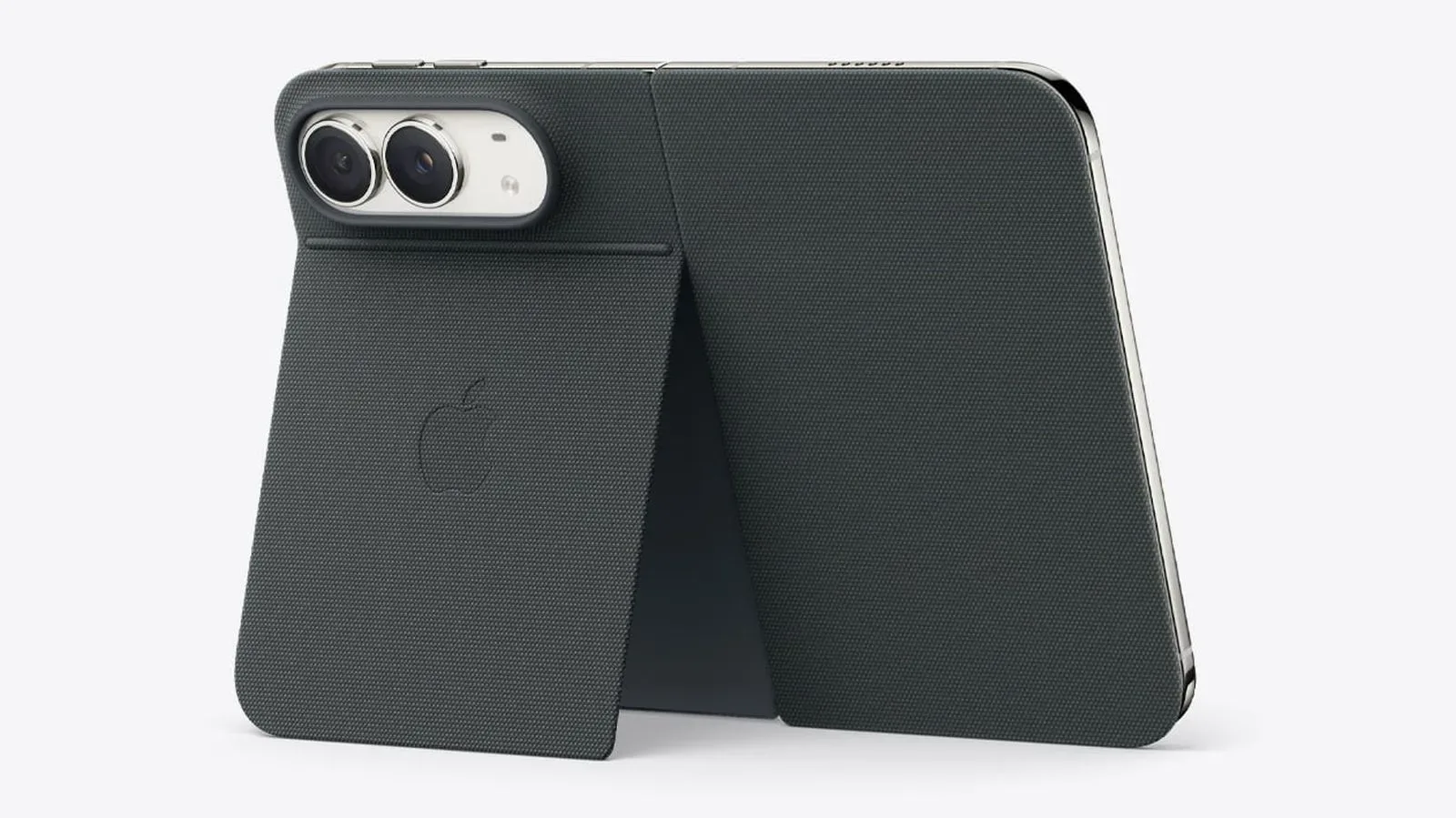
The device diagram identifies volume up and volume down controls along the upper portion of the handset, while the right side carries the side button and Camera Control. A USB-C connector sits on the bottom edge, accompanied by microphones and speakers placed across the phone’s top and bottom.
What is not shown is as important as what is. There is no Action Button on the left side above the volume controls, where it appears on iPhone 18 Pro models and earlier compatible designs. The omission is especially striking because the Action Button was introduced with the iPhone 15 Pro and subsequently appeared on all iPhones released after that point.
For most hardware features, a missing component can fade into the background until a buyer needs it. The Action Button is different because it was built to become personal. One person could use it as a silence switch; another could make it a flashlight trigger, a Voice Memo starter, a Focus shortcut, a Visual Intelligence entry point, or a launcher for a custom Shortcut. It invited users to choose their own one-button superpower, even if that superpower was simply not letting their phone ring during a movie.
What the Action Button normally does
On supported iPhones, the Action Button is configurable rather than locked to a single job. Silent mode is its default assignment, but users can select from several actions. The available uses include setting a Focus, activating the flashlight, recording a voice memo, opening Visual Intelligence, and running a Shortcut.
That flexibility gave the control a subtle game-like quality: a single physical input could be mapped to the function a player—or, more accurately here, a phone owner—uses most. The most elaborate Shortcut setups can make one press kick off a multi-step routine. The simplest setup can save a few seconds when a flashlight is needed in a dark room. The value was never that every owner needed every option. It was that the hardware offered an immediate, tactile route to one chosen option.
The iPhone Duo does not offer that route through an Action Button. Anyone moving from an Action Button-equipped model should therefore expect a change not only in where a feature lives, but in how quickly it can be reached without looking at the display. Whether that is an inconvenience will depend largely on which action had been assigned and how often it was used.
Silent mode becomes a software task
The largest practical consequence is Silent mode. Earlier iPhone designs used a physical mute toggle, and the Action Button could also handle Silent mode by default on newer models. The iPhone Duo has neither physical method. Muting the handset requires opening Control Center and selecting the appropriate software control.
This is a clear break from one of the iPhone’s long-standing habits: a dedicated physical way to verify and change the phone’s sound state. Physical controls excel at quick tasks because they require little navigation. They can also be useful when someone is trying to be discreet, such as before a class, a screening, a performance, or the kind of presentation where a sudden ringtone becomes an accidental boss battle.
Control Center is still a direct system-level destination, not a scavenger hunt through a string of settings menus. But it does put Silent mode behind an interface step rather than at the edge of the device. That distinction matters to users who preferred a hardware control precisely because it remained available regardless of what app was open or what was happening on-screen.
There is another side to the change. A software control does not occupy a physical position on the frame, and the Duo’s layout appears to use its available controls for functions central to its own identity. The side button serves a major authentication role, while the separate Camera Control offers a dedicated route into photography. The handset is not abandoning buttons altogether; it is assigning them differently.
Touch ID takes the side-button spotlight
The iPhone Duo’s side button incorporates Touch ID for unlocking. That is necessary because the device does not support Face ID. As a result, the right-side side button is more than a general-purpose power or wake control: it is also the primary biometric touchpoint for accessing the phone.
Touch ID in a side button changes the physical rhythm of unlocking. Rather than relying on facial recognition, owners will authenticate by placing a finger on the button. The technical details establish the broad hardware fact, but they do not by themselves answer every day-to-day preference question. Some people may favor the deliberate tactile interaction of a fingerprint reader; others may miss face-based unlocking. Those are personal workflow considerations, not a verdict that can be reached from a button diagram alone.
What is clear is that Touch ID makes the side button a high-priority piece of the Duo’s control scheme. With fingerprint authentication there, a dedicated Camera Control beside it, and the volume controls elsewhere on the body, the absent Action Button looks less like an overlooked blank and more like part of a deliberately pared-back set of physical inputs.
Camera Control stays separate
The Duo also includes a separate Camera Control button for opening the camera and taking pictures. Keeping camera duties on their own dedicated control distinguishes them from the functions that would normally compete for an Action Button assignment. On a typical configurable-button setup, a user might choose camera-related behavior as part of a customized routine. Here, photography has a defined physical home of its own.
That split may be particularly useful for a device intended to make a camera readily accessible without asking the side button or volume controls to carry extra responsibility. Still, the specifications only confirm the existence and stated purposes of Camera Control. They do not establish how individual users will rank its convenience against the lost configurability of the Action Button.
There is a broader lesson in this sort of hardware change: controls are part of a device’s interface, not just its silhouette. A phone can have the same broad collection of core abilities while feeling different because the path to those abilities changes. A button that opens a camera, a button that reads a fingerprint, and a software panel that handles Silent mode create a different flow from a phone whose left edge offers a configurable action key.
Why the small button change may feel big
It is easy to dismiss a single missing button as minor specification-sheet trivia. Yet buttons are among the features users learn without consciously studying them. They become habits. That is why the iPhone Duo’s lack of an Action Button and physical mute toggle is likely to matter most to people who owned an iPhone 15 Pro or a later Action Button-equipped iPhone and had already incorporated that control into their routine.
New buyers, by contrast, may simply learn the Duo’s own arrangement: use the side button for Touch ID unlocking, use Camera Control for camera access and captures, adjust volume with the upper controls, and visit Control Center for Silent mode. No device is judged in a vacuum; expectations often come from the last device in someone’s pocket.
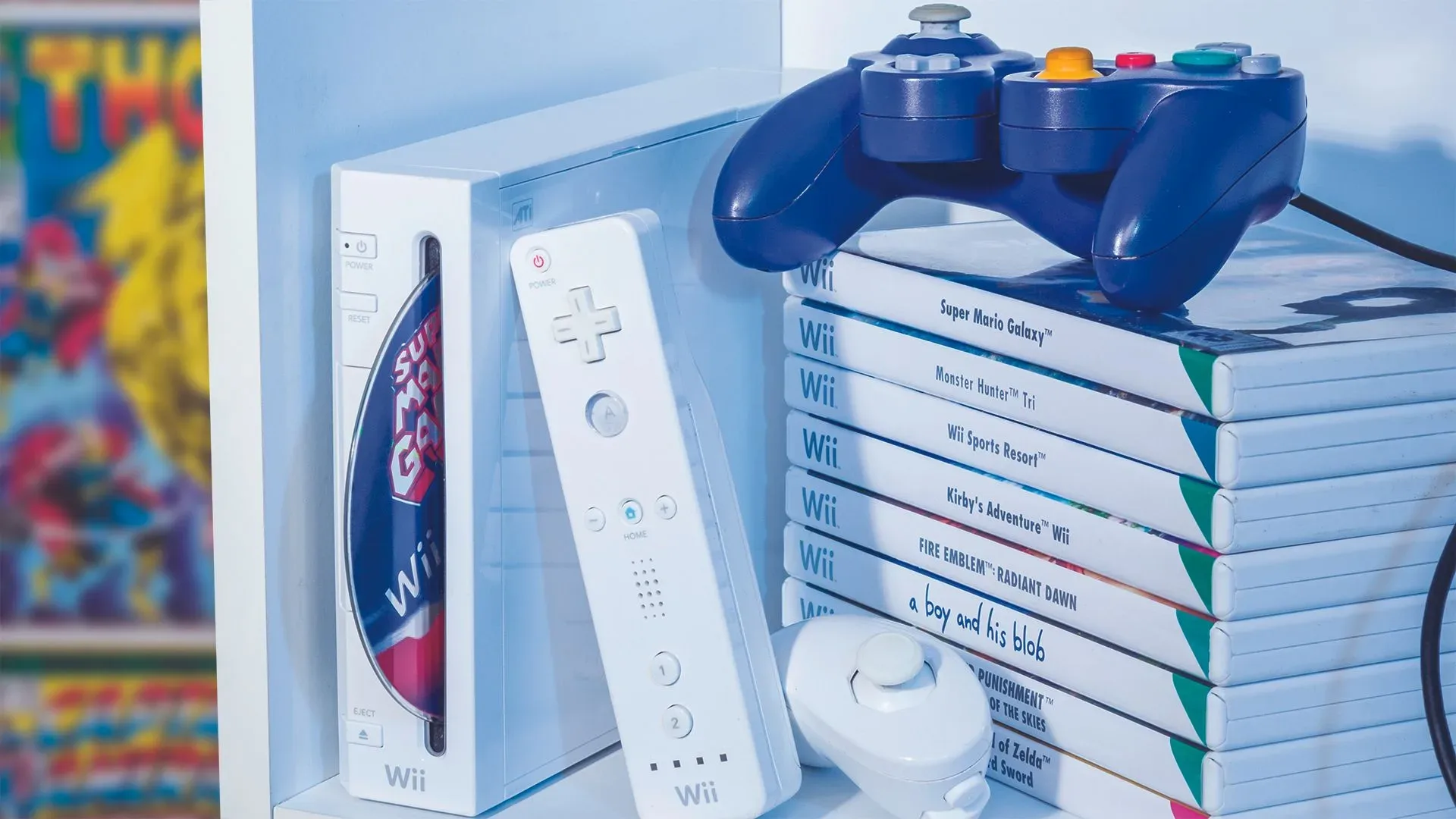
The shift is also a reminder that technology ages into “normal” faster than anyone expects. Features can go from novel to familiar, then suddenly become the thing a newer product leaves behind. The same relentless march is visible in gaming hardware, where even the Wii and PlayStation 3 have entered conversations about what counts as retro; time remains undefeated in the retro classification game.
For the iPhone Duo, the practical checklist is uncomplicated. There is no Action Button. There is no physical mute toggle. Silent mode is activated through Control Center. The device uses Touch ID in its side button rather than Face ID, and it has a standalone Camera Control for launching the camera and capturing photos. Those choices make the Duo’s physical interface distinct from the iPhone 18 Pro models and the iPhones that preceded it with an Action Button.
Whether the arrangement feels streamlined or restrictive will be a matter of individual habits. But the specification is unambiguous: the customizable key that arrived with the iPhone 15 Pro is not making the trip to the iPhone Duo, and the old instant-mute gesture is going with it.