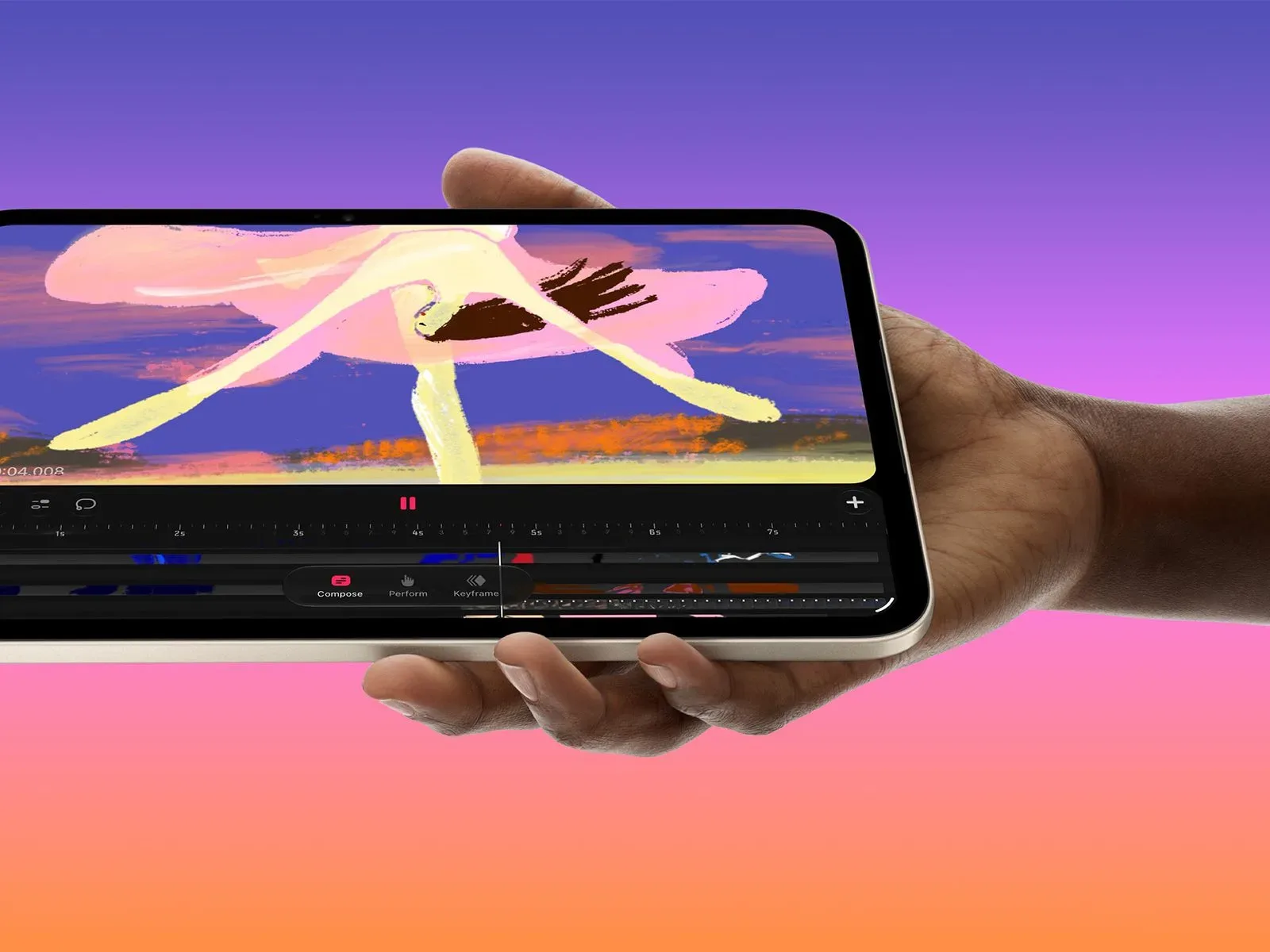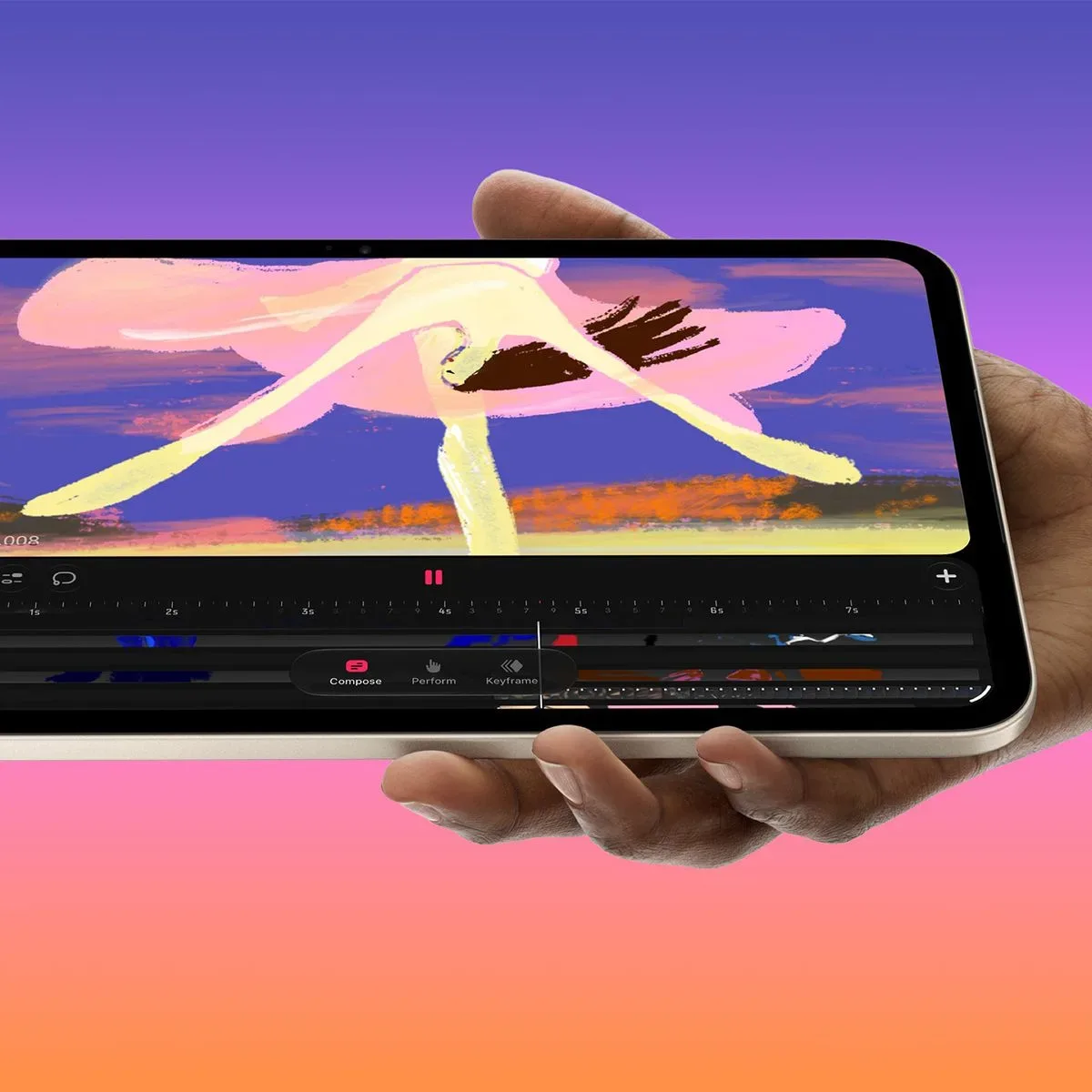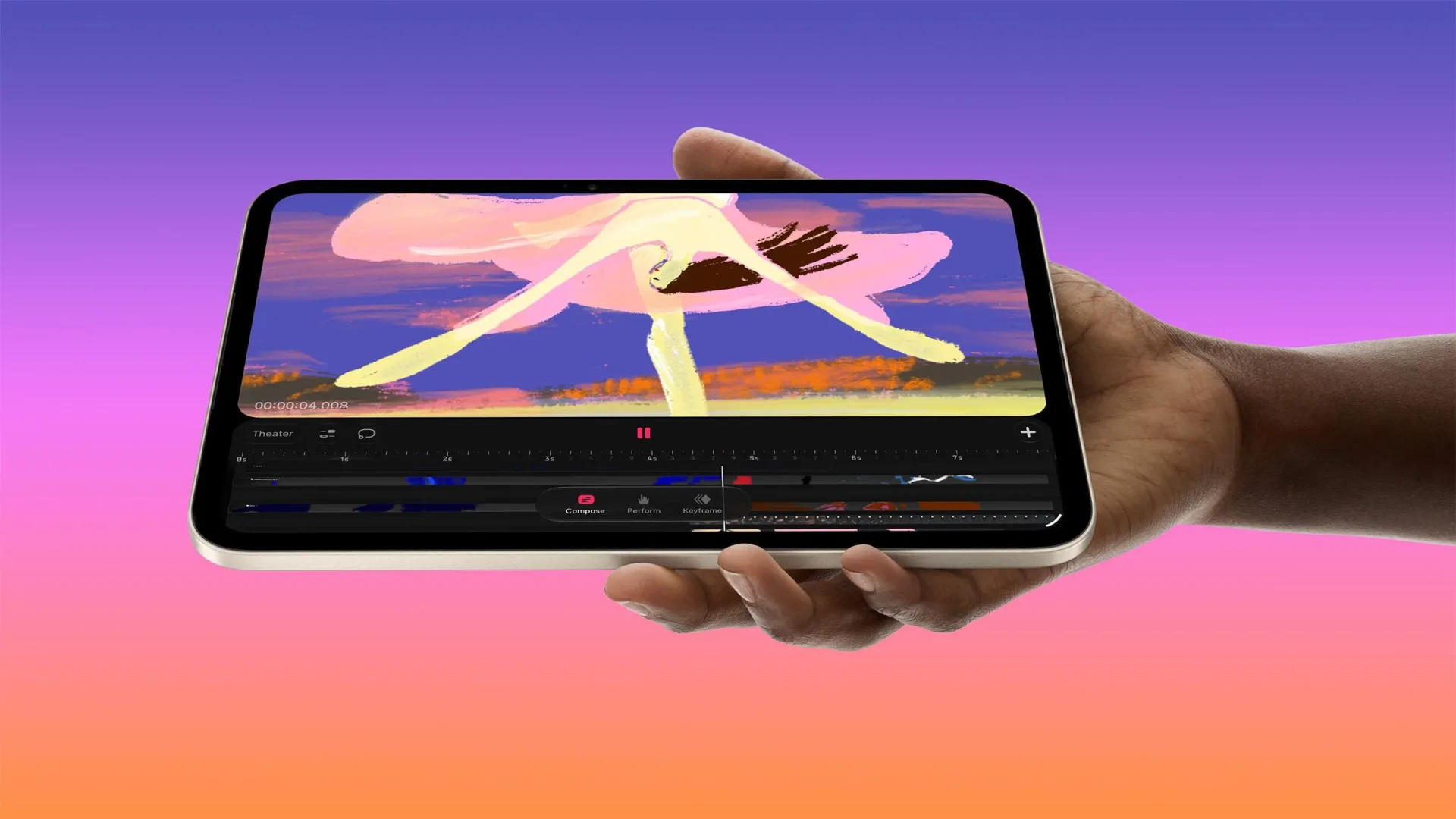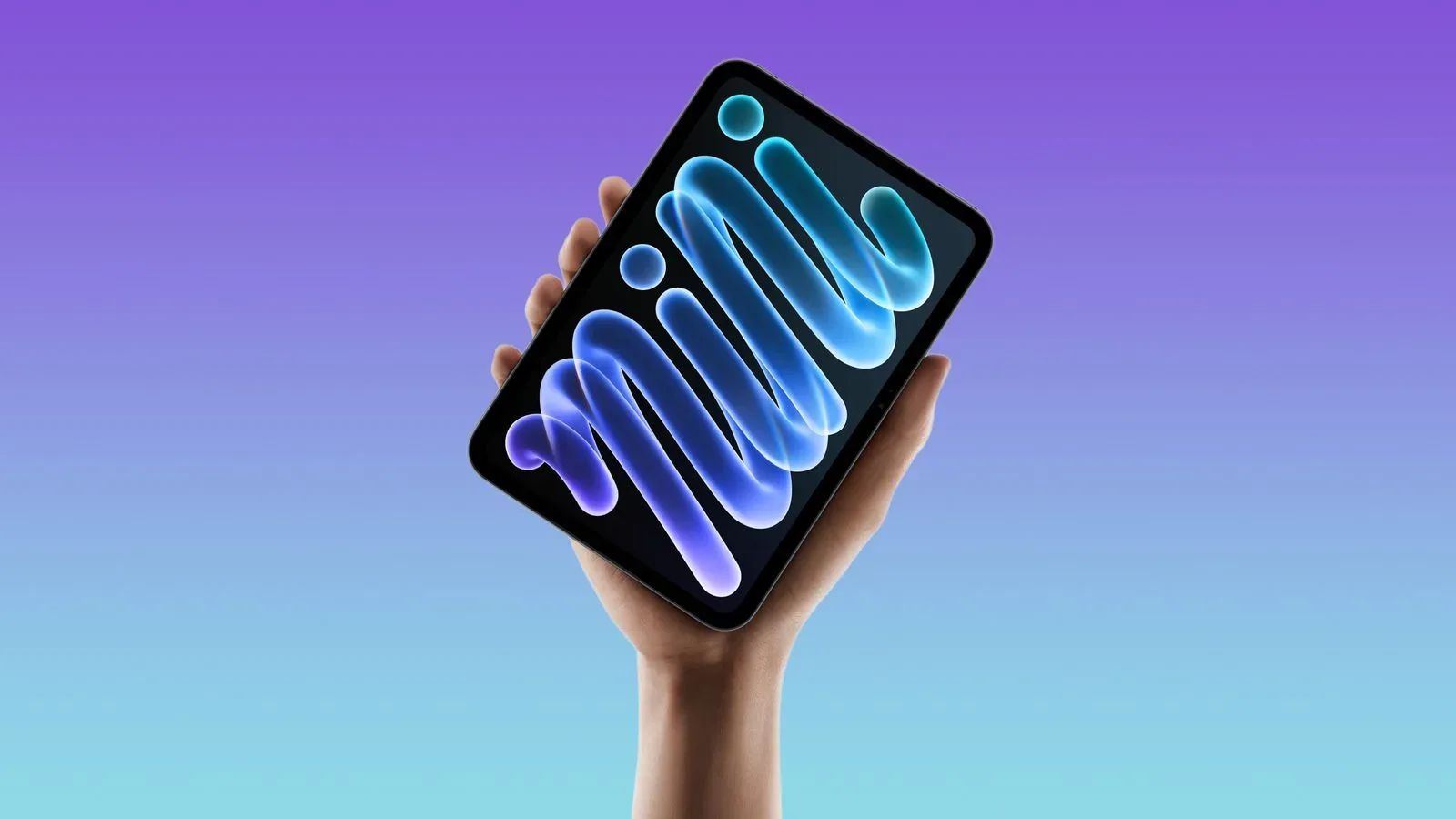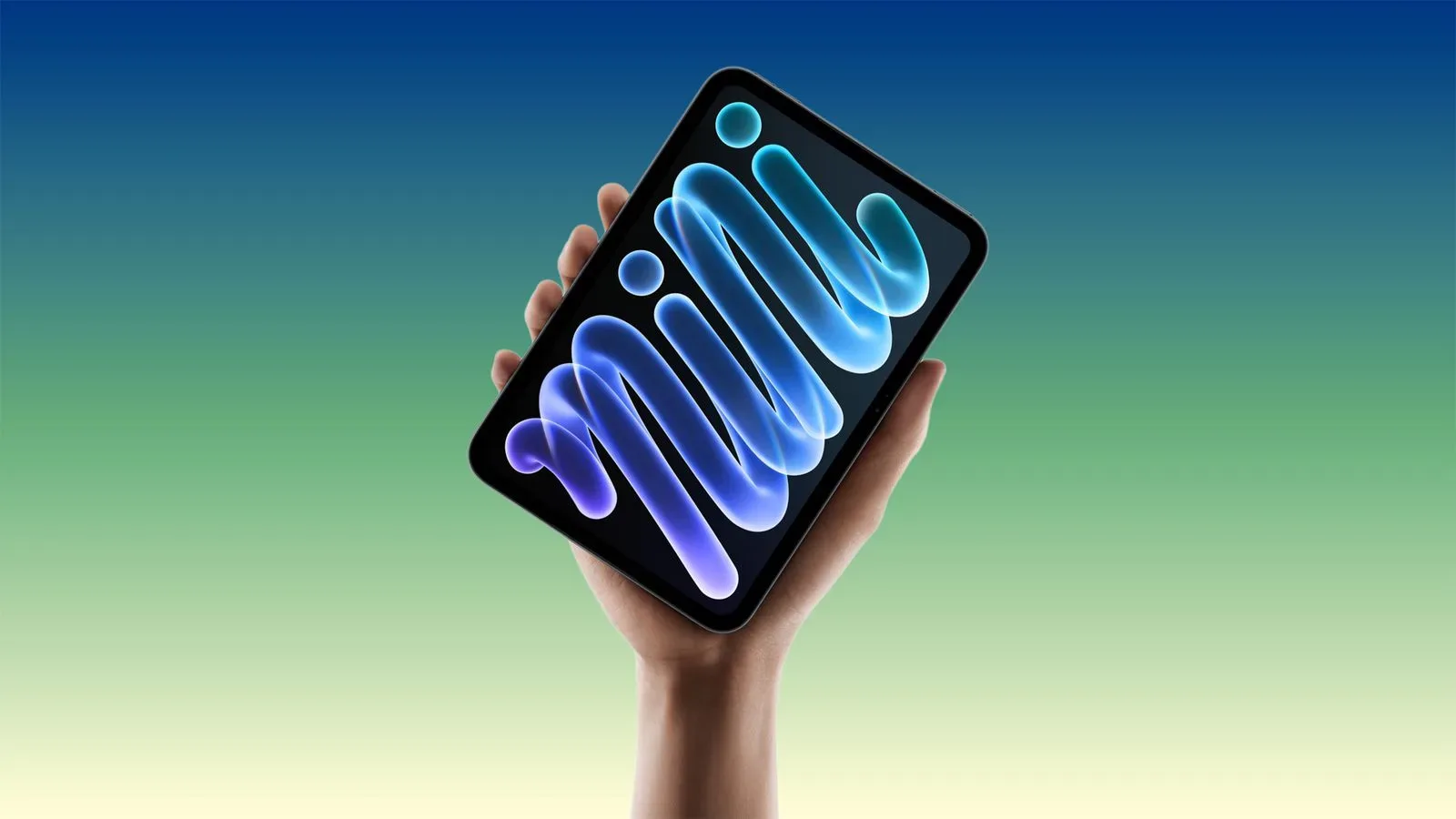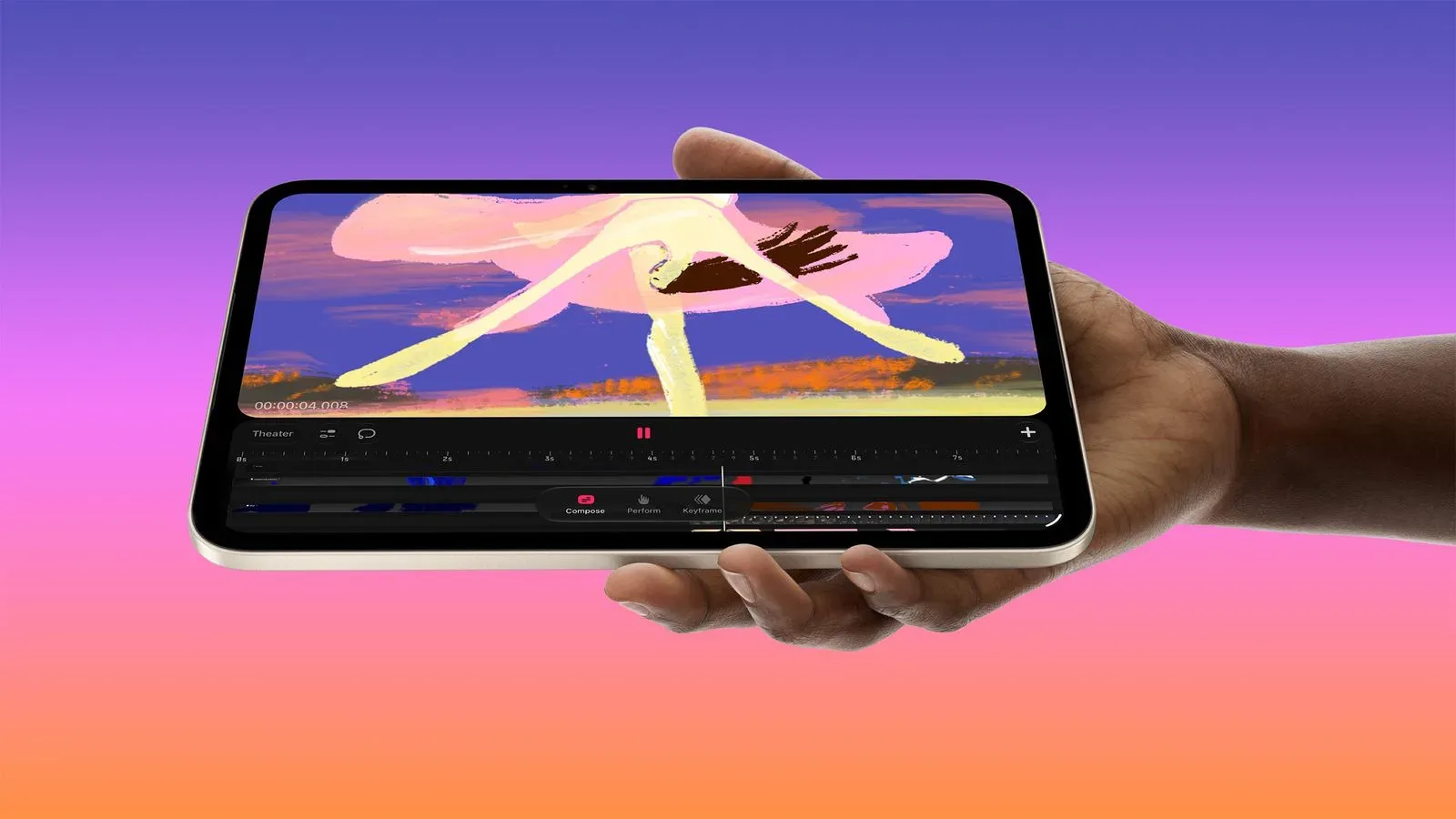
Apple’s new iPad mini makes a substantial display change with its move to OLED, but it stops short of adding ProMotion. The tablet’s panel is limited to a 60Hz refresh rate rather than 120Hz, a choice that has renewed a familiar argument: can OLED’s faster pixel response genuinely substitute for a higher refresh rate?
The short answer is that the two qualities address related but different parts of the visual experience. OLED can be a major improvement for image quality and can reduce a particular kind of blur. A 120Hz display can make motion update more frequently. Neither advantage automatically cancels out the other, and the distinction matters most on a compact touch device intended for swiping, games and Apple Pencil use.
Apple’s position is that OLED panels have much faster pixel response than LCD panels, helping reduce motion blur. That is a meaningful benefit. Yet the criticism of the mini’s 60Hz cap is not that OLED brings no value; it is that response time and refresh rate are separate specifications, with different consequences for interaction.
What 60Hz and 120Hz actually describe
Refresh rate is the number of times a display can update its image per second. At 60Hz, the screen has a maximum of 60 updates each second. At 120Hz, it can update as many as 120 times per second. In plain terms, a 120Hz display has twice as many potential motion steps available during the same one-second stretch.
Pixel response time, meanwhile, refers to how quickly pixels can change from one state or color to another. Slow pixel transitions can leave traces or smears behind moving objects; this is one contributor to perceived motion blur. OLED’s fast response can therefore make movement look cleaner than it would on a slower LCD, even when both panels run at the same refresh rate.
But quick pixels cannot create frames that the display is not refreshing. A 60Hz screen can transition cleanly to its next image, yet that next image is still one of only 60 possible updates in a second. A 120Hz screen offers more temporal samples of motion. That is why it can feel more continuous while scrolling a page, dragging an object, panning a game camera or drawing with a stylus.
This is not a claim that every person will value the difference equally. Visual sensitivity, app behavior and the task itself all affect what someone notices. It is, however, a reason not to treat “faster OLED response” and “120Hz refresh” as interchangeable descriptions of smoothness.
Why the limitation matters more on an iPad than a spec sheet may suggest
A refresh-rate debate can sound abstract until it reaches the actions people repeat hundreds of times a day: flicking through a browser, zooming a page, moving between menus or navigating an app with a finger. The concern raised in early commentary is that 60Hz is visible not only in demanding games, but also in these ordinary gestures.
Scrolling is an especially understandable example. At a higher refresh rate, text and interface elements are shown at more positions as they travel across the panel. That can make moving content easier to follow. At 60Hz, fast scrolling may appear less legible, whether or not the panel’s individual pixels are responding quickly.
The same distinction applies to the Apple Pencil. A stylus workflow involves immediate visual feedback: the user moves the Pencil, then judges its position against the line, brush mark, note or selection appearing under it. A 120Hz display can show more updates during that movement. The reported result on the 60Hz iPad mini is a more juddery-feeling Pencil experience, even though OLED should improve other visual aspects of the screen.
That does not mean the iPad mini is unsuitable for writing, sketching or touch navigation. It means a buyer who prioritizes the sensation of direct, fluid input should not assume that the OLED label alone delivers every display improvement associated with higher-end tablets.
Gaming: frame rate and refresh rate are connected, not identical
For games, a display’s refresh rate sets an upper boundary on how often the device can show a newly rendered frame. A game may be capable of producing more frames, but a 60Hz screen cannot present more than 60 distinct refreshes per second. Conversely, a 120Hz display does not guarantee that every game will run at 120 frames per second; game performance and software support remain important.
Still, a 120Hz panel gives games a higher ceiling. Fast camera movement, racing, action games and titles relying on quick touch control are the situations where players are most likely to care. The benefit is not simply a prettier screenshot. It is about the cadence of movement and the frequency with which the display can visually answer an input.
OLED can improve game presentation in a different way. Because it does not use a backlight and can turn individual pixels fully off, it can display true black. That supports higher contrast and more vivid color. Dark scenes, interface elements and HDR material can gain more depth from those black levels than an LCD panel can generally provide.
The iPad mini’s stated display figures reinforce that point. Apple lists a 2,000,000:1 contrast ratio, maximum brightness of 600 nits for standard content and up to 1,200 nits for HDR content. The standard-content brightness is up from 500 nits on the preceding model. Those are tangible screen improvements, particularly for people who care more about contrast, color and HDR impact than the feel of 120Hz motion.
The problem is not that one set of strengths is false. It is that a gamer or artist may reasonably want both: OLED’s image quality and a 120Hz update rate.
OLED makes the mini stronger, not immune to trade-offs
The fairest reading of the iPad mini 8 display is that Apple has improved a major component without resolving every premium-tablet expectation. OLED delivers a meaningful change in the fundamentals of picture quality. Deep blacks are especially relevant when a screen is showing dark imagery, while the stated HDR peak brightness adds headroom for compatible high-dynamic-range content. A higher standard brightness figure can also improve the experience in brighter surroundings.
Those gains should not be minimized just because the refresh-rate limit has become the headline. Display quality is not a one-number contest. Contrast, brightness, color, pixel response and refresh behavior all contribute to the final experience.
At the same time, buyers should be wary of a simplified argument that makes refresh rate irrelevant. Faster pixel response helps with blur caused by pixel transitions. It does not increase the panel’s 60Hz update limit. A reader deciding whether the mini is the right portable gaming or drawing device should treat those as two separate lines on a comparison list.
A practical way to weigh the choice
- Prioritize OLED if: true blacks, contrast, vivid color and HDR brightness are your key display priorities.
- Prioritize 120Hz if: you are particularly sensitive to scrolling fluidity, play fast-moving games, or spend substantial time in responsive touch and Pencil workflows.
- Consider both if: you expect a small premium tablet to handle media, games and creative work without a notable interaction compromise.
There is no supplied evidence that 60Hz makes the new iPad mini unusable for any of those activities, and it should not be framed as an automatic dealbreaker. The stronger conclusion is narrower: for users accustomed to 120Hz displays, the absence of ProMotion remains relevant precisely because the new OLED panel makes the mini feel closer to a high-end screen proposition.
What prospective buyers know now
The iPad mini is available to preorder in the United States from $699 with 128GB of storage, and it launches Friday. At that entry point, display priorities deserve careful attention rather than an assumption that every OLED upgrade also represents a motion upgrade.
Apple’s broader software ecosystem may also matter to prospective tablet owners; the company’s current mobile software work is covered in our report on the iOS 27.3 developer beta. But for this device, the hardware decision is unusually straightforward to describe: OLED improves contrast, black levels, color presentation and stated brightness capabilities, while the screen still refreshes at 60Hz.
That leaves the iPad mini 8 with a compelling panel upgrade and a conspicuous ceiling. People shopping primarily for movies, HDR material and OLED image quality may see the trade as perfectly sensible. Players who want the smoothest possible motion, and creators who regard Pencil responsiveness as central rather than incidental, have a clear reason to scrutinize it. Faster OLED pixels may make a 60Hz display better than an LCD at 60Hz, but they do not turn it into a 120Hz display.