YouTube has widened access to an AI-assisted music replacement option designed for a familiar creator headache: an upload that receives a copyright claim because of its soundtrack. As of November 3, the feature is available in most countries outside the European Economic Area, extending a tool that first arrived for U.S. desktop users earlier in the year.
The useful part is straightforward. Rather than taking down a whole video or accepting a music claim unchanged, eligible creators can use YouTube Studio’s Replace song workflow to swap the claimed music for a newly generated instrumental. The substantial limitation is just as straightforward: the new music is licensed for content made on YouTube, not as a general-purpose track a creator can carry to every other platform.
That boundary matters for anyone who treats a YouTube upload as one version of a wider social-video campaign. Downloading one of the generated tracks does not expand its permitted use to another service. Creators should therefore regard the download as a convenience for their YouTube production workflow, rather than proof of a portable royalty-free license.
What the replacement tool provides
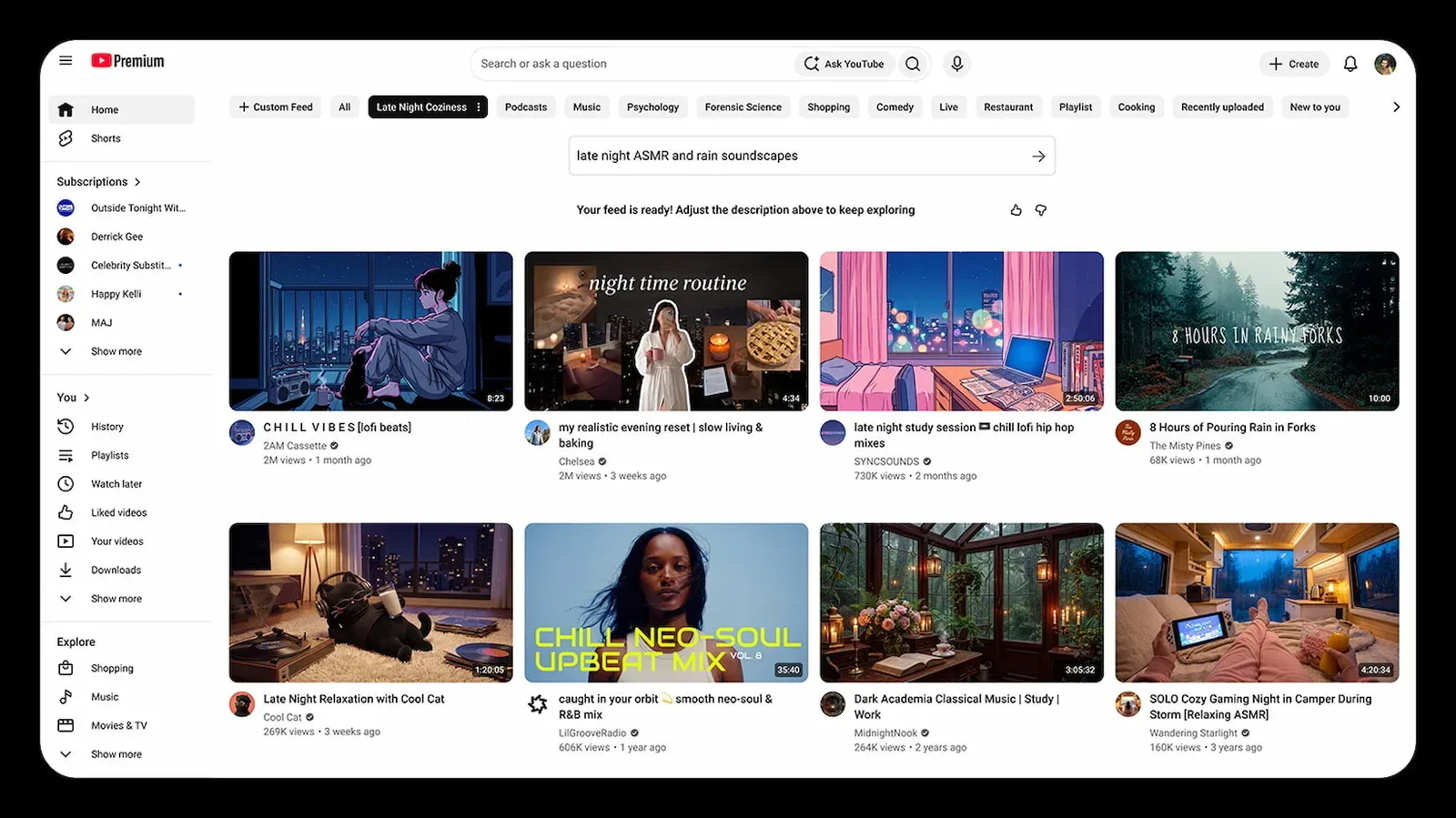
The feature appears within YouTube Studio’s existing song-replacement tools. It presents four royalty-free instrumental choices at a time, each running for three minutes. A creator can preview the options, inspect licensing information, adjust their volume and loop a selected track where necessary. If none of the first four options suits the video, another batch can be generated.
There is an important distinction between this approach and the prompt-driven AI music systems many people may have encountered elsewhere. Users do not enter text directions describing a genre, mood, instruments or tempo. In practical terms, that makes the feature less of a blank-canvas music generator and more of a targeted repair tool embedded inside the copyright-resolution process.
That narrower design has a clear trade-off. It may be faster for a creator who simply needs replacement audio that can be used within the platform, but it offers less direct control over the musical result. A video’s pacing, emotional tone and edit points can all be tied closely to its soundtrack, and four generated instrumentals may not neatly match every kind of upload. The ability to generate another selection helps, but it does not turn the tool into bespoke scoring.
For creators who need greater control, YouTube still points to its other available remedies: cutting the affected portion of a video, removing the music, or selecting a track from the Audio Library. The right choice depends on whether the claimed passage is brief, central to the video, or replaceable without damaging the edit.
The key requirement: replace all of the claimed audio
The tool is not a partial workaround for a detected song. YouTube’s guidance says the claimed audio has to be fully replaced before the claim can be removed after processing. If some of the matching music remains audible, the underlying issue has not necessarily been solved.
Related coverage includes YouTube Expands AI Music Replacement Tool Beyond U.S..
That is a practical point worth understanding before making an edit. A creator should identify how much of the video is affected and whether a replacement can cover the entire relevant section cleanly. A three-minute instrumental can be looped, which helps with longer segments, but looping may not be artistically appropriate in every case. If the original audio is woven through dialogue, gameplay commentary, a live performance or a sequence where the sound changes constantly, trimming or muting may be a more workable option.
It is also worth reviewing the proposed replacement and its licensing information before committing. The music is meant to resolve the use of matching audio in the YouTube video; it does not grant rights to the originally claimed song. That distinction prevents a common misunderstanding: changing an upload’s soundtrack can address a platform claim, but it does not retroactively authorize the earlier use of the original recording.
Content ID claims are not copyright strikes
The feature makes the most sense when creators separate several copyright terms that are often casually treated as interchangeable.
Content ID is YouTube’s matching system. When uploaded video or audio corresponds to material in the system, the relevant rights holder can apply a policy to the video. Depending on the territory and the owner’s settings, that policy can block the video, track it, or monetize it. YouTube identifies monetization as the most common policy for music claims.
A Content ID claim generally concerns the affected video, rather than functioning as a strike against the entire channel. That does not mean it is irrelevant—an owner’s policy can still affect where a video is viewable and who receives revenue—but it is not the same thing as a copyright removal request.
A copyright removal request is a different enforcement process. When a valid removal request results in a takedown, it can lead to a copyright strike. The availability of Replace song should not be read as a universal answer to every copyright dispute. It is a feature for dealing with matching music in an upload, and the nature of the claim still matters.
For a creator, this makes assessment more important than panic. Check what has actually happened to the video, what policy is applied, which section has been identified and whether the audio can be fully replaced without undermining the upload. The replacement feature may be a useful route where the goal is to preserve the video while changing its music, but it is not a declaration that any original use was permitted.
A YouTube-only license changes the planning checklist
The licensing restriction is the central caveat in the expansion. Music generated through this feature is intended only for videos and other content a creator makes on YouTube. A creator who also posts the same edit to another video service should not assume that the downloaded file carries rights beyond YouTube.
That can affect editing decisions early in a project. If the same video is intended for multiple destinations, a creator may need either platform-specific versions or music cleared for every intended use. The practical value of the tool is highest when the affected upload is fundamentally a YouTube project and the goal is to make that one upload workable again.
It also underlines why “royalty-free” is not identical to “usable anywhere.” The term can describe music that does not require ongoing per-use royalty payments under its relevant license, but the actual license still determines where and how a track may be used. Here, the permitted venue is explicitly bounded. Creators should check the license terms attached to the available options rather than relying on the label alone.
That is especially relevant for channels that build companion content around games, streams, edits or highlights. A soundtrack that resolves a YouTube issue may be ideal for the YouTube cut, while a separately licensed song may be needed for a version shared elsewhere. The distinction is administrative, but it can prevent an avoidable second round of copyright trouble.
Desktop access first, and edits deserve caution
The broader rollout does not mean the feature is available everywhere Studio is available. It remains unavailable in the YouTube Studio mobile app, despite earlier plans for a mobile version. For now, creators who need this particular option should expect to use desktop Studio.
There is another reason not to rush the edit. Since June 2025, changes saved using Studio’s editor no longer have the old revert option. In other words, creators should treat a saved replacement as a lasting alteration to the upload rather than an easily reversible experiment.
A sensible workflow is to preview each candidate track, make sure it covers the entirety of the claimed material, listen for conflicts with speech or key in-video audio, and confirm that the YouTube-only license fits the upload plan. If the video will be distributed beyond YouTube, the music question should be resolved for those versions separately.
For creators who want to watch how platform rules, music rights and direct distribution keep colliding, there is a related example in Rell’s move to sell directly to fans. The circumstances are different, but the underlying lesson is similar: control over where work goes and what rights attach to it can be as important as the work itself.
Separate from YouTube Music’s AI labels
The expansion arrives shortly after a separate AI-music development on YouTube Music. On October 14, that service began rolling out labels for AI songs alongside disclosure and detection rules covering generated beats and vocals.
The two initiatives address different questions. AI-song labels concern how music was made: whether generative AI was involved in producing the beats or vocals. The Studio replacement feature addresses what happens after an upload receives a matching music claim: replacing the identified audio with an eligible instrumental option.
The distinction also helps clarify what is not being labeled as generative AI. Tools such as Auto-Tune and mastering are treated differently from systems that generate musical material. For creators and viewers, the policies are therefore not one giant “AI music” switch. One relates to disclosure and identification of generated music, while the other is a practical editing pathway for a claimed video.
YouTube’s expanded availability gives more creators a potentially less destructive alternative to losing a video’s soundtrack entirely. Still, it is a constrained option: four instrumentals at a time, no text prompts, desktop-only access for now, a non-reversible saved edit, and licensing confined to YouTube. Used with those limits in mind, it can be a useful repair tool. Used as a substitute for a broader music-rights plan, it may create fresh problems the moment that video travels beyond YouTube.