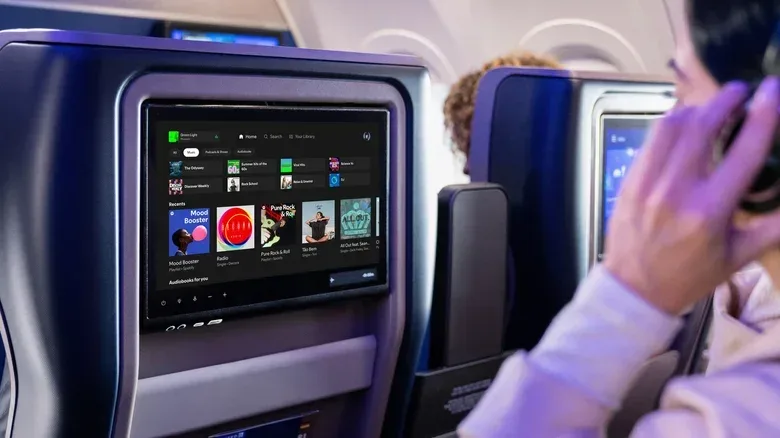
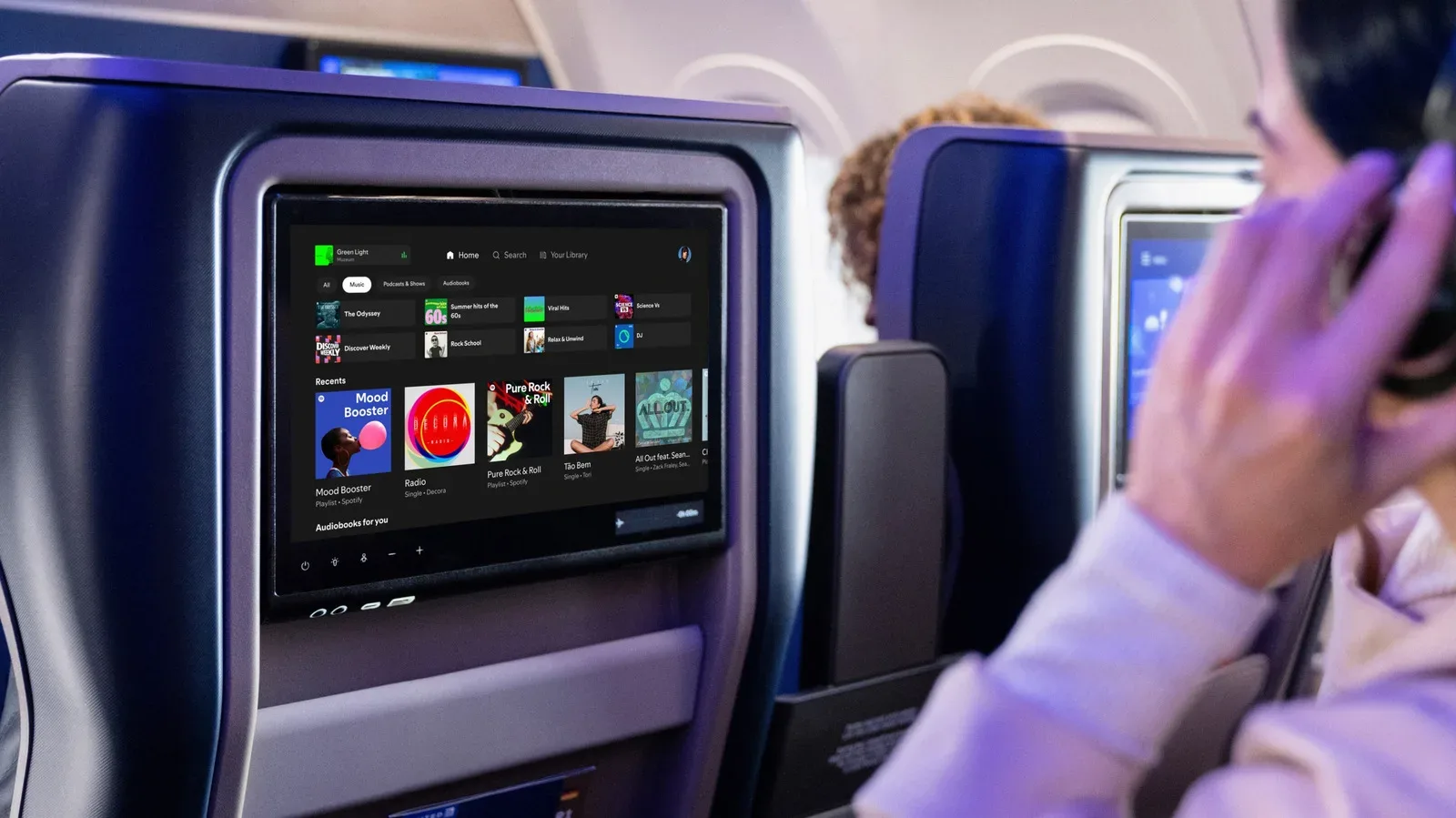
Spotify is preparing to put its full streaming library on United Airlines seatback displays aboard flights equipped with Starlink satellite internet. The integration is designed to bring a passenger’s own Spotify home screen and playlists to the larger in-seat display, rather than limiting them to a phone or preselected inflight entertainment catalog.
The feature covers Spotify’s music, podcasts and audiobooks. It is not merely a curated airline channel: the intended experience includes access to a passenger’s personalized profile once they connect. For travelers who normally make a pre-flight ritual out of downloading an album, queueing a podcast series or saving an audiobook chapter, that could substantially change how they prepare for a United trip—provided their specific aircraft has the necessary connection.
How Spotify access on United screens will work
The setup uses both the traveler’s phone and the seatback screen. A passenger will first connect their phone to United’s inflight Wi-Fi, then scan a QR code displayed on the seatback system. The code directs the traveler through the account connection process.
If Spotify is already signed in on the phone, the seatback display can load that Spotify profile automatically. Otherwise, the passenger will be prompted to sign in. Afterward, the display is expected to present Spotify in a layout comparable to its tablet apps, with the personal home area and playlists available through the seatback interface.
That distinction matters. A seatback screen is the display built into the aircraft seat for inflight entertainment. Instead of holding a personal device for an entire episode or music video, passengers can use the screen already directly in front of them. The phone functions chiefly as the secure bridge that links the seat’s temporary session to the user’s Spotify account.
Spotify access through the connection is free. Passengers will not need to buy an inflight internet pass specifically to use Spotify, although the feature itself depends on being on a United aircraft with Starlink Wi-Fi. Free Spotify connectivity should not be mistaken for a promise that every online service is included; the confirmed benefit is Spotify access.
What Starlink-equipped means—and why it is the key limitation
Starlink satellite internet is the connectivity layer that makes this version of the seatback Spotify experience possible. United began testing Starlink on flights in early 2025 and says nearly half of its daily departures now offer the service. That is meaningful coverage, but it is also not universal coverage.
In practical terms, travelers should treat Spotify on the seatback screen as an aircraft-specific amenity, not something guaranteed simply because the ticket is for a United flight. United offers a Starlink Wi-Fi Tracker that passengers can use to check whether a particular flight is equipped with the service. Checking before departure is the sensible move, particularly for anyone hoping to watch a video podcast, follow a playlist during a long flight, or leave downloaded media off their phone to save storage.
The dependency on aircraft connectivity also explains why downloaded content is still useful as a backup. The new option reduces the need to plan around offline listening when the correct hardware is present, but it does not turn every United seatback display into a Spotify terminal overnight. A playlist downloaded to a phone remains the safer fallback for a flight without Starlink capability.
A larger screen changes the kind of Spotify content that fits inflight use
Music streaming on airplanes is not new. Some airlines already provide music through their seatback entertainment systems or enable free access to selected streaming apps on a passenger’s own device. What makes this arrangement more notable is the combination of Spotify’s personalized account experience and the built-in display.
That difference is especially relevant for video. A video podcast is a podcast with a visual component, while a music video is similarly better suited to a larger, fixed screen than a handheld phone. The seatback option gives passengers an alternative when the audio-only version of a show is not the whole appeal.
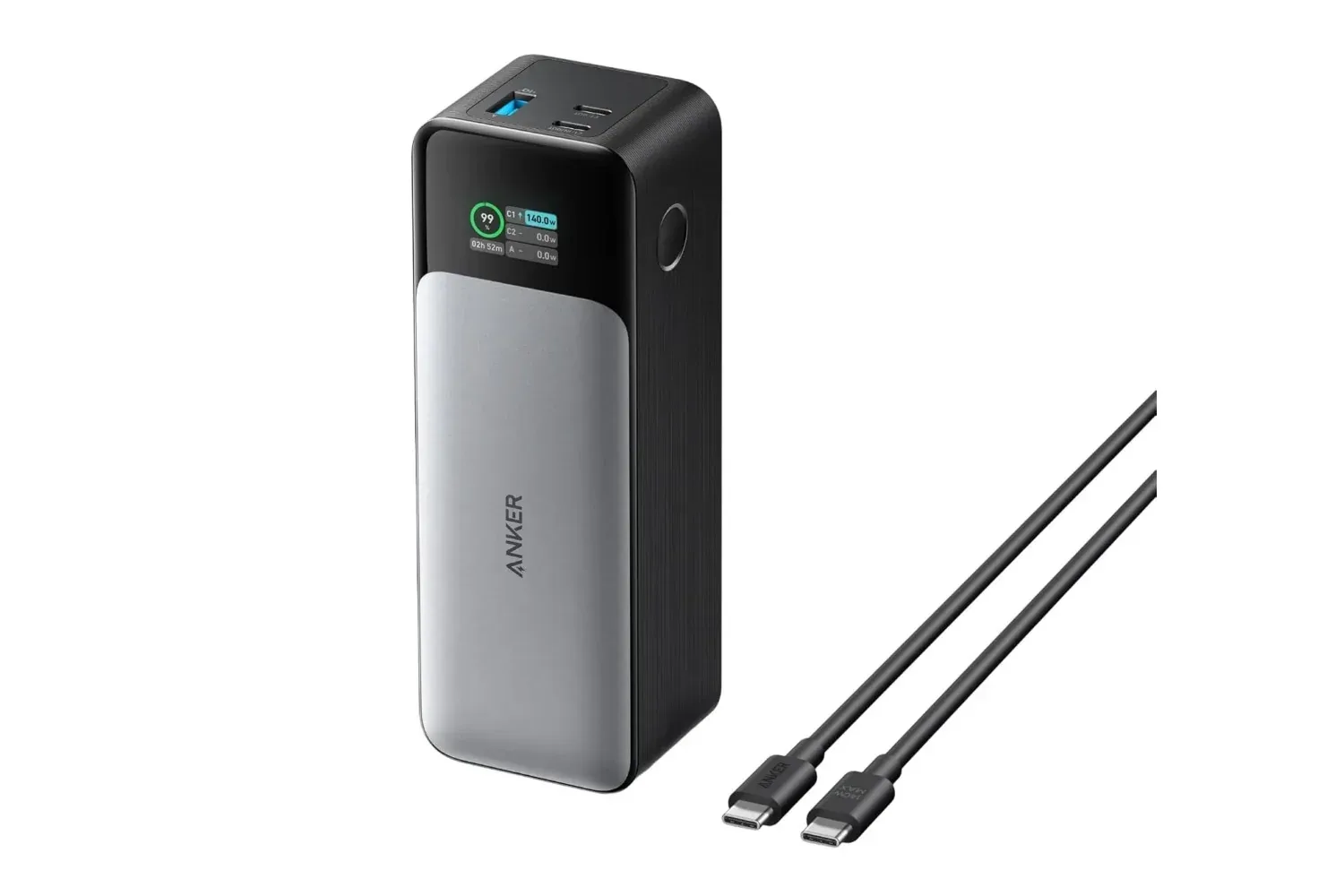
It can also make ordinary listening more comfortable. On a phone, Spotify competes with boarding notifications, battery concerns, cramped tray-table space and the need to prop the device somewhere useful. On a seatback display, the interface is already positioned for viewing, leaving the phone free for messages, travel documents or charging. Travelers who rely heavily on devices during transit may also want to consider travel-focused power options; a recent look at the Anker 737 140W power bank for travel and long gaming days illustrates why power planning still matters even when a seatback screen takes over entertainment duties.
Personalization is the feature doing the heavy lifting
Having access to Spotify’s broader catalog is useful, but the personal profile connection is arguably the more important part of the rollout. Airline entertainment libraries are generally designed for a wide group of passengers. A linked Spotify account instead starts from listening habits the user has already established: saved playlists, recent listening and the home experience attached to that account.
That means a passenger can move from their usual listening routine on the ground to the plane’s display without manually rebuilding a queue from an unfamiliar entertainment menu. The value is less about introducing music to a plane than about removing friction between a familiar service and an unfamiliar travel environment.
For podcast and audiobook listeners, this is equally practical. Long-form audio is a common fit for flights, but it has traditionally required preparation. A traveler might download episodes before leaving home, confirm that the right book is saved, and hope there is enough device storage and battery for the journey. Streaming through the seatback screen gives passengers another route to that material on qualifying flights.
There is still an important boundary: the account connection should be handled thoughtfully. Because the seatback system is a shared, public-facing device, passengers should make sure the session is finished when they are done and avoid leaving personal account access active after the flight. The supplied details describe login through the phone and QR code, but do not specify the exact sign-out process, so travelers should watch for session controls on the screen and in the app.
What passengers can do before boarding
- Check the flight’s Starlink status. United’s Starlink Wi-Fi Tracker is the relevant tool for confirming whether the aircraft is expected to support this experience.
- Make sure Spotify is signed in on the phone. Being logged in may allow the seatback display to load the correct profile automatically after the QR process.
- Keep downloads for contingency plans. Starlink-equipped coverage has reached nearly half of United’s daily departures, not all of them.
- Bring headphones. The seatback display provides the screen, but personal listening still requires a suitable audio setup.
- Be deliberate with account access. Connect using the QR code, enjoy the content, and check that the temporary inflight session is no longer active when leaving the seat.
Why this matters beyond a music perk
This is a small but revealing shift in how inflight entertainment is being framed. The older model centers on a fixed menu chosen for the aircraft. The Spotify arrangement centers on a service the traveler already uses, delivered through the plane’s hardware. The aircraft screen becomes less of a closed entertainment library and more of a display for a passenger’s own media identity.
For United flyers, the immediate benefit is straightforward: on eligible Starlink-equipped flights, Spotify’s music, podcasts and audiobooks can be accessed on the seatback display without purchasing an internet pass for Spotify. The more specific appeal is choice of format. Travelers can keep a music playlist on in the background, use the large display for a music video, or settle in with video podcast programming without committing their phone to the job.
The rollout does not eliminate the familiar travel checklist. Aircraft equipment varies, an eligible connection must be present, and offline downloads remain worthwhile insurance. But when the required Starlink Wi-Fi is available, the integration offers a clearer path from boarding pass to personal playlist—and gives the humble seatback screen something more tailored than its usual menu of distractions.