Bluetooth is one of modern tech’s most invisible conveniences. It connects a phone to earbuds before a morning commute, pairs a controller to a tablet, gets a car’s hands-free calls working, and helps a smartwatch quietly pass along notifications. For players, it also means less cable clutter between a mobile device, PC, handheld, headset and gamepad.
That usefulness does not mean Bluetooth should inspire panic. Pairing normally requires approval, current phones receive security updates, and an attacker generally needs to be physically close enough for a Bluetooth connection to matter. Still, leaving any wireless radio active creates an additional surface for bugs, unwanted pairing attempts, tracking-related concerns, or flaws in a particular accessory. The sensible question is not whether Bluetooth is universally “safe” or “unsafe.” It is whether it needs to be on at a given moment—and whether the devices using it are maintained properly.
For people who use Bluetooth constantly with a watch, hearing device, controller or car, switching it off every day may be impractical. For everyone else, turning it off when it is idle is a straightforward precaution. It narrows the time in which a nearby attacker could attempt to interact with it and makes a phone less visible to unfamiliar devices.
Why Bluetooth deserves the same attention as other connections
Bluetooth is designed to make short-range connections manageable, not to function as an open invitation to every gadget in the room. A phone ordinarily asks before it pairs with a new device. Previously trusted accessories also use established credentials rather than demanding approval every time.
But security is not solely about the usual pairing screen. Vulnerabilities can emerge in the software and chips that implement Bluetooth, in the operating systems handling it, and in the accessories connected through it. The risk can vary dramatically by model, firmware version and Bluetooth feature. One flaw may concern a specific family of headphones; another may affect a discovery or fast-pairing workflow. A problem reported for one device should not be treated as proof that every Bluetooth product is compromised.
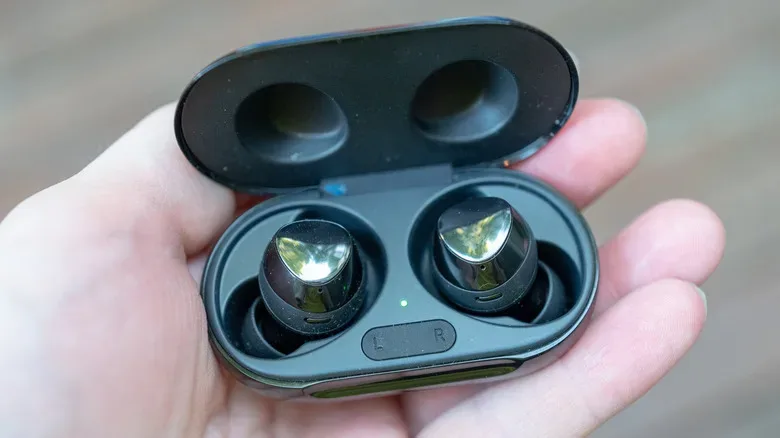
Past reporting has included Bluetooth-related issues involving Fitbit hardware and other devices, including concerns around location information. More recently, research attributed to Insinuator described weaknesses involving Airoha-based hardware. The reported consequences could include nearby attackers attempting to listen in or obtain sensitive information such as phone numbers, contacts and call history. Those claims underline a key point: headphones, earbuds and audio accessories are small computers with radios, firmware and data paths of their own—not merely passive speakers.
Security jargon often makes the threat sound like a comic-book supervillain who can steal a phone from across town. In reality, attacks commonly called bluebugging or bluesnarfing depend on a nearby Bluetooth target and a relevant weakness. Range, device state, patch level and the attacker’s capabilities all matter. Reducing exposure does not guarantee immunity, but it gives opportunistic attempts less opportunity to work.
The low-effort settings worth checking
The simplest defensive routine begins with an honest inventory: which Bluetooth accessories do you actually use every day? If the answer is “only my wireless earbuds during workouts,” there is little downside to disabling Bluetooth outside that window. If the answer includes a medical or hearing-related device, a smartwatch, a car connection and a controller, convenience and accessibility may outweigh the benefit of constant toggling. In that case, focus on updates, trusted pairings and removing old devices.
- Turn Bluetooth off when it is genuinely unnecessary. This is most useful in locations where you do not need connected accessories, particularly when traveling or using unfamiliar shared spaces.
- Keep the phone, accessories and companion apps updated. Install operating-system patches and check whether headphone, controller, smartwatch or car manufacturers provide firmware updates. Bluetooth bugs are often fixed at the device or platform level.
- Review paired devices periodically. Remove accessories you no longer own, no longer recognize or have not used in years. A pairing list should look like your current setup, not an archaeological dig through every speaker and rental car you have met.
- Avoid accepting unexpected pairing requests. Treat them like an unrecognized login prompt. Do not approve a request simply because a device name looks vaguely plausible.
- Use non-discoverable or hidden behavior where the platform provides it. Settings differ by phone and operating system, and some devices only become discoverable while their Bluetooth menu is open. The useful objective is to avoid needlessly advertising a device to everyone nearby.
It is also wise to avoid using a generic or overly revealing Bluetooth device name. A name that includes a full real name, workplace or phone model can offer unnecessary context to strangers scanning nearby devices. This change is not a replacement for patches, but it is an easy bit of data minimization.
Cars can retain more than a playlist
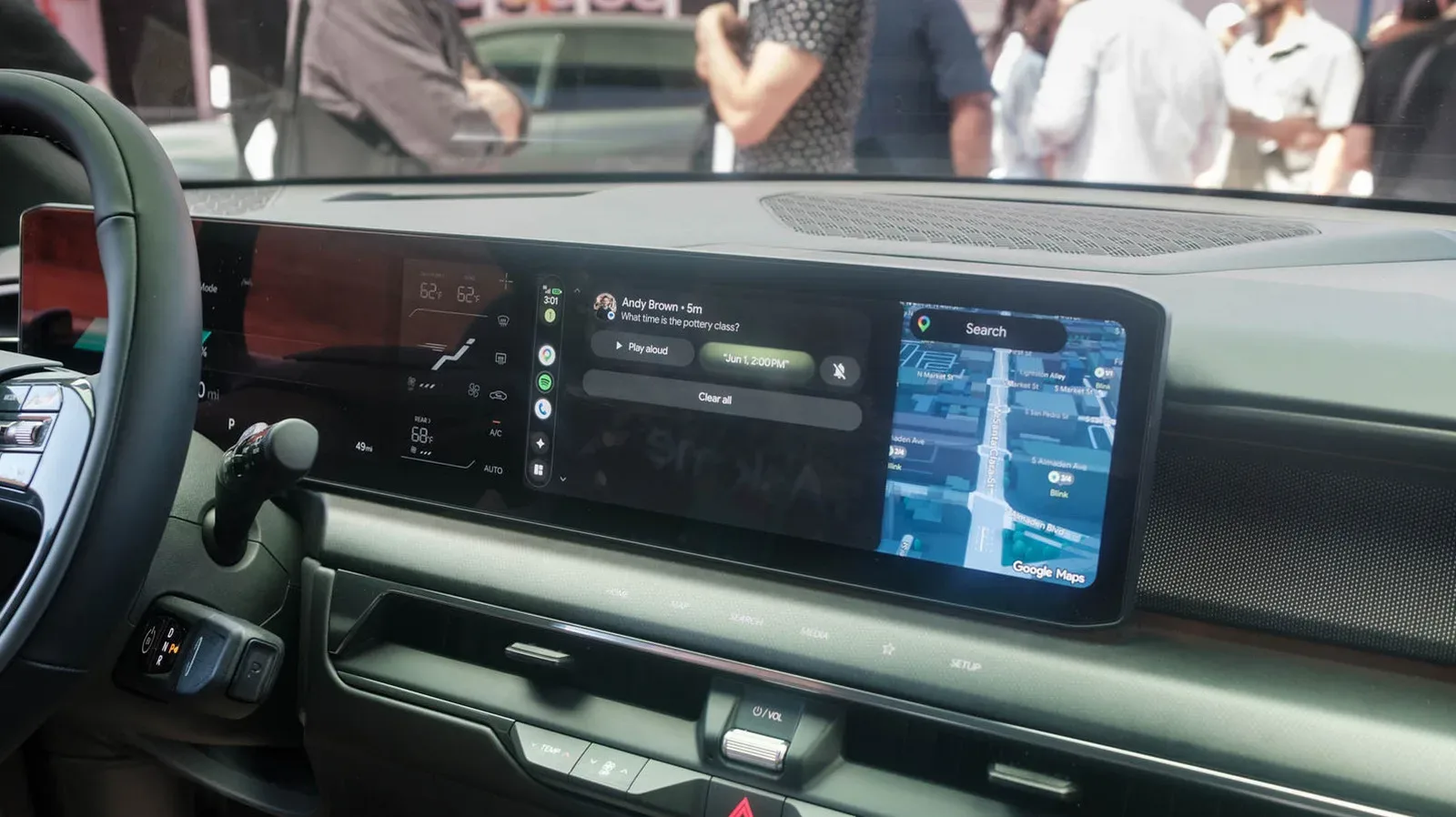
Vehicles are a frequent Bluetooth blind spot. Connecting a phone to a rental car or a friend’s vehicle can transfer contacts, recent calls, messages, favorites, media information and other information depending on the system and permissions granted. Unpairing the phone when the trip is done is helpful, but users should also check the vehicle’s own menu for a way to delete the phone profile, call logs and downloaded contacts.
The same rule applies before selling or trading in a car. Delete personal profiles and reset connected services if appropriate. A new owner should not inherit a digital guestbook of your calls and address book.
Wireless Android Auto is worth special attention because it relies on more than Bluetooth alone; it also uses Wi-Fi. That does not make it inherently unsafe, but it does mean another wireless connection is participating in the experience. Anyone who prefers a smaller wireless footprint can use a wired connection where supported or choose not to have Android Auto launch wirelessly. Android settings include a Start Android Auto Automatically option that can be set to Never.
iPhone owners should understand Live Listen
Accessibility features can be genuinely valuable, and Live Listen is one example. It can send audio captured by an iPhone’s microphone to AirPods, compatible hearing devices or supported headphones. That may be useful in a conversation, classroom or other listening situation.
Because the feature involves a phone microphone and Bluetooth audio hardware, it deserves the same care as other connected functions. Users who do not need it can verify that it is off in iPhone accessibility settings. Those who do use it should understand when it is active, keep their iPhone and audio devices updated, and avoid treating any unexpected behavior as normal. Accessibility should not be sacrificed for vague fear, but unused features do not need to remain enabled by default.
Specific device reports matter more than blanket advice
General Bluetooth hygiene is useful, yet the most actionable alerts are often model-specific. Researchers at Belgium’s KU Leuven University identified a flaw affecting 17 Google Fast Pair audio devices. The issue reportedly could allow location tracking or eavesdropping in some circumstances when an attacker knew a device’s model number. The researchers released WhisperPair.eu to help people determine whether their device may be affected.
That example is a reminder to check the manufacturer’s support material when a Bluetooth advisory appears. Confirm the exact product name and model, identify whether a firmware update is available, and follow the vendor’s recommended mitigation. Do not assume that an accessory is fixed just because the phone it connects to received a monthly patch; likewise, do not assume every product using a similarly named feature is impacted.
This approach is especially relevant to gaming setups. A wireless controller, headset, mobile clip, portable speaker or handheld accessory may use Bluetooth but receive updates through a PC utility, a console app or a companion phone app rather than through the phone’s ordinary update menu. Keeping those tools current is part of owning wireless gear. For more PC maintenance context, see our guide to running Apple Diagnostics on a MacBook and understanding the results.
A balanced Bluetooth routine
Bluetooth remains useful because it removes friction from everyday devices, and most people do not need to abandon it. A proportionate routine is enough: enable it when an accessory needs it, keep software current, decline strange pairing prompts, remove old connections and wipe vehicle profiles after temporary use. If you rely on Bluetooth all day, prioritize patches and a tidy list of trusted devices rather than trying to live without features you need.
Think of Bluetooth as another door in a connected home—not a reason to barricade the building, but a reason to make sure it is closed when nobody is using it, the lock is up to date, and no former guests still have a key.