Samsung may be preparing a new way to use AI through its Galaxy Camera app: point the lens at something, then ask the phone what it is or what to do with the information it sees. References discovered in One UI 9.5 Beta 1 indicate a possible camera mode called Vision, positioned alongside the app’s existing shooting modes rather than hidden behind a separate assistant interface.
The proposed feature is not official. Samsung has not announced Vision, confirmed supported devices, or said that it will arrive with a future phone. Code and interface references in beta software can reveal work in progress, but they are not a release promise. Features can change substantially before launch, be restricted to particular markets or devices, or disappear before final software ships.
Still, the apparent design is revealing. Rather than presenting AI as a destination users must deliberately open, Vision could put visual questions inside the app many people already reach for whenever something catches their attention: the camera.
What the reported Vision mode could do
Vision appears intended to analyze what the camera is currently pointed at. The reported interface includes an AI-generated scene summary, tappable keywords, suggested actions, text extraction, an Ask control that sends the view to Gemini, and a Translate control connected to Samsung’s AI Vision app.
Each piece addresses a slightly different kind of camera-based task:
- Scene summary: A short written description of the subject in view. This is the broadest interpretation layer, intended to turn an image into immediately readable context.
- Tappable keywords: Recognized terms that may let a person narrow the request without writing it from scratch. A keyword-driven interface could be useful when the scene contains several possible subjects.
- Suggested actions: Context-sensitive next steps proposed by the software. The beta references do not establish exactly which actions will be offered, so it would be premature to assume a full list of capabilities.
- Text extraction: A tool for identifying and copying visible words. This is a familiar practical use of visual recognition: taking text from a sign, label, document or display and making it selectable.
- Ask: A route for passing the camera’s view to Gemini for a question. In this context, Gemini is Google’s AI system; the key idea is that the camera image becomes part of the prompt rather than the user relying only on typed words.
- Translate: A handoff to Samsung’s AI Vision app for translation-related use. The existence of a button does not tell us the exact languages, processing method or offline support, if any.
Together, those reported elements suggest Vision is less a new camera effect than a visual front door to several recognition and assistant features. The camera would still be used to take photos, but in this mode it would also become an input device for AI. Aim, identify, extract, translate, ask: that is the workflow Samsung appears to be exploring.
Why the camera is becoming an AI shortcut
Multimodal AI is the technical term most relevant here. A multimodal system can work with more than one kind of information, such as text and images. A conventional assistant request might be, “Translate this.” A camera-aware request can include the actual words in front of the user, their formatting and the wider visual setting. That can reduce the steps between noticing something and making a useful query.
Samsung already has pathways for this kind of interaction. Galaxy phones can open Gemini Live for a live conversation about what is visible through the camera. Samsung also previously explored camera-focused AI through Bixby Vision, the visual component of its in-house Bixby assistant. The reported AI Vision app tied to Vision is said to be built from that Bixby Vision foundation.
Related coverage includes Samsung’s Galaxy Camera app could get an AI Vision mode.
That lineage matters because it frames Vision as an attempt to simplify access to capabilities that are already spread across different assistant and visual-recognition experiences. The potential benefit is not necessarily that Vision introduces a wholly unprecedented task. It is that a user may find the task at the moment it makes sense—while already holding the camera up.
It is also part of a broader phone-interface shift. Instead of requiring people to remember which app performs a particular visual job, companies are increasingly trying to make the live camera view a common starting point. Apple has pursued a related direction by placing Visual Intelligence access in the Camera app through a Siri mode in iOS 27. For readers following Apple’s wider retail and product ecosystem changes, Apple’s upcoming Chermside store reopening is another reminder that mobile platforms are shaped by both software experiences and the places where customers encounter the hardware.
The practical value depends on the handoff
The most promising aspect of the reported approach is speed. A visual assistant can be useful when a user has a clear real-world object but does not know the best words to search for. Extracting text, translating it, or asking a contextual question from the same screen could avoid bouncing among the Camera app, an assistant and a translation tool.
But speed only helps if the transitions are clear. The reported feature appears to connect to both Gemini and Samsung’s AI Vision app. That means users may need to understand which service is handling which task, even if the interface makes the handoff feel seamless. The beta references do not explain how those systems will divide responsibilities, what data controls will be offered, or whether a user can choose a default service.
Accuracy is another practical constraint. An AI-written description is an interpretation, not a guaranteed account of a scene. Image understanding can be especially difficult when lighting is poor, text is obscured, multiple objects compete for attention, or a request depends on context outside the camera frame. Summaries and suggested actions may be convenient starting points, but they should not be treated as unquestionable answers—particularly when the user is trying to interpret important text or make a consequential decision.
The translation button illustrates the same distinction. Camera translation can be helpful for grasping the general meaning of visible text, but the beta evidence does not establish how Vision or the connected AI Vision app will handle nuance, layout, handwriting, or ambiguous wording. A dedicated entry point may make translation more accessible; it does not eliminate the normal limits of machine interpretation.
An interface question, not just an AI question
Samsung’s Galaxy S26 phones already include Google’s Android AI features and Perplexity. Adding another camera-facing AI layer would therefore raise an important user-experience question: does Vision make the phone feel more coherent, or does it give users another overlapping option to sort through?
There is a charitable case for the latter feature. Separate tools can be confusing when their names emphasize the underlying model or company instead of the job a person wants done. A camera mode labeled Vision may be easier to understand than asking users to decide in advance whether a live camera conversation, visual search, text recognition or translation is the right tool.
The counterpoint is that the value of a unified camera mode depends on its restraint. If every scene produces too many labels, actions and prompts, the Camera app risks becoming a control panel rather than a quick way to frame a shot. A useful implementation would need to make AI available without interrupting the basic act of taking a photo.
That is why the reported placement alongside existing camera modes is significant. It implies users could choose an AI-oriented view when they want it, rather than having automatic analysis dominate ordinary photography. Yet the current evidence does not show the final layout, whether Vision will be enabled by default, or how Samsung will explain the relationship between the new mode, Gemini Live and the AI Vision app.
What remains unconfirmed
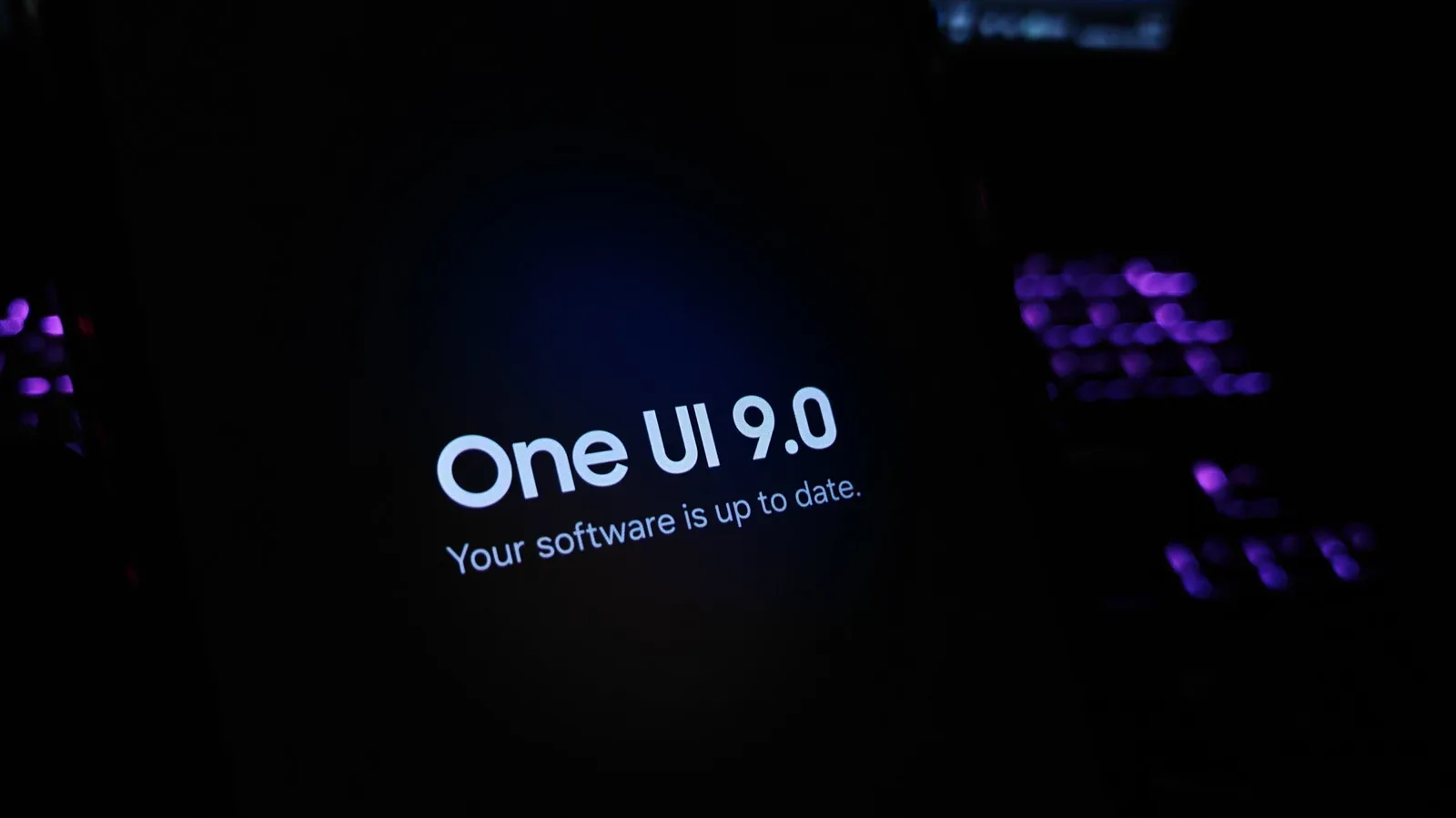
At present, the strongest evidence is the presence of relevant strings in One UI 9.5 Beta 1. That supports the possibility that Samsung is testing a Vision mode; it does not confirm a public rollout. There is no confirmed launch date, device list, regional availability, feature list, or statement on whether the mode would be exclusive to a Galaxy S27 generation.
If it does arrive, the most likely timing described by the beta reporting would be alongside the Galaxy S27 lineup early next year. That remains an expectation, not a Samsung commitment. Until the company details the feature, it is best understood as a plausible camera-app experiment: one that could bring summaries, AI questions, text extraction and translation closer to the live viewfinder, but whose final form is still unknown.