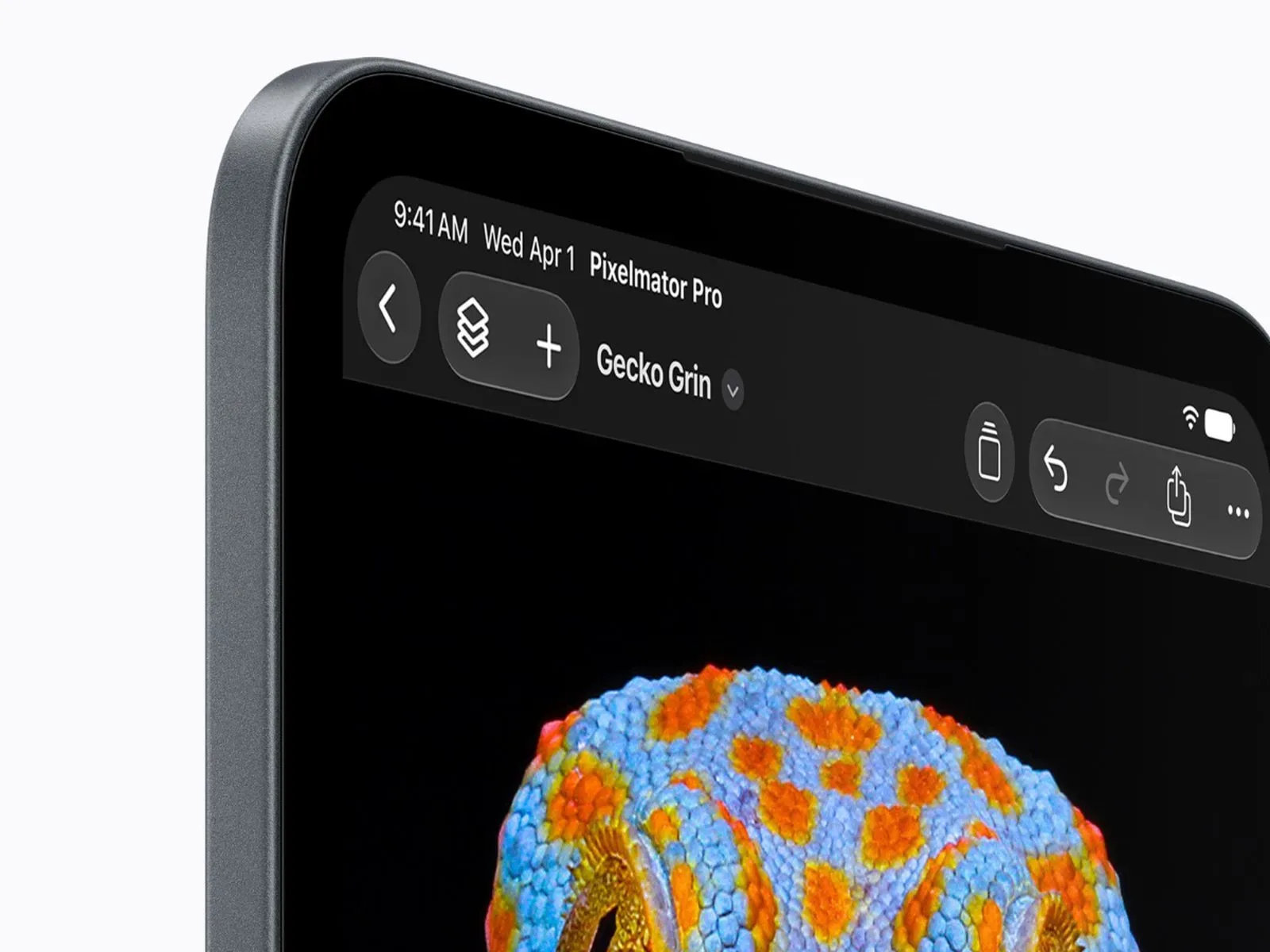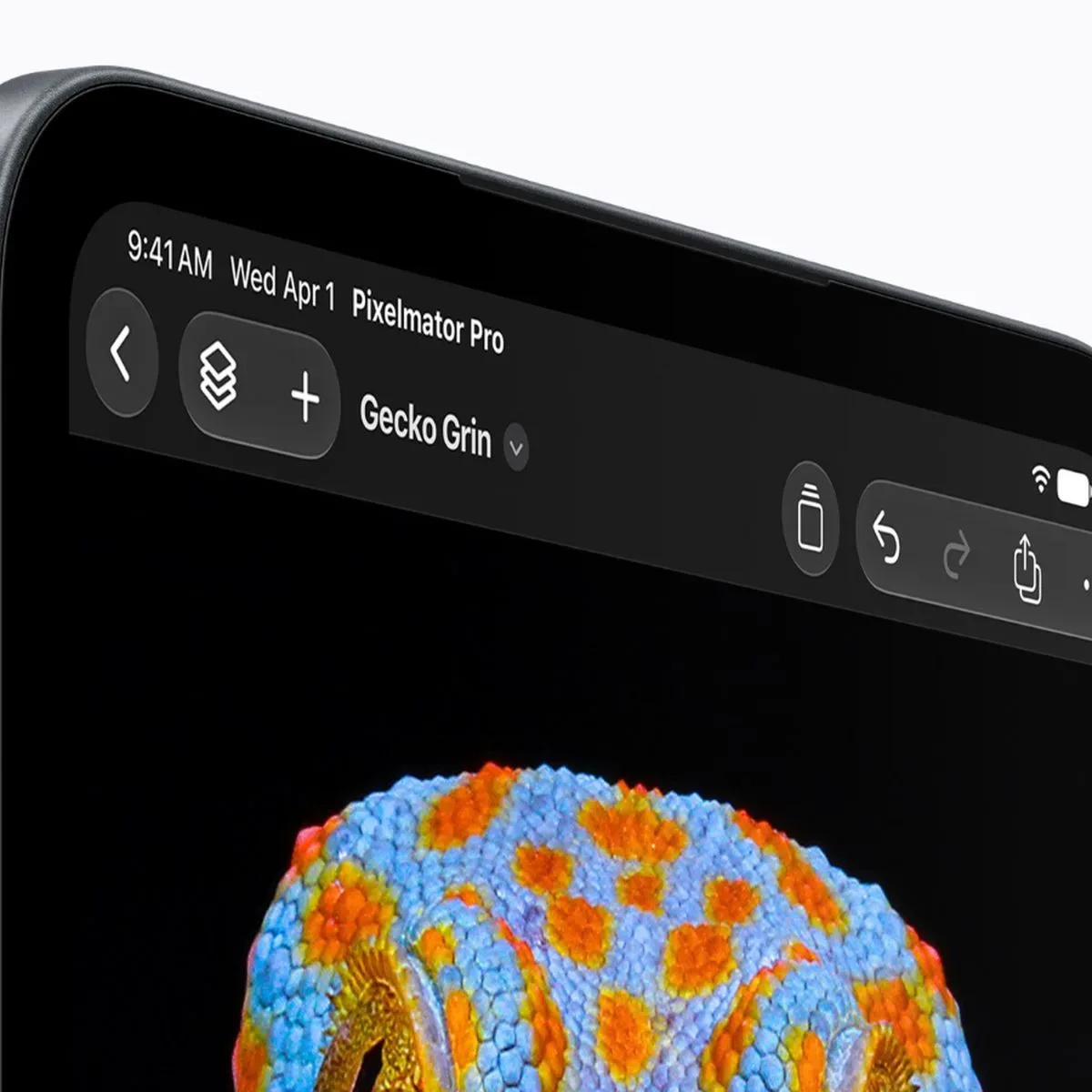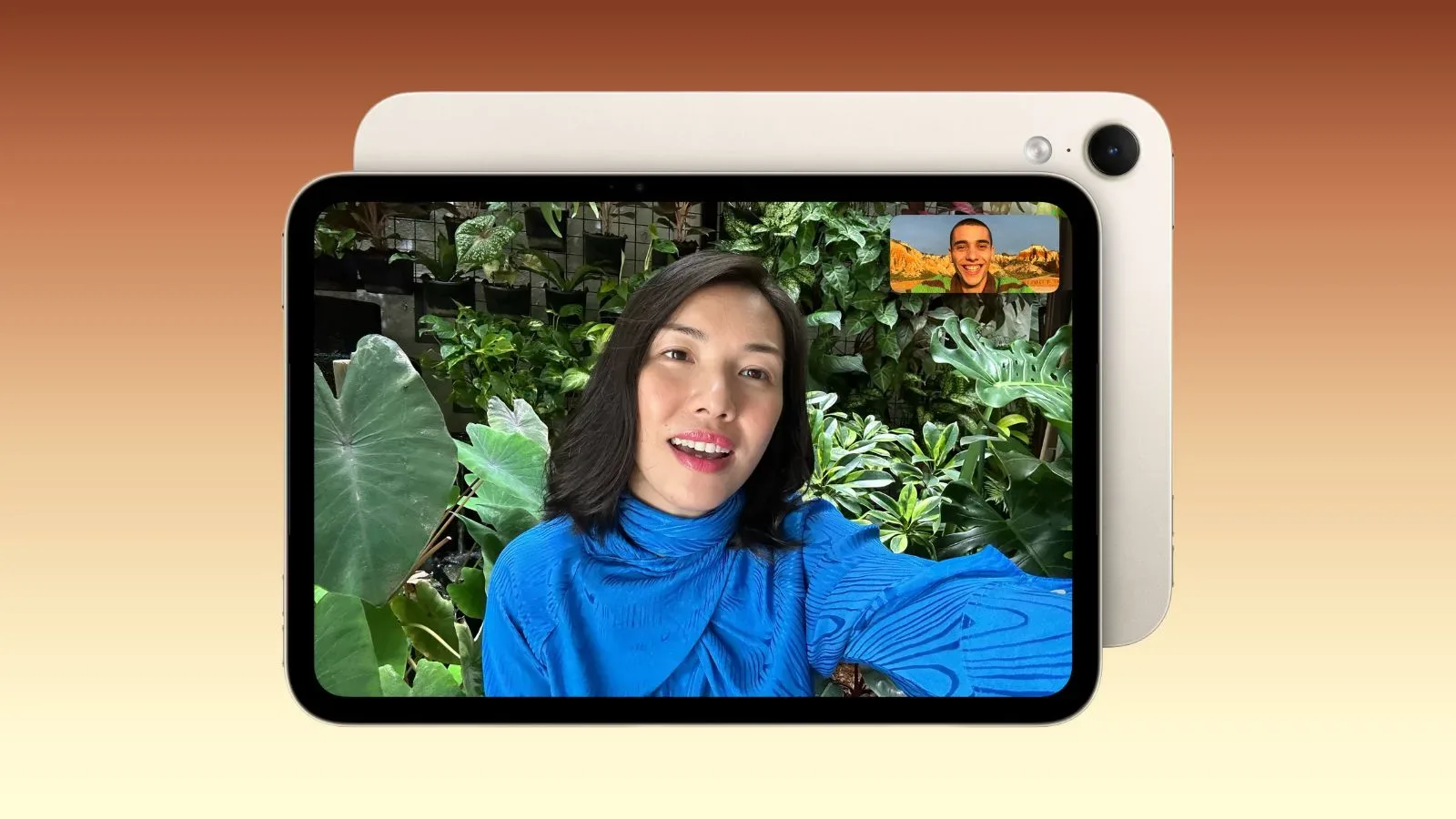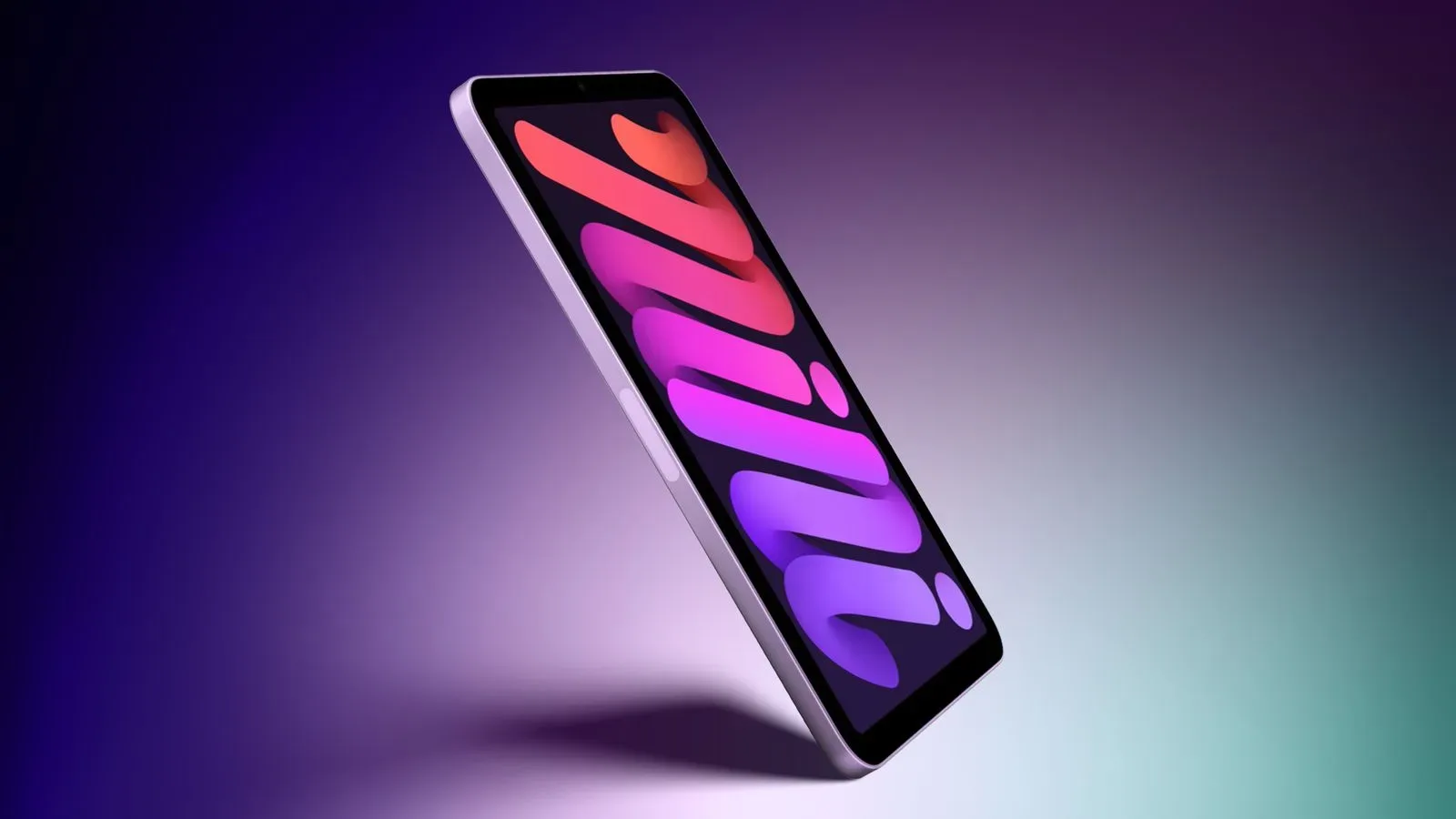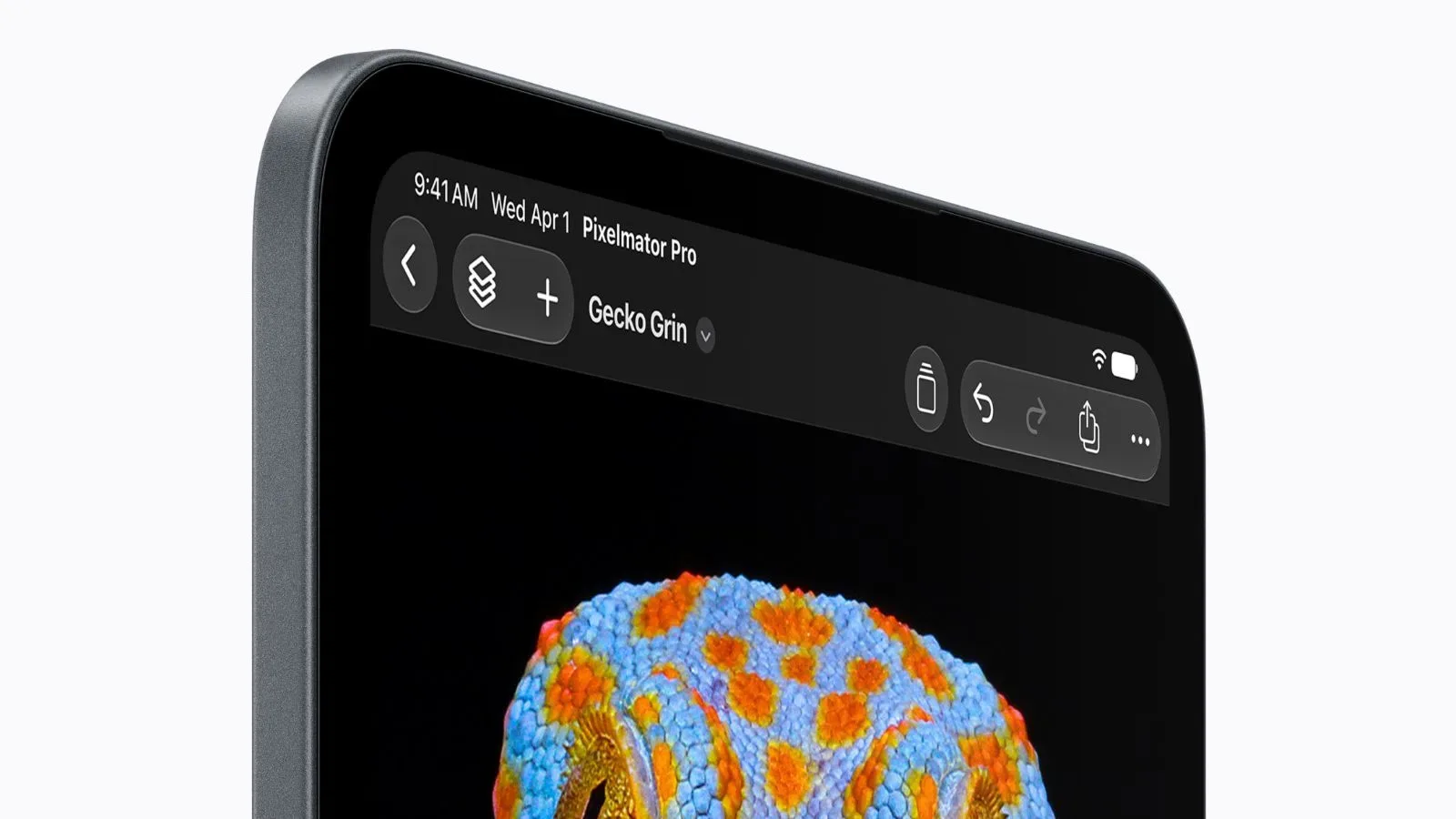
The new iPad mini brings a meaningful display change to Apple’s smallest tablet: an 8.5-inch OLED screen. That move promises the strengths commonly associated with OLED, including deeper blacks, and the tablet is also specified for up to 1,200 nits of peak HDR brightness. An optional nano-texture finish rounds out the headline screen upgrades.
There is a notable omission, though. The iPad mini still does not support ProMotion, Apple’s name for an adaptive high-refresh-rate display system. The feature is absent from both the launch material and the device’s listed technical specifications. For shoppers who equate an OLED screen with every premium display feature, that distinction matters: OLED and ProMotion address different aspects of what appears on screen.
The result is a compact iPad whose display may deliver a more dramatic image in dark scenes and HDR material, while not necessarily providing the smoother motion associated with a high-refresh-rate panel. It is a useful reminder that “OLED” is not a shorthand for a fully identical display experience across Apple’s tablet range.
What the OLED upgrade changes
OLED is a display technology in which pixels can emit their own light. In practical terms, a pixel showing black can be switched off rather than being illuminated by a separate backlight. That is the foundation for the deeper blacks highlighted for the new iPad mini.
Deeper blacks can improve perceived contrast because bright and dark elements can sit beside one another with greater visual separation. This is particularly relevant to HDR, or high dynamic range, content. HDR is intended to preserve a wider range between the darkest and brightest visible parts of an image. The new mini’s quoted peak HDR brightness of up to 1,200 nits describes how bright highlights can become under HDR conditions; it should not be treated as a blanket statement about brightness in every app, scene, or viewing mode.
For entertainment, the combined effect may be most visible in material built around bright highlights against dark backgrounds: a light source in a nighttime scene, for example, or vivid interface elements over a near-black backdrop. Deeper black levels can also change the appearance of static art and video with shadow-heavy imagery. These are image-quality benefits, distinct from how rapidly the picture updates.
The screen is also larger than the prior mini designation suggests at 8.5 inches. Display size, OLED pixel behavior, HDR capability, surface treatment, and refresh rate are separate specifications. Each can shape a tablet’s feel, but none automatically guarantees the others.
What ProMotion is—and why its absence is visible
Refresh rate measures how often a display redraws the image in one second. It is expressed in hertz, abbreviated Hz. A 60Hz panel refreshes up to 60 times per second. A higher refresh rate can make motion appear more continuous, especially when someone is scrolling through a long page, moving a window, navigating an interface, or watching an animation designed to take advantage of it.
ProMotion goes beyond a fixed high refresh rate. On the iPad Pro, adaptive refresh ranges from 10Hz to 120Hz. “Adaptive” means the panel can alter its refresh rate to suit what is being shown. Fast-moving interface motion can benefit from a higher rate, while still content does not necessarily need the display to refresh as frequently.
That flexibility is important because it explains why ProMotion is not simply a number on a spec sheet. At its high end, up to 120Hz supports smoother scrolling and animation. At lower rates, adaptive behavior can better match content that is not changing quickly. The exact visual result depends on the app, the operating system’s behavior, the content on screen, and the broader display pipeline, but the essential difference is straightforward: ProMotion concerns temporal smoothness, whereas OLED chiefly concerns the character of the image itself.
Without ProMotion, the new iPad mini’s OLED panel can still offer deeper blacks and bright HDR highlights. It simply does not gain the iPad Pro’s listed adaptive 10Hz-to-120Hz refresh capability. A shopper can value the former highly and still notice the latter missing during ordinary interactions. Conversely, someone whose priority is compact size, contrast, or HDR may find the OLED improvements more meaningful than a faster refresh rate.
OLED is not a replacement for high refresh
Display specifications are frequently bundled together in marketing language, even though they solve different problems. The iPad mini makes that separation unusually clear.
- OLED: a panel technology associated here with deeper blacks.
- Peak HDR brightness: the maximum brightness figure cited for HDR highlights, up to 1,200 nits on this model.
- Nano-texture: an optional screen finish on the new iPad mini.
- ProMotion: Apple’s adaptive refresh-rate technology, supported by the iPad Pro from 10Hz to 120Hz but not listed for the mini.
There is no contradiction in an OLED tablet lacking ProMotion. The iPad Pro itself demonstrates that the two can coexist, but they remain independent choices. A product can adopt one, both, or neither. The new iPad mini adopts OLED and several related display improvements while leaving adaptive high refresh to the Pro line.
That positioning creates a more nuanced comparison than “old screen versus new screen.” Buyers considering the mini against an iPad Pro should compare the traits they will actually encounter: the mini’s 8.5-inch OLED display, up to 1,200 nits of peak HDR brightness, optional nano-texture, and lack of ProMotion; the Pro’s OLED panel and adaptive 10Hz-to-120Hz ProMotion range. A display can look richer in a dark HDR image yet still feel less fluid while rapidly traversing an interface.
Nano-texture adds another decision
The optional nano-texture finish is another reason not to reduce the screen update to a single OLED label. A screen finish concerns the surface of the display, while OLED concerns the panel beneath it and ProMotion concerns refresh behavior. They are different layers of the buying decision.
Apple’s inclusion of a nano-texture option gives prospective owners another configuration question: whether the surface treatment is important to their use. The supplied specifications establish that the finish is optional, but they do not provide enough detail to claim how it will affect particular lighting conditions, image texture, maintenance, cost, or which configurations receive it. Those unanswered details should remain part of a careful purchasing check rather than assumptions attached to the name.
Readers looking at the broader mini update can also see that the display is only one part of the package. The tablet’s audio approach is covered in the new iPad mini’s Acoustic Display story. It is a separate change, but it reinforces the larger point: assessing a compact tablet means separating each individual feature instead of assuming one premium component answers every question.
Practical implications for games, video, and everyday apps
For games, refresh rate is relevant because games are moving imagery and because touch-driven interfaces can make scrolling and camera movement conspicuous. However, the absence of ProMotion alone does not establish how any particular game will look or perform. No game compatibility, frame-rate targets, graphics settings, or hands-on performance results are specified here. The supportable conclusion is narrower: the iPad mini does not have the iPad Pro’s adaptive 10Hz-to-120Hz display capability, so it does not offer that particular potential route to smoother on-screen motion.
For video, OLED’s deeper blacks and the stated HDR brightness are the clearer parts of the update. HDR material is where a 1,200-nit peak figure is directly relevant in principle, because HDR emphasizes bright highlights alongside darker portions of an image. Yet the presence of an HDR-capable display does not by itself tell us which services, files, applications, or settings will deliver HDR on the device. Those questions need to be evaluated separately.
For reading, productivity, and general navigation, ProMotion is most easily understood as a feel feature. It can affect how a page, list, or animation appears while it is in motion. OLED’s black levels and HDR peaks instead affect visual presentation. The distinction is not academic: one person may be drawn to richer contrast during media playback, while another may be more sensitive to the fluidity of routine scrolling.
A clearer product boundary
The missing ProMotion specification also keeps a visible display boundary between the iPad mini and iPad Pro. The Pro combines OLED with adaptive refresh from 10Hz to 120Hz. The mini now shares the OLED part of that story, but not the high-refresh portion.
That does not erase the significance of the mini’s upgrade. Moving to OLED, offering deeper blacks, reaching up to 1,200 nits of peak HDR brightness, and adding an optional nano-texture finish make for a substantial collection of screen-focused changes. But the feature list should be read precisely. The new iPad mini is an OLED iPad mini, not an iPad Pro display compressed into a smaller chassis.
Anyone weighing the new model should avoid treating “OLED” as a catch-all quality label. Decide whether the priority is contrast and HDR presentation, a particular screen finish, compact dimensions, or the smoother adaptive motion associated with ProMotion. On the available specifications, the iPad mini advances strongly in the first group of display traits while remaining outside the ProMotion tier.