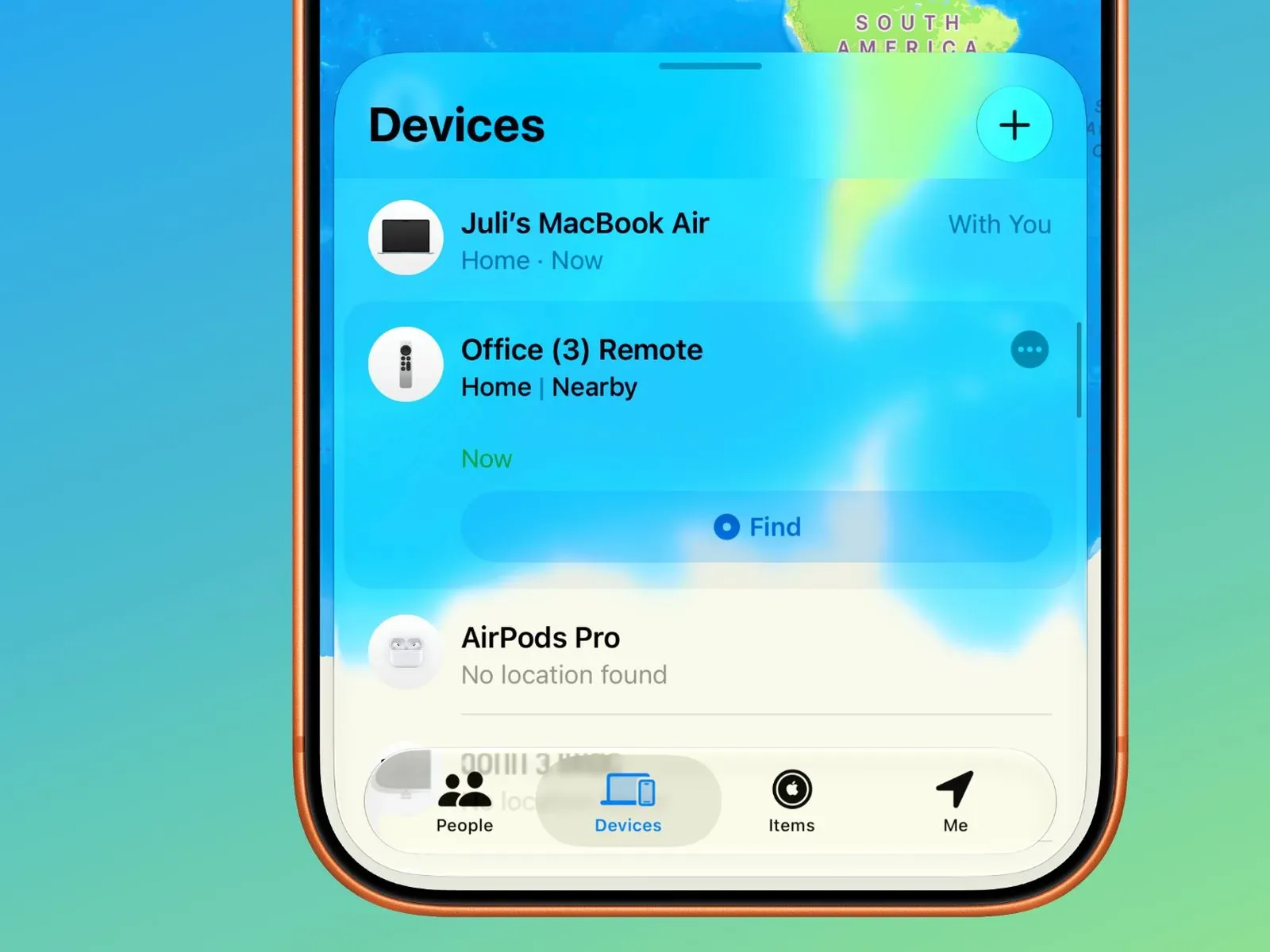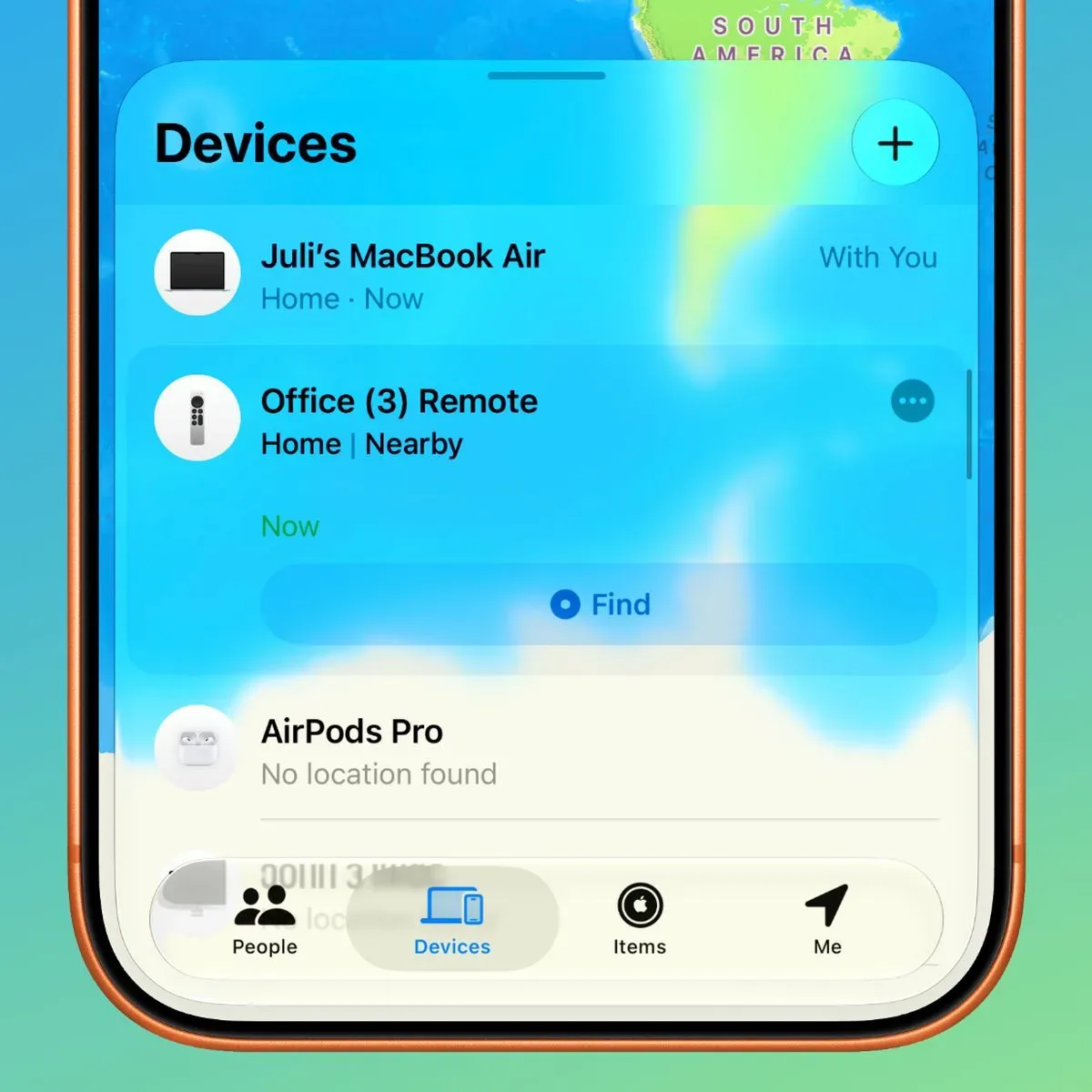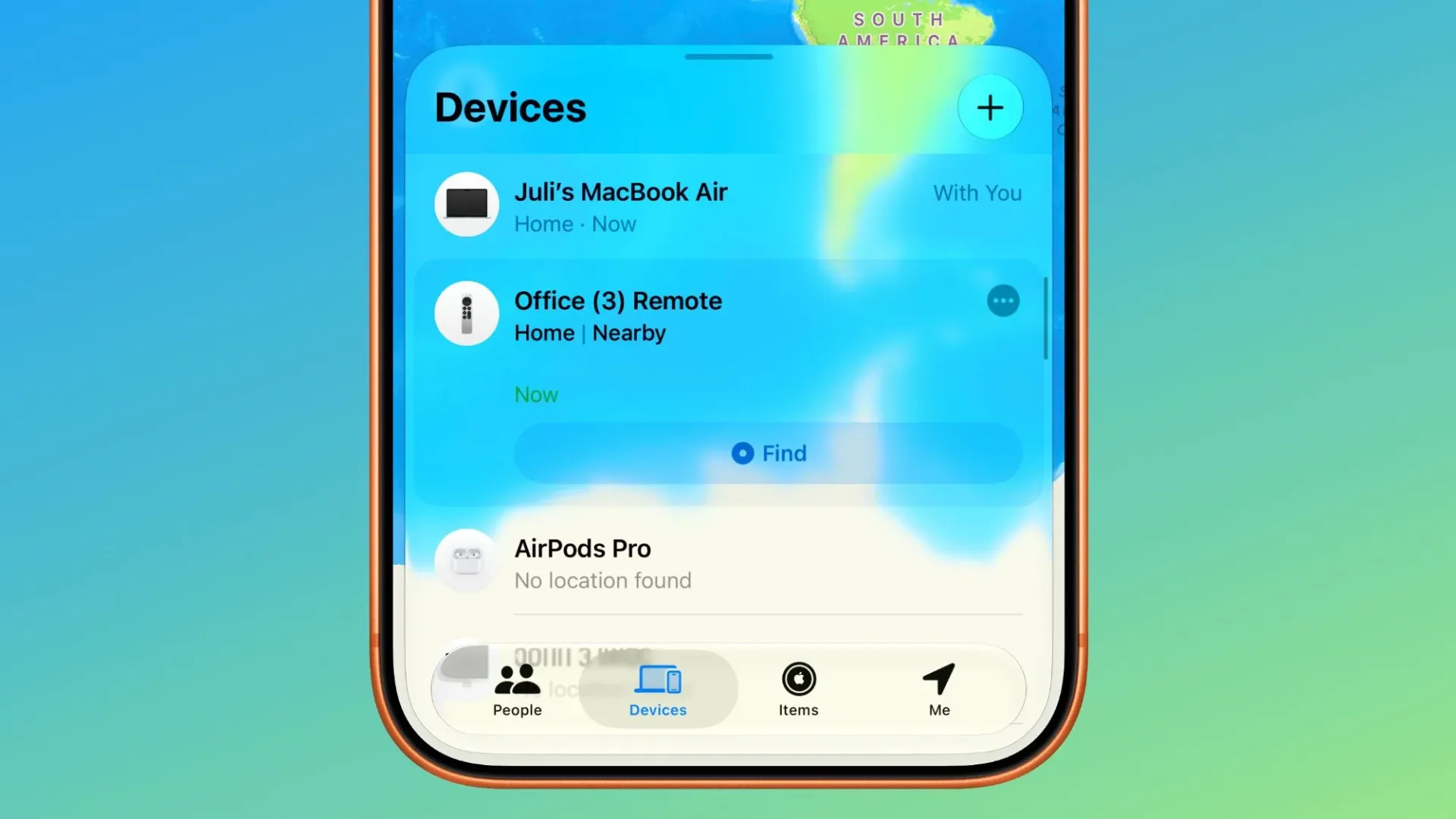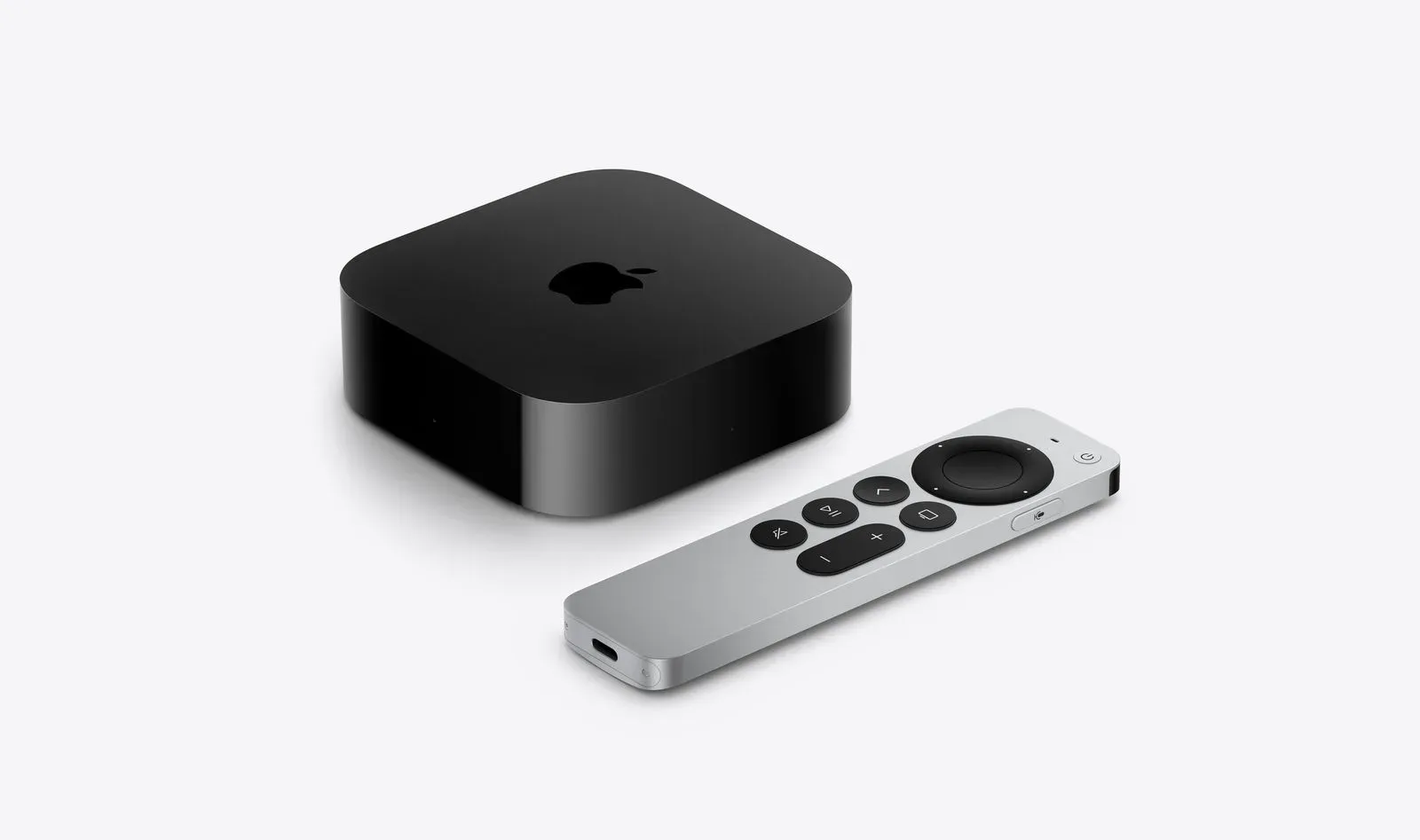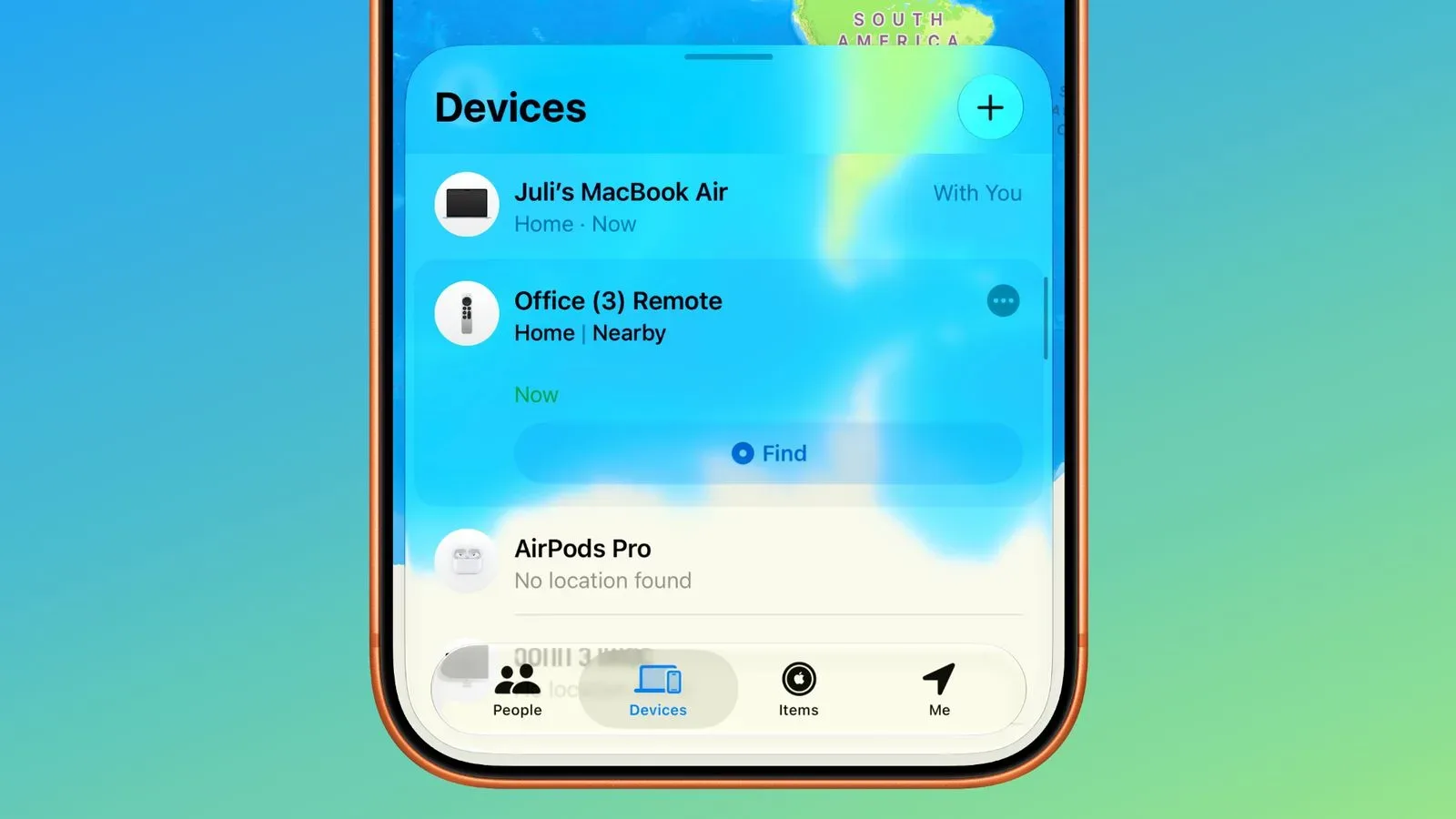
The Apple TV remote has long had a special talent: disappearing at exactly the moment someone has settled on a show. iOS 27.2 and tvOS 27.2 give owners of supported older Siri Remotes a more obvious route to dealing with that familiar nuisance. Second- and third-generation Siri Remotes can now appear in the Find My app.
That is a modest interface change with a meaningful practical effect. An iPhone has offered a way to locate a Siri Remote since iOS 17, but the feature was previously housed in the Apple TV Remote widget in Control Center. It existed, yet was easy to miss if a person did not already know where to look. Putting supported remotes in Find My places the accessory alongside devices people may already associate with locating misplaced Apple hardware.
The update requires both iOS 27.2 and tvOS 27.2. There is one further wrinkle: after tvOS 27.2 is installed, a Siri Remote may need time to receive new firmware before it is added to Find My. In other words, updating the Apple TV is necessary, but an immediate appearance in the app is not guaranteed.
What has changed for existing Apple TV owners
The key change is not that older remotes have suddenly gained a completely new physical location system. Rather, Apple has made the existing remote-finding capability easier to surface by integrating compatible accessories into Find My.
That distinction matters. Control Center is designed for quick controls and shortcuts, but it can be a less intuitive destination when the immediate problem is “where did the remote go?” Find My is named and organized around the act of locating things. Moving a compatible Siri Remote into that app reduces the amount of product-specific knowledge required before a household can start looking.
For people who use both iPhone and Mac, the remotes are now listed in Find My alongside other devices. The practical benefit is a more consistent starting point: instead of remembering that Apple TV remote recovery had its own place in the Control Center interface, users can begin with the app that is already associated with lost devices.
It also makes the feature easier to explain to everyone else in the room. “Open Find My” is generally a cleaner instruction than “open Control Center, find the Apple TV Remote widget, then use its locating option.” The technology may be subtle, but the workflow is less hidden.
Compatibility and the update checklist
The newly stated support covers the second-generation Siri Remote and the third-generation Siri Remote. Apple had said Find My support would reach the second-generation Siri Remote and later when it introduced the fourth-generation Apple TV 4K, and iOS 27.2 and tvOS 27.2 now deliver that support for the older compatible remotes.
Owners looking for the feature should keep the requirements in mind:
- Use a supported second- or third-generation Siri Remote.
- Install iOS 27.2 on the iPhone used with the feature.
- Install tvOS 27.2 on the Apple TV.
- Allow for the possibility that the remote itself needs a firmware update after the Apple TV software update.
- Check Find My once that firmware has been delivered.
The last point is especially useful because it sets expectations. A remote not showing up instantly after the television box updates does not necessarily mean the feature is unavailable or incorrectly configured. The remote’s firmware delivery is part of the process.
Find My, Precision Finding and a speaker are not the same thing
It is important not to read “Find My support” as a promise that every Siri Remote can offer the same recovery experience. Apple is differentiating the older accessories from the Siri Remote planned for the upcoming fourth-generation Apple TV 4K.
The new Siri Remote is set to include a speaker and Precision Finding. The older second- and third-generation remotes do not have either capability. That means they cannot play a sound, and they do not support Precision Finding.
Precision Finding is a more specific type of locating aid than simply seeing an accessory in Find My. In this context, it is a feature intended to make a misplaced remote easier to find. The supplied information does not indicate that older remotes receive an equivalent capability through software, and it explicitly says they do not have it.
A speaker is similarly straightforward but valuable in a lost-remote scenario: it can produce an audible cue. Since the older Siri Remotes cannot play a sound, their Find My integration should be understood as better access to locating support, not a full retrofit of the hardware conveniences arriving with the newer remote.
That boundary is a useful buying and upgrade consideration. Owners of a compatible existing remote gain a more visible path to finding it, while the upcoming fourth-generation Apple TV 4K’s remote adds two hardware-led features designed for the same problem. The result is not an all-or-nothing split. The update improves the old remotes’ discoverability in the software people already use, while the newer model is positioned to offer a more capable recovery toolset.
Why the change matters beyond the remote
Small quality-of-life improvements can matter disproportionately in living-room technology. A streaming setup is often shared, used from a couch, and operated in quick bursts. In that setting, a feature tucked inside a specific widget may be perfectly functional but still feel absent when it is needed. A device listing in Find My is easier to remember because it matches a familiar mental model: if an Apple accessory is misplaced, look in the app built for locating Apple devices.
The update also arrives in a period when television viewing and streaming interfaces compete heavily for attention. The remote remains the physical handoff between a viewer and the services, apps, or channels on screen. For wider context on the shifting streaming landscape, see how YouTube, Roku Channel and Tubi are shaping U.S. TV streaming time.
From a usability perspective, the Siri Remote change is a reminder that the availability of a feature and the visibility of that feature are different things. The iOS 17 option meant Apple TV users already had a way to locate a remote through an iPhone. iOS 27.2 and tvOS 27.2 make the route substantially more natural by placing compatible remotes where many users will think to search first.
For owners of a second- or third-generation Siri Remote, the immediate takeaway is simple: update the iPhone and Apple TV, give the remote firmware time to catch up if needed, then look in Find My. Just do not expect an older remote to chirp from beneath the cushions or provide Precision Finding guidance. Those remain differentiators for the Siri Remote associated with the upcoming fourth-generation Apple TV 4K.