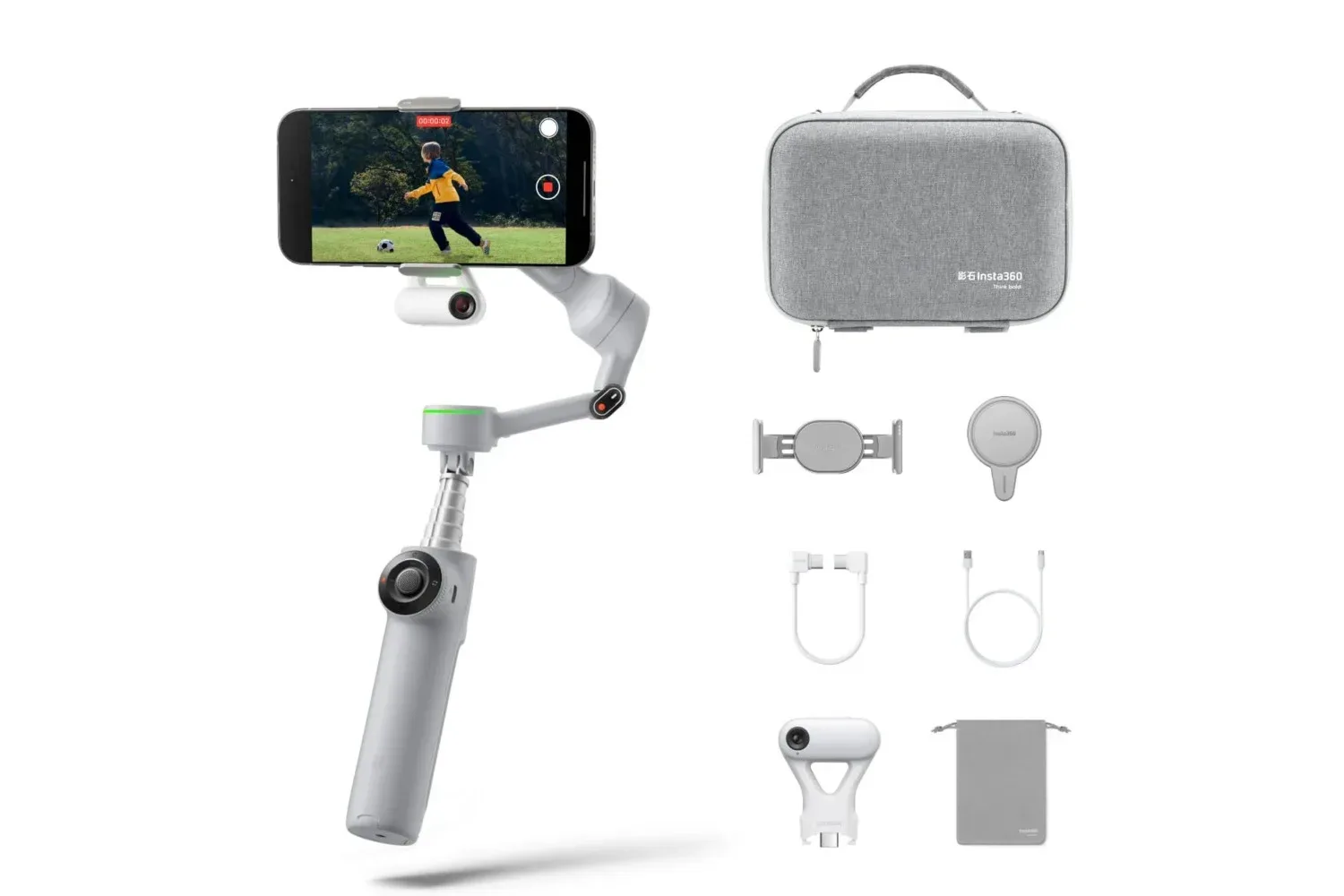
The Insta360 Flow 2 Pro Ultimate Creator Bundle is currently listed at $160 on Amazon, a $40 reduction from its usual $200 price. That is a 20% saving on a package centered on Insta360’s three-axis smartphone gimbal, the Flow 2 Pro, alongside unspecified creator accessories.
For people who film game-night highlights, conventions, streams away from a desk, cosplay videos, dance clips, or short-form social posts with a phone, a gimbal is not merely a fancier tripod. Its chief job is to counter unwanted movement while the camera is in hand. The Flow 2 Pro also tries to consolidate several basic tools in one device: it includes a selfie stick, a tripod and a selfie mirror in its all-in-one design.
The value of this particular deal, then, depends less on whether someone needs a stand for a stationary phone and more on whether they need controlled motion, subject tracking, and a more flexible setup when filming alone. The price reduction is meaningful, but shoppers should still judge the bundle against the way they actually shoot, the phone they use, and whether its software support applies to their preferred apps.
What a three-axis gimbal actually does
A smartphone gimbal is a powered stabilising mount. “Three-axis” means it compensates for rotation across three directions: tilt, roll and pan. In practical terms, that can help keep a phone level, soften walking-induced shake, and make deliberate camera moves look more controlled than they would when the handset is simply held in the hand.
That is distinct from a tripod. A tripod is useful once a camera is parked in a position. A gimbal is designed for the moments between those static shots: following someone through a room, moving around a display, recording a walk-and-talk segment, or reframing while keeping footage steadier. The Flow 2 Pro’s included tripod function means it can cover both roles in a smaller creator kit, while the selfie-stick element gives the user more distance between phone and subject.
There is also a practical reason a built-in mirror can matter. Front-facing phone cameras are often the convenient choice for solo recording because the screen remains visible, but a mirror provides another way to check framing and appearance before recording. It will not change a phone’s image quality, but it can reduce the setup friction of self-shot content.
Tracking is the headline feature, with platform caveats
The Flow 2 Pro offers native camera tracking in more than 200 iOS apps. Subject tracking is software that identifies a person or other target and adjusts the gimbal’s orientation to keep that target in frame as it moves. For a solo creator, that can mean fewer repeated takes caused by drifting out of shot. For a group, the stated aim is to track and frame the people involved rather than requiring one person to continually operate the camera.
Android use has a separate requirement in the supplied details: the gimbal pairs with an AI Tracker for Android compatibility. That distinction is important. The iOS claim is native tracking across a large number of apps, while Android tracking is described through the AI Tracker. Anyone buying specifically for an Android filming workflow should confirm the relevant setup and app compatibility before treating the two experiences as identical.
The device also includes Advanced Active Zoom Tracking, which is described as following fast movement at up to 15x zoom. Zoom magnifies framing, but it also makes composition less forgiving: a small movement can push the subject away from the center of the shot. A tracking feature designed to retain that subject can therefore be particularly relevant to sports, dance, or other energetic clips. It should be understood as a tool for maintaining framing, not a guarantee that every fast-moving recording will look cinematic.
Why tracking support matters more than a feature list
Smartphone creators tend to record across more than one app. A feature that only works in a single companion app may force a change in the editing or posting routine. Native camera tracking in more than 200 iOS apps suggests the Flow 2 Pro is intended to be useful beyond one enclosed software workflow. Yet “more than 200 apps” is not the same as universal support, so an intended app remains the sensible thing to verify.
This is especially relevant when a phone is used as both a capture device and a publishing device. A creator may want a stable shot in one app, a live session in another, and an edit in a third. The useful question is not simply whether the gimbal tracks; it is whether it tracks where the creator needs it to.
Lens support can make phone filming more flexible
The Insta360 app now supports native ultra-wide and telephoto lenses on flagship phones from Apple, Samsung, Google and other brands. Ultra-wide lenses capture more of a scene, which can be useful when filming a group, an entire room, or an environment where the operator cannot move farther away. Telephoto lenses narrow the field of view and bring a more distant subject closer in the frame.
Being able to switch among a compatible phone’s lenses while retaining gimbal features could make the Flow 2 Pro more adaptable for different scenes. A wide view may better suit a convention-floor overview or group video, while a telephoto view can help when the action is farther away. The available details only identify support on flagship handsets from named major brands and others, so buyers should not assume every phone, model, or lens configuration is covered.
That qualification is not a knock against the feature. It is a reminder that phone-camera accessories depend on the handset as much as the accessory itself. The gimbal may provide the stabilisation and controls, but lens options, app support and the underlying camera performance originate with the phone.
Battery life and the power-bank fallback
Insta360 rates the Flow 2 Pro for up to 10 hours of use on one charge. “Up to” denotes a maximum claim rather than a promise of identical endurance in every situation, but it gives a broad indication of a device positioned for extended mobile sessions rather than a few quick clips.
The gimbal can also function as a power bank when a connected phone is low on charge. That is potentially useful because video capture, tracking and wireless connections can all make phone battery life a consideration on longer outings. It does not remove the need to plan charging, but it may give a phone a useful backup option where a wall outlet is unavailable.
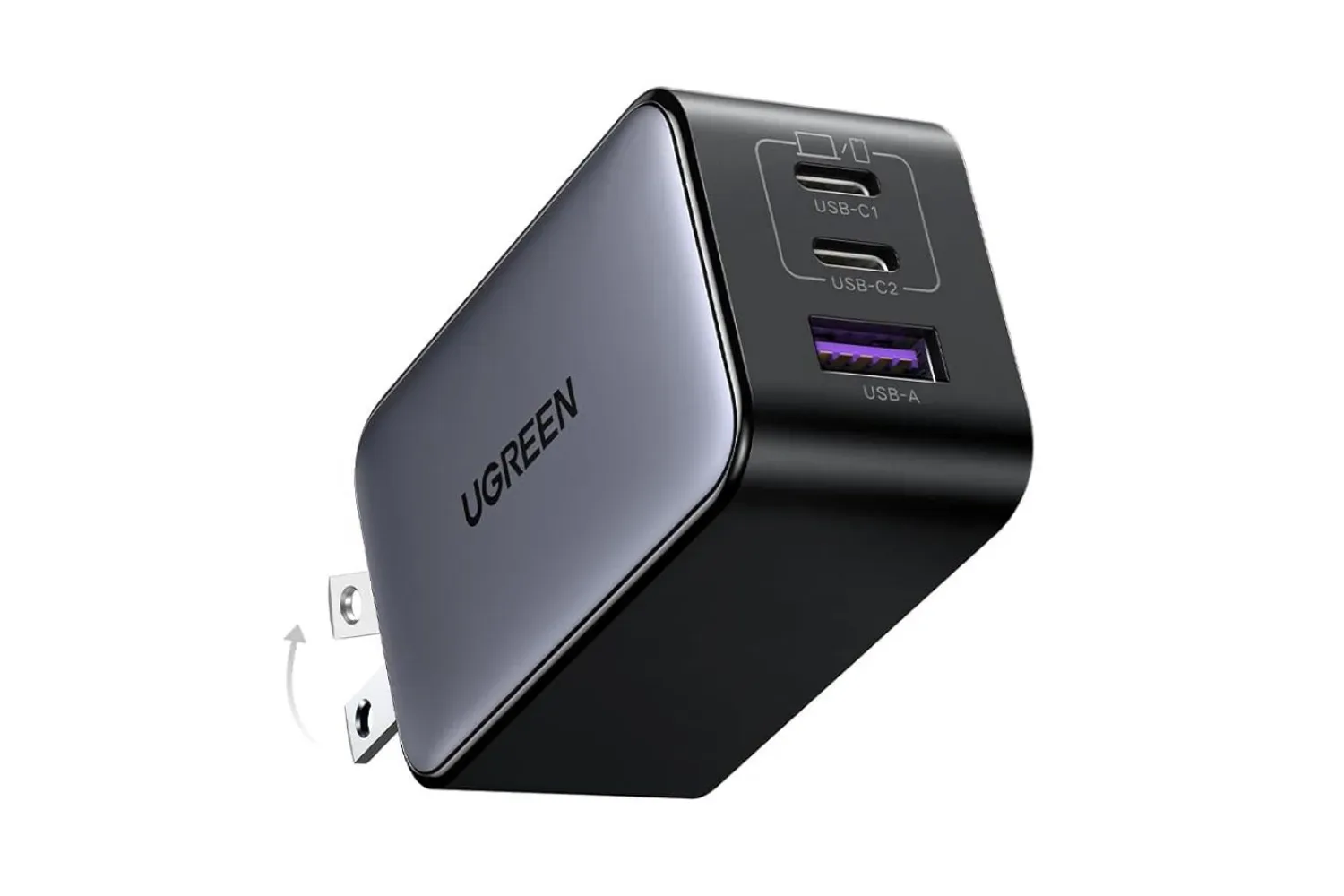
Mobile creators who already carry several devices may want to think in terms of an overall power plan rather than one product in isolation. A separate multi-port charger can serve a different purpose, particularly when replenishing several devices at once; for example, UGREEN’s discounted three-port 65W charger is another current piece of gear aimed at USB-C-powered setups. The Flow 2 Pro’s power-bank capability, by contrast, is most relevant while filming and away from a plug.
Who the $160 bundle makes the most sense for
At $160, down from $200, the Ultimate Creator Bundle is easiest to justify for a person who will use more than one part of the package: handheld stabilisation, static tripod shots, self-recording, tracking, zoom tracking, and potentially emergency phone power. Someone who only needs a stable place to set a phone for occasional calls or desk recordings may be better served by a basic tripod, because that use does not require powered movement control.
It is more compelling for solo performers and makers who otherwise must repeatedly set a phone down, start recording, return to position, and hope their framing holds. It also fits people recording motion-heavy material, where the gimbal’s stabilisation and active tracking may do more than a fixed stand can.
Before checking out, prospective buyers should separate confirmed bundle facts from assumptions. The bundle is advertised at $160 instead of $200, and it includes the Flow 2 Pro plus accessories. The supplied information does not specify every included accessory, individual phone models, or full app-by-app compatibility. Those are the details worth confirming on the retail listing, particularly for Android users and anyone buying primarily for a particular phone lens or recording app.
The core proposition remains straightforward: this is a phone-filming tool that combines a three-axis gimbal with tripod, selfie-stick and mirror functions, then adds tracking, lens support in the Insta360 app on compatible flagship phones, up-to-10-hour battery life, and power-bank functionality. The current $40 discount lowers the entry cost for creators who can put that broader set of tools to work.
Shop the products
Check current price, model and availability at the retailer.