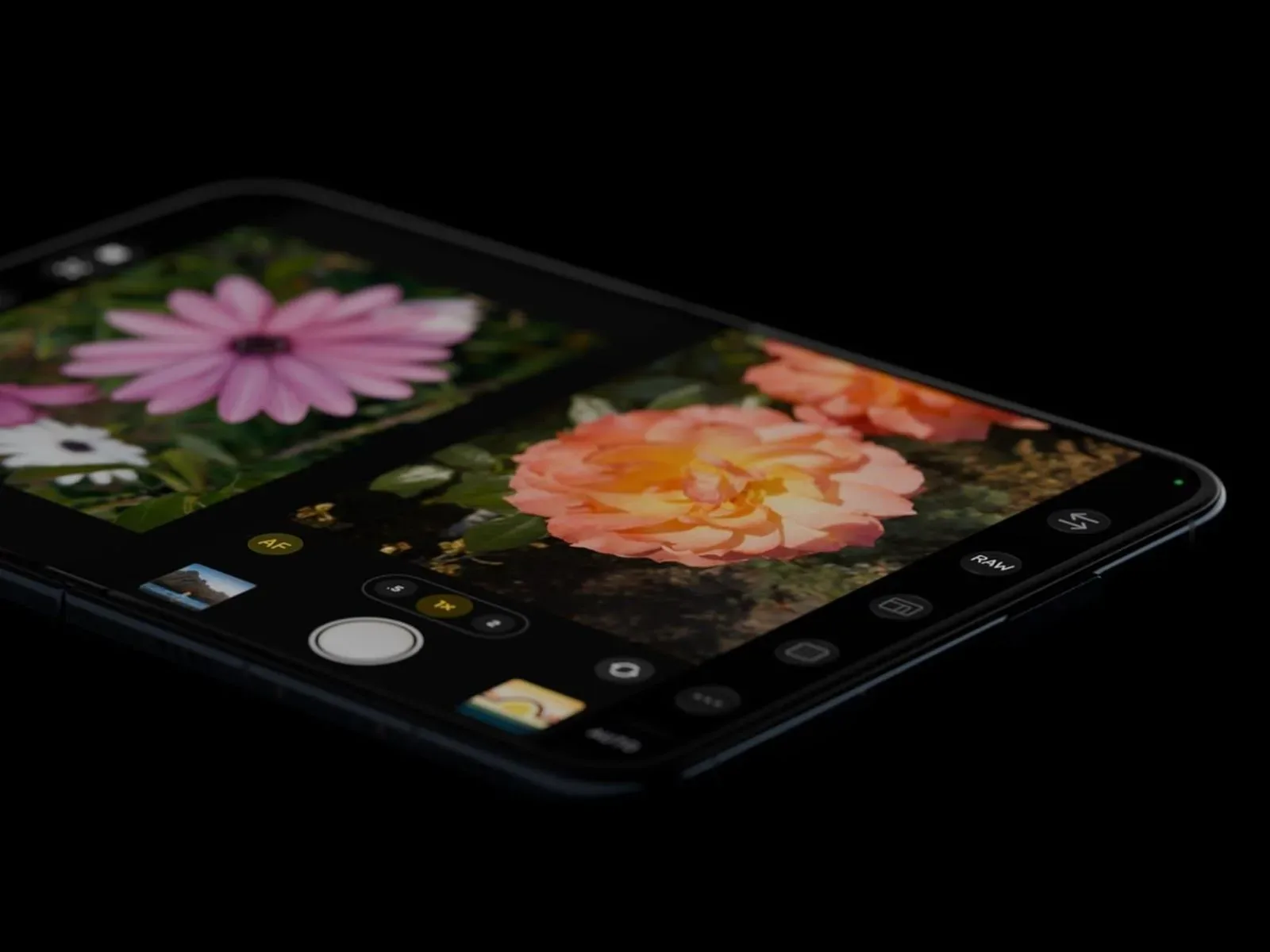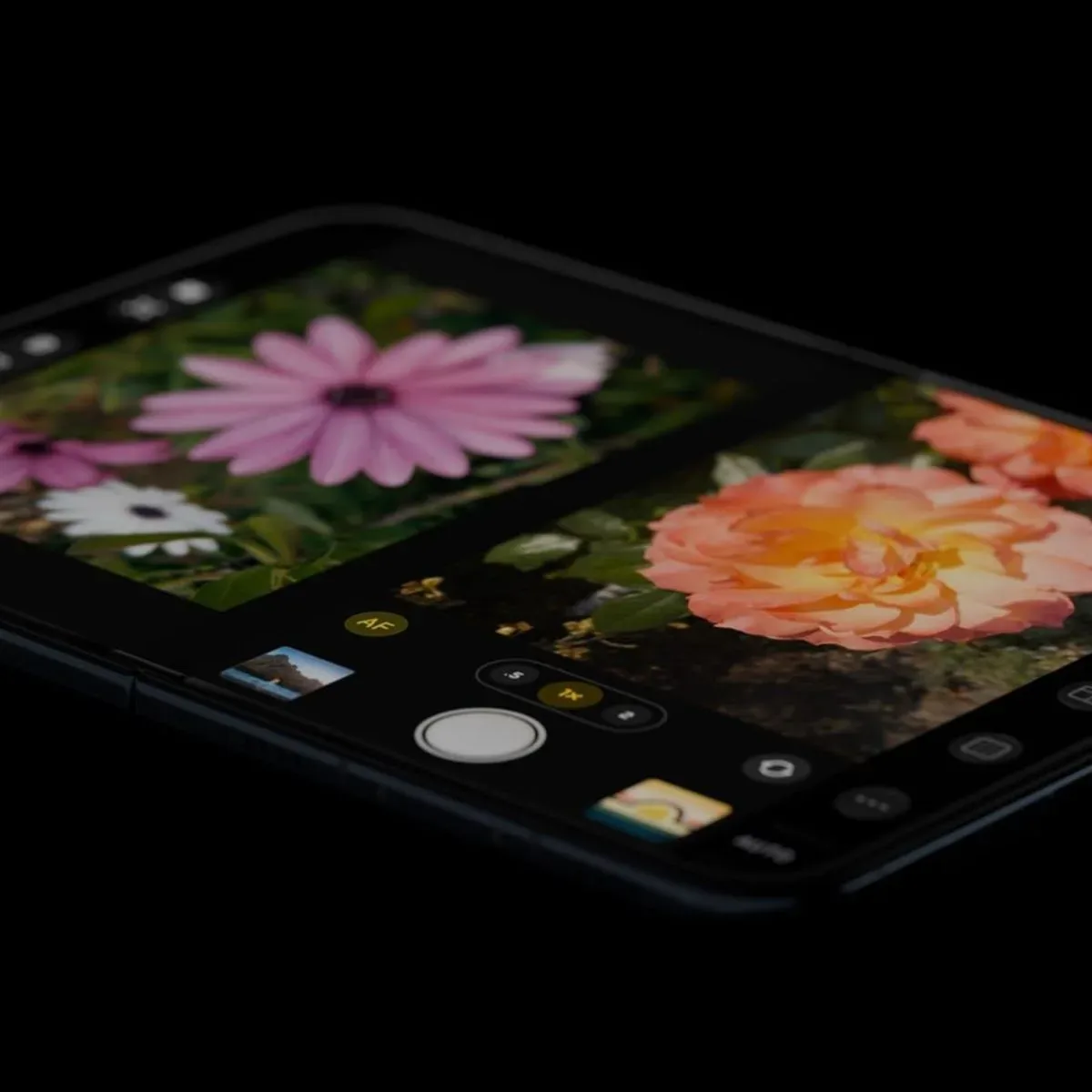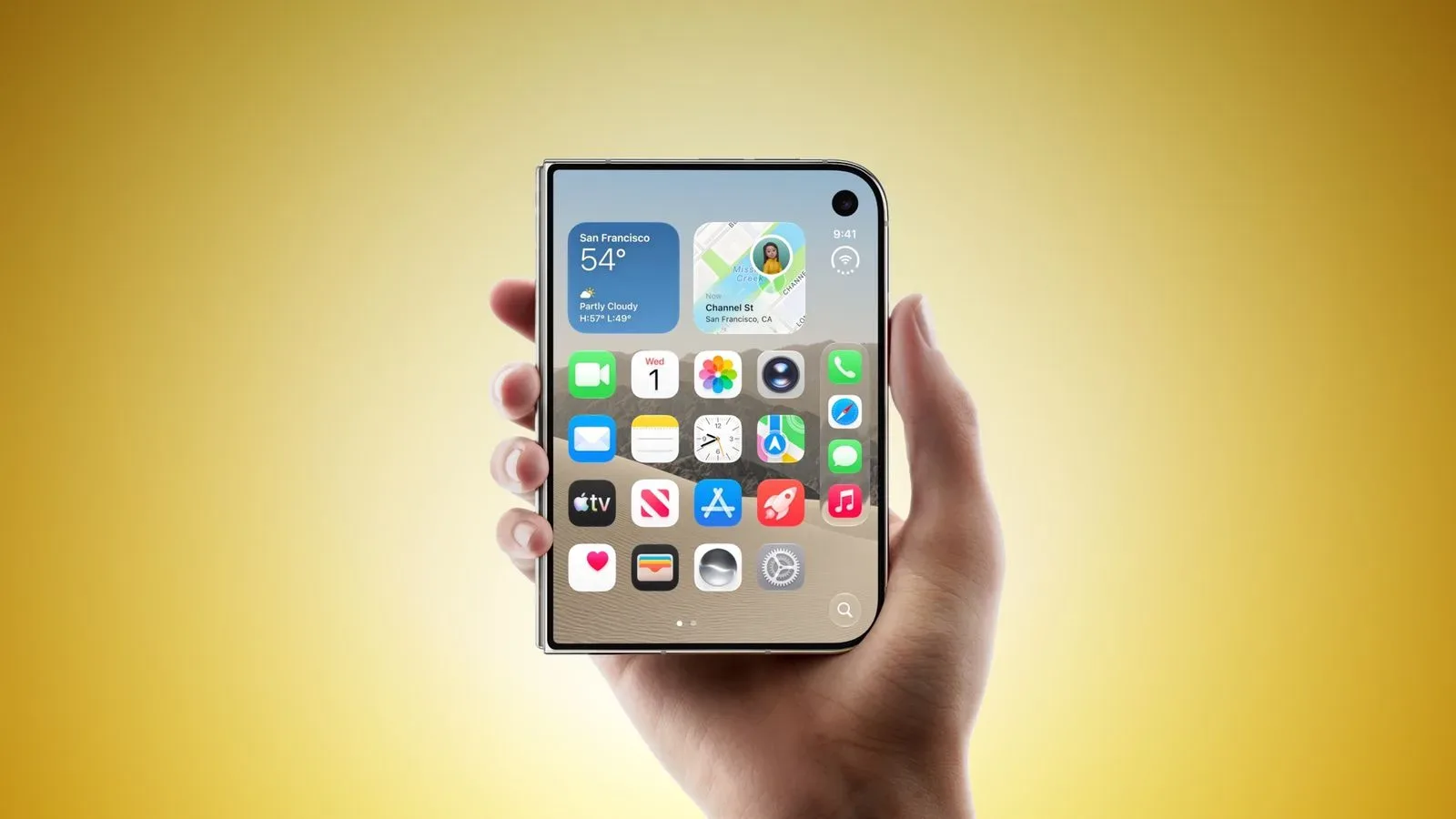
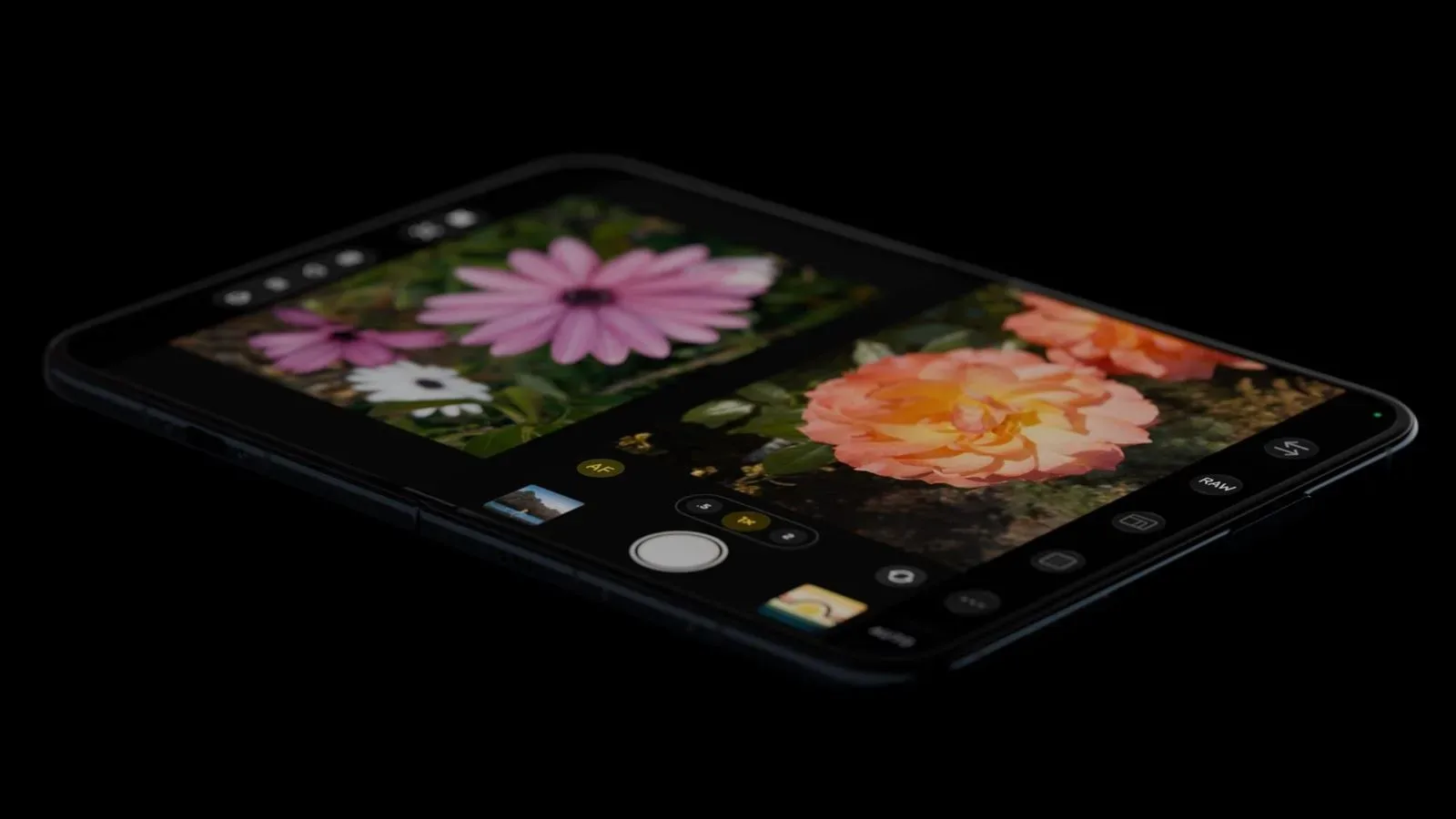
Halide 3.4 gives the iPhone Duo’s outer display a new job: lighting the subject of a photo. When the foldable phone is unfolded, the app can use that exterior screen as a fill light, offering a potentially softer alternative to the dedicated flash for nearby subjects.
It is a small camera-tool update with a distinctly hardware-aware idea behind it. Rather than treating the outer display solely as a secondary screen for composition, Halide can turn it into a broad illuminated surface aimed at the person or object being photographed. The app also lets the photographer put a camera preview on that outer display, giving the subject a way to see the framing.
What fill light means here
Fill light is light used to brighten the darker parts of an image rather than overwhelm the entire scene. In a portrait, it can reduce heavy shadows under eyes, along one side of a face, or beneath a hat brim. In a close shot of an object, it can make details visible without changing the direction of the scene’s main light.
Halide’s use of the iPhone Duo display matters because a screen is physically much larger than a conventional phone flash. That does not automatically mean it is brighter or appropriate for every situation. It does mean the light can be spread across a larger area. A larger illuminated surface generally produces gentler-looking shadow edges on subjects positioned close to it, while a smaller point-like source tends to create sharper shadows and more obvious specular highlights.
The practical distinction is easy to picture. A dedicated flash is designed to add a quick burst of light at capture. The outer-screen approach instead presents a continuously visible source, allowing a photographer to see how the added illumination affects the subject before taking the image. For a face, toy, handheld console, controller, card, or other close-range subject, that can make placement and angle easier to judge.
Halide recommends using maximum screen brightness for the feature. That recommendation follows the basic limitation of a display being used as a light: more brightness means more usable output. The trade-off is equally straightforward. Running a large display at maximum brightness is likely to demand more power than ordinary screen use, so this reads as a targeted tool for individual shots and short photo sessions, not a replacement for dedicated lighting equipment.
A screen that helps both sides of the camera
The outer display has a second role in Halide 3.4: it can show the subject a camera preview. That gives people in front of the lens an immediate view of the composition, without the photographer having to hand over the phone or repeatedly describe the framing.
For posed pictures, this can be more useful than it initially sounds. A subject can adjust posture, move into the frame, or see whether an object is blocking their face. For collector photography, it may also help a second person hold an item in position while seeing how it appears to the camera. The preview is not a new light source in itself, but it makes the outside screen a more active part of the shooting process.
Related coverage includes Halide 3.4 turns the iPhone Duo’s outer screen into a fill light.
There is a nice overlap between the two functions. The display can simultaneously make a close subject easier to see and give that subject feedback on framing. The result is less about raw camera specifications and more about reducing friction around a photo: fewer surprises after capture, and fewer moments where the photographer has to choose between looking at the viewfinder and arranging the subject.
A larger viewfinder for the photographer
Halide 3.4 also includes a larger viewfinder on the iPhone Duo’s inner screen. This is the other side of the foldable-camera proposition. Once open, the larger internal display gives the person taking the photo more room to assess a composition.
A viewfinder is the live camera image used to frame a shot. More visible space does not alter the camera sensor or guarantee a better photograph, but it can make choices easier: checking whether a subject is level, looking for distracting edges, or deciding how much empty space belongs around the focal point. That is particularly relevant to careful still photography, where a small framing adjustment can matter more than adding another filter or effect.
Paired with the outer preview, the update effectively gives the iPhone Duo separate displays for separate jobs: one can support the photographer’s composition, while the other can face the subject for preview and illumination. The value depends on the situation, but the design makes sense for portraits and close product-style images where communication, framing, and gentle front light all matter.
Restored tools extend beyond the foldable phone
The release is not restricted to the iPhone Duo. Halide 3.4 brings back the shutter timer plus color and luminance histograms on other iPhones.
A shutter timer delays the photo after the shutter control is pressed. It is useful when the photographer needs a moment to move into the shot, steady the phone, or avoid jostling it at the instant of capture. It is a basic tool, but one that supports deliberate setups without requiring an extra person to press the button.
Histograms are visual summaries of image information. A luminance histogram maps the distribution of brightness values, from darker tones toward lighter ones. It can help a photographer recognize when a scene is heavily concentrated in shadows or highlights rather than relying solely on how the screen image looks at a glance.
A color histogram applies the same general idea to color information. It can offer a more technical look at the balance and distribution of color in a scene. Neither type of histogram edits a photo or fixes exposure automatically. Their value is diagnostic: they give the photographer another way to interpret what the camera is seeing before deciding whether to change the composition, light, or exposure choices.
These controls sit comfortably beside the Duo-specific changes. The outer-screen fill light is an example of software taking advantage of unusual hardware, while timers and histograms are familiar photographic tools that can be useful across a wider range of iPhones.
What the update is—and is not
The important expectation to set is that a display fill light and a dedicated flash serve different purposes. Halide describes the display option as softer than the dedicated flash, which points to close, controlled subjects as its natural use case. It should not be assumed to have the reach of a flash in a dark room, nor should it be treated as a universal answer for distant scenes.
Instead, Halide 3.4 appears designed around a simple photographic opportunity created by the iPhone Duo’s form factor: an unfolded device has a second, outward-facing luminous surface. The app turns that surface into a creative control. That is more meaningful than a cosmetic novelty because the screen can affect the picture before it is taken, not merely decorate the interface around it.
For iPhone Duo owners, the update provides a reason to think of the outer screen as part of the camera setup. For other iPhone users, the returning timer and histogram tools add practical controls without requiring foldable hardware. And for shoppers weighing broader Apple promotions, the current Apple Black Friday offer is another reminder that phone purchases increasingly come with questions beyond the device’s headline specifications.
Halide 3.4’s central idea remains admirably direct: use the screen already facing the subject to add light, show framing, and make a foldable phone’s unusual layout useful at the moment a photo is made.