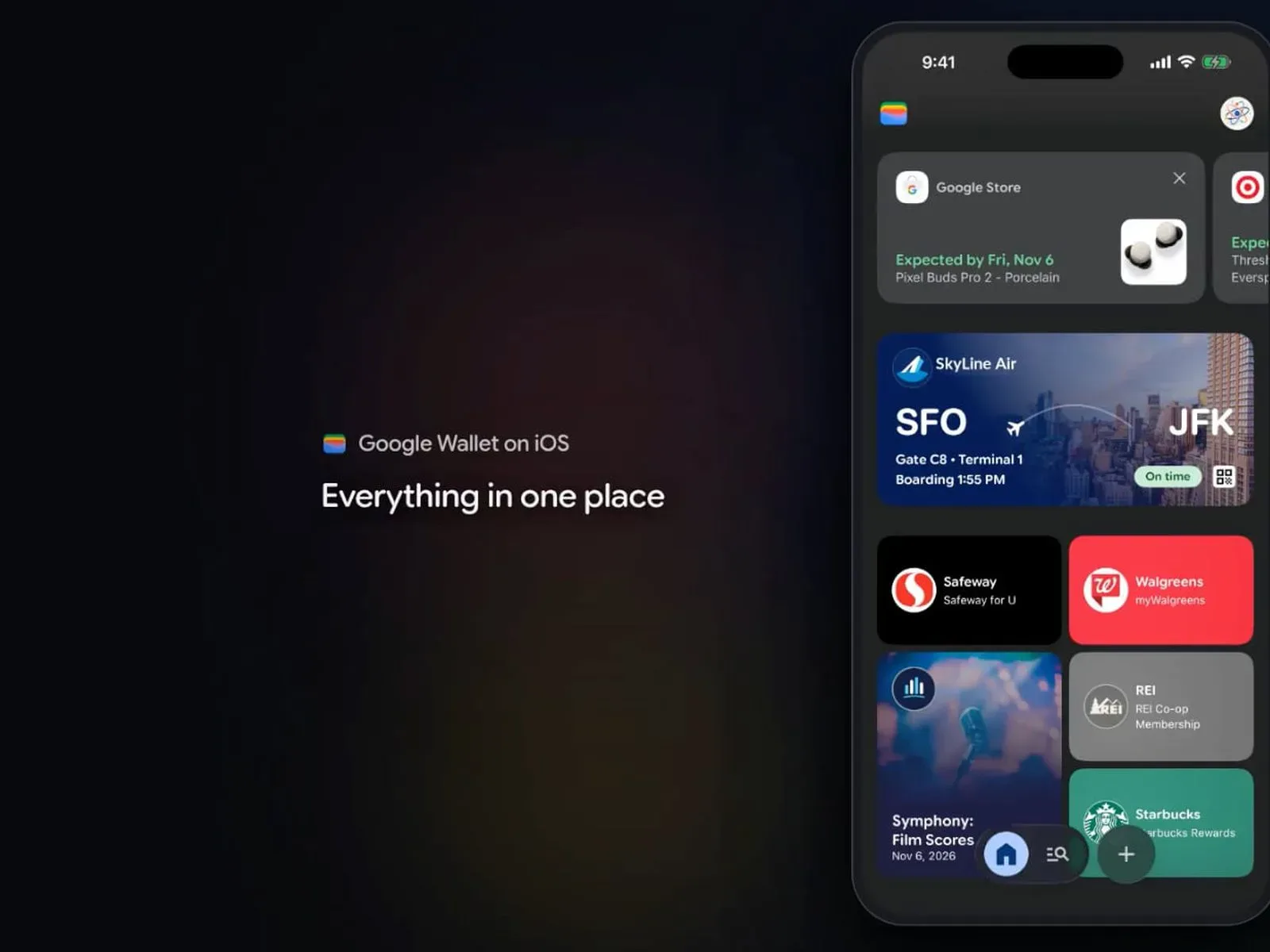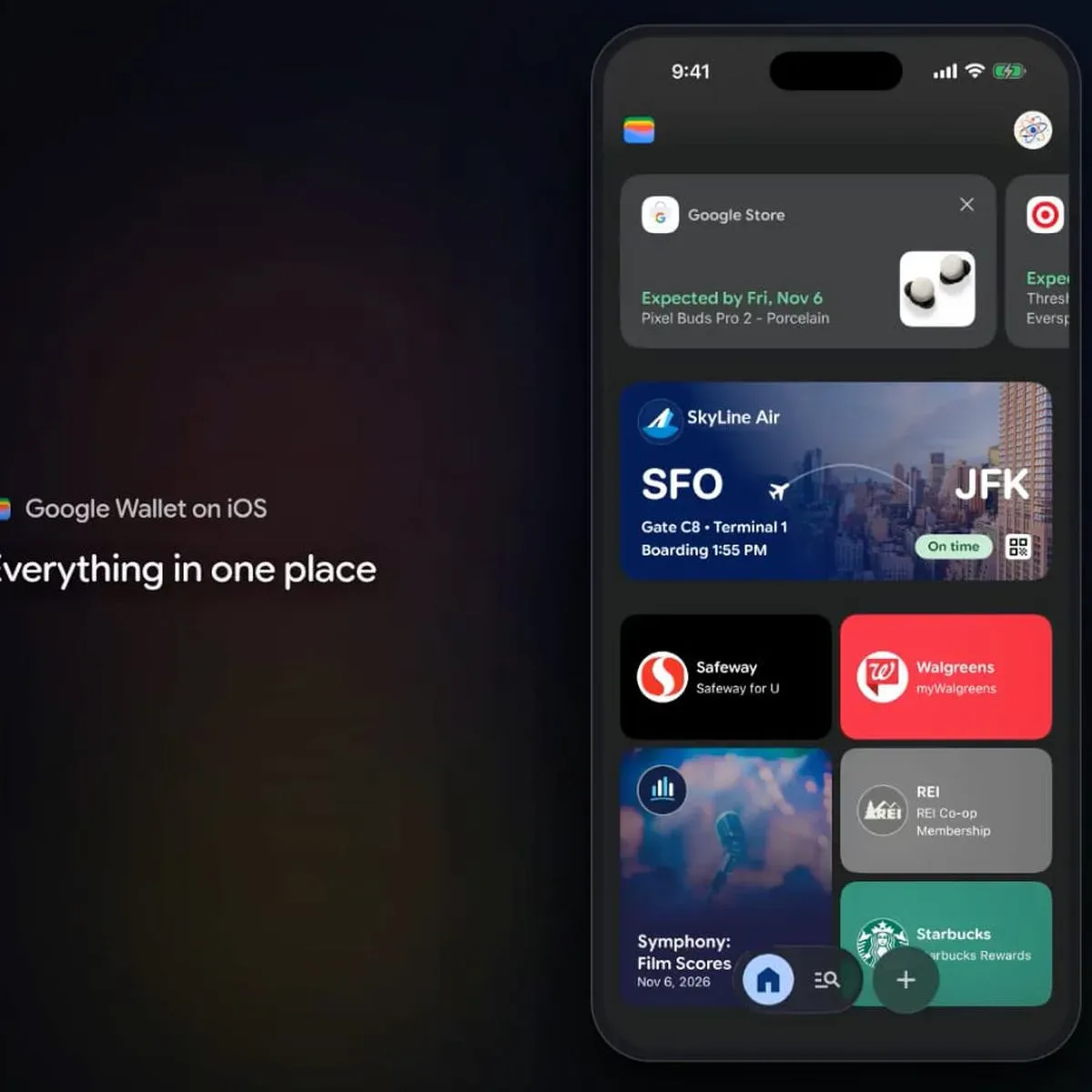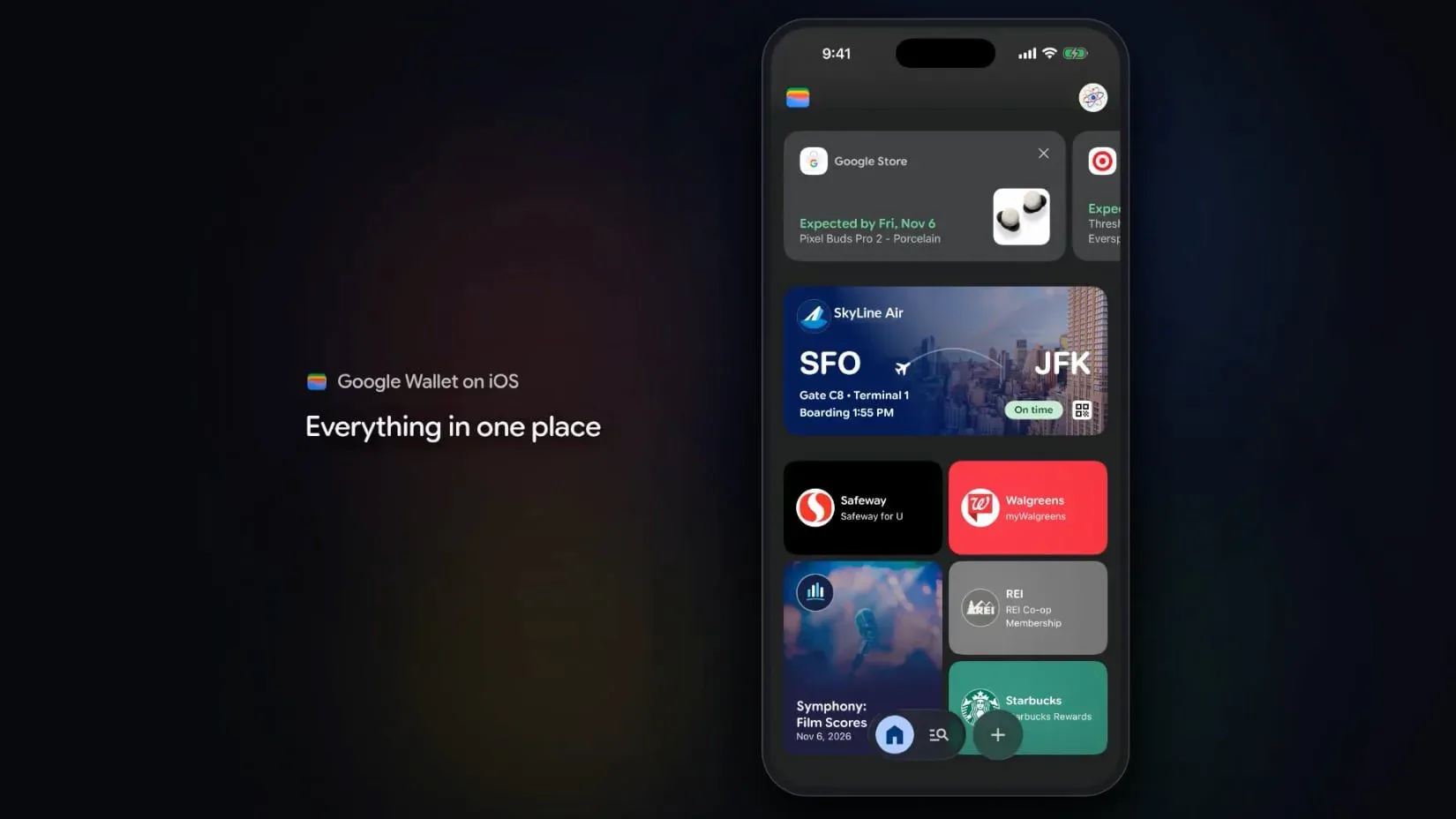
Google Wallet is now available on iPhone in the United States, bringing a Google-centered place for payment cards, passes and purchase details to a platform where Apple Wallet is the built-in option. The important asterisk is also the most immediate one: the iPhone version cannot be used to tap a phone at a retail payment terminal.
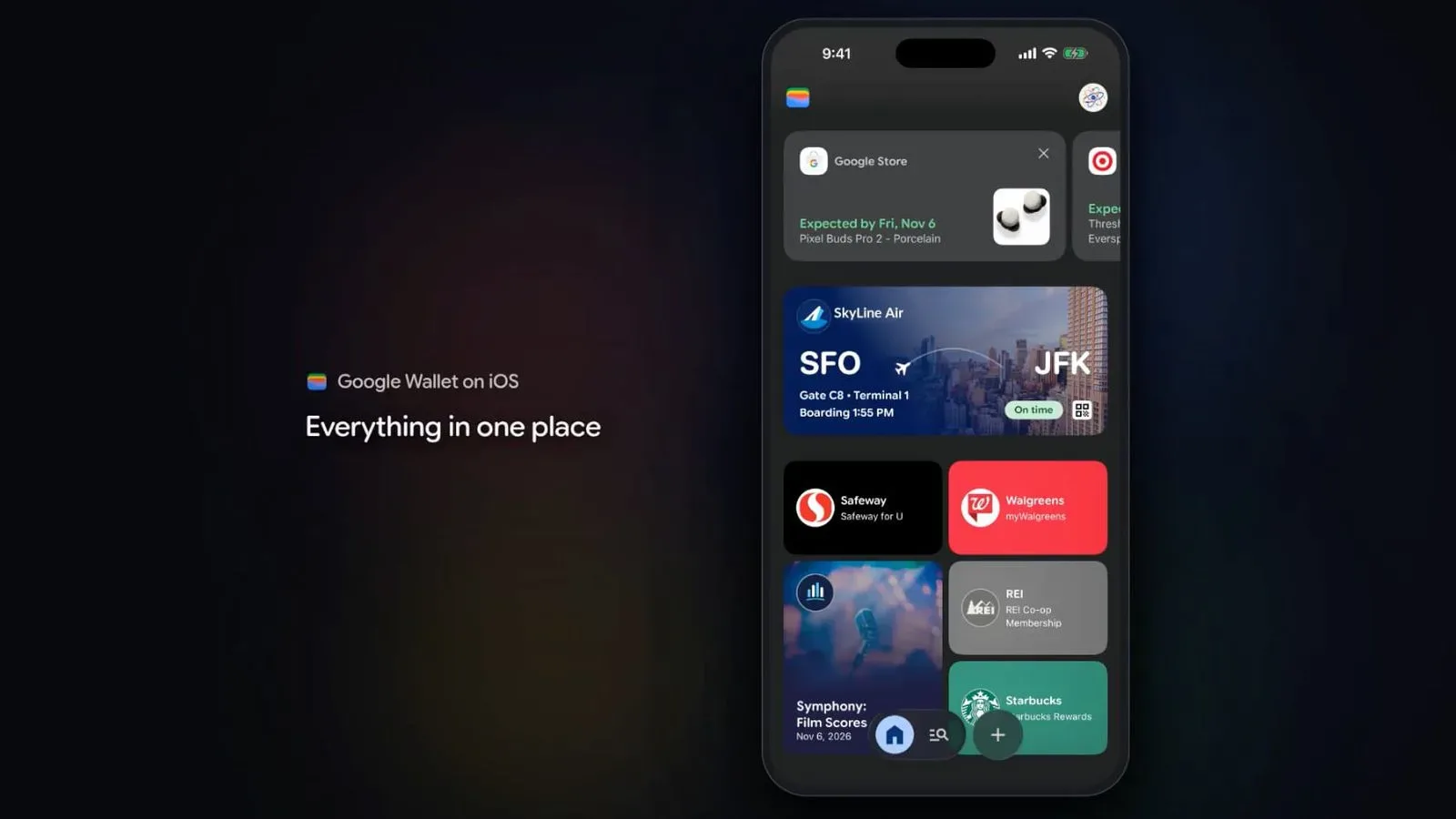
That leaves Google Wallet on iOS with a clearly useful, if narrower, role. It can hold payment cards for online checkout through Google Pay, collect tickets and boarding passes, and store loyalty or gym membership cards. It can also connect with Gmail and other Google apps for package tracking, receipts, order confirmations and delivery updates. In other words, it can become a hub for the paperwork and digital credentials around a purchase, without replacing the tap-at-the-counter habit associated with a mobile wallet.
What iPhone users can do with Google Wallet
The iPhone release is designed around payment management and Google-service integration rather than physical-store contactless checkout. Someone who already uses Google services may find value in having a single app for cards used during online checkout and for records created after an order is placed.
- Online payments: Payment cards can be stored for checkout with Google Pay online.
- Passes: Tickets and boarding passes can be kept in the wallet.
- Membership cards: Loyalty and gym cards can be added, reducing the need to carry their physical versions.
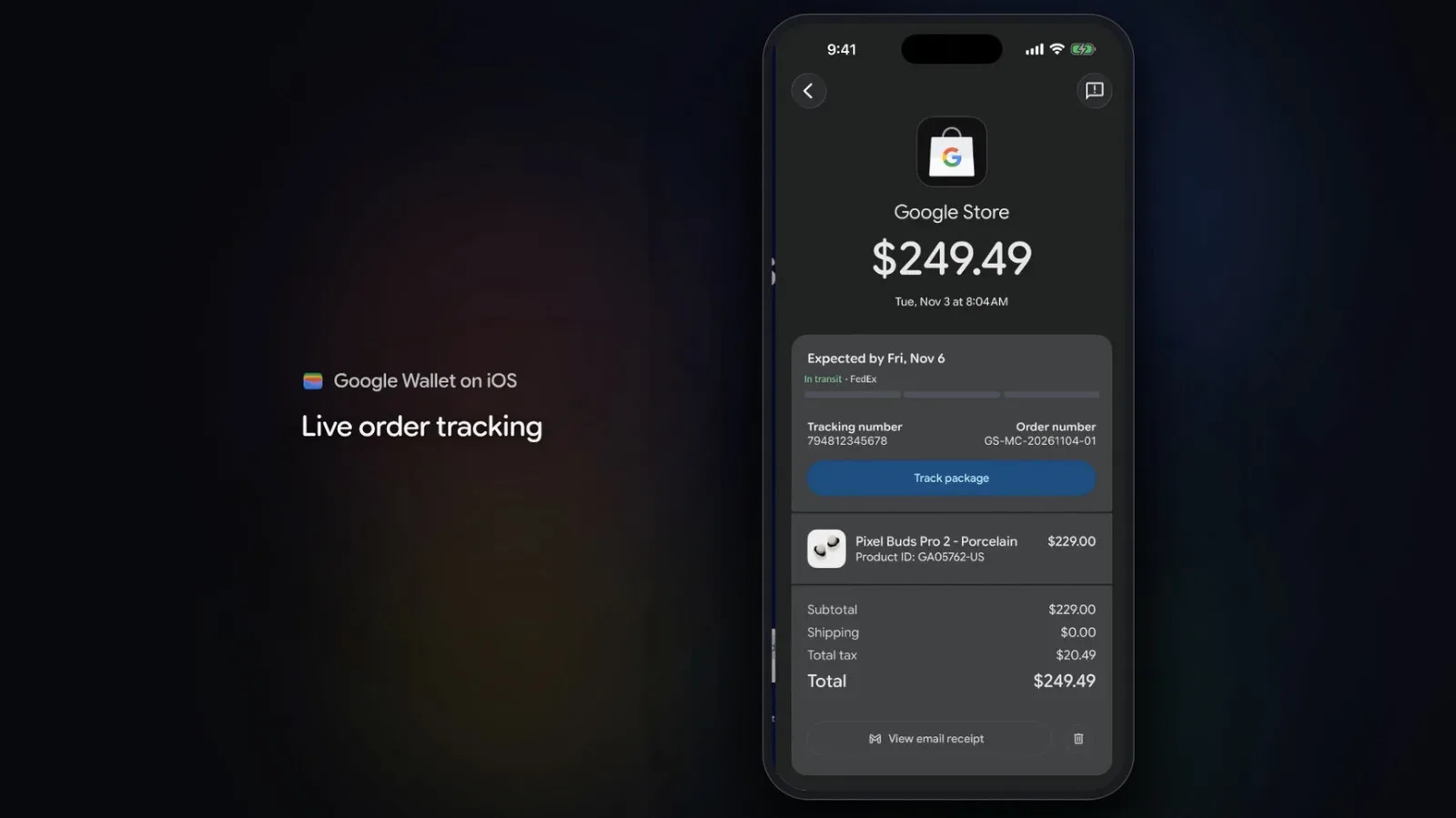
- Purchase tracking: Gmail and other Google apps can supply information for package tracking, receipts, confirmations and delivery updates.
- Google purchase management: Google describes the app as a place to manage “agentic purchases made across Google,” with the associated order and delivery information readily accessible.
The phrase agentic purchases is worth separating from a conventional wallet function. Here, it refers to purchases made across Google through automated or AI-driven assistance, rather than the simple act of presenting a payment card at a register. The practical benefit described for Wallet is visibility: users can get to the confirmation, receipt and delivery status tied to those purchases.
This makes the app most compelling for people whose shopping, travel documents and email receipts already run through Google’s services. A boarding pass, tracking update or loyalty barcode can be useful even when no payment is involved at all. The release therefore expands Google Wallet’s presence on iPhone, but it does not make iPhone checkout behave like an Android phone running Google Wallet.
The missing feature: tap to pay in stores
At launch, Google Wallet on iPhone cannot make contactless purchases in retail locations. A user cannot select a payment card in Google Wallet and tap the iPhone against a compatible payment terminal as they would with a conventional phone wallet payment.
That limitation matters because “wallet” can mean several things at once. A digital wallet may store payment details, passes and membership cards; it may speed up checkout in an app or browser; and it may pay in person. Google Wallet on iPhone covers the first two categories described here, along with pass and purchase-management features. It does not cover the third.
Tap to pay is the everyday name for a contactless payment made by holding a device near a store terminal. The technology involved is NFC, short for near-field communication. NFC is a short-range wireless system that lets the phone and payment terminal exchange the information needed for a contactless transaction.
For an iPhone owner, this means Google Wallet should not be treated as a replacement for Apple Wallet at the checkout counter. It is an additional wallet app with overlapping organizational features and online-payment utility, not a second in-store tap-payment choice at present.
Why NFC access is central to the gap
Apple began allowing third-party apps to access NFC for contactless payments with iOS 18.1. That access is not automatic: it requires a commercial agreement with Apple. The arrangement may help explain why Google Wallet has arrived without retail tap-to-pay functionality, although no specific reason for Google’s current implementation has been stated.
Google could add contactless payments in the future, but doing so would require paying Apple’s fees under that system. The distinction is important. The absence of tap to pay is not presented as a claim that iPhone hardware lacks the capability. Instead, it reflects the commercial and platform conditions that apply when another app seeks to provide NFC payment functionality on iPhone.
NFC access for developers is available in Australia, Brazil, Canada, Japan, New Zealand, the United Kingdom and the United States. That list establishes the markets where developers can pursue this type of access, but it does not mean every wallet app in those markets offers contactless payments. Each app’s features still depend on its own implementation and any required agreement.
A wallet for the parts before and after payment
The most useful way to view the iPhone version is as a companion for the broader lifecycle of an order. Before a transaction, it can keep the card used for online Google Pay checkout. Afterward, it can help surface the receipt, confirmation, delivery update and package-tracking details that may be associated with Google services. For travel and memberships, it adds a place for a boarding pass, ticket, gym card or loyalty card.
Those jobs are not trivial. A wallet often becomes valuable because it reduces the number of places users need to search: email for an order number, a retailer’s website for tracking, a separate app for a pass, and a physical card for a membership barcode. Google Wallet’s iPhone pitch is that these related items can sit closer together, especially for people who are already within Google’s app ecosystem.
Still, the feature divide will be visible in daily use. The moment a terminal asks for a tap, Google Wallet on iPhone is not the relevant tool. That is likely to shape expectations more than any feature list. Digital-wallet users tend to encounter payment at the most time-sensitive moment—when a line is moving and a cashier is waiting—so the missing NFC function is not a small footnote.
Practical implications for current iPhone owners
There is no need to think of the choice as Google Wallet versus Apple Wallet. Based on the available features, an iPhone user can use Google Wallet where its connections to Google purchases, Gmail-derived order information, online checkout cards and passes are helpful, while continuing to use Apple’s system for in-person contactless payments.
That split may be especially straightforward for someone who wants Google’s purchase records in one place but has no interest in changing how they pay in stores. Conversely, anyone installing the app specifically to tap a payment card at a coffee shop or supermarket will not get that function at launch.
Users should also keep the separate uses in mind when adding cards. A payment card stored for Google Pay online checkout is not, in this iPhone version, an indication that it can be presented by NFC at a physical merchant terminal. A loyalty or gym card can reduce physical-card clutter, but that is a barcode or membership convenience rather than a payment method.
A broader platform presence, with a deliberate boundary
Google Wallet’s arrival gives Google a more direct wallet presence on iPhone in the U.S., and its Gmail and Google-app links could make it practical for people who want purchase information consolidated around the services they already use. It also brings another option for keeping travel documents and membership cards on a phone.
But the launch should be understood on its actual terms. Google Wallet on iPhone can manage cards for online Google Pay purchases, passes, membership credentials and purchase details. It cannot make a contactless retail payment. The latter is the key boundary between a useful cross-service organizer and a full in-store mobile-payment alternative.
For more on the launch and its NFC limitation, see Google Wallet reaches iPhone, but tap-to-pay is missing at launch.