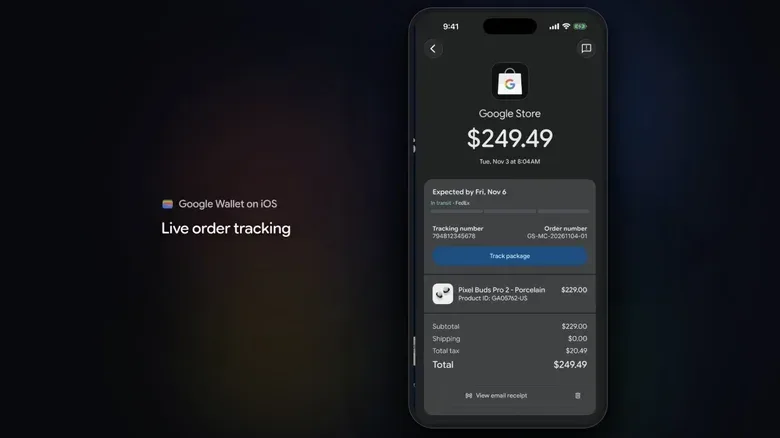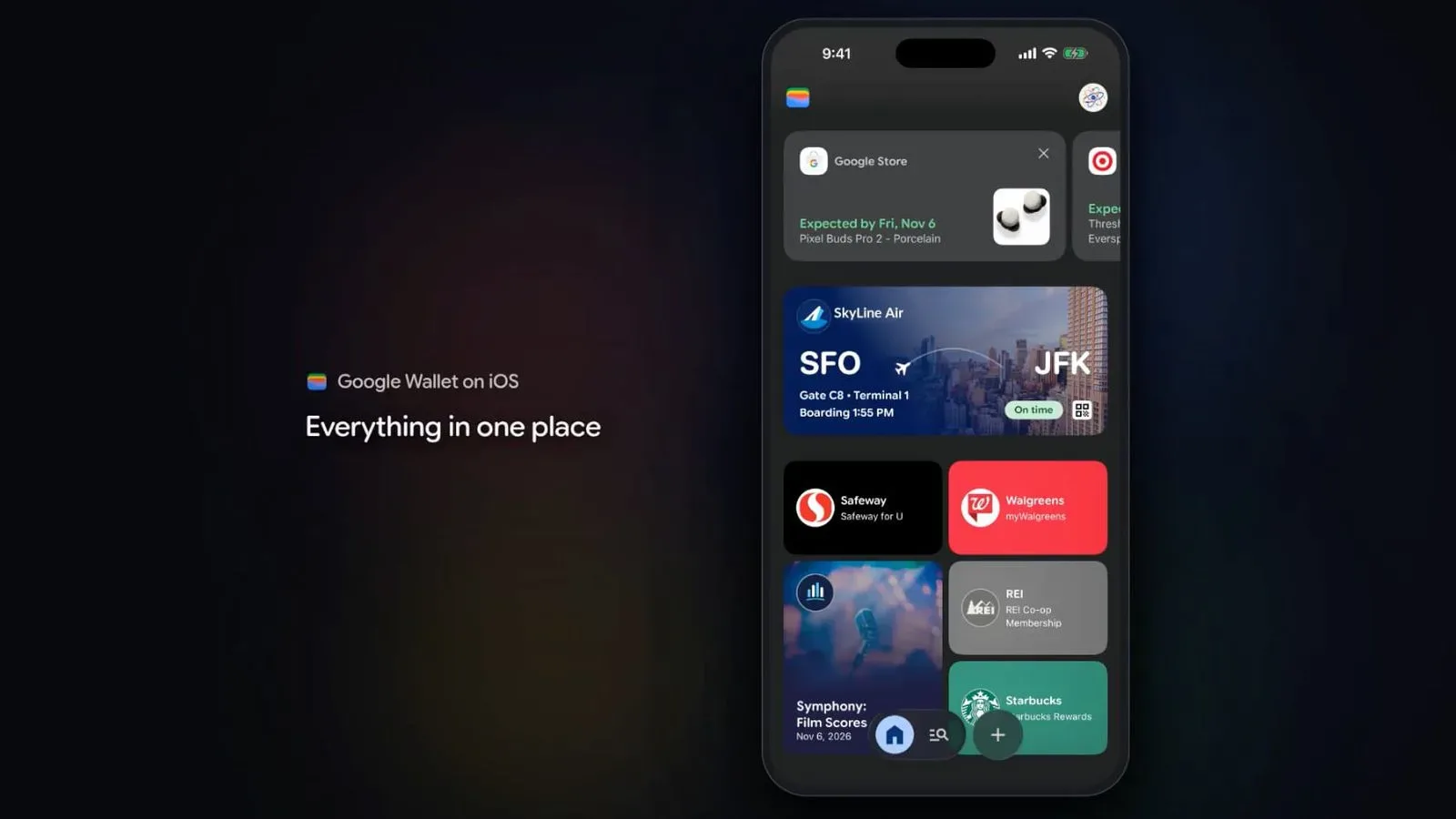
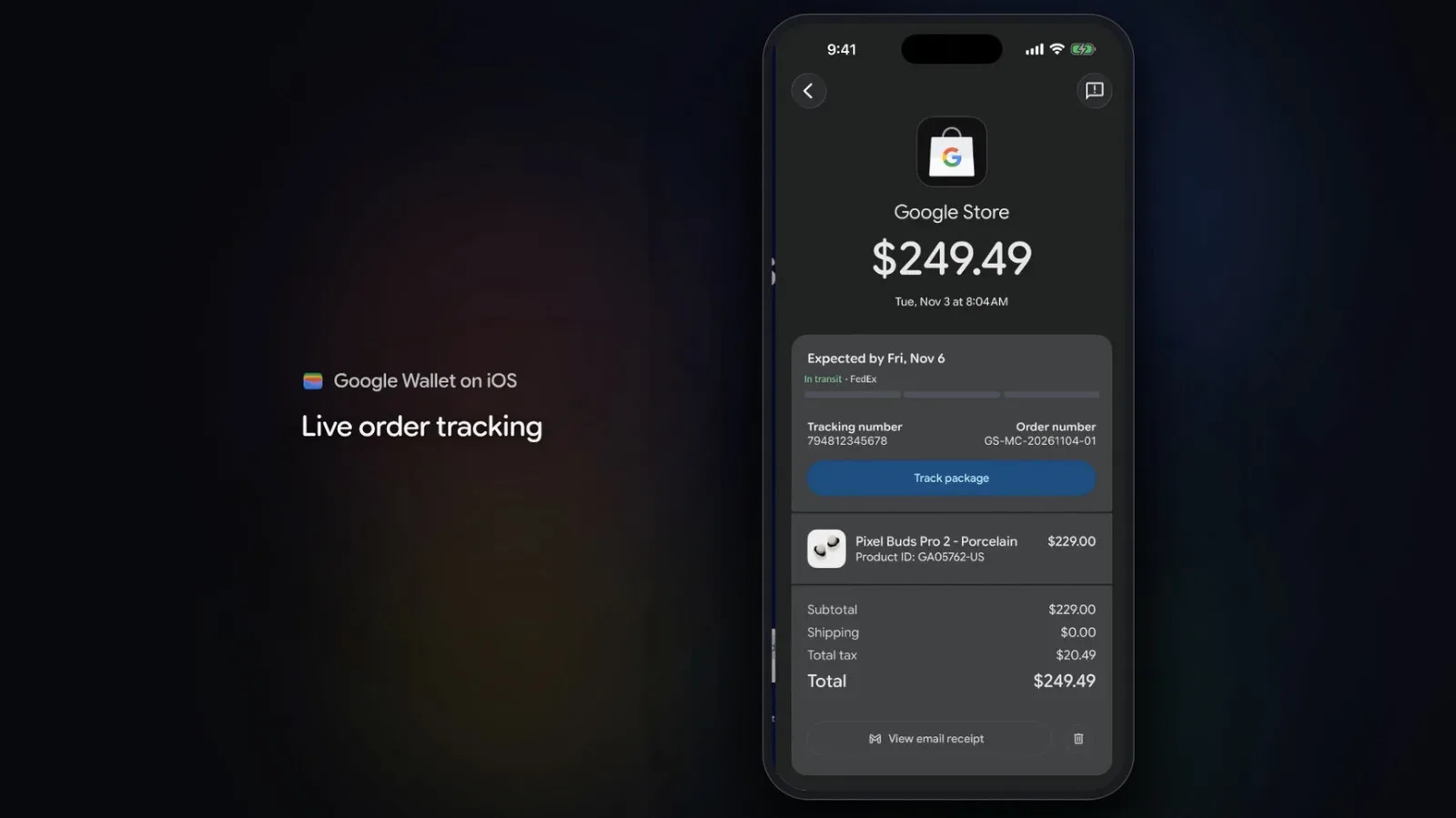
Google Wallet is now available on iOS for users in the United States, putting a Google-branded pass, ticket, travel and credential hub on the same phones that already include Apple Wallet. It is an unusual bit of platform overlap: the two apps are described as handling many of the same kinds of digital items, including payment tools, tickets, travel information, IDs and credentials.
The important limitation is equally clear. Google Wallet on iOS does not support tap-to-pay at launch. That means it cannot currently be treated as a like-for-like substitute for Apple’s own wallet in the part of the experience many people associate most closely with a phone wallet: paying at a compatible terminal by holding a handset nearby. There is no stated commitment or timeline for adding that capability later.
Instead, Google’s distinctive pitch for the iPhone version centers on purchases made through its own tools, particularly purchases described as agentic. That focus may make the app less about replacing Apple Wallet and more about giving people who use Google services a place to retain the resulting purchase information and digital items.
What Google Wallet on iOS is for
A digital wallet is broader than a payment card. In this case, the app can hold digital payment tools, event tickets, travel information, IDs and credentials. Those categories matter because they cover the practical clutter usually spread among email inboxes, airline and venue apps, web pages and physical cards.
For a person who has a ticket, travel record or eligible credential flowing through Google’s ecosystem, an iPhone version creates a dedicated destination for those items. That does not automatically make it necessary for every iPhone owner. Apple Wallet already occupies much of this territory on iOS, and the overlap is substantial.
It may, however, be meaningful for people who move between platforms. Someone may use Google tools across work, web and other devices while carrying an iPhone as their primary handset. In that situation, the central question is not whether two wallet apps can coexist. They can. The useful question is which service receives the ticket, pass, travel item or purchase record in the first place—and where that person is most likely to look for it later.
The tap-to-pay gap is a real dividing line
Tap-to-pay refers to making an in-person payment by bringing a device close to a compatible payment terminal. It is the contactless checkout function that turns a stored card into an immediate payment method at a register. Google Wallet’s iOS launch does not include it.
That absence sharply defines the app’s opening role. A user may be able to store the relevant kinds of digital information in Google Wallet, but the app is not launching as the tool for contactless payment on an iPhone. Anyone whose goal is specifically to tap an iPhone at a checkout counter should not assume the new Google app changes that.
That distinction also prevents a misleading “Google Wallet versus Apple Wallet” framing. At launch, they overlap in storage and organization of digital items, but they do not offer an identical iPhone payment experience. Google has not specified whether tap-to-pay support is planned for a later update, so it is best regarded as unavailable rather than imminent.
The launch arrives in a climate where wallet and payment services are also judged by reliability. Apple recently attributed disruptions affecting iCloud, Apple Pay and the App Store to an internal update, a reminder that services carrying payment and identity-adjacent information need to be dependable as well as convenient. Apple’s explanation of that outage underlines how quickly a platform issue can affect routine digital transactions.
Why “agentic purchases” are the point of difference
The term agentic is central to Google Wallet’s stated positioning on iOS. In this context, it refers to purchases made across Google tools in which AI-oriented systems can take a more active role in completing tasks. The available details do not define a particular purchase flow, list supported merchants or explain every control that will be offered. Those specifics should not be assumed.
What is clear is the intended distinction: Google is presenting Wallet as a hub for the outcome of those purchases. A hub is useful when a transaction produces something worth keeping—such as a ticket, travel detail, payment-related item, ID or credential—and the user wants a single place to retrieve it.
That is a strategic difference from merely offering another icon for passes. Apple Wallet has an established role on iPhone as the built-in option for several of these digital objects. Google’s iOS app needs a reason to exist alongside it, and the connection to Google’s purchasing tools is the clearest reason identified at launch.
There is also a meaningful difference between an agentic purchase and a conventional checkout. With a normal checkout, the user directly selects items and proceeds through payment steps. With agentic tools, the system may be involved more actively in carrying out a purchase task across Google products. That makes record-keeping especially important: when tools are doing more of the work around a transaction, users may value a clear place to check what was purchased and retrieve the associated digital materials.
Still, a hub is only as useful as the information it contains. The iOS version’s practical value will depend on how often a person uses the relevant Google tools and whether their tickets, travel details, credentials and purchase-related items arrive there in a way that fits their existing habits.
What this means for iPhone users
For US users, Google Wallet is available on iOS starting now. The rollout does not require an all-or-nothing choice between Google and Apple. The most likely immediate use is coexistence: Apple Wallet can remain the familiar iPhone wallet, while Google Wallet can serve users who want their Google-connected items in a dedicated app.
- Use Google Wallet for: digital items associated with Google services, including eligible payment tools, tickets, travel information, IDs and credentials.
- Do not expect: tap-to-pay through Google Wallet on iPhone at launch.
- Keep expectations specific: no future tap-to-pay plan has been detailed, and the available information does not spell out every agentic purchase feature or workflow.
- Consider your existing habits: users already invested in Apple Wallet may see little reason to move every item, while people who rely heavily on Google tools may appreciate an additional central location.
This is less a dramatic replacement of the iPhone’s default wallet behavior than an expansion of Google’s footprint on iOS. The app gives Google a direct home for digital wallet content on Apple devices, but its missing contactless-payment function establishes an important boundary around what that home can do on day one.
A rare point of overlap between rival ecosystems
Google and Apple have often kept first-party software closely tied to their own hardware ecosystems, making an iOS Google Wallet launch notable on its own. The move acknowledges a basic reality: users’ digital lives rarely stay inside one company’s products, even when their phone does.
For the moment, the result is a pair of similar wallet concepts on the same device. Apple’s option remains deeply associated with iPhone use, while Google’s option is being positioned around the company’s broader tools and agentic purchasing ambitions. The apps share core categories of information, but Google’s lack of tap-to-pay means the choice is not symmetrical.
That makes the launch a test of whether users want a wallet organized around the ecosystem where an item originated, rather than solely around the operating system of the device in their hand. For Google-focused iPhone users, the answer may be yes. For others, the overlap with Apple Wallet—and the absent tap-to-pay feature—may leave the new app as an occasional companion rather than a daily default.