Apple has given iPhone users a trio of financial labels that are easy to blur together: Apple Wallet, Apple Pay, and Apple Cash. They overlap constantly in everyday use, which is why a person might say they “paid with Wallet” after tapping an iPhone at a checkout terminal. But they are not interchangeable products. One is mainly a place for digital items to live, one is a payment method, and one is a money-transfer feature with its own eligibility limits.
The easiest way to keep the names straight is to think of an ordinary physical wallet. It holds payment cards, identification, membership cards, tickets, and other things needed during a day out. That storage-and-organization role belongs to Apple Wallet. Paying for coffee with one of those cards is the job of Apple Pay. Sending a friend money after they cover a shared bill is where Apple Cash may come in.
For iPhone and Apple Watch owners, knowing the distinction is more than a terminology exercise. It clarifies what happens during a contactless transaction, why a purchase needs Face ID, Touch ID, or a passcode, and why a concert pass can be in the same app as a debit card without itself being a payment option.
Apple Wallet is the digital holder
Apple Wallet is the app that keeps a range of digital cards, passes, and credentials together. Payment cards can be added there, including debit and credit cards. But the Wallet’s purpose extends well beyond spending. It can also contain boarding passes, event tickets, store loyalty cards, certain identification documents, and auto insurance cards.
That broader collection is the crucial point. A boarding pass in Wallet does not turn an iPhone into a payment service, and a loyalty card does not require Apple Pay to be useful. Wallet is the convenient, secured home for those items so they can be pulled up when needed. On Apple Watch, a companion Wallet tool provides access to relevant passes and cards from the wrist.
Put another way: Apple Wallet answers “where is my digital card or pass?” It is the container. Someone can open Wallet to show an event ticket at a venue, scan a loyalty card at a shop, or access a payment card before making a purchase. Those are different actions, even though the app is the common starting point.
This distinction matters especially when discussing devices and accessories in Apple’s broader ecosystem. Payment capability, Wallet support, and the availability of individual passes are related but separate questions. For readers following the company’s hardware plans, our coverage of the reported iPhone 18 Pro charging changes is a reminder that an iPhone’s everyday utility blends hardware features with the services people use on it.
Apple Pay is what completes a merchant purchase
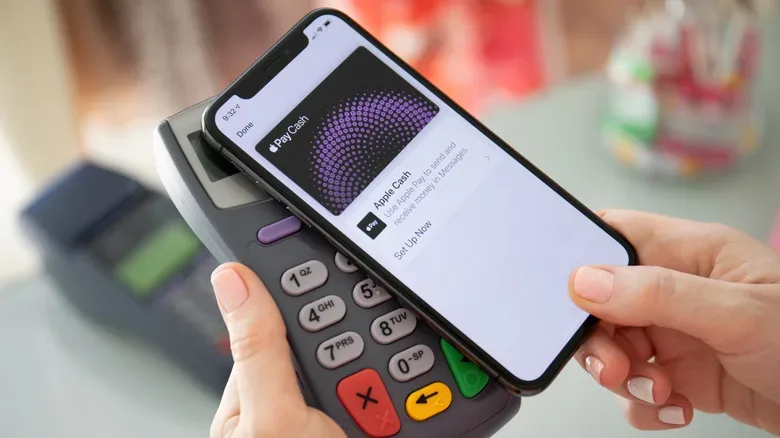
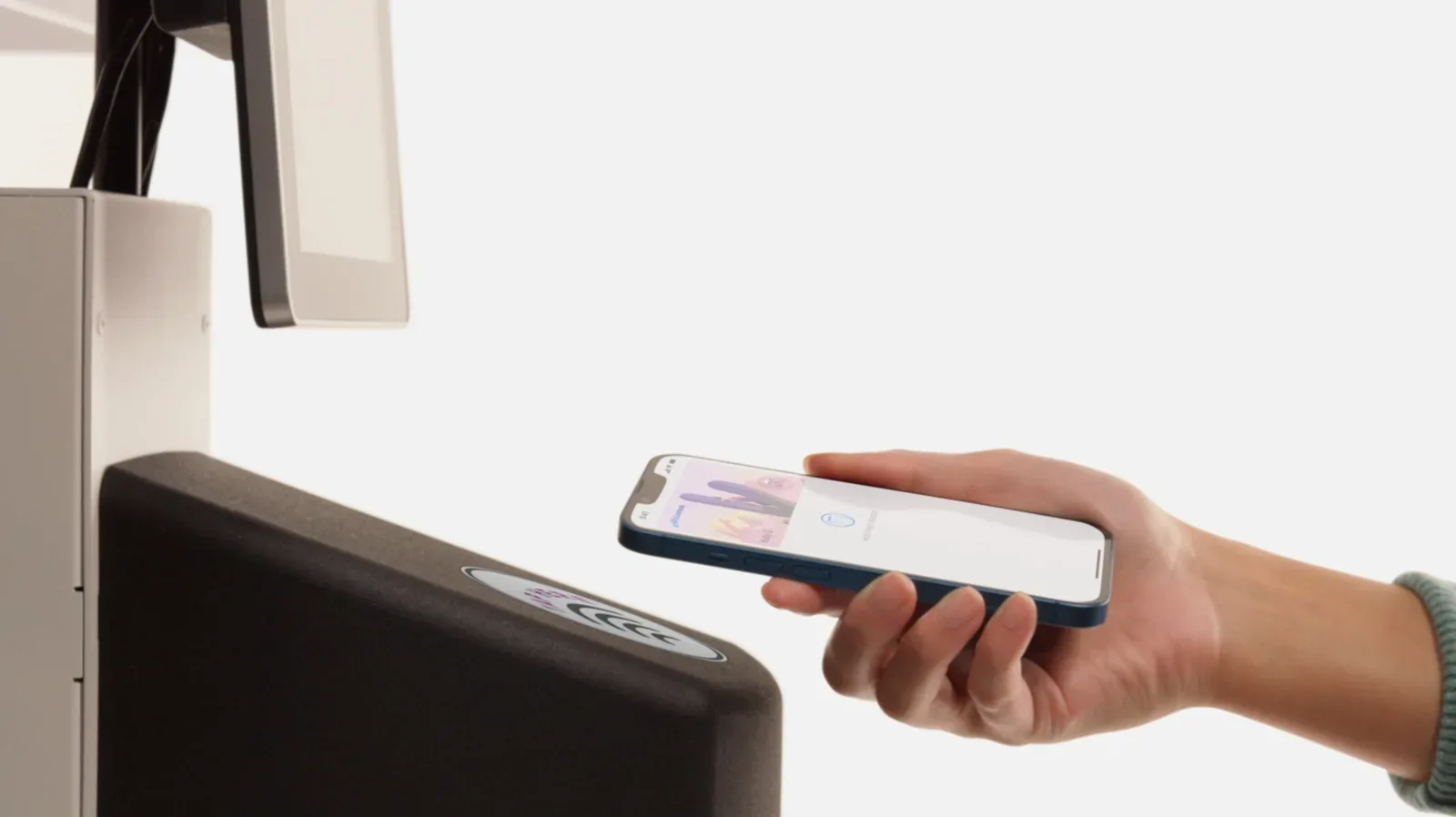
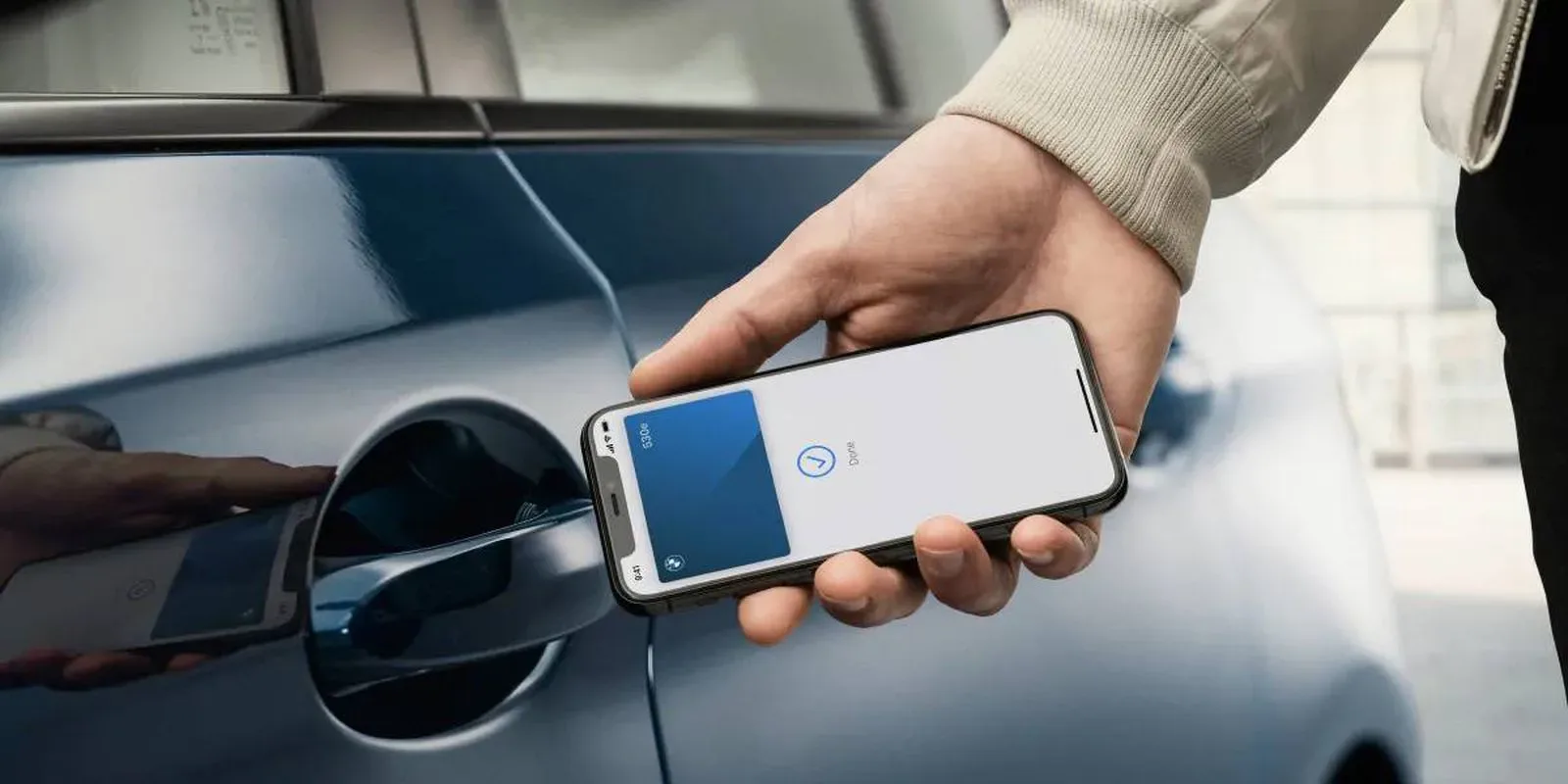
Apple Pay is Apple’s payment service. It is used when a customer pays a merchant in person or online with an eligible card that has been added to Apple Wallet. The physical location scenario is the most recognizable: an iPhone is held near an NFC payment terminal, the user invokes Apple Pay—commonly by double-clicking the Side button—and then confirms their identity.
Authentication can be completed with Face ID, Touch ID on compatible devices, or a passcode. The extra confirmation is not a decorative step. It is part of authorizing the payment. For people who find facial scanning clumsy while holding a phone near a terminal, authenticating before bringing the phone to the reader can be a more comfortable sequence. A passcode remains the fallback where appropriate.
Online purchases use the same basic idea, even though there is no checkout terminal. At a participating checkout in an app or Safari, a buyer chooses Apple Pay, selects the desired stored card, and authenticates the transaction. That can apply to purchases such as an App Store transaction or a food order, provided Apple Pay is presented as an option.
Apple Pay answers “how did I pay the merchant?” Wallet supplies the card selection and storage side of the interaction, while Apple Pay handles the actual payment process. In casual conversation, it is understandable that the two names get merged. Technically, however, paying with a card kept in Wallet means using Apple Pay; merely having that card in Wallet does not itself make a purchase.
Why Apple Pay does not simply hand over a card number
Apple Pay’s payment flow involves more than transmitting the number printed on a physical credit or debit card. For each card, the system creates a unique Device Account Number, often shortened to DAN. That identifier is kept in the Secure Element, a dedicated component designed to hold sensitive information securely on the device.
During a purchase, the merchant receives the Device Account Number plus a transaction-specific, one-time security code. The merchant does not receive the buyer’s actual card number through that Apple Pay transaction. Apple’s servers also do not retain identifying information tied to a transaction history.
This design explains both the security language around Apple Pay and the repeated request for identity verification. The phone is not simply acting as a plastic card with a screen attached. It is authorizing a protected payment credential for one particular transaction. Whether the purchase happens at a grocery-store NFC reader or in a browser checkout, confirmation is expected.
How to find the Apple Pay last four digits
The Device Account Number can also help a cardholder distinguish an Apple Pay transaction from a transaction made another way with the same underlying card. Apple Wallet provides the final four digits associated with the Apple Pay number.
- Open Apple Wallet and choose the payment card.
- Select the three-dot menu button.
- Open Card Details, then choose Card Information.
- Authenticate when prompted.
- Look for the Apple Pay last four digits near the bottom of the information screen.
Those digits can be useful when comparing a bank’s transaction record with a purchase made from an iPhone or Apple Watch. They are not necessarily the same last four digits printed on the physical card, because Apple Pay is using the device-specific account number rather than exposing the original card number to the merchant.
Apple Cash is for eligible person-to-person transfers
Apple Cash occupies a third role. It is a feature connected with Apple Pay that lets eligible people send or request money using iMessage or the Apple Cash card in Wallet. Tap to Cash is another route for transfers. Rather than paying a shop, the user selects a contact, enters an amount, and authenticates the transfer.
There are important boundaries. The recipient’s phone number needs to be associated with their Apple Account, and the recipient must be eligible for Apple Cash. It is not a universal person-to-person payment option that works automatically for everyone with a phone. If someone uses Android only, another service, such as Venmo, is needed instead.
Money received through Apple Cash is represented by an Apple Cash card, which commonly appears near the top of Apple Wallet. From that card’s settings and menu options, a user can add money through a debit card, configure recurring payments to other people, or transfer funds to a bank.
Apple Cash answers “how can I send or request money from another eligible person?” It is not the same as the system used to buy an item from a merchant, even though both sit near the Apple Pay and Wallet experience. The shared naming and shared interface are convenient; they can also make the boundaries harder to spot.
A quick cheat sheet for the similarly named features
- Apple Wallet: the app and digital storage space for payment cards, tickets, boarding passes, IDs, insurance cards, and loyalty passes.
- Apple Pay: the service used to pay merchants in person through NFC or online at participating checkouts, with authentication required.
- Apple Cash: the person-to-person money feature for eligible users, available through iMessage and its Wallet card, with options including bank transfers and recurring payments.
In practical terms, a user might store a debit card, a concert pass, and an Apple Cash card in Wallet. They would use Apple Pay to tap that debit card at a retailer. They could then use Apple Cash to reimburse a friend for the concert ticket, assuming both people meet the service’s requirements. The names are connected because the features are designed to work together, but each one describes a distinct part of the experience.
The next time a checkout asks for a payment confirmation, it is Apple Pay doing the purchasing work. When a ticket barcode needs to be presented, it is Wallet serving as the holder. And when someone asks to be paid back through iMessage, Apple Cash is the relevant tool—not simply “Apple Pay” as a catch-all label.