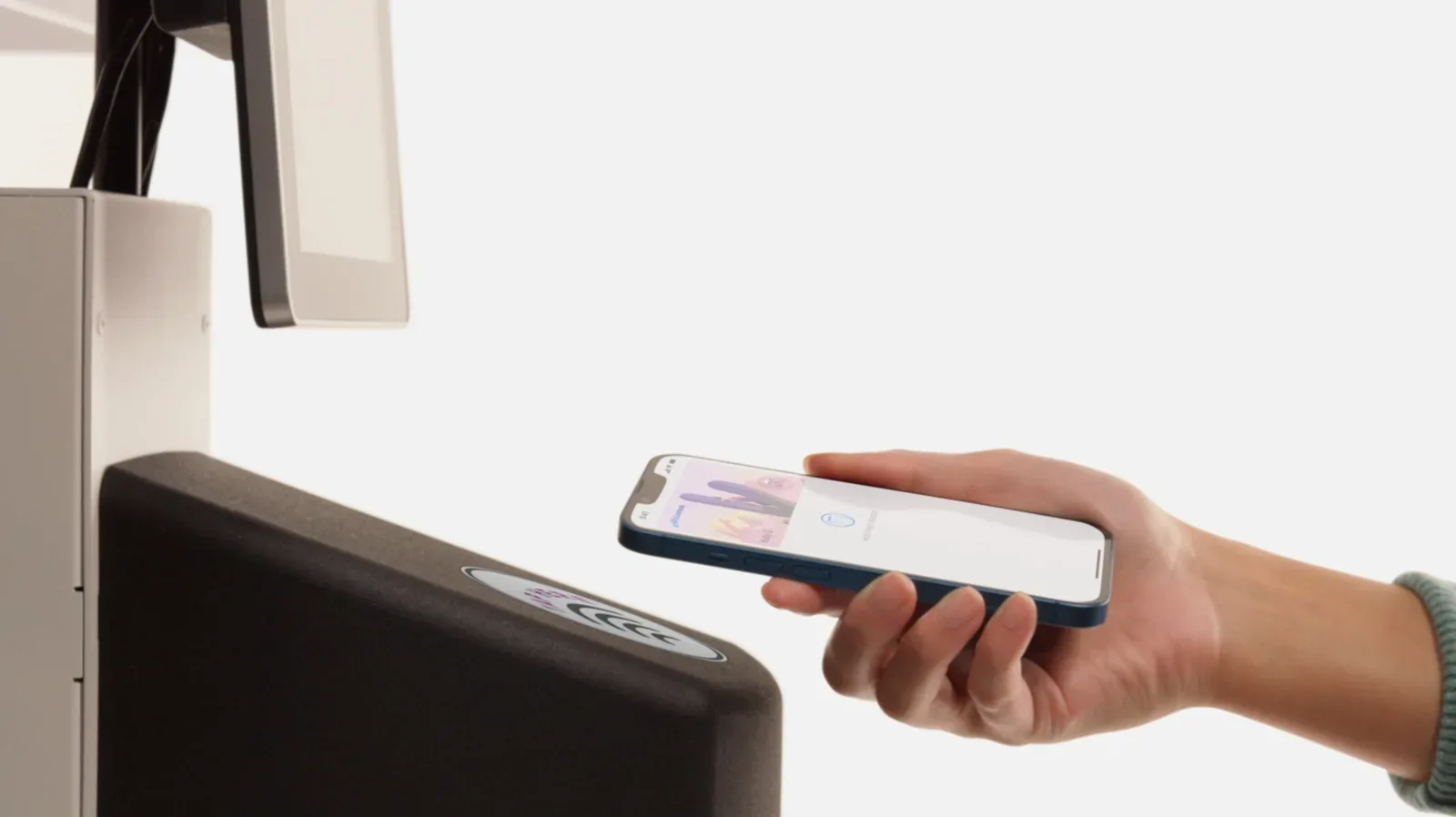
For plenty of people, Apple Wallet begins and ends with the quick double-press before buying coffee, groceries, or the emergency energy drink needed to survive a late-night raid. But Wallet has steadily become a broader hub for the small credentials, passes, payments and keys that otherwise clutter pockets, inboxes and the kitchen counter.
Apple renamed Passbook as Apple Wallet with iOS 9 in 2015. More than a decade later, the app can hold considerably more than bank cards, airline boarding passes and cinema tickets. Its usefulness is especially clear for players and collectors whose plans can involve convention admissions, event badges, local transit, shared meals, deliveries, and compatible vehicle or home access.
The newest reported iOS 27 additions push the app further in that direction. Native custom passes and receipt-based bill splitting are positioned as quality-of-life upgrades, while several established Wallet functions remain easy to overlook. Here is what each feature is meant to do, where its limits matter, and why it could be useful when the real-world logistics around games get complicated.
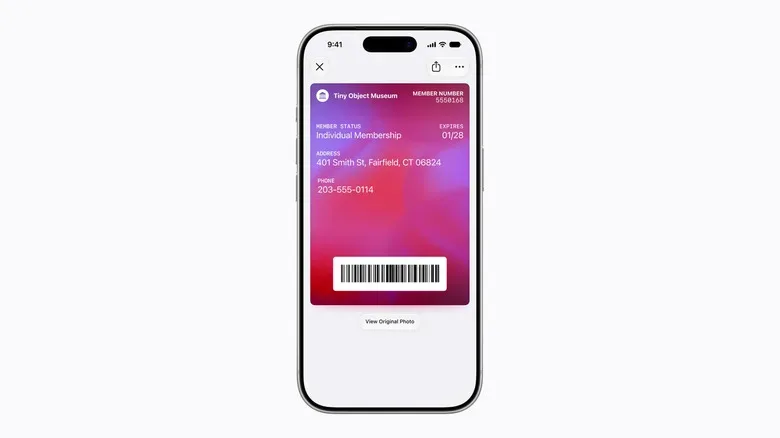
Custom passes could handle the memberships that have no official Wallet button
Wallet support has expanded across businesses and institutions, but it is not universal. iOS 27 is said to add a built-in way to create a custom pass when an organization does not already provide a direct Apple Wallet integration.
The obvious candidates are the kinds of physical cards that seem designed to hide at the bottom of a bag: gym scan tags, warehouse-club memberships, local venue cards, or a community event admission code. For gaming audiences, that might mean keeping a recurring tournament badge, gaming-café membership barcode, maker-space credential, or collector meet-up pass readily accessible, provided the organization accepts the barcode or QR code.
There are reportedly two starting points. A user can photograph an existing physical pass and let Apple Intelligence identify its useful details, or begin from one of three templates: Standard, Membership, and Event. The custom entry can include the scannable barcode or QR code plus supporting information such as a name, date, membership number, or admission designation. Visual personalization, including backgrounds and colors, is also part of the feature.
That does not magically turn every card into a universally recognized digital credential. A pass has to be usable by the scanner or staff at the destination, and the user is responsible for entering the right information. Still, moving a frequently used code into the same place as payment and transit options could remove one small but extremely repeatable pre-event annoyance.
Receipt splitting aims to cut down the post-session math
Shared food orders after a local multiplayer night, convention day, or tabletop session are a timeless source of avoidable arithmetic. One person pays, the receipt contains multiple items, tax and a tip, and suddenly a casual dinner becomes an accounting side quest.
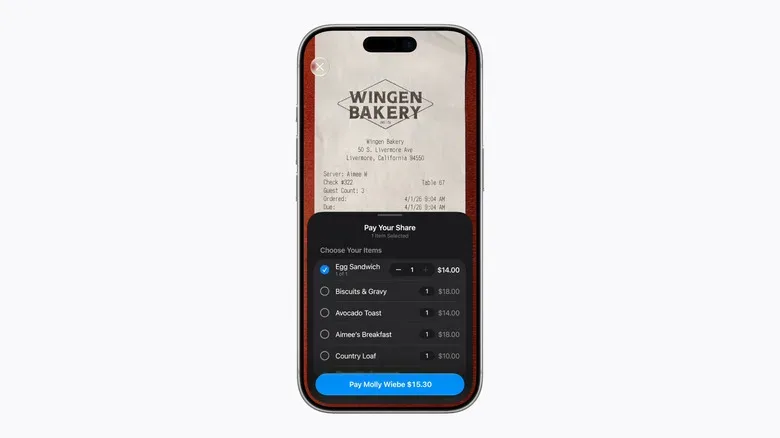
iOS 27 reportedly gives Wallet a receipt-based bill-splitting function through Apple Intelligence. The workflow is described as taking a picture of the receipt, then using the information to settle shares with Apple Cash. It is intended to account for item counts as well as tax and gratuity, and to present options for requesting money or paying an individual share.
The limitation is important: the feature appears to be tied to Apple Cash. It is not described as a system that sends settlements through external services such as PayPal or Venmo. That means a group’s preferred payment habits will still determine whether it is practical. It may be frictionless for an Apple Cash-using crew, while doing little for a mixed group relying on another platform.
Even so, receipt recognition addresses the part people often dislike most: translating a long restaurant slip into a fair breakdown without manually copying every line item into a separate app. It is an example of Wallet shifting from storing payment methods to helping organize a transaction around them.
Digital IDs are useful, but not replacements for every document
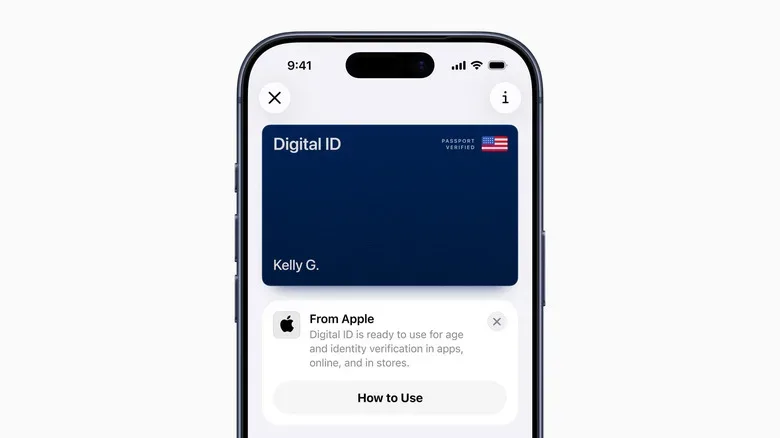
Wallet can also store eligible driver’s licenses, state IDs and a digital representation of a US passport. At the time described, digital driver’s licenses and state IDs are supported in 15 US states and Puerto Rico. The virtual passport option is limited to the United States.
These credentials can be used at participating businesses and venues to establish age or identity, and they may be accepted at TSA checkpoints for domestic flights. That can be relevant for travel to a major show, esports event, launch party or collector convention, when reducing the number of physical items to monitor is welcome.
But “digital” should not be confused with “works everywhere.” Acceptance depends on the business, venue or checkpoint. More crucially, a physical passport is still required for international travel and border crossings. Anybody traveling outside the US should treat the physical document as non-negotiable, regardless of what appears in Wallet.
Users should also check eligibility before depending on a digital ID. Support is determined by jurisdiction and participating locations, not simply by owning an iPhone. A digital credential is best understood as a potentially convenient companion, rather than permission to leave essential travel documentation behind.
Transit payments can keep the commute moving
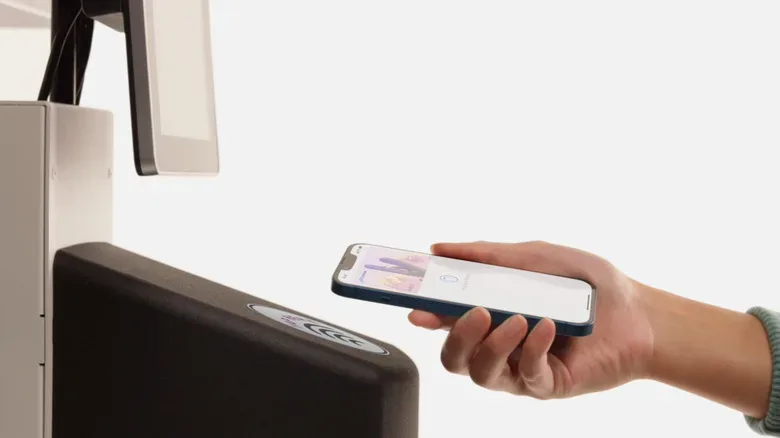
Apple Wallet supports contactless transit payments on participating systems through an iPhone or Apple Watch. This is useful for the basic realities of city gaming: catching a train to a retro shop, meeting friends at an arcade, or reaching a tournament venue without hunting for a physical fare card or exact bus change.
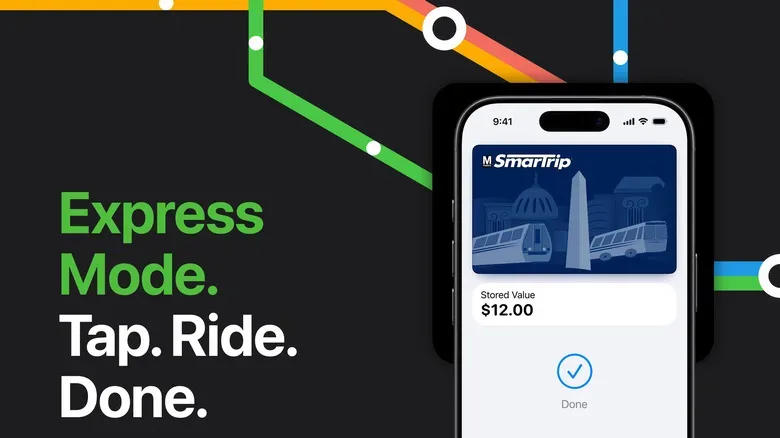
Express Mode is the convenience feature to know. With it enabled for an eligible transit method, the device does not have to be woken or unlocked before tapping in. The point is simple: enter the station, tap, and keep moving rather than fumbling with Face ID while a queue gathers behind you.
There is also a resilience feature called power reserve. For a limited number of hours after an iPhone’s battery reaches zero, the phone may continue emitting a low-power signal for critical items such as eligible transit payments and keys. It is a helpful safety net after a long day away from a charger, but it has a notable condition: it does not work if the phone has been switched off. Power reserve is not a reason to disregard charging; it is a backup for a narrowly inconvenient moment.
Wallet can hold keys, from home access to compatible cars
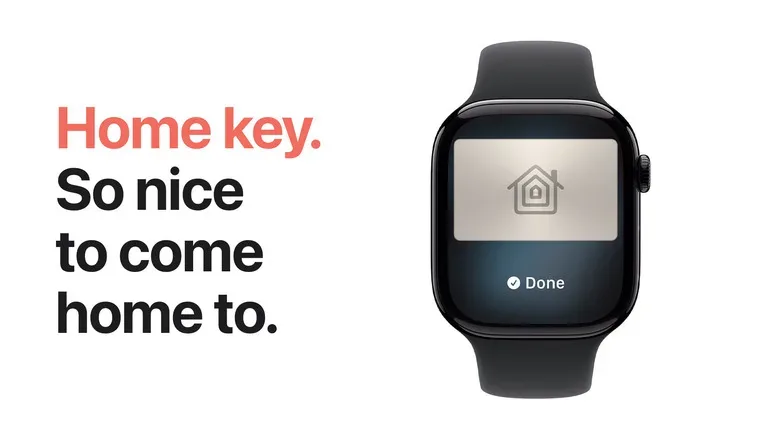
The “leave the wallet at home” pitch is familiar. In compatible setups, Wallet can extend it to some physical keys as well. Home Key support can place an eligible smart-lock key on the phone, while participating auto manufacturers can offer digital car keys that handle functions including locking, unlocking and starting a vehicle. A virtual car key may also be shareable through the phone.
For readers following the ongoing fight over phone-powered dashboards and vehicle ecosystems, digital car keys are part of the same larger trend. CarPlay’s role in modern vehicle infotainment is one side of that relationship; a Wallet-based key is another, more immediate one.
As with transit Express Mode, an eligible Home Key can reportedly remain usable briefly via power reserve when an iPhone battery has run down. That could be valuable after arriving home with no charge left, though compatibility remains the deciding factor. The lock, car maker, institution or hotel has to participate.
Other potential Wallet credentials include hotel keys, employee badges and student IDs. If an item is not officially supported, the new custom-pass option may still help with a scan code, but it should not be mistaken for full secure-key functionality. A custom barcode pass and a cryptographic door key solve very different problems.
Order tracking brings shipping status out of the inbox
Collectors know the ritual: a package contains a game, controller, trading-card supplies, art book or display case, and the shipping email has vanished into an inbox full of receipts and promotions. Wallet’s Orders area is designed to make the tracking part more visible.
In the Wallet app, users can open the three-dot menu at the top right and select Orders. After permission is granted, Wallet can search the Mail inbox for shipment information and estimated delivery dates. The resulting order panels can also assist with contacting a merchant if there is a problem, and users can share tracking and order information with someone who will be available to receive a delivery.
Permission is the key word. This capability depends on allowing Wallet to examine relevant Mail data, so it is worth considering what level of inbox access feels appropriate before enabling it. It is also not a guarantee that every order, merchant or carrier will be recognized perfectly. For deliveries with high financial or sentimental stakes, keeping original confirmation details accessible remains sensible.
Where to start, and what to keep in mind
The central settings location is Settings > Wallet & Apple Pay, while the Wallet app itself is where passes, cards, keys and order information are managed. The most useful approach is not to digitize every object within reach. Start with a credential that is used regularly and is clearly accepted in digital form: a transit option, compatible home key, supported ID, or commonly scanned membership pass.
- Confirm that your state, venue, transit provider, lock, car brand or institution supports the specific Wallet feature you need.
- Keep physical passports for international travel and border crossings.
- Remember that Apple Cash appears to be required for the iOS 27 receipt-splitting function.
- Do not rely on power reserve after deliberately shutting down the phone.
- Review permissions before allowing Orders to search Mail for shipping information.
- Keep a fallback ready when an event or business has uncertain scanner support.
Wallet’s value is not that it eliminates every card, key or document. Its real appeal is reducing the number of separate apps, inbox searches and pocket checks needed to get through a busy day. For anyone balancing travel, meet-ups, purchases and passes around a hobby, that is a surprisingly substantial quality-of-life upgrade.