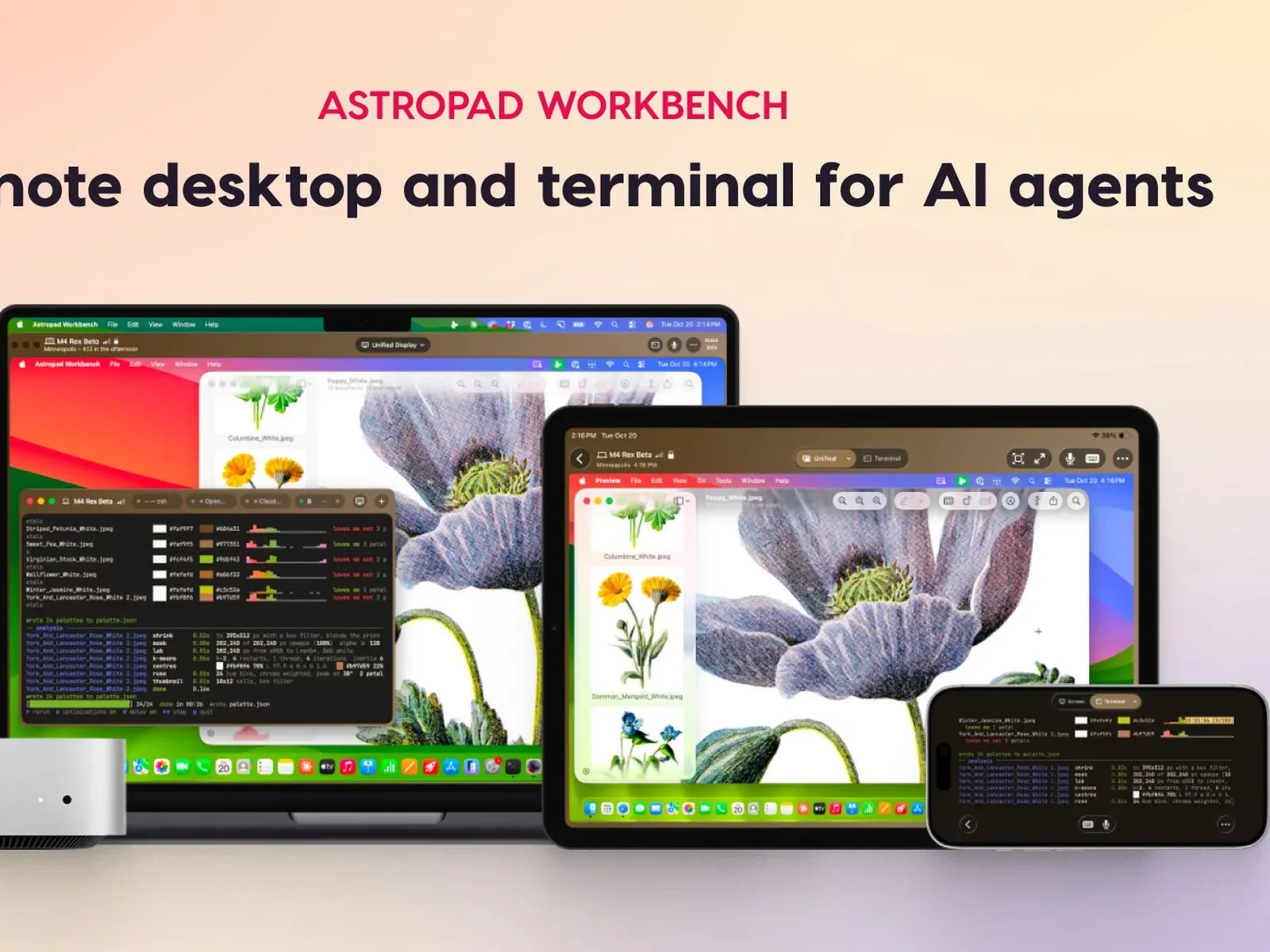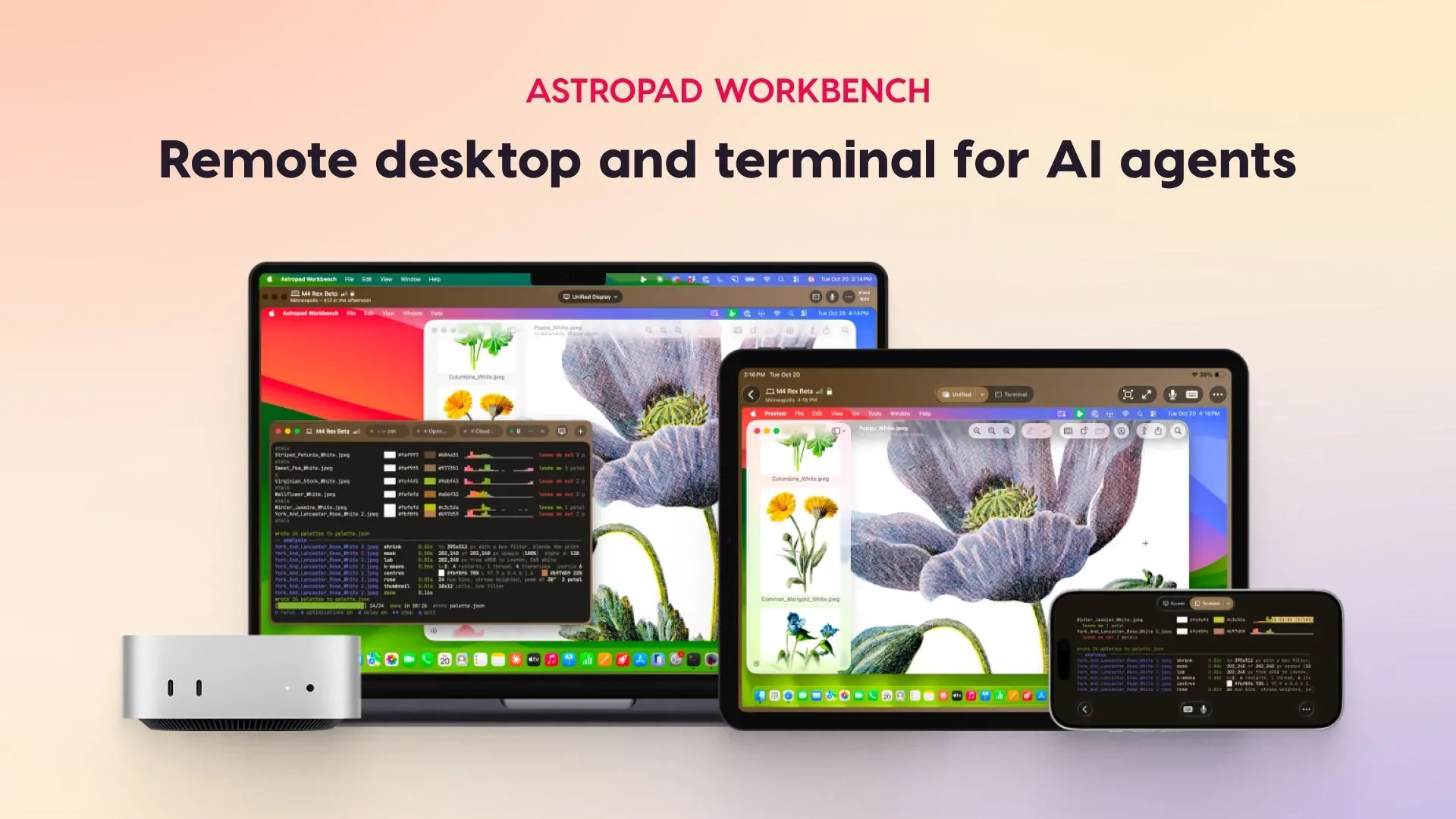
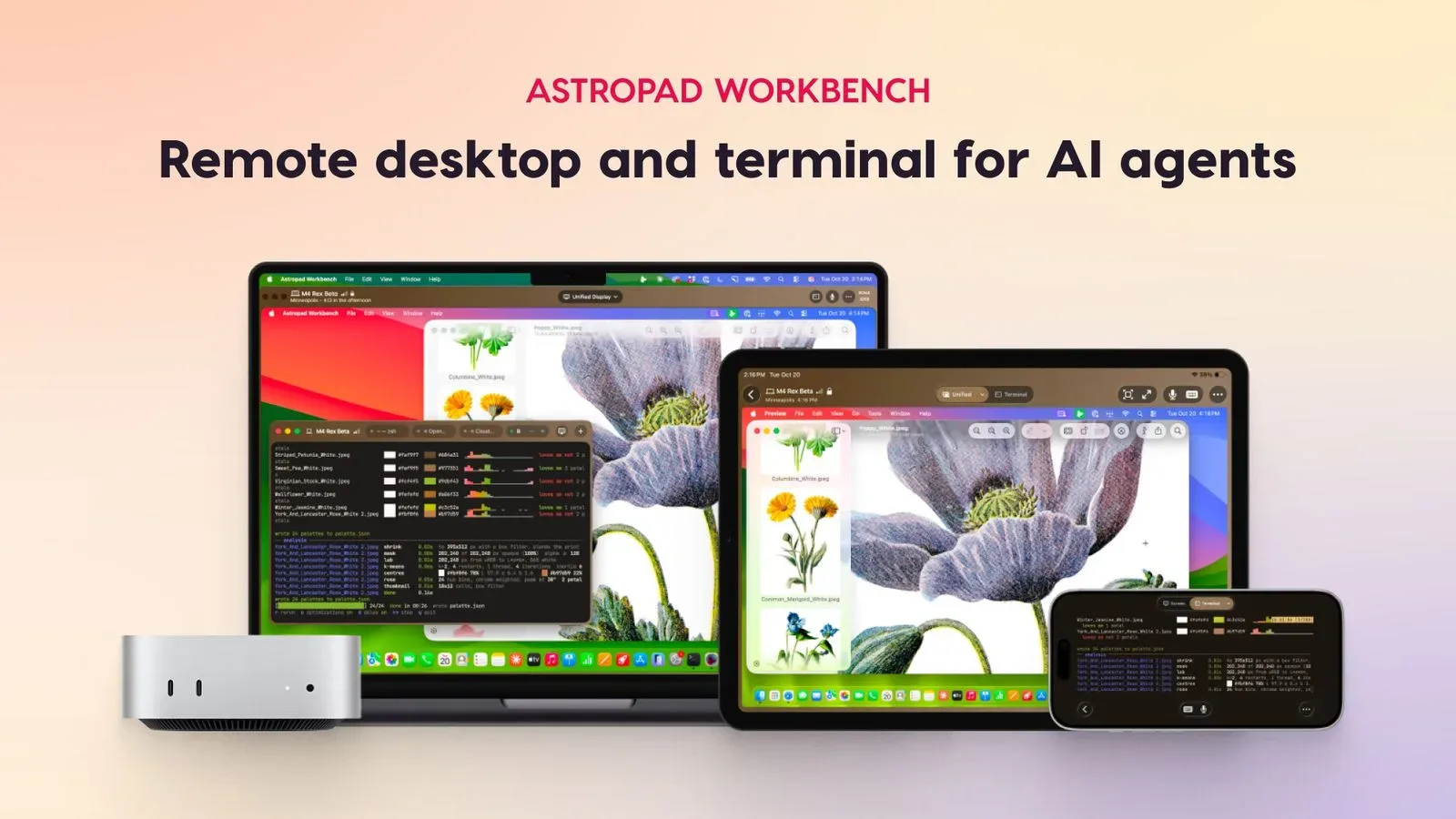
A giveaway is offering a 512GB OLED iPad mini with the full A20 Pro chip alongside one year of Astropad Workbench. The hardware prize is attention-grabbing on its own, but the more interesting part of the bundle is Workbench: software built to let a Mac user check in on and command AI-agent work remotely from an iPad or iPhone.
The offer is limited to adults in the United States and United Kingdom, plus Canadian residents who have reached the age of majority in their province or territory. Any applicable taxes, fees, and surcharges are the winner’s responsibility. Those eligibility boundaries matter: a giveaway is not automatically open everywhere simply because the prize and software can be used across regions.
What Astropad Workbench is designed to do
Astropad Workbench combines remote desktop access with a terminal interface. In plain terms, it is intended to make a Mac’s screen and command-line environment accessible on another device, with an emphasis on supervising AI agents rather than merely viewing a computer from afar.
An AI agent is software that can pursue tasks with some degree of autonomy after a user gives it a goal or instruction. The practical detail here is not a promise that an agent will always get work right. It is that Workbench is positioned as a place to review what an agent is doing, issue another command, and move between a text-focused terminal and the broader Mac desktop when context is needed.
The app supports local large language models, or local LLMs, as well as Claude Code, Codex, Xcode, and Cursor. A local LLM refers to a model running on a user’s own setup rather than solely through a remote service. Workbench can also suit services that provide an AI agent access to a Mac. Those are different arrangements, but the common requirement is clear: there needs to be a Mac-side workflow worth observing or steering.
For people working with code or automation, this distinction is useful. A terminal is generally where commands, logs, and text output are exposed. A full desktop can be necessary when a task reaches an app window, visual interface, file browser, or development environment. Workbench 1.4 adds a toolbar option to switch from Terminal to the full desktop without reconnecting. That sounds modest, but it removes one interruption from a workflow where the user may otherwise be bouncing between concise command output and a graphical app.
A remote companion, not an AI agent in itself
It is worth separating Workbench’s stated role from the work performed by the tools it can connect to. Workbench is presented as the remote-control and monitoring layer. Local models, coding assistants, Xcode, Cursor, and other Mac-accessible services are the environments where tasks may be executed. The distinction affects expectations: the software is meant to provide access and oversight, not turn every prompt into a dependable finished project.
That framing may be particularly relevant to developers and technically inclined creators who do not want to remain at the same desk for the duration of a longer process. A tablet can become a portable control surface for looking over output, providing a new instruction, transferring a file, or checking whether a job needs attention. An iPhone can serve a similar purpose when a larger display is not at hand, though the available information does not make performance or comfort comparisons between the two devices.
There are native Workbench apps for Mac, iPad, and iPhone, including the iPhone Duo. Setup is described as not requiring network configuration. This is a practical claim rather than a reason to assume every remote situation is identical: users should still consider their own Mac setup, the tools they want to access, and the sensitivity of the materials visible during a session.
Why display quality and latency matter
Remote access is only useful if the information stays readable and interaction remains responsive. Workbench lists high-fidelity streaming for color accuracy and crisp text, plus low latency. Latency is the delay between an input—such as a tap, keystroke, or spoken command—and the result appearing on the remote machine. Lower latency is especially relevant when navigating a desktop or handling an interface that needs quick correction.
The app also includes an interactive mini-map for navigation, speech-to-text input, and drag-and-drop file transfer. The mini-map is intended to make it easier to move around a larger remote desktop from a smaller screen. Speech-to-text can provide an alternative to typing a command or instruction manually. Drag-and-drop transfer is potentially helpful when a user needs to move a file between the remote workflow and the device being used to access it, although the available details do not specify supported file types, transfer limits, or speeds.
On iPad, Apple Pencil support adds another input option. That could be relevant for marking up, navigating, or working around a desktop interface, but its best use will depend on the specific app or task open on the Mac. It should not be read as evidence that every Mac application has been redesigned for pencil-first remote control.
Security and privacy features are central to the pitch
Remote desktop software deserves extra scrutiny because it can expose a live computer session beyond the physical Mac. Workbench says it does not save display recordings and uses end-to-end AES-256 encryption. End-to-end encryption means the connection is designed so its contents are protected between the participants in the session. AES-256 refers to a widely used encryption standard employing a 256-bit key.
Those features address the confidentiality of a session, while not eliminating the need for users to handle credentials, access permissions, files, and AI-agent instructions carefully. For example, a person can still make a poor judgment by authorizing the wrong tool or leaving sensitive material accessible on the Mac. Encryption protects data in transit; it does not replace thoughtful control over what the remote machine and connected agents are allowed to do.
Workbench also offers the ability to veil the Mac’s display while a remote session is active. In practical terms, this is meant to keep people physically near the Mac from seeing the user’s activity on its screen. It is a useful privacy consideration for shared rooms or offices, and it is separate from the encrypted connection itself.
The iPad mini prize fits the control-screen idea
The 512GB OLED iPad mini is positioned as the high-end hardware side of the giveaway, while a year of Workbench gives the winner a defined period to use the remote workflow software. The prize pairing makes sense as a concept because the iPad app is one of Workbench’s main access points, with support for streaming, navigation, file movement, speech-to-text, and Apple Pencil.
Still, the iPad is not a substitute for the Mac-centric setup described by the software. The core value proposition relies on accessing a Mac desktop or terminal from somewhere else. Prospective entrants who do not have a Mac workflow, do not use compatible AI-agent tools, or simply prefer doing work directly on one machine may find the software component less relevant than the tablet itself.
For those who do use AI-assisted coding or locally run models, the appeal is more specific: a compact screen can be used to stay connected to a process without sitting in front of the host machine continuously. That is a workflow convenience, not a guarantee of better AI output. The ability to intervene, inspect, and redirect is arguably the point.
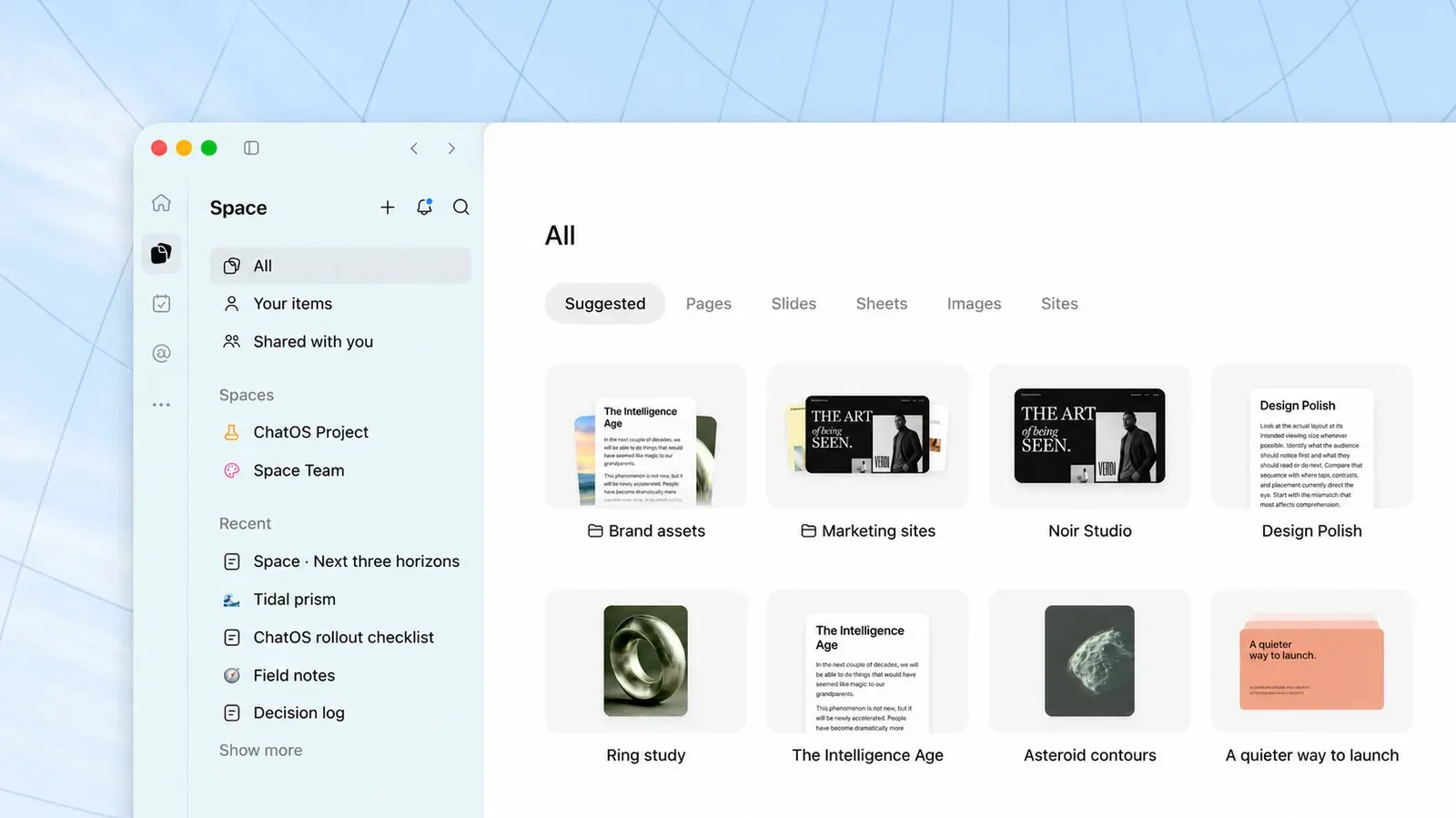
The broader timing also lands amid growing interest in AI tools that work across files, projects, command lines, and desktop applications. For a related look at how AI products are increasingly organized around shared workspaces and project materials, see this overview of ChatGPT Spaces for Plus subscribers.
Eligibility details to keep in mind
- Entrants in the United States must be 18 or older.
- Entrants in the United Kingdom must be 18 or older.
- Canadian entrants must have reached the age of majority in their province or territory.
- The winner is responsible for federal, state, provincial, local, and other applicable taxes, fees, and surcharges.
The giveaway’s central proposition is therefore a two-part package: an unusually capable iPad mini configuration and a year of software for people who want a portable window into Mac-based AI-agent activity. The important caveat is equally straightforward. Its usefulness depends on having—or planning to build—the Mac and AI workflow that Workbench is designed to accompany.