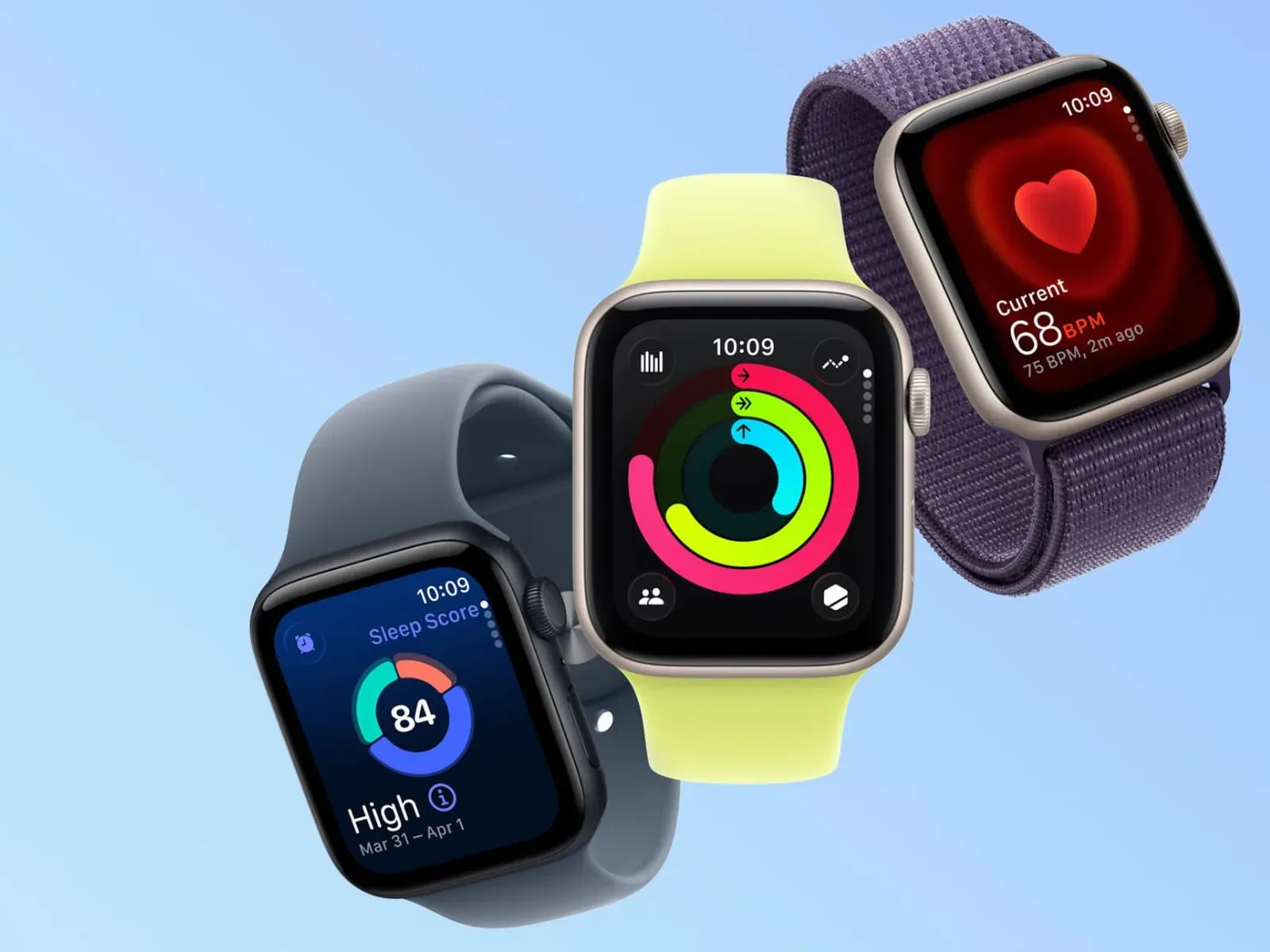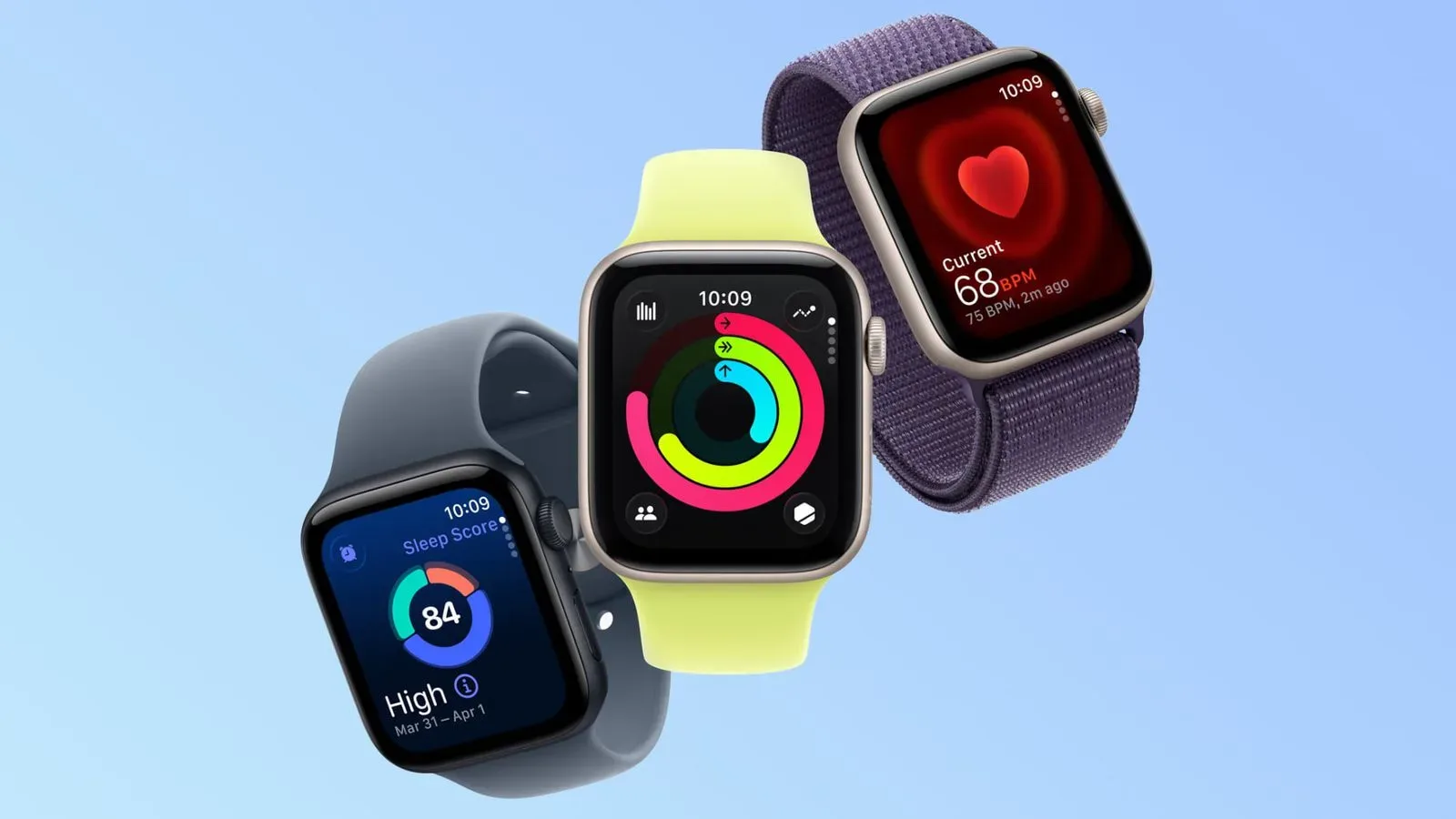
Some Apple Watch owners in the UK and central Europe are reporting an awkward daylight saving time issue following the region’s recent clock change: the watch can show the right time when it is actively awakened, yet its dimmed Always-On display allegedly remains set to summer time.
The visible result is a watch face that appears to be an hour fast at a glance, even though activating the display brings up the correct local time. Reports so far concern devices running watchOS 27, but the scope is uncertain. There is no confirmed list of affected Apple Watch models or watchOS 27 builds, and the number of public reports remains small.
What users say is happening
The reported behavior is unusually specific. It does not appear to be a straightforward failure to update the watch’s clock after daylight saving time ended. Instead, users say the active display updates correctly, while the lower-power Always-On presentation retains the prior summer-time hour.
That distinction matters because the Always-On display is designed to be the quick, passive time check on the wrist. If it is one hour ahead, a wearer could receive conflicting information depending on whether they merely glance at the watch or raise their wrist and activate it fully.
Similar behavior has also been reported in standby mode. In other words, the problem is not limited to one particular watch-face presentation in the reports available so far.
Always-On display: the technical distinction
An Always-On display is the reduced-power screen state that leaves basic watch information visible while the device is not actively in use. It is different from the fully active display shown after an interaction such as raising the wrist or tapping the screen.
The reports therefore point to an apparent mismatch between two display states, rather than evidence that the Apple Watch’s underlying time has universally changed to the wrong value. That is an important limitation: a correct time on activation does not make the persistent hour-ahead view any less frustrating, but it suggests the reported issue may be tied to how the inactive display refreshes or presents time after the seasonal switch.
That is analysis, not a confirmed diagnosis. The available reports do not establish the cause, and they do not show whether the issue is connected to a particular face, hardware generation, regional setting, or watchOS 27 revision.
Restarting and changing the watch face helped some people
There are at least two reported workarounds, although neither should be treated as a guaranteed fix for every Apple Watch owner. Three users said restarting the watch resolved the issue. Another person said changing the watch face corrected it.
A restart is a sensible first troubleshooting step when the active and low-power display states are showing inconsistent information. It can force the watch to reload its operating state and refresh system processes. Switching to another face may also prompt the visible time complication and face layout to redraw.
Neither workaround proves what caused the fault. They only indicate that, for some affected users, the incorrect Always-On or standby presentation was not permanent.
Practical steps for affected owners
- First, activate the Apple Watch and verify whether the main active screen displays the correct local time.
- If the active display is correct but the Always-On view is an hour ahead, restart the watch and check the dimmed display again afterward.
- If the issue remains, try switching to a different watch face, then return to the preferred face if desired.
- Pay attention to whether the discrepancy occurs only on the Always-On screen or also while the watch is active and in standby mode.
These steps are based on what reportedly worked for individual users, rather than an official remedy. Owners should be careful not to assume a restart or face change will resolve every instance.
Why daylight saving transitions expose odd clock behavior
Daylight saving changes are deceptively complicated for connected devices. A watch needs to apply the correct local-time rule at the correct moment, while potentially keeping more than one interface state synchronized. The move from summer time to standard time is particularly conspicuous because the local clock repeats an hour.
For most people, the important test is simple: does the displayed time match local time when it matters? But software has to reconcile time-zone data, seasonal clock rules, the system clock and multiple visual states. A mismatch that shows up only when the display is dimmed can be easy to miss until the one weekend when clocks change.
For Apple Watch wearers affected by this reported issue, the problem is practical rather than merely cosmetic. The whole point of the subdued display is to make a fast glance useful. An hour discrepancy can cause missed appointments, early arrivals, or needless confusion on a morning already made strange by the clock change.
US daylight saving change is next
Clocks are due to go back across most of the United States on Sunday, November 1. That next transition will be worth watching, though it would be premature to assume the European reports mean the same behavior will appear in the US.
At present, there is not enough information to determine whether the reports describe a narrow regional bug, an issue affecting a specific combination of software version and Apple Watch model, or an intermittent display-refresh problem. There is also no basis in the available reports to say that every Apple Watch on watchOS 27 is affected.
Users outside Europe can still take a sensible precaution: after their local clock change, compare the Always-On time with the time shown after waking the watch. If they differ, a restart and a temporary face switch are the two user-reported measures worth trying.
A small report with a very visible failure mode
Only a handful of users have publicly described this issue, so the reports should be read with appropriate caution. A limited set of posts cannot establish prevalence, identify all affected devices, or confirm a broad watchOS 27 defect.
Still, the pattern is clear enough to be useful: correct time when the watch is activated, summer time lingering on the Always-On display, and similar reports in standby. That makes this more actionable than a vague complaint that a device has “the wrong time.”
The timing also comes during a busy period for Apple device news, including coverage of an OLED iPad mini with deeper blacks but no ProMotion. For Apple Watch owners, however, the immediate priority is much simpler: a wristwatch should show the same correct hour whether it is awake or merely glancing back.