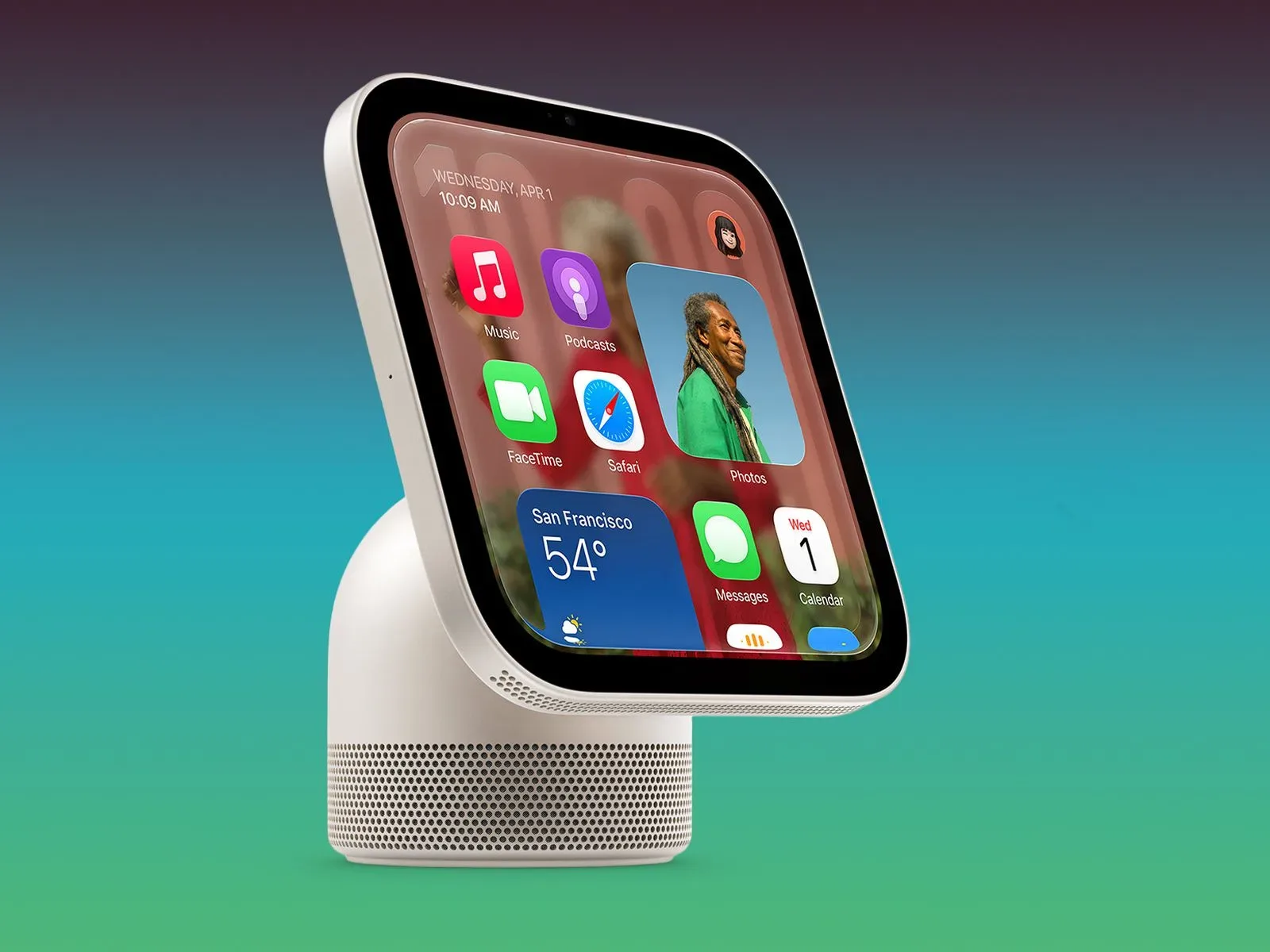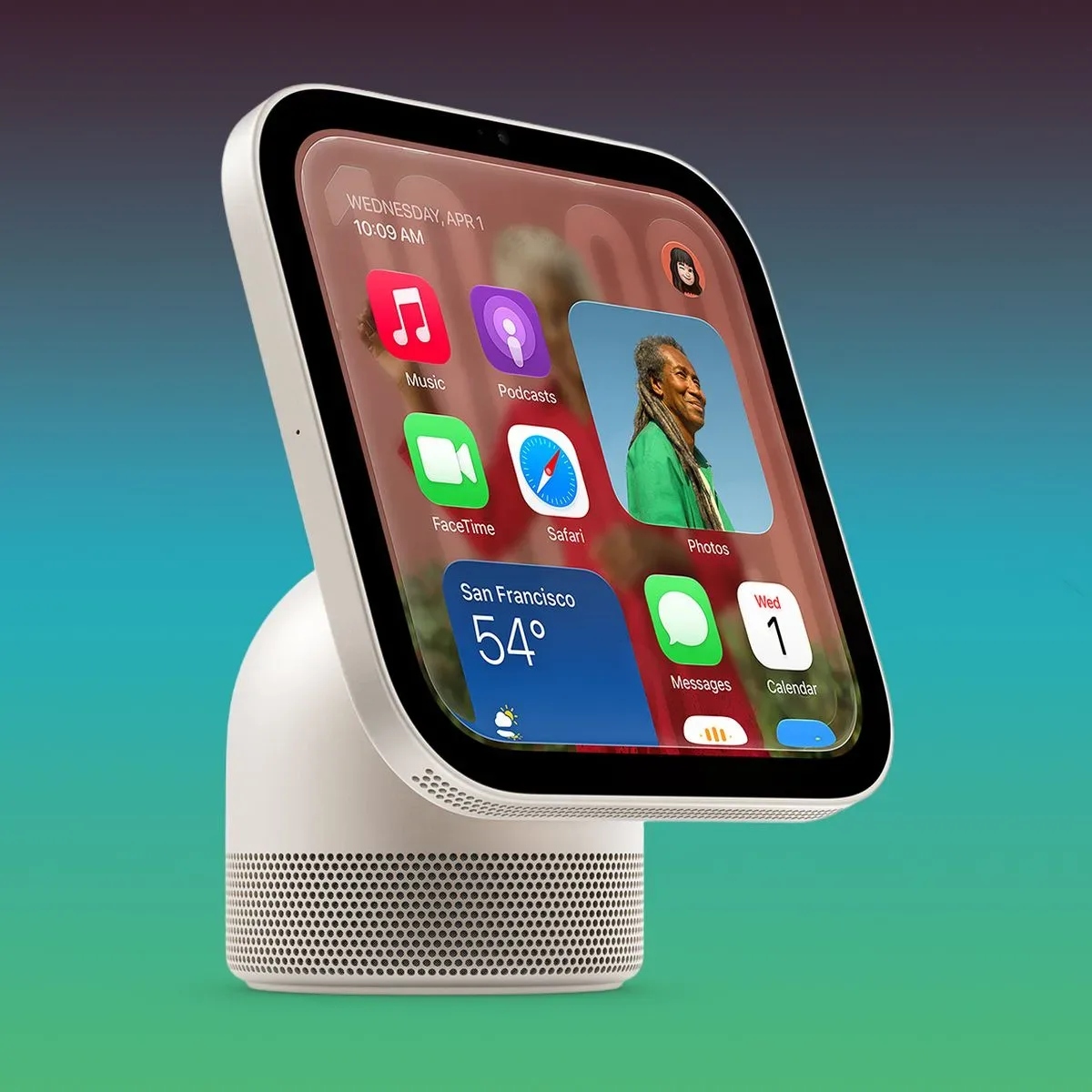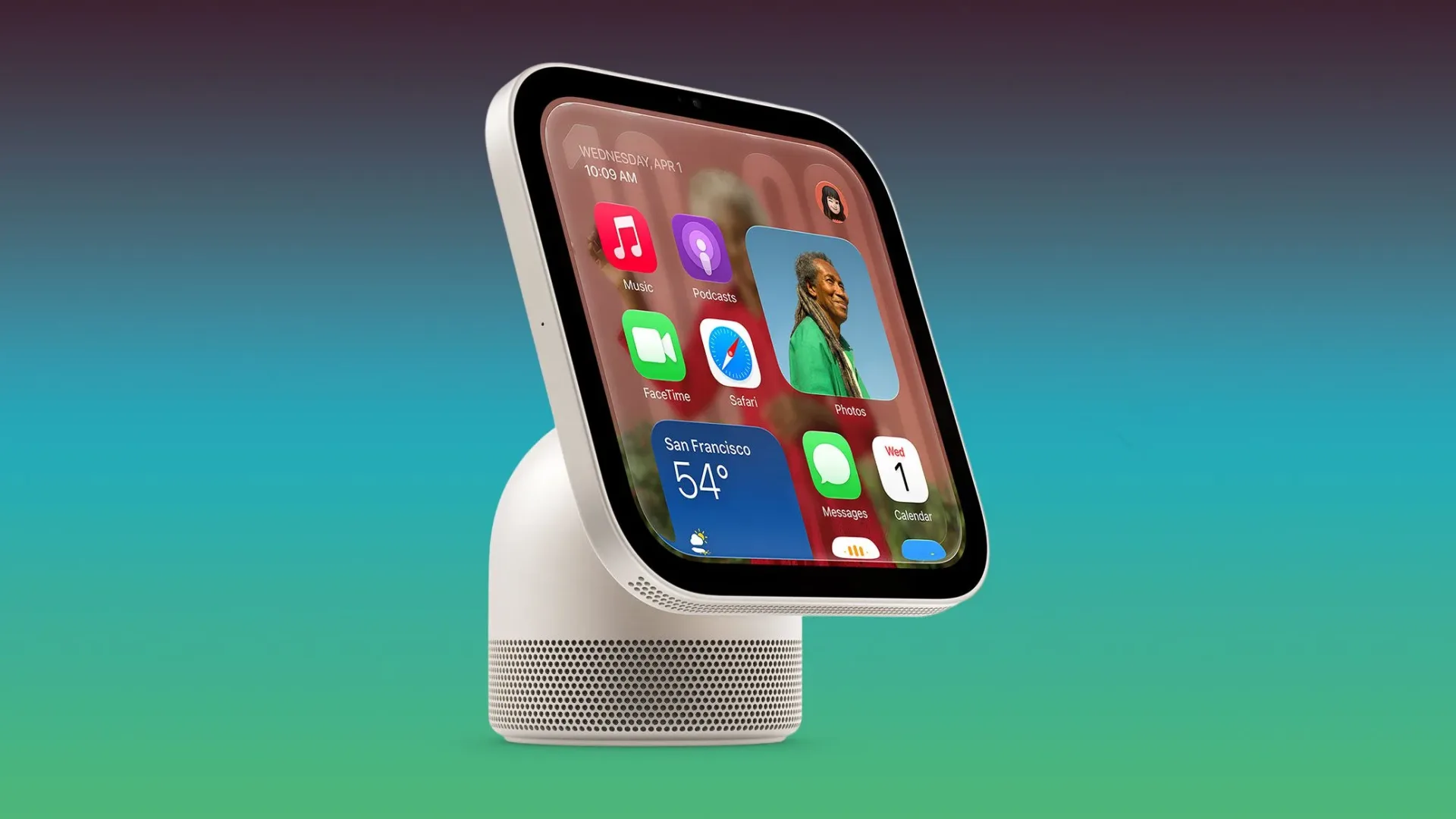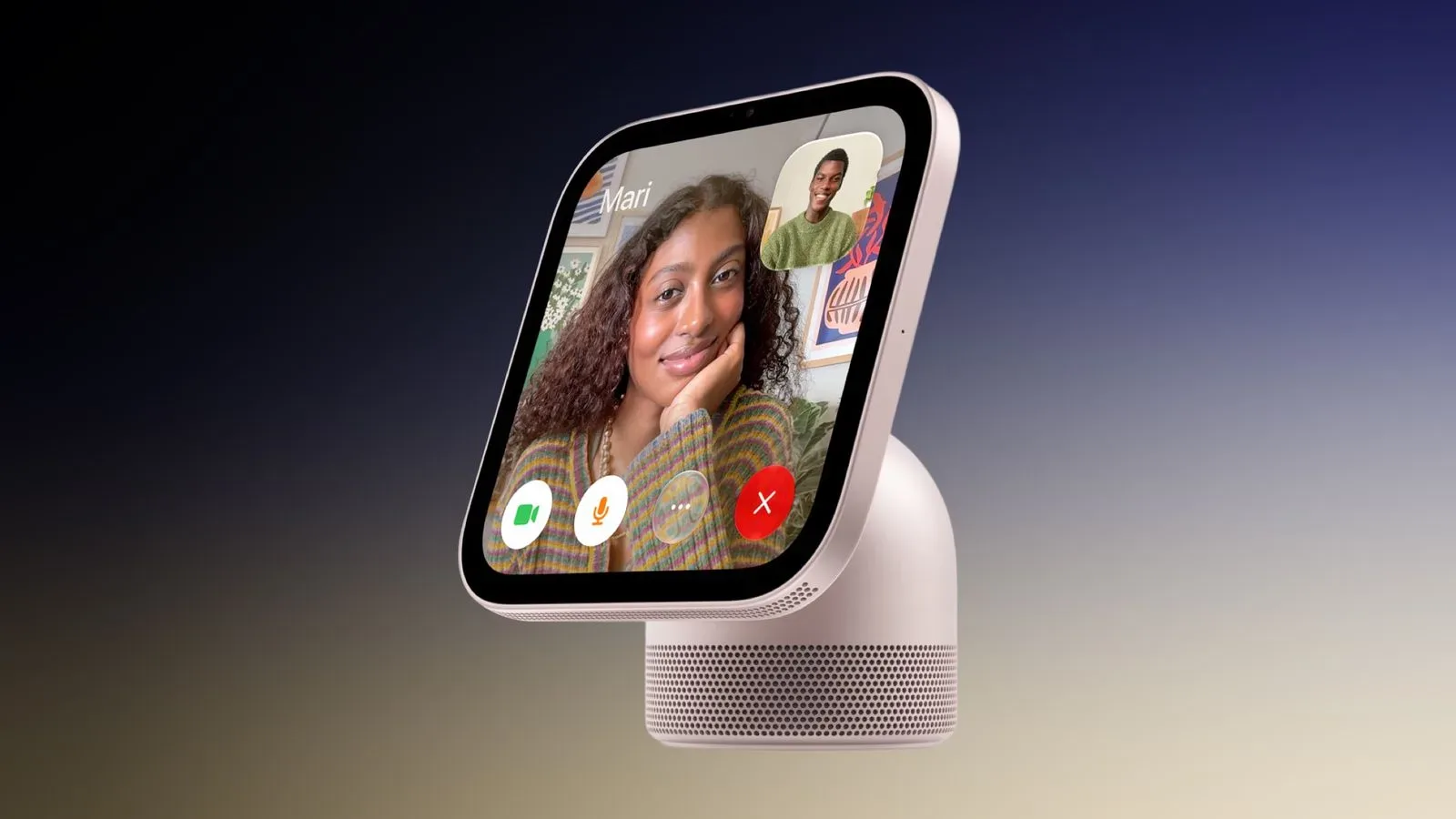
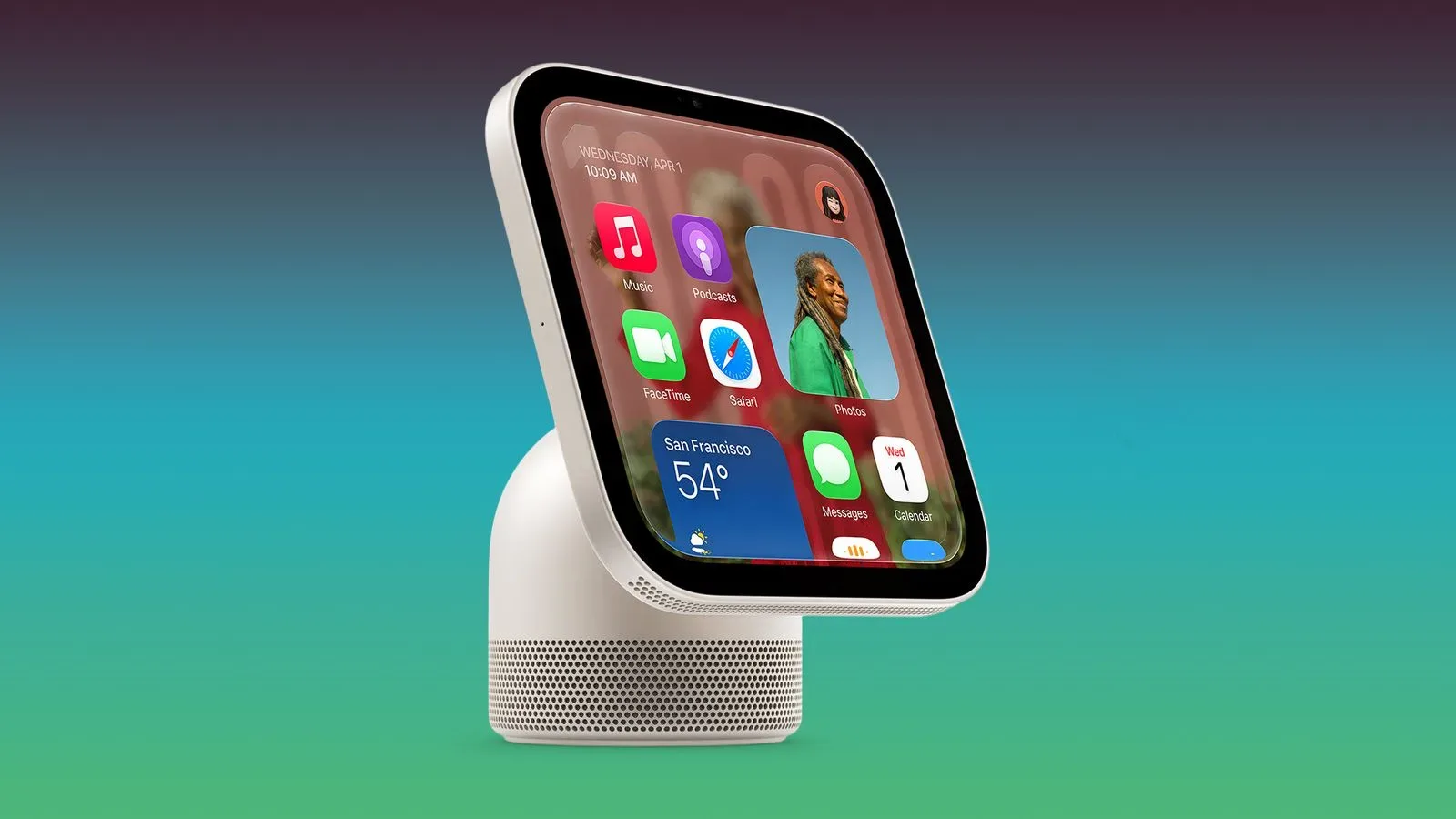
Apple has released HomeView Software 27.2.1, the first software update for HomeView since the device’s release. The update is available directly on HomeView through its Settings app, and it can also be installed using the Home app.
There are currently no published release notes describing the changes in version 27.2.1. That makes this a notably quiet first maintenance update: it is clear that new software is available, but not yet clear whether it addresses a bug, improves reliability, makes behind-the-scenes adjustments, or includes another kind of change.
Apple maintains a HomeView software support document that may provide further detail later. Until that documentation appears, owners should be cautious about treating the version number alone as proof of a specific fix or new feature.
What is known about HomeView 27.2.1
- HomeView Software 27.2.1 is now available.
- It is HomeView’s first update following the device’s release.
- Apple has not published notes identifying the contents of the update.
- No CVE entries have been published for HomeView Software 27.2.1.
- The update can be downloaded in HomeView’s Settings app or through the Home app.
That is a short list, but each part matters. A post-release update establishes that HomeView has entered its regular software-maintenance period. For owners, the immediate practical point is less about a headline feature than knowing where the update can be found and recognizing that the public changelog is presently incomplete.
No notes means no confirmed feature list
Software updates are often judged by their release notes: a new setting, a visible interface change, a fix for an irritating error, or an explicit security patch. None of those are confirmed for HomeView 27.2.1 at this point.
It is possible for a small point release to be focused on maintenance rather than new functionality, but that is only a general interpretation of how versioned software is commonly maintained—not a confirmed description of this particular update. Without notes, users should avoid assuming that 27.2.1 resolves an issue they have experienced or changes a specific HomeView behavior.
The distinction is useful because version numbers can imply more certainty than they provide. “27.2.1” identifies a release in the software line, but it does not, on its own, explain its purpose. Documentation is what converts that identifier into actionable information for users: whether an update fixes a known problem, whether it changes compatibility, or whether it requires attention after installation.
How to install the update
HomeView Software 27.2.1 can be downloaded by either of the available routes:
- Open the Settings app on the HomeView device.
- Use the Home app to access the update.
Those options give owners a choice between managing the update on the device itself and managing it through Apple’s Home app. No additional installation requirements, timing details, or update behavior have been published in the available information, so users should rely on the prompts shown in the relevant app rather than expecting unconfirmed steps.
What the missing CVE entries do—and do not—tell users
Other 27.2.1 releases across Apple platforms were primarily security-focused. HomeView Software 27.2.1, however, does not currently have published CVE entries.
CVE stands for Common Vulnerabilities and Exposures. A CVE entry is a standardized public identifier used to track a disclosed security vulnerability. When software-update documentation lists CVEs, it can help users understand that an update addresses particular publicly cataloged security issues.
The absence of published CVE entries for HomeView 27.2.1 should be read narrowly. It means no such entries have been published for this HomeView release in the information currently available. It does not establish that the update contains no security-related work, nor does it establish that the update is security-focused. Public release notes or a later support-document update would be needed to clarify the scope.
HomeView 27.2.1 is available now, but Apple has not yet explained what the release changes.
Why a first post-release update matters
A device’s first update after release is a meaningful milestone even when the change list is not yet public. It signals that the initial release is now being followed by an active update cycle. For users, that can matter because software is not static after a product ships: maintenance releases can address issues discovered after release, tune behavior, or support the broader platform environment.
Still, this update should not be oversold. There is no published evidence yet that 27.2.1 adds visible HomeView features, changes how HomeView works with the Home app, or fixes a particular problem. The responsible takeaway is straightforward: an update exists, two installation paths are available, and its contents have not been detailed.
Owners looking for a fuller explanation should watch for changes to Apple’s HomeView software support documentation. Until then, the lack of notes makes this a release best understood as an available maintenance update rather than a documented feature drop.
How this fits into Apple’s wider software cycle
The same 27.2.1 versioning has appeared on other Apple platforms, where releases were primarily associated with security. That broader context may lead some users to expect a similar focus on HomeView, but HomeView’s published information differs: there are no release notes identifying security changes and no published CVEs tied to this update.
That difference matters for anyone deciding how to describe the release. Calling HomeView 27.2.1 a security patch would go beyond the information that has been made public. Calling it a feature update would do the same. At present, it is more accurate to identify it by what is confirmed: HomeView’s first post-release software update.
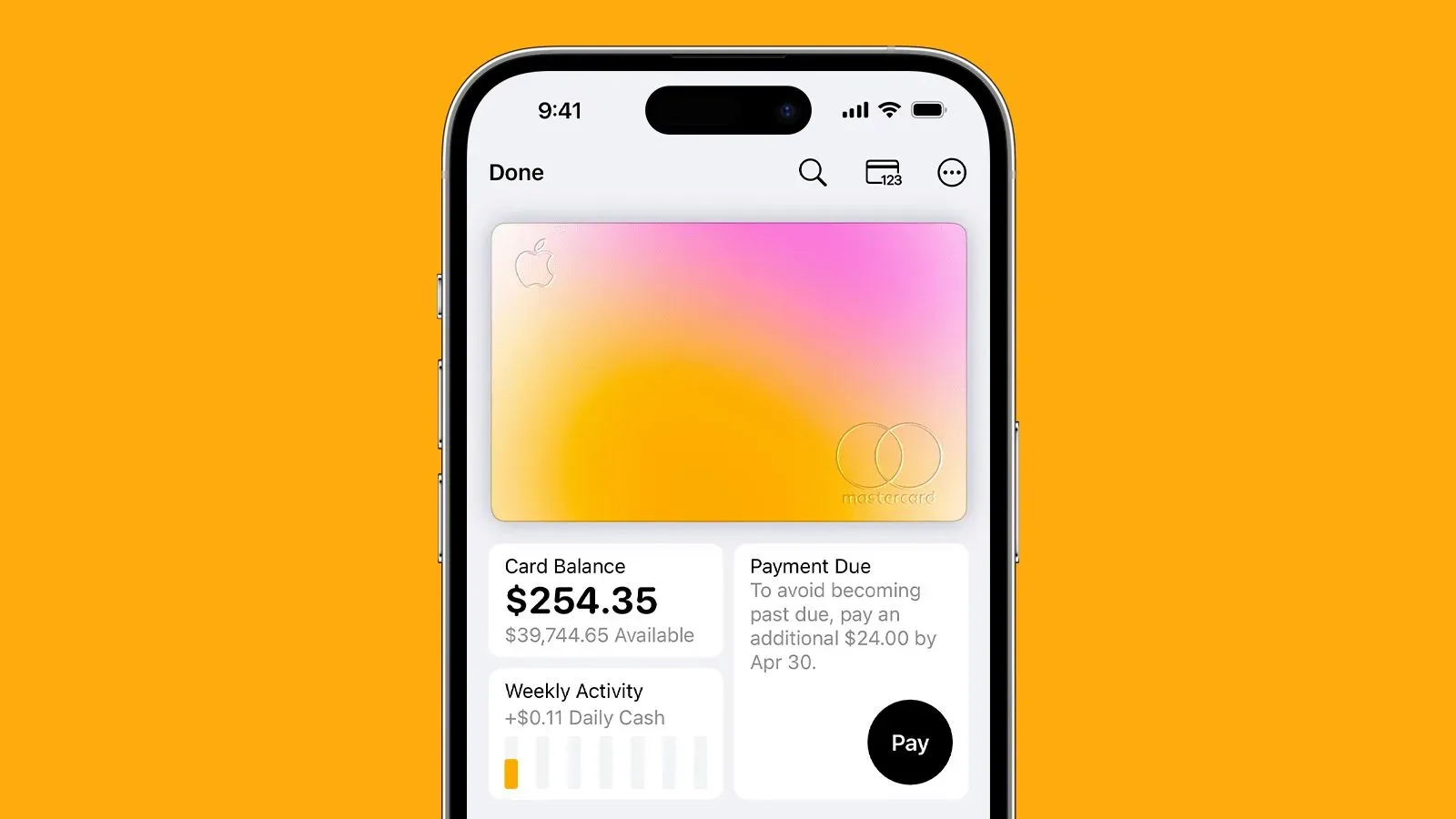
Apple activity has also remained visible beyond device software, including an Apple Card promotion for eligible new users. That is separate from HomeView Software 27.2.1, but it underlines why individual Apple updates and announcements should be evaluated on their own documentation rather than grouped together by brand alone.
What HomeView owners should watch for next
The key item to watch is the HomeView software support document. If Apple adds notes, they may clarify whether 27.2.1 is intended to address reliability, security, compatibility, or another issue. Until then, users can confirm the update is available through Settings on HomeView or through the Home app, while keeping expectations proportionate to the limited public details.
For now, HomeView Software 27.2.1 is defined more by its place in the product’s lifecycle than by a stated list of changes: it is the first update to arrive after release, and Apple has not yet publicly spelled out what is inside.