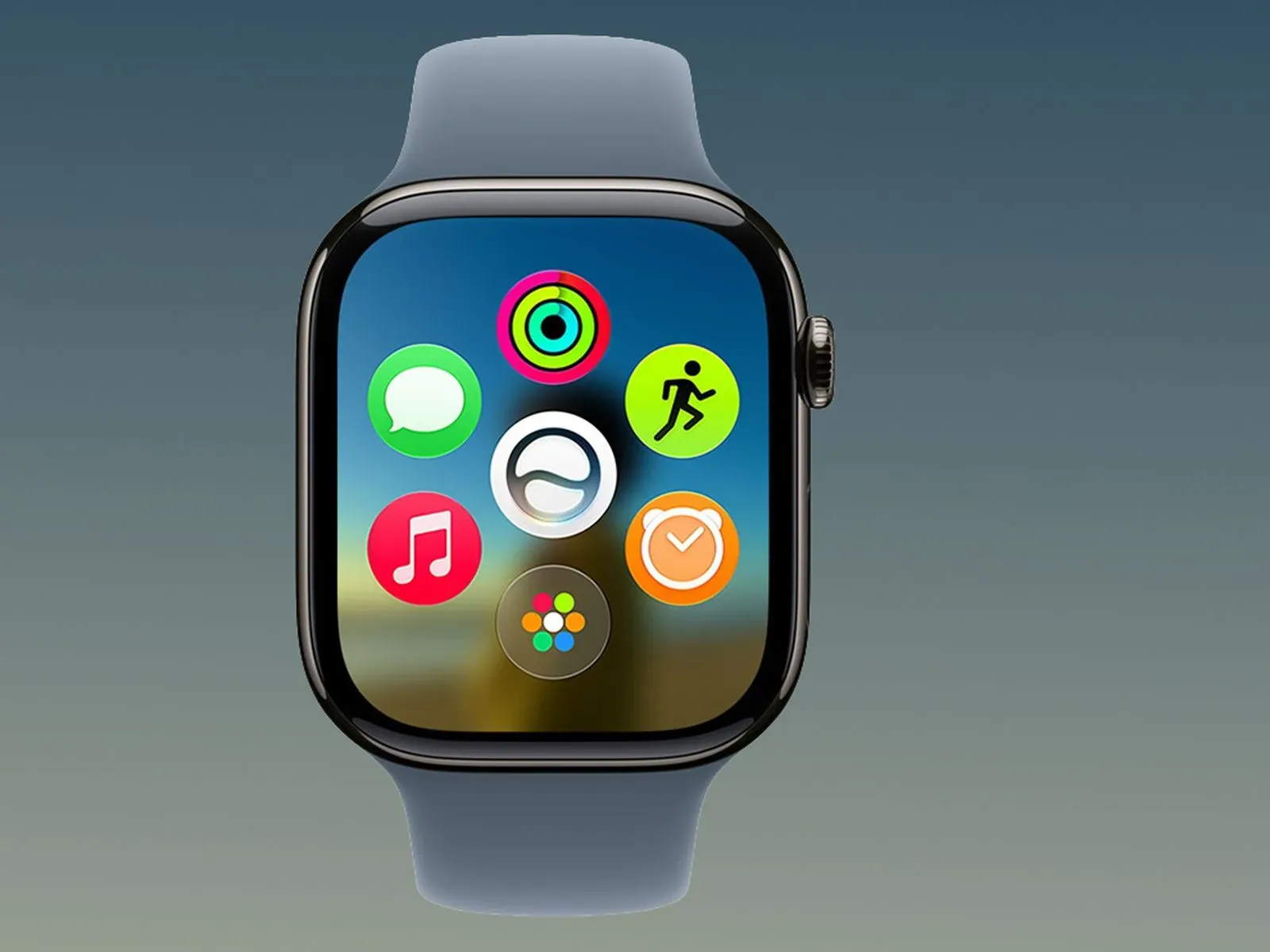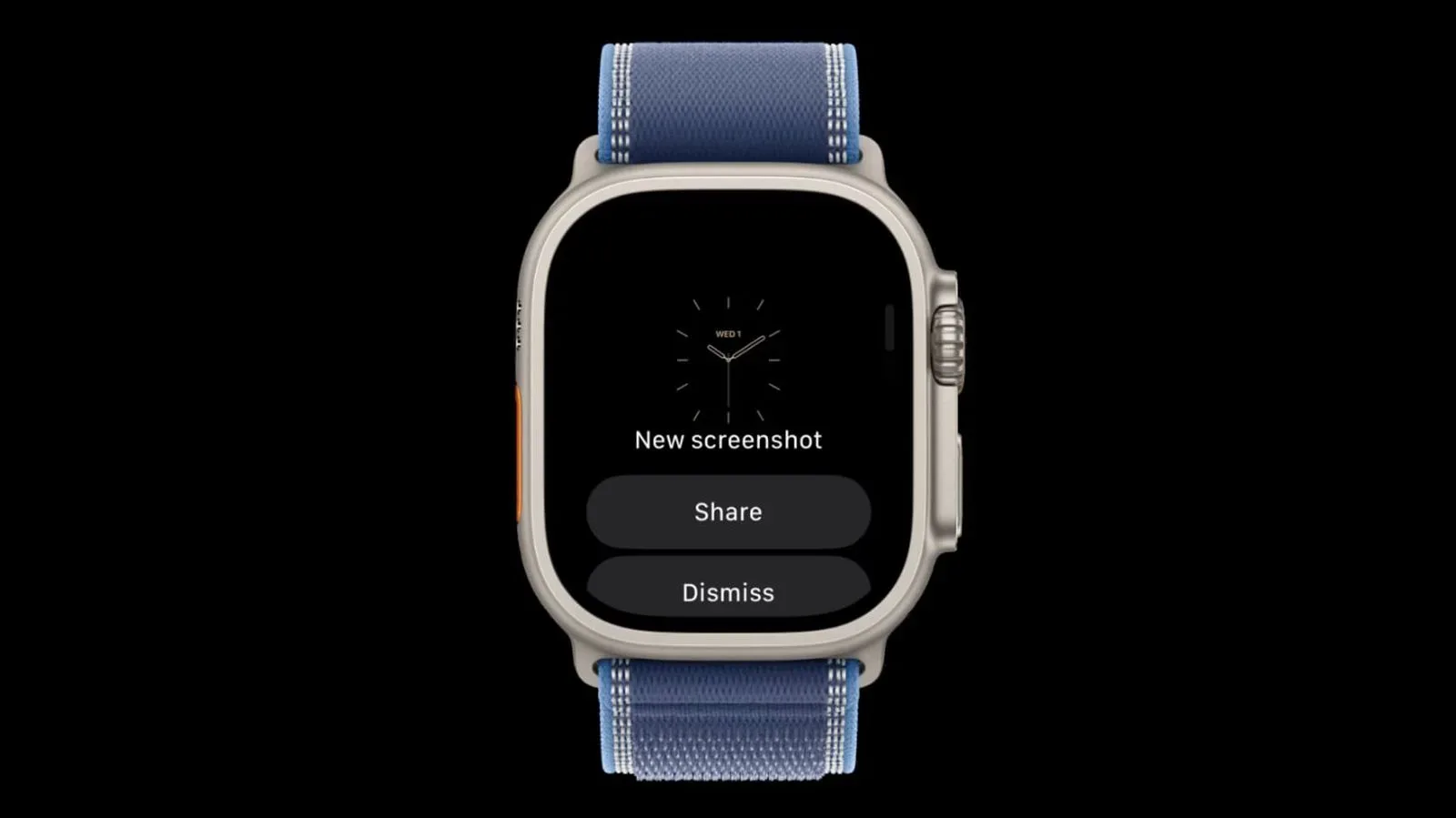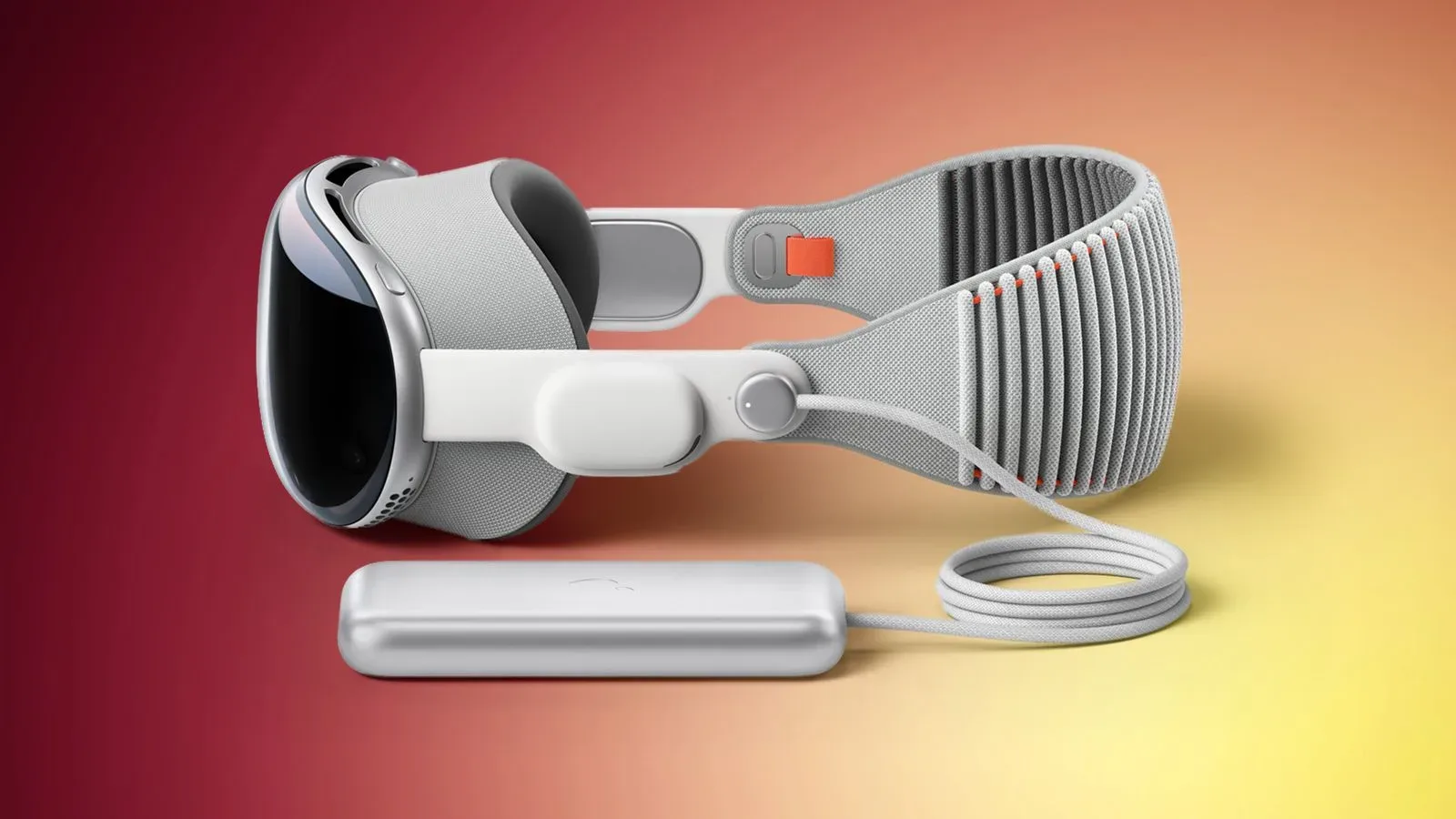
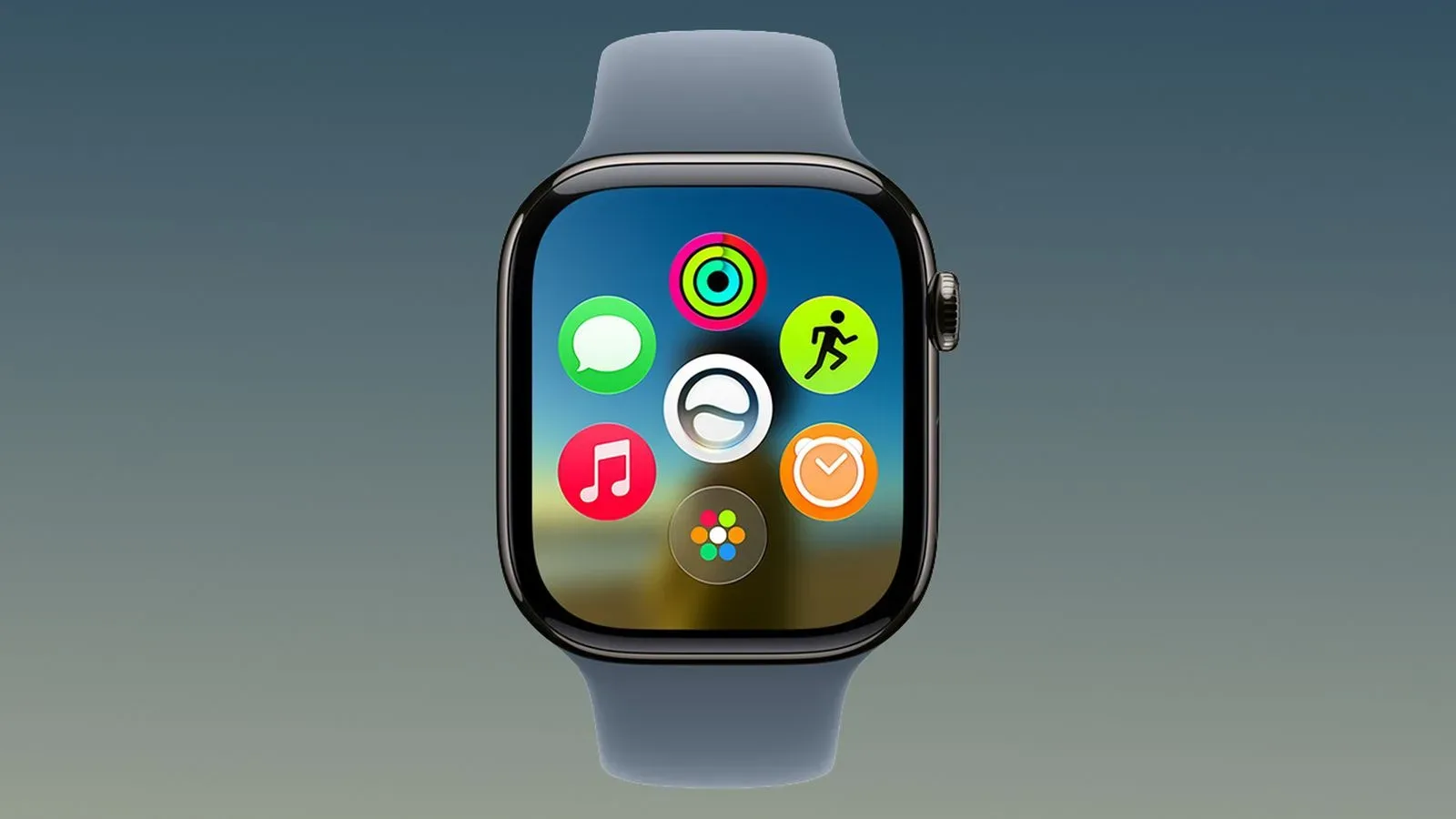
Apple has released watchOS 27.2.1 and visionOS 27.2.1, delivering a pair of maintenance updates two weeks after watchOS 27.2 and visionOS 27.2 arrived. The emphasis is not on marquee new features: the published notes describe watchOS 27.2.1 as containing security fixes, while visionOS 27.2.1 includes both security updates and bug fixes.
That makes these releases easy to underestimate. Version numbers ending in an additional decimal point often signal a targeted patch rather than a major platform revision, and the available details support that reading here. Still, a security-oriented update has a more practical purpose than a cosmetic tune-up. It is intended to address issues that could affect the protection of the device, its software, or information handled through it.
What changed in each update
The distinction in the release notes is small but meaningful:
- watchOS 27.2.1: security fixes.
- visionOS 27.2.1: security updates and bug fixes.
No specific vulnerabilities, behavior changes, or individual bugs are identified in the provided notes. As a result, it would be premature to claim that either update fixes a particular app problem, performance issue, game compatibility concern, or headset feature. The reliable takeaway is narrower: both updates contain security work, and the visionOS release also addresses unspecified bugs.
“Security fixes” is a broad software-maintenance label. It does not automatically tell users whether an issue was actively exploited, how severe it was, or which part of a device was involved. Those details require a separate security disclosure, and none is included here. It is therefore sensible to treat the updates as recommended routine maintenance without extrapolating beyond what has been confirmed.
Why small security releases matter
Major operating-system releases draw attention because they reshape the interface or add visible capabilities. Maintenance releases serve a different role. Their value can be in reducing risk or correcting faults without asking people to relearn how the device works.
For Apple Watch owners, that can mean the update is chiefly about keeping the watch’s operating system current rather than unlocking a new watch face, fitness mode, or interaction feature. For Apple Vision Pro users, the combined mention of security and bug fixes suggests two parallel goals: improve the platform’s protection and resolve one or more issues that may affect normal use. The notes do not say what those bugs were, so users should avoid expecting a guaranteed fix for any specific problem they have encountered.
In practical terms, devices such as watches and headsets can become easy to postpone because they are not always updated alongside a phone, tablet, or computer. A short patch cycle is a useful reminder to check each device independently. An Apple Watch and Apple Vision Pro run their own operating systems, and an update appearing for one does not mean the other has been updated.
How to install the updates
Both releases can be installed through the Settings app on the relevant device. On Apple Watch, open Settings and look for the software-update controls. On Apple Vision Pro, open Settings and use the corresponding software-update area there. Follow the on-screen prompts presented by the device.
Before beginning, it is sensible to allow enough time for the installation to complete and avoid interrupting the process. The release information does not specify download sizes, installation duration, battery requirements, or whether a restart is required, so those details should be taken from the update screen itself rather than assumed.
A sensible update checklist
- Open Settings on the Apple Watch or Apple Vision Pro.
- Navigate to the device’s software-update section.
- Confirm that version 27.2.1 is offered for that device.
- Read any installation prompts shown on screen.
- Start the update when the device can remain available for the process to finish.
Afterward, returning to the software-update page can help verify that the device is on the newly installed version. This is particularly useful when several Apple devices are in regular use and updates arrive at different times.
The timing points to a focused follow-up
watchOS 27.2.1 and visionOS 27.2.1 landed two weeks after their respective 27.2 releases. That short interval does not, by itself, reveal how extensive the fixes are. It does indicate that these are follow-up releases rather than the next large numbered software generation.
For users, the versioning offers a useful expectation-setting tool. A full-number update may bring broad changes; a point release like 27.2.1 is commonly more contained. In this case, Apple’s own notes reinforce the point by highlighting security on both platforms and bugs on visionOS, rather than promoting new consumer-facing tools.
That focus is often beneficial. Smaller releases can keep attention on stability and protection, especially after a larger update has already been deployed. The tradeoff is that users looking for detailed patch notes may not receive a complete public list of resolved issues in the basic release description.
What this means for games, apps, and everyday use
No game-specific changes are listed for either platform. There is no confirmation of new Apple Vision Pro gaming features, Apple Watch game support, controller changes, developer tools, or app additions. Likewise, there is no stated fix for a particular title or accessory.
The relevant implication is indirect. Operating-system security and bug fixes can contribute to a healthier baseline for apps and connected services, but that should not be mistaken for an announced gameplay upgrade. Owners who use Apple Vision Pro for immersive apps or media should view 27.2.1 as a platform-maintenance update. Apple Watch users should read it the same way: a security patch, not a feature drop.
Keeping adjacent devices maintained is also part of a broader personal-tech routine. For another example of how small settings choices can affect day-to-day device use, see how to photograph the Moon with an iPhone without turning it into a glowing coin.
What remains unknown
The currently available release notes leave several questions unanswered. They do not enumerate the security issues repaired in watchOS 27.2.1, name the bugs resolved in visionOS 27.2.1, or indicate whether either update contains user-visible refinements beyond those fixes. They also do not describe any known issues.
Users should therefore separate confirmed information from reasonable expectation. It is confirmed that watchOS 27.2.1 contains security fixes, and that visionOS 27.2.1 contains security updates and bug fixes. It is reasonable to expect a maintenance-oriented release rather than a major feature refresh. It is not confirmed that a particular issue affecting an individual device will be resolved.
For people deciding whether to install now or wait, the security emphasis is the central consideration. Since neither update is framed as a feature showcase, the strongest reason to apply it is to keep the device current with the latest available protections and, in visionOS’s case, the latest unspecified bug corrections.