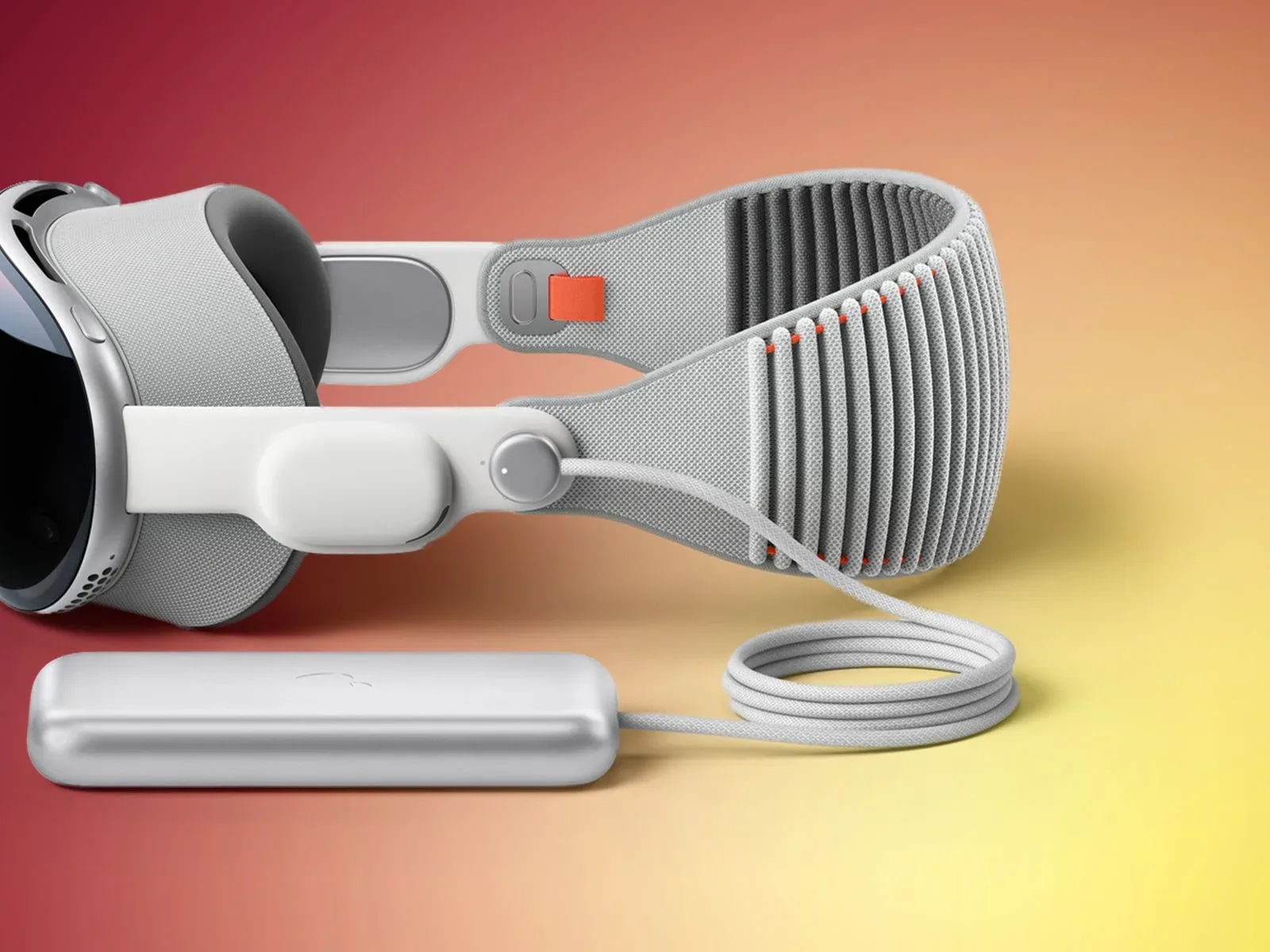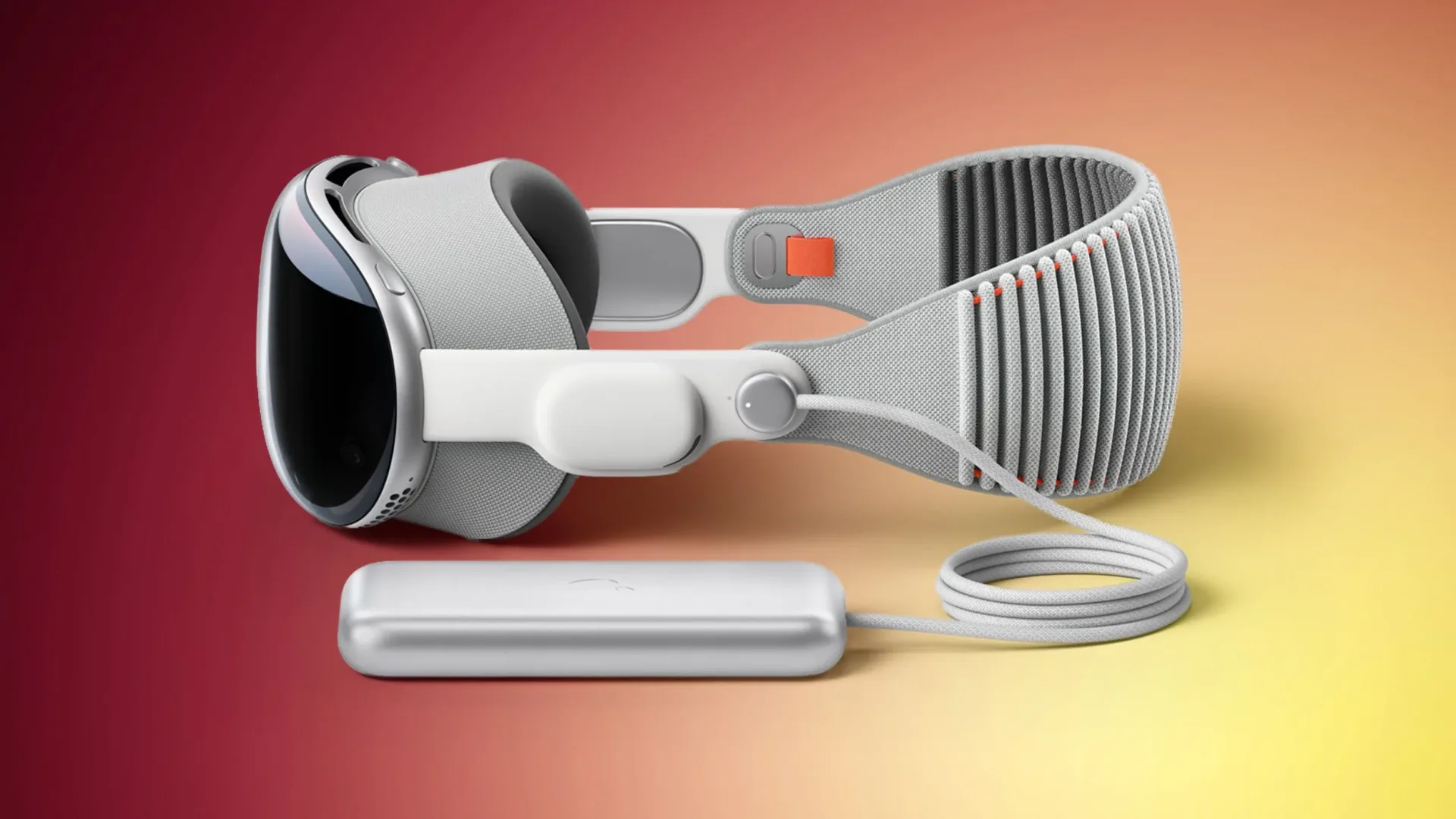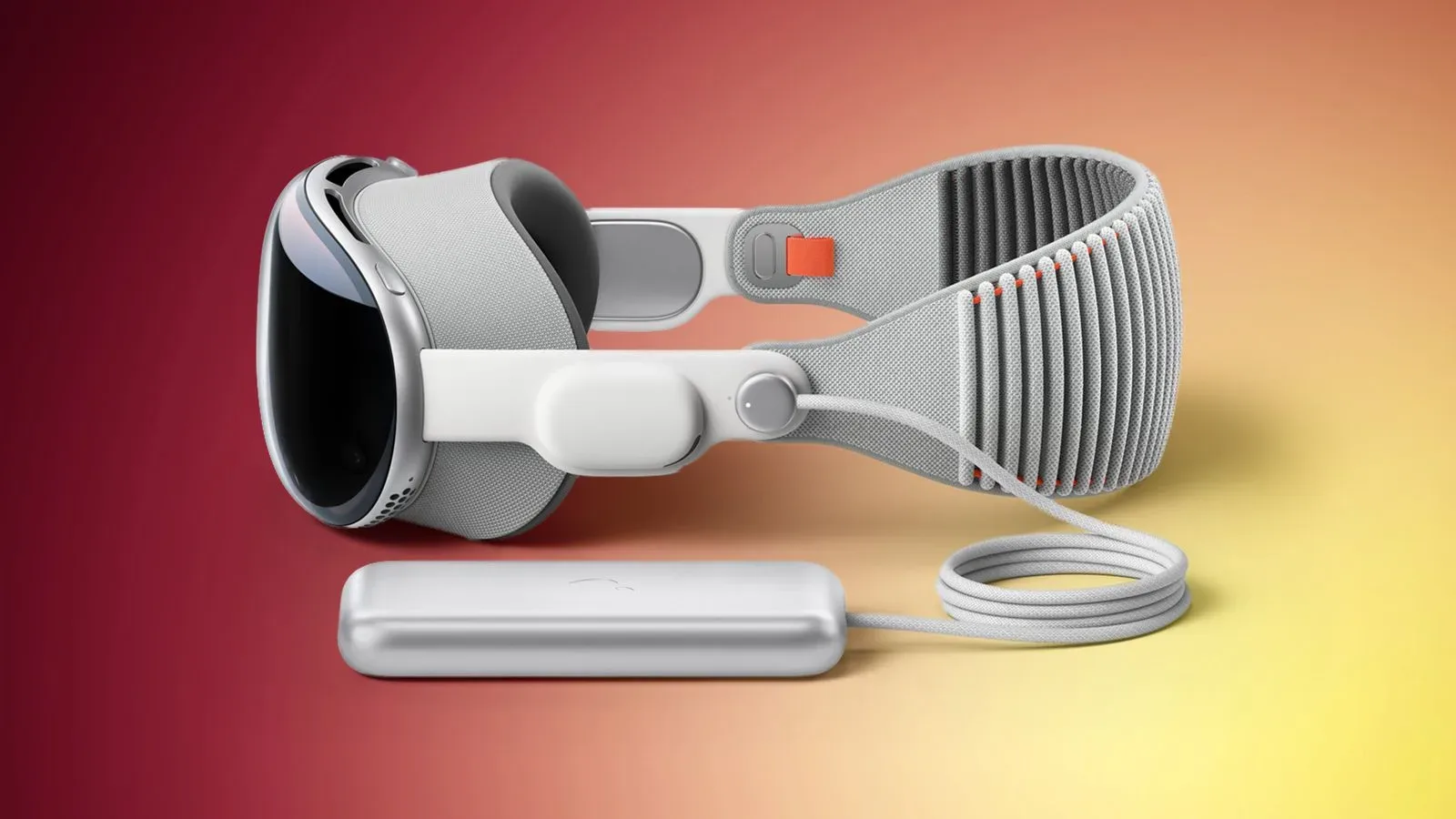
Apple has released visionOS 27.2 for Apple Vision Pro, delivering the first major point update in the visionOS 27 cycle. The published release notes describe a focused maintenance release: it includes bug fixes and security updates rather than a list of newly introduced user-facing features.
That may sound like the software equivalent of being told a game patch has “various improvements,” but these updates still matter. For a device worn on the face and operated through an interface built around eyes, hands and spatial surroundings, reliability is not a minor quality-of-life concern. A bug that interrupts an app, makes an interface behave unexpectedly or compromises account and device security can be more disruptive in a headset than on a conventional screen.
How to install visionOS 27.2
The update is available from the Vision Pro’s Settings app:
- Open Settings.
- Select General.
- Choose Software Update.
Apple Vision Pro must be removed to complete installation. While the update is in progress, an installation indicator appears on the outward-facing EyeSight display.
EyeSight is the external display system on the front of the headset. During this particular process, its role is practical: the progress bar provides a visible status signal while the wearer is no longer using the device. In other words, it answers the essential update-time question: is the expensive face computer still doing something, or is it merely contemplating its life choices?
What “bug fixes and security updates” means here
The release notes do not identify individual defects or list new capabilities for visionOS 27.2. That limits what can be said about the patch’s scope. There is no supplied evidence that it changes specific Vision Pro apps, input controls, entertainment features, gaming support or the spatial interface itself.
Still, the two stated categories are worth separating.
Bug fixes
A bug fix is a correction for unintended software behavior. Depending on what a developer has addressed, that could involve stability, performance, an interface issue or a feature that does not behave as intended. The available notes do not specify which of those areas visionOS 27.2 affects, so users should not assume a fix for any particular problem they may have encountered.
Security updates
A security update addresses software weaknesses that could otherwise create risk for the device, user data or associated accounts. Security patches are often valuable even when they do not add a conspicuous new button or alter the visual design. Their purpose is preventive: closing an issue before it becomes a route to unwanted access or misuse.
For Vision Pro owners, that makes 27.2 a sensible update to consider even if everything appears to be working normally. A quiet patch can be a meaningful one; software does not have to throw confetti into a virtual room to earn an install.
A point release, not a feature showcase
The “.2” in visionOS 27.2 identifies this as a point release within visionOS 27. In practical terms, that places it after the initial visionOS 27 release and distinguishes it from a wholly new numbered operating-system generation. The update is described as the first big update for visionOS 27, yet its documented changes remain centered on maintenance.
That combination is useful context for expectations. “Big” can refer to the position of an update in an operating system’s release cycle, not necessarily a promise of an extensive feature rollout. In this case, Apple’s stated emphasis is clear: fix problems and strengthen security.
Owners looking for a detailed catalogue of new Vision Pro functions will not find one in the supplied release notes. The prudent approach is to read visionOS 27.2 as it is presented: an update intended to improve the software foundation rather than transform the headset’s day-to-day feature set.
Practical update advice for Vision Pro owners
Because the headset has to be removed during installation, it is best to begin the update at a time when Vision Pro is not needed for an immediate task. Starting a download right before a planned session is unlikely to be ideal when the device must then be unavailable while the installation completes.
It is also worth checking the progress bar on EyeSight rather than repeatedly attempting to put the headset back on. The external progress indicator exists specifically to communicate installation status while the device is off the user’s face. Let the system complete the process before returning to regular use.
Beyond that, the official path is refreshingly straightforward: Settings, General, Software Update. No companion computer, external cable or unusual update ritual is described for this release. For a spatial computer, that is at least one task that remains reassuringly familiar.
Why maintenance releases deserve attention
Feature-heavy updates naturally attract more attention because they give users something visible to try immediately. Maintenance releases tend to be less glamorous. Yet in the long run, they can be the updates that make an operating system feel dependable rather than experimental.
For Vision Pro, dependable software is particularly important because its operating system mediates so much of the experience. The headset is not simply displaying an app in a window; visionOS is responsible for the environment in which apps and interface elements are presented and used. When the operating system receives fixes, those corrections potentially support the broader experience even when no new headline feature is attached.
The security element is equally important. Users often judge an update by the number of immediately visible additions, but security work can have real value precisely because it is not dramatic. A patch doing its job may never produce a memorable before-and-after moment. That is generally the point.
Keeping Apple software current
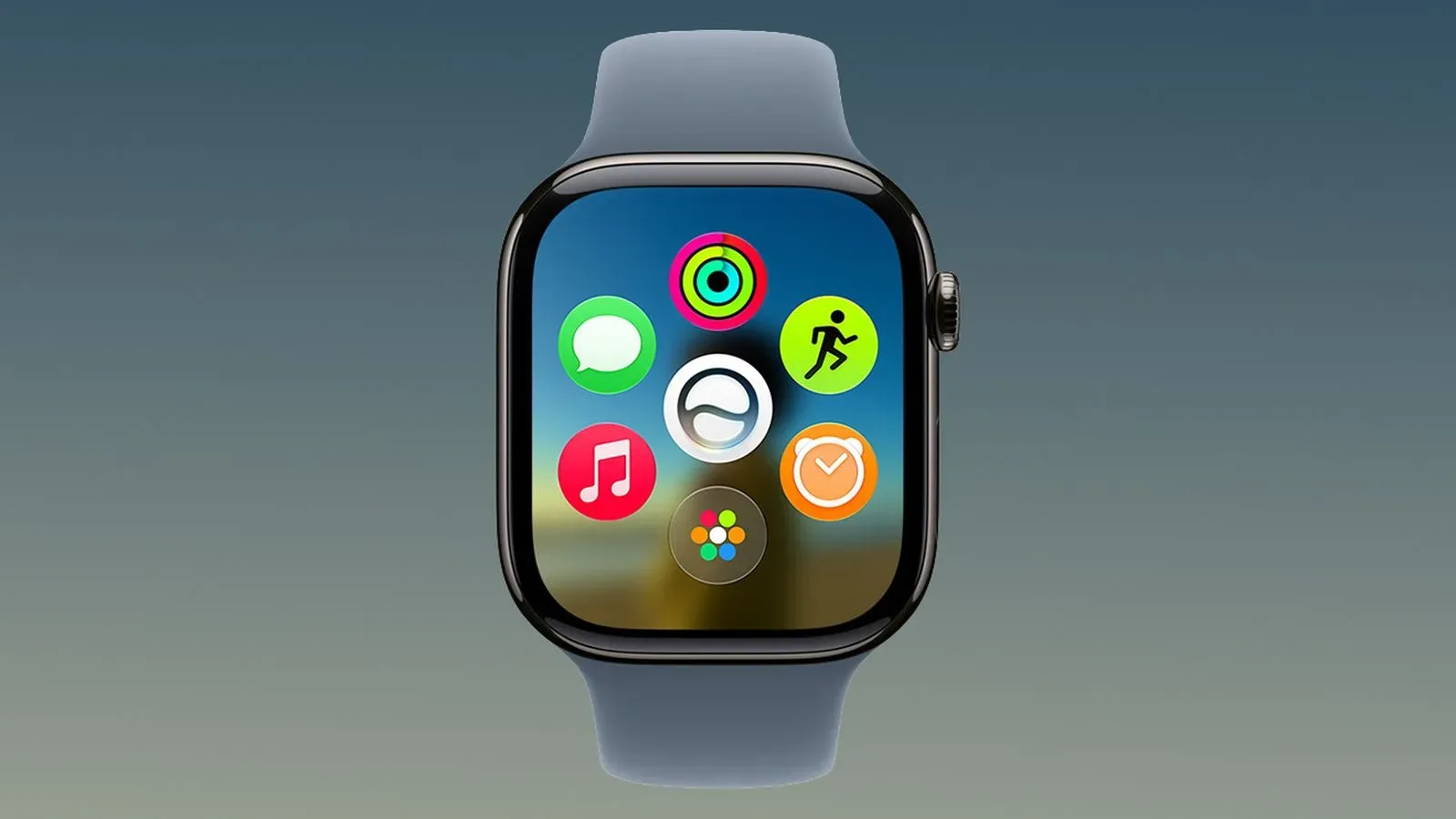
visionOS 27.2 arrives as another Apple platform moves through its own 27.2 release. Apple Watch users can also see what the version number means on a different device in the watchOS 27.2 update coverage. The platforms are distinct, and their changes should not be treated as interchangeable, but the shared numbering underscores how point releases can serve very different purposes across Apple’s hardware.
For Vision Pro owners, the immediate takeaway is simpler: visionOS 27.2 is available now, it is installed through the Software Update panel, it requires the headset to be taken off, and it contains bug fixes and security updates. It is not the loudest kind of release, but it is the sort of patch that helps keep a premium headset ready for the moments when users actually want to disappear into a screen-filled room.