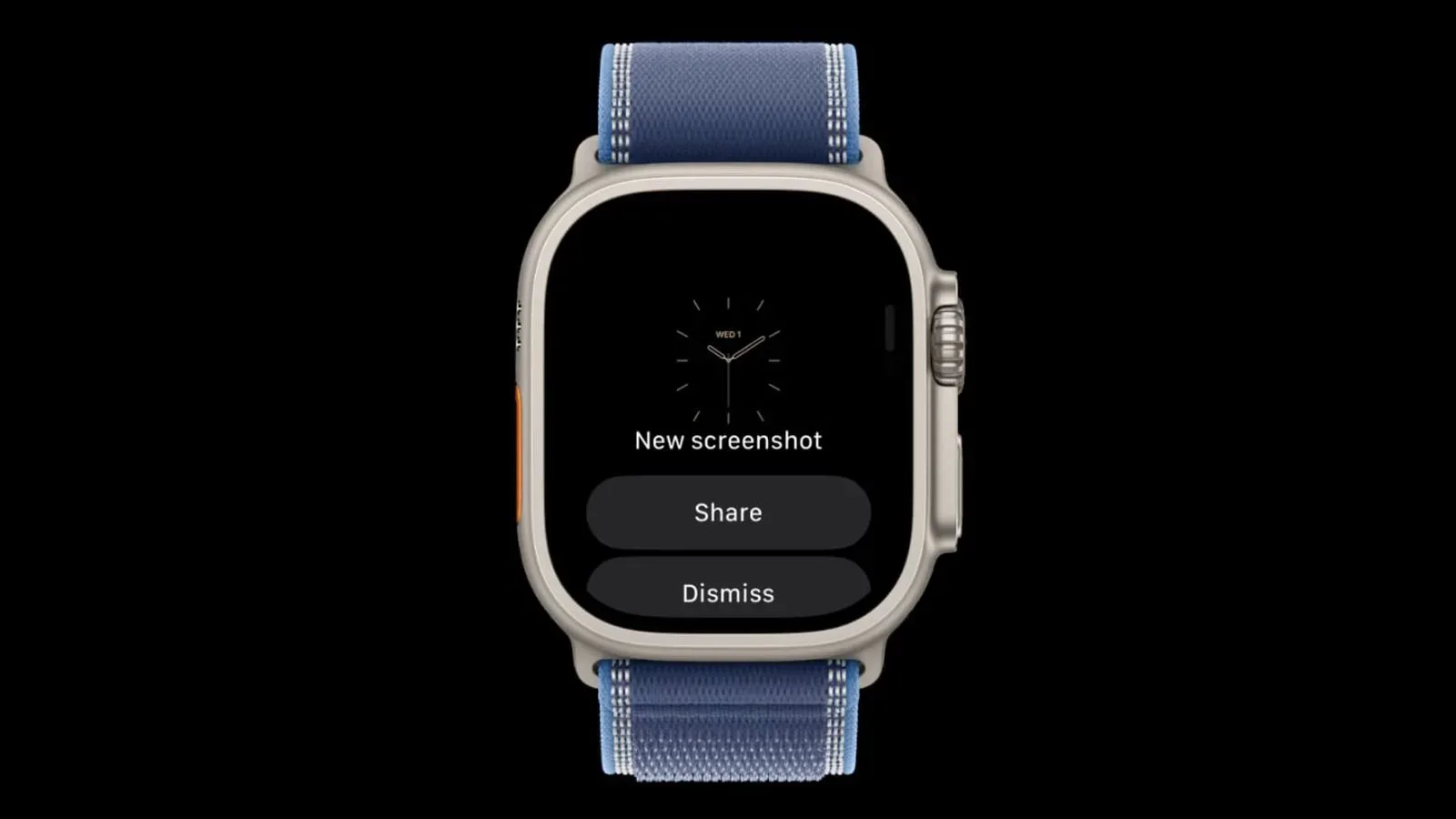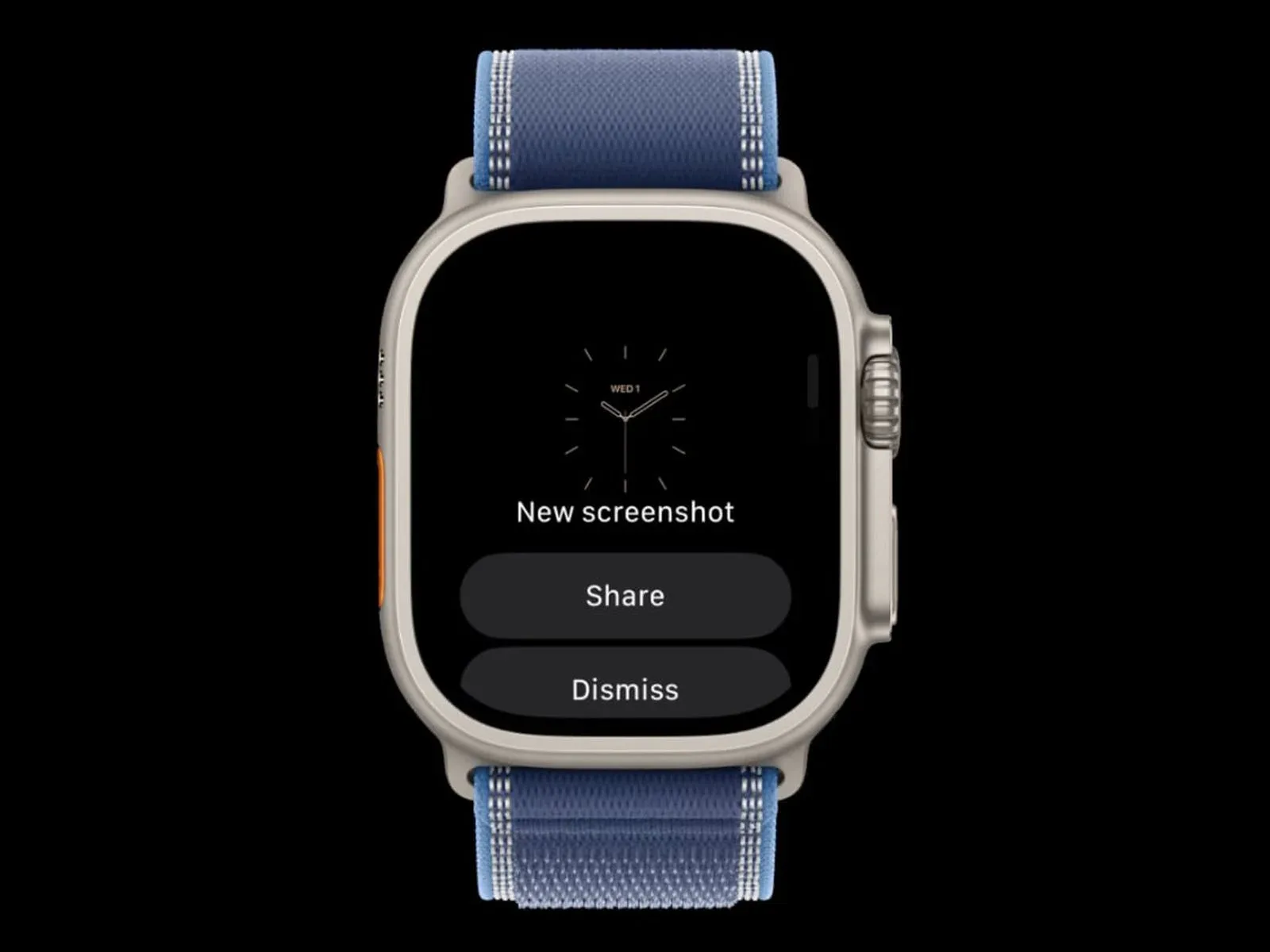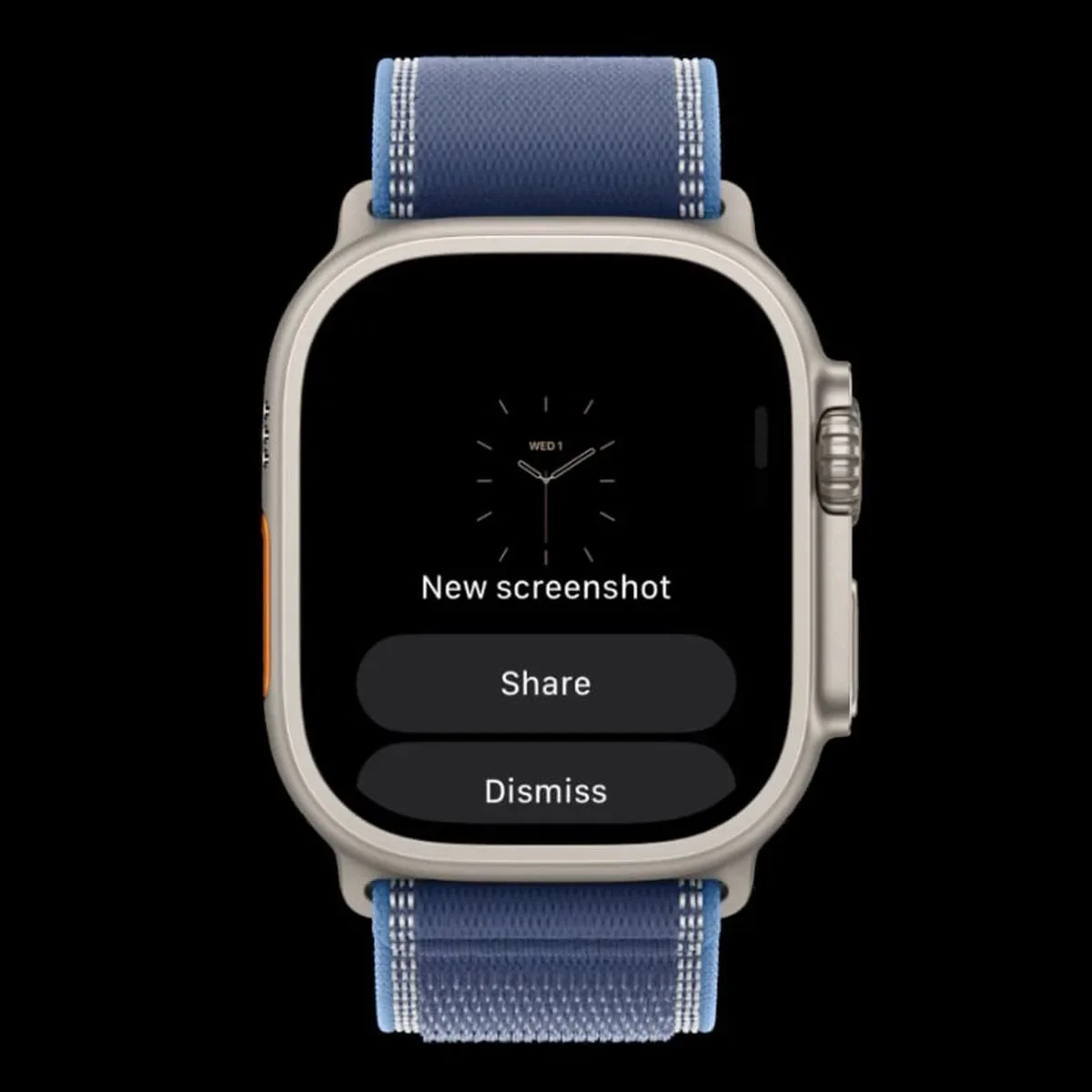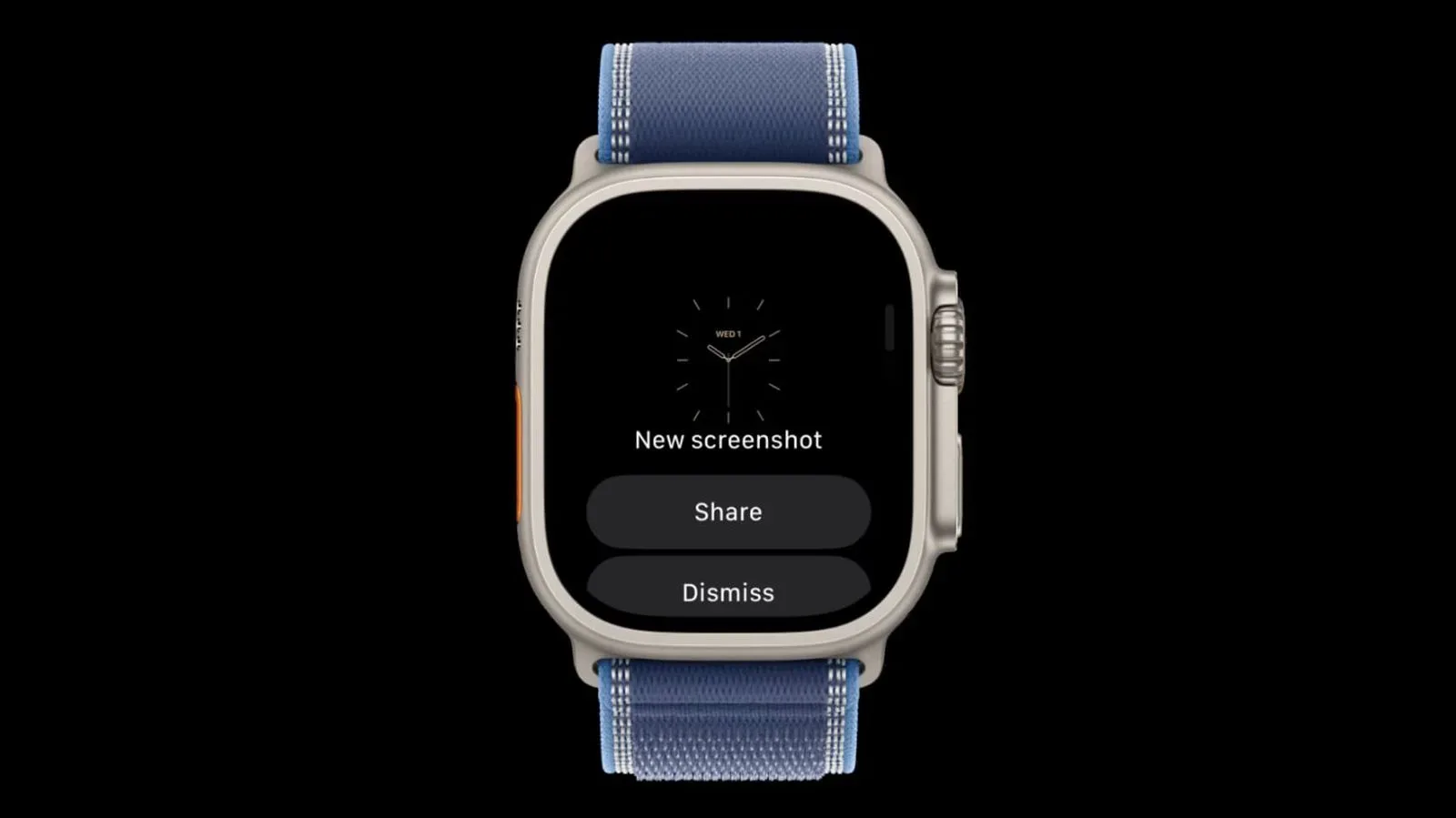
Apple Watch screenshots may eventually get a much less mysterious afterlife. Code found in watchOS 27.2 points to a possible preview screen that would appear after taking a screenshot, offering controls to share it or throw it away. In other words, the watch could adopt a more iPhone-like approach to the tiny visual receipts of workouts, messages, complications, and whatever else seemed screenshot-worthy at the time.
There is an important asterisk the size of an Ultra display: the capability is currently hidden behind a feature flag and is not enabled. That means this is evidence of work in progress, not confirmation that the option will ship in watchOS 27.2—or at all. It could surface in a later beta, change substantially, or remain an internal experiment.
A small change with a clear purpose
At present, Apple Watch screenshots are disabled by default. People who want them can turn the feature on in the Settings app on the watch or through the Apple Watch app on an iPhone. That setting answers the broad question of whether screenshots are allowed, but not the much more immediate question that follows a capture: do I actually want to keep this one?
A post-capture preview could make that decision more direct. On the iPhone, a screenshot can present as either a full-screen preview or a thumbnail, depending on a user’s settings. Both paths provide quick access to saving, sharing, or deleting the image. The watchOS code suggests Apple is considering a comparable decision point for Apple Watch captures.
That distinction matters because a screenshot is often useful for only a few seconds. Someone may want to pass along a watch face arrangement, preserve a reading, show a notification, or capture an odd on-screen moment. But accidental or redundant captures are just as plausible. A share-or-delete step immediately after the event would give users more control than a single system-wide on/off toggle.
What a feature flag does—and does not—tell us
A feature flag is a software switch used to keep a capability inactive while code is present in a build. It lets developers test, stage, or selectively enable work without treating every unfinished element as a public feature. In practical terms, a disabled flag is a valuable clue that an idea exists in the software, but it is not a release promise.
That uncertainty is especially relevant with beta software. A later watchOS 27.2 beta could enable the preview, but there is no confirmation that it will. The code also does not establish the final appearance of the interface, exactly where screenshots would be stored, whether every capture method would use the same flow, or which controls would ultimately be included beyond the suggested share and delete options.
The careful reading, then, is straightforward: Apple appears to be exploring a screenshot-preview workflow for Apple Watch. Everything beyond that remains provisional.
Why the iPhone comparison is useful
The iPhone model provides the clearest explanation of the potential benefit. A screenshot preview is not merely a confirmation that an image was taken. It is a short-lived action surface: a place to decide what happens next without hunting through apps or leaving the moment in which the image was captured.
Bringing that idea to Apple Watch would be a usability choice rather than a dramatic new capability. The Watch already has screenshot support for people who enable it. The potential improvement is in management: handling the result of a capture right away.
That could be particularly welcome on a device where screen space and interaction time are both limited. A wrist-worn interface benefits when a common task offers a clear next step instead of leaving users with only an all-or-nothing setting. The prospect of immediate deletion may be as meaningful as sharing, since it gives users a way to correct a capture they did not intend to retain.
What Apple Watch owners should do now
There is no new setting to seek out at this point. The reported functionality is hidden and inactive, so it should not be treated as something available to regular watchOS 27.2 users. Anyone who relies on Apple Watch screenshots today should continue using the existing screenshot setting in either of the two supported locations:
- the Settings app on Apple Watch; or
- the Apple Watch app on iPhone.
For users who do not need screenshots, the fact that the feature remains disabled by default is also worth remembering. The possible preview system would add choice after a screenshot is taken; it would not change the basic reality that screenshot support needs to be enabled before it is used.
The practical implication: less cleanup, more intent
The best case for the proposed feature is not that people will suddenly take many more Apple Watch screenshots. It is that each capture could be handled with more intent. If the image is useful, share it. If it is not, delete it. If it needs to remain available, save it. That is a familiar pattern on iPhone, and it is easy to understand precisely because it asks for a decision when the context is freshest.
There is also a broader design lesson in this modest discovery. Software quality is often shaped by the small transitions after an action: the state between taking a screenshot and deciding what it is for. An interface that acknowledges that transition can reduce friction without adding an elaborate new menu or turning a simple feature into a project.
The potential watchOS addition should therefore be judged on its restraint. If it arrives, its value will depend on whether it makes a screenshot easier to dispose of or distribute while staying out of the way for people who simply want to return to their watch face.
Apple has not confirmed the feature, its rollout timing, or its final behavior. Until an enabled beta or release makes those details visible, the screenshot preview belongs in the “promising clue, not calendar appointment” category. For a related example of how seemingly narrow technical work can signal wider product experimentation, see this look at Google’s small-scale AI chip space test.