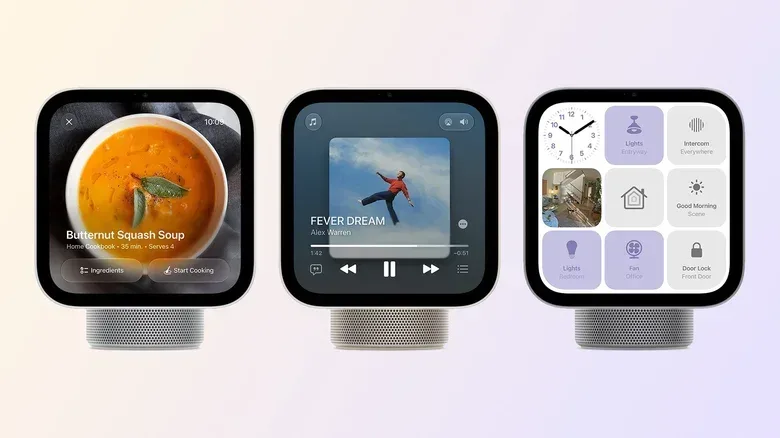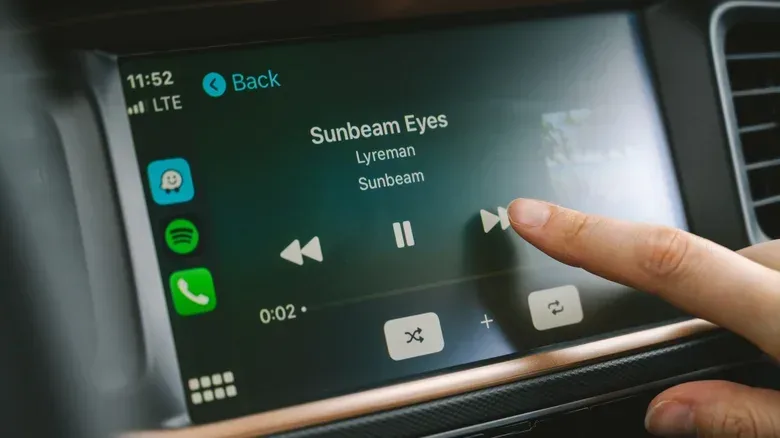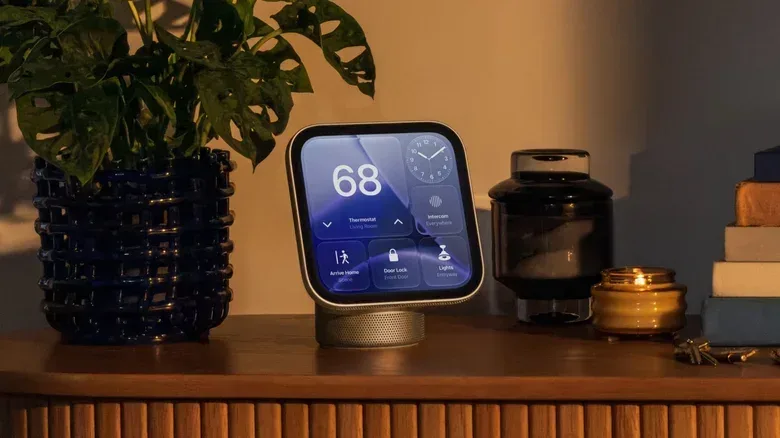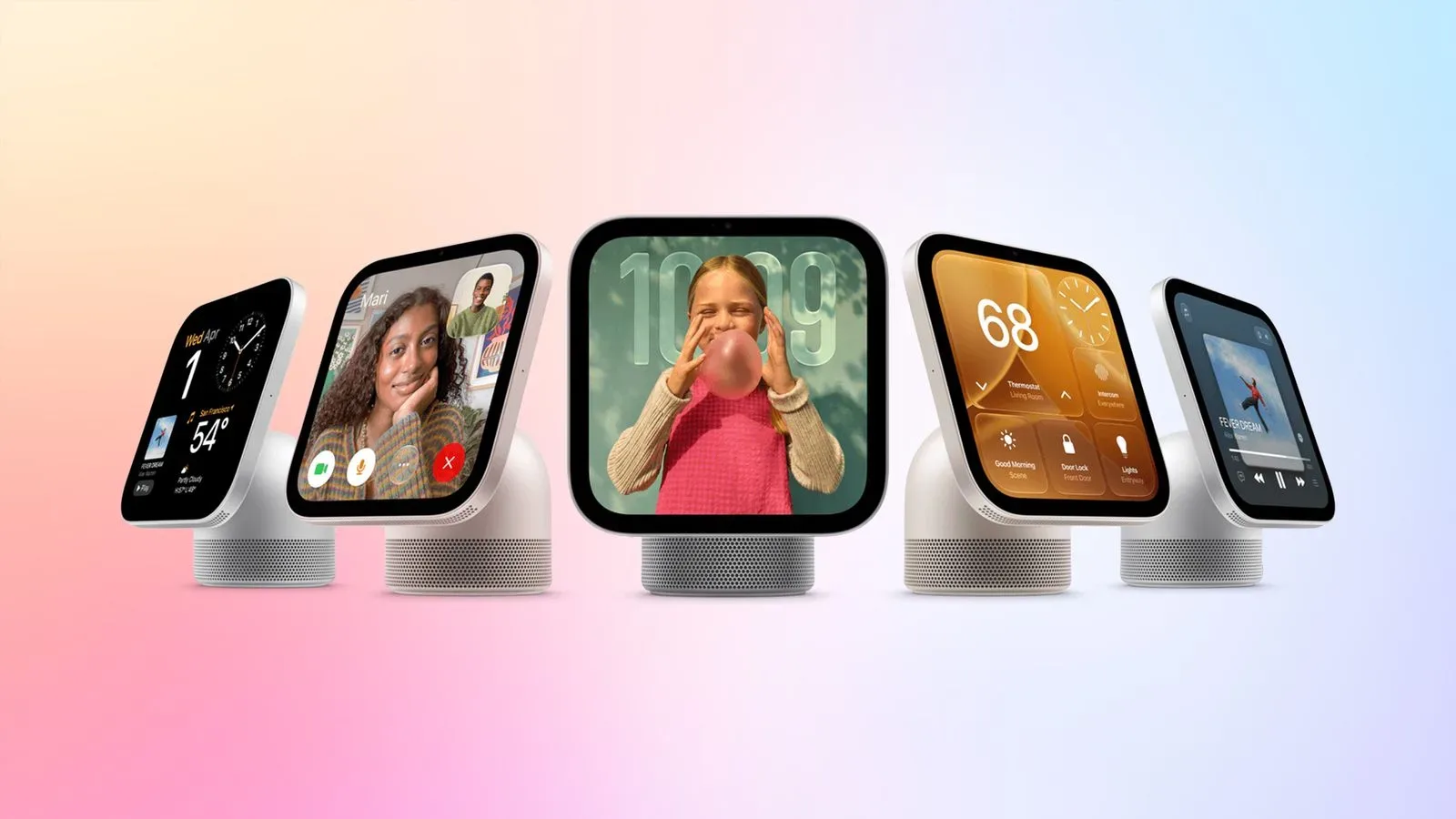
Apple’s newly announced HomeView is a smart-home multimedia hub with an app strategy that is more unusual than its iOS-based foundations may initially suggest. It resembles the kind of device on which people might expect to browse and install tablet apps, but it will not offer an App Store on its Home Screen. Third-party software is instead set to arrive through an existing Apple ecosystem: CarPlay.
That means HomeView’s third-party app selection will not simply be an iPhone or iPad catalog scaled for a household display. For now, it is tied to compatible CarPlay audio and video apps on a nearby iPhone. The iPhone handles the processing, while HomeView provides a suitable interface for accessing those compatible apps. It is a meaningful distinction for anyone evaluating the hub as an entertainment screen, a smart-home command center, or a potential family device.
The result is a product that can gain useful third-party functionality without becoming a fully open app platform. It could also create a fresh incentive for developers to support CarPlay. Yet the same design leaves some obvious gaps: there is no direct installation route on HomeView, no support for every iPhone app, and no indication that major video services that lack CarPlay support will suddenly be available as native-style apps on the hub.
HomeView uses a CarPlay-style companion model
CarPlay is commonly understood as the interface that lets an iPhone present supported apps in a car-friendly layout. Crucially, the software does not ordinarily run as a standalone app installation in the vehicle. The paired iPhone remains the device doing the underlying work, while the car display acts as the place where the adapted interface is shown and controlled.
HomeView is designed to use that same basic model for third-party apps. When an iPhone is nearby, a user can access compatible apps through the smart hub. The app’s processing remains on the iPhone rather than moving to HomeView itself.
That architecture explains both the appeal and the restriction. It makes the HomeView experience potentially convenient for somebody who already uses supported iPhone apps and wants them on a household display without separately setting each one up. But it also means HomeView is dependent on compatibility decisions made for CarPlay, rather than being a place where users can independently seek out every app they want.
In plain language, the hub is not being positioned as an iPad that happens to control a home. It is closer to a purpose-built shared screen that can surface a selected class of phone-based apps. The difference matters because the familiar look of an iOS-derived interface can otherwise encourage assumptions about broad iOS or iPadOS app support that have not been promised.
What “compatible” means here
Compatibility is the central word in HomeView’s app story. Apple has indicated support for compatible third-party audio and video apps from an iPhone, and its developer documentation connects that support to CarPlay apps. A service being available on iPhone, therefore, does not by itself establish that it can be used through HomeView.
Spotify and Deezer are examples of apps already within the relevant CarPlay audio category. By contrast, other types of software—including messaging apps and chatbots—are not included in the current HomeView third-party plan. Users should not treat the hub as a general-purpose extension of every app in their phone’s library.
There is also no separate HomeView download process described here. The absence of an on-device App Store means there is no HomeView storefront to browse, no standalone install step, and no suggestion that apps can be loaded individually onto the hub. The phone-and-CarPlay relationship is the gatekeeper.
The built-in apps cover the essentials, not every use case
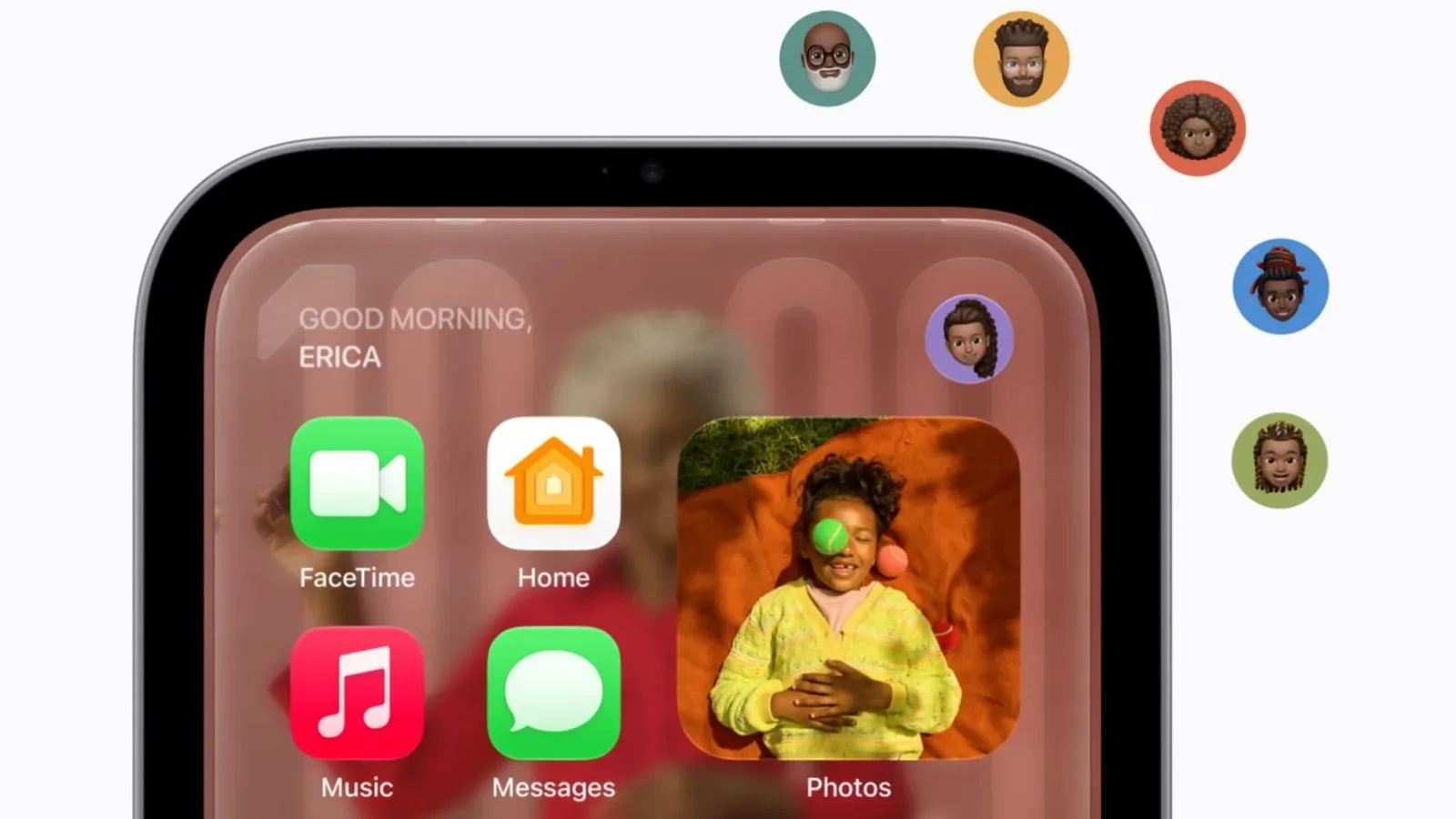
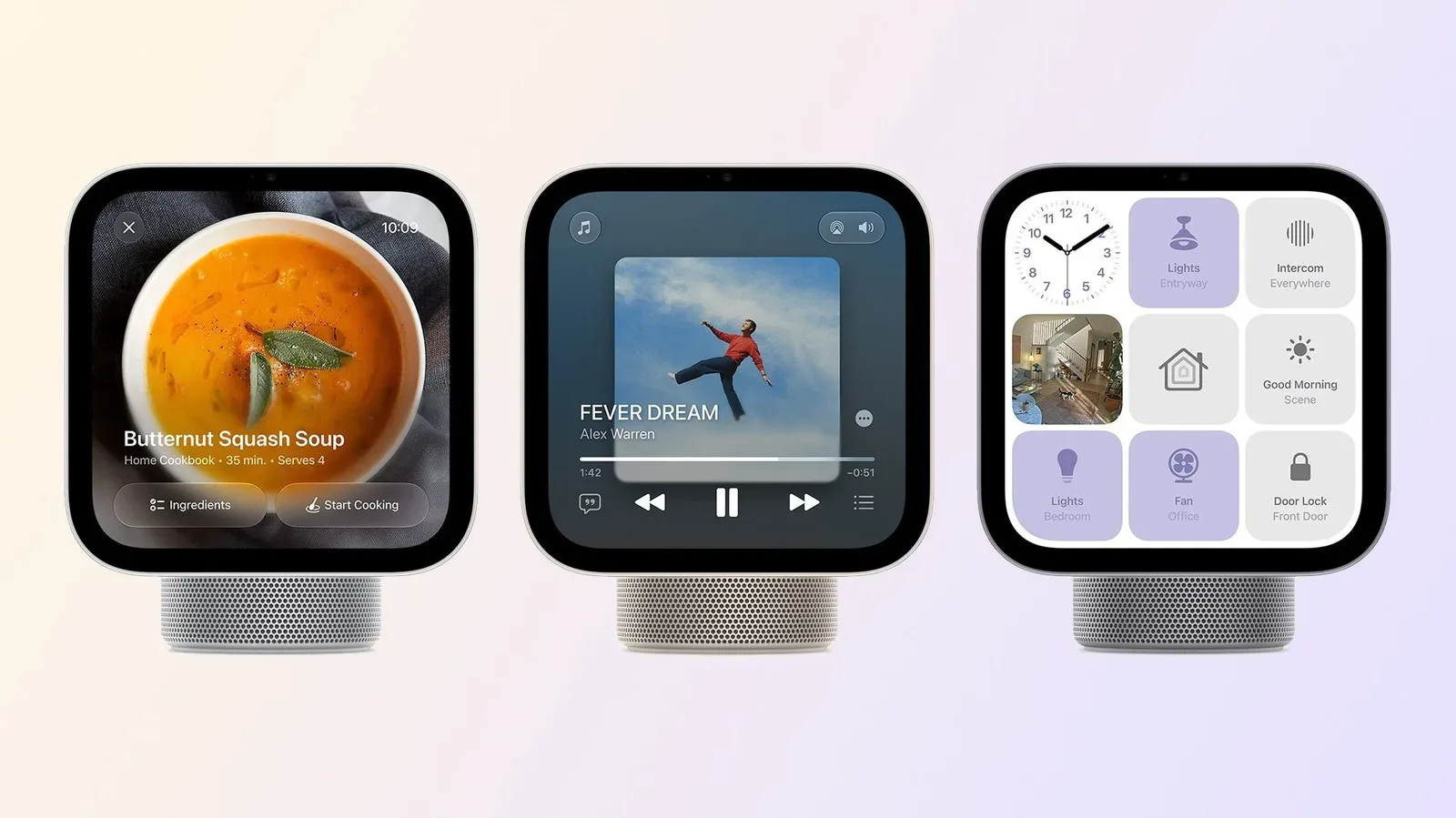
HomeView will include a set of Apple apps out of the box: Safari, Music, Podcasts, Messages, Reminders and Calendar. Those choices establish the device’s baseline role. It can handle web access, Apple’s media services, basic communication, planning and household organization without first relying on third-party support.
Safari may be especially important to how owners perceive the product’s entertainment limitations. If a site supports playback in the browser, the hub may offer a path to watching web video. But browser playback and a dedicated streaming app are not interchangeable experiences. A dedicated app may offer a tailored remote-friendly layout, service-specific navigation and the account behavior users expect from that platform. Safari can be useful, but it does not erase the distinction between web access and app availability.
HomeView also uses facial recognition to present different information depending on the person in front of it. In a household setting, that capability could make its preinstalled organization tools more relevant: one person may see their own calendar details or reminders rather than a generic shared view. The supplied details do not establish exactly how each app will personalize information, so that should be viewed as a broad capability rather than a guarantee about every screen or service.
For gaming and entertainment-minded households, the practical takeaway is modest but important. HomeView is not being described as a game-app destination, a replacement for a console interface, or a universal streaming box. It is a smart-home-oriented device with Apple apps and a narrowly defined route to third-party phone apps. Anyone expecting the breadth of an iPad app library should calibrate their expectations early.
Video support is the largest unanswered opportunity
Apple added support for video apps in CarPlay with iOS 27, but the major video services named in the available information—Netflix, Disney+ and YouTube—have not enabled CarPlay support. Consequently, they are not set to appear as CarPlay-powered apps on HomeView either.
This is the clearest example of why technical support and real-world app availability are different things. Apple can make a category available to developers, but each developer still has to build or enable the relevant integration. Until that happens, the category can exist on paper while the catalog feels thin to users.
Audio begins from a stronger position because supported services already exist, including Spotify and Deezer. Video is more uncertain. A HomeView owner may be able to use Safari for web viewing, but that does not mean their preferred video service has chosen to deliver a purpose-built CarPlay-compatible app experience. The difference will be visible in day-to-day use, particularly for viewers who value quick launching and service-specific navigation on a shared screen.
There is a parallel lesson in the games business. Platform holders can provide development tools and a distribution route, but the platform only becomes compelling when publishers decide the audience is worth supporting. HomeView’s CarPlay approach similarly shifts part of the outcome to developers. The technical path exists; whether a broad selection of recognizable services chooses to travel it remains unresolved.
Why CarPlay developers may have an early advantage
For teams that already maintain CarPlay-compatible apps, HomeView may require little or no extra work. That makes the hub an additional potential audience for an integration they have already built. A supported audio service, for example, may gain another screen on which customers can access its experience through their iPhone.
For developers without CarPlay support, HomeView creates a different calculation. Supporting it means first embracing CarPlay’s requirements, even if the developer’s original interest is more in the home than the car. An audio or video service must decide whether the combined value of drivers and HomeView owners justifies the effort.
In principle, that shared target can be a strength. One adaptation could reach users in two contexts: while driving through CarPlay and at home through HomeView. Apple may benefit because more CarPlay apps would improve both platforms at once. Consumers could benefit if that momentum leads to more familiar media services on each screen.
However, the available information also points to a significant deterrent: CarPlay distribution policies are more restrictive than those for ordinary iOS apps. Restrictions can affect whether a developer sees a platform as a worthwhile fit, especially if its existing app has features or business arrangements that do not neatly align with the platform’s rules. The exact choices will vary by developer, but the broader uncertainty is unavoidable: an invitation to support a technically adjacent platform is not the same thing as guaranteed adoption.
No App Store changes the developer proposition
A conventional app marketplace does more than install software. It can provide a visible destination where users discover apps specifically for a device. HomeView’s lack of such a storefront changes the relationship between users, developers and the platform.
For users, the benefit is simplicity: no separate HomeView account setup or app-management routine has been presented for third-party software. For developers, the downside is that HomeView is not a distinct store shelf on which their app can be found by people browsing a new device. Its presence is mediated through an iPhone and CarPlay eligibility.
This could keep the experience more controlled and coherent, especially for a screen intended to live in a shared domestic area. It could also limit the platform’s identity. HomeView’s third-party future depends not only on which developers support it, but on whether users understand that support comes from their existing phone apps rather than from a catalog built expressly for the hub.
What prospective owners should check before treating HomeView as an entertainment hub
The best way to assess HomeView is to start with the apps a household actually uses rather than the assumption that an iOS-based device offers iOS-style software breadth. The following questions follow directly from the platform’s announced model:
- Does the household’s preferred audio app support CarPlay? If it does, it is better positioned for HomeView access than an app that only runs on iPhone.
- Does a preferred video service support CarPlay? Video-category support does not help if the individual service has not implemented it.
- Is browser-based viewing an acceptable fallback? Safari is built in, but web playback may not provide the same experience as a dedicated app.
- Will a nearby iPhone be part of normal use? HomeView’s third-party app model relies on that phone relationship and iPhone-side processing.
- Are Apple’s preinstalled apps sufficient for core household tasks? Music, Podcasts, Messages, Reminders and Calendar form the immediate baseline, independent of third-party expansion.
The iPhone requirement is especially worth understanding. It is not merely a convenient optional pairing for third-party apps; it is fundamental to the supplied description of how those apps function. That may be seamless in a household where an iPhone is routinely nearby, but it is a different proposition from buying a fully self-contained app device.
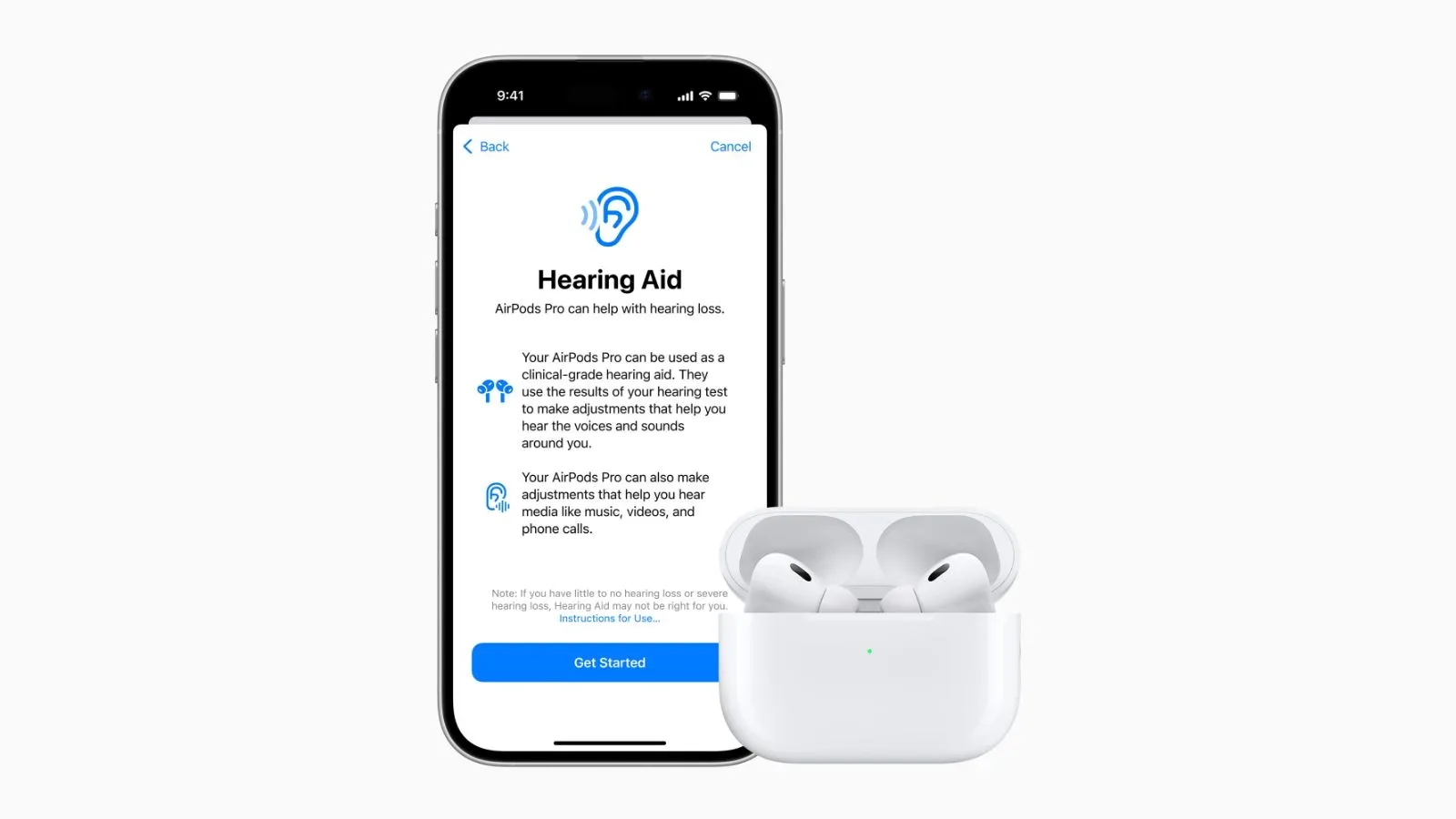
Apple’s wider software direction is also relevant to people already following iOS developments. For example, the site has covered iOS 27.2 feature expansion for AirPods Pro; HomeView’s third-party video path likewise stems from the broader iOS 27-era CarPlay framework. That does not make the products interchangeable, but it illustrates how Apple can extend capabilities through its connected device ecosystem rather than treating every screen as an entirely separate software island.
A controlled platform with a potentially useful crossover
HomeView’s app strategy is a calculated compromise. It gains access to a class of third-party media apps without opening a dedicated app marketplace, and it gives developers with existing CarPlay integrations a potential second venue. The approach may prove convenient for music and other supported media, particularly for people already invested in iPhone and CarPlay.
Its restrictions are just as defining as its possibilities. HomeView does not currently promise general iPhone app support. Messaging apps and chatbots are outside the identified third-party categories. Major video names without CarPlay integration will not become HomeView apps through this system. And developers who find CarPlay’s distribution rules too limiting may decline to join, regardless of the new household audience.
For now, HomeView should be understood as a smart-home hub with a curated Apple software base and a CarPlay-powered extension path—not as an App Store-equipped tablet in another form. Whether that feels elegantly focused or frustratingly narrow will largely come down to which services choose to make the jump.