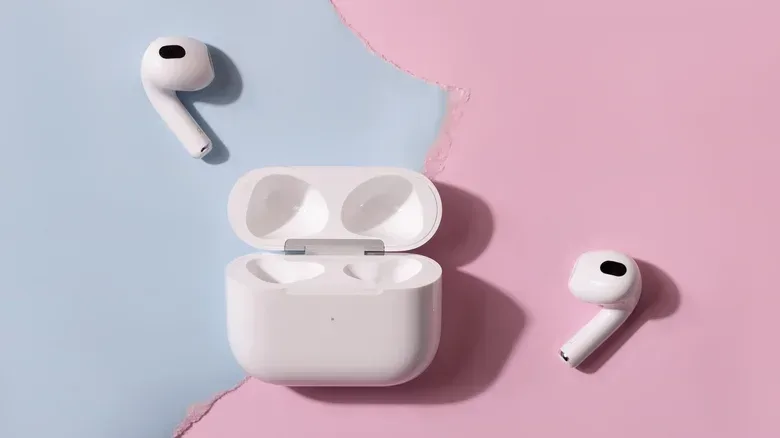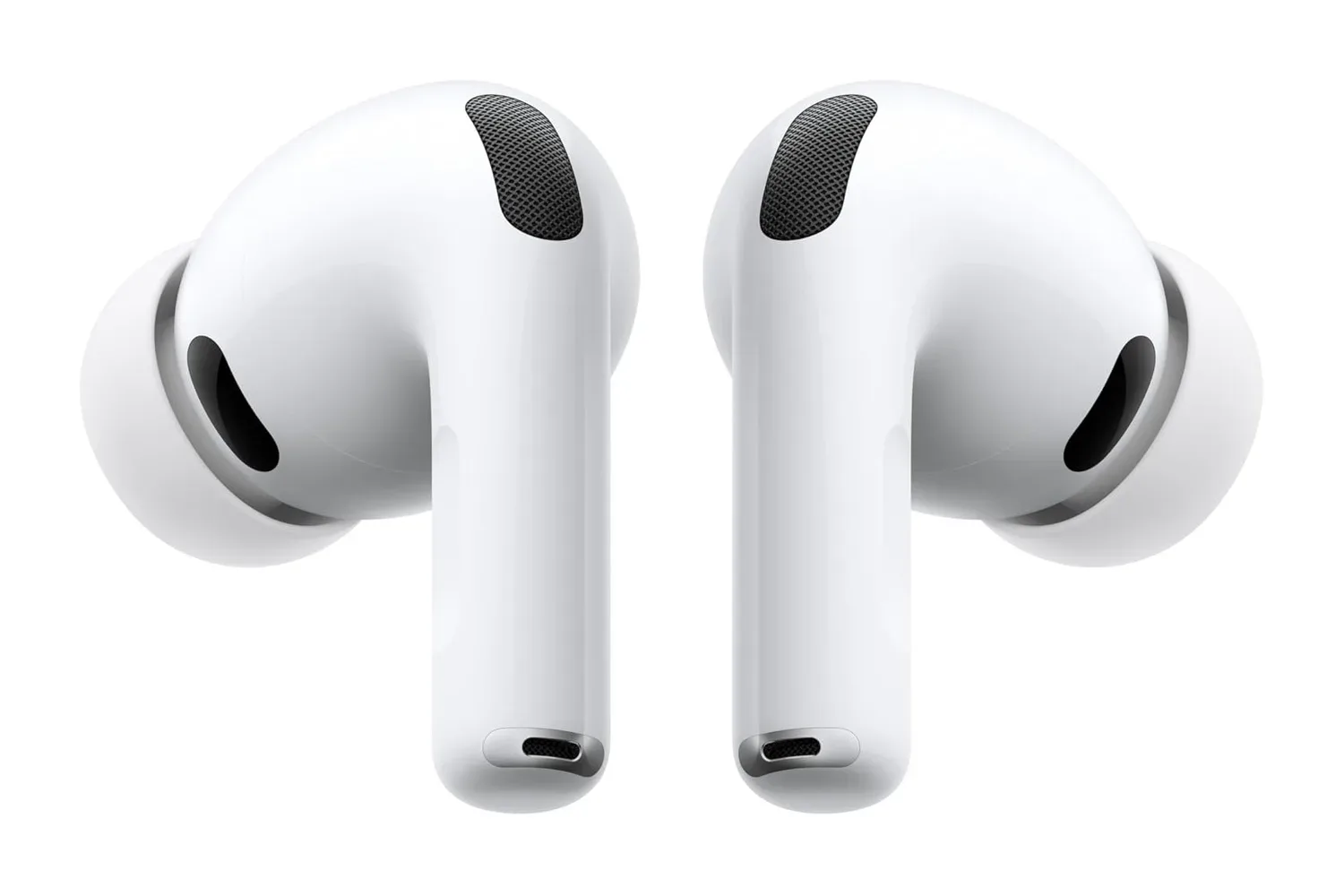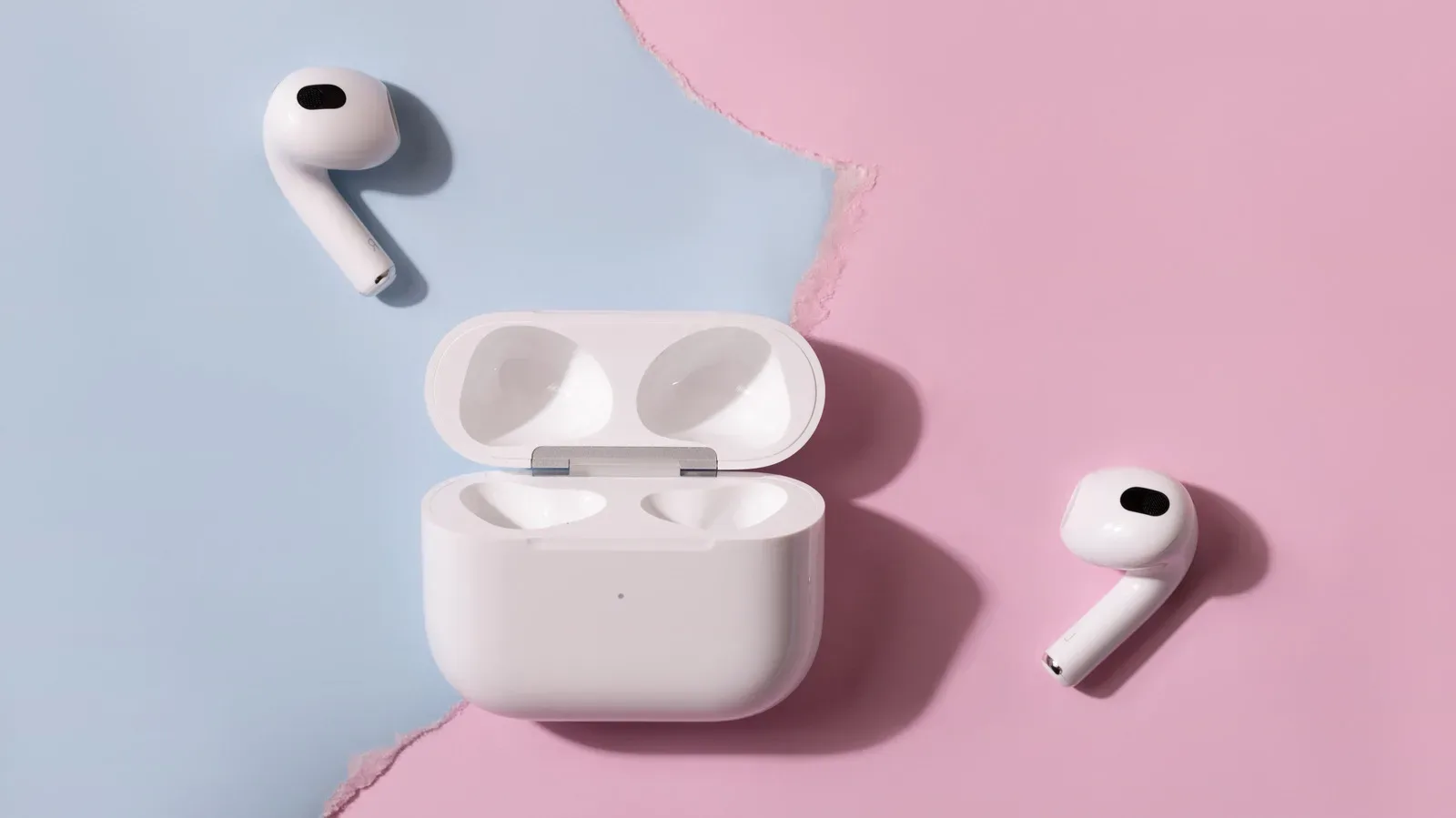
AirPods will connect to a Samsung Galaxy phone, and that baseline compatibility matters: music plays, calls work, and the stem can still handle straightforward playback commands. For someone who already owns Apple earbuds and has moved to Android, they are not suddenly unusable.
But an AirPods-and-Galaxy setup is best understood as ordinary Bluetooth headphones with a few premium capabilities still operating in the background. The product’s deeper controls, ongoing maintenance and many of its marquee features are designed around an iPhone, iPad or Mac. That distinction is especially relevant for people shopping for a headset to use across mobile games, voice chat, commuting and daily listening rather than simply pairing the earbuds once and leaving every setting alone.
The practical question is not whether AirPods pair with a Galaxy. They do. It is whether the features left behind are ones a buyer expects from earbuds at this price level.
Pairing works, but it is not the Apple one-tap experience
On an iPhone, opening an AirPods case nearby can bring up a connection card that displays the earbuds and their charge status. A Galaxy phone does not offer that native AirPods setup card. Pairing instead takes the normal Bluetooth route: put the earbuds into pairing mode, open the phone’s Bluetooth settings and select them.
For AirPods 4, AirPods 5 and AirPods Pro 3, pairing mode is entered by double-tapping the front of the case until its light flashes white. Older AirPods models use a button on the rear of the case. This is not difficult, but it establishes the larger divide. On Android, the connection is a conventional Bluetooth relationship rather than a tightly integrated accessory experience.
That also means there is no built-in Galaxy view for AirPods battery levels when the case is opened. Third-party software can imitate parts of that behavior, but it is important to separate an add-on from native support. An app may make day-to-day use more convenient; it does not turn the AirPods menu from Apple’s devices into a Samsung feature.
Settings are the first major compromise
AirPods settings are changed through an Apple device. Without access to an iPhone, iPad or Mac, a Galaxy owner is left with the current configuration: Apple’s defaults, or the settings last chosen while the AirPods were connected to an Apple product.
That restriction applies to more than a cosmetic preference. It covers the press-and-hold action on the stem, plus automatic ear detection. Ear detection is the convenience feature that pauses playback when an earbud is removed and resumes it when the bud is put back in. Although it is easy to take for granted, it is particularly useful during interrupted listening sessions or when swapping between a game, a call and something in the room.
Related coverage includes What You Give Up When Using AirPods With a Samsung Galaxy Phone.
Apple-device-only control also includes Spatial Audio and head tracking, Adaptive Audio, Conversation Awareness and Personalized Volume. These names describe different approaches to managing audio, but they all depend on Apple’s settings environment:
- Spatial Audio is Apple’s immersive audio mode; head tracking changes the presentation in response to head movement.
- Adaptive Audio is an Apple-controlled listening mode rather than a setting a Galaxy user can freely manage through Samsung’s menus.
- Conversation Awareness is intended to respond when the wearer begins speaking.
- Personalized Volume is another Apple-controlled behavior, unavailable for adjustment from a Galaxy phone.
The important distinction is that basic stem input survives. While connected to a Galaxy, the stem can play, pause and skip tracks. What does not survive is customization of those controls. The AirPods remain functional, but their owner loses agency over a substantial part of how they behave.
Noise cancellation remains useful, while sound quality has a caveat
There is better news for owners of AirPods Pro 2: active noise cancellation remains broadly comparable on Android and iOS. In other words, a Galaxy phone does not inherently strip away the core noise-reducing function. For a listener who mainly wants to reduce outside sound during a trip, work session or noisy shared space, that capability is still part of the package.
Audio quality is less straightforward. AirPods use the AAC Bluetooth codec. A codec is the method used to encode and transmit audio over Bluetooth. Older testing has indicated that Android phones may perform worse with AAC than an iPhone does. That does not establish identical results for every Galaxy and every listening scenario, but it does mean an Android buyer should not assume that AirPods will deliver precisely the same audio result they would inside Apple’s ecosystem.
For gaming and video, this is a reminder that a wireless-earbud purchase is not just about drivers or noise cancellation. The phone’s Bluetooth behavior, supported codecs and companion software all shape the finished experience. A headset can connect perfectly well and still not offer its most complete performance or controls on that platform.
AirPods do not offer standard multipoint to Galaxy users
Another consequential limitation is automatic switching. AirPods can automatically move between Apple devices that use the same Apple Account. That is Apple’s own ecosystem feature, not standard Bluetooth multipoint.
Bluetooth multipoint is the ability for headphones to stay connected to two devices simultaneously, making it easier to move between, for example, a phone and another non-Apple device. AirPods will not maintain concurrent connections to two non-Apple devices in that way. A Galaxy owner who regularly alternates between devices should account for that before making an AirPods purchase.
This is not just a bullet-point issue. Switching friction is felt every day: taking a call, returning to media, changing devices or deciding which machine gets the earbuds first. Anyone buying a new pair of headphones specifically for a multi-device routine should verify multipoint support rather than assuming that Apple-style automatic switching covers it.
Newer AirPods features depend on Apple hardware too
Several of the recent AirPods functions are unavailable because their setup or processing relies on an Apple device. Live Translation on compatible newer models, including AirPods Pro 3 and AirPods 5, requires an Apple Intelligence-compatible iPhone: an iPhone 15 Pro or newer.
Hearing-oriented functions follow the same pattern. The Hearing Test, Hearing Aid and Hearing Protection options on AirPods Pro 2 and AirPods Pro 3 are set up through an iPhone or iPad. AirPods Pro 3 heart-rate readings are directed into Apple’s Fitness app. A Galaxy phone therefore cannot serve as the full companion for these tools, even when it can maintain a Bluetooth connection for ordinary audio.
Likewise, the Ear Tip Fit Test and Siri are not part of the Galaxy experience. Apple’s minimal compatibility summary says users can still listen and talk without Siri. That is technically true, but it does not convey the breadth of functions that sit on the Apple-only side of the divide.
Firmware maintenance is an unusually serious drawback
Firmware is the low-level software inside a device that governs its behavior and can be updated after purchase. AirPods firmware updates occur automatically while the earbuds are charging and within Bluetooth range of an iPhone, iPad or Mac that is connected to Wi-Fi.
For an Android-only AirPods owner, that arrangement creates a maintenance gap. The prescribed alternative is arranging an update through an Apple Store or an Apple Authorized Service Provider. That is a markedly different proposition from updating a companion app at home.
The restriction can matter because firmware updates may add features, not merely fix problems. Firmware version 9A348 added custom EQ support for AirPods 4 and later, as well as AirPods Pro 2 and later. Yet that EQ is adjusted in the AirPods settings menu, which remains exclusive to Apple devices. Apple provides an Android app for Beats headphones that can handle firmware and updates, but there is no equivalent AirPods app.
For buyers who keep peripherals for several years, this may be more meaningful than the missing pairing animation. An accessory’s long-term feature set and maintenance path should be part of its value calculation. On a Galaxy-only setup, AirPods do not have an independent, consumer-friendly route for that upkeep.
Find My has prerequisites and reduced web controls
Find My can be accessed in a browser through iCloud.com/find, but the AirPods must first have been paired with an iPhone or iPad signed into the owner’s Apple Account. If they have never been paired with one of those Apple devices, they cannot be tracked through Find My at all.
Even after that initial pairing, browser access is more limited. The web version can show a location and play a sound, but it cannot trigger sound from the charging case. For somebody using only Android hardware, losing a case or earbuds is therefore harder to manage than it would be within the intended Apple workflow.
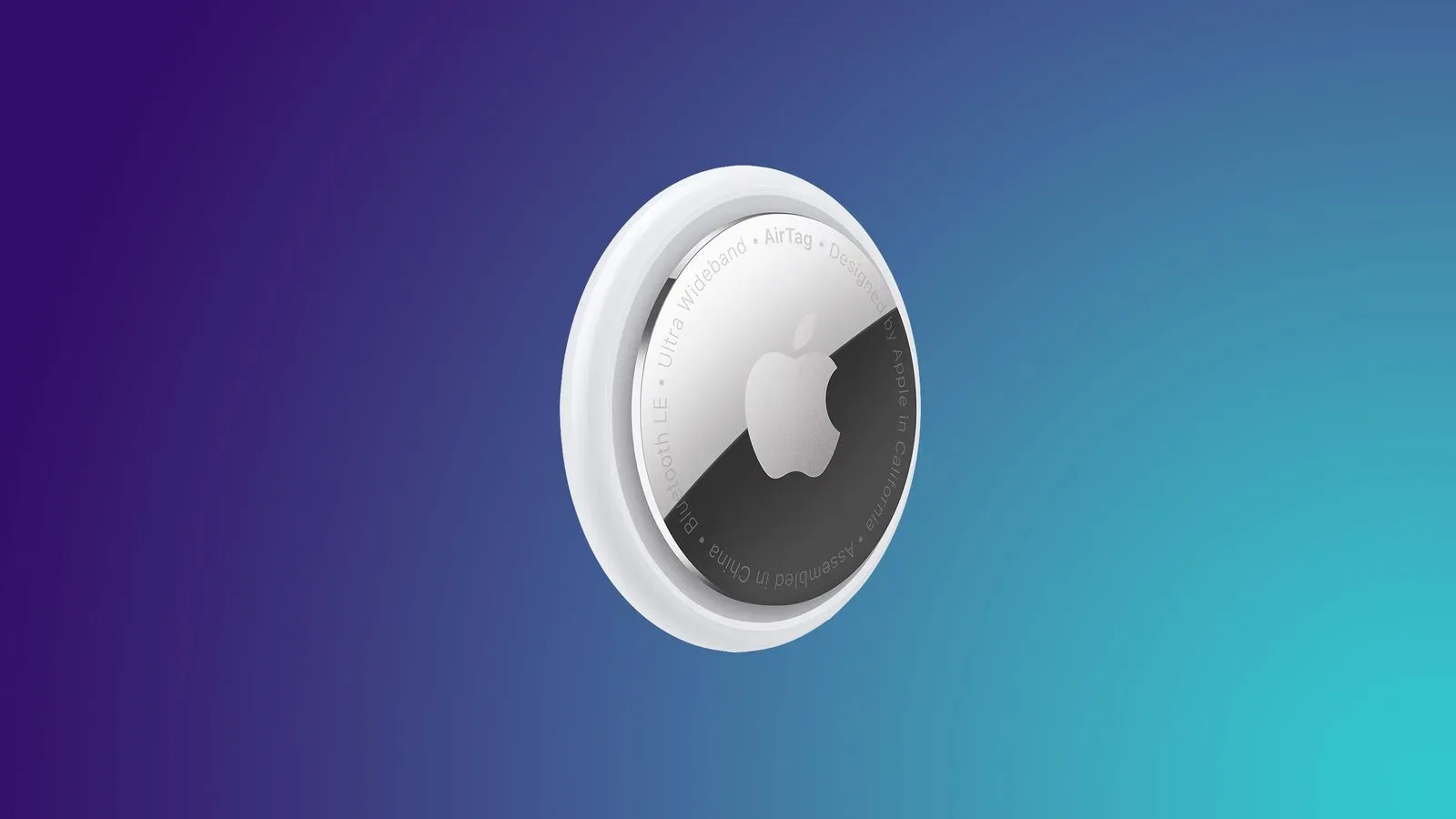
That limitation is worth considering alongside other everyday gear-tracking decisions. Readers weighing Apple’s tracking ecosystem can also see what an AirTag 2 price drop means for finding everyday gear, though AirTags and AirPods have different setup and tracking roles.
Third-party Android apps recover selected controls, not full integration
Android software can make the experience less bare-bones. CAPod is a free Google Play download with optional in-app purchases. It can provide a battery popup when the AirPods case opens and enable automatic play/pause behavior based on ear detection.
LibrePods, an open-source option, is described as going further, exposing noise-control modes, Conversation Awareness, head gestures and the long-press setting. It originally required a rooted phone, but an Android bug that made root necessary has since been fixed. Samsung users need One UI 9; that version began rolling out to the Galaxy S26 series in September.
These apps demonstrate that some lost convenience can be restored, but they do not change the underlying support relationship. They are workarounds rather than Apple’s official Android companion. They also do not resolve the Apple-device requirements around firmware updating, native AirPods settings, Apple Account switching or the initial Find My pairing condition.
At the same $249 price, Galaxy Buds 4 Pro deserve a close look
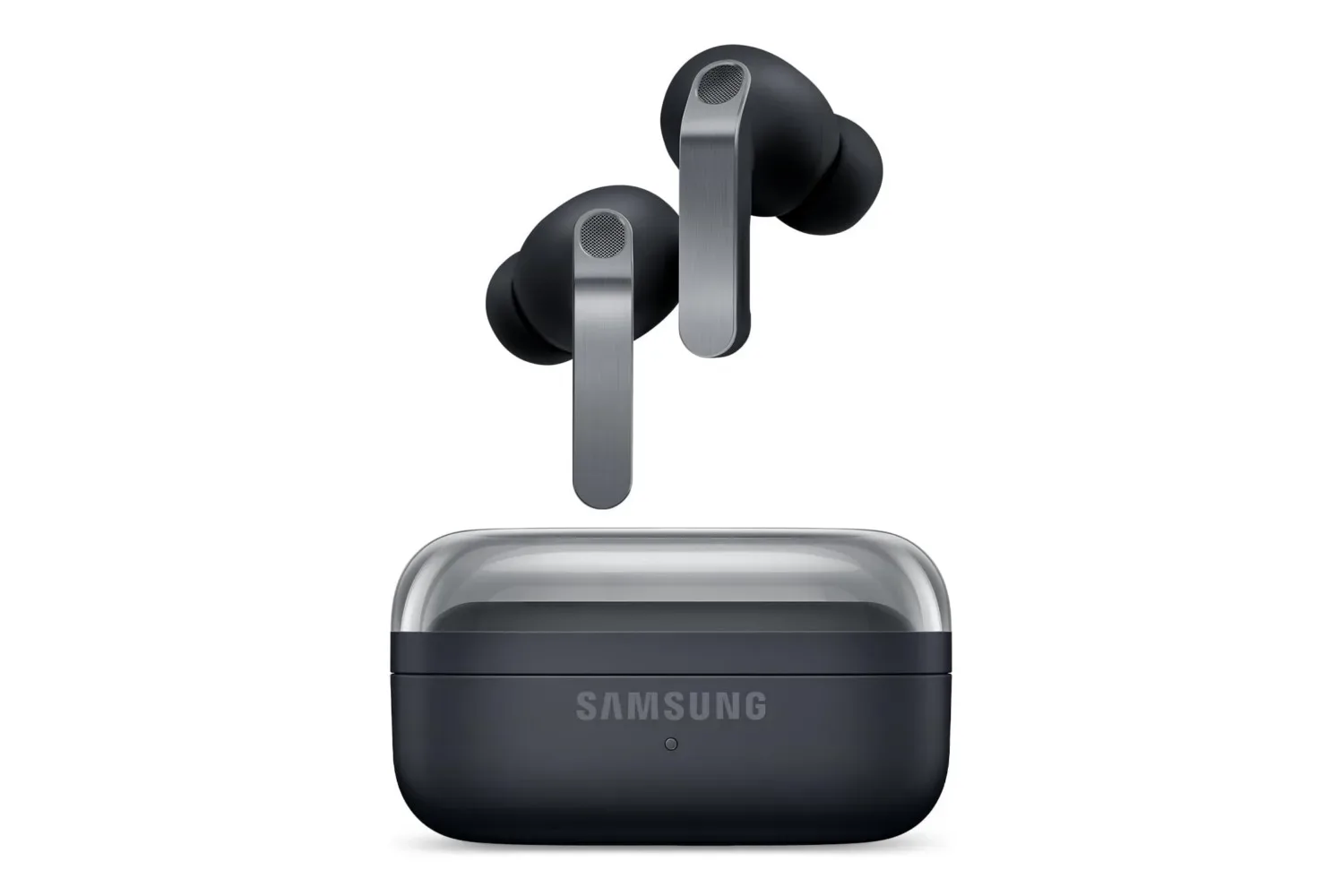
AirPods Pro 3 and Samsung’s Galaxy Buds 4 Pro are both listed at $249. The comparison is not simply brand against brand; it is a question of which ecosystem gets the product’s full feature set.
With a Galaxy phone, Galaxy Buds 4 Pro offer Auto Switch between Samsung devices, 360 Audio and 24-bit/96kHz audio using Samsung’s Seamless Codec. The latter requires a phone running One UI 6.1.1 or later. Their noise cancellation is identified as a key weakness, so the Samsung option is not presented as automatically superior in every category. But its platform-specific features are designed to work with the phone family a Galaxy buyer already owns.
The sensible takeaway is nuanced. Existing AirPods owners can use them with a Samsung Galaxy without giving up music, calls, basic stem commands or, in the case of AirPods Pro 2, broadly similar noise cancellation. People considering a fresh $249 purchase, however, should count the less visible losses: configuration, feature processing, device switching, firmware service and tracking setup. On an iPhone, AirPods Pro 3 are a considerably broader product. On a Galaxy, they can still be good Bluetooth earbuds—but much of what differentiates them remains on the other side of the ecosystem boundary.