Your email address is a little like a gamertag that works everywhere: it is meant to be seen, shared and used to connect with people, but that visibility also makes it useful to bad actors. Seeing a suspicious message that appears to come from a game store, a platform holder, a publisher or a delivery service can feel personal. In many cases, though, the sender may only have one basic piece of information: an address they can send mail to.
That distinction matters. An inbox full of junk, brand impersonation and dubious payment requests is a problem worth taking seriously, but it is not by itself proof that someone has taken control of the email account. The more useful response is to understand how an address can circulate, recognize what phishing is trying to accomplish, and use a careful process rather than reacting to an alarming link or deadline.
Email addresses can spread without an inbox being hacked
One major route is a data breach. Every time somebody registers for an online service, that service receives the email address. If its security is breached, email addresses may be among the data exposed. In a serious breach, an address can sit in a very large pool alongside potentially millions of others, then potentially reach markets used by scammers.
That means an unexpected scam email does not necessarily identify the site where a problem began. People use the same address across games, stores, social platforms, message boards and other services. Once an address appears in a breached collection, a criminal does not need access to every account attached to it in order to send a convincing-looking message. They only need a working destination.
Another route is public information. A web scraper is a tool that automatically gathers information from webpages. Such tools have legitimate uses, including work connected to measuring the size of the internet, but scammers can use them to collect addresses displayed on public social-media pages, dating profiles and online message boards. Posting an address publicly can therefore create an opportunity for it to be copied at scale.
The practical lesson is not that people can never create accounts or participate online. Email is necessary for ordinary communication, purchases, subscriptions and account recovery. It is that a visible address and an address affected by a breach should be treated as likely targets for unwanted contact. That calls for habits that make a malicious message less useful, even when it reaches the inbox.
Spam, phishing and account compromise are different problems
It helps to separate three situations that are often lumped together.
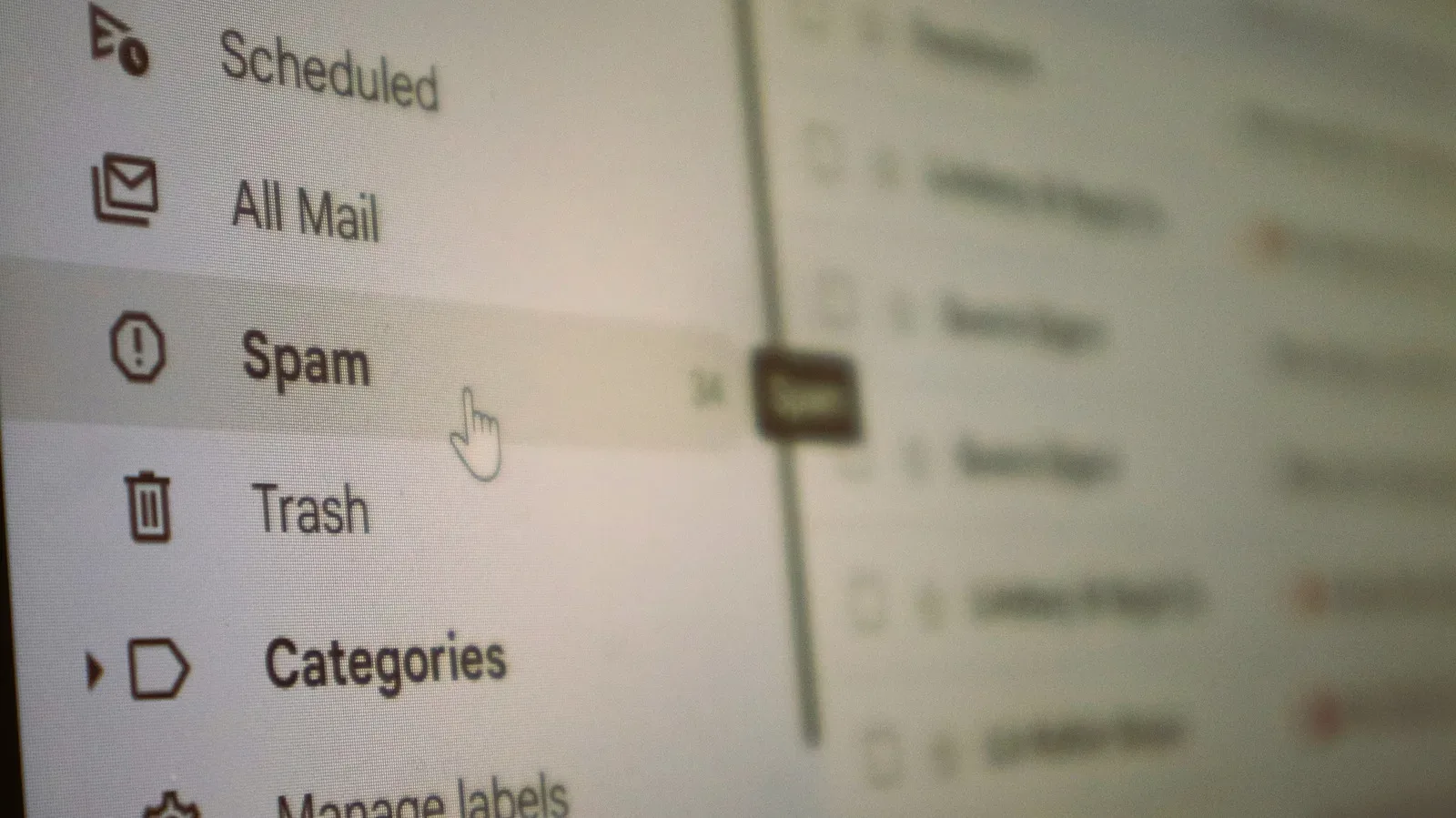
- Spam is unwanted email. It can make an inbox unpleasant and can include questionable links, but receiving it alone does not show that a person’s account is controlled by someone else.
- Phishing is an attempt to make someone take an unsafe action, often by posing as a familiar company and asking for money or steering the recipient toward a link. The goal is to exploit trust in a recognizable name.
- Email-account compromise means the account itself has been hacked. This is more urgent because the address could be used to impersonate its owner or target friends and family.
Phishing is especially effective as a concept because the email does not have to look wildly strange. A message may invoke a popular brand, claim an account or payment needs attention, or create pressure to act before thinking. For players and collectors, the danger is not limited to a message that explicitly says “send money.” An email that claims there is an issue with a store, a digital library, an account or a purchase may be trying to push the same response: click first, verify later.
That is why the sender’s claimed identity should not settle the question. Major companies are impersonated every day. A familiar logo, company name or urgent tone is not adequate proof that the message is legitimate.
Use an independent route to verify any money request
The safest general rule for a surprising email is simple: do not use the message’s link to prove that the message is real. If it claims that an account needs attention, open a browser and visit the company’s site directly, then sign in there. If the business offers a phone contact, calling it directly is another way to verify the request.
This approach matters most when the email asks for money. A legitimate account may occasionally require attention, but the existence of a branded email is not enough reason to pay, enter credentials or provide further information through its link. Going independently to the relevant service creates a separate check: if there is a genuine account issue, it may be visible after signing in through the real site; if not, the email’s urgency has lost much of its power.
It is also sensible to avoid opening emails that appear off, particularly those containing suspicious links. The aim is not to become an expert at visually analyzing every message. The aim is to make the next step safe regardless of how polished the message appears. This is the same cautious approach worth using for persuasive promotions on feeds and marketplaces; scam ads on social media can also look more convincing than they deserve.
A low-drama check before acting
- Pause if an email is unexpected, asks for money, or seems to demand immediate action.
- Do not click the email’s link as the first means of checking it.
- Visit the relevant company’s website independently and review the account there, or contact the company directly.
- If the message still looks suspicious, leave it alone rather than replying or supplying information.
These steps are deliberately ordinary. They do not depend on guessing whether a scammer has copied a company’s branding well. They change the path of verification so the sender does not control it.
Check whether an address appears in known breaches
If spam suddenly increases, a breach-checking service such as Have I Been Pwned can help establish whether an email address was involved in breaches, including how many and which ones. That information can turn a vague worry into a clearer security task.
A breach listing should be interpreted carefully. It can indicate that the address appeared in an affected breach, not automatically that the current inbox has been hacked. Still, it is a strong prompt to review password hygiene and make sure valuable accounts do not depend on a weak or reused password.
The value of checking is prioritization. An address that has been exposed may be more likely to receive mass scam attempts. Knowing that can help explain why messages are arriving and reinforce the need to verify independently. It should not make anyone feel that recovery is impossible or that changing addresses is the only option.
If the email account itself is compromised, move quickly
An actual email takeover raises the stakes because email is a channel people trust. A compromised account might be used to impersonate its owner and send scams to contacts, including friends and family. At that point, reducing risk for other people is as important as cleaning up the account.
Start by changing the email password to something more complex than the previous one, then enable two-factor authentication. Two-factor authentication is an extra layer of account verification beyond the password. In practical terms, it means that a password by itself is not intended to be the only thing protecting access.
Alert contacts not to open messages from the account until it has been recovered. That warning is important because a malicious message sent from a familiar address can be more persuasive than one from an unknown sender. Keep the warning direct: the account may have been compromised, and people should not open mail from it until they receive confirmation that it is secure again.
For gaming and digital-purchase accounts, the email inbox deserves special attention because it is frequently part of the broader account-recovery chain. A suspicious game-related message may be annoying; a compromised mailbox can potentially make impersonation and recovery abuse more dangerous. Stronger passwords and two-factor authentication are therefore not merely inbox cleanup. They are steps that reduce the usefulness of a compromised credential and help protect the accounts connected to that email.
The goal is to deny scammers an easy next step
No one can completely prevent an email address from being exposed once it has been used online or displayed publicly. Breaches occur, public pages can be scraped, and scammers can send messages in bulk. But an exposed email address is not the same thing as a lost account, and a polished impersonation attempt does not need to succeed.
The defense is a set of decisions made consistently: do not trust a payment request simply because it uses a well-known brand; do not use a suspicious message’s link as the evidence that it is genuine; check the relevant account through an independently opened website or direct contact route; use breach information to assess exposure; and respond urgently with a stronger password, two-factor authentication and a warning to contacts if the inbox itself has been compromised.
That process will not make every unwanted email disappear. It does, however, take away the reaction scammers are trying to create: a rushed click, an unverified payment or a handover of information before the recipient has checked who is really asking.