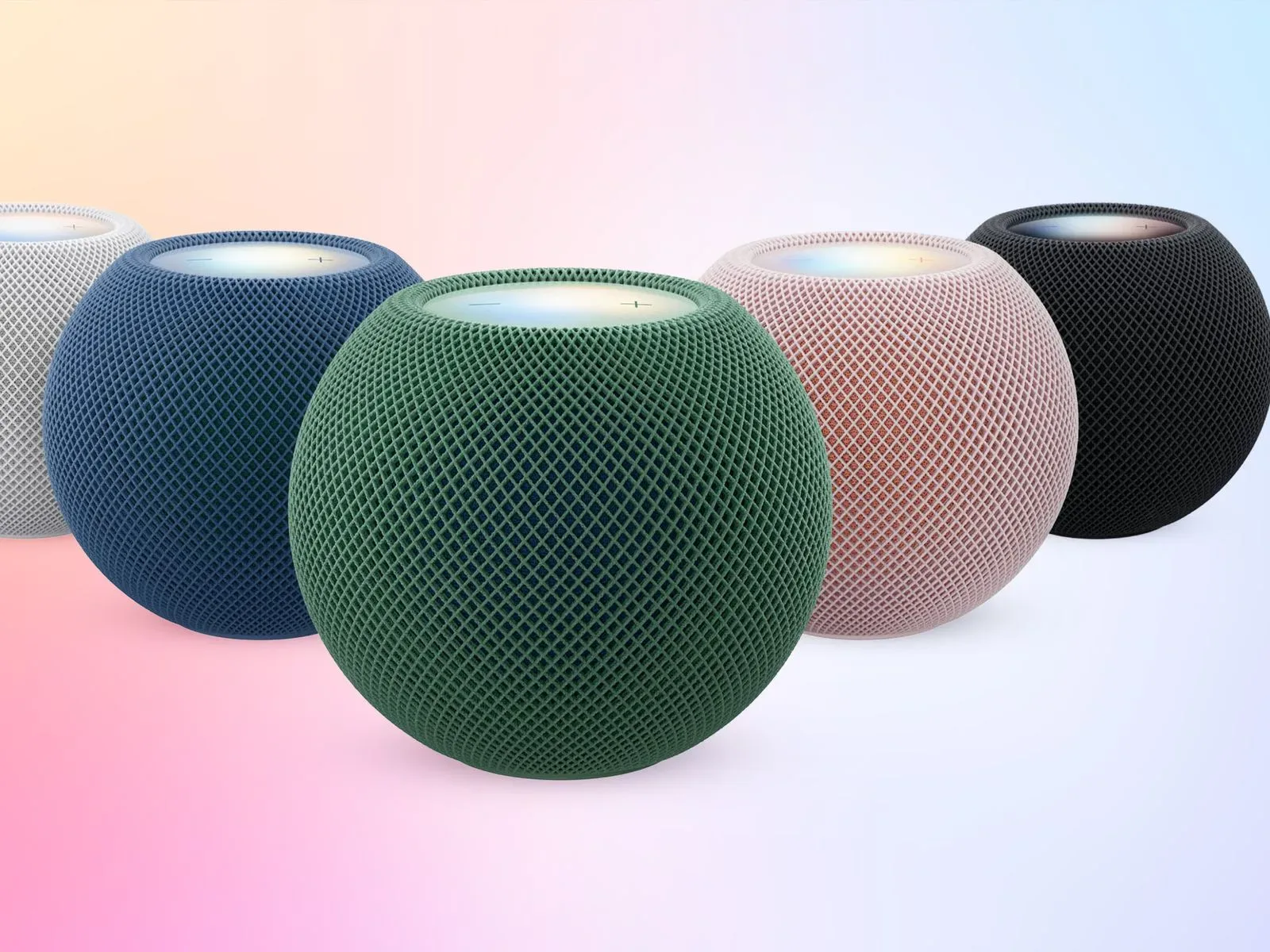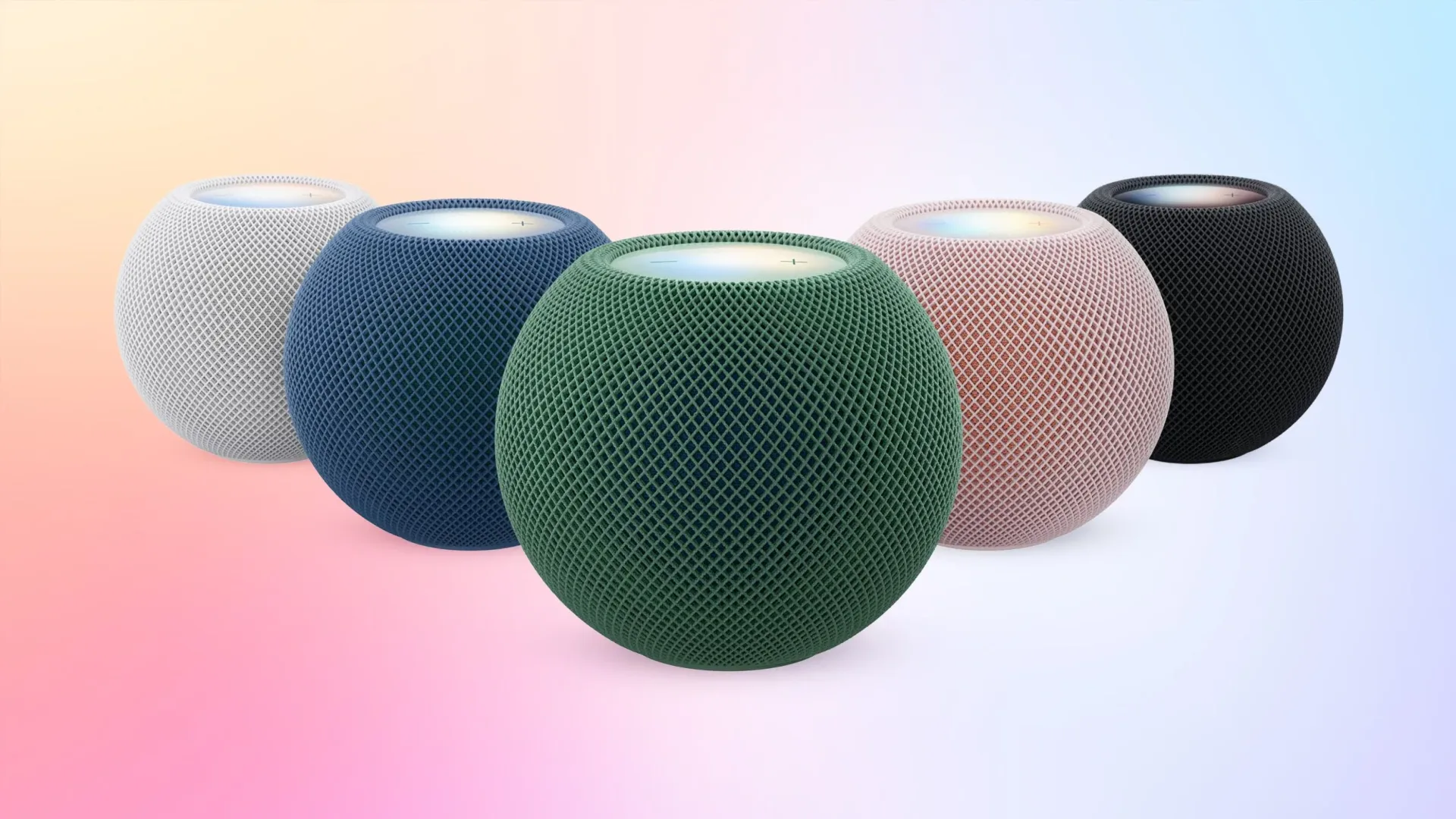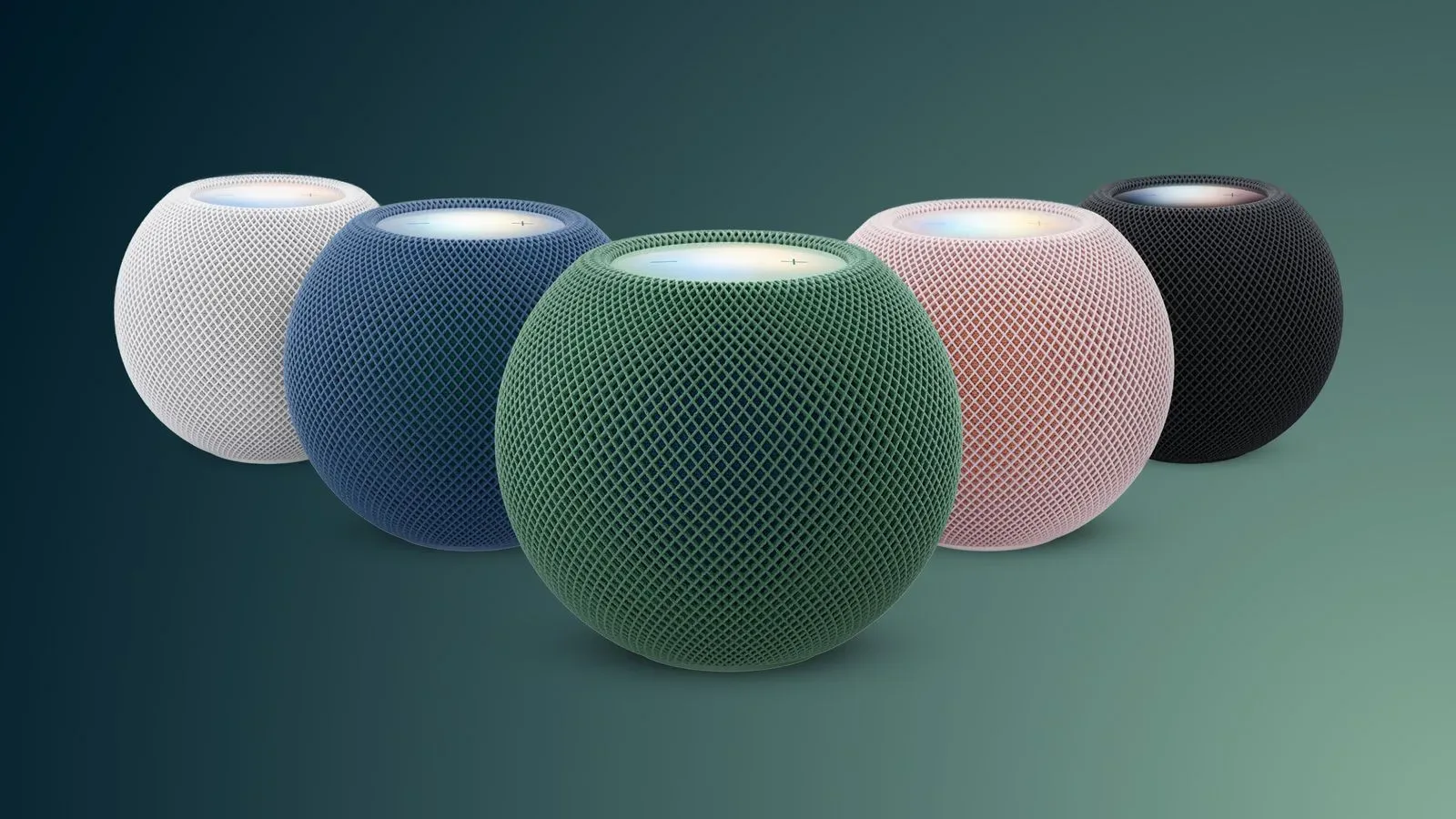
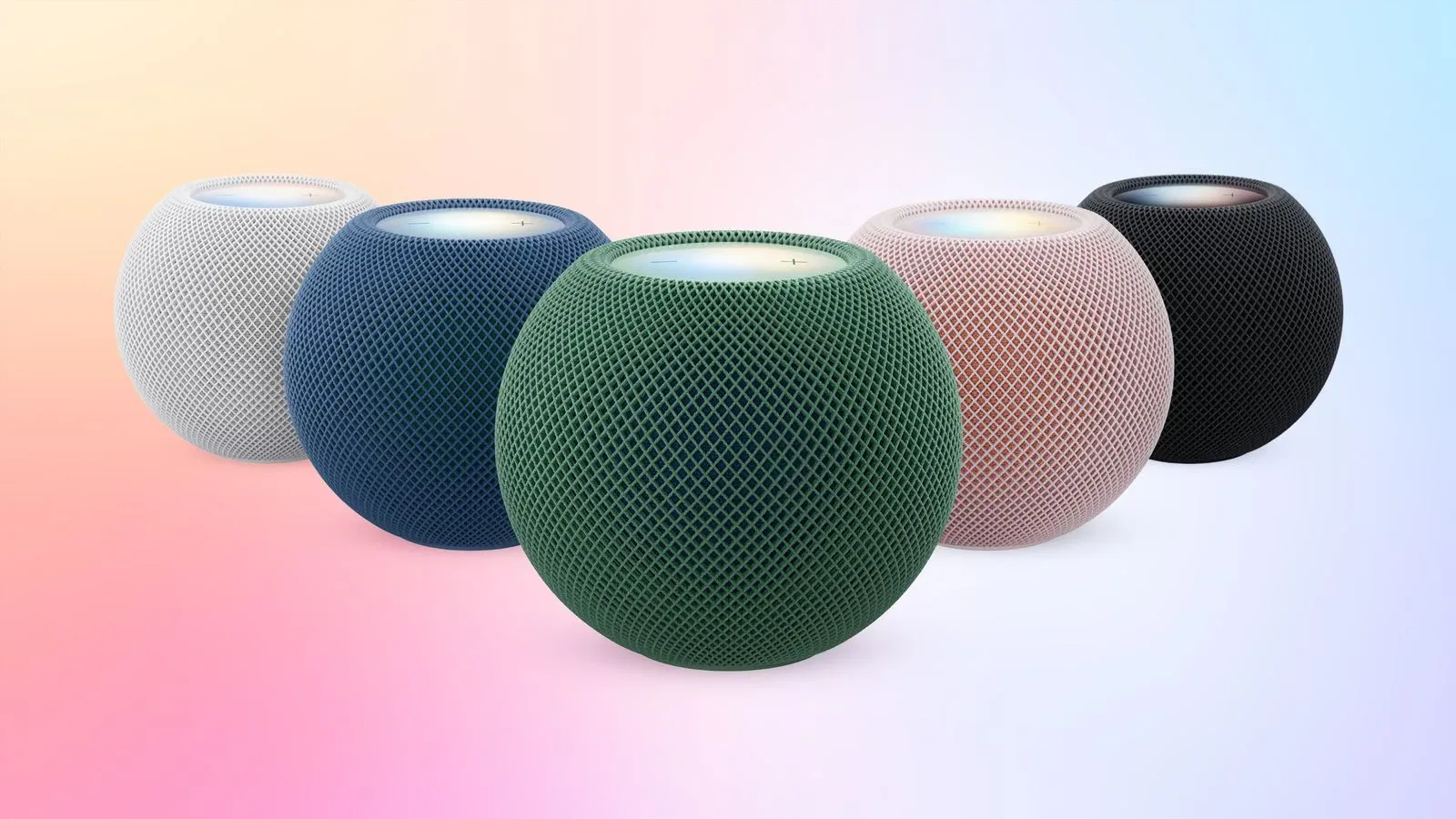
Apple’s HomePod mini 2 is meant to add a potentially useful desktop-audio trick: the ability to remain a Mac’s default speaker rather than behaving like a conventional, temporary AirPlay target. Early owner reports suggest that promise is not working reliably for everyone.
The reported failures fall into two broad camps. In one, the option for the persistent speaker connection does not appear at all, including on at least some Macs said to meet the listed hardware requirements. In the other, the feature initially works, only for the Mac to revert to its built-in speakers or a connected display’s speakers after sleep, a restart, or even a system notification.
That is a particularly awkward malfunction for people buying a stereo pair specifically for a desk setup. A speaker system can sound excellent and still be frustrating as a default output device if the computer repeatedly forgets it. For games, video, calls and ordinary desktop use, the practical value of a persistent connection is not merely avoiding a few clicks: it is knowing where sound will go after the routine interruptions of a workday.
What the new connection is supposed to change
The new capability arrived with HomePod Software 27.2. Apple describes it as a responsive, persistent AirPlay connection built around a wireless point-to-point link. In plain terms, point-to-point means the Mac and speakers are intended to maintain a more direct wireless relationship for audio, rather than treating the HomePods solely as a standard network playback destination that must be selected again when circumstances change.
This matters because ordinary AirPlay and a persistent default output are not quite the same proposition. Standard AirPlay can send audio to a speaker, but users may encounter delay, interruptions, output changes, or the need to choose the device again after a restart. The newer mode is intended to survive sleep and reboot behavior while remaining responsive enough for desktop use.
For HomePod mini 2, the feature requires macOS 27.2. It is also intended to work with the second-generation HomePod using the same software, provided the Wi-Fi 6E condition is met. Wi-Fi 6E is a Wi-Fi standard associated with access to the 6GHz band, alongside the more familiar 2.4GHz and 5GHz bands. Meeting that requirement, however, has not guaranteed that the option appears or remains stable in the reports so far.
Two distinct symptoms are emerging
The first problem is absence. One account describes a Mac mini with an M4 chip that met the cited Wi-Fi 6E requirement, yet never displayed the persistent-output option. The HomePods instead behaved as normal AirPlay speakers. That setup was also said to experience audio artifacts, dropouts and output switching after a restart or when Siri was used on a HomePod.
Audio artifacts are unwanted sounds or distortions introduced during playback or transmission. They can take several forms, but the important point here is that they are not part of the intended audio. Their presence alongside dropouts and switching suggests an experience closer to unstable wireless streaming than a reliable fixed desktop output.
The second issue appears to be the more commonly described one: the special mode exists and may work at first, but does not stay put. One owner who purchased a stereo pair for Mac audio said the setting for routing sound effects switched back to Studio Display speakers within a minute. The same account said a single notification could make the Mac lose the HomePods as its chosen output entirely.
Another reported test involving a Mac Studio reached an error after the machine woke from sleep, followed by audio playing through the computer’s internal speaker. Several owners have described similar failures, and at least two said they were returning their speakers. Reports from individual owners cannot establish how widespread a defect is, but they do show a consistent concern around the exact transitions the feature is supposed to handle: wake, restart and everyday system sounds.
Why sleep and notifications are the real test
A connection that works immediately after setup is only the first hurdle for a default speaker feature. Macs sleep. They restart after updates. Displays change inputs. Notifications fire while an app is open. A system meant to act like a permanently attached pair of speakers has to navigate those events without quietly moving output somewhere else.
That is why the reported fallback behavior matters more than a one-time pairing hiccup. If sound returns to a display, a laptop’s internal speakers or another default device, users may not notice until a game, call or video starts at the wrong volume and in the wrong place. The disruption is small in isolation, but repetition turns the advertised convenience into extra setup work.
There is also a latency angle. Latency is the delay between a Mac generating sound and that sound being heard from the speakers. It matters for gaming and video because a noticeable delay separates actions or images from their audio cues. One report recorded a fallback to standard AirPlay at around half a second of latency. Half a second is a substantial delay for interactive use, even if it may be less disruptive for casual background music.
That distinction is important when evaluating the HomePod mini 2’s Mac feature. The issue is not simply whether sound comes out of the speakers. It is whether it remains selected, remains responsive and remains usable as an all-purpose desktop audio solution.
A possible 6GHz clue, but not a confirmed fix
The cause has not been established. The most detailed technical report involved an M3 Max MacBook Pro on a UniFi network. In that case, logs reportedly indicated that the point-to-point link failed while the HomePods used a 6GHz network. Audio then fell back to ordinary AirPlay, with the reported latency increase.
Moving the speakers to a 5GHz-only network reportedly restored the lower-latency persistent mode in that one environment. That makes the network band a useful lead, not a universal answer. The available accounts do not show whether the other failures are also tied to 6GHz operation, a particular router configuration, software state, or something else entirely.
For owners considering that adjustment, the careful takeaway is that a 5GHz-only configuration has been reported to help in one setup. It should not be represented as an official workaround or proof that 6GHz is the underlying problem across all hardware. Changing network settings can also affect other devices and coverage, so it is better treated as a limited diagnostic step than a guaranteed remedy.
What prospective buyers should weigh
Anyone whose main goal is simply occasional music playback may view these reports differently from someone purchasing two speakers expressly as a Mac’s permanent audio system. The latter group is relying on the feature’s most important claims: persistence through sleep and restarts, responsive audio, and dependable default-device behavior.
Potential buyers should also distinguish the new mode from the basic ability to send Mac audio to a HomePod. The reports do not say that ordinary AirPlay has disappeared; rather, the concern is that the newer persistent connection is unavailable or collapses back into conventional AirPlay behavior. That fallback may still deliver sound, but it can reintroduce latency and reliability limitations the newer feature was meant to avoid.
For readers tracking desktop and PC-adjacent hardware alongside games such as Ranchonauts, the broader lesson is straightforward: low-friction audio is part of the setup, not an afterthought. A wireless speaker feature built for persistent system output needs to be judged during wake cycles, notifications and restarts, not only during its first successful connection.
At present, the evidence supports caution rather than a firm diagnosis. Some qualifying systems reportedly cannot expose the persistent option, while others lose the selection after routine Mac events. A single 5GHz-only network change appeared to resolve the problem in one reported configuration, but the pattern has not been confirmed across the wider set of complaints. Until the cause is clearer, buyers who need unwavering Mac speaker behavior should factor that uncertainty into the HomePod mini 2’s appeal.