Google is rolling out Gmail Live, a conversational, voice-driven way to search an inbox. The feature has moved out of beta after its introduction at Google I/O last month, and it is beginning to reach subscribers on Google AI Plus, Pro and Ultra plans this week.
The basic pitch is refreshingly direct: rather than manually trying keywords, dates, senders and assorted search operators against an overflowing inbox, a user can ask a question in ordinary language. Gmail Live is intended to scan messages and return the detail requested. Google’s examples include asking for a flight gate number or for a summary of what is happening at a child’s school during the week.
It is part of a broader set of “Live” features tied to Gemini. Gmail gets inbox retrieval; Docs gets a voice-led drafting tool that can bring together material from several Google services and the web; and Keep gets a way to turn spoken, loosely formed ideas into structured notes. Gmail and Keep are rolling out now for eligible consumer AI subscriptions, while Docs Live is limited to Pro and Ultra. The trio is also planned for Google Workspace business customers, though that availability is described only as coming soon.
What Gmail Live is meant to change
Email search has traditionally required the person searching to translate a real-world question into a database-style query. If the goal is to find travel information, that might mean remembering which airline sent the message, whether the relevant number appeared in a confirmation or an update, and roughly when it arrived. Buried reply chains make the job still more awkward.
Gmail Live shifts that interaction toward conversational search. In practical terms, that means the request can be phrased as a question rather than as a collection of search terms. The system’s role is to interpret what the user is asking, look through relevant inbox content and provide an answer quickly.
That distinction matters because the desired information is often not the email itself. Someone looking for a gate number does not necessarily want a list of every travel-related message; they want the one detail that resolves the immediate question. Likewise, “What’s going on at my kid’s school this week?” is a request for useful synthesis across messages, not simply a request to display anything containing “school.”
The feature resembles Gemini’s live voice conversations, but its scope is tailored to specific Google applications. In Gmail, the context is the inbox. That app-specific framing is important: this is not being presented as a general web answer engine, but as a way to ask questions of information already sitting in a user’s mail.
A quick technical distinction: retrieval versus generation
There are two separate tasks embedded in this kind of tool. Retrieval is finding material that relates to a request, such as the email containing flight information. Generation is turning that material into a concise answer, summary or useful next step. Gmail Live’s value depends on both being handled well: finding the wrong thread is unhelpful, but finding the right message and presenting a confusing response still creates friction.
The stated goal is to avoid endless thread-digging. That is a meaningful constraint on what success should look like. The feature is not merely a new microphone button for conventional search; it is intended to reduce the number of steps between a question and an actionable detail.
For users, the sensible expectation is assistance rather than infallibility. A conversational request can be broad, and inboxes can contain conflicting, old or incomplete information. When a detail has immediate consequences, such as travel logistics, the answer can save time, but the underlying email remains the useful place to verify the final particulars.
Docs Live turns a spoken brief into a first draft
Docs Live brings the same voice-first idea into document creation. A user can tell Gemini what kind of document they need, then allow it to pull relevant details from Gmail, Drive, Chat and the wider web. It can structure that material into a first draft and help refine the document’s tone.
This is a broader workflow than Gmail Live because it combines information gathering with composition. Instead of asking solely, “What did my email say?”, the user might articulate the shape and purpose of a document, then ask the system to assemble an initial version from relevant material.
A first draft is the key term here. It describes a starting structure rather than a finished, authoritative document. The useful outcome is a document that gives the user something organized to review and revise, sparing them from beginning with an empty page. Tone refinement is similarly about altering how that draft is expressed, rather than changing the underlying purpose of the document.
The set of possible inputs is notable. Gmail can supply correspondence; Drive can contribute stored files; Chat can provide conversational context; and the broader web adds another research channel. That gives Docs Live more reach than an inbox-only tool, but it also makes the user’s direction especially important. A clear spoken brief should help establish what kind of document is wanted and what information is relevant to it.
Docs Live is not included with every plan named for Gmail and Keep. It is reserved for Google AI Pro and Ultra subscribers. Anyone weighing the practical difference among the plans should therefore separate the features: Gmail Live and Keep Live are listed for Plus, Pro and Ultra, while Docs Live starts at Pro.
Keep Live aims to organize the messy first pass
Keep Live is focused on a different familiar problem: the half-formed thought that needs to be recorded immediately before it vanishes. Google Keep is ordinarily a place for quick notes, and the Live version is designed to capture spoken thoughts in the background, then organize and refine them into lists and notes without requiring typing.
Google describes this as turning “brain dumps” into actionable notes. A brain dump is simply an unstructured outpouring of ideas: useful raw material, but not necessarily ordered enough to act on. The proposed benefit is that the user can say what is on their mind naturally and receive a more usable format in return.
The supplied example concerns someone who has promised to paint a child’s room over a weekend and needs both instructions and supplies. Keep Live responds by preparing a painting note, including a shopping list and a how-to guide. That example shows the feature moving beyond transcription. It does not just preserve the sentence; it transforms the request into categories that support the task.
For planning, that can be more useful than a plain voice memo. A spoken thought often contains several implied needs—materials, steps, reminders and timing—even when it is voiced as one rambling sentence. Keep Live is meant to identify that structure and make it visible. The result is potentially easier to scan, amend and use later.
There is also a useful division of labor across the three products. Gmail Live is positioned around finding an answer in communications. Docs Live is positioned around developing a document from gathered details. Keep Live is positioned around capturing and arranging an idea before it has fully become a plan. The common interface is conversational voice, but the intended result differs with the app.
Who gets the new tools, and when
The rollout has several eligibility boundaries:
- Gmail Live: rolling out this week for Google AI Plus, Pro and Ultra subscribers.
- Keep Live: rolling out this week for Google AI Plus, Pro and Ultra subscribers.
- Docs Live: available for Google AI Pro and Ultra subscribers, not the Plus tier.
- Google Workspace: all of the features are planned for business customers, but no more specific timing is provided beyond “coming soon.”
Those distinctions are worth keeping straight, particularly because the three tools are introduced as a family. Access to one does not automatically establish access to every Live feature. Consumer subscribers at the Plus tier can receive the Gmail and Keep experiences, while the document-creation capability has a higher stated threshold.
Why the move matters beyond email search
The announcement shows Google applying a common AI interaction model across several work and life-management tools. Voice is not merely another way to input text here; it is the front door for asking questions, framing a writing assignment or offloading a note before the speaker has organized it themselves.
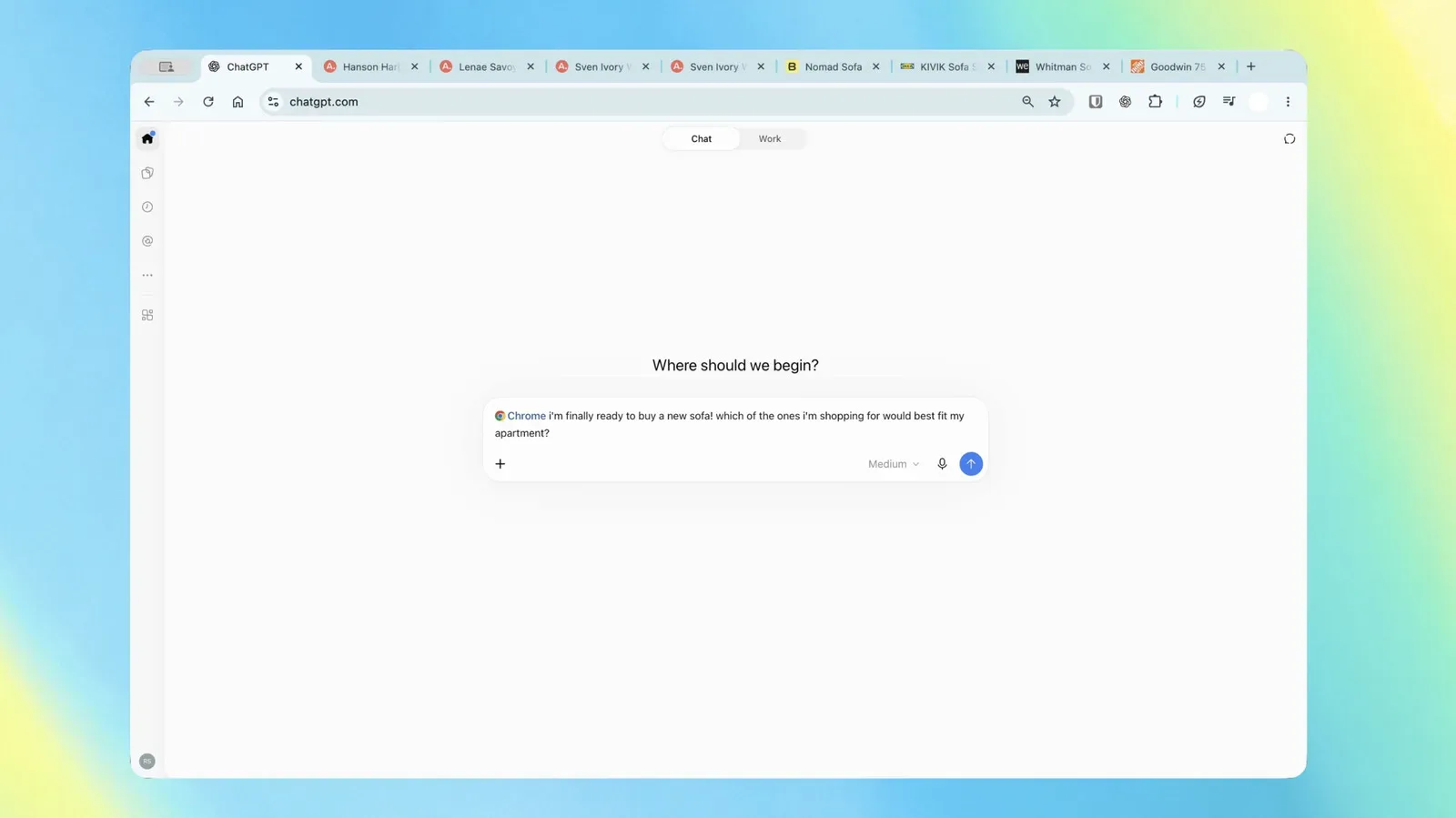
That direction will feel familiar to anyone watching AI tools move from standalone chat windows into everyday software. For another example of the wider shift toward assistants working with material already open or available to the user, see the recent expansion of browser-based AI tasks.
Google’s version is more tightly organized around its own app ecosystem. The advantage, as presented, is contextual help where the information already lives: email details in Gmail, source material and drafting in Docs, quick personal planning in Keep. The central question for users is not whether they can talk to an AI, but whether that conversation saves enough searching, sorting and formatting to become part of their normal routine.
For now, the clearest immediate use case is Gmail Live: an attempt to replace the familiar ritual of opening several old messages and manually hunting through their contents. Docs Live and Keep Live extend the same promise into the work that follows—making a draft from scattered information, or turning an unfinished thought into a list that can actually be acted upon.