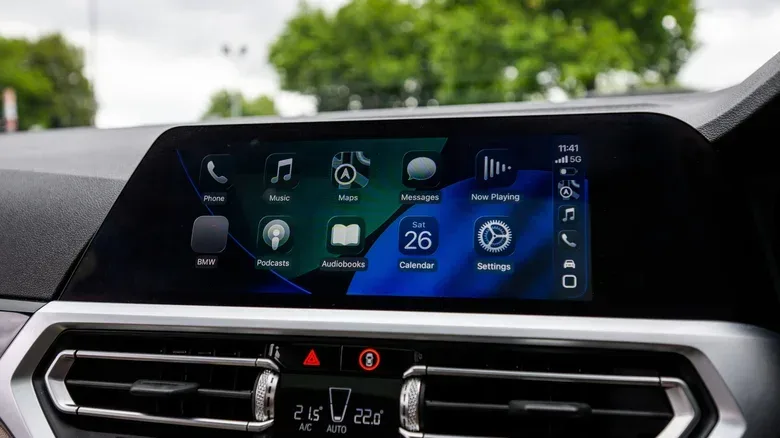
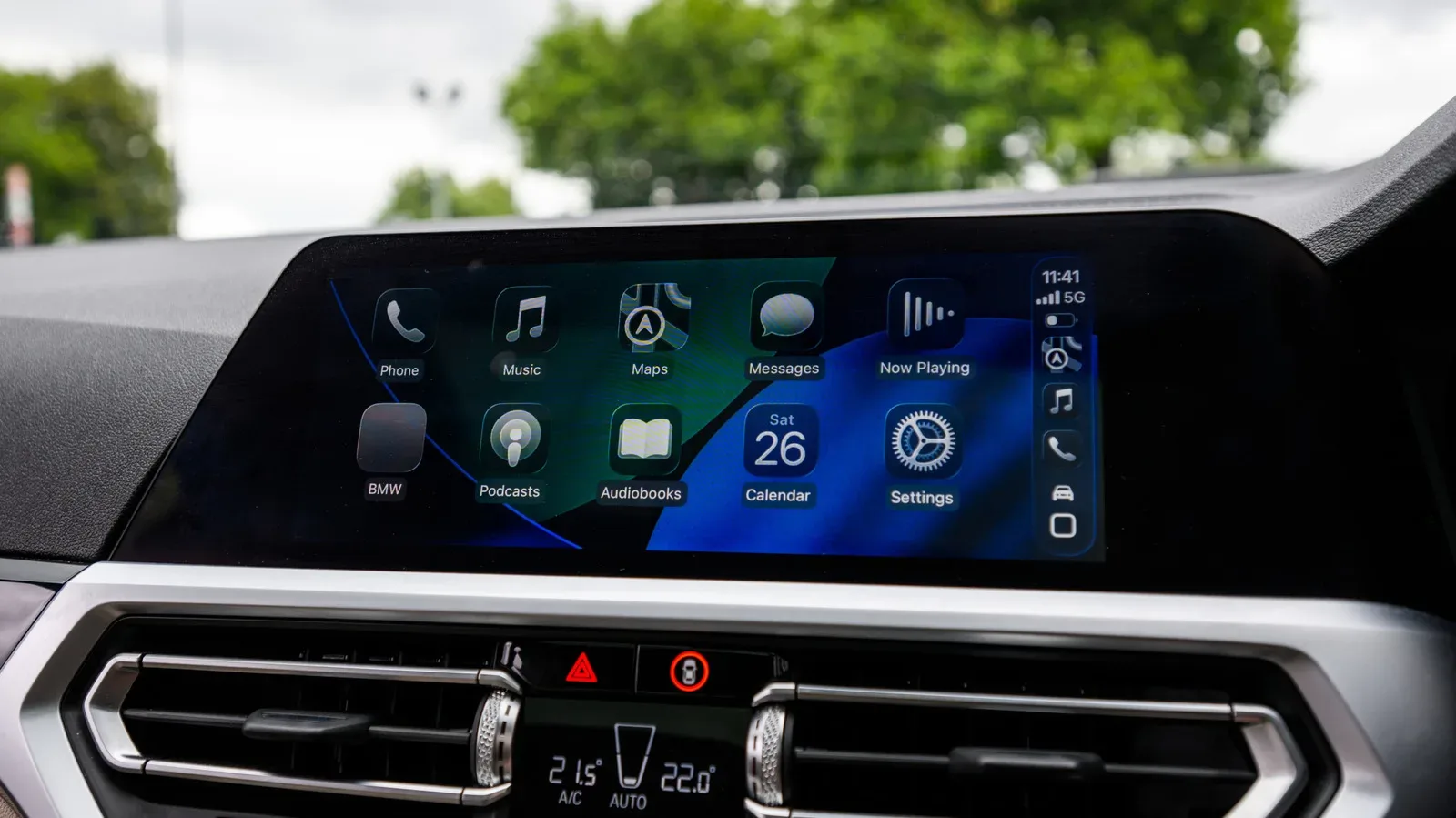
CarPlay is often thought of as an in-car navigation screen, but its audio support is just as important. Music, podcasts, audiobooks and live stations can all be surfaced through the dashboard interface, giving iPhone users more choice than the default Apple apps alone. The useful question is not simply which app is “best,” but which listening habit an app serves: streaming everything from one service, reviving an old music library, carrying files offline, managing a large podcast queue or following radio while away from home.
That distinction matters because these five CarPlay-compatible apps approach audio in notably different ways. Spotify is built around a broad streaming catalogue and combines several audio formats in one place. SongCapsule is more focused on making an existing library feel fresh. VLC prioritizes local files and format support. Pocket Casts provides granular podcast controls. TuneIn turns an iPhone and CarPlay display into an entry point for internet radio.
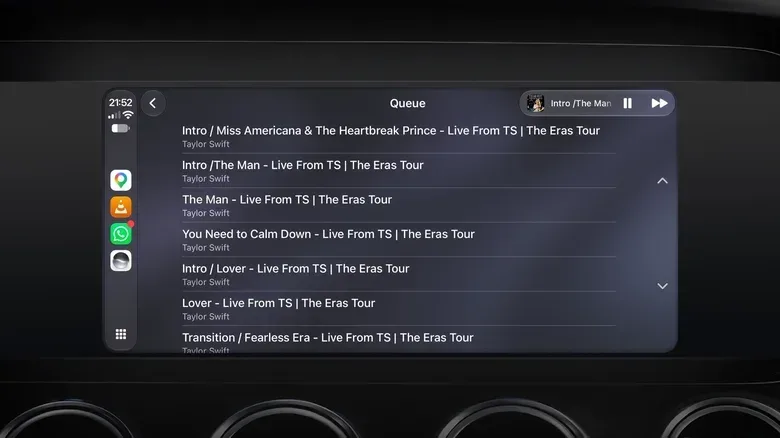
iOS 27 also changes the wider CarPlay audio experience with a persistent mini player in the upper-right corner, providing quicker access to playback controls while another compatible app is open. That makes app selection less about fighting through menus and more about choosing the library, queue tools and offline options that fit a trip before it starts.
Spotify: a single home for songs, podcasts and audiobooks
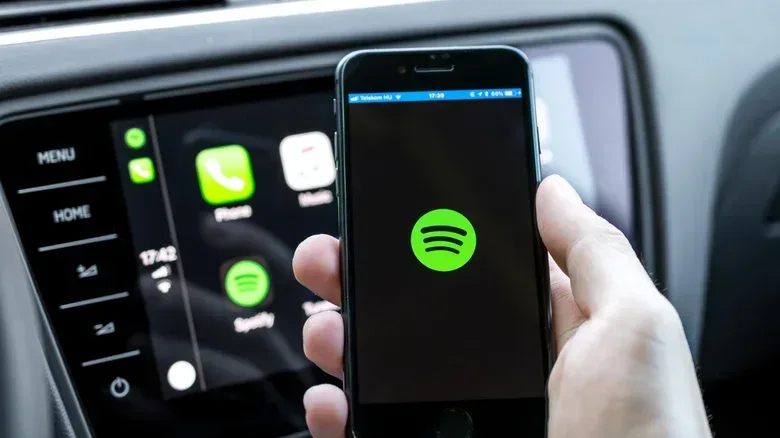
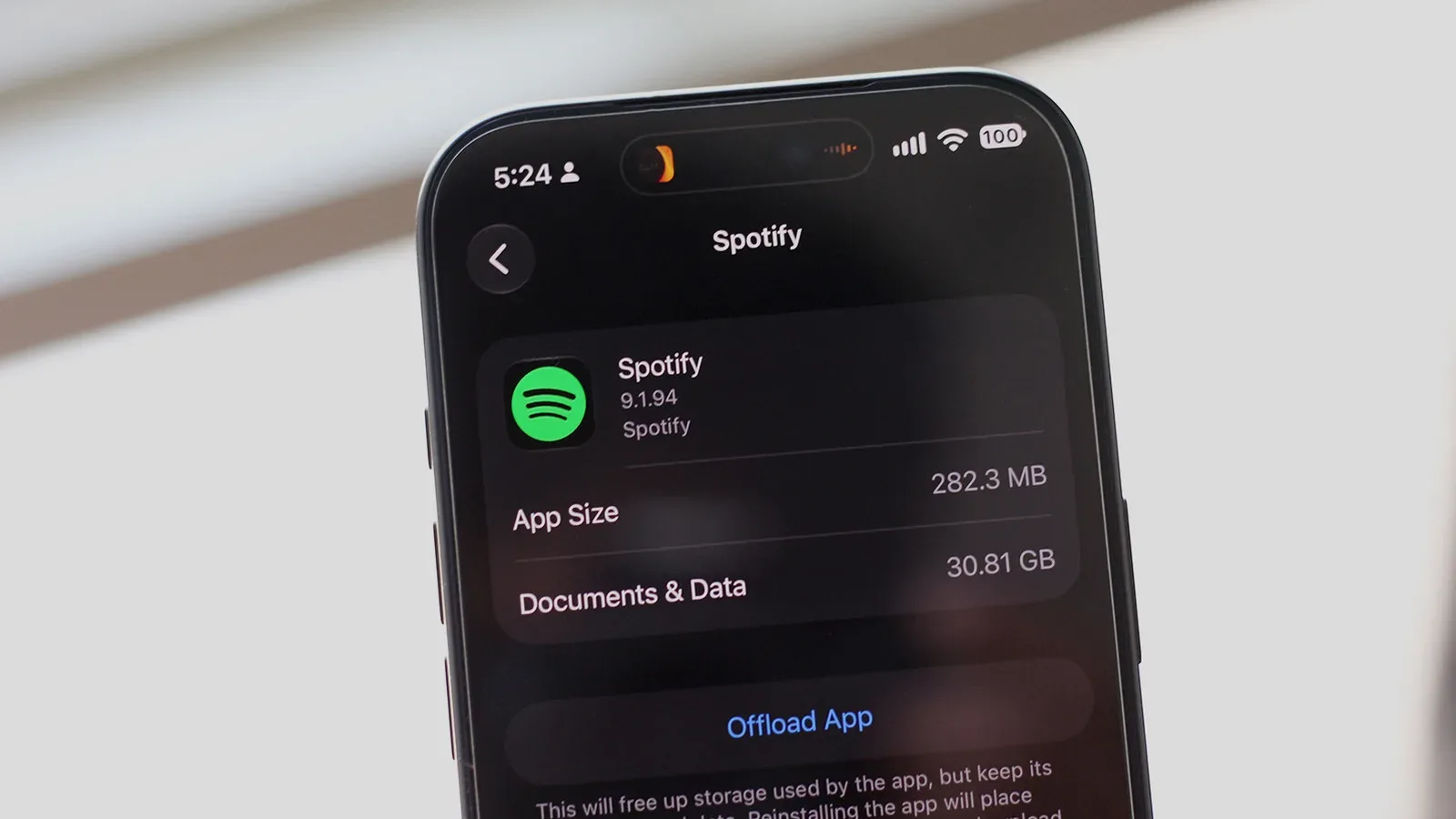
Spotify is the obvious pick for listeners who want a major streaming service in CarPlay, especially if they prefer songs, podcasts and audiobooks under a single app. Rather than dividing music and podcasts into separate destinations, its model brings them together. For someone who moves between a playlist, a serialized show and an audiobook chapter, that consolidation can make their phone-side library easier to manage before getting in the car.
The app has a free tier, which means it can be used without a monthly payment, although advertising is part of playback on that level. Spotify Premium is listed at $12.99 per month for an ad-free experience, and it also enables lossless audio and offline playback.
What “offline playback” means: instead of depending entirely on an active connection, audio can be downloaded ahead of time for playback from the device. That is the central practical benefit for listeners who want their selected music ready to go, rather than relying on streaming during a journey.
Spotify’s strongest argument is breadth rather than specialization. It is a fit for people who already organize their listening there and want the same ecosystem on the dashboard. Its free entry point is also significant: users can explore the CarPlay app without committing to the Premium tier, accepting the presence of ads as the tradeoff.
SongCapsule: a library rediscovery tool for Apple Music users
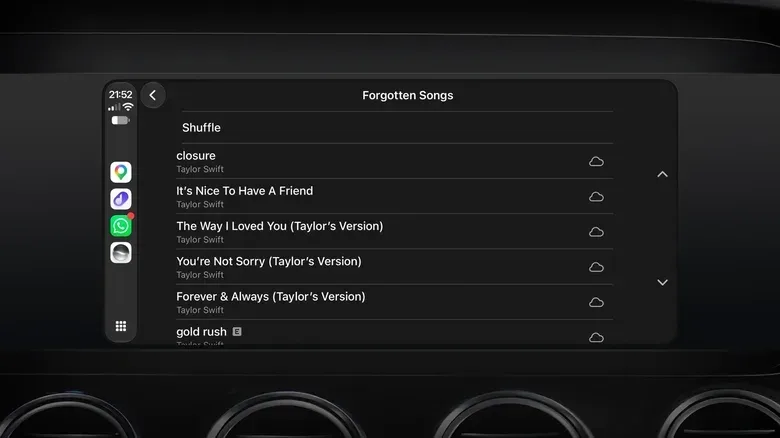
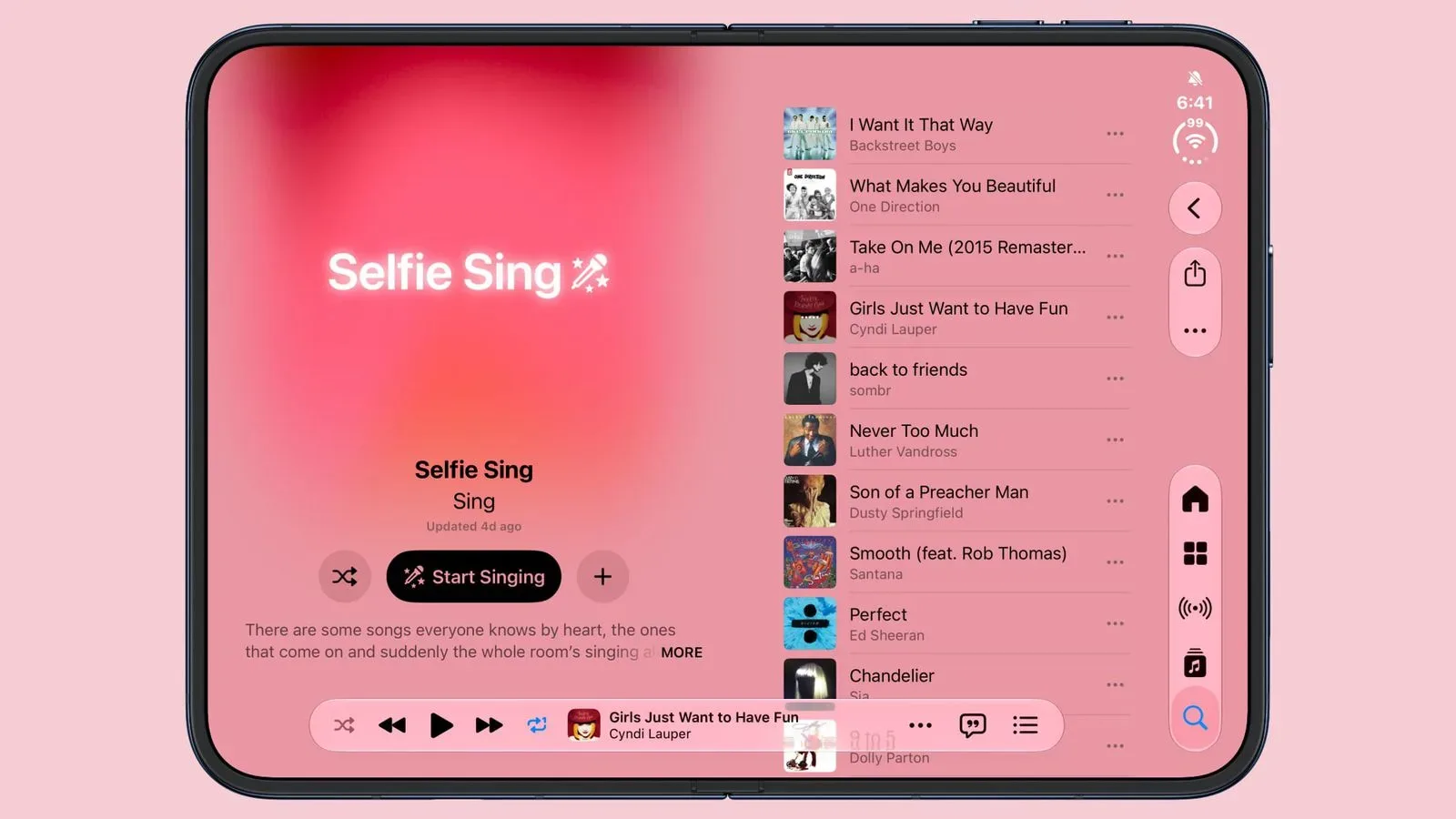
SongCapsule takes a different path. It is an iOS-only independent app aimed particularly at Apple Music subscribers, with an emphasis on finding songs that have fallen out of regular rotation. Its playlists can be tailored to a listener’s tastes and sorted around artists or genres, while users can also set their own playlist criteria or shuffle the full library.
That makes SongCapsule less about supplying an endless external catalogue and more about reframing music someone already owns or has saved. Its “personal DJ” role is useful for the listener whose library has become so large that familiar favorites keep crowding out older material.
The app costs $5 as a one-time purchase, with no recurring subscription described. It works across iPad, Mac and Vision Pro in addition to iPhone and CarPlay. Importantly, it is not restricted to Apple Music subscribers: a local music library can also be used.
Why that difference matters: a local library is audio stored by the user rather than fetched from a streaming catalogue. In the CarPlay context, that gives SongCapsule an audience beyond subscription listeners while retaining its core appeal: organizing and resurfacing material that is already part of a collection.
For people who see a commute as a chance to revisit albums and artists they have neglected, SongCapsule has a clearer identity than a general streaming app. It is not presented as a replacement for every service; it is a discovery layer for music a listener already has access to.
VLC: the straightforward choice for offline personal files
VLC is the simplest recommendation for listeners whose priority is keeping their own audio files on an iPhone. The free, open-source app supports a wide range of codecs and formats, including FLAC and AC3, and it has no subscriptions or ads. VLC is also available across major platforms including macOS, Windows, iOS and Android, as well as CarPlay.
A codec, explained: a codec is the method used to encode and decode digital media. Support for more codecs and formats can be valuable when a music library includes files that are not in a single common format. VLC’s reputation is built around that flexibility rather than recommendation systems or editorial playlists.
Within CarPlay, VLC organizes a library by artist and playlist. Files can be transferred using the Files app or a computer. The app does not offer curated playlists, and that is really the point: VLC is designed for direct control over a personal library, not for discovery through an algorithm or live streaming feed.
That makes it a particularly clean option for offline listening. Users who have already acquired and organized their own files can bring them into the CarPlay interface without taking on ads or a subscription. In an audio landscape dominated by streaming platforms, VLC’s appeal is that it leaves the library and its organization in the listener’s hands.
Device choices and setup habits can influence entertainment experiences well beyond the car, as seen in this look at why a gaming laptop’s resting surface can create a heat problem. VLC represents a similarly practical approach: know the files and hardware you are using, then choose the tool that directly supports them.
Pocket Casts: deeper controls for serious podcast queues
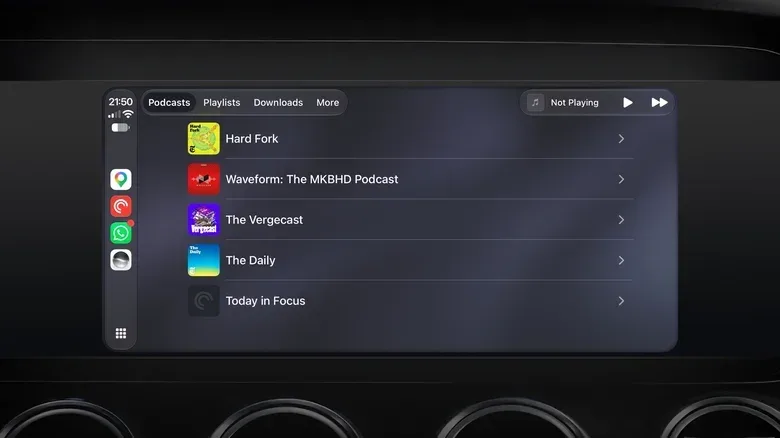
Apple Podcasts is built into CarPlay, but Pocket Casts is positioned for listeners who want more control over how shows and individual episodes are handled. The app is free to download, supports CarPlay and includes a paid subscription option. Its tools include silence trimming, adjustable playback speed and user-made filters that automatically sort episodes.
Silence trimming removes or reduces quiet gaps in a recording. Playback speed lets a listener make an episode play faster or slower than its standard pace. Neither tool changes what a program is; they change how a listener moves through it. Filters, meanwhile, provide a way to sort episodes automatically according to rules created by the user.
Those controls are especially useful when a podcast library is large or when shows publish frequent segments. Pocket Casts mirrors the iPhone’s queue and filters in CarPlay, so there is no separate in-car organization job. The selection prepared on the phone appears on the dashboard interface in the same form.
The CarPlay app also displays episode artwork. This is a small but sensible detail for podcasts that release an episode in multiple segments, each with distinct cover art. Paid subscribers can gain cloud storage for uploading their own audio files, extending the app beyond standard podcast feeds.
Pocket Casts is therefore not merely an alternative player. It is a management-oriented choice for listeners who care about queue order, sorting rules and listening pace. Someone who plays one occasional show may not need its extra depth; someone keeping up with numerous series may find that its structure prevents the queue from becoming a mess.
TuneIn: live radio from local favorites to stations abroad
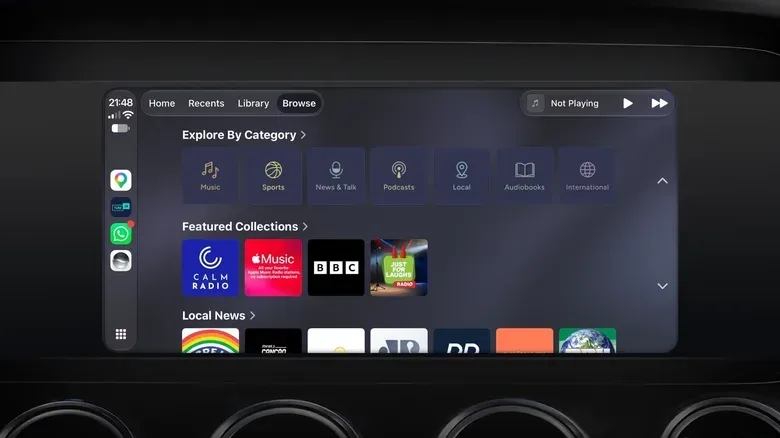
TuneIn is the option for listeners who value the unpredictability and immediacy of radio. It provides access to more than 100,000 stations from around the world through live streaming, including stations organized around categories such as news and sports. Listening is free with ads.
Its value is easy to understand for travel. A local favorite can be accessed when away from its normal broadcast area, while stations from other places can be explored from the same CarPlay setup. Bookmarked stations on an iPhone appear in the CarPlay app, avoiding the need to search again at the dashboard.
TuneIn also supports Siri requests for specific stations, offering a hands-free route to selection. The paid plan costs $9.99 per month and unlocks live sports and audiobooks while reducing the number of ads.
Live streaming is not the same as a downloaded file: it is an ongoing internet-delivered broadcast rather than a track saved for later playback. That is exactly what gives TuneIn its radio-like feel, but it also distinguishes the service from the offline-first approach offered by VLC or the downloadable playback available through Spotify Premium.
Choosing the right app starts with the listening habit
- Choose Spotify for a broad streaming service that puts music, podcasts and audiobooks together, with a free ad-supported tier and a $12.99-per-month Premium option.
- Choose SongCapsule to rediscover an Apple Music or local library through tailored playlists and library-focused controls; it is a $5 one-time purchase.
- Choose VLC for a free, ad-free and subscription-free route to personal audio files, including varied formats such as FLAC and AC3.
- Choose Pocket Casts when podcast queue management, filters, silence trimming and playback-speed controls are the priority.
- Choose TuneIn for live radio, saved stations and voice access through Siri, with an ad-supported free version and a $9.99-per-month paid plan.
How to add an installed app to CarPlay
Having an app on an iPhone does not necessarily mean it is already visible in CarPlay. The setup process is handled from the phone: open Settings, select General, then tap CarPlay. Choose the vehicle from the available list and select Customize.
If a compatible app appears in the lower list, use the green Plus button to add it to CarPlay. The same screen can be used to rearrange the apps afterward. That organization step is worth doing before a drive: place the audio service used most often where it is easiest to find, while keeping less frequent choices available without giving them prime screen space.
There is no universal winner among these five because they do not solve the same problem. The practical split is clear: Spotify is an all-in-one streaming hub; SongCapsule is for library rediscovery; VLC is for local files; Pocket Casts is for podcast control; TuneIn is for live radio. CarPlay’s improved persistent mini player makes switching between compatible audio experiences more convenient, but the best setup still begins with selecting the app that matches what a listener wants to hear.