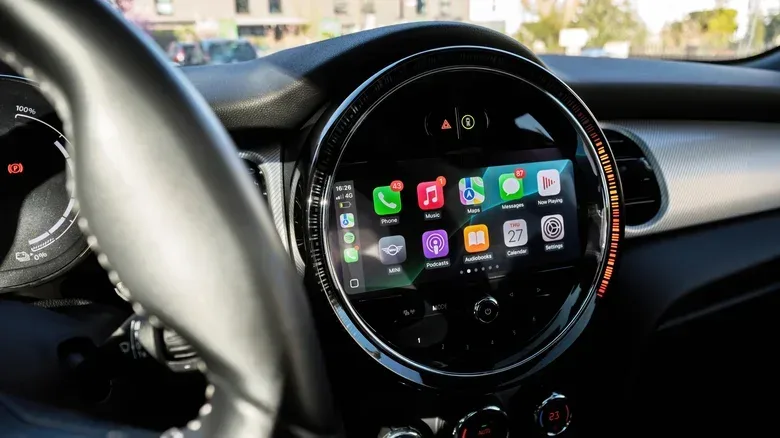
CarPlay is usually treated as the friendly co-pilot for maps, playlists and calls. It can put directions where they belong, keep a podcast moving and save a driver from interacting with a phone at every junction. But it is not, in its regular form, a complete window into the mechanical and electrical state of a car.
That distinction matters for anyone hoping to turn an iPhone-connected dashboard into a miniature pit wall. CarPlay Ultra, introduced in 2025, is designed for a much broader role than standard CarPlay. It can monitor and adjust core vehicle systems and alter the instrument cluster behind the steering wheel when that cluster uses an LCD or OLED display. The catch is compatibility: Aston Martin is the only automaker with supported vehicles on the road at present, despite support having been promised by other manufacturers.
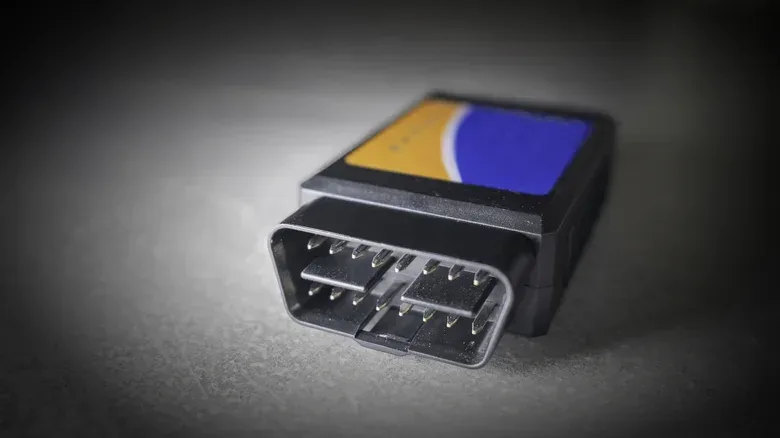
So the practical route for most drivers is less glamorous and considerably less expensive: use an iPhone-compatible OBD-II adapter with an app that can interpret the car’s data. It is a setup that does not turn every vehicle into a fully integrated CarPlay Ultra machine. What it can do is offer live gauges, fault information and trip records without requiring a rare compatible car.
First, separate CarPlay from the car’s own computer
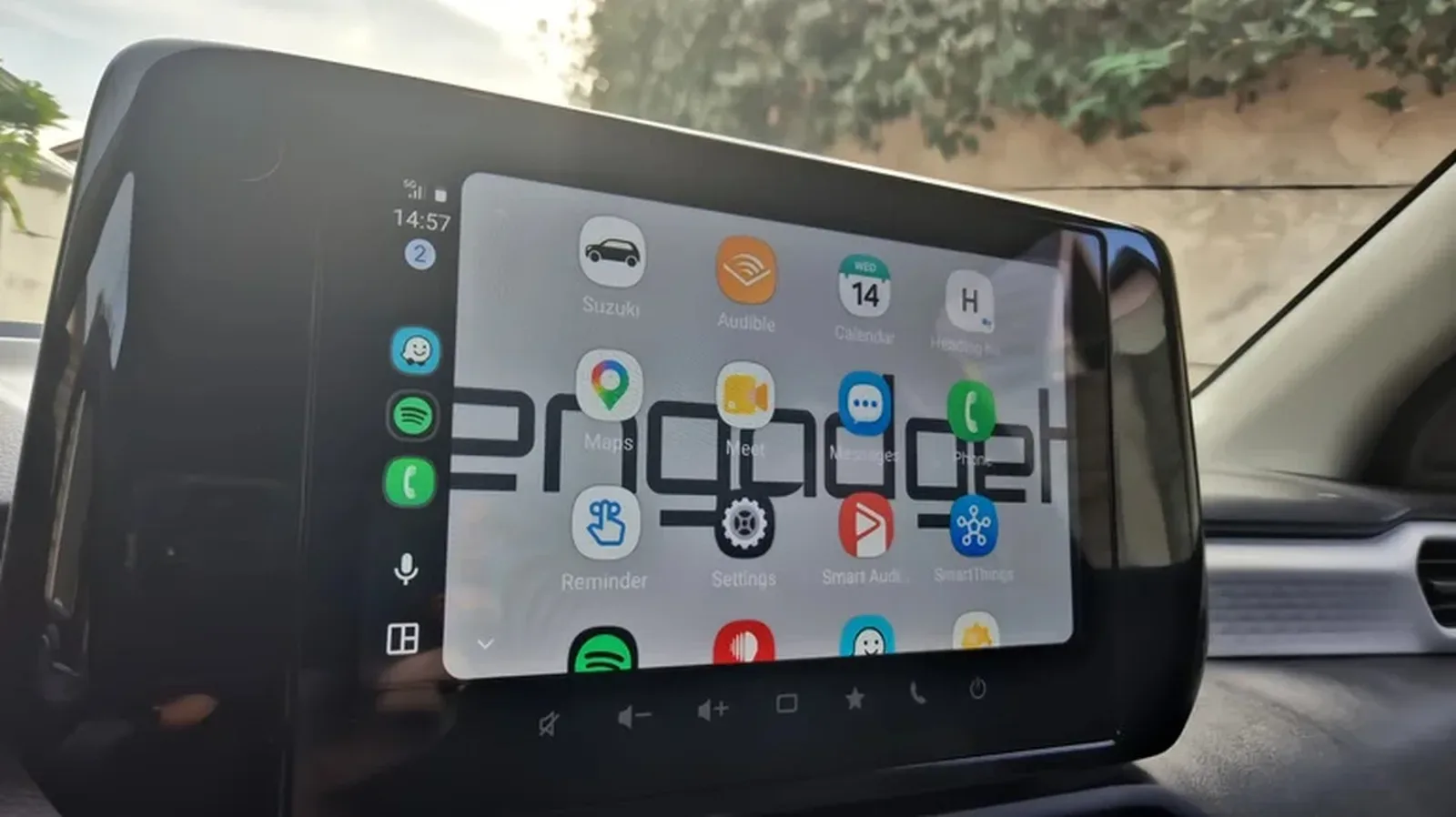
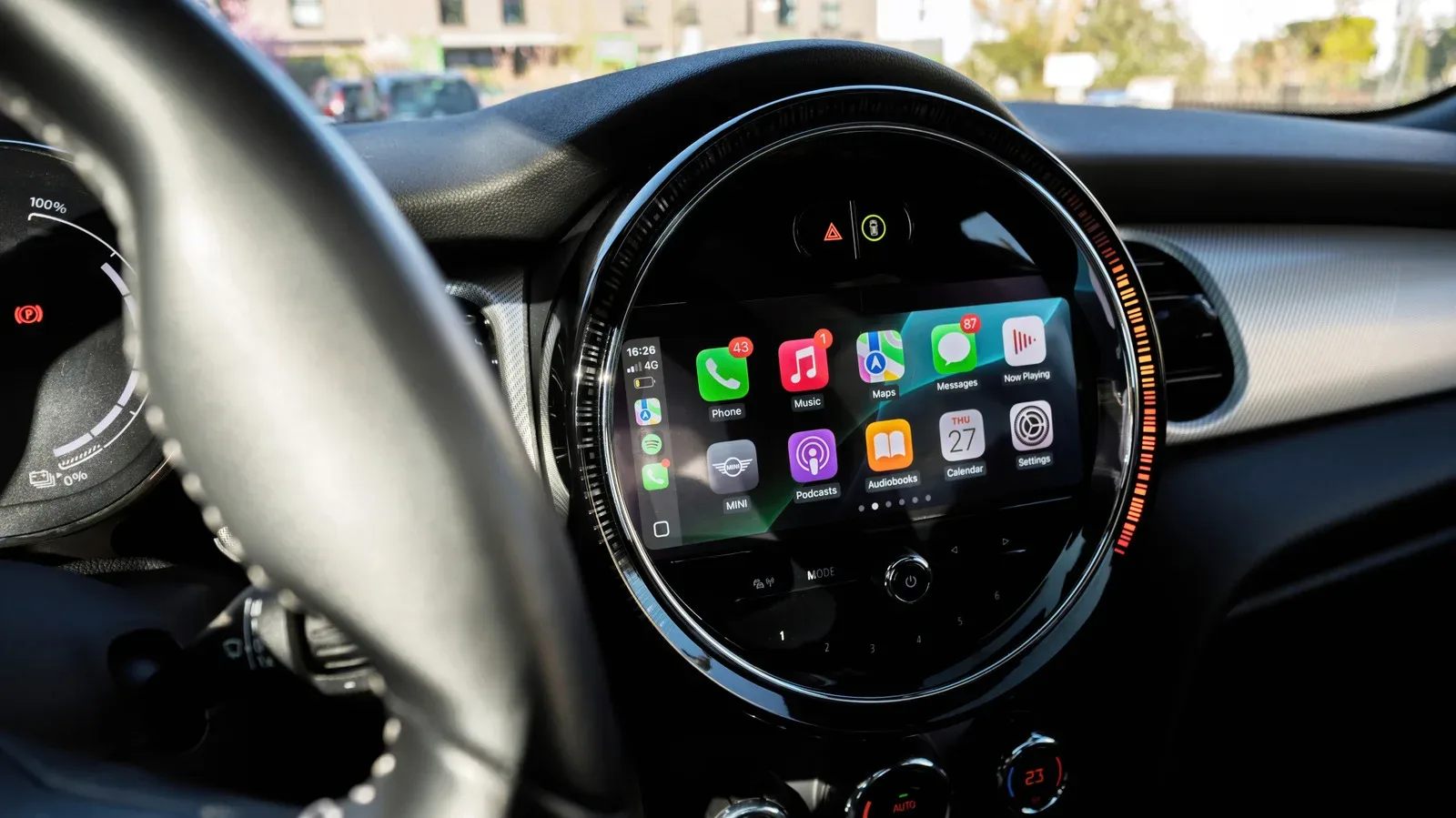
The key technical point is that ordinary CarPlay is generally a projection system. The apps are running from the iPhone and shown through the vehicle display, rather than running as native software inside the dashboard. Standard CarPlay has limited links to onboard systems, including Bluetooth and, in Apple Maps, EV battery-level information. That is useful integration, but it is not blanket access to the car’s internal data.
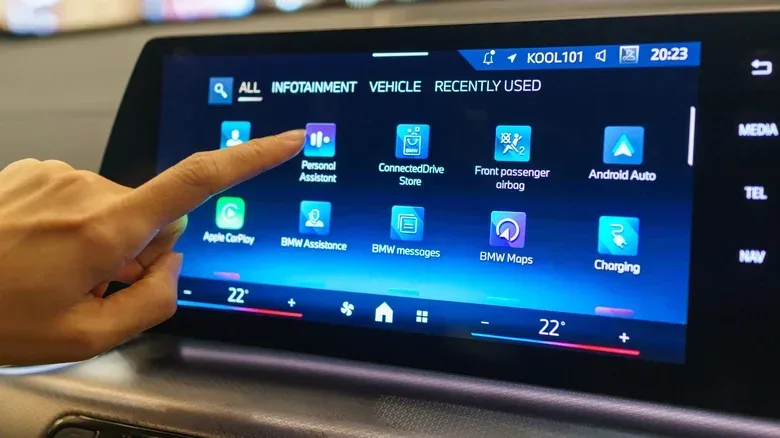
This is why a vehicle can support CarPlay perfectly well for navigation and audio while still declining to show detailed engine or diagnostic metrics through it. The dashboard screen is not automatically an all-access pass to the vehicle’s computer. The phone, the infotainment system and the vehicle data all have to be connected in a way the manufacturer and software support.
CarPlay Ultra is meant to change that relationship, with a more extensive presence across the vehicle interface. Yet the limited rollout also illustrates why that is difficult. Allowing a phone platform to influence the visual presentation and functions of core vehicle systems is a much larger commitment than allowing navigation instructions and album art on an infotainment display.
OBD-II is the useful shortcut for deeper data
OBD-II means On-Board Diagnostics II. It is a government-mandated technology in regions including the United States and Europe, and it is the same diagnostic foundation technicians use during service work. In simple terms, it provides a standardized path to certain raw information from a vehicle.
An iPhone-compatible OBD-II scanner or adapter is the extra hardware that makes this route possible. Adapters can be found for under $50, making the barrier to entry much lower than replacing a car or waiting for a broader Ultra rollout. The adapter is the bridge: it reads the information the vehicle is intended to share through OBD-II, while the phone app turns that information into something legible and, potentially, useful.
Related coverage includes How to monitor your car with CarPlay without upgrading to Ultra.
That division of labor is important. The adapter does not magically make every metric available, and an app screen should not be confused with a full diagnosis from a technician. But it can make more detailed data available than ordinary projected CarPlay alone.
What the right app can add
For drivers who want the widest view of vehicle information, WrenchTime Pro is presented as an option for live gauges, trip recording and alerts about serious issues. “Live gauges” refers to current readings displayed as the car is operating, rather than a record entered after a journey. “Trip recording” is exactly what it sounds like: storing information tied to drives over time. Together, those tools can make a phone a more capable record-keeper than a dashboard warning light that only appears once something has already demanded attention.
Pelican takes a slightly different angle. It combines OBD-II diagnostics with live navigation based on OpenStreetMap. For a driver who wants information for everyday journeys rather than a screen focused chiefly on diagnostics, that blend is potentially the more intuitive fit. Navigation remains part of the driving task; the diagnostic layer can sit beside it instead of turning every commute into an amateur service appointment.
The choice comes down to the question being asked. A driver interested in a serious problem warning or a broad set of gauges has different needs from someone who chiefly wants journey context and navigation. That is a more useful way to shop than simply looking for the app with the busiest instrument-panel impersonation.
Low-cost tracking can be valuable even without a scanner
Not every useful car metric needs a direct diagnostic connection. Some apps work from the information a driver logs, making them a lower-cost choice for people who want to understand operating costs and travel patterns rather than analyze vehicle diagnostics.
Fuelio, for example, records fill-ups and uses them to show fuel efficiency and spending. That is not the same category of information as a live OBD-II gauge. It is retrospective, built around fuel purchases, but it can answer the everyday questions many people actually have: how efficiently is the vehicle being used, and what is that usage costing?
Trip Logbook functions as an advanced odometer. It can record trips manually or automatically and supports Siri voice commands through a premade shortcut. The practical distinction here is between trip documentation and mechanical monitoring. A detailed trip history can be useful on its own, but it does not claim to expose the diagnostic depth offered by an OBD-II connection.
That difference is worth preserving because “performance tracking” is an umbrella term that can hide several unrelated jobs. Live gauges, fault flags, fuel-cost tracking and a journey log all describe data about motoring, but they answer different questions and rely on different inputs. Choosing the smallest setup that answers the actual question is often better than collecting dashboards just because the graphs look like a racing game’s telemetry menu.
EV owners have another planning layer
Electric-vehicle ownership adds charging logistics to the equation. PlugShare is not positioned as a direct performance-monitoring tool, but it can help drivers plan trips around their particular vehicle’s requirements or find nearby chargers that are compatible and available.
That is operationally meaningful rather than merely convenient. An EV can occupy a fast charger for roughly 20 minutes to an hour, so arriving at an unsuitable or unavailable charger can affect an entire trip. In this context, charger compatibility and availability are forms of actionable vehicle information, even if they are not engine-style diagnostic readings.
It also reinforces the broader lesson: the most useful dashboard data is not always a gauge. For an EV journey, a charging plan can be more valuable than another numerical display. For a combustion vehicle, fill-up history might be more useful than a dense live-readout screen. The right tool depends on whether the goal is diagnosing a concern, tracking costs, recording travel or getting reliably to a charger.
Why carmakers keep the gates partly closed
The scarcity of deeper CarPlay access is not just a technical accident. Automakers may prefer drivers to use built-in apps and services, some of which can be connected to subscription fees. BMW previously attempted to charge for CarPlay, an approach that ultimately backfired.
There is also a control issue. Once vehicle information reaches an iPhone, the manufacturer has less control over how that data is presented and used, aside from the raw information OBD-II is designed to share. Supporting third-party platforms may also create additional work for automakers, including ongoing support obligations.
That helps explain why the step from navigation integration to deep vehicle integration is so substantial. A map app does not need to dictate the appearance, behavior or functions of a vehicle’s instruments. A platform that customizes the cluster and can adjust core systems enters a much more consequential part of the car experience.
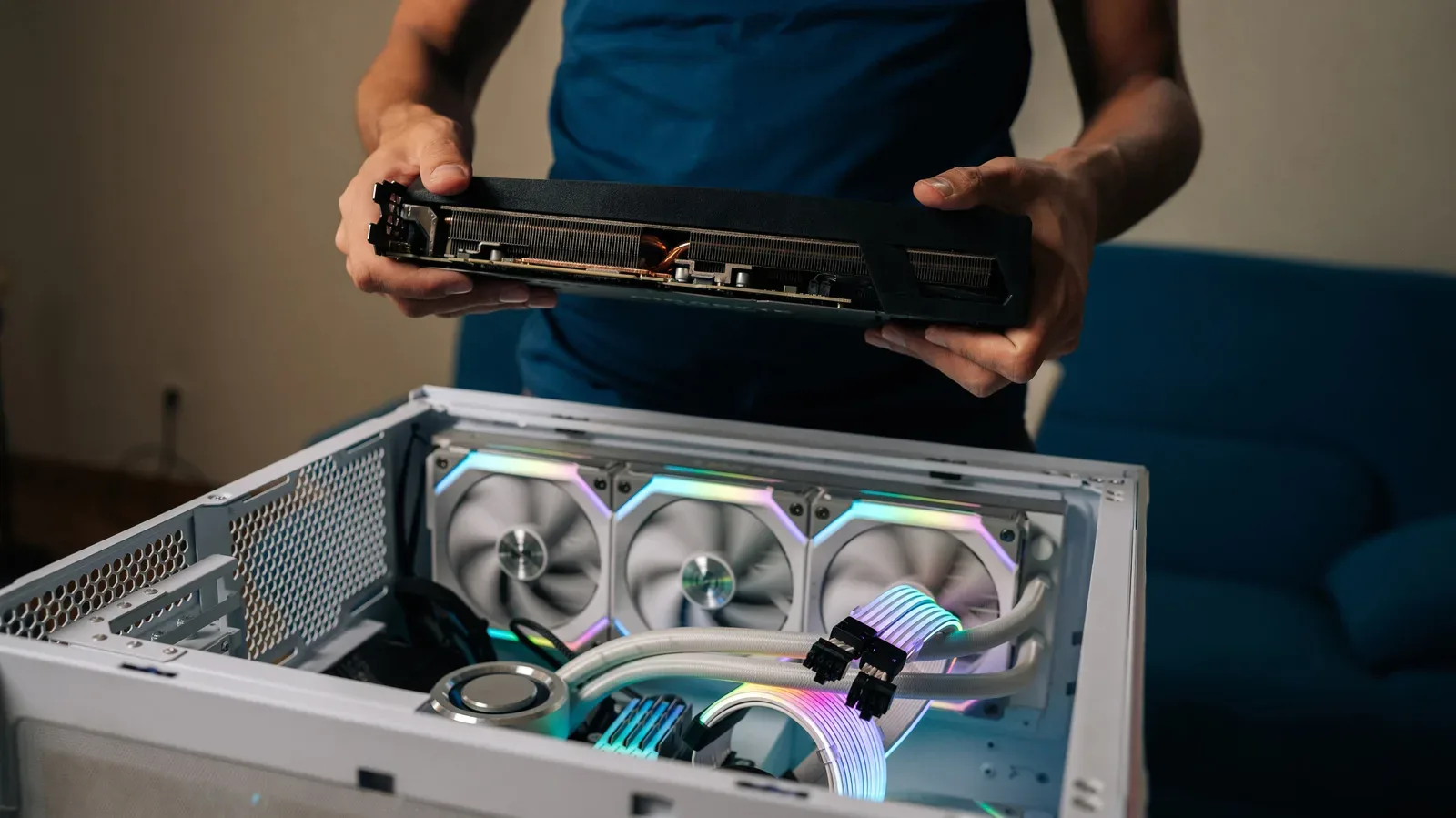
For buyers, this is a familiar compatibility lesson: confirm what a product works with before building a setup around it. The same discipline applies when planning a PC graphics-card upgrade, and it is especially sensible when a car’s infotainment system, phone, adapter and app must all cooperate.
A sensible way to choose the setup
- Want detailed, live vehicle information? Start with an iPhone-compatible OBD-II adapter and an app built for gauges and diagnostics, such as WrenchTime Pro.
- Want navigation plus diagnostic context? Pelican combines OBD-II diagnostics with OpenStreetMap-based live navigation.
- Want to follow fuel use and spending? Fuelio is aimed at fill-up records, efficiency and cost rather than direct diagnostic readings.
- Want a better travel record? Trip Logbook focuses on manually or automatically recorded trips, with Siri support through a premade shortcut.
- Drive an EV and need charging intelligence? PlugShare can help locate compatible, available chargers and plan around the needs of a specific vehicle.
CarPlay Ultra remains the most ambitious version of Apple’s automotive vision, but it is not the only path to more informed driving. Until compatible vehicles become far more common, an inexpensive OBD-II adapter and a carefully chosen app can offer a much more attainable upgrade. Just keep the expectations straight: standard CarPlay is a projection layer, OBD-II is a diagnostic channel, and neither should be mistaken for the complete, manufacturer-level integration Ultra is meant to provide.