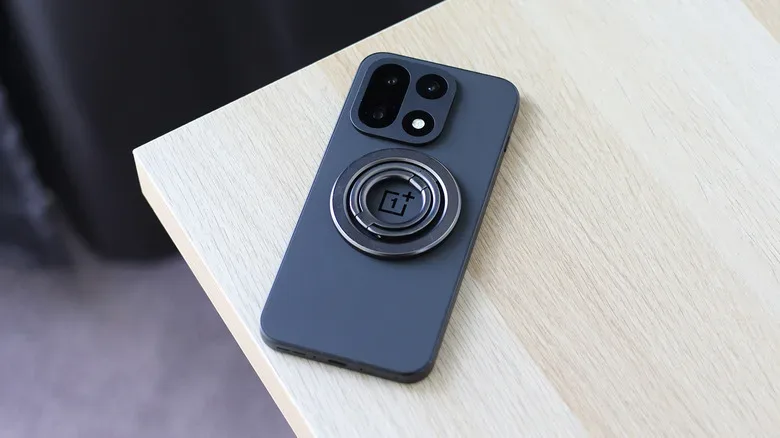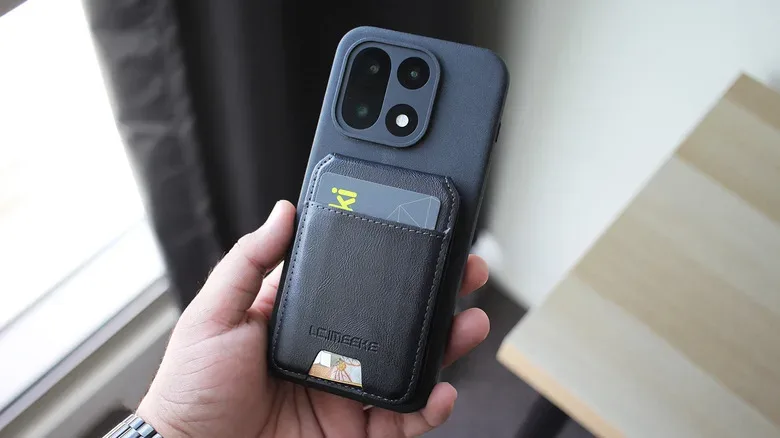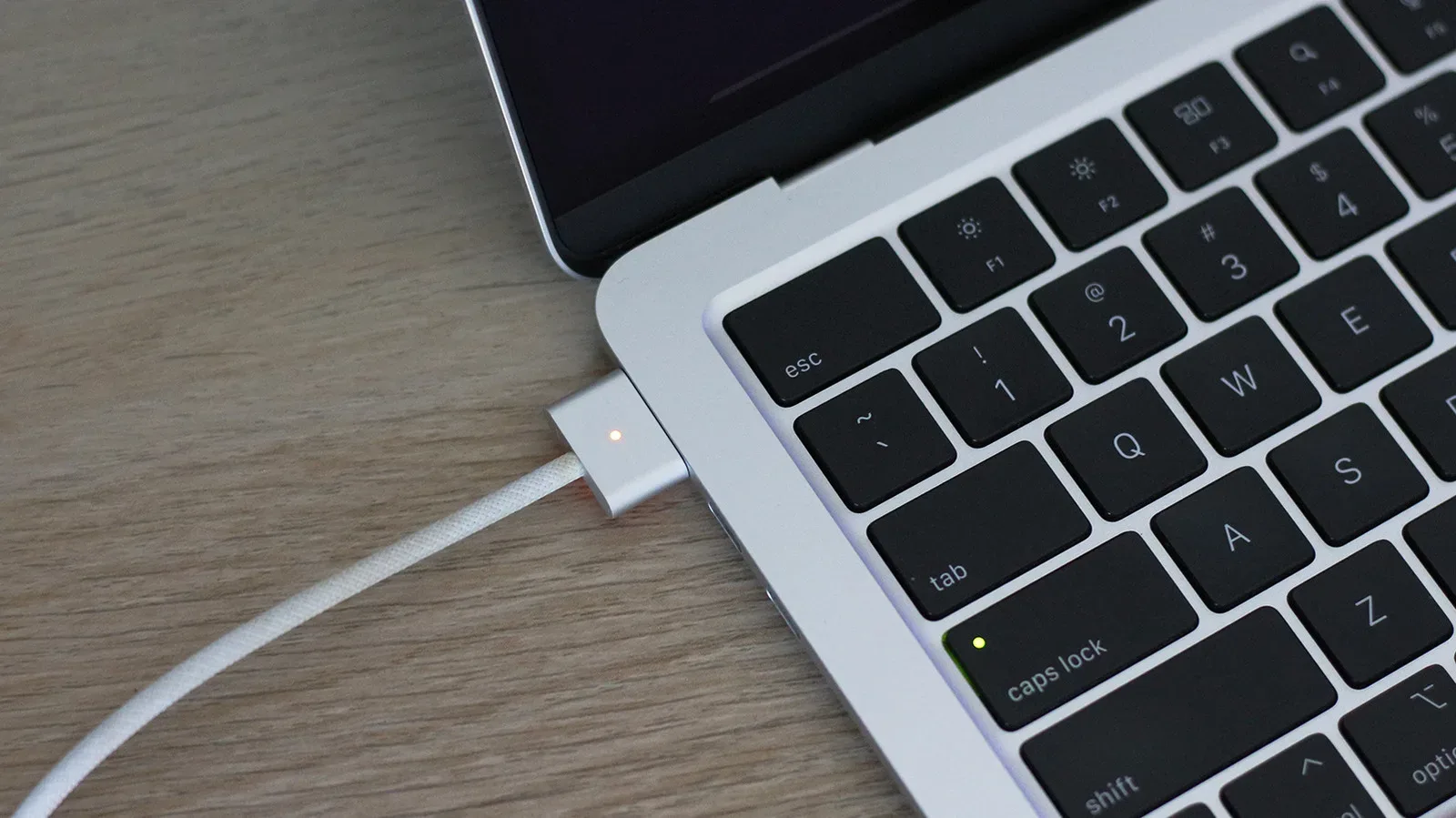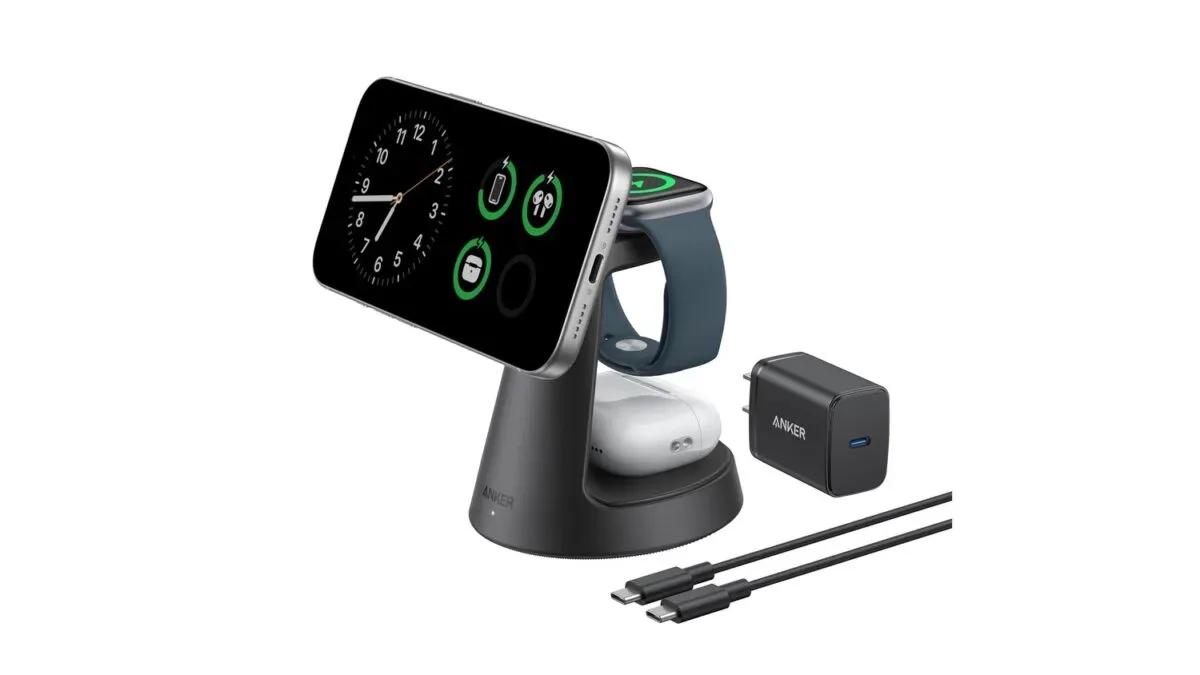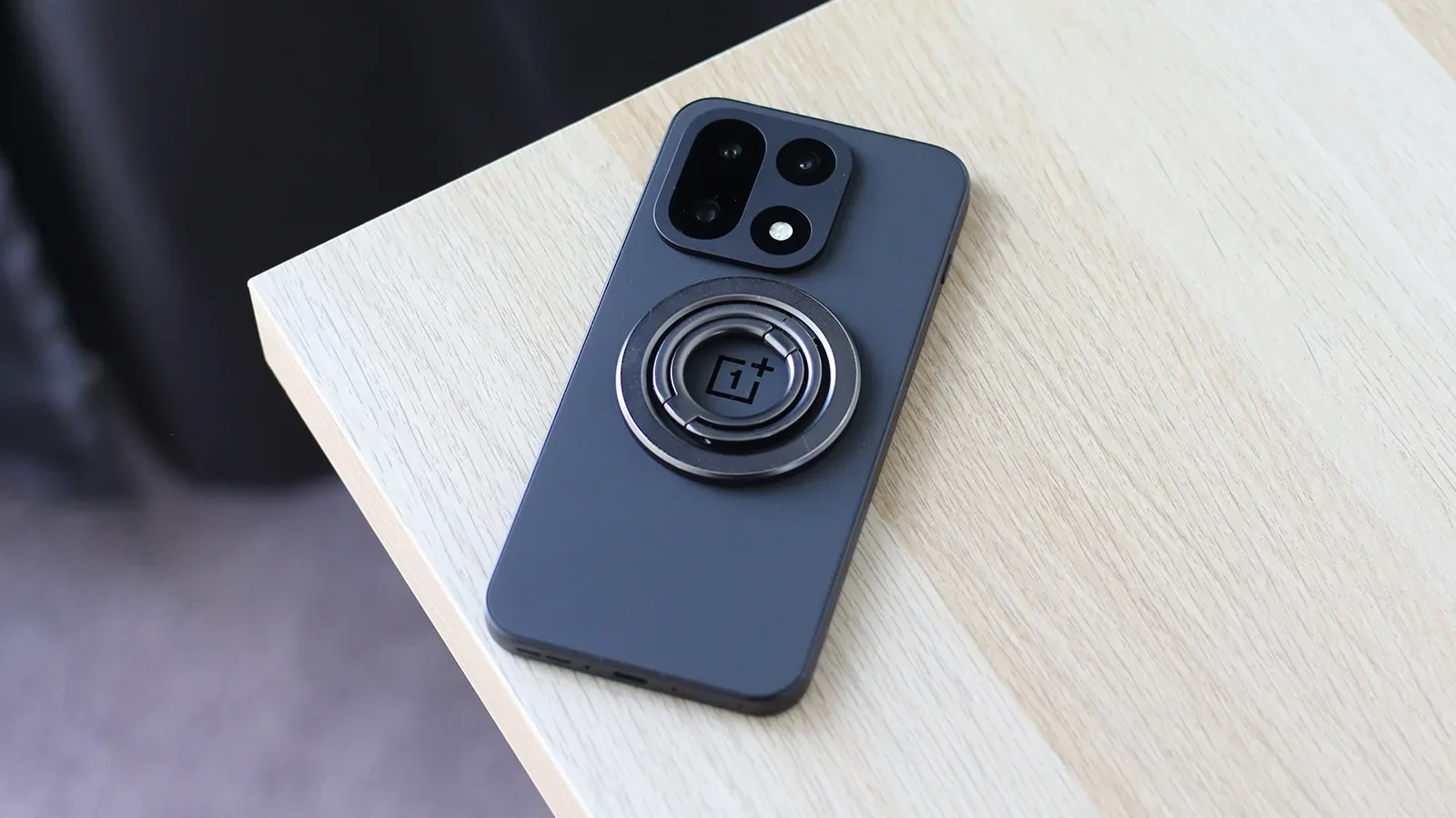
Magnetic phone accessories are no longer exclusively an iPhone convenience. Android owners who want to use the broad ecosystem of MagSafe-style wallets, grips, car mounts and charging stands generally have two practical routes: buy a case with a magnetic ring built in, or attach a magnetic conversion ring to an existing case.
Neither approach adds every benefit of a phone designed around magnets from the factory. But both can make a large selection of accessories physically attach to the back of an Android device. For phones with wireless charging, they can also help position the handset on compatible magnetic chargers. For phones without wireless charging, non-charging accessories such as wallets and PopSockets can still be useful.
The crucial distinction is simple: magnets make an accessory attach; wireless charging hardware is what allows it to charge. Treating those as separate questions will prevent most buying mistakes.
Why MagSafe-style accessories are worth adapting
Apple introduced MagSafe for the iPhone 12 family in 2020. The system places a circular array of magnets in the phone, allowing compatible accessories to snap into a consistent position. That alignment is particularly useful with a charging puck or stand, but it also created a common mounting standard for a substantial accessory category.
The concept has held up better than several earlier modular-phone efforts. Motorola’s Moto Mods and Essential’s magnetic accessory connector are examples of experiments that ultimately went away. MagSafe, by contrast, became entrenched enough that the iPhone 16e’s lack of the feature was a prominent point of discussion in coverage of that device.
Android is beginning to gain more native magnetic options. The Qi2 standard has helped push similar charging and accessory arrangements beyond Apple’s phones. Google uses the Pixelsnap name for its magnetic phone system, while HMD’s 2024 Skyline was among the first Android phones with magnets built in. Still, integrated magnets are not a universal Android feature, which makes an add-on case or ring the relevant workaround for many owners.
That workaround has a practical upside: it lets someone choose accessories based on the job they need done rather than the logo on their phone. A desk charger can remain easy to place at the end of a long gaming session. A grip can be removed when it is not wanted. A wallet can travel with the phone. A mount can provide a dedicated attachment point in a vehicle.
It is also worth keeping expectations grounded. A magnetic ring does not transform an Android handset into a model with factory-integrated Qi2 or MagSafe hardware. It supplies the physical interface needed for compatible accessories. Whether charging works depends on the phone’s own wireless-charging capability and on the precise charger and case arrangement.
For a broader look at why magnetic charging can be especially handy at a desk but may not suit every charging routine, see MagSafe Is Brilliant at the Desk, Less Convincing as Your Only Charging Plan.
Method one: choose a case with magnets already inside
The tidiest option is a protective case that incorporates a magnetic ring. The phone goes into the case normally, and compatible magnetic accessories attach to the outside. In everyday use, it is the closest add-on equivalent to having the system built into the phone.
Some manufacturers offer official magnetic cases, including Samsung and OnePlus. Third-party options also exist and can sometimes cost substantially less. Product listings usually make magnetic compatibility prominent, but shoppers should not rely solely on vague wording such as “wireless charging friendly.” Look for a clearly indicated magnetic ring, either visible on the outside or shown in product images as part of the case’s internal construction.
What a built-in magnetic case changes
- Accessory placement: The ring establishes the attachment area for a wallet, grip, stand, mount or charging accessory.
- Convenience: There is no separate adhesive piece to position on the case, and the exterior tends to look more intentional.
- Case choice: Compatibility may narrow the selection of materials, colours, thicknesses and designs available for a particular phone.
- Model availability: Less popular phone models may have few, or no, magnetic cases available.
That last limitation matters. A magnetic case is often the most elegant answer, but it only works if a case maker has supported the exact handset. Android’s wide variety of models is a strength in many ways, yet it can mean accessory selection varies sharply from one device to another.
Before treating a case as a solution for magnetic charging, verify that the phone itself supports wireless charging. The magnets can help a charging pad line up correctly, but they cannot create wireless-power capability in a phone that lacks it. If the device does support it, a magnetic case may make repeat charging at a desk or bedside less fiddly because the accessory has a defined place to settle.
Method two: add a magnetic ring to an existing case
If the preferred case has no magnets—or no compatible magnetic case exists for the phone—an adhesive conversion ring is the more flexible option. These kits stick to the back of an existing phone case, commonly with 3M adhesive, and create the ring needed for MagSafe-style attachments.
This path can be especially helpful for people who already own a case they like. Rather than replacing it simply to use a stand, wallet or mount, they can add the magnetic attachment point. It also broadens compatibility for handsets whose accessory market is thin.
An ESR MagSafe Sticker is one example of this kind of product, with more than 12,500 Amazon reviews noted for the accessory. Its intended placement is on a phone case, not directly on the phone itself. That limitation is important: plan on using a case if choosing this sort of ring.
Placement is the key technical step
A conversion ring is not just decorative hardware. Its position determines where every future accessory sits, so it should be applied carefully. In practical terms, the ring should be centered and aligned on the back of the case before pressing it down. Once adhesive has made a firm bond, moving it may be difficult or may compromise the hold.
Because the source material does not provide a universal template for every Android model, owners should use the conversion-kit guidance for their particular phone and case rather than guessing. Camera bumps, unusually shaped back panels and thick protective cases can all affect where accessories rest. The goal is a placement that lets an accessory sit flat and attach squarely.
There is an aesthetic trade-off as well. An adhesive ring is more visibly an adaptation than a purpose-built magnetic case. In exchange, it may preserve a favourite case’s texture, fit and protection rather than forcing a new choice from a small compatible selection.
Check the hold before trusting a mount or wallet
Magnetic strength is not an abstract specification when an accessory is carrying something important. A car mount needs to keep the phone attached through normal movement. A wallet needs to remain on the phone when it is lifted from a pocket, bag or table. A weak connection can turn convenience into a dropped-phone risk.
Before relying on either arrangement, attach the intended accessory and assess whether it feels secure enough for its task. This is particularly important with car mounts and wallets, where a detachment could involve the phone or other carried items falling. The right choice is not necessarily the case or ring with the most dramatic marketing claim; it is the one that offers a dependable hold with the specific accessory being used.
Notably, third-party magnetic cases can sometimes provide a stronger hold than a caseless iPhone. That means an Android conversion setup should not automatically be treated as flimsy. It should, however, be evaluated as a system: phone, case or ring, and accessory all affect the real-world result.
Picking the right route for an Android phone
A built-in magnetic case is the straightforward pick when one exists for the exact phone and its design is acceptable. It is cleaner, requires no adhesive positioning and makes the magnetic ring part of the protective shell.
An adhesive conversion ring is the sensible alternative when case choice matters more, when a phone is not well served by case makers, or when someone wants to experiment with magnetic accessories without replacing a perfectly good case. It is an adapter, not a native implementation, but it can enable much of the same accessory flexibility.
In both cases, start with the use case. Someone interested only in a PopSocket or wallet does not need wireless charging. Someone shopping for a magnetic charging stand should first confirm that the Android phone supports wireless charging. Someone planning to use a car mount should make security testing the priority. That small amount of preparation makes the difference between a genuinely useful upgrade and a circle of magnets that merely looks promising on the back of a case.
Shop the products
Check current price, model and availability at the retailer.