Apple has begun rolling out beta firmware build 9B5042a for a broad group of AirPods models: AirPods Pro 2, AirPods Pro 3, AirPods 4, AirPods 5, and AirPods Max 2. The release is available to both developers and public beta testers.
The immediately important detail is also the least glamorous one: there are no published release notes explaining what 9B5042a changes. So, while the new build is real and available to eligible testers, it is not possible to responsibly promise a particular sound improvement, bug fix, feature, battery change, or connection upgrade. This is a mystery-box patch, except the box is a pair of earbuds and the mystery takes a few hours to unwrap.
Which AirPods can receive build 9B5042a?
The beta firmware applies to the following models:
- AirPods Pro 2
- AirPods Pro 3
- AirPods 4
- AirPods 5
- AirPods Max 2
That list matters because firmware is software designed for the hardware inside a device. It is not a universal iPhone app update that every AirPods owner gets simply by opening the App Store. Apple distributes separate firmware builds for supported products, and this particular beta applies only to the listed generation and model families.
For people using an older pair that does not appear above, the presence of 9B5042a should not be taken as evidence that their hardware will receive it. Compatibility is specifically limited to the models named for this rollout.
No changelog means no confirmed feature list
Apple does not provide notes for AirPods beta firmware releases, leaving testers without an official list of additions or fixes. That makes a distinction especially important: an update existing is not the same thing as an announced new feature.
Firmware is the low-level software that helps hardware carry out its functions. In the AirPods context, it may relate to the way the headphones communicate with an iPhone, iPad, or Mac, but no individual area of change has been confirmed for 9B5042a. Anything more specific would be guesswork.
There are several perfectly ordinary reasons a beta firmware build could arrive without a headline feature. It may be preparing compatibility for software in beta elsewhere, correcting issues found in earlier testing, refining behavior that users will not visibly notice, or supporting work that remains unfinished. None of those possibilities should be treated as confirmation of what this build contains; they simply explain why a version number may matter even when a feature list does not accompany it.
That lack of detail also shapes what testers should expect. A user who installs this beta might not see a new control, a new menu, or a dramatic audible difference. Conversely, the absence of a visible change does not establish that nothing was updated. It only means Apple has not publicly itemized the work in this beta.
How the AirPods beta setting works
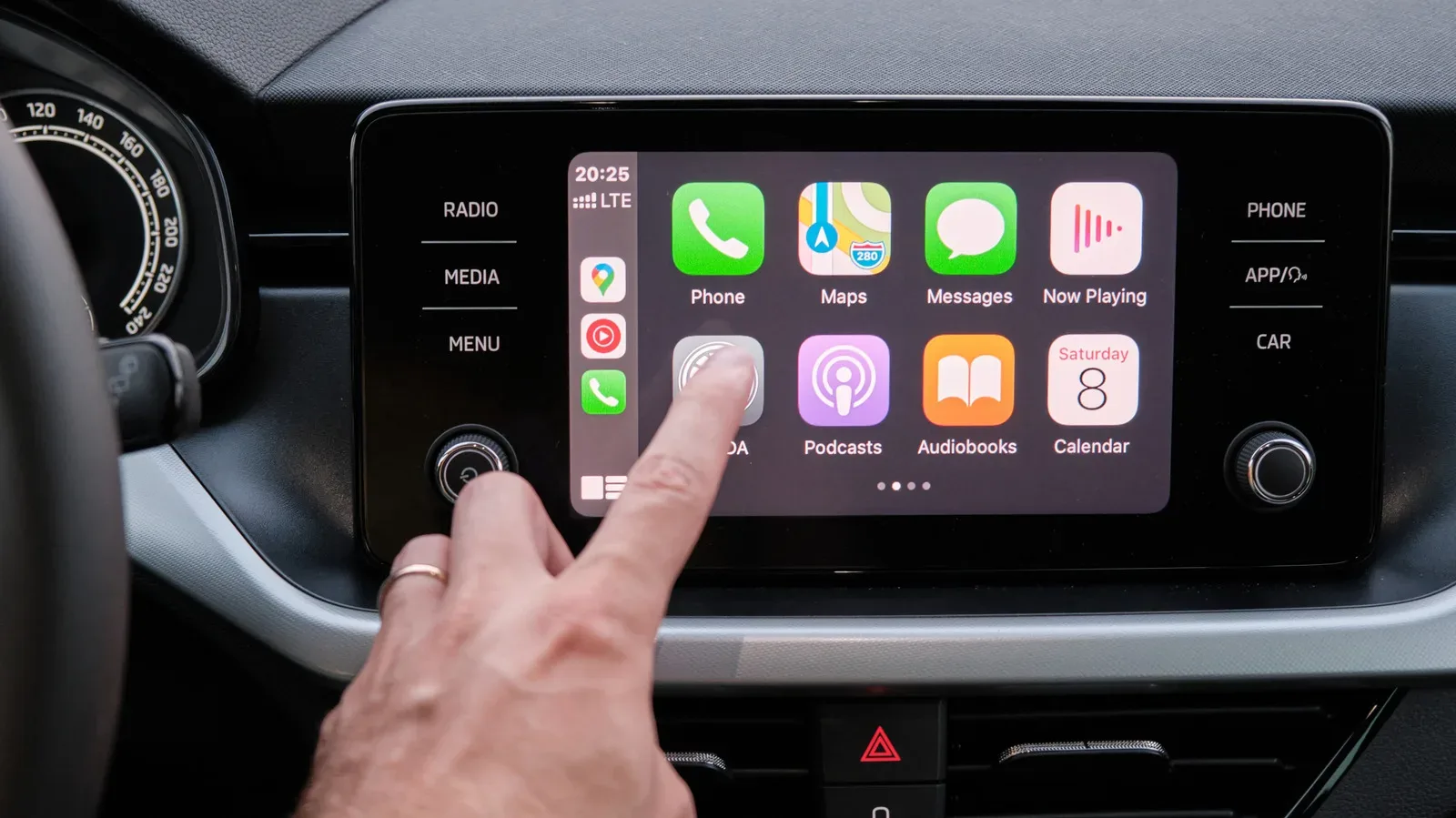
Enrolling is handled through the AirPods settings interface, rather than through a conventional download page. When compatible AirPods are connected to an iPhone, iPad, or Mac running iOS 26, iPadOS 26, or macOS 26 or later, users can find a beta firmware option in the AirPods settings.
Turning on beta updates allows the AirPods to receive beta firmware. There are two requirements embedded in that process:
- The AirPods need to be connected to a compatible Apple device.
- The paired iPhone, iPad, or Mac needs to be on the stated OS generation or later.
It is worth separating that opt-in control from the actual installation. The beta setting gives the earbuds permission to receive beta firmware; it does not behave like a big “Install Now” button. That difference is central to managing expectations, particularly for anyone accustomed to manually checking for updates on a phone or computer.
The wider Apple beta environment may be relevant here as well. Apple’s recently discussed on-device scam-warning work is a separate subject, but it illustrates the broader value of keeping claims tightly tied to what has actually been described. In this case, the known facts are the build number, compatible AirPods, enrollment route, device software requirements, and the update process—not a newly identified AirPods capability.
Why installation is less direct than a typical software update
After beta updates are enabled, AirPods firmware is downloaded by connecting the AirPods to an Apple device and connecting them to power. The update can take several hours to install.
Unlike an iPhone, iPad, or Mac, AirPods do not offer the familiar manual software-update screen where a user can press a button and watch a progress bar begin immediately. In practical terms, that means there is no reliable moment at which a tester can force 9B5042a to appear on demand.
For a smoother attempt at receiving the build, eligible users should make sure the basics are in place: the AirPods are connected, beta updates have been enabled in their settings, and the AirPods are connected to power. Then patience becomes part of the procedure. Repeatedly opening settings is unlikely to transform the process into an instant install, because the firmware workflow is designed to happen in the background rather than as a manual, foreground task.
What “connected to power” means in practical terms
The supplied installation guidance says to connect the AirPods to power, without defining a more detailed checklist for every model. The safe takeaway is simply that the earbuds or headphones should be in their normal charging arrangement while paired with an Apple device. Users should avoid treating a short wait as a failed update, since the stated installation window can extend for hours.
For AirPods owners, this hands-off approach can feel opaque. But opacity is not necessarily an error state. The most useful response is to allow enough time for the process, rather than assuming the beta did not arrive because it has not appeared after a few minutes.
What beta testers should keep in mind
Beta software is pre-release software. The name itself is a warning label, not merely a VIP badge. Anyone enabling beta firmware should do so with the understanding that the build is being distributed for testing before a broader stable release is established.
With no notes for 9B5042a, a cautious tester has an even stronger reason to keep expectations modest. There is no official behavior change to verify against, no published list of known issues to consult, and no stated timetable for installation beyond the fact that it may take hours. The utility of installing it is therefore tied to participation in the beta process, not to chasing a confirmed new AirPods feature.
That also means users should not assume an update is meant to solve a particular problem they are having. A connection quirk, audio concern, or other issue may or may not be addressed; the available information does not say. The same restraint applies to any claimed performance gains. Until Apple supplies details in a later release or makes a capability public, build 9B5042a is best understood as an undocumented beta firmware revision.
The short version
Build 9B5042a is now rolling out in beta for AirPods Pro 2, AirPods Pro 3, AirPods 4, AirPods 5, and AirPods Max 2. Developers and public beta testers can enable AirPods beta updates in settings when connected to an iPhone, iPad, or Mac running iOS 26, iPadOS 26, or macOS 26 or later.
From there, installation is automatic rather than manually triggered: keep the AirPods connected to the Apple device and to power, then allow time. The update may take several hours. As for what it actually changes, Apple has left the patch notes on silent mode.