Giving an AI agent permission to do something online creates an awkward security question: how can it sign in without being handed the literal secret that unlocks the account? Password manager 1Password is putting forward its answer with 1Password for Agents, a new platform designed to let AI agents use customer credentials to complete tasks while keeping the passwords themselves hidden from those agents.
The distinction is important. A password is not simply a piece of data an automated assistant needs to read; it is a reusable secret. Once exposed to a person, app, service, or AI system, that secret could potentially be used beyond the task a customer had in mind. 1Password for Agents is intended to make an agent useful in password-protected contexts without turning the agent into another place where the password is visible.
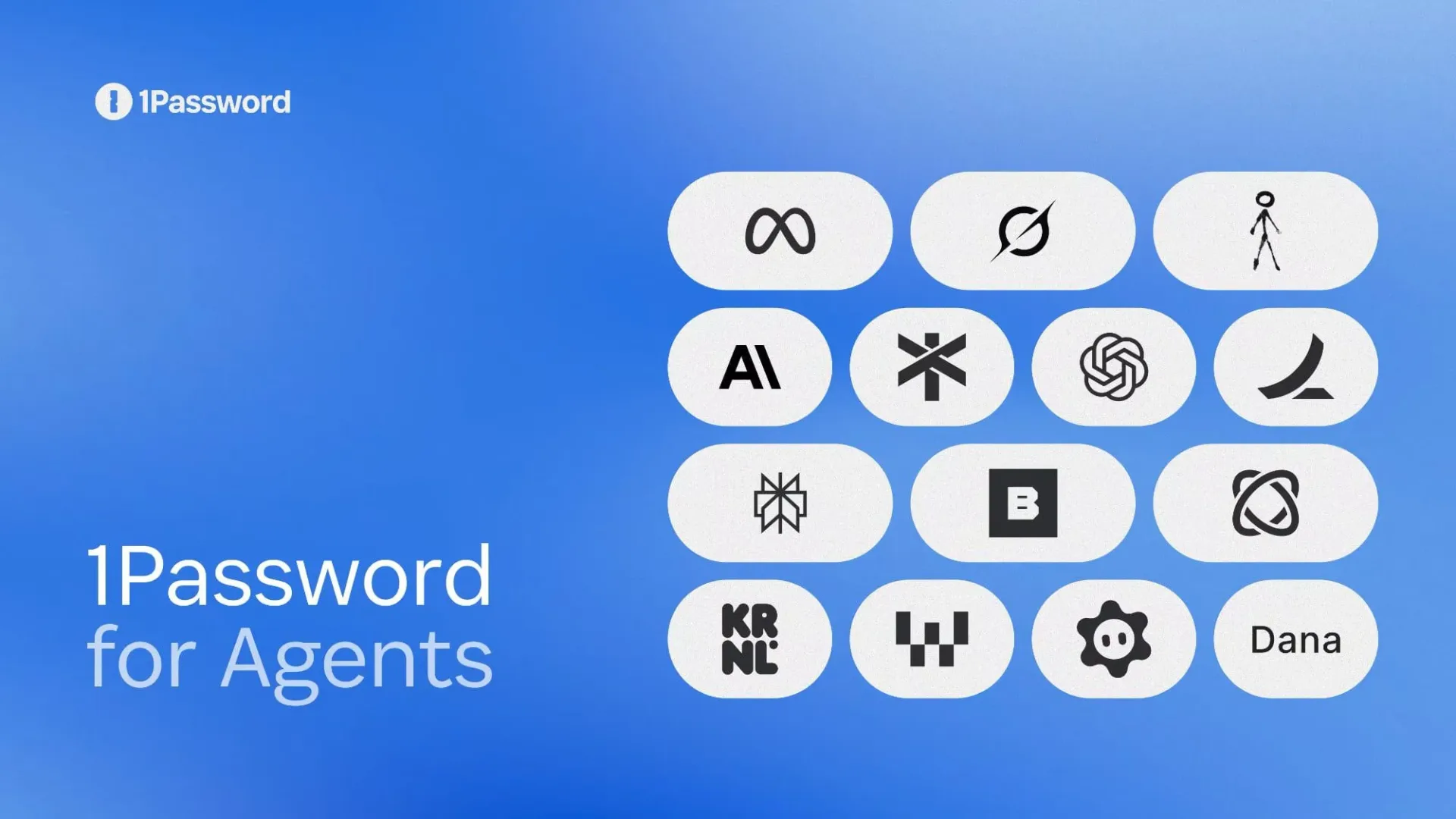
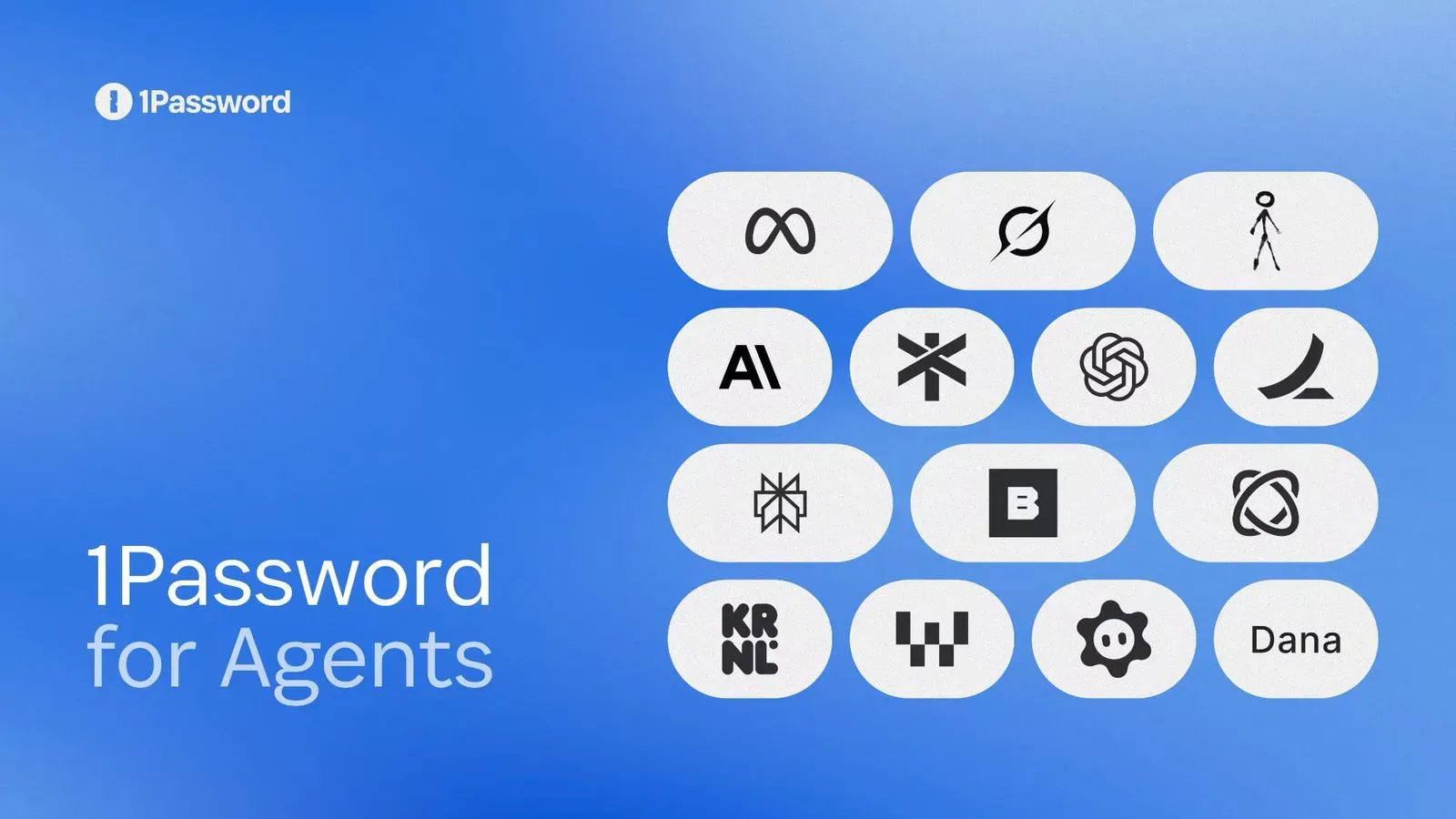
The feature is rolling out over the coming days for Grok Bot and Muse. Integrations for Claude Duet, ChatGPT Work, Dots, and Town’s Townie are described as coming soon. The supplied information does not set out a timetable for those later integrations or describe support for other agents, so users should treat the list as a current rollout plan rather than assume broad compatibility on day one.
What 1Password for Agents is trying to solve
AI agents differ from a conventional chat interface because they are meant to carry out multistep actions. When a task touches an account, the agent may need to get through a sign-in screen before it can proceed. That is where the convenience of automation can collide directly with one of the oldest rules of digital safety: do not give your password to things that do not absolutely need to know it.
1Password’s new platform is framed around that gap. It offers agents access to credentials for completing tasks, but without exposing the passwords. In plain language, the objective is not to make an AI memorize or display a login; it is to provide a controlled way for the login to be used.
That may sound like a small wording change, but it marks a practical boundary. If an agent never receives the underlying password in readable form, a user has less reason to worry that the same secret will be reproduced in an agent conversation, copied into a task log, or reused in a different context. It also follows the common-sense preference for sharing only what a task requires. If the task requires authentication, the goal should be authentication—not a broad transfer of every credential detail.
A quick technical translation
Credentials are the information used to establish that someone is allowed into an account. A password is one familiar kind of credential. The announcement says 1Password for Agents gives AI agents safe access to user credentials without exposing passwords, but it does not explain the precise technical mechanism behind that access.
That missing detail matters. It would be premature to claim, for example, what permissions an agent can receive, whether access can be narrowed to an individual account, how long authorization lasts, or what record a customer can review afterward. Those are all sensible questions for any system that connects autonomous software with accounts, but they are not answered by the information currently available.
Still, the high-level idea is clear: the product is positioning the password manager as a protective layer between a user’s secrets and an AI agent that needs to accomplish an authenticated task.
Why the approach matters for AI-agent use
People already make trust decisions when they log in to a site themselves. An agent adds another decision: not only whether the site should have access, but whether the automated helper should be allowed to act there. Password visibility is one especially sharp version of that problem because passwords are often reusable and consequential.
Keeping a password hidden does not automatically settle every security or privacy concern. An agent with account access could still carry out actions within whatever authority it has been granted. The meaningful safety question therefore becomes broader than “can it see my password?” Users also need to consider what they are asking the agent to do, which account is involved, and whether the resulting action is something they would be comfortable authorizing.
That is not a criticism unique to 1Password’s platform. It is a practical reality of delegated automation. Giving a helper the ability to perform a task is useful precisely because it can produce an outcome. A safer credential boundary can reduce one category of risk, while the scope of the requested action remains a separate thing to judge.
For users, the promise here is potentially a cleaner division of responsibility. The password manager safeguards the secret; the agent works on the task. If that division holds up in supported integrations, it could make account-based AI work feel less like pasting a house key into a chat window and more like granting a limited entry point.
Rollout, eligibility, and what is not yet known
1Password says the agent-access feature is free for Individual and Family accounts on 1Password.com. The service itself starts at $3.99 per month when billed annually. That means the new functionality is not described as a separate paid add-on for those eligible account types, although access to 1Password remains part of the equation.
Grok Bot and Muse are the integrations named for the initial rollout. Claude Duet, ChatGPT Work, Dots, and Town’s Townie are listed as future additions. Customers interested in one of the latter services should not mistake “coming soon” for immediate availability.
It is also worth resisting assumptions based on a familiar brand name. The supplied details do not establish whether the feature supports every kind of account a person keeps in 1Password, every workflow an agent might attempt, or every platform where a given AI service runs. They also do not say how approval prompts, revocation, or activity visibility work. Those product-level specifics will be central to assessing how much control users have in everyday use.
Practical questions users should ask before connecting an agent
Even with a design meant to conceal passwords, connecting an agent to an account is an authorization choice. The cautious path is to think about the task rather than just the novelty of the integration.
- Is the account necessary? Only connect an account when it is genuinely needed for the task at hand.
- What result are you authorizing? Signing in is a means to an end. Consider what the agent could do after it gets there.
- Is the integration currently supported? The initial rollout names Grok Bot and Muse; several others are not available yet.
- What controls are documented? Look for clear information on what can be approved, how access can be stopped, and how agent activity is presented.
- Does the task deserve a human check? Automation can save steps, but consequential account actions may still warrant review before they are finalized.
These are general guardrails, not claims about specific 1Password for Agents controls. They matter because the technology’s value lies in turning a request into an action, and action is where permission has real-world effects.
The larger shift: AI needs safer ways to touch private accounts
1Password for Agents arrives as AI features increasingly move beyond generating text and toward accomplishing tasks that involve personal accounts. That trend is also visible across technology and games, where AI’s role is expanding from a creative tool into a workflow component; for one example, AI is now being explicitly invited into game-development projects through Epic’s AI MegaJam.
The password question is different from creative use, though. A prompt can be revised. A credential, once shared, is harder to take back. That is why the central premise of this rollout is more significant than a convenience feature: it attempts to separate the agent’s ability to act from its ability to inspect a password.
Whether that promise becomes a dependable standard will depend on details not included in the initial outline: how clearly users can see and control access, how consistently integrations behave, and how well the boundary holds when agents encounter complicated real-world tasks. For now, 1Password’s announcement establishes its direction plainly. AI agents may need help getting into accounts, but the password itself should remain out of their view.