AI agents want to do more than answer questions. The pitch is that they can carry out multi-step jobs: reserve a table, shop for a present or organize travel. The awkward obstacle is the part of the internet that asks for a login. A password manager’s newest agent-focused platform, 1Password for Agents, is built around a simple security boundary: an agent may be allowed to use a credential to finish an approved task, but it should not be given the credential itself.
That distinction matters. A username and password are durable secrets; once disclosed, they can potentially be copied, retained or used well beyond the narrow job a person originally intended. 1Password says its system allows an AI agent to reach a required sign-in without receiving the username, password, or contents of the user’s vault. Instead, the password manager handles the sensitive information through its own channel after the user approves the request.
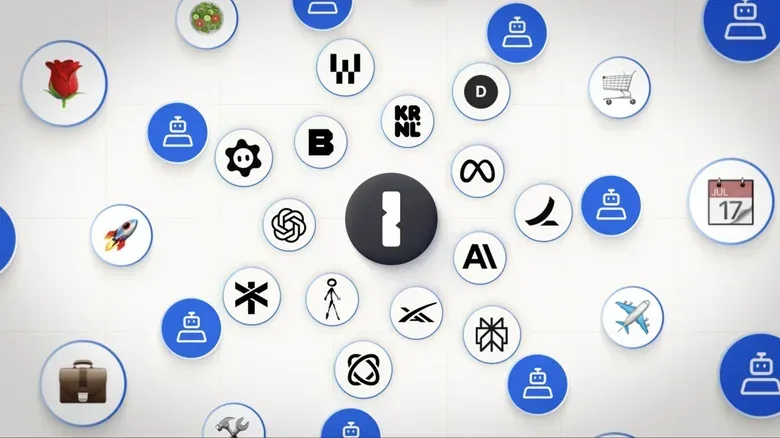
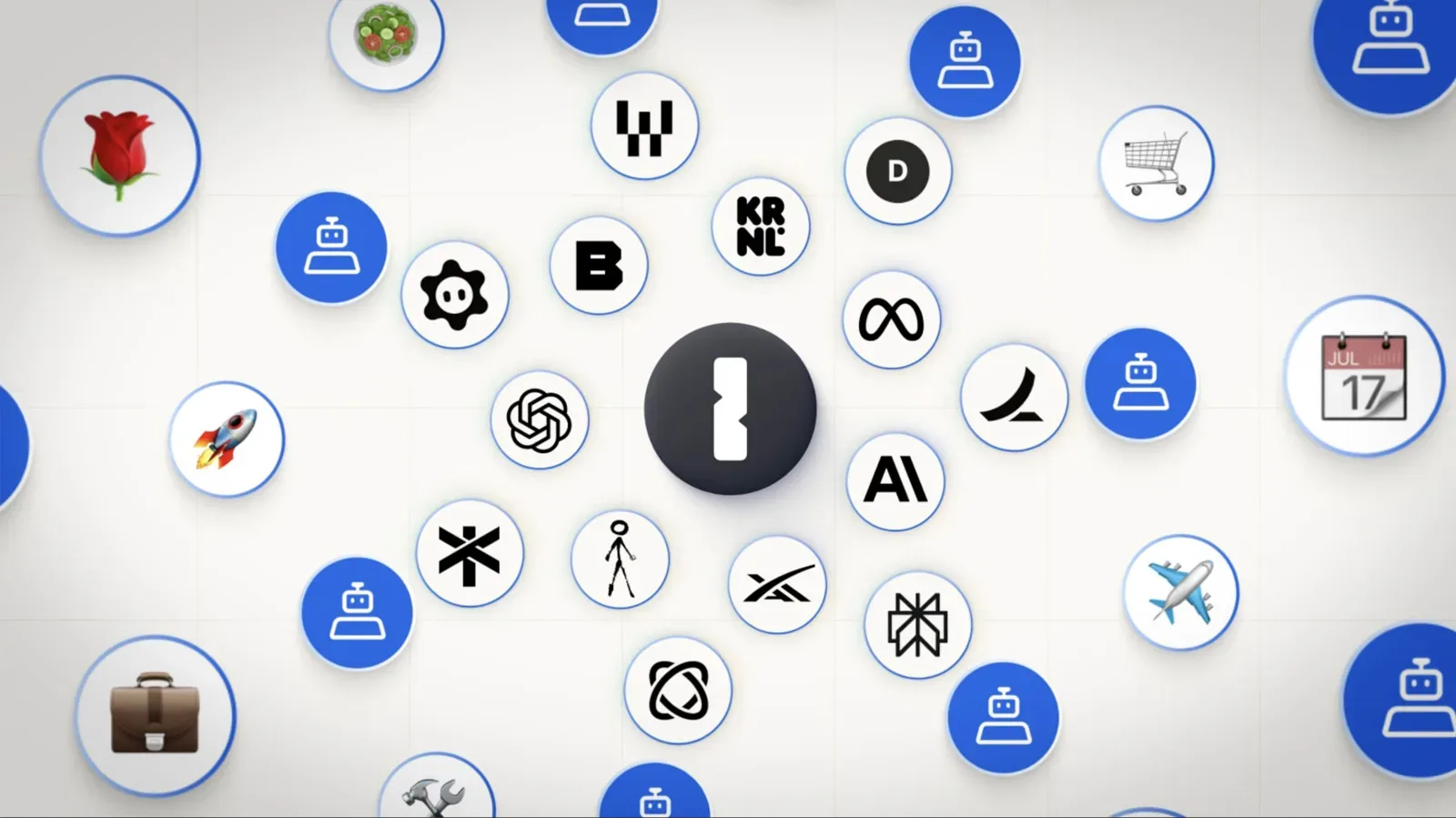
The platform follows an earlier Claude integration introduced in July. 1Password says its agent support now includes Muse, Claude Duet, ChatGPT Work, Dots, Grok Bot and Town. The supplied information identifies associations including Muse from Meta, Dots from OpenAI and Grok Bot from SpaceXAI. Exact platform availability, pricing and further rollout details have not yet been provided.
The central idea: use is not disclosure
Ordinarily, automating an account task presents an uncomfortable choice. A person could manually handle every sign-in, which reduces delegation, or hand an automated service credentials that may be far broader and longer-lived than the immediate task requires. 1Password for Agents is attempting a third option: delegated authentication with the password manager remaining between the agent and the secret.
When an agent encounters a password checkpoint while carrying out a requested action, it uses a special key to verify its identity with 1Password. The password manager then alerts the user about which agent is asking for access and why. If the user gives approval, 1Password fills the needed sign-in information. The model itself is not supposed to see the credential data.
“An agent should be able to do the job it's been asked to do without getting permanent access to everything behind the account, and 1Password provides the trust layer that makes this possible across personal agent experiences,” 1Password chief product officer Aashish Tripathi said.
That “trust layer” language is important because it describes the product’s role more accurately than calling it a way to give an AI your passwords. The stated model is closer to a controlled credential relay. The agent requests access; the user evaluates the request; 1Password performs the sensitive handoff without exposing the underlying secret to the model.
What session-limited access means
1Password says access is granted per session, applies only to specific items that have been approved, and does not carry over. A session is the bounded period in which an agent is performing a particular active task. Limiting authorization to a session means that a yes on one request is not meant to become an ongoing, invisible yes for future tasks.
The scope also matters. Rather than treating a vault as one giant permission bundle, the system is described as allowing only the approved item or items needed for the request. In principle, that reduces the consequences of an overly broad delegation decision. If an agent needs a particular sign-in to complete a specific step, it should not thereby receive permanent access to every saved account.
This is a practical application of least privilege, a security principle that means granting only the minimum access required for a job. The more limited the permission, the less damage a bad decision, a compromised service or an unexpected agent action can cause. The supplied details do not disclose every technical implementation detail, so it would be premature to make broader claims about protections beyond the session limits, item approval and credential isolation described by 1Password.
Passwords and MFA codes are meant to stay outside the model
1Password says usernames, passwords and one-time multi-factor authentication codes are injected through a secure channel that it manages. Multi-factor authentication, often shortened to MFA, is the extra proof required in addition to a password. A one-time code is a temporary code used during a sign-in. It is sensitive even though it expires, because it can help authorize access at exactly the moment it is valid.
Keeping both passwords and one-time codes out of an AI model’s view addresses a clear risk in agent workflows: a model cannot spread or reuse data it was never given. 1Password says those details remain outside each supported agent’s view and cannot spread beyond the user’s own devices.
For people who already rely on a password manager, the attraction is straightforward. The vault continues to be the location that holds login secrets. The AI agent becomes a requester of narrowly approved authentication help, not another place where the vault’s contents are copied. That separation may be especially valuable for accounts tied to purchases, personal information or services where an incorrect action is costly to unwind.
Credential protection does not make agent decisions safe
The feature’s security boundary needs to be understood clearly. It is intended to protect secret login data from the agent. It does not guarantee that the agent will make good choices after it has been allowed into an account.
An approved agent could still make a product-ordering mistake, choose the wrong reservation or book an unsuitable vacation. The account may be accessed safely while the task is completed badly. Some transactions may also lack a cancellation path, making a mistaken instruction more than a minor inconvenience. The new arrangement therefore reduces one category of risk—credential exposure—without eliminating the operational risks of autonomous or semi-autonomous action.
That is why the approval screen is more than a formality. It is the decision point where a user should check the agent identity, the reason it gives for access and the account involved. A request that does not match the task should be rejected. Similarly, an agent may be most appropriate for low-stakes, reversible actions until a user has confidence in the limits of its behavior and the consequences of failure.
Questions worth asking before approval
- Is this the agent I intentionally chose for this task?
- Does the stated reason for access match what I asked it to do?
- Is the requested account necessary for the current step?
- Would an incorrect order, booking or change be easy to reverse?
- Am I comfortable with the agent acting on the instructions I have supplied once sign-in is complete?
These are not guarantees; they are practical checks tailored to the information 1Password says it will show. Per-session authorization can limit persistence, but it cannot repair a vague instruction or a poorly chosen task. “Find a nice place” leaves room for interpretation. A request with clear limits—such as the date, budget, location and need for final confirmation—gives an agent less latitude to do something unexpected.
Why the approach has relevance beyond AI
The arrival of agent-oriented account access is part of a broader pressure on online security. As more tools are asked to act on a person’s behalf, logins become a key choke point. A useful security design must let an approved tool complete a necessary step without turning every automation request into a permanent credential-sharing arrangement.
The distinction is timely for players and digital account holders, too. Game publishers and platforms routinely center accounts around purchases, libraries, personal details and sometimes stored payment methods. The risks around account access remain concrete, as shown by the phishing warning that followed a breach involving 11.7 million email records connected to Capcom ID. That incident underscores why sign-in prompts and account-related requests deserve careful scrutiny.
1Password for Agents does not change the need to be cautious about phishing or unusual requests. Rather, it frames credentials as information that an agent should not need to possess in the first place. If this pattern works as described, it may offer a useful model for a future in which assistants increasingly perform actions while people retain meaningful checkpoints over their accounts.
What remains unclear
There are still important unknowns. 1Password has not revealed pricing or availability details for the platform. The current description also leaves open product-specific questions a user may want answered before relying on it: the exact enrollment process for each supported agent, how approvals are surfaced in practice, and what control or visibility a user has during a task after authentication succeeds.
Those unanswered details do not negate the stated design. They simply define the line between the announced security model and the real-world choices people will need to make when the feature is available. The strongest claim supported so far is deliberately narrow: 1Password says it can enable approved AI agents to use selected vault credentials for a session without directly revealing usernames, passwords or MFA codes to the models.
For anyone considering AI delegation, that is a meaningful improvement over copying a password into a prompt or giving an assistant unrestricted, lasting account access. It is not a reason to delegate without limits. The sensible approach is to treat 1Password’s approval flow as a gate, keep tasks specific, and remember that protecting the keys does not automatically ensure the driver takes the right route.