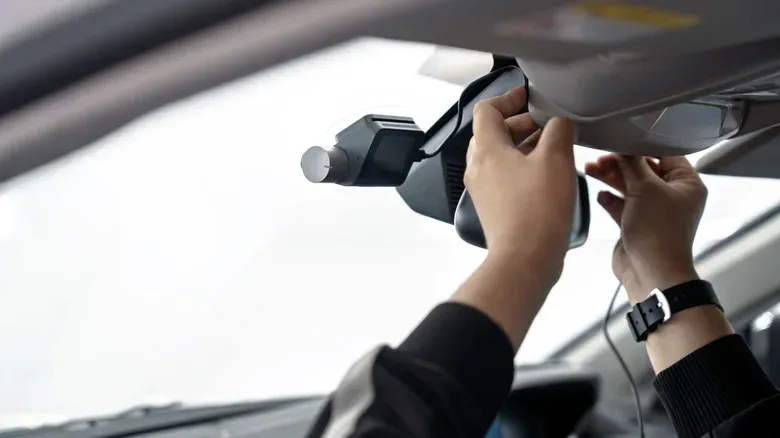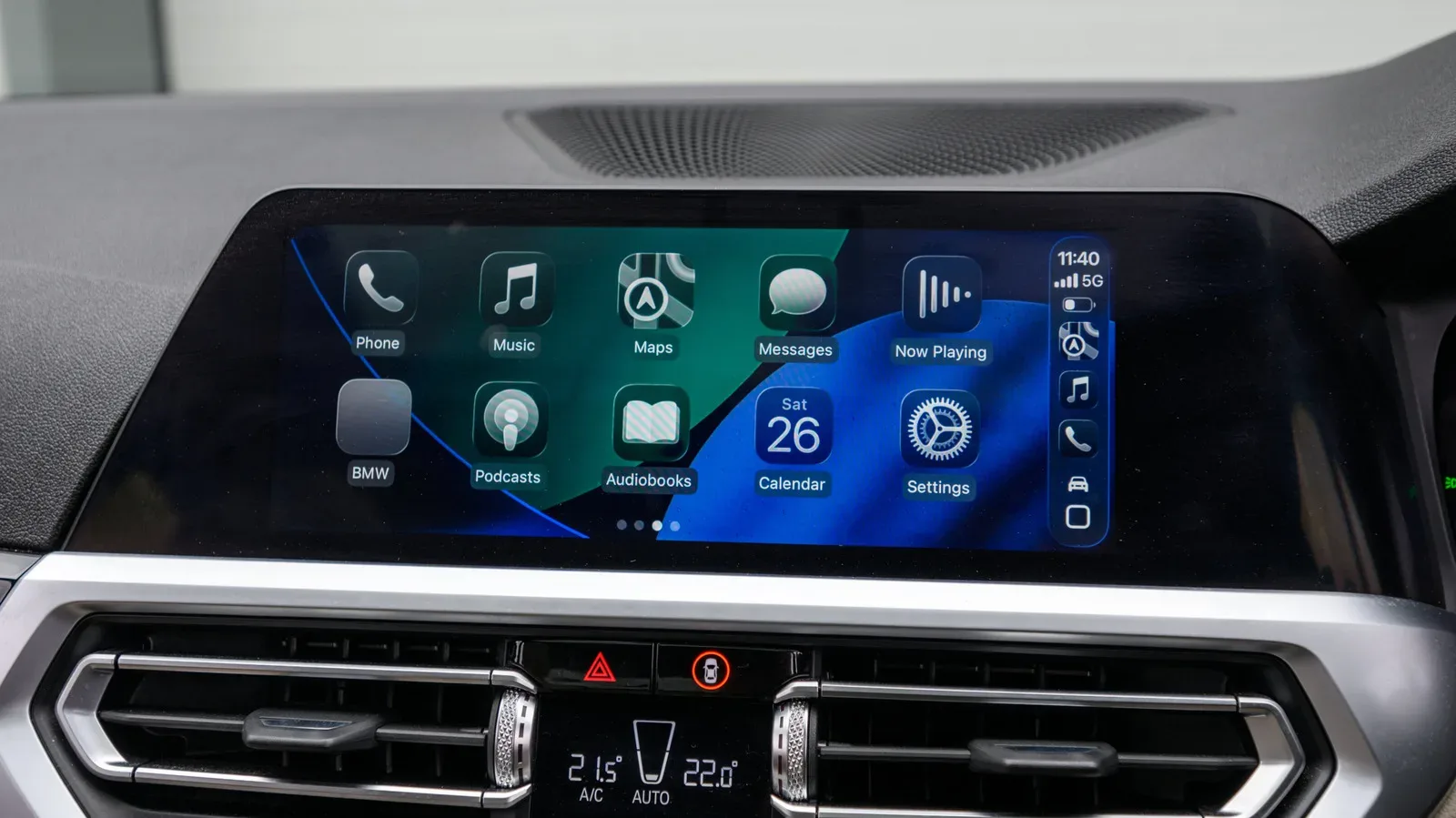
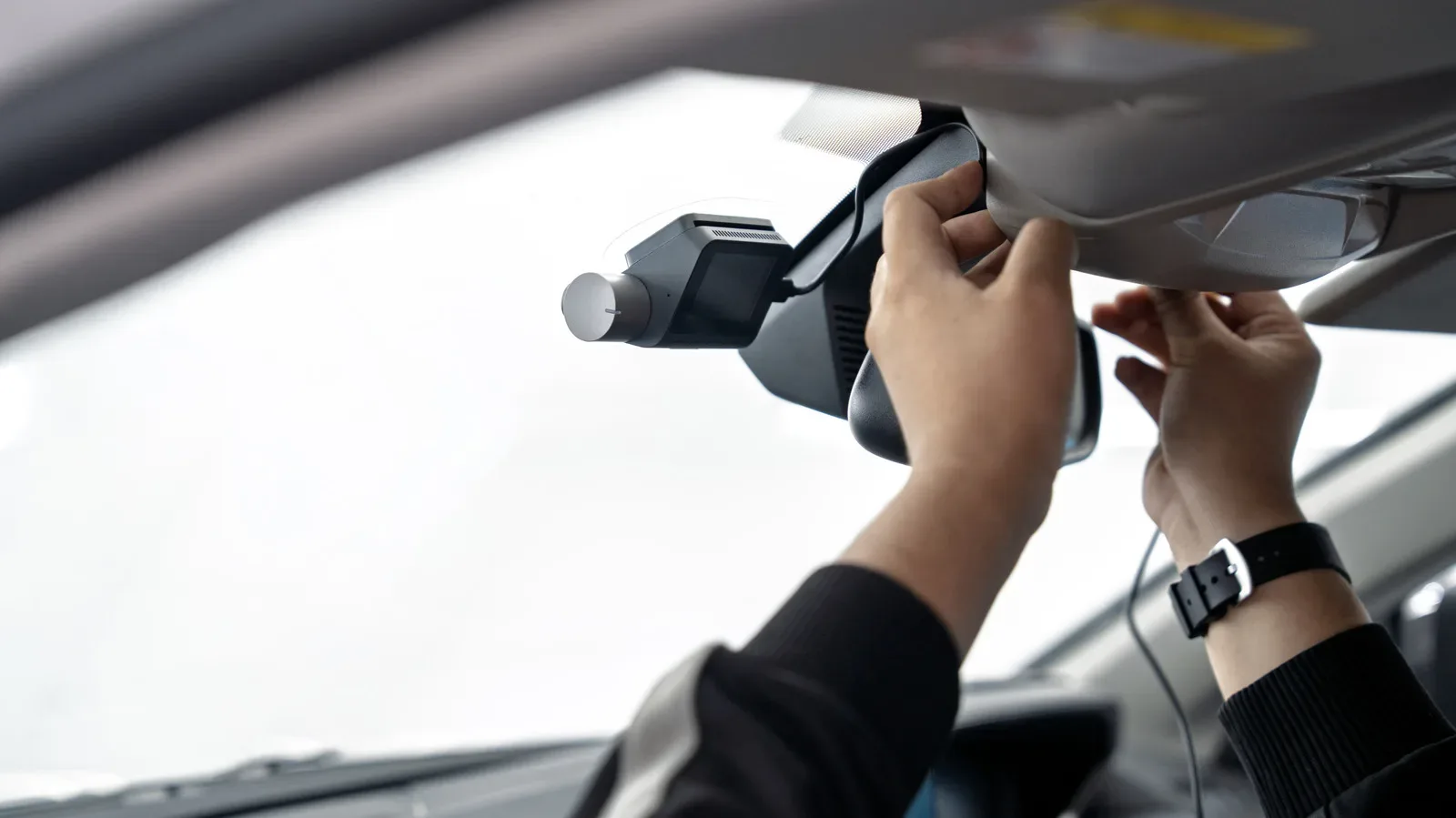
A backup camera is one of those bits of automotive technology that can feel almost game-like: select reverse, and a new viewpoint appears on a screen. In newer vehicles, that view is usually part of an integrated suite of parking aids. For an older car, an aftermarket camera can add the basic perspective without replacing the vehicle’s existing dashboard hardware or paying for an extensive installation.
The important distinction is between a rear-view video feed and a complete backing-assistance system. An add-on wireless camera can show what sits behind the vehicle in real time, but it may not include the proximity sensors, distance warnings or object-detection tools that drivers might associate with newer factory-equipped cars. It is a helpful additional view, not a substitute for attentive reversing.
The basic chain: camera, transmission, screen
Most aftermarket wireless systems have three jobs to do. A camera mounted at the rear captures the image; a wireless connection sends that image forward; and a dashboard display, or sometimes a phone app, shows it to the driver.
Rather than relying on mobile data, these systems generally operate offline. Depending on the model and its age, the camera may use Wi-Fi, a dedicated digital radio frequency, or—in older designs—Bluetooth to communicate with the receiving display. “Wireless” describes the video connection between the rear of the vehicle and the screen. It does not necessarily mean the camera itself has no wiring at all, because many cameras still need electrical power.
That distinction is useful when comparing products. A system can avoid running a video cable through the car while still drawing electricity from the vehicle’s lighting circuit. Alternatively, a rear camera may contain a battery supported by a solar panel, making it less dependent on the car’s wiring but potentially less automatic to use.
Why the picture looks like a mirror image
Rear camera footage is normally flipped horizontally. This creates a mirror-style view that matches what drivers expect when using a conventional rear-view mirror. Without that adjustment, left and right would appear counterintuitive during a maneuver.
The camera also commonly uses a wide-angle or fish-eye lens. A wide-angle lens captures more of the area behind the car than a narrower lens would. That broader field of view is useful for parking and reversing in tighter spaces, though it should not be confused with a measurement of exactly how far away an object is. Seeing more of a scene and precisely calculating distance are different capabilities.
How power and automatic activation change the experience
For a dashboard monitor, power commonly comes from a USB port or a cigarette-lighter socket, depending on the vehicle and accessory setup. The rear camera has more than one possible power arrangement.
Related coverage includes How Aftermarket Wireless Backup Cameras Work in Older Cars.
- Light-circuit power: A camera can be connected to the vehicle’s lighting circuit, including the tail-light wiring. When it is spliced into that circuit, engaging reverse can activate the camera automatically.
- Battery or solar power: A camera can instead use an onboard battery, sometimes solar-powered. This reduces the need to connect it to vehicle wiring, but the driver will typically need to open a smartphone app to activate the feed.
Automatic activation is more than a convenience feature. It determines whether the camera behaves like a built-in reversing view or like a separate gadget that must be called up when needed. A battery-powered, app-based option may appeal to someone trying to avoid electrical work, while a camera wired to the reverse-light circuit better matches the familiar select-reverse-and-view workflow.
Some camera products are aimed less at reversing alone and more at incident monitoring. Those models may begin recording when movement is detected behind the vehicle. That is a separate behavior from simply displaying a feed when reverse is selected, so shoppers should check which role a device is actually designed to perform.
Why prices and installation needs vary so much
Wireless backup-camera systems are available online from roughly $40 to more than $400. The wide range reflects that “wireless backup camera” is a broad label rather than one standardized setup. A model’s display arrangement, power design, wireless technology and added functions can all affect the overall proposition.
Many vehicle-mounted wireless systems are designed for self-installation and can be a less invasive route than fitting a fully wired solution. By contrast, wiring a camera into a car can involve a more complex installation, more labor time and costs that can exceed $600. That does not make every wireless setup effortless: mounting a camera, arranging power, and selecting a display position still require care. But the category exists largely because it can avoid the most intensive version of a hardwired retrofit.
For drivers already thinking about car-phone integration, the choice of display matters as much as the camera itself. A self-contained dashboard monitor creates a dedicated place for the feed. An app-based setup uses a phone but asks the driver to launch it when a battery- or solar-powered camera is not tied into the reverse circuit. Those are different compromises from the smartphone and CarPlay notification issues covered in this guide to Live Activities and CarPlay.
The feature gap versus factory systems
The main practical limitation is that an aftermarket camera is often only one part of the parking-assistance picture. Newer vehicles commonly pair a rear camera with parking sensors that estimate physical distance. Some may also offer sensor-based or computer-vision features. An add-on camera may include extras, but drivers should not assume it will detect an obstacle, calculate its distance, or provide an escalating audible warning unless those functions are explicitly advertised for that particular product.
Parking sensors are systems intended to measure how close the vehicle is to objects. The familiar warning beep belongs to that kind of setup, not to a video image by itself. Computer vision, in this context, means software-assisted interpretation of camera imagery. Neither is automatically part of a wireless camera merely because it sends video to a display.
That means the image should be treated as one input while reversing, alongside mirrors and direct checks of the surroundings. A wide lens can reveal a larger area, but it does not eliminate blind spots or establish object distance by itself. The value is improved visibility, not automation.
Latency, interference and image quality: the wireless trade-offs
A wired camera may deliver video with less delay than a wireless one. Wireless systems can have slight latency—the interval between an event occurring behind the vehicle and it appearing on screen. For most drivers, that delay is described as difficult to notice, but it remains an inherent consideration whenever the image must be transmitted rather than carried directly through a cable.
Wireless links can also be affected by external interference. Signal stability depends on the connection holding up between the rear camera and the front display. If reliability of the feed is a priority, that is an area worth considering rather than assuming every system will behave exactly like factory equipment.
Image quality is another potential compromise. When footage travels over Wi-Fi instead of being directly streamed through the vehicle, it can be compressed. Compression reduces the amount of data needed to send video, but it can also reduce resolution—the visible detail in the picture. A lower-resolution image may still provide a useful view for maneuvering, yet it is not equivalent to assuming a sharp, high-detail camera feed in every situation.
What to establish before choosing a system
The most useful buying questions are straightforward because they follow the technology’s actual trade-offs:
- Will the camera activate automatically in reverse, or does it require a phone app?
- How is the rear camera powered: through the vehicle’s light circuit, an onboard battery, or solar-assisted battery power?
- What will display the feed: a dedicated dashboard monitor or a smartphone?
- Does the model specifically include sensors, object detection, or distance warnings, if those features matter?
- What wireless method does it use, and how might signal interference or video compression affect the experience?
For an older vehicle, the appeal is clear: a rear-mounted camera and front display can add an extra visual reference without the labor and cost of a more deeply integrated retrofit. The best expectations are equally clear. Wireless backup cameras offer a useful rear view, but their activation method, signal behavior and feature set vary substantially. Treat the product listing as the specification sheet it is, especially when deciding whether you are buying a camera, a monitoring device, or a broader parking-assistance package.