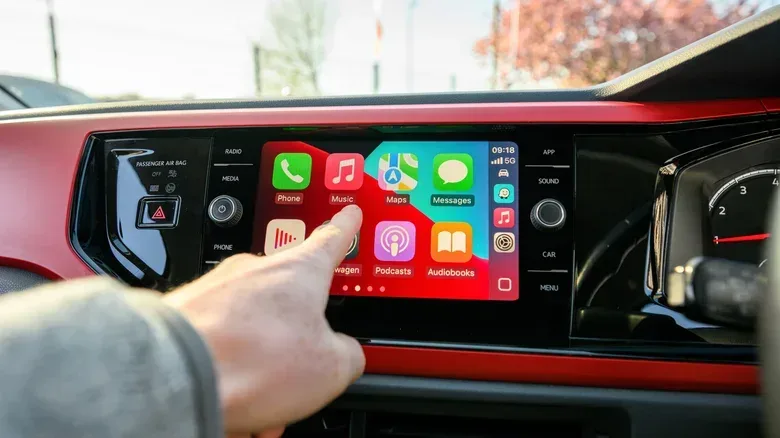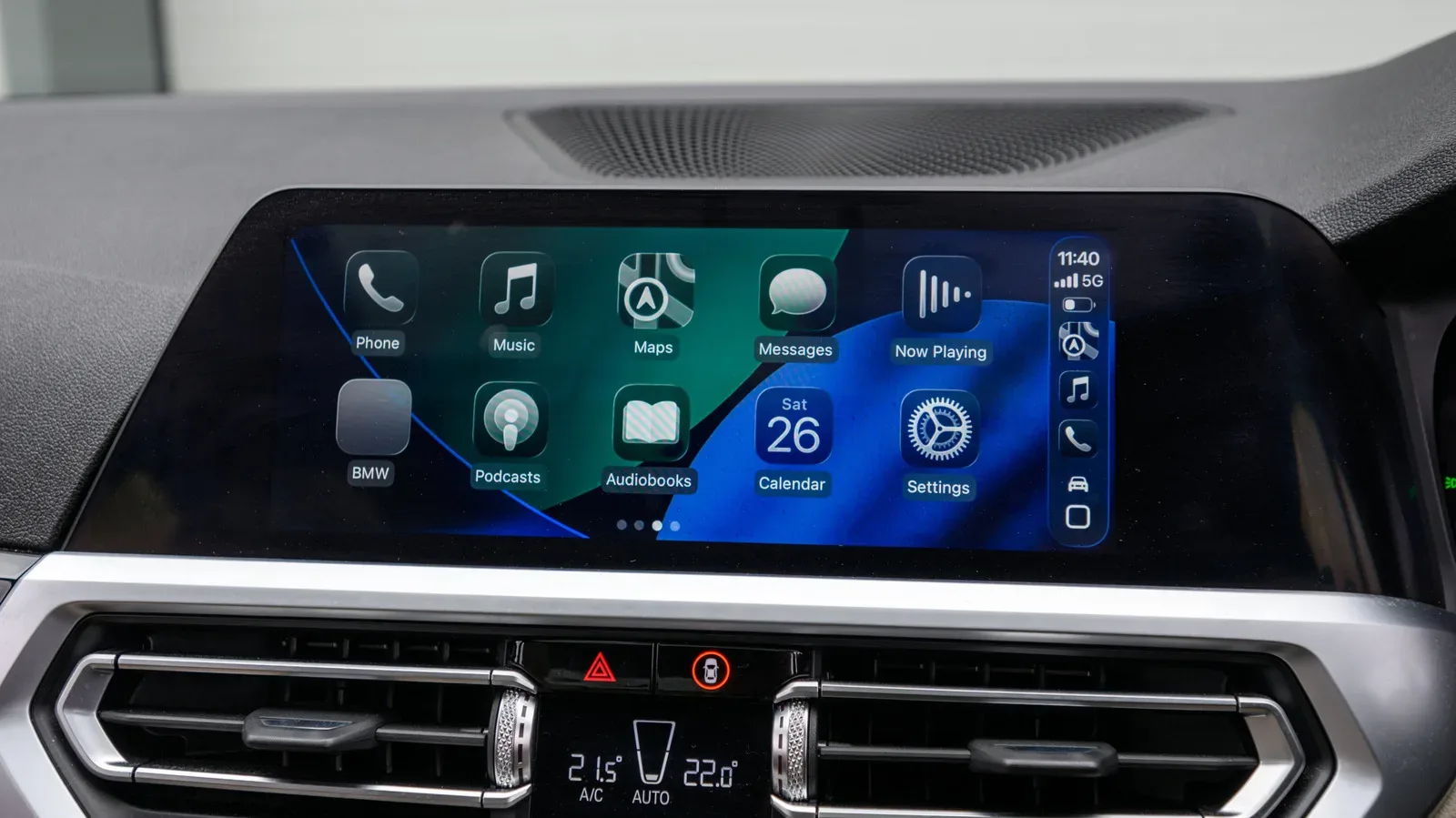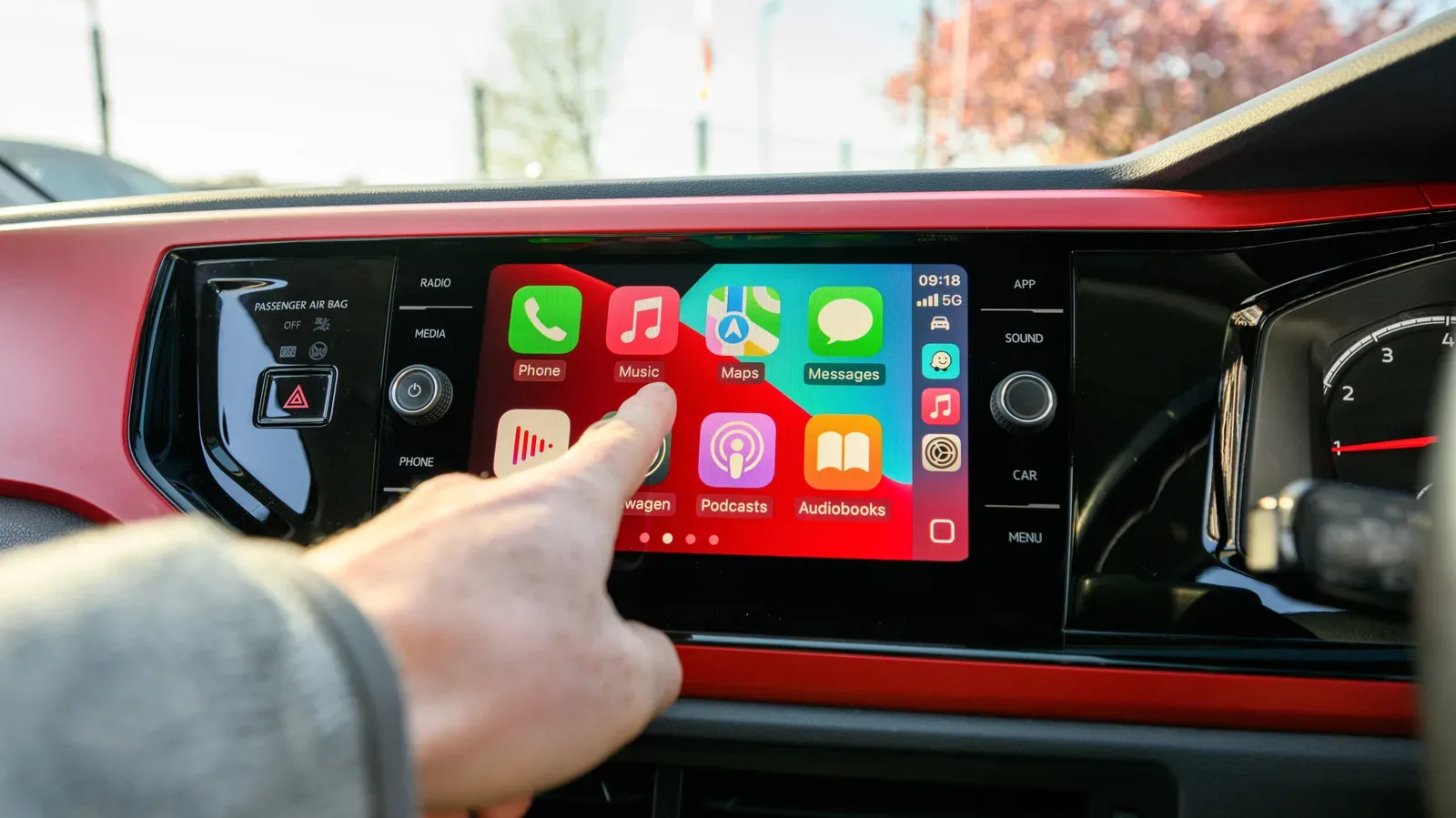
It is easy to look at a modern car display, an iPhone full of apps, and a parked vehicle with time to kill, then wonder why CarPlay will not simply let a game run. The short answer is that CarPlay is not a dashboard-shaped mirror of the iPhone. It is a tightly controlled in-car interface, and games remain outside the categories Apple permits.
That means a game can be installed on the connected iPhone, work perfectly well on its own screen, and still be entirely absent from the CarPlay home screen. The same broad restriction applies to social-media apps and many other everyday utilities. In practical terms, CarPlay treats driving-related tasks, audio, selected communication functions and a few other approved purposes as its job—not becoming a general-purpose tablet embedded in the dash.
That distinction matters for anyone who has seen the increasingly large displays in newer vehicles and assumed that a dashboard screen ought to offer the same choice as a phone or handheld. The hardware may be capable, but CarPlay’s software rules decide what appears. A screen being present is not permission to fill it with Wordle, a crossword, or a quick round of anything else.
First, make sure the missing app is actually CarPlay-compatible
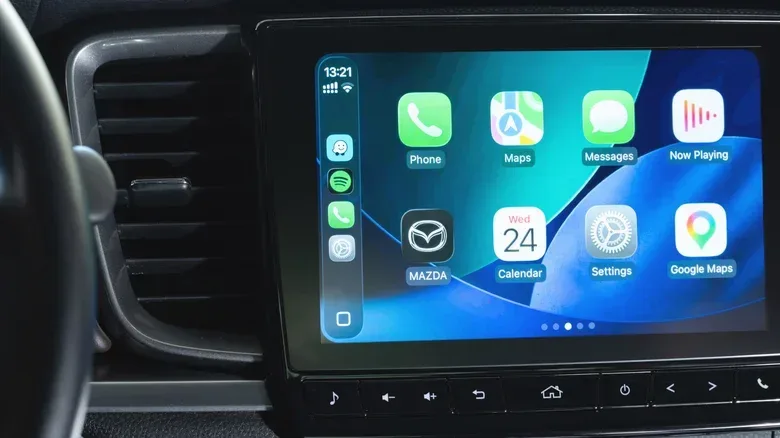
There is one less dramatic explanation for an app that should be there: it may be supported but not added to the current CarPlay layout. On an iPhone, open Settings > General > CarPlay, select the vehicle, then choose Apps. At the bottom of that list, compatible apps that are not currently displayed can be added with the Plus button. The same area lets users rearrange the available icons, so navigation or audio apps can sit near the front of the interface.
This is a useful check for approved applications. It is not a workaround for unsupported ones. If a game, calculator, social app, or other excluded app does not appear in that list, moving icons around will not summon it into CarPlay like a secret character select screen.
CarPlay support is work developers must choose to do
Even before Apple’s category rules enter the picture, an iPhone app needs dedicated CarPlay support from its developer. There is no automatic process that takes an ordinary phone interface and repackages it for a vehicle display.
That requirement has a straightforward design reason. Phone interfaces can assume close viewing, frequent taps, keyboards, scrolling and a user’s sustained attention. A dashboard interface must work at a glance and use a format tailored to the car display. Developers therefore have to build for that environment rather than merely export an existing app screen.
It also creates a business decision. A developer has to devote time and money to implementing the support, then maintain it. A small team may reasonably prioritize iPhone, Android, PC, console, or tablet versions instead. Mobile games in particular have little incentive to pursue an integration that remains barred by the category rules anyway. A title can arrive on phones without gaining any route to the dashboard; for example, Vampire Therapist’s mobile release illustrates the kind of phone-focused availability that is separate from CarPlay.
The central restriction: Apple decides which kinds of apps belong in the car
Apple’s CarPlay policies limit apps to specific categories. The permitted set is oriented around vehicle use and services considered appropriate for the setting: navigation, EV charging, parking, audio, communications, public safety and quick food ordering are among the examples. The stated principle is that the interface flow must be meaningful to use while driving.
“Interface flow” is a useful technical term here. It means the path a person takes through an app to complete a task: open it, find a destination or action, make a choice, and receive the needed information. In a car, a good flow is one with few steps, large and understandable controls, and limited demand for visual attention. Finding a route or choosing a podcast fits that model better than managing an inventory, responding to a live chat, or puzzling through a strategy game.
The result is not a judgment that every excluded iPhone app is useless in every automotive scenario. A calculator is not inherently dangerous while the car is parked; neither is a crossword. But CarPlay is designed as one system covering both parked and moving states, with an app catalogue shaped around conservative in-car use. Its rules are therefore much narrower than the iPhone App Store.
Games are actively prohibited, rather than simply overlooked. So are social-media apps. The outcome can feel counterintuitive beside vehicles that offer their own entertainment experiences. Cuphead can be played in a Tesla, for instance, but that does not establish a route for it—or for any other game—to appear through Apple CarPlay. An automaker’s native system and CarPlay are distinct platforms with distinct rules.
Even approved apps do not get to behave like their phone versions
Passing the category test is only the beginning. CarPlay-ready apps must also comply with more detailed presentation and interaction limits. The dashboard version is deliberately not a blank canvas where a developer can reproduce every phone feature.
Messages offer a clear example: CarPlay’s policies restrict message content from being shown. Audio apps face constraints too. Music lyrics are specifically prohibited in the CarPlay environment, even though methods exist that can put lyrics on the display through other means. The broader point is that a familiar app may appear in CarPlay but with a significantly reduced feature set.
This is why “the app is supported” should not be read as “the app works exactly like it does on my iPhone.” CarPlay support means the developer has made a separate in-car version that meets Apple’s interaction requirements. In that sense, it is closer to a purpose-built companion than a display cast.
iOS 27 loosens some doors, but not the one games need
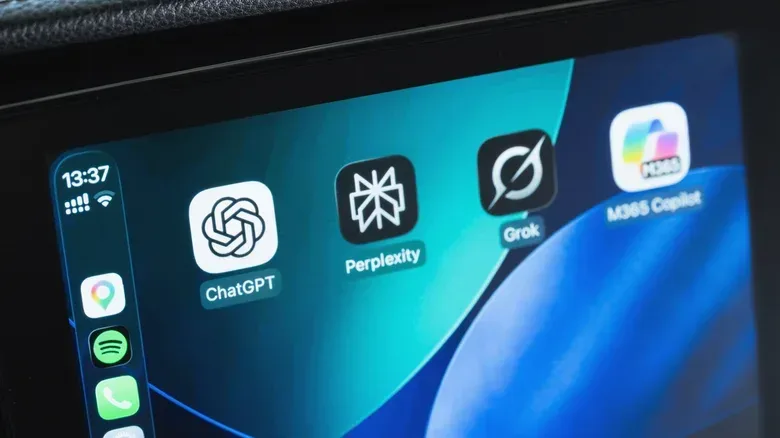
Apple has expanded CarPlay’s possibilities with iOS 27. It now provides access to AI voice assistants including ChatGPT and Perplexity, alongside a dedicated Siri AI app and Siri’s existing native integration. Voice is an important qualifier: it offers a way to request information or perform tasks without treating the display as a full keyboard-and-touch workstation.
Video support is a more visible change, but it comes with a firm boundary. Compatible video apps may play video only when the vehicle is parked. They cannot turn a moving car into a rolling television room. In addition, many infotainment systems do not support video playback at all. Where that compatibility is missing, video apps remain hidden from CarPlay.
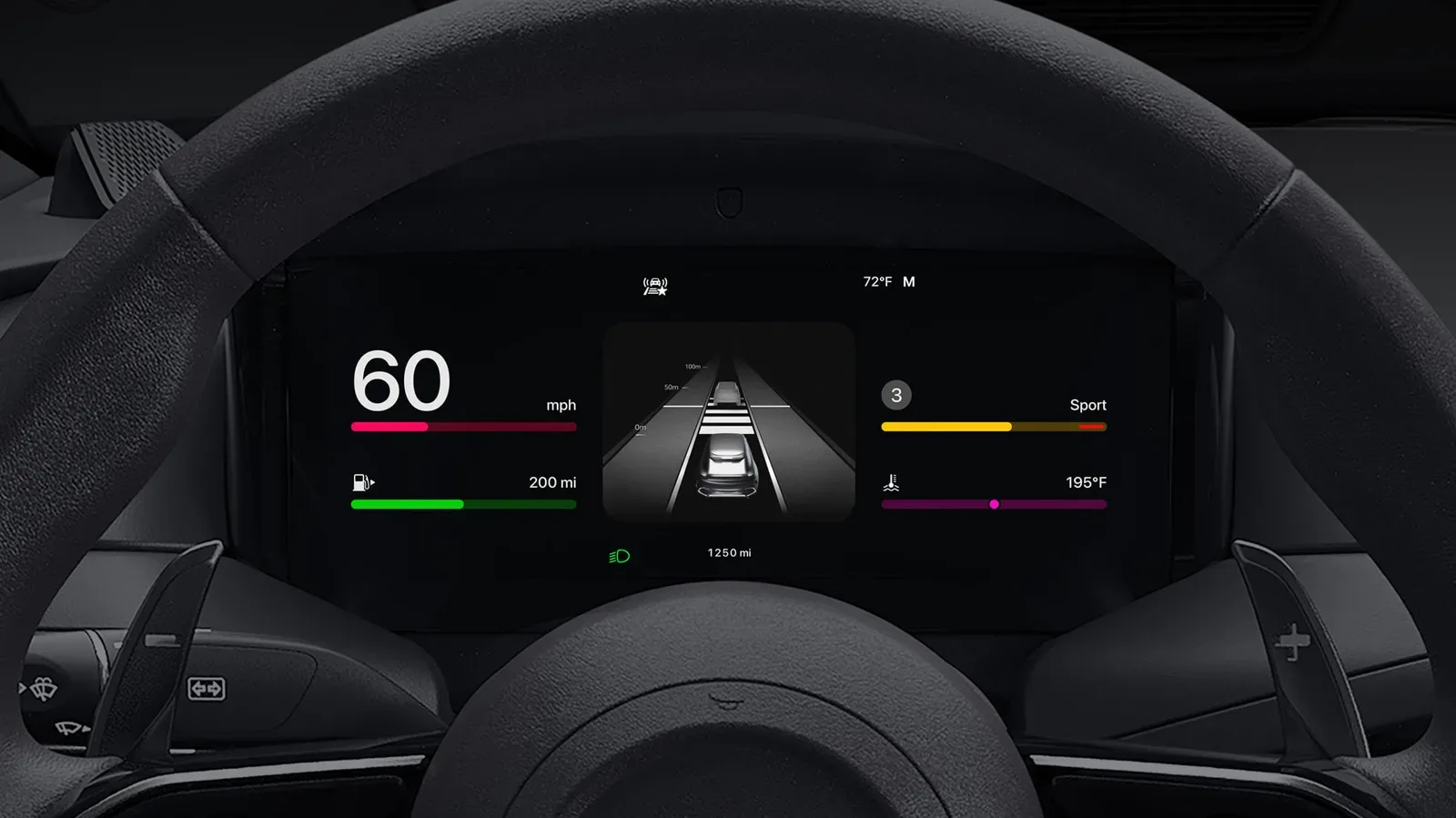
That last point is easy to miss. App visibility can depend on more than the iPhone and Apple’s policy. The vehicle’s infotainment capability can also determine whether a feature is offered. Two drivers with the same iPhone software could therefore see different results in different cars.
Widgets are another part of the expanded approach. A widget is a compact surface that presents a small amount of useful information without opening a full app. CarPlay widgets can expose information from apps that otherwise have no full CarPlay app experience. That does not make widgets a backdoor for games: they are designed for quick information, not for transferring an entire interactive app to the vehicle display.
Why parked-only video does not automatically imply parked-only games
The arrival of parked video makes the absence of games more conspicuous, especially for drivers waiting while charging, picking someone up, or taking a break. Still, video and games pose different policy and design questions. A video app can have a simple rule: playback works when parked and stops when the car moves. Interactive software has far more varied interfaces, notification behavior, input needs and paths that might encourage continued engagement as a journey begins.
That is an explanation, not a claim that a carefully designed parked-only game could never be safe. The supplied rules simply show that Apple has not opened CarPlay’s approved categories to games. Video support signals a limited expansion for stationary use; it does not signal a general entertainment-app storefront.
For game developers, the practical reading is similarly cautious. There is no evidence here of a CarPlay game category, an approval route for dashboard play, or a timetable for one. Building a car-specific interface would not overcome the current category ban. For players, the realistic expectation is to keep game time on the phone or another supported platform, not to wait for a hidden CarPlay toggle.
The tension around the dashboard is growing
How much further Apple expands CarPlay remains unsettled. The issue is complicated by some carmakers moving away from CarPlay, while Tesla and Rivian have used faster processors and oversized displays to make their own in-vehicle systems feel more like complete entertainment hubs. That contrast can make a CarPlay setup centered on maps and podcasts seem restrained in a brand-new EV.
Yet restraint is the product philosophy currently visible in CarPlay. Its purpose is not to compete feature-for-feature with every built-in infotainment system or every app on an iPhone. It is to present a controlled subset of useful experiences with rules shaped around the driving context. AI voice assistants, widgets and parked video show that subset is evolving. Games remain on the other side of the guardrail.
So if an iPhone game is missing from CarPlay, the likely answer is not a faulty cable, a forgotten download, or an icon buried in a settings menu. Check the app arrangement for compatible titles first. After that, the reason is usually structural: the developer must explicitly support CarPlay, the app must fit an allowed category, and games currently do not.