The most efficient way to replay a song, podcast episode or video on a phone or tablet is usually to download it once, preferably over Wi-Fi, then play that saved copy as often as needed. Streaming wins on convenience and discovery. Downloading tends to win when battery life and cellular-data use are the priority.
That distinction matters because the apparent simplicity of tapping Play hides two different patterns of work. A stream asks the device to keep receiving media over a connection while it plays, with apps commonly holding some of that material temporarily in a cache. A download concentrates the transfer up front. On later listens or watches, the device has no need to fetch the same media again.
It is not a universal command to download everything. Storage is finite, and high-quality media can occupy it quickly. Nor is every stream a disaster for a data plan: a one-off video or playlist abandoned halfway through may use less data than a full download. But for regular repeat viewing and listening, the basic rule is straightforward: download first, replay locally, and avoid paying the data-and-battery cost twice.
Why repeat plays favor downloads
A download has an initial cost. The phone must use bandwidth and power to retrieve the media, and a high-quality file can make that burst substantial. Once it is saved, though, subsequent playback does not require another full network transfer. That is the important efficiency advantage.
Streaming repeats the network portion every time the same content is played. Even when the media is familiar—a favorite album, a long podcast, a comfort-show episode—the app still needs an internet connection and still has to receive the stream. That creates repeated cellular or Wi-Fi activity, which means repeated data use when on mobile service and additional battery demand from getting the file to the device.
Cache is the key term here. It means temporary stored data an app keeps so playback can continue smoothly rather than stopping whenever the connection hesitates. Caching can make streaming look a bit like downloading, but it is not a dependable substitute for saving something deliberately. The cached copy may be incomplete, may disappear later, or may already contain more of a video or playlist than a listener ultimately uses.
That last point complicates the common claim that streaming is always best for a one-time listen. It can be more efficient if someone stops early and never returns, because a complete download would have transferred media that went unused. Yet apps cache ahead of playback, so an interrupted stream can still have downloaded a meaningful amount of material. It is a “may save” scenario, not a guarantee.
Wi-Fi is the sensible place to prepare
When downloads are the plan, Wi-Fi is generally the right connection to use. It is usually faster and, more importantly for people on capped cellular plans, it avoids consuming mobile data. This is practical preparation rather than a glamorous device ritual: save the particular playlists, podcasts, films or shows that will actually be replayed, then leave the cellular connection out of the loop later.
Downloading within an app does not turn a streaming subscription into permanent ownership. It normally creates an offline copy for use through that service and its app. The broader difference between a digital library and ownership is worth keeping in mind, particularly as services and online features can change; digital access is not necessarily the same as ownership. For efficiency, however, an in-app offline copy still serves the immediate goal: it prevents repeated transfers for repeat playback.
Quality settings are the biggest lever
The stream-versus-download decision is only half the story. The quality selected for that stream or download can have an even larger effect on storage, data and battery. More data has to arrive before it can be cached or saved; reducing that transfer lowers data use and can reduce battery drain because caching finishes faster.
Audio services often express quality as a bitrate, commonly written in kilobits per second (kbps). Bitrate describes how much data is used for each second of audio. Higher figures generally mean larger files and greater data consumption. Video apps commonly present the same trade-off through resolution labels such as 480p, 720p, 1080p and 4K, although video quality involves more than resolution alone.
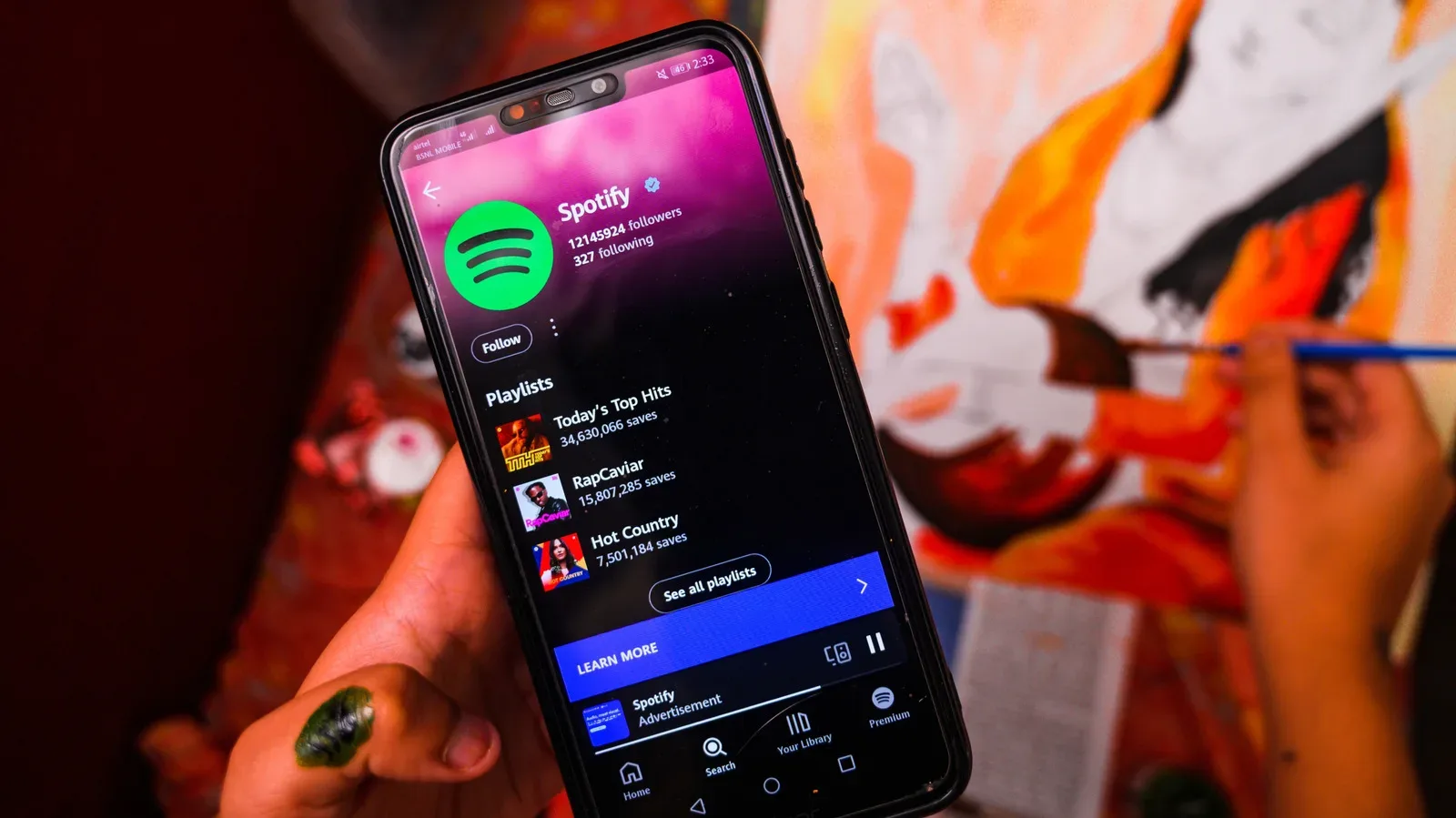
The provided example makes the scale clear. Spotify says lossless downloads can use up to 1 GB per hour of playback. Its “Very high” 320 kbps option is listed at 0.14 GB per hour. In rough terms, that is a major reduction in the amount of data that must be stored and transferred. It can determine whether a handful of playlists is manageable or whether a music library begins swallowing several gigabytes of phone storage.
Lossless audio preserves audio information rather than using the data-reducing compression used by many standard streaming settings. That extra fidelity comes with a file-size penalty. The source material notes that lossless and 320 kbps can be virtually indistinguishable, whereas stepping down to 160 kbps is where reduced clarity becomes noticeable. The useful takeaway is not that one setting fits everyone. It is that the highest option is not automatically a meaningful improvement on every device, especially when storage, battery and data limits are more visible than the audio difference.
Resolution: avoid both excess and needless blur
For video, a 480p or 720p file has a smaller footprint than a 1080p version, all else equal. A 4K download may not even be available depending on the app and device. Smaller files are easier on a data allowance and storage capacity, and less transfer work can mean less battery drain.
There is still a floor below which saving data becomes a poor trade. On a small phone or tablet display, the visual difference between 1080p and 4K may be hard to spot. But 720p sits below the sharpness of most displays, making it a compromise viewers may notice. The sensible setting is therefore the lowest quality that remains comfortable for the screen and the kind of material being watched—not necessarily the absolute lowest number offered in a menu.
For audio, the equivalent decision is whether the improvement from a larger file will actually be audible in the way someone listens. For video, it is whether extra pixels will be noticeable on the device at hand. Selecting a lower setting with a clear purpose is more effective than treating every download as an archival master copy.
Storage is the real argument against downloading
If downloads are so efficient on repeat plays, why not cache an entire library? Storage is the answer. A few saved playlists can use several gigabytes even before lossless quality enters the picture. At up to 1 GB per hour, lossless downloads make an enormous offline collection impractical for many devices.
This turns media management into a choice about habits. Someone who cycles through the same commute playlist, recurring podcasts and a few shows benefits from keeping those specific items offline. Someone who samples new material constantly, rarely finishes it, or wants instant access to a very large catalog may prefer to stream and accept the ongoing data use. A device with limited free space may leave little choice.
A useful middle path is to treat downloads as a rotating queue rather than a permanent warehouse. Keep the material that is likely to be replayed soon. Remove finished or abandoned items. Avoid automatically saving every playlist or series merely because an app offers the option. Fewer saved items also means fewer files for apps to manage and update in the background.
A practical decision guide
- Download it when it will be played repeatedly, when mobile coverage is unreliable, or when conserving cellular data matters.
- Use Wi-Fi for the download to avoid using a capped cellular allowance and to make the initial transfer faster.
- Stream it when it is genuinely a one-time experiment and storage is scarce—while remembering that apps may cache more than was watched or heard.
- Lower quality deliberately when file size, data use or battery longevity outweigh a marginal quality gain.
- Keep 1080p in perspective: 4K may not provide an obvious benefit on a phone or tablet, while 720p can be visibly softer than most displays.
- Audit offline libraries so old playlists, episodes and videos do not quietly consume space.
Battery saving is bigger than the media setting
Network transfer is one contributor to power use, not the only one. Screen brightness is another practical setting to adjust, especially during video playback, where the display is active for the whole session. Reducing brightness can be a more direct way to lower battery draw than obsessing over a small audio-quality difference.
Consumption habits matter as well. Constant music, podcasts and video in the background create a steady need for playback, caching and sometimes fresh transfers. Being more selective about what is playing does not require giving up entertainment; it simply recognizes that every additional stream or update has a cost in data, storage or power.
The cleanest rule is therefore not “streaming bad, downloading good.” It is to match the method to the playback pattern. Download repeated media over Wi-Fi at an appropriate quality. Stream unfamiliar or disposable choices when storage is the bigger constraint. Then manage brightness and background downloads so the phone is not doing extra work for content that will not be watched or heard.