The Steam Controller is not the obvious all-purpose answer to a new-gamepad purchase. That is precisely what makes it interesting. Rather than chasing the usual controller checklist of ultra-fast response, clicky switches and broad onboard profile storage, it is positioned as a bridge between a living-room PC setup and the mouse-and-keyboard conventions that still dominate much of PC gaming.
Its strongest case is simple: a PC that is used away from a desk. For someone playing from a sofa, on a mini PC, or in a setup where reaching for a separate mouse and keyboard ruins the point of settling in, the Steam Controller can consolidate several jobs into one handheld device. Its weaker case is equally clear. Players seeking a specialised competitive controller, a particular stick layout, highly tactile face buttons, or quick profile switching without ongoing setup may be better served elsewhere—especially if seasonal discounts are the deciding factor.
Discount hunters should also temper expectations. There is no indication that the Steam Controller will necessarily be reduced during the holiday sales period, while a wider range of Xbox, PS5, PC and Switch 2 pads may see promotions. A good buying decision therefore starts less with whether a deal appears and more with whether this controller’s unusual strengths solve an actual problem in a player’s setup.
Who the Steam Controller suits best
PC players who game from the sofa
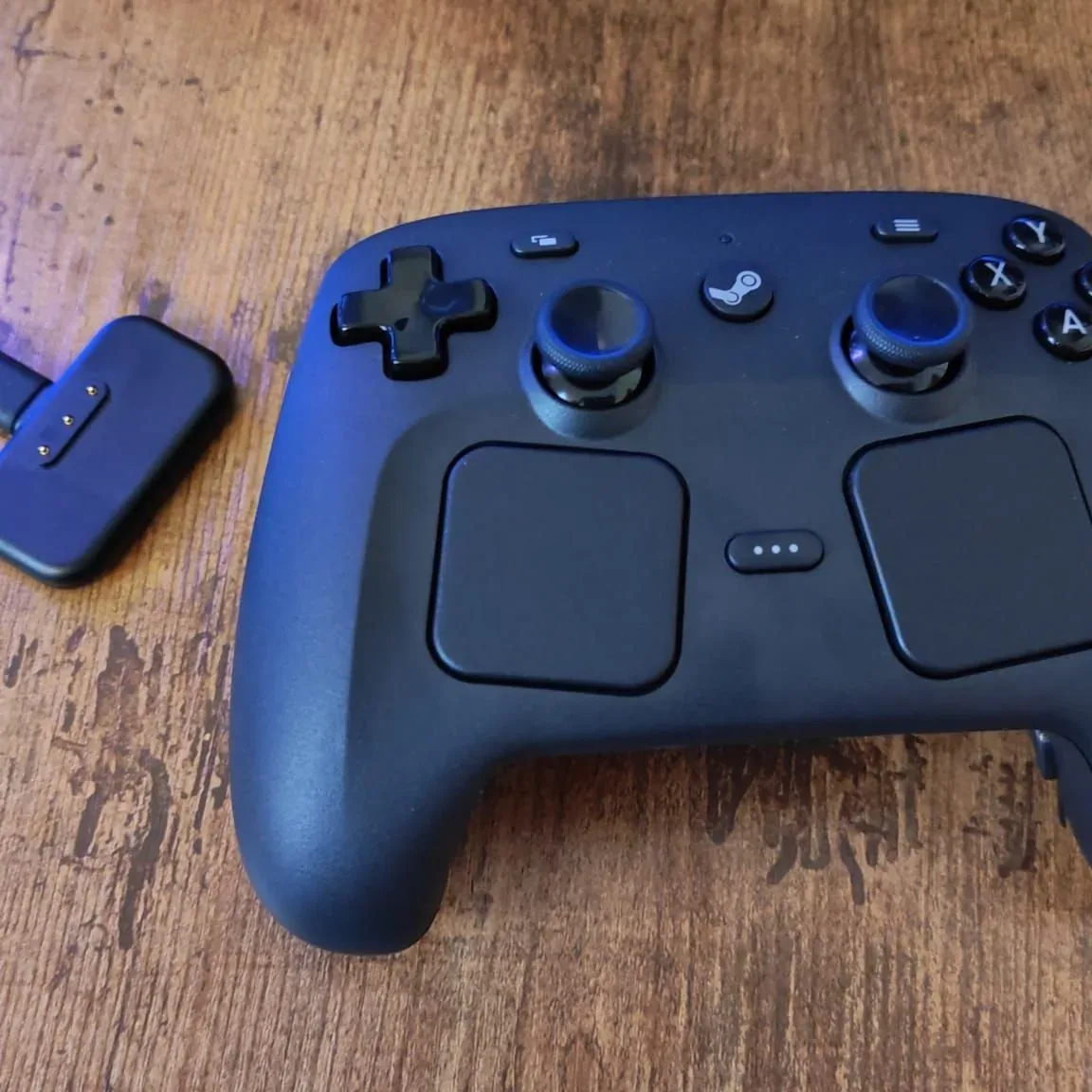
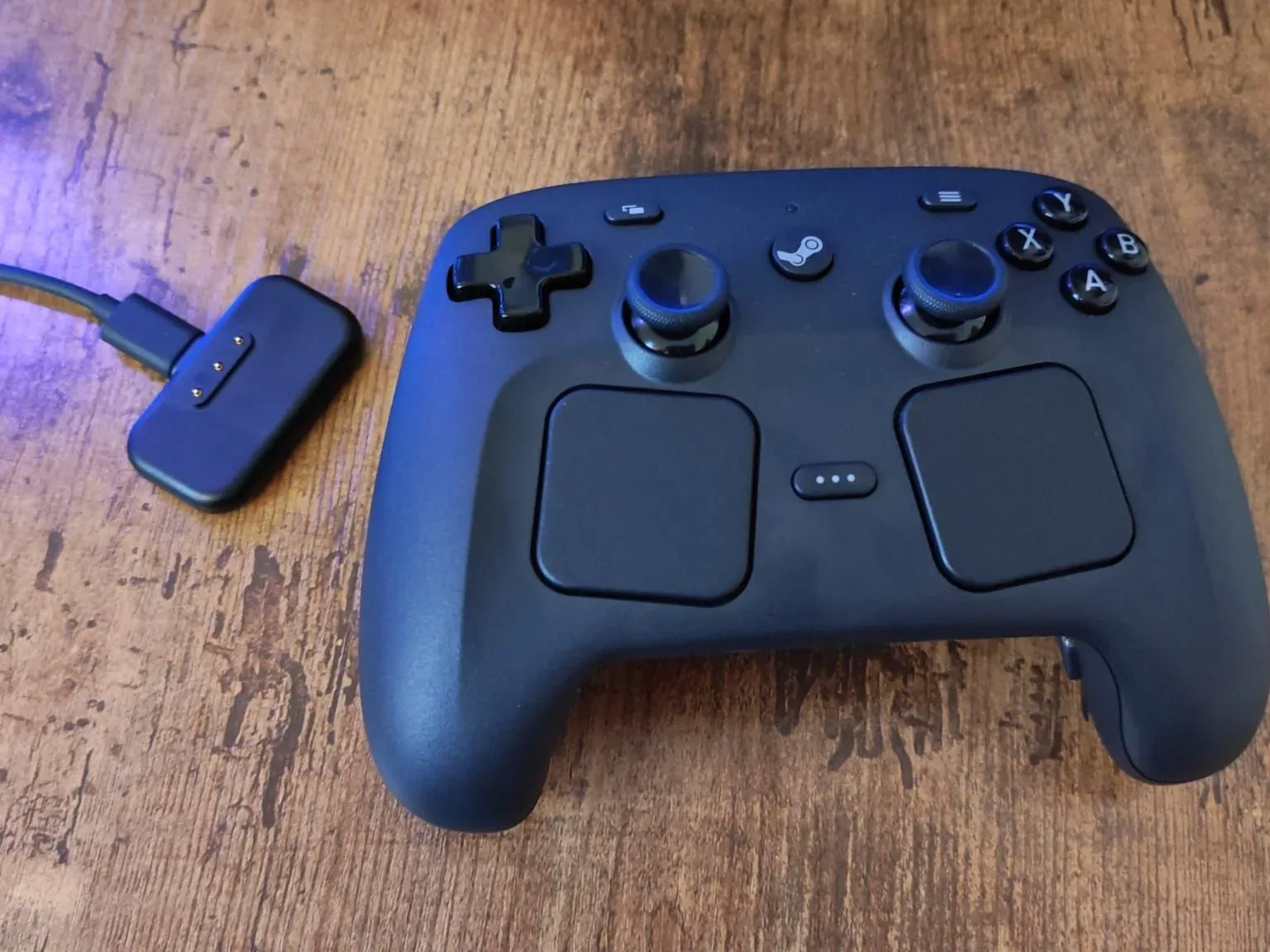
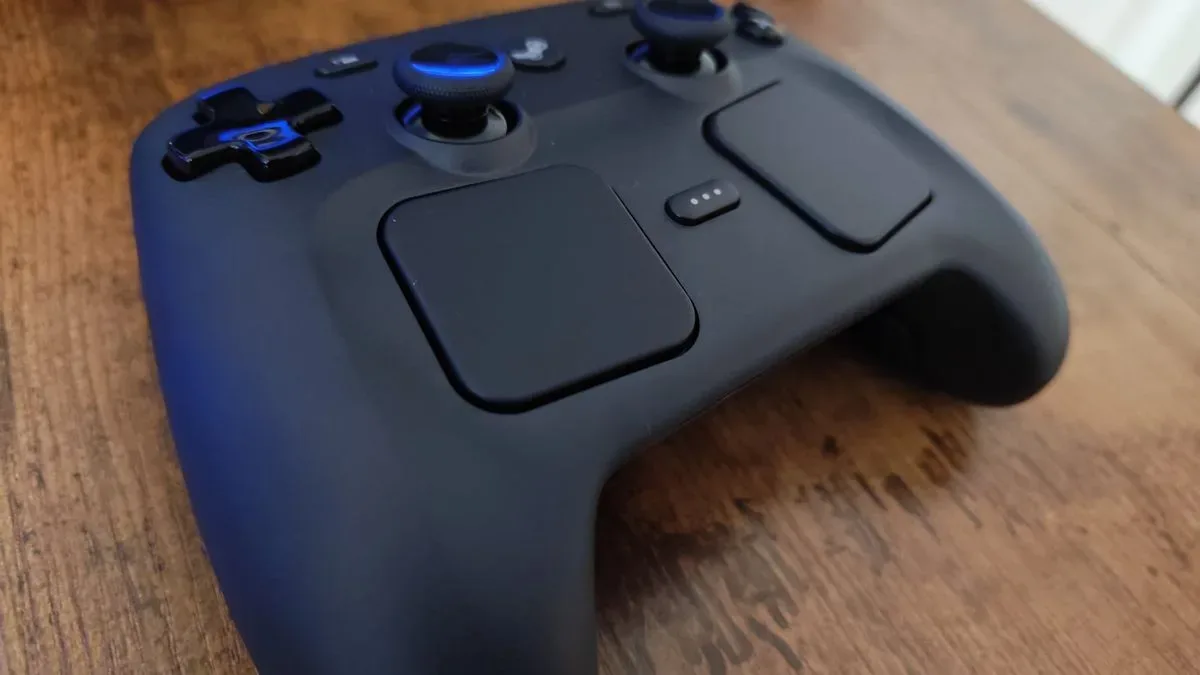
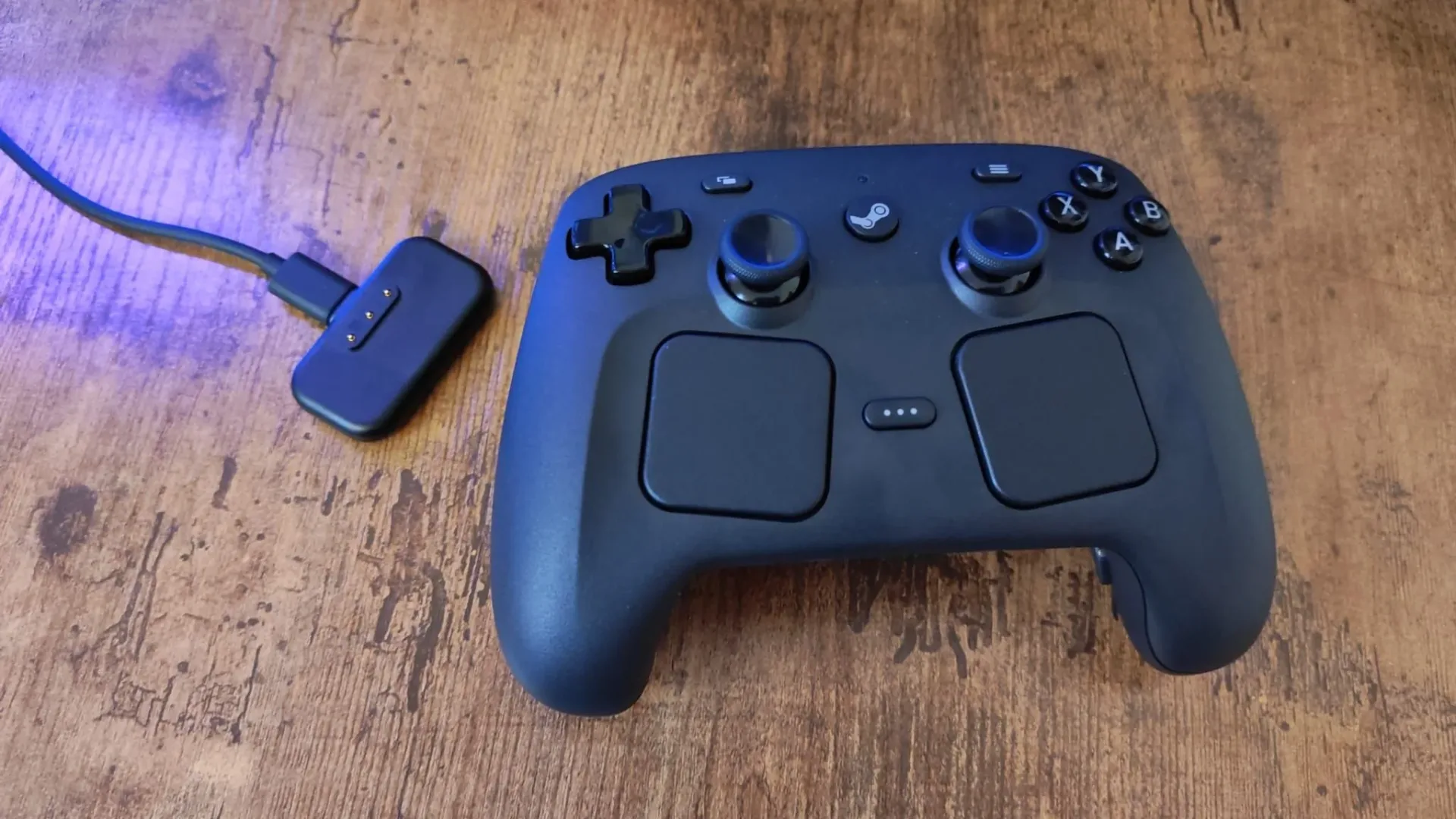
The defining feature is its desktop-friendly control approach. The right trackpad is used to move a cursor in a laptop-like fashion: slide a finger across its surface and the pointer follows. The left trackpad can handle vertical page movement, while the right trigger can act as a click. Shortcuts can bring up a keyboard or other selected functions.
That makes ordinary PC navigation possible without treating a coffee table as an emergency peripheral station. Launching a game, handling an unexpected dialogue box, browsing a store page, changing an option, or interacting with software that assumes a mouse is available are all part of the broader couch-PC experience. A conventional gamepad is excellent once a game has controller support, but it is often awkward the moment a cursor is required. The Steam Controller is designed around that awkward gap.
It still retains the fundamentals of a conventional gamepad, including TMR thumbsticks, four back buttons and haptic feedback. TMR, short for tunnel magnetoresistance, refers to a stick-sensing technology used in the controller; the practical point here is that the Steam Controller is not merely a trackpad-equipped desktop remote. It is intended to cover both system navigation and gameplay from the same device.
For a couch setup, reducing the number of peripherals matters as much as adding features. The benefit is not that every task becomes identical to using a full mouse and keyboard. It is that players can stay seated and keep the PC usable when a game, launcher or menu stops behaving like a console interface.
Players of mouse-and-keyboard-first games
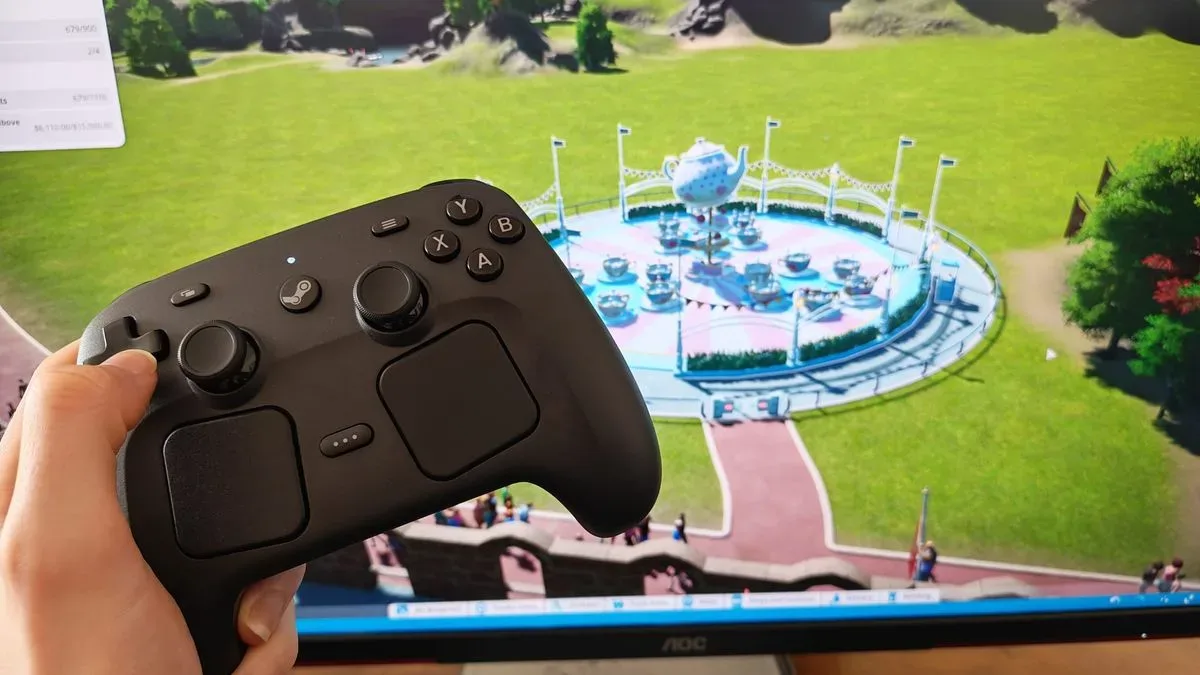
The second major use case is software that was not built with native controller support in mind. City builders, real-time strategy games and management games can rely heavily on pointer movement, scrolling and a large assortment of commands. Planet Coaster, Planet Zoo and RTS titles are notable examples of the kind of games where a traditional pad can be a poor fit if developers have not supplied a controller scheme.
Related coverage includes Steam Controller Buying Guide: Who It Fits Before the Holiday Deals.
This is where Steam Input is central to the proposition. Steam Input is a control-mapping system that lets players translate keyboard and mouse functions into controller inputs. On the Steam Controller, the trackpads and buttons provide more ways to make that translation workable than a typical pad offers. That does not mean every keyboard-led game suddenly becomes effortless or that it gains a purpose-built console interface. It means a player has an option for bringing those games to a sofa setup rather than abandoning them to a desk.
Community-made control schemes also matter. Older PC releases can present particular compatibility hurdles, including games whose Steam versions lack controller support. Assassin’s Creed 2 is one cited example where community configurations can help turn an otherwise troublesome setup into a usable controller arrangement. The availability of such schemes gives the device more value for players willing to browse, install and adjust layouts rather than expecting every game to work perfectly with a default preset.
That willingness is the key qualifier. The Steam Controller is a tool for adaptation. A player who enjoys tailoring controls may see possibility; a player who wants a pad that behaves consistently from one game to the next may see unnecessary administration.
Where the Steam Controller is less persuasive
Competitive play and genre-specific priorities
A controller’s polling rate is how frequently it reports input to the connected system, measured in hertz (Hz). A higher figure does not by itself decide whether a controller is good, nor does it guarantee a better player. But for buyers focused on minimal input delay and competitive responsiveness, it is one meaningful specification.
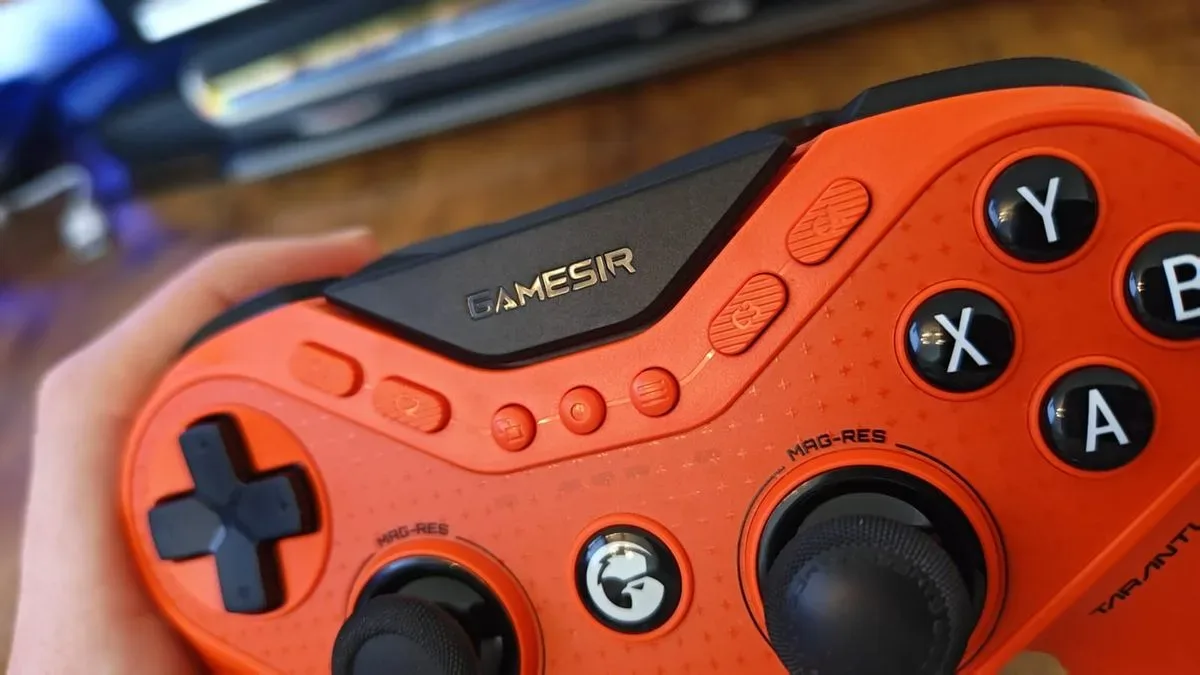
The Steam Controller is described as running at 250Hz. That is well behind the 1,000Hz polling rates cited for the GameSir G7 Pro 8K, GameSir Tarantula 8K and Nacon Revolution X Unlimited. For players prioritising the most immediate-feeling input in competitive games, this difference makes the Steam Controller a harder recommendation. Its trackpads also represent a design trade-off: they are useful for PC navigation and keyboard-mouse translation, but they are not automatically more comfortable than sticks for everyone.
In other words, its value is functional rather than universal. A player who wants asymmetrical thumbsticks, a conventional controller shape, or hardware selected chiefly for a particular competitive genre should compare specialist alternatives. The GameSir G7 Pro 8K is one option mentioned for buyers who want a higher polling rate, asymmetrical sticks or a more conventional comfort profile. Its newer all-black colourway does not change that underlying choice: it remains a different answer to a different set of priorities.
For shoppers considering a platform-specific pad, the decision also sits within a broader console ecosystem. PlayStation remains a major part of that landscape, as reflected in recent reporting on PlayStation’s September user count, but the Steam Controller’s defining advantage is PC flexibility rather than a console-first feature set.
Clicky-button fans should look carefully
Face-button feel is subjective, but it is not trivial. Some players strongly prefer microswitch buttons: switches that tend to deliver a distinct, crisp click when pressed. Others are comfortable with traditional membrane buttons, which generally feel softer. Neither approach is automatically superior, yet the preference can shape comfort and confidence during repeated inputs.
The Steam Controller is not the natural choice for someone buying specifically for that sharp, clicky response. The Razer Wolverine V3 Pro and Asus ROG Raikiri II are identified as alternatives with notably responsive, clicky face buttons. The Nacon RXU is also noted for pairing responsive clickiness with comfort, and for back buttons that require light actuation.
Actuation describes the press needed to register an input. Lighter actuation can make rear controls easier to use without changing grip, which is particularly relevant for players who map frequent actions to back buttons. The Steam Controller has four back buttons, but their feel is not presented as equal to those lighter-actuating alternatives. Buyers who know that they rely heavily on rear inputs should treat this as a hands-on preference worth prioritising over novelty.
Profile setup can become the hidden cost
The greatest practical drawback may be configuration fatigue. The Steam Controller does not have onboard memory that retains a universal set of preferred back-button assignments across every game. A player may need to select a profile per game and configure the desired mappings again when moving to something new.
That is manageable for a library played slowly and selectively, particularly when community configurations provide a useful starting point. It becomes tiresome for people who rotate among many games, or who use the same rear-button arrangement in most of them. This is not a performance specification; it is a workflow problem. Yet it may affect day-to-day satisfaction more than a headline number does.
Many current pro-style controllers offer profile systems that preserve a few chosen mappings regardless of the game being played. For a buyer whose ideal experience is to set a layout once and never revisit it, that approach has an obvious advantage. The Steam Controller asks its owner to invest a little more attention in order to gain flexibility.
A practical deal-season checklist
The right question is not simply “is the Steam Controller good?” It is “what will it replace in my setup?” Use these questions before treating any sale—or lack of one—as decisive:
- Do you play PC games away from a desk? If yes, its trackpads and shortcut-based navigation may replace the need to keep a mouse and keyboard nearby.
- Do you play games designed around a cursor and keyboard? Steam Input and community layouts make the controller more appealing for these games than a standard pad may be.
- Is competitive response your main concern? If so, the 250Hz polling rate is a reason to assess 1,000Hz alternatives first.
- Do you care deeply about crisp buttons or effortless rear controls? Microswitch-oriented and premium controllers may better match that preference.
- Will you happily customise layouts? If per-game profile selection and back-button assignments sound like work, choose a controller with persistent onboard profiles.
- Are you waiting only for a discount? A Steam Controller price cut should not be assumed, while other controller categories may offer more conventional deal opportunities.
The Steam Controller earns its place on a shortlist when it solves the awkwardness between PC gaming and living-room comfort. It is especially compelling as a handheld mouse-and-keyboard substitute that still functions as a capable gamepad. But it is not the default pick for every PC player, and it should not be bought on the assumption that its unusual layout automatically improves every game.
For the right owner, its compromises are deliberate trade-offs: more configuration in exchange for more control over games and interfaces that standard pads do not handle elegantly. For everyone else, the holiday controller market is likely to offer more specialised choices—potentially at friendlier prices.
Shop the products
Check current price, model and availability at the retailer.
- Gamesir G7 Pro 8k Pc Wireless Gaming Controller for Esports - Black | 8000hz Polling Rate, 0.25ms Latency, Gen-2 Tmr Anti-Drift Sticks, Dual-Mode Triggers, 6 Ax on Amazon
- Nacon Revolution X Unlimited Precision Wireless Controller for Xbox and Pc | Officially Licensed for Xbox Series X|s, Xbox One, Windows Pc & Android Via Bluetoo on Amazon