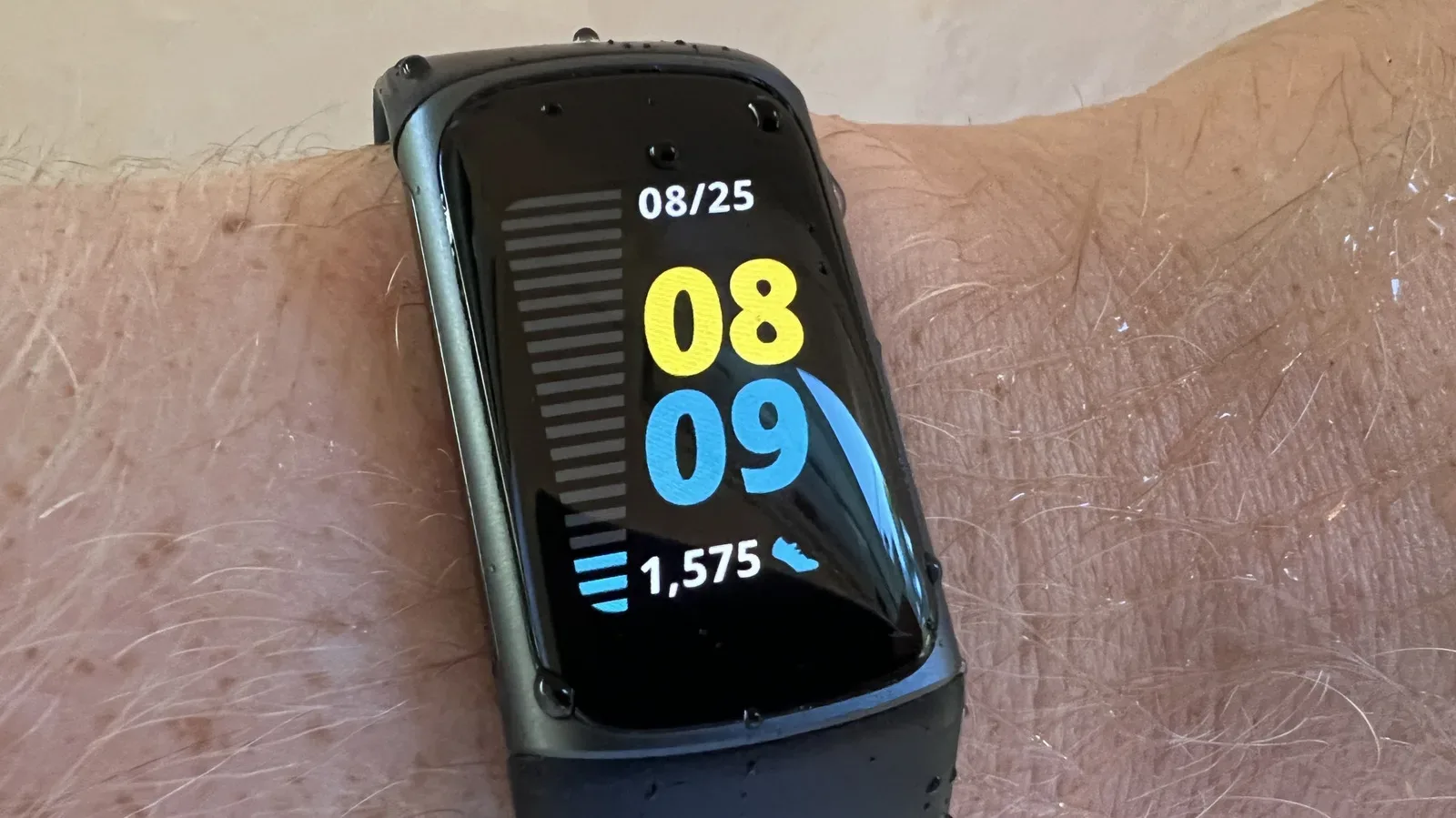
Fitness trackers are supposed to turn movement into an easy-to-read number. Yet one of their most familiar failures is also one of the least satisfying: you complete a walk, look down at the app, and find that a meaningful portion of it seemingly never happened. The issue is particularly noticeable when your legs are moving but your arms are not. Pushing a stroller or shopping cart, gripping treadmill rails, or walking on a pad while typing can all reduce the arm swing a wrist-worn Fitbit expects to see.
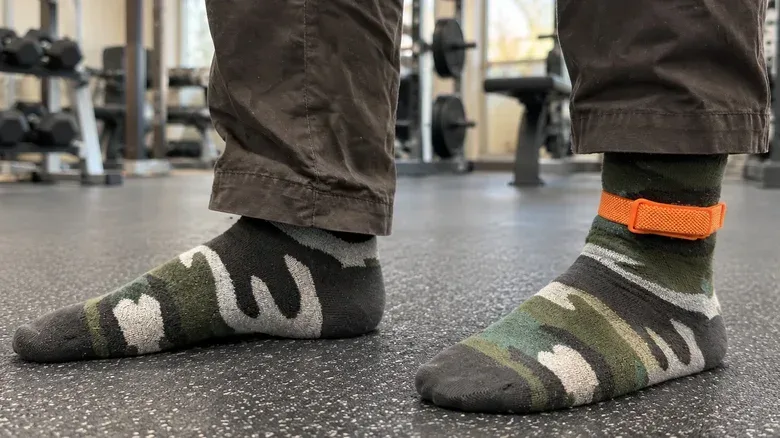
That has led some Fitbit owners to an unconventional workaround: wearing the tracker around an ankle. The logic is straightforward. Put the motion sensor nearer the movement it is meant to count, and it may have a clearer view of each stride. For a narrow problem—missing walking steps because the wrist stays still—the approach can be useful. But a Fitbit is not only a pedometer. Moving it away from the wrist can make other readings less dependable, particularly heart-rate data, sleep detection and activity classification.
The sensible question is therefore not whether ankle wear is universally “better.” It is which metric matters most for the activity you are doing. Someone focused on step totals during a desk-based walking-pad session may make a different choice from somebody using a Fitbit primarily to monitor pulse during exercise.
Why a wrist tracker can miss real walking
Fitbit trackers use an accelerometer, a sensor that detects acceleration and motion patterns. When worn in the usual position, the tracker interprets the rhythm of wrist movement as evidence of walking. That works naturally when a person walks with a conventional arm swing. It is less robust when the arm is occupied or held in place.
Google acknowledges that pushing a stroller or shopping cart can result in missed steps. The same basic conflict appears in several everyday situations:
- Walking while holding treadmill rails.
- Using a walking pad while working at a desk and typing.
- Moving with a stroller or cart that keeps both hands forward.
- Walking with limited or atypical arm motion.
In each case, the legs can be doing the work while the wrist sensor receives a much quieter, less recognizable motion signal. Placing the device at the ankle gives the accelerometer access to leg movement directly. This does not mean it suddenly knows everything about the activity. It does mean the specific signal used to infer steps can become much more obvious.
There is also a practical appeal beyond counting. Ankle placement leaves the wrist free for people who simply dislike watches or work in settings where wrist-worn items are not permitted. That convenience, however, should not be mistaken for an officially validated all-purpose wear position for current Fitbit products.
What the available evidence says about step counting
A 2025 study of 11 healthy adults gives the ankle idea some support, while also showing why its limits matter. Participants walking with either a single-point cane or a two-wheeled walker wore Fitbit Inspire 3 trackers at the wrist, hip and ankle. Hip and ankle placement together produced an average step-count error of 1.5%, while wrist measurements were substantially less reliable.
That is a notable result for assisted walking. It suggests that when a person’s arm movement is altered by a mobility aid, placements closer to the body’s lower movement can more closely reflect steps. But it is a small study with a particular group and a particular set of walking conditions. It does not establish that ankle placement is equally accurate in every day-to-day situation, across all Fitbit models, or for every health metric the device records.
This distinction is worth keeping in view. A measurement can be good at one task without being good at all related tasks. An ankle-worn tracker may be more sensitive to walking motion, yet be worse at recognizing whether that movement is walking, cycling, or something else entirely.
The idea itself is not unprecedented. Moov Now supported ankle wear in 2015 and was designed with that position in mind. Current Fitbit devices are different: their usual setup and the company’s fit guidance are centered on wrist wear. A workaround can be useful, but it does not turn a wrist-oriented wearable into a purpose-built ankle tracker.
The cycling problem: movement is not always a step
The clearest reason to avoid treating ankle placement as a blanket upgrade is the stationary bike. During a 30-minute stationary cycling session, a Fitbit Versa 4 worn on the ankle recorded 1,510 steps. The same tracker on the wrist recorded 180. Pedaling moves an ankle in a repetitive pattern, so the accelerometer has abundant motion to interpret. But cycling is not walking, and a large step total in that case does not necessarily describe useful activity more accurately.
This is an important technical limitation. Accelerometers do not observe “steps” in the way a person does; they detect motion and use algorithms to classify it. A placement that improves sensitivity to leg movement can also expose the algorithm to new patterns it may mistake for walking. On a bike, the ankle may be delivering a stronger signal, but a stronger signal is not automatically a more meaningful one.
For anyone tracking a daily step goal, this can create an odd incentive. An ankle Fitbit might solve undercounting on a walking pad but make the day’s total harder to interpret if the wearer cycles as well. The practical response is simple: consider ankle wear a situational tool for walking, not a set-it-and-forget-it placement for every workout.
Heart rate is the biggest compromise
Step totals are only one part of Fitbit’s purpose. Its optical heart-rate sensor estimates pulse by measuring blood-volume changes through the skin. The company’s guidance is to wear the device snugly against the wrist. It has not established comparable accuracy for the ankle, where the shape of the body, the quality of skin contact and the fit of a band can differ.
That does not prove every ankle heart-rate reading is wrong. It does mean the readings have less established footing. In one comparison during a walk, an ankle-worn Fitbit Air recorded a maximum heart rate of 182 beats per minute, while a wrist-worn Pixel Watch 4 peaked at 129 bpm. Four additional walks did not reproduce the dramatic difference, so a single outlying result cannot settle the question. It does, however, illustrate why it would be risky to assume an ankle pulse graph has the same reliability as a properly fitted wrist reading.
For users who care most about heart-rate trends, workout intensity, or the kinds of features that depend on pulse detection, the ankle trade-off is hard to ignore. A step count can be a useful motivational number, but an unexplained heart-rate spike has different implications. It may affect how someone interprets effort and recovery. The responsible approach is to treat ankle-based pulse data as uncertain rather than make decisions from one unusual reading.
Fitbit’s Active Zone Minutes are especially relevant here. They rely on heart-rate information, so confidence in that signal matters. If the device is worn somewhere outside its recommended position, the apparent precision of a metric should not be confused with confirmed accuracy.
Sleep and automatic tracking may also suffer
Ankle wear is not just a daytime decision. In a nighttime ankle test, a Fitbit failed to record sleep. That does not establish that sleep tracking will fail for everyone, every night, or on every model. Still, it is a practical warning: changing wear location can interfere with features that are designed around expected wrist placement and consistent sensor contact.
Automatic exercise tracking faces a similar issue. These systems are meant to infer activity from patterns of movement and other available signals. When the tracker is on the ankle, its view of the body changes. The direct leg motion that helps catch walking-pad steps may make it more difficult for the system to interpret an activity correctly in another context.
Notifications are a more obvious casualty. A wrist display is convenient because it is immediately visible. Reading or responding to notifications from an ankle is inherently less practical, even if the tracker itself fits comfortably. This is not a data-accuracy issue, but it is a meaningful difference in day-to-day usability.
Fit and comfort are not minor details
Standard Fitbit wristbands may not be long enough for ankle use. An aftermarket ankle strap can solve that problem, but it is an additional purchase and introduces a new variable: fit. A loose device can move around, rub against socks or shoes, and potentially reduce stable sensor contact. A poorly placed tracker is unlikely to produce better information merely because it is closer to the feet.
Comfort also changes across activities and footwear. A strap that feels fine while sitting may become irritating during a long walk or when pressed by a shoe or sock. Anyone considering the setup should think about whether the tracker can sit securely without friction, not simply whether the band can reach around the ankle.
A wrist-free alternative with clear limits
For Fitbit Inspire 3 owners who want to avoid wrist wear, there is an official clothing clip option. That can be a more natural answer for people who do not want a device on either wrist or ankle. Its trade-off is explicit: clip mode does not provide heart-rate tracking, Active Zone Minutes or automatic exercise tracking.
That makes the choice easier to frame. A clip is a deliberate option for basic movement tracking without wrist wear. An ankle strap is an informal workaround that may improve step detection when arm motion is limited, but can make other readings less dependable. Neither is a universal substitute for wearing the device snugly on the wrist.
How to choose the right placement for the metric you value
There is no need to make ankle wear an all-or-nothing identity. It can be a targeted response to a targeted tracking problem. If your main concern is steps missed during a walk where both hands are busy, an ankle placement may be worth considering. If your main concern is reliable wrist-oriented health information, the normal fit remains the safer option.
- Use wrist wear as the default when heart-rate data, sleep detection, notifications and Fitbit’s intended feature set matter most.
- Consider ankle wear for constrained-arm walks such as walking-pad sessions while typing, provided you understand it is mainly a step-count workaround.
- Do not use an ankle step total as a clean cycling measure. Pedal motion can be counted as steps.
- Be cautious with unusual pulse readings from an ankle-worn device, especially if they do not match how you feel or are inconsistent with other sessions.
- Prioritize secure, comfortable fit. A too-short wristband or a loose aftermarket strap undermines the point of changing placement.
Wearable data is most useful when the wearer understands what the device is actually sensing and what it is inferring. The ankle workaround makes a strong case that a tracker can miss genuine walking when placed at the wrist. It also demonstrates the other side of the equation: catching more motion is not the same as collecting better health data in every category. For more on the wider Google device ecosystem, see Google’s planned Nest app transition.